1. AudioTheory Guitars
  2. News

AudioTheory Guitars News

AudioTheory Guitars 1.13.0 – Relative Highlighting Update


I'm super-excited to announce the latest feature update for AudioTheory Guitars. Version 1.13.0 is a sequel of sorts, building on the ideas introduced in the Scale Based Highlighting (v1.12) update. This release fully completes the set of improved highlighting tools I have been wanting to bring to AudioTheory Guitars. So don't let the similarity in names fool you – this is another step forward and I hope you enjoy the improvements!


[h3]Relative Fretboard and Chord highlighting[/h3]

First and foremost this update extends the relative highlighting principles already in effect on the piano onto the chords and fretboard. This means that all Sharp and Flat notes now update dynamically based on the applied scale. These display with an outline indicating the note colour (again relative to the scale!).

This of course requires a scale to be selected, however I have also added some default display options to the 'guitars' tab in the settings cog. This means that when a scale is not loaded you now have the choice between displaying sharps, flats or both (before the only option was both).


[h3]Fixed Do solfège[/h3]

In the spirit of customisation the other big addition is an option to change the note language in the settings.

If you would prefer for notes to be named using the Fixed do convention (Do, Re, Mi... instead of C, D, E...) then this is now supported.

[h3]Auto set scale from chords[/h3]

This is a small addition but if you're working on a composition and starting out with chords then it can be a big time saver! There is a new 'set from chords' button as part of the 'available notes' section in the bottom left corner of the screen.

If you press this button then the enabled/ disabled notes will automatically refresh to match the notes within the chords loaded above. If these match any of the main scale presets (major/ minor/ pentatonic or blues) then it will also update the display name and relative sharp and flat icons.

[h3]Global and exact playback[/h3]

One more small change, I have reversed the priority of the 'global' and 'exact' playback options in the settings and also made it so that 'exact' is now the default option. This feature was added post-launch, hence why it was the alternative mode, but reviewing it now it's clearly the more useful of the two so this change reflects that.

The majority of these changes (everything apart from setting the scale from chords) also make their way to AudioTheory Grids, with version 1.1.0 launching today.

That's all for now. Thanks for reading and keep practicing.

Fraser

AudioTheory Grids launches on Steam


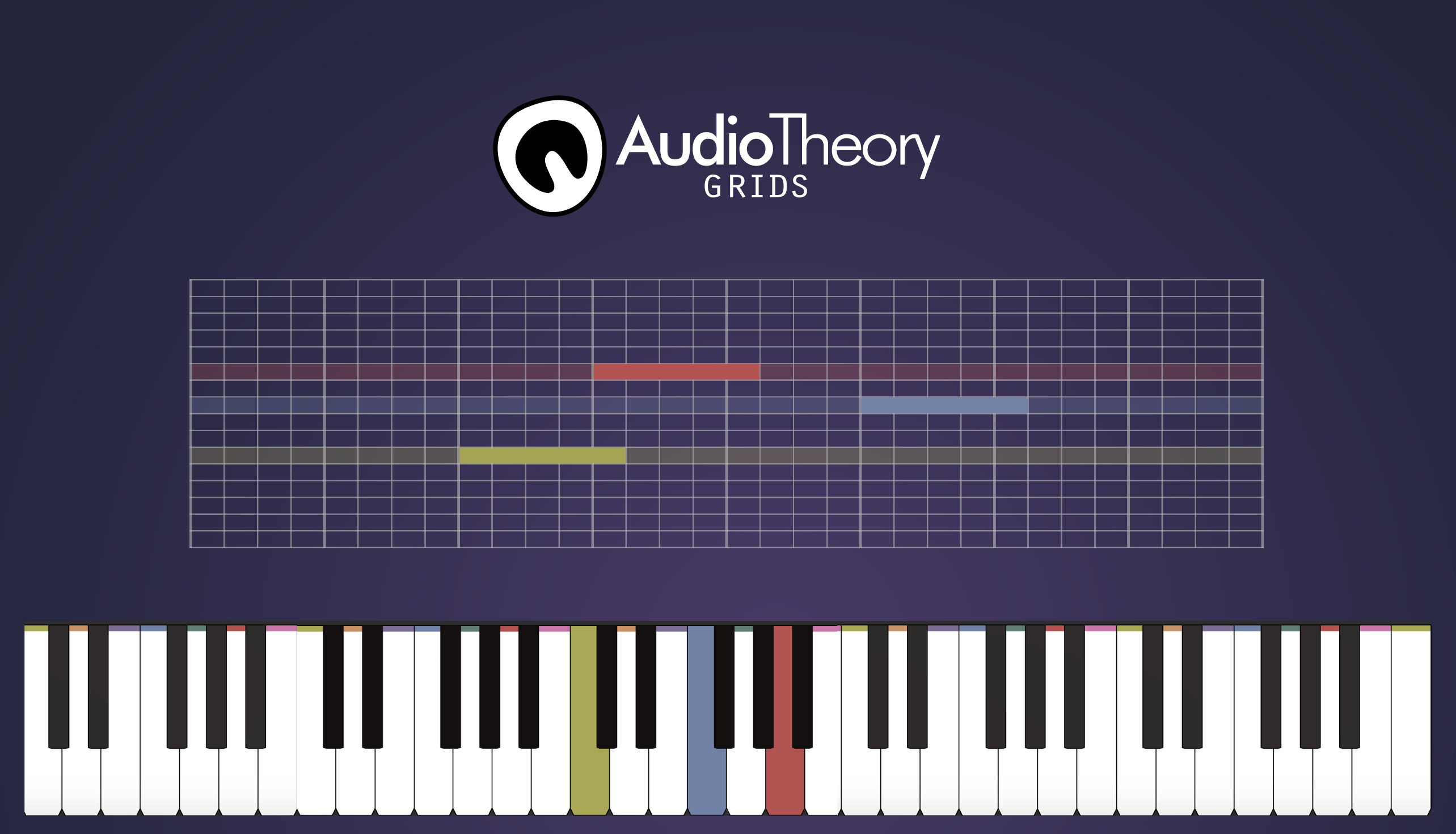
Today we have some exciting news! The AudioTheory range expands with the release of AudioTheory Grids – software that combines intuitive music theory tools with the power of a grid-based sequencer. It's available on Steam today.


[h2]Music Theory Meets the Power of the Grid[/h2]

AudioTheory Grids includes extensive options for building a composition on a grid layout. Input notes as desired and then play them back across the piano and fretboard diagrams.

There's a whole bunch of options for customising the grid, as well as preset sounds for playback and an accompanying drum grid. These work alongside tools built around visually explaining how a melody or piece of music is constructed, helping you understand the workings of your composition.


[h2]The key features[/h2]

  • Real-time playback across the keyboard and fretboard simultaneously
  • A comprehensive set of input tools – cycle through multiple grids and quickly swap between arrangements during playback
  • Drum grids with a selection of preset sounds
  • Quickly save and load compositions to and from the grid
  • Exclude notes or load a scale preset directly to the grid
  • An intuitive colour-coding system to identify notes across different mediums
  • Left-handed mode, shifted tunings, customisable grid highlighting options. Choose between guitar and bass fretboard diagrams.


AudioTheory Grids is available now on Steam. Thanks for checking it out!

Fraser

AudioTheory Guitars 1.12.0 – Scale Based Highlighting Update

AudioTheory Guitars version 1.12.0 is now here and this latest update introduces an extension to the colour coding system which I have dubbed 'scale based highlighting'. This applies the colour/ note relationship currently used for the white keys onto the black keys, where the colour used is determined by the selected scale.


The idea behind this is that just as the names for the black keys can be context dependant (say, C♯ or D♭ depending on the scale) the highlighting colour can be too. That means that when, say, C♯/ D♭ is presented as C♯ it highlights in yellow (the colour used for C) but when it's D♭ it highlights in orange (the colour for D). As such you have a consistent colour spectrum used through the scale preset.

As this is all scale-dependant, to make use of this you must first select a scale from the preset selector.


This update also includes a few other bits and pieces:

–The note overlay names now also display as a sharp or flat relative to the selected scale.

–There is a new 'invert fretboard' option in the settings. This reverses the order the guitar strings display on the diagram.

–There is now a second keyboard overlay option that assigns a key to each of the piano notes sequentially across all three octaves. This (option 2) can be used instead of the default overlay (option 1 – a single octave across two rows) by selecting either the 1 or 2 option next to the 'keyboard' button.


And finally, this update coincides with the announcement of my next software release; AudioTheory Grids. You can check this out on Steam, it comes out September 25th and if you are interested in a grid-based sequencer with a focus on music theory then please do add it to your wishlist!

AudioTheory Grids on Steam


Anyway, I added in some new instrument presets for Grids and they are also coming to AudioTheory Guitars... today! The guitar preset has been replaced with a deeper sound that better matches that of a steel string acoustic guitar and there are two new synth presets for you to try out.

Thanks for reading and keep practicing.

Fraser
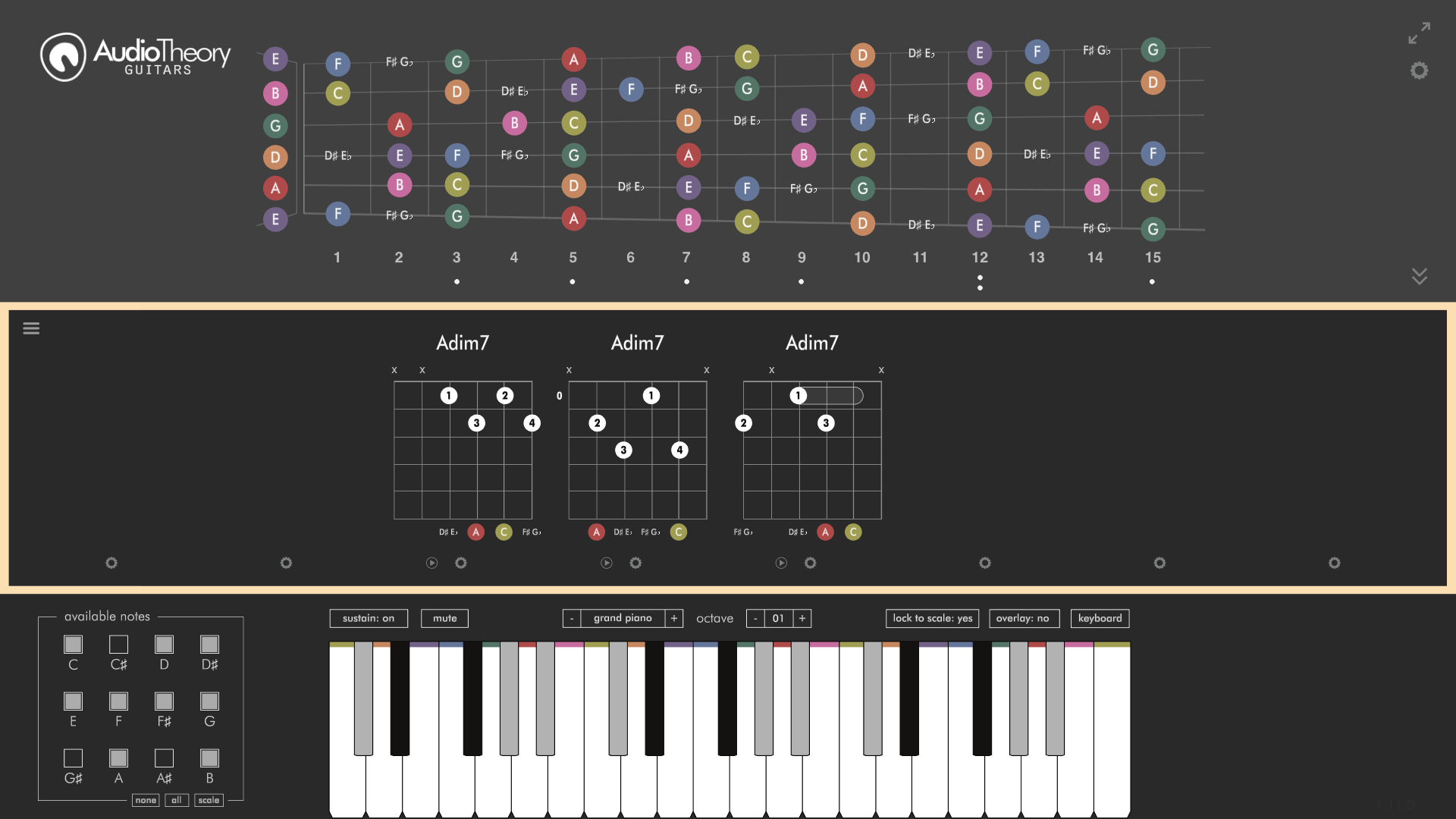
AudioTheory Guitars 1.11.0 – Diminished 7 Chords Update

Today's update adds a few new enhancements to AudioTheory Guitars. We've got Diminished 7 Chords as the star features, but version 1.11.0 goes beyond this to rounds up a whole bunch of miscellaneous improvements.


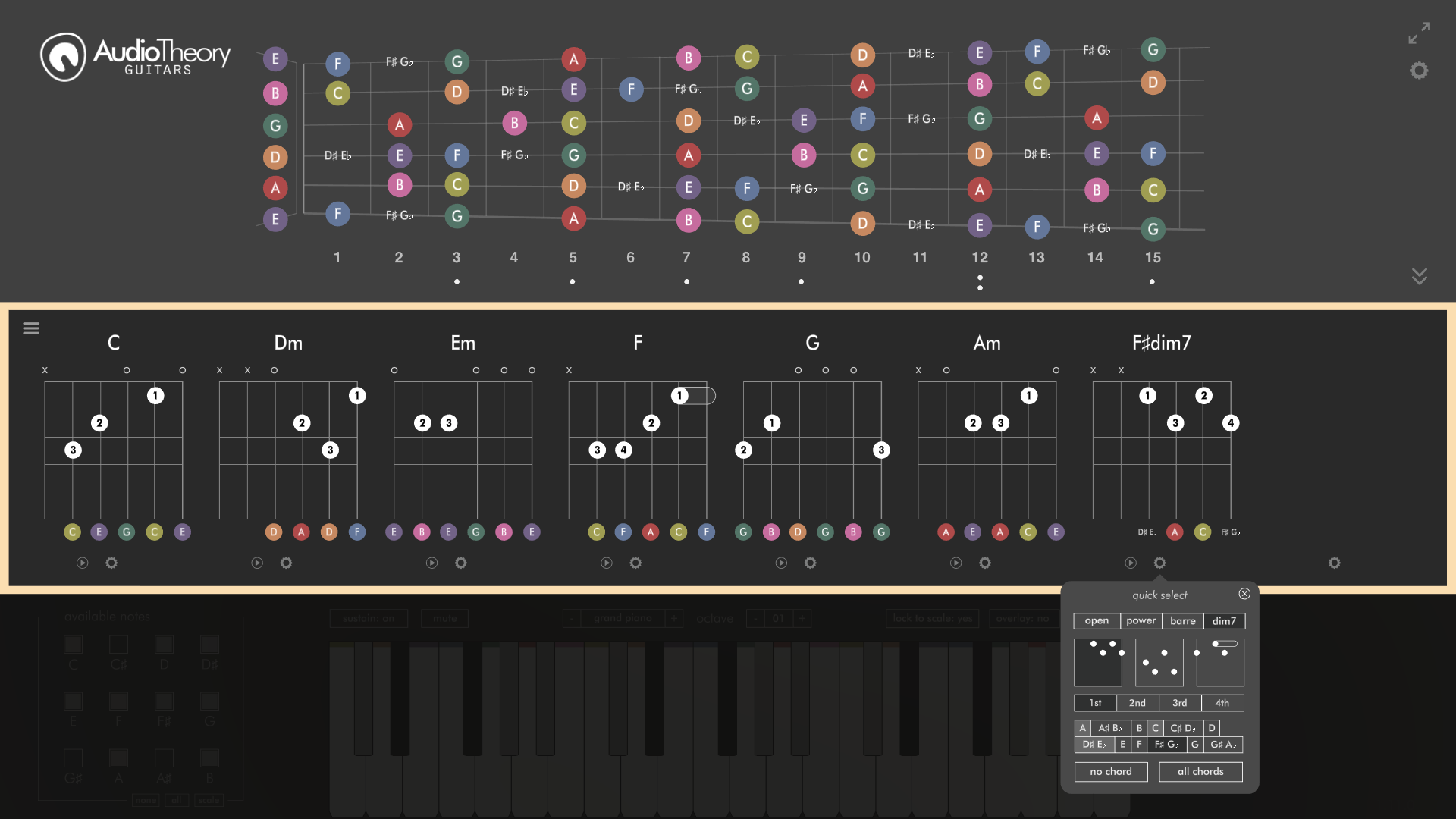
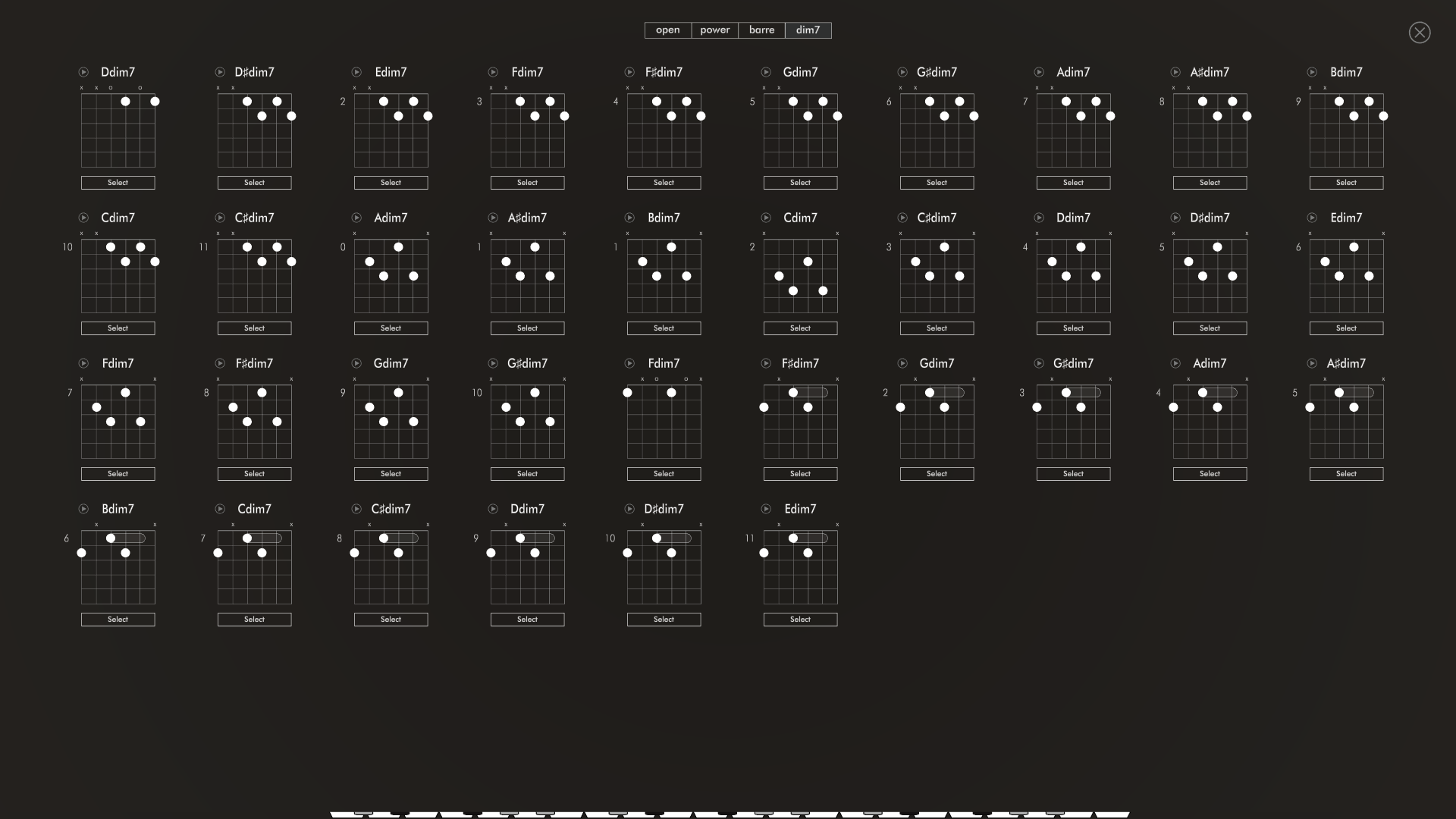
But yes, let's start with Diminished 7 Chords. These are now available as a 4th tab on both the mini-selector popup and full chord sheet page. Adding these proved to be an interesting challenge due to the numerous ways in which a dim 7 chord can be constructed (different shapes and root positions) as well the chord's symmetry, meaning there are four different chords in any one position!

The solution is a more comprehensive selector, where you can build your Diminished 7 Chord from the available options. When a diminished chord is chosen, the additional notes which compose an identical chord are highlighted in light grey.


You can also click the chord name to cycle between these options. This functionality has also been extended to the display of sharp and flat chords.

And the rest:

Note playback duration
The system through which keyboard sound effects are played back has been reworked. This now means the playback sound length is controlled by the duration of the piano-key (or fretboard) press.

Sustain effect
The above makes possible a new sustain feature. The button for this is on the left, just above the keyboard and can be toggled on or off to include a resonating effect on note playback.

Streamlined mute button
To make room for the new sustain button the 'mute' option has been moved into a single toggle (rather than tabbed playback modes, as it existed before).

Quick select modal scales
The modal scale presets introduced in version 1.10.0 can now also be selected from the mini-selector (bottom left when the 'scale' button is pressed) as well as the fullscreen selector.

♭ Glyph
The flat glyph icon (♭) is now used across the application.


And to round it all off some miscellaneous bugs have been fixed and a few bits-and-pieces have been reworked behind the scenes to better optimise the application. I'm excited to say that this is the foundation for more updates and features to come in the future!

But that's about all for today. Thanks for reading and keep practicing.

Fraser

AudioTheory Guitars 1.10.0 – Modal Scales Update

AudioTheory Guitars version 1.10.0 is now here. This update focuses primarily on scales, adding modal scales to the available set of reference diagrams and presets.


These are accessed using a new 'modes' tab on the fullscreen scale selector ('scale ––> all scales' in the bottom left). From here you can selected the desired mode (Ionian, Dorian, Phrygian etc.) to view the relevant scales.


Along with this we have a couple more changes:

There is also a new 'scale looping' button on the right hand side of the screen. This can be toggled to loop scale playback on repeat.

All existing scale diagrams now display over a single octave. This makes it easier to differentiate between a mode and its relative key.

That's about all for today. Thanks for reading and keep practicing!

Fraser