1. Shardpunk
  2. News

Shardpunk News

Devlog #108: the support automaton

Let's talk about the latest addition to the game, and (hopefully) the last major gameplay change that I've implemented: I've added new character types: automatons/bots.

Lore-wise, the Empire has recently managed to create a prototype of a new, bleeding-edge technology energy source that will allow humans to gain a significant advantage in their war against the vermin.

A few days prior to the surprise rat attack, the Empire's scientists have been able to install that new energy source in a machine - an automaton. Then the attack happened.


Your job as a player will be to make sure that this new energy source does not end up destroyed or get intercepted by the enemy - which basically means that the player's job is to make sure that the bot stays alive.

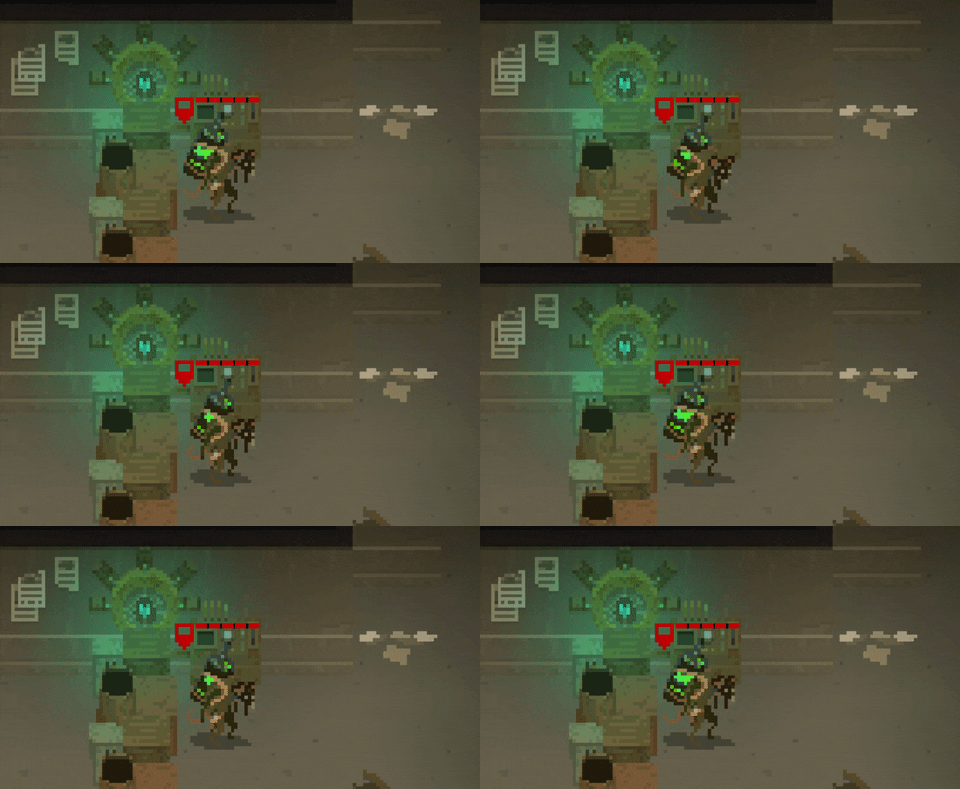
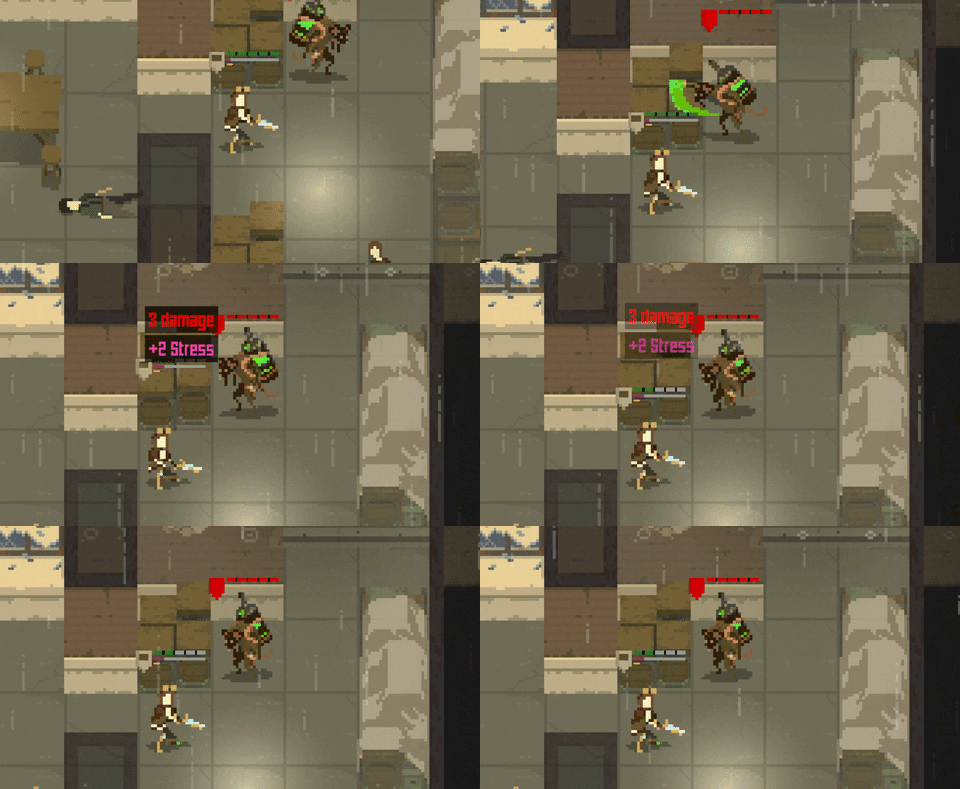
Now, the automatons are not defenseless. Depending on the type of automaton the player chooses at the start, it will be providing significant bonuses on the battlefield. The one that I have added to the game so far is a support unit. Its main ability is the "support mode" skill, which makes the automaton immobile, but generates a support aura that makes sure that player weapons do not gain heat when firing and increases their % to hit. Therefore, it works great when the player is setting up a defense spot somewhere on the map.


Other skills include the ability to taunt enemies in the area, forcing them to attack the automaton.


Also, the unit is equipped with a stun grenade, which does exactly what it says.


The automaton is able to heal on its own and can be healed in the shelter by other characters.


I believe that introduction of the automatons will add even more variety to the gameplay. The player will always be choosing one automaton type at the beginning of the game, and its type will significantly change the tactics. This means more fun - and as games are all about fun, I believe that's a step in a good direction!

That's all for this entry. Take care, and have a great weekend! And do join Shardpunk's Discord server!

Devlog #107: Some new weapon upgrades

Hello everyone!

I am currently busy adding new mechanics for handling and upgrading character skills. As it is totally incomplete, there's nothing I can show you yet.

That being said, here's a bunch of new visuals of weapon upgrades. It's just the visuals for now - I will describe the function of some of these in future entries.

Enjoy!


Devlog #106: swapping inventory items

I am finalizing another monthly build with all-finished localisation support, so I will make this one quick - except that instead of talking about localisation, it'll be about handling character inventory.

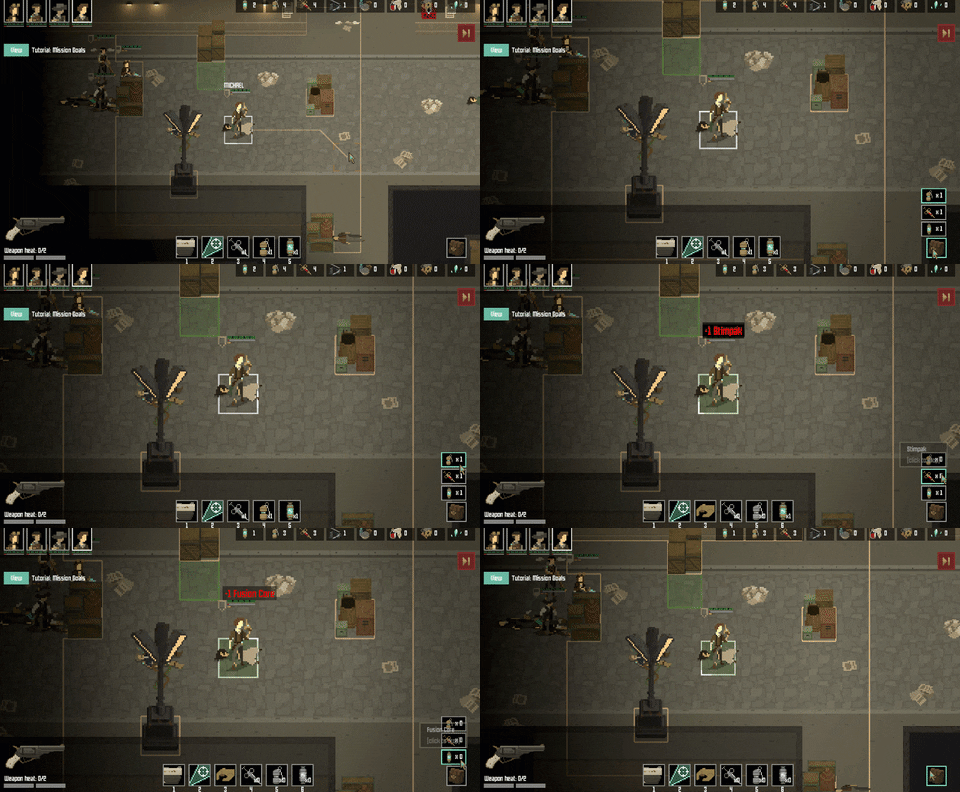
Every character in the game can have three different item types in their inventory: grenades, fusion cores and stimpaks. Their number was displayed in the bottom-right corner of the screen, and the player could drop items on the ground if they really wanted to.


As there was no carry weight limit (I've dropped it in one of the early demos after realising that it is doing nothing but causing frustration), there was no real need to shuffle items. Sure, one might want to pass a grenade or something, but most of the time it was not a big deal.

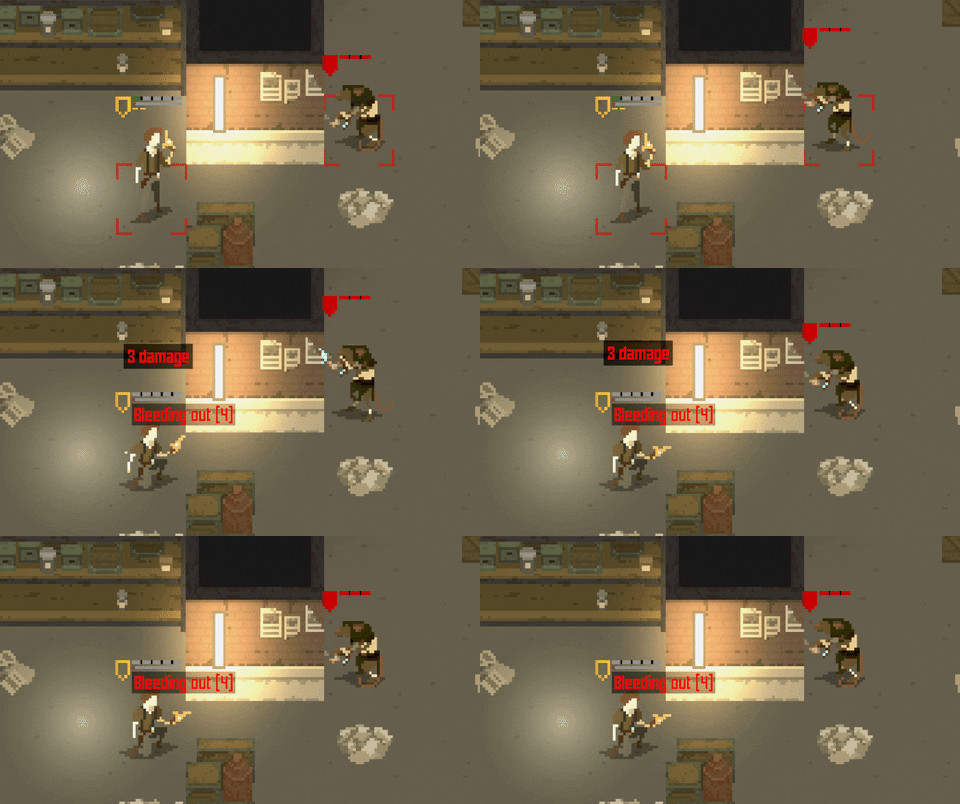
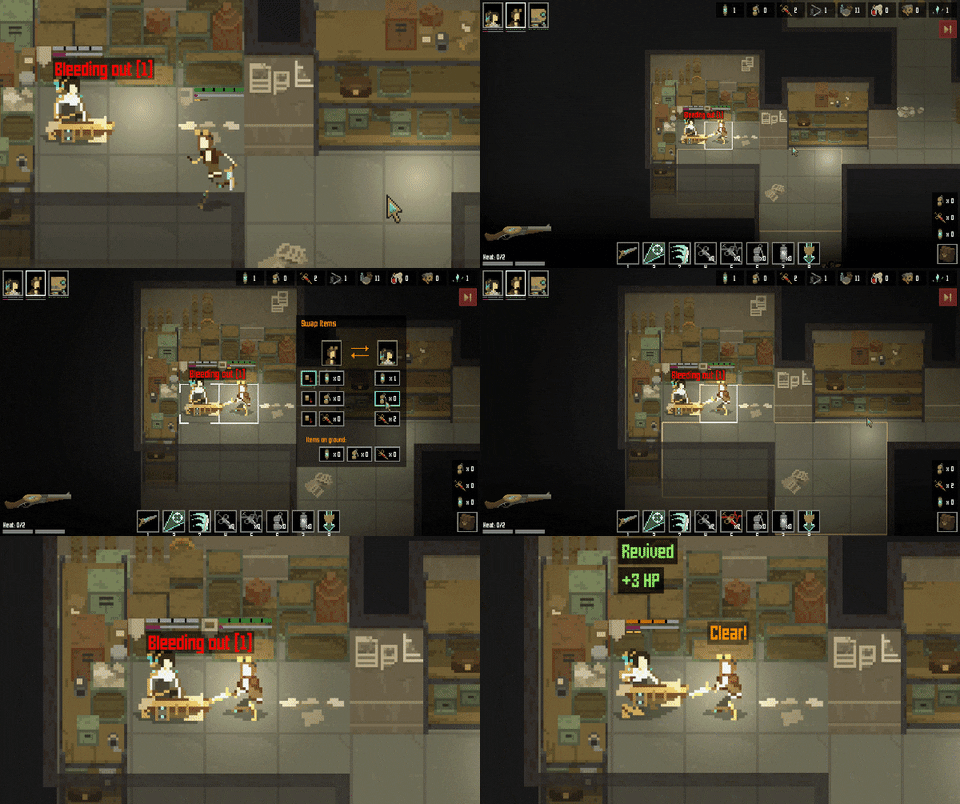
However, there was one major game design flaw with this approach: in Shardpunk, when a character loses all their HPs, they start to bleed out. The player has a number of turns to revive them using a stimpak.


However, there might be a situation in which a bleeding character is the only one having a stimpak. Therefore, there was no possibility to heal them as it was impossible to pass inventory items around.

Initially, I thought that characters who bleed out might auto-drop their items. The thing is that they could not be dropped on the same tile they are standing on, as another player only can pick up items from the tile they're on.

So, I could make it so that items are dropped randomly into neighboring tiles. Still, there may be situations in which there are no neighboring tiles that one can walk on (e.g. when a character is surrounded by walls/crates), or some of these tiles are inaccessible. Bad idea.

Alternatively, bleeding out characters might become "transparent", meaning that other characters can walk over them. In such way, another player character might stand on their tile, pick up a stimpak and use it to revive them.
On the other hand, I would then run into issues after the character has been revived. I mean I would have to place them somewhere else on the map, as their original tile might be occupied by another friendly character. And again, there might be no valid tiles around, so yeah - another silly idea.

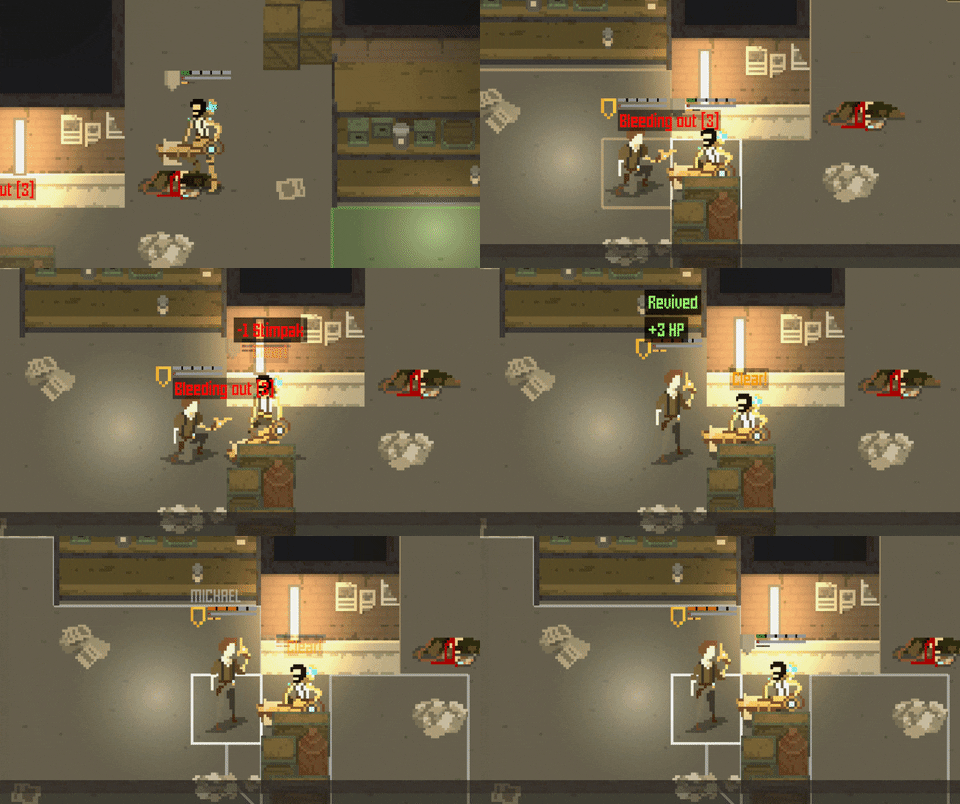
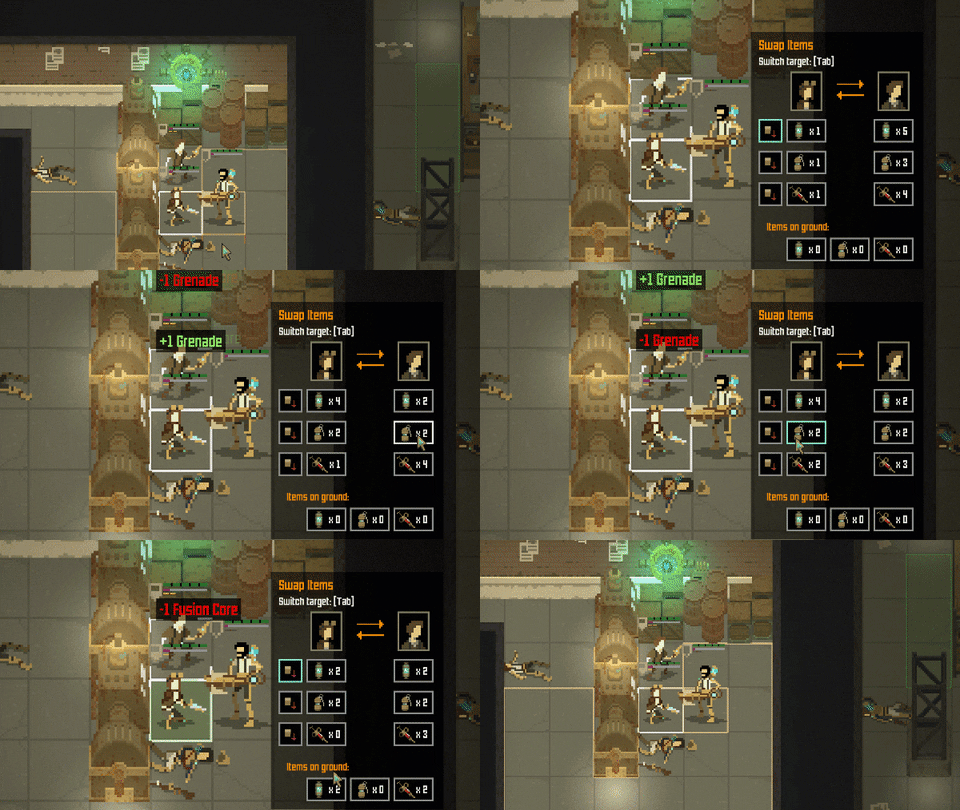
It was clear to me that the best way of handling it was to introduce some kind of inventory management. So right now, after the player clicks the backpack button, a new window appears. It allows swapping items with adjacent characters. Now it's not a problem to approach a downed ally, grab their stimpak, and heal them!


That's it for this entry - thanks for reading, and have a great weekend!


Devlog #105: poison

Howdy!

I love these bi-weekly entries as they allow me to take a look at progress periodically. And there is progress indeed!

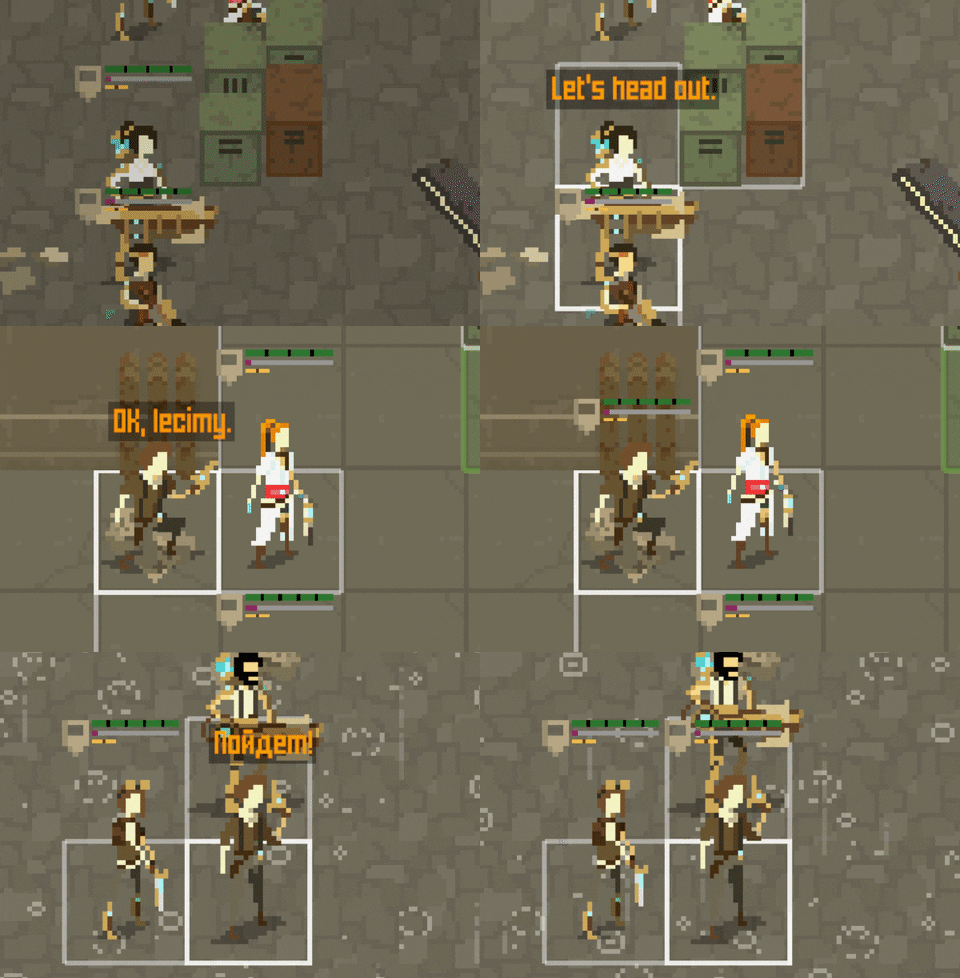
The localisation support is nearly finished. Well, at least in its current state. I've extracted above 800 distinct translation keys to separate language files. I have to admit that being able to speak Polish is a good thing, as it's a pretty difficult language, especially compared to English. Knowing about the "feature" of words being different depending on the case and gender allowed me to simplify some of the texts and split the ones that I knew might be problematic also in other languages.

I also did lots of cleaning up. I removed some unnecessary/redundant texts.

It turned out that the extraction of the translation keys was not the most difficult part. Adding the Polish translation text was the real challenge, as it was the first time in which the UI had to support texts with different sizes.

The good thing is that the font that I am using has support for the Russian alphabet, so I'll be having no extra problems when dealing with a Russian translation.


Anyway, I will be spending some more time on the localisation stuff to make sure it's polished.

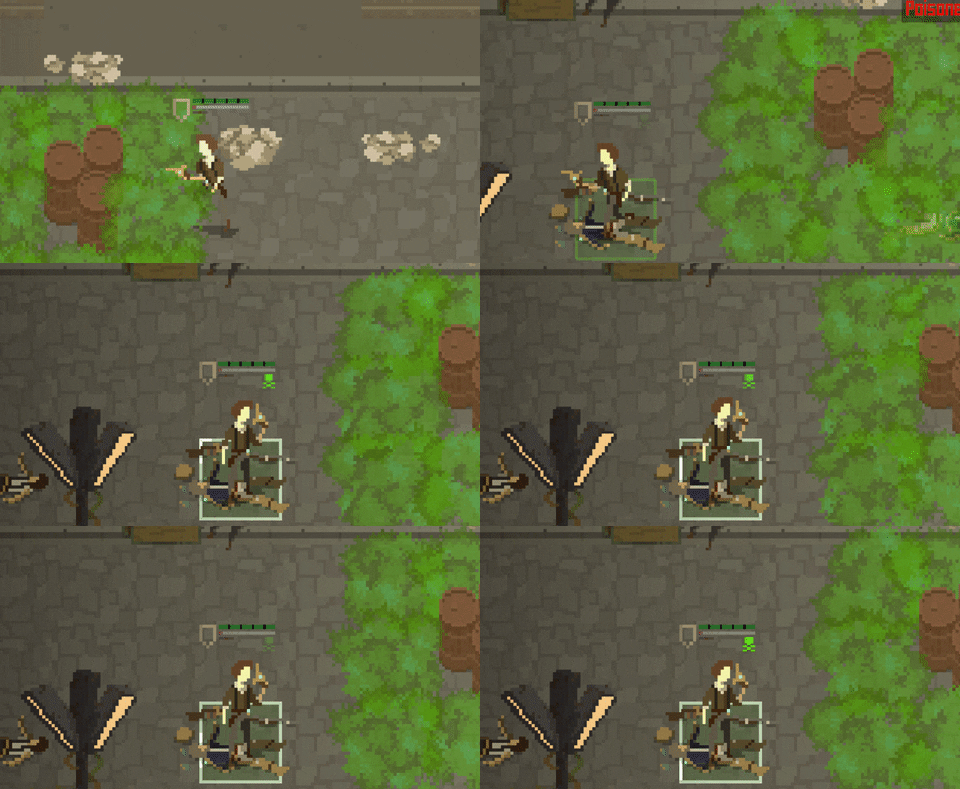
There is one other feature that I believe I haven't mentioned here yet: the poison.

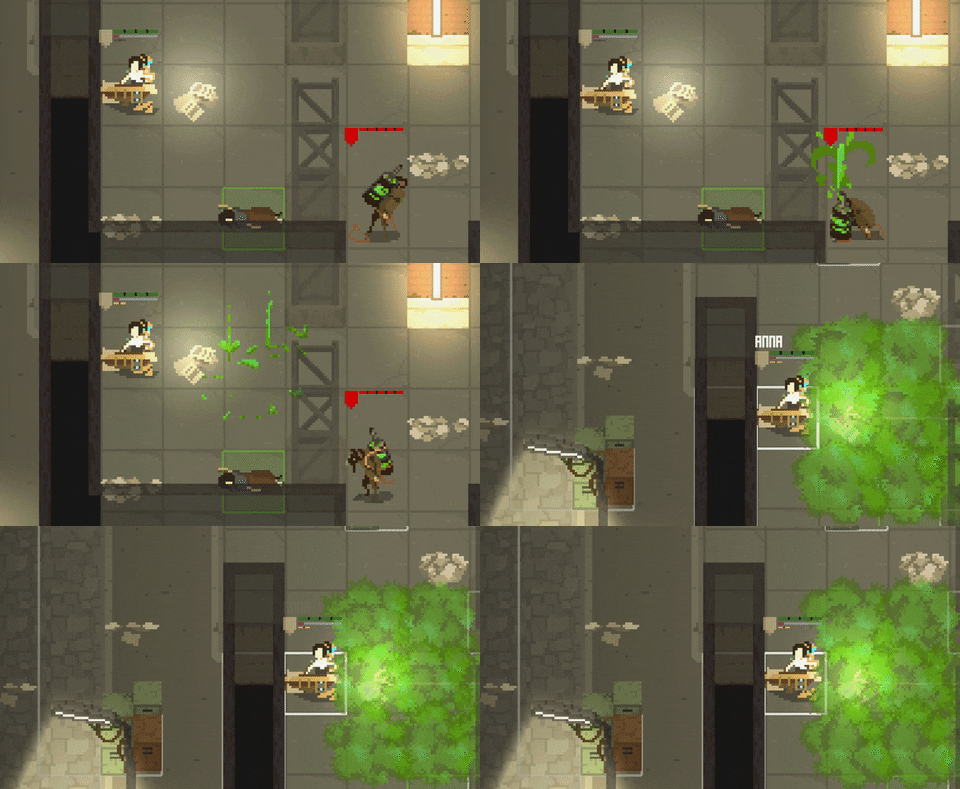
Rats in Shardpunk's world are filthy. And they like spreading that filth, especially when they're busy plundering the capital city of the Human Empire which they've just sneakily attacked (as that's the plot of Shardpunk, if you're not aware of it yet).


So there's a rat type carrying that poisonous "mortar" that will make sure that your life gets more difficult. They rarely hit your squad members, but are good with limiting your movement options.


You might have guessed that when a character enters the poisonous cloud, they receive the "poisoned" trait which drains their hit points for a number of turns.


Now, when a character loses all their HPs and enters the "bleeding" state, the poison stops working. I've decided that it would be too frustrating. Poison effects can disappear after few turns, or you can heal it using stimpaks.

And, last but not least, these poisonous rats are capable of doing melee attacks if you get too close to them. That should make the players respect them more!


That's it for this update. I hope you enjoyed it! Do remember to jump into the Discord server to post your feedback. And play the demo if you haven't already!

Take care, and have a great weekend!

Devlog #104: localisation support

Hello again! With one big technical task behind me (and I'm talking about the controller support), the time has come to deal with the other one, being the ability to handle multiple languages in the game.

There are two major areas that need to be handled here. The first is moving all of the localisable text from the game to an external source.

I've decided to put these texts in a plain .txt file, one for each language. Using json/xml format did not seem like a good idea, as there would be problems with escaping some of the characters to make sure they don't mess up the syntax.

Here's a screenshot from the English translations file:


The lines hold information about the name of the translation key and then its translation. If there are multi-line texts, the line breaks are represented as "\n".

I've created few tool windows in Unity to allow me to add/edit translation keys easily (I took inspiration from this YT video) and made sure that the order of the translation keys is always the same as the one in the English translations file (this is being enforced via the Unity tools I've created).

Based on the selected game language, the text in the game change dynamically. Right now I have some debug in-game shortcuts set up that allow me to switch the language on the fly.


Now, the second thing is about making the localisation process as easy as possible. I am creating the English and Polish versions myself, but the other ones will have be handled by someone else. Now, to make sure that a person doing the localisation is able to do a good job, they need a) a more convenient way to edit stuff than an ugly .txt file b) some more insight/hints for specific translation keys.

The first thing I've added was metadata for every translation key. You know, information about the context of the text, whether it should be kept short or not, stuff like that. I'm basically storing this information as an extra "language", in its own .txt file.

Then, I've created a stand-alone tool that generates an Excel file with all the translations (well, you can pick which ones should be handled) and creates a separate tab in the spreadsheet for every key - along with the English translation and metadata. This form is more readable, one can easily sort/filter/do other Excel-ish stuff on it, and this is the form that the translations will be sent to the localisation people.


Last but not least, there's a tool to import the data from the Excel sheet back to the .txt translation files. Note that this needs to be able to merge the stuff together, as there might be some new translation keys present in the game as I'm adding more stuff. What is more, the localisation team can use that tool to instantly upload the new translations to a game build, to see how they look in action.

Here are some auto-generated Excel files along with shortcuts to the import/export tools:


So, there you have it. The first version of the import/export Excel handling is already implemented, and I'm spending most of my development time on moving all the texts to the translation .txt files. So far I've created more than 200 translation keys, but I still have lots of stuff to move! There will surely be some issues/challenges that I'll need to face here - I'll make sure to write about them in two weeks.

Take care, and have a great weekend!