1. Battlefield™ 2042
  2. News

Battlefield™ 2042 News

Battlefield 2042 patch fixes rubber-banding issues before launch
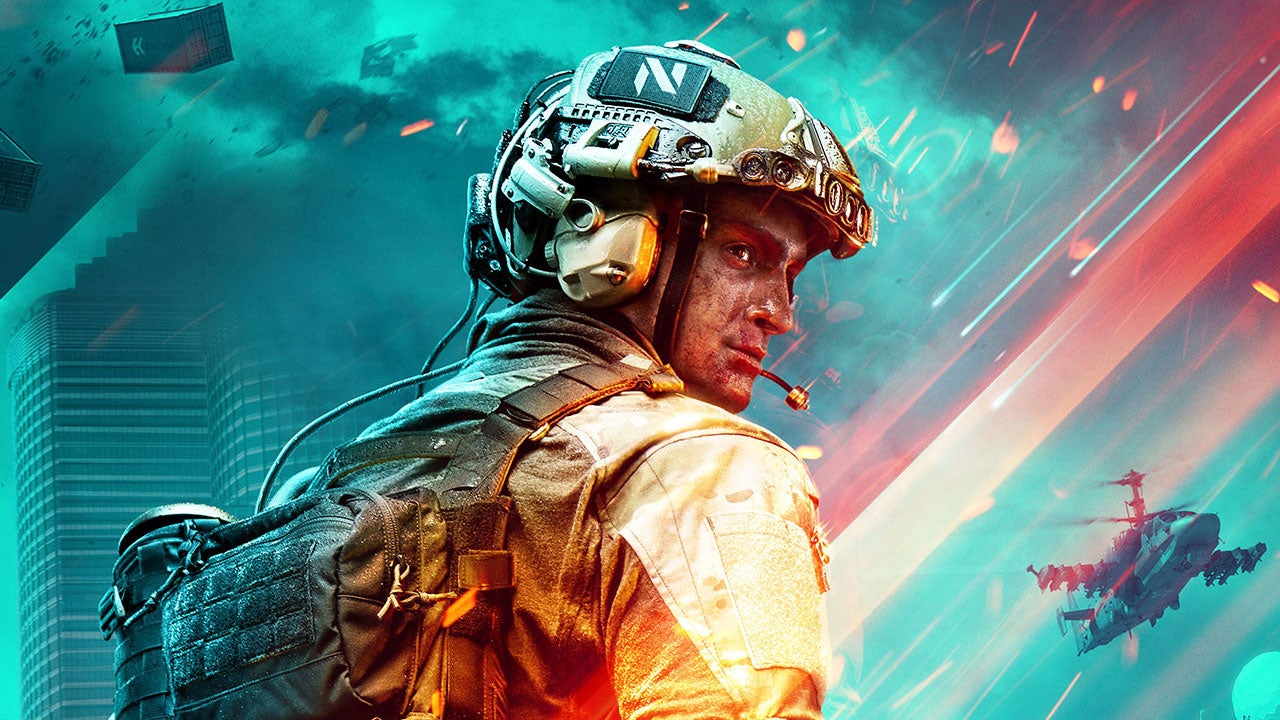


DICE has put out a small patch for Battlefield 2042 fixing some issues found during the game's first week in early access...
Read more.

Battlefield 2042 - Update #1

No-Pats,

Ahead of the start of our worldwide launch for Battlefield 2042™, we have a small update targeted at addressing some critical issues that we identified shortly before the start of Early Access.

In the coming weeks, we’ll have more to share around further upcoming fixes, balance changes, and QoL enhancements. Over the next 30 days, we’re presently scheduled to release two further updates, with our next update delivering more fixes and improvements that we’ve identified during this first week of Early Access, and a larger and more substantial update following after that.

Our full update notes are available below. We’ll keep you updated on whats’ next over on the @BattlefieldComm Twitter account, where you can also follow along with our tracking of known issues, and changes that we’re able to make in real time.

Freeman
Battlefield Community Manager
Twitter: @PartWelsh

__________________________________


[h3]Update 0.2.1[/h3]
Fixes, Changes, and Improvements


  • Implemented Server Side upgrades that are targeted at reducing instances of Rubber Banding, often experienced in the later part of a round in All-Out Warfare modes.
  • Significantly reduced instances of stuttering when playing on Breakaway. If the Silo’s are destroyed, it should no longer reduce performance on the server.
  • A note that we are continuing to investigate similar occurrences that have been reported to us on other maps.
  • When looking at allies on your team, their names will now correctly display.
  • Adjusted the animations for Falck during the End of Round sequence to ensure that she is displayed correctly.
  • Updated a skin earnable for Boris via Mastery Progression with a new name: Gator.
  • Ensured that TDM Rounds in Battlefield Portal always start with Random Deploy set as active. We observed that this sometimes wasn’t active when moving from round to round, but have now fixed this.
  • Applied a set of measures that ensure the correct number of AI spawn in Custom Battlefield Portal modes using the Free for All preset.
  • PC Only - Enabled Specialist Selection in Hazard Zone via mouse interaction, removing the need to lock in your selection with the Spacebar.
  • Fixed a rare occurrence in Hazard Zone that would sometimes cause the End of Round flow to not activate correctly, ensuring that the correct amount of bonus XP was awarded.
  • Repaired an issue found in Hazard Zone that could cause players to be shown on the Map when they were not visible, or spotted.
  • Provided a fix for Hazard Zone players who were not seeing their Extraction Streaks updating correctly.


The details listed in this article may change as we listen to community feedback and continue developing and evolving our Live Service & Content. We will always strive to keep our community as informed as possible. NO WEAPON, MILITARY VEHICLE OR GEAR MANUFACTURER IS AFFILIATED WITH OR HAS SPONSORED OR ENDORSED THIS GAME

CS:GO Battlefield 2042 Sticker Capsule

We partnered with our friends at CS:GO to ship the Battlefield 2042 Sticker Capsule featuring 12 unique designs from Battlefield 2042! Get your sticker capsule in CS:GO now and play BF 2042 on Steam.


Battlefield 2042's Prox Sensor disabled because it was somehow causing lag


DICE has temporarily disabled a Battlefield 2042 gadget that it says was causing rubberbanding in the Conquest and Breakthrough modes, and there's no ETA on the item's return. The developer said on Tuesday that locking away the Prox Sensor improved server performance enough to convince it to "sustain the temporary change" for the time being...
Read more.

How to create your own game mode in Battlefield 2042 Portal

Want to know more about Battlefield 2042's Portal mode? Battlefield Portal allows you to use gameplay elements from any game in the series to build custom game modes. These modes range from free-for-all matches using only rocket launchers and knives, to a battle that pits the soldiers and class system from 1942 against their modern counterparts in 2042. To top it off, you can even play perfect recreations of 1942, Bad Company 2, and Battlefield 3 in the new engine.


DICE has designed the Portal editor to be simple to use in a web browser, but there are thousands of variables that can be accessed using the logic editor. The logic editor allows creators to carefully tune their game mode, though there are some hidden roadblocks that you may encounter further into the editing process.


We're going to break down how you can create your own game mode, including what tools you have at your disposal, the limitations of the rules editor, and how to access the logic editor. Here's everything you need to know about building your own game mode in Battlefield Portal.


Read the rest of the story...


RELATED LINKS:

Battlefield 2042 gets much-needed performance patch ahead of full release

Here's the standard edition of the Battlefield 2042 release time

The best Battlefield 2042 M5A3 loadout