Devlog 68 - Rhythm Quest x Mozart, Assist Features
New levels! In addition to charting out "Song of the Sea (Expert Mix)" from Melody Muncher, I've added two Mozart compositions to Rhythm Quest. Here's the video showing off some excerpts from those levels:
[previewyoutube][/previewyoutube]
[h2]Mozart[/h2]
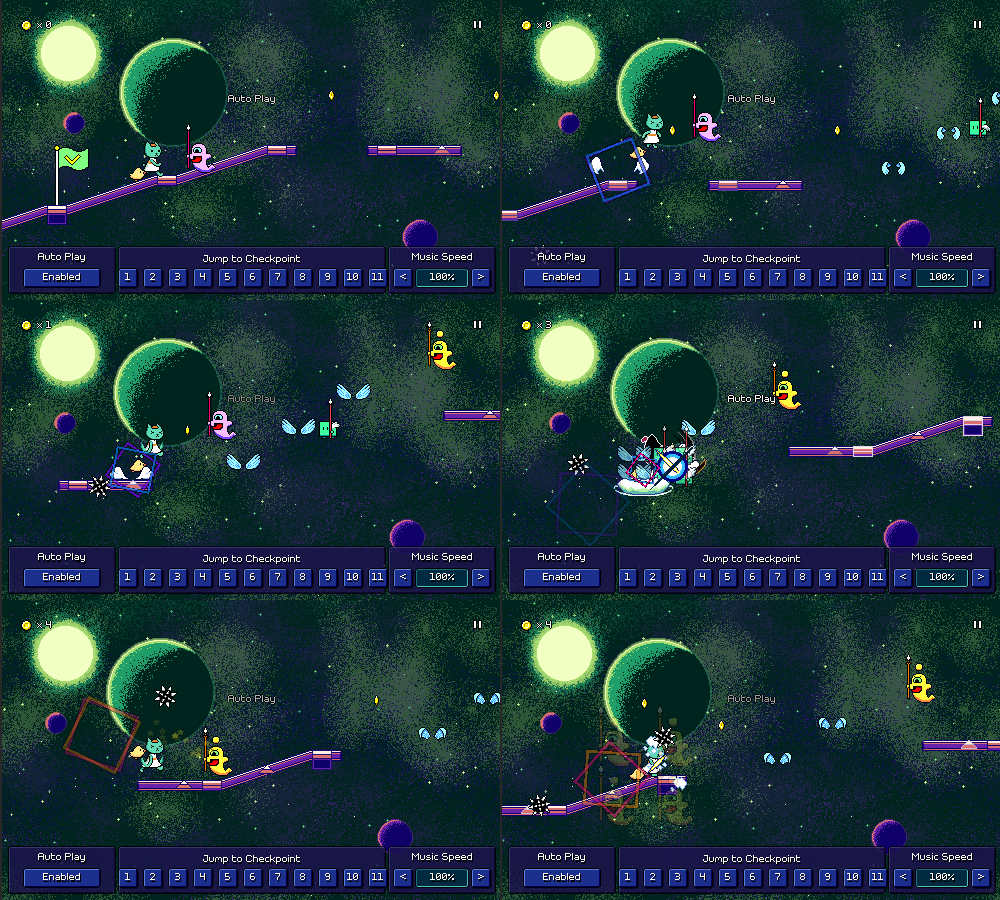
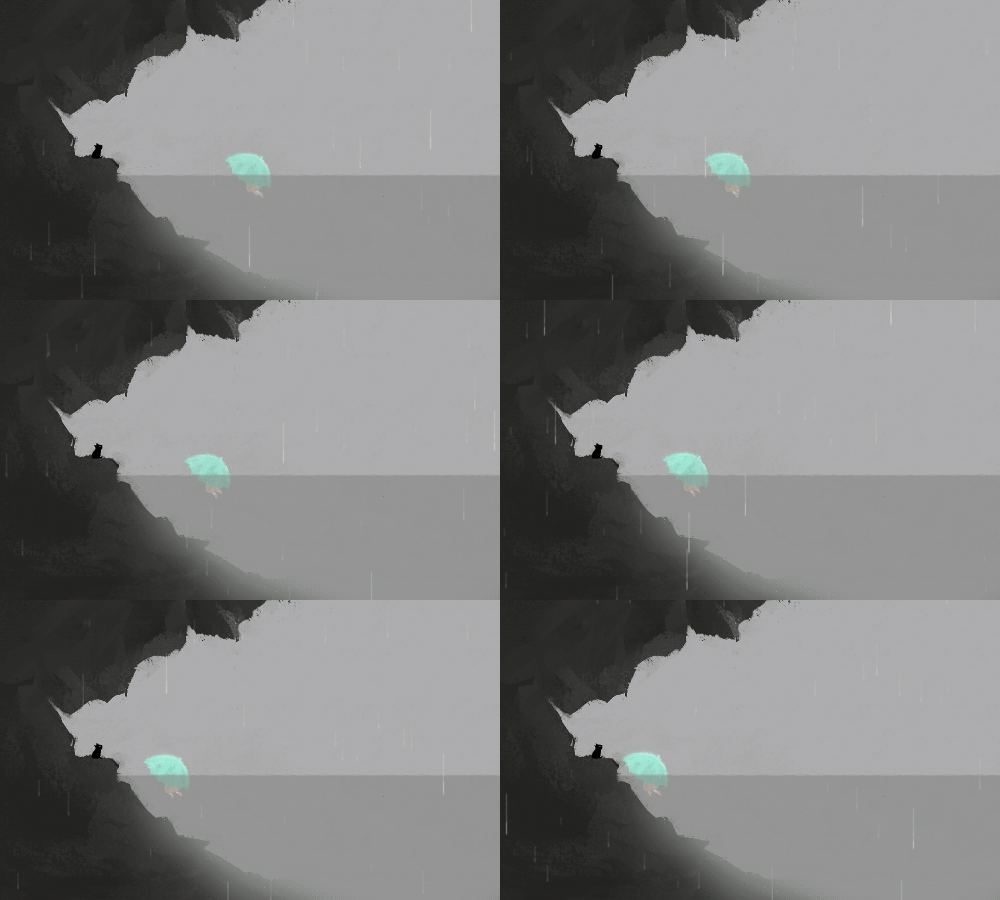
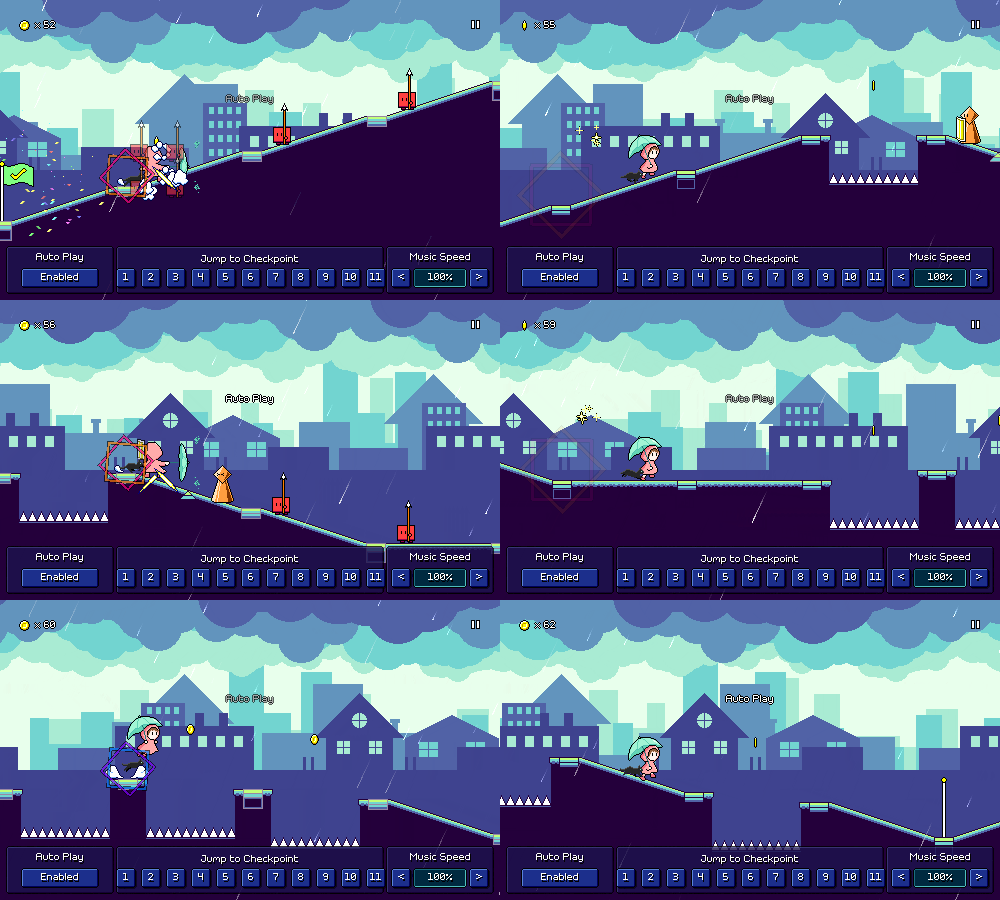
The two Mozart pieces that I added are the first (Allegro) movements from Piano Sonata No. 16 in C Major, K. 545, and Eine kleine Nachtmusik (Serenade No. 13 for strings in G Major), K. 525. (whew, that was a mouthful)
Various classical pieces have been featured in other games (see: Pop'n Music, Taiko no Tatsujin, etc etc) and I wanted to see how they might work in Rhythm Quest too (given that I could find some public domain recordings or simply take a MIDI arrangement and create my own).
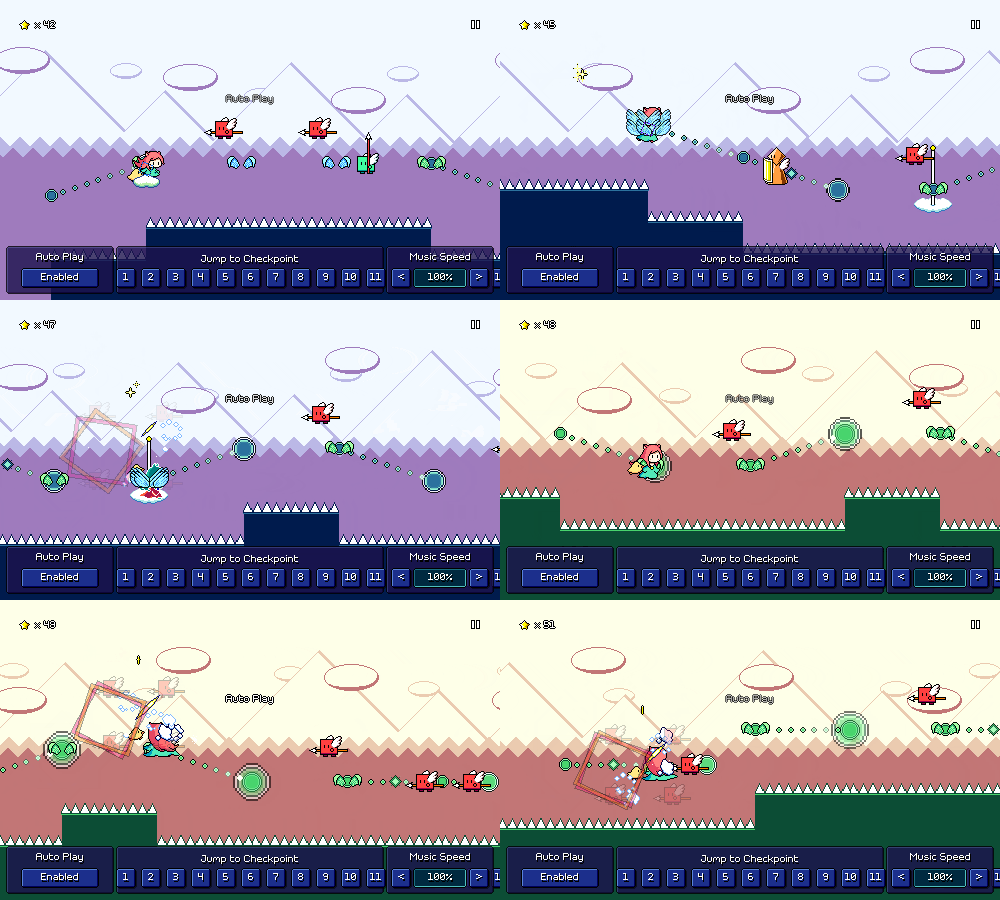
Overall, they're pretty energetic and make for a fun playthrough! The rhythms aren't necessarily perfect for charting in the Rhythm Quest system, but they work well enough and there are a few phrases that came out particularly nice-feeling. The trickiest part about charting them was making sure that for all of the repeated sections were charted slightly differently so that it doesn't get stale. I don't want to just have the exact same sequence repeated a bunch of times over and over again! (looking at you, Rock Band...)
Probably the best aspect of these songs is that they're pretty widely known to a general audience, so that factor of "hey, I know this song!" is nice to have. Perhaps I can look into some other public domain compositions in the future...
[h2]Song of the Sea (Expert Mix)[/h2]
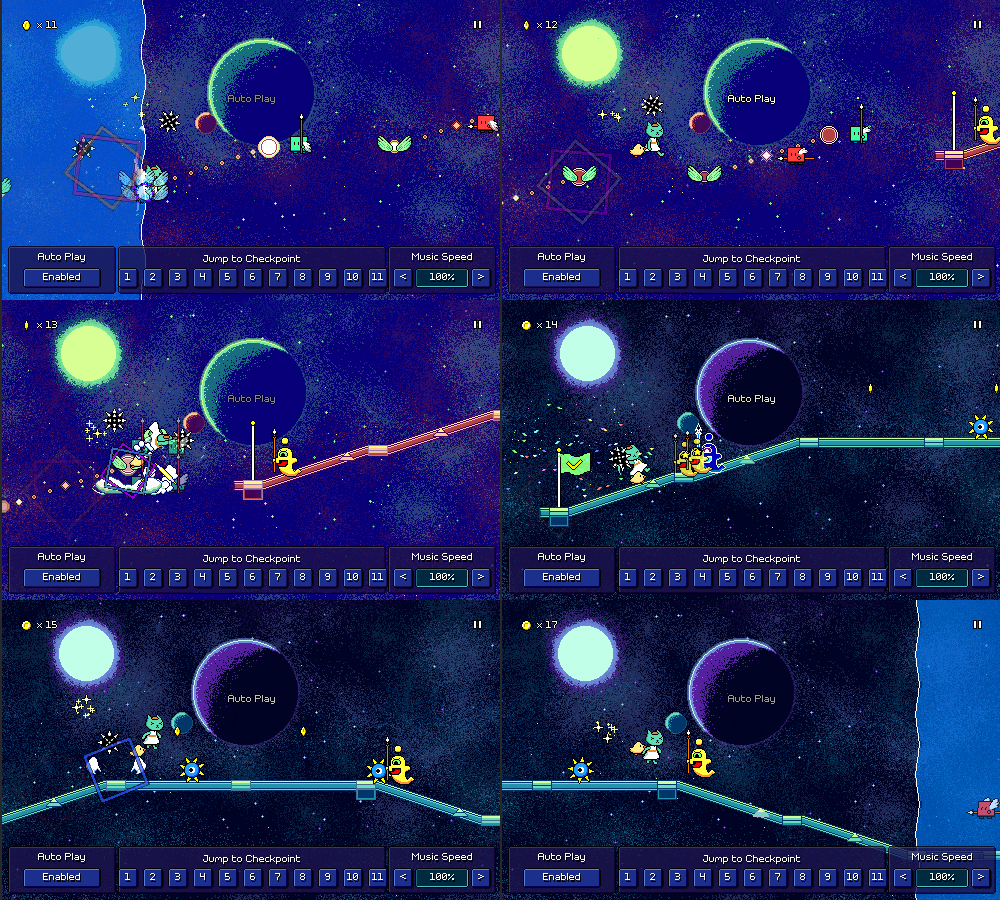
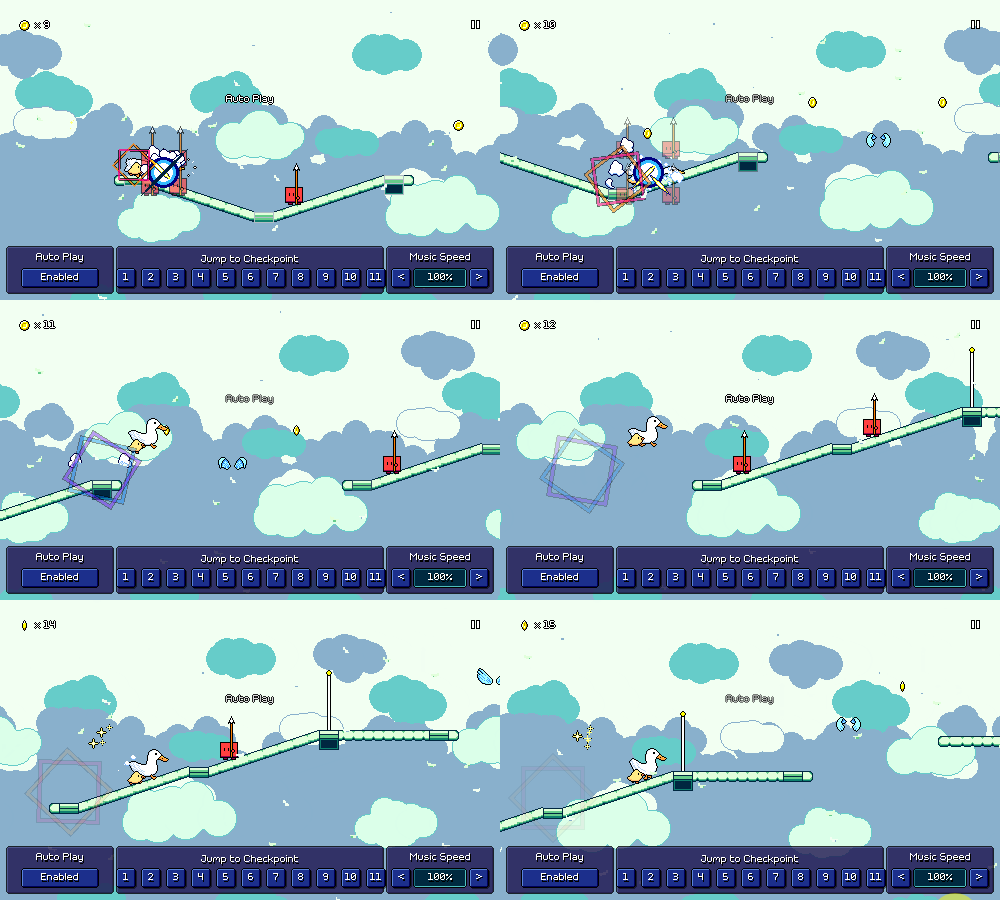
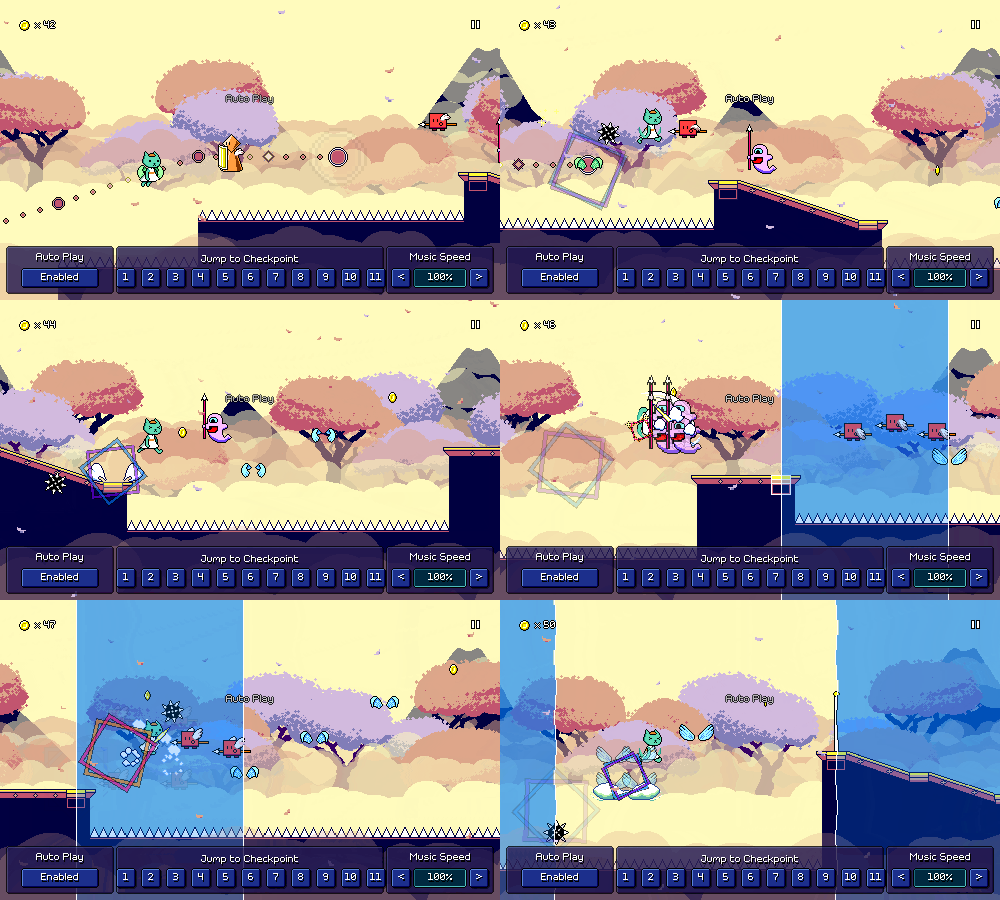
Like with "Beneath the Surface", this one is at a slower tempo of 90 BPM (the two are very similar actually), so I wanted to focus on more complex rhythms in the chart, including 16th note patterns!
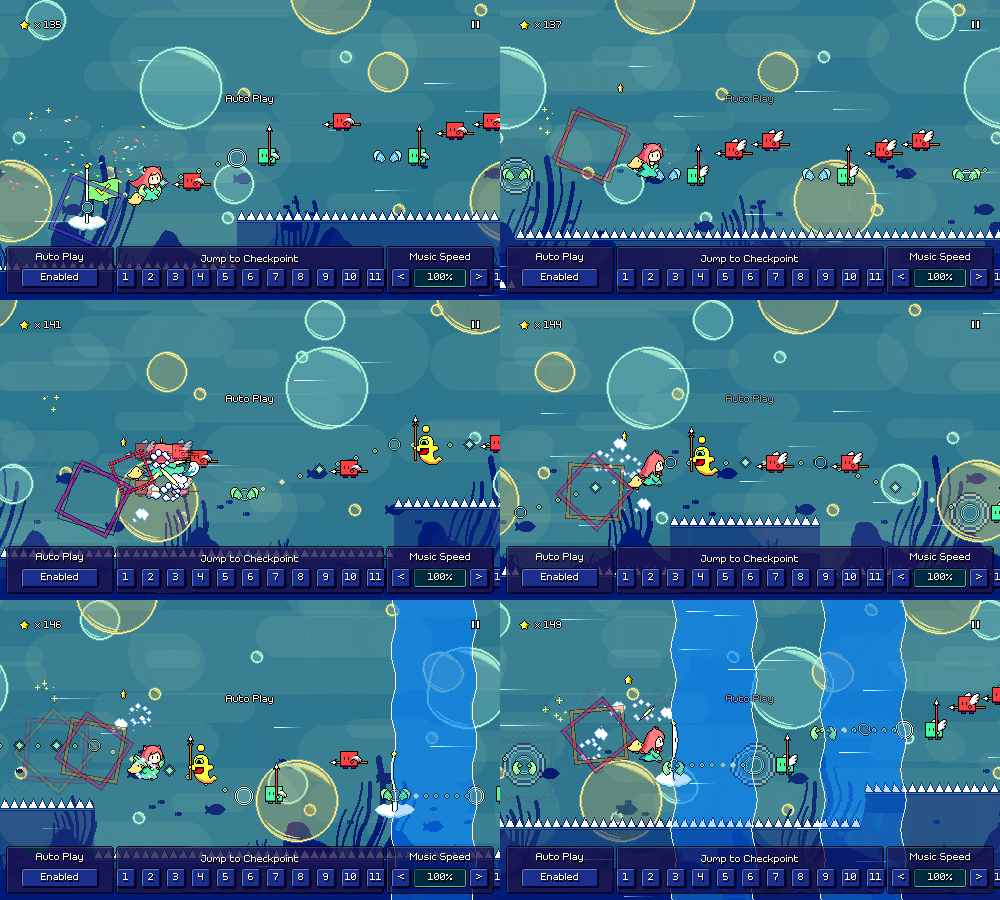
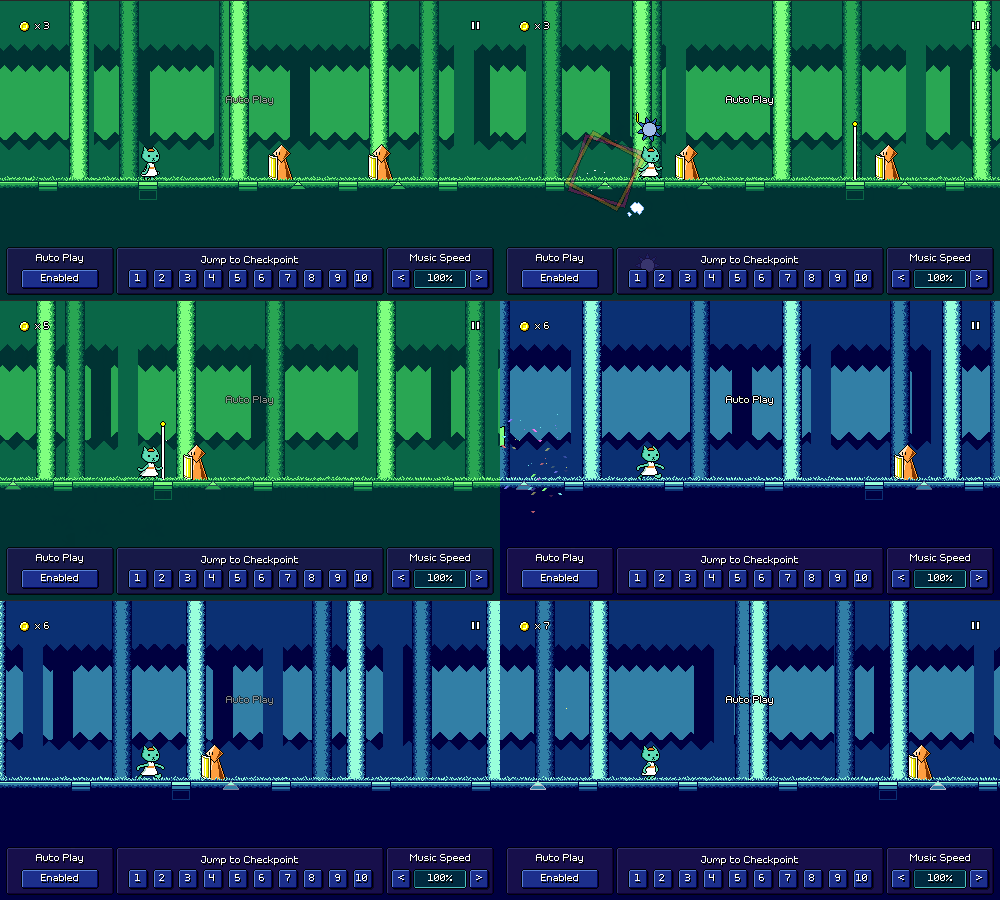
In the above gif you can see a couple different trickier rhythms being used. The sixteenth-note flying enemy patterns are something that I haven't actually used in the main game (yet??), as I've only done that grouping in the middle of a water zone. However, it's actually quite easy to read once you're familiar with it, so that might end up showing up in World 6 at some point (?).
The trickier patterns is the one with the yellow ghost intermixed with red basic enemies. Fortunately, the tempo is slow enough here that even if you're just visually reacting to the spacing, you can kind of get it even if you don't parse it ahead of time. It's very satisfying to hit, though! This makes me think that maybe when I work on level 6-3, it should be one that's at a slow tempo like this, so that I can introduce some (maybe not all) of these more complex rhythms.
One last note is that currently these types of 16th-note based patterns are impossible to create in the level editor, which obviously isn't ideal given that they're actually quite fun to work with when used tastefully. I'll have to make a note to see if I can add a setting for snapping to 16th-note placements, which I'm sure will also involve a bunch of work on validation and bugfixing, haha...
[h2]Assist Features[/h2]
Feature-wise, I've actually been doing a bunch of work on game assists -- functionality to make the game temporarily (or permanently) easier, for players who are struggling or get stuck on a certain song but want to continue to progress.
First off, I've added a dialog that shows up if you fail the same section of a track enough times (currently, after your 30th attempt). Because this is an unexpected prompt that happens in the middle of gameplay (I try to avoid those!), I made sure to fade it in and disallow input during the fade, to prevent you from accidentally selecting something without having the chance to read the prompt.
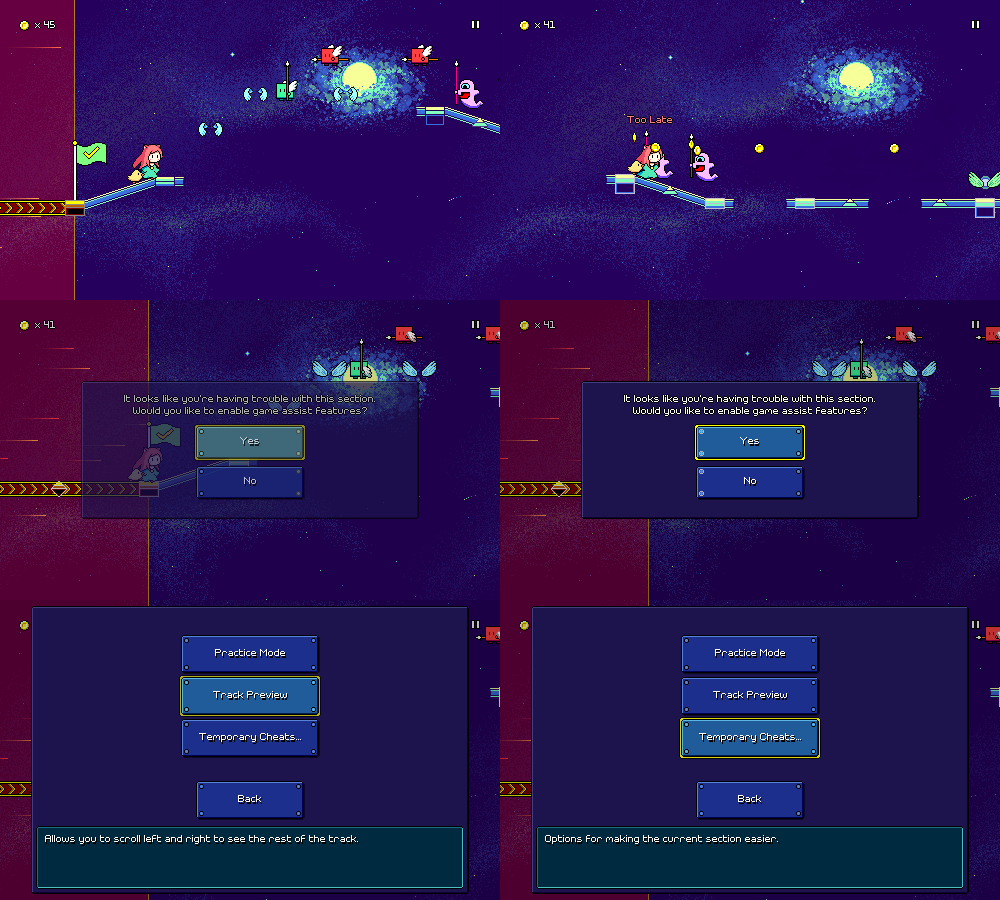
One of the options here is a "track preview" feature, inspired by the "binoculars" in Celeste, which let you view upcoming sections of the level in case you want to get them into your head and see what's coming up:
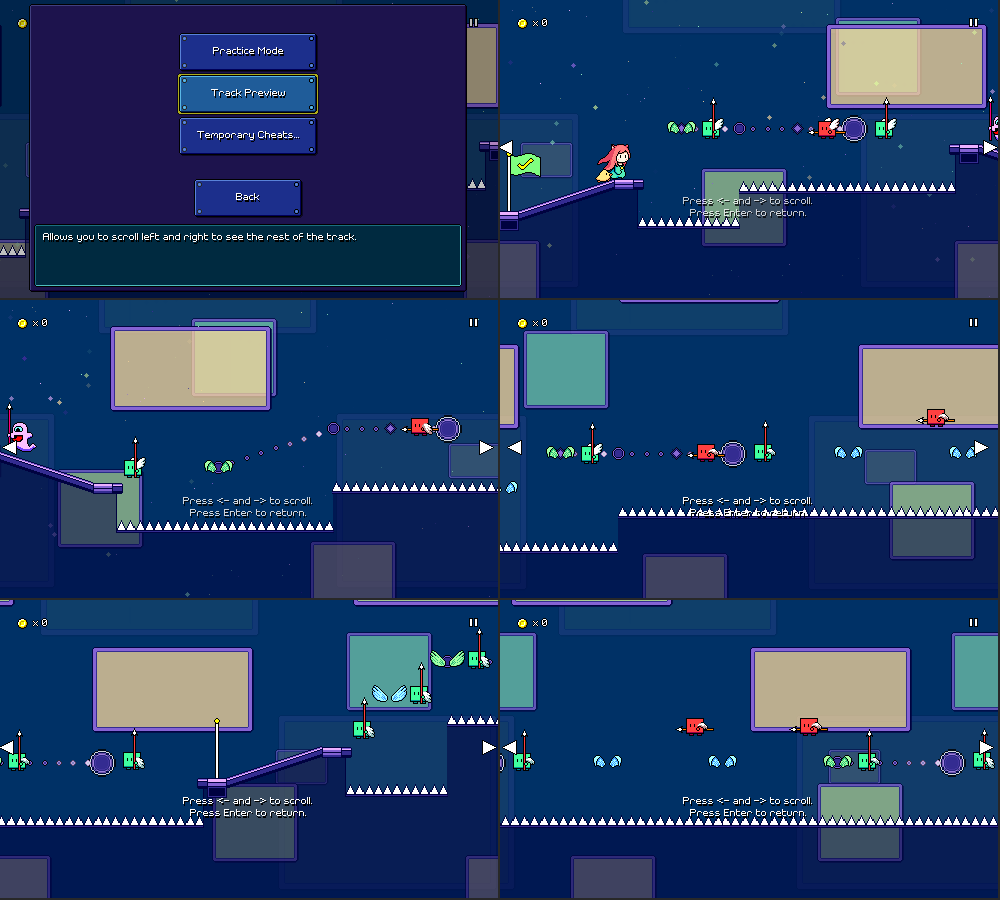
There's also "practice mode" (UI still being worked on) which will let you repeatedly practice the current section on the fly (while controlling the speed, etc.) until you're ready to attempt it for real. "Temporary cheats" just contains settings for slowing down the music speed, lengthening timing windows, and enabling autoplay, but they automatically disable themselves once you reach the next checkpoint.
[h2]Track Freezing[/h2]
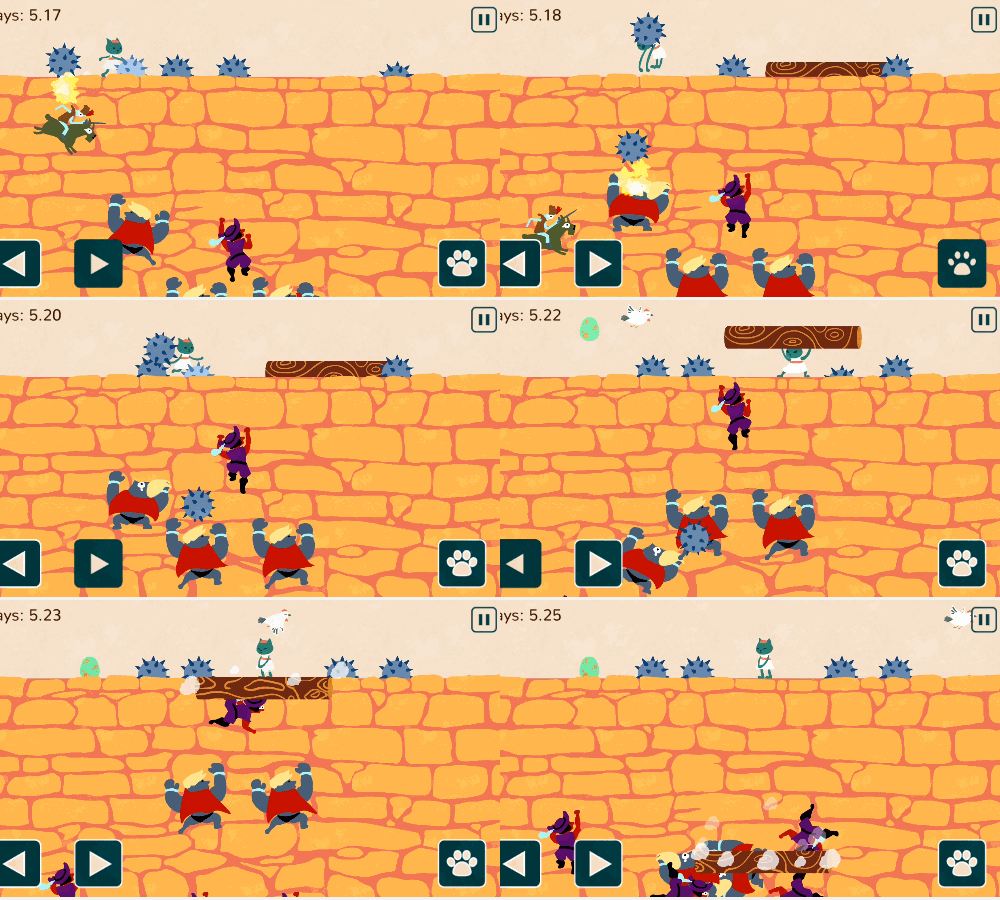
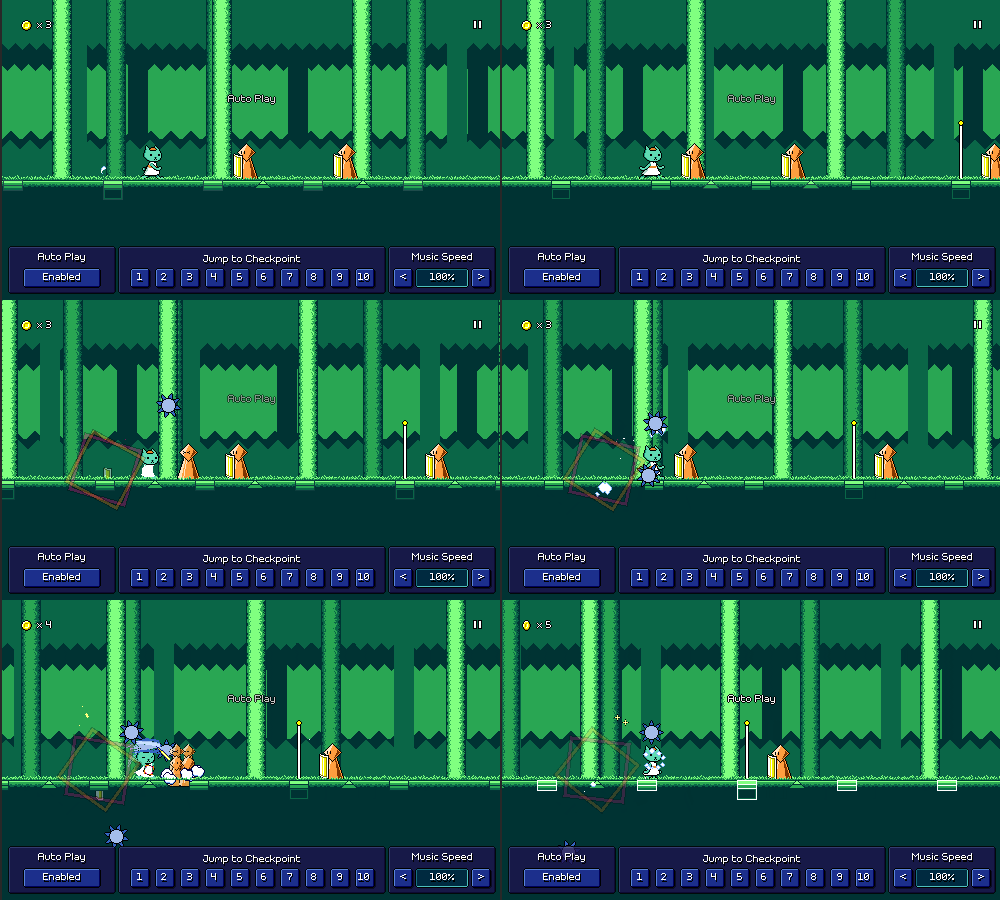
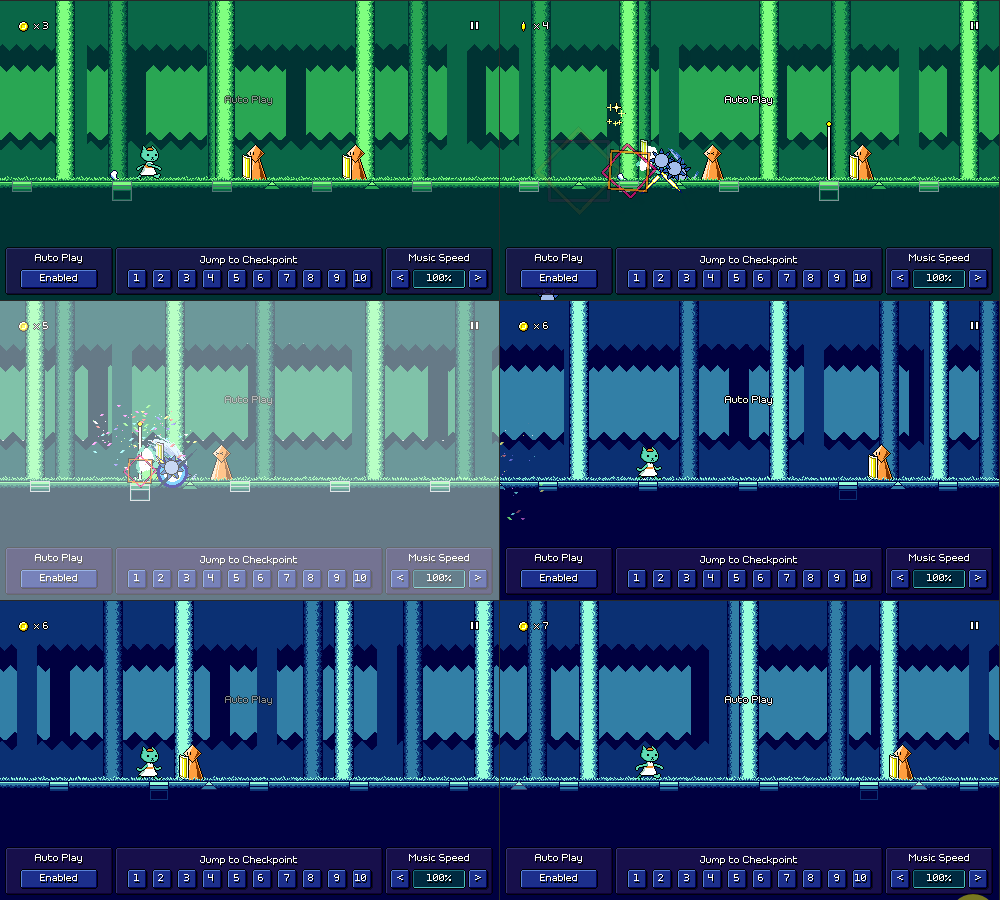
The new assist feature that I've just developed is something I'm calling "track freezing". When this is enabled, the level scrolling will automatically pause and wait for you to make the correct input, if you haven't already done it in time:
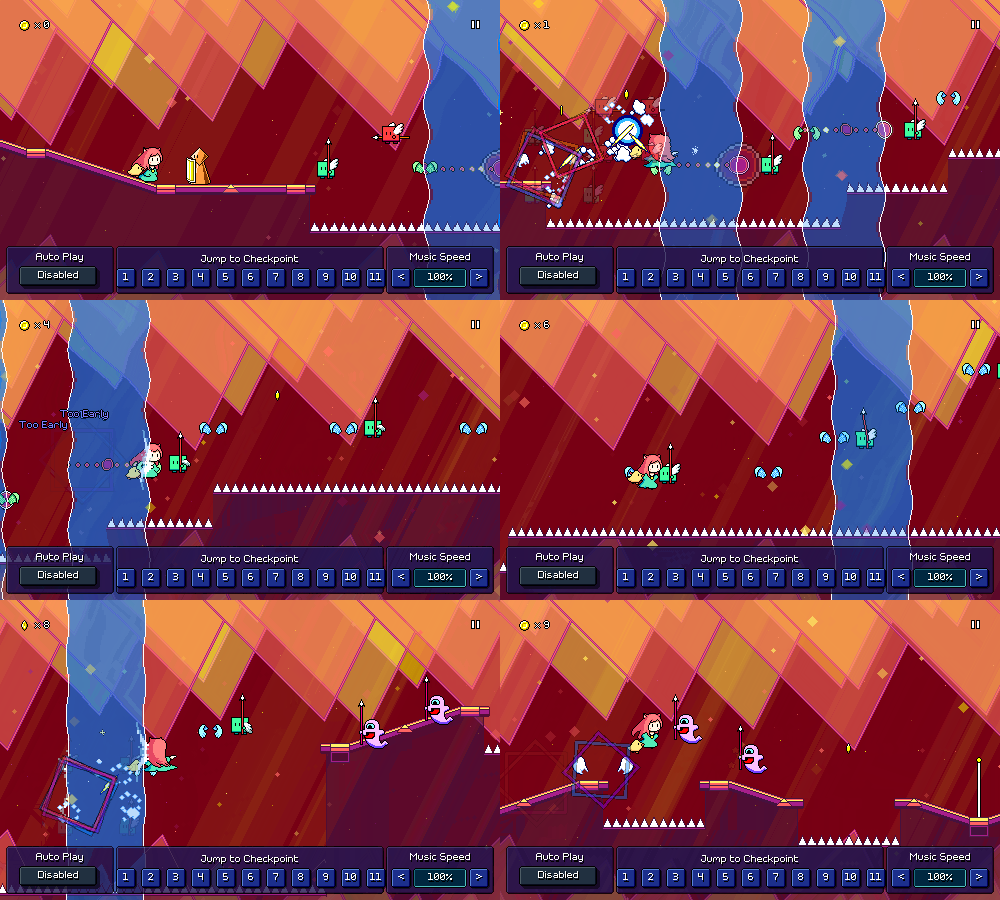
The music keeps playing even during this pause (trust me, it would be wayyy too complex to try and pause the music and reschedule it on the fly), so after you make the input, the scrolling tries to speed up to "catch back up" to the music.
The end result is actually pretty cool! If you aren't missing any inputs, then the track freezing doesn't kick in at all and you just play normally. But if you miss some notes or press something too late, you'll be able to just correct it on the fly and have the music keep playing instead of having to restart the section.
[h2]Life...[/h2]
...happens. I'm happy that I was able to put together a progress update for y'all this month, but I honestly wasn't sure it was going to happen as I had some tough stuff that I had to handle in my personal life over the past weeks. This is kinda just the way that things go (I'm a normal human being just like the rest of you), but it's also kind of tough to account for the in the grand scheme of things.
Now that we're at the end of June, 2024 is officially halfway over! (gulp) Looking back over the past six months, it seems like I mainly worked on a bunch of bonus levels and custom level import/publish flows, but there were also some other great features added such as the companions, plus the eighth-note ghosts (a new core mechanic!). If we're being totally realistic, it's probably inevitable that I won't be able to do a full release by the end of the year =(...but part of me wants to keep that deadline fixed because I think it's good to have a goal to shoot for!
Honestly, though, I've always been in "marathon mode" for this project -- as long as I'm continuing to progress forward at a steady pace, that's going to be considered a success for me. Hopefully seeing more and more levels and features is also enjoyable for you guys, even though I know y'all just want to hurry up and play the game already. I guess part of the reason I wanted to call out the whole "real life" stuff is that recent events have reminded to step back a bit in terms of perspective on what is important to me. At the end of the day, as much as I wish I could say that releasing Rhythm Quest is going to be something that brings lasting happiness into my life, it kind of isn't, in the grand scheme of things.
...which is not to say that it's not important to me or that I won't keep working on it! I'm still having fun working on the project and every now and then (usually when I'm charting new levels) I'm reminded of just how fun the gameplay actually is, and of COURSE I'm going to finish it, guys, I'm very committed to that. But at the same time, it's something I'm trying not to get too worked up about, because it's only one part of my life. I hope whoever ends up reading this will also keep in mind what the "the real important stuff" is as they go through their day to day struggles and efforts.
Anyways, personal segment over, I'll see you back here next month with some more updates!
[previewyoutube][/previewyoutube]
[h2]Mozart[/h2]
The two Mozart pieces that I added are the first (Allegro) movements from Piano Sonata No. 16 in C Major, K. 545, and Eine kleine Nachtmusik (Serenade No. 13 for strings in G Major), K. 525. (whew, that was a mouthful)
Various classical pieces have been featured in other games (see: Pop'n Music, Taiko no Tatsujin, etc etc) and I wanted to see how they might work in Rhythm Quest too (given that I could find some public domain recordings or simply take a MIDI arrangement and create my own).
Overall, they're pretty energetic and make for a fun playthrough! The rhythms aren't necessarily perfect for charting in the Rhythm Quest system, but they work well enough and there are a few phrases that came out particularly nice-feeling. The trickiest part about charting them was making sure that for all of the repeated sections were charted slightly differently so that it doesn't get stale. I don't want to just have the exact same sequence repeated a bunch of times over and over again! (looking at you, Rock Band...)
Probably the best aspect of these songs is that they're pretty widely known to a general audience, so that factor of "hey, I know this song!" is nice to have. Perhaps I can look into some other public domain compositions in the future...
[h2]Song of the Sea (Expert Mix)[/h2]
Like with "Beneath the Surface", this one is at a slower tempo of 90 BPM (the two are very similar actually), so I wanted to focus on more complex rhythms in the chart, including 16th note patterns!
In the above gif you can see a couple different trickier rhythms being used. The sixteenth-note flying enemy patterns are something that I haven't actually used in the main game (yet??), as I've only done that grouping in the middle of a water zone. However, it's actually quite easy to read once you're familiar with it, so that might end up showing up in World 6 at some point (?).
The trickier patterns is the one with the yellow ghost intermixed with red basic enemies. Fortunately, the tempo is slow enough here that even if you're just visually reacting to the spacing, you can kind of get it even if you don't parse it ahead of time. It's very satisfying to hit, though! This makes me think that maybe when I work on level 6-3, it should be one that's at a slow tempo like this, so that I can introduce some (maybe not all) of these more complex rhythms.
One last note is that currently these types of 16th-note based patterns are impossible to create in the level editor, which obviously isn't ideal given that they're actually quite fun to work with when used tastefully. I'll have to make a note to see if I can add a setting for snapping to 16th-note placements, which I'm sure will also involve a bunch of work on validation and bugfixing, haha...
[h2]Assist Features[/h2]
Feature-wise, I've actually been doing a bunch of work on game assists -- functionality to make the game temporarily (or permanently) easier, for players who are struggling or get stuck on a certain song but want to continue to progress.
First off, I've added a dialog that shows up if you fail the same section of a track enough times (currently, after your 30th attempt). Because this is an unexpected prompt that happens in the middle of gameplay (I try to avoid those!), I made sure to fade it in and disallow input during the fade, to prevent you from accidentally selecting something without having the chance to read the prompt.
One of the options here is a "track preview" feature, inspired by the "binoculars" in Celeste, which let you view upcoming sections of the level in case you want to get them into your head and see what's coming up:
There's also "practice mode" (UI still being worked on) which will let you repeatedly practice the current section on the fly (while controlling the speed, etc.) until you're ready to attempt it for real. "Temporary cheats" just contains settings for slowing down the music speed, lengthening timing windows, and enabling autoplay, but they automatically disable themselves once you reach the next checkpoint.
[h2]Track Freezing[/h2]
The new assist feature that I've just developed is something I'm calling "track freezing". When this is enabled, the level scrolling will automatically pause and wait for you to make the correct input, if you haven't already done it in time:
The music keeps playing even during this pause (trust me, it would be wayyy too complex to try and pause the music and reschedule it on the fly), so after you make the input, the scrolling tries to speed up to "catch back up" to the music.
The end result is actually pretty cool! If you aren't missing any inputs, then the track freezing doesn't kick in at all and you just play normally. But if you miss some notes or press something too late, you'll be able to just correct it on the fly and have the music keep playing instead of having to restart the section.
[h2]Life...[/h2]
...happens. I'm happy that I was able to put together a progress update for y'all this month, but I honestly wasn't sure it was going to happen as I had some tough stuff that I had to handle in my personal life over the past weeks. This is kinda just the way that things go (I'm a normal human being just like the rest of you), but it's also kind of tough to account for the in the grand scheme of things.
Now that we're at the end of June, 2024 is officially halfway over! (gulp) Looking back over the past six months, it seems like I mainly worked on a bunch of bonus levels and custom level import/publish flows, but there were also some other great features added such as the companions, plus the eighth-note ghosts (a new core mechanic!). If we're being totally realistic, it's probably inevitable that I won't be able to do a full release by the end of the year =(...but part of me wants to keep that deadline fixed because I think it's good to have a goal to shoot for!
Honestly, though, I've always been in "marathon mode" for this project -- as long as I'm continuing to progress forward at a steady pace, that's going to be considered a success for me. Hopefully seeing more and more levels and features is also enjoyable for you guys, even though I know y'all just want to hurry up and play the game already. I guess part of the reason I wanted to call out the whole "real life" stuff is that recent events have reminded to step back a bit in terms of perspective on what is important to me. At the end of the day, as much as I wish I could say that releasing Rhythm Quest is going to be something that brings lasting happiness into my life, it kind of isn't, in the grand scheme of things.
...which is not to say that it's not important to me or that I won't keep working on it! I'm still having fun working on the project and every now and then (usually when I'm charting new levels) I'm reminded of just how fun the gameplay actually is, and of COURSE I'm going to finish it, guys, I'm very committed to that. But at the same time, it's something I'm trying not to get too worked up about, because it's only one part of my life. I hope whoever ends up reading this will also keep in mind what the "the real important stuff" is as they go through their day to day struggles and efforts.
Anyways, personal segment over, I'll see you back here next month with some more updates!