Hello Everyone,
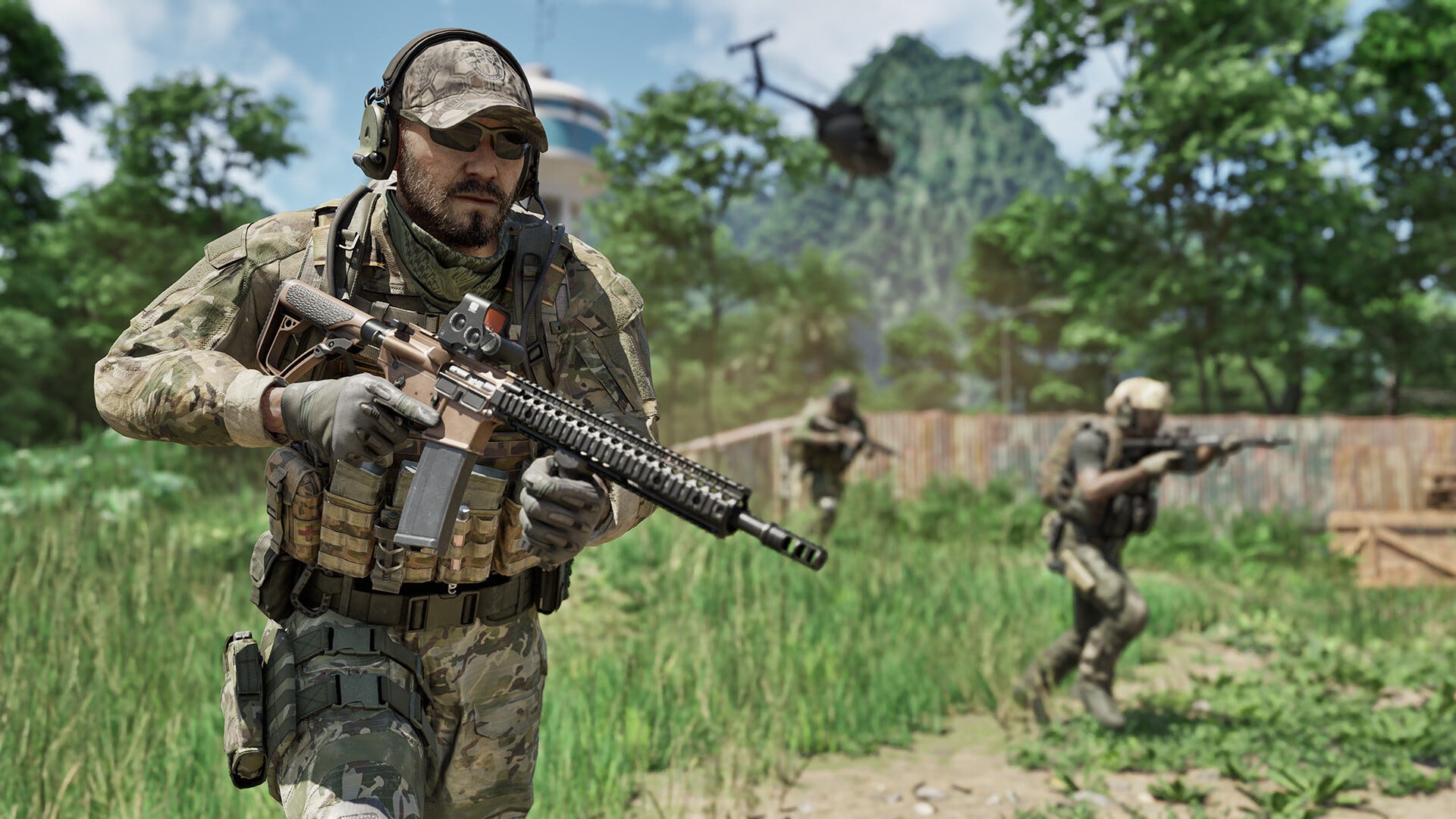
We are thrilled that so many of you have joined us in Lamang to operate in Gray Zone Warfare! It means the world to us! We are fully dedicated to providing you with as seamless an experience as possible, though please be aware that the game is still in early access development. We will continuously improve the game with each update, and the first one is already underway.
In the meantime, here is some guidance that might help with the most frequently mentioned issues.

[h3]GET THE BEST LATENCY[/h3]
Before deployment, please select the region that best corresponds to your location.
[h3]LOWER THE WAITING QUEUE[/h3]
Please just consider switching to a different region if you encounter long wait times in the queue. However, please keep in mind that this could result in higher latency. You might also consider choosing LRI (LAMANG RECOVERY INITIATIVE) as your faction since it is currently less populated. However, please be aware that once you select this faction, you must stick with it until the next game reset.
[h3]GET THE BEST PERFORMANCE[/h3]
GPU (All manufactures)Please install the latest drivers for your graphic card.
Nvidia: https://www.nvidia.com/download/index.aspx
AMD: https://www.amd.com/en/support/download/drivers.html
Intel: https://www.intel.com/content/www/us/en/download-center/home.htmlNVidia Graphics CardsApart from the quality settings level, those are the best settings for smooth performance:
- For older Graphic cards (30xx and lower) with lower performance, use FSR with Frame Generation On and Super Resolution Performance or Balanced (Options / Graphics / Anti-Aliasing - Upscaling Method)
- For the NVidia RTX 40xx series cards, use DLSS setup for best performance (Options / Graphics / Anti-Aliasing - Upscaling Method - DLSS)
- For the NVidia RTX 40xx series, use the Toggle on Hardware-accelerated GPU scheduling at 'Windows Display Settings- after enabling/restarting the PC. The frame gen feature will be enabled in the game (Options / Graphics / DLSS Frame Generation)
AMD Graphics Cards
- For AMD graphic cards, use FSR setup for best performance (Options / Graphics / Anti-Aliasing - Upscaling Method - FSR)
- For boosting performance further, use Frame Generation On and Super Resolution on settings which provide the best balance performance/image quality (Options / Graphics / Fidelity FX Frame Generation + Fidelity FX Super Resolution)
Intel Graphics Cards
- For Intel graphic cards, use XeSS setup for best performance (Options / Graphics / Anti-Aliasing - Upscaling Method - XeSS)
[h3]HOW TO "FIX" FRAMERATE STUTTERING[/h3]
Frame rate stuttering may occur during initial gameplay, including short frame lags when visiting some locations for the first time. In rare cases, those using weaker GPUs may experience longer stutters. Please be patient and do not close the game; it will stabilize, and performance should improve.
Thanks for being with us.
Every Move Matters,
- MADFINGER Games Team
[h3]
GZW NEWSLETTER[/h3]
If you haven't signed up yet, you're missing out! Go
HERE to sign up now!
What To Expect:
✅Latest #GrayZoneWarfare updates
✅Monthly Exclusive Dev. Interview
✅Creator's Corner: Highlighting top GZW videos by talented content creators
✅Fans Spotlight: Showcasing fan reactions of the month
Follow us on our socials for more updates and content:
Discord
GZW Twitter
Facebook
Instagram
YouTube
TikTok
Reddit