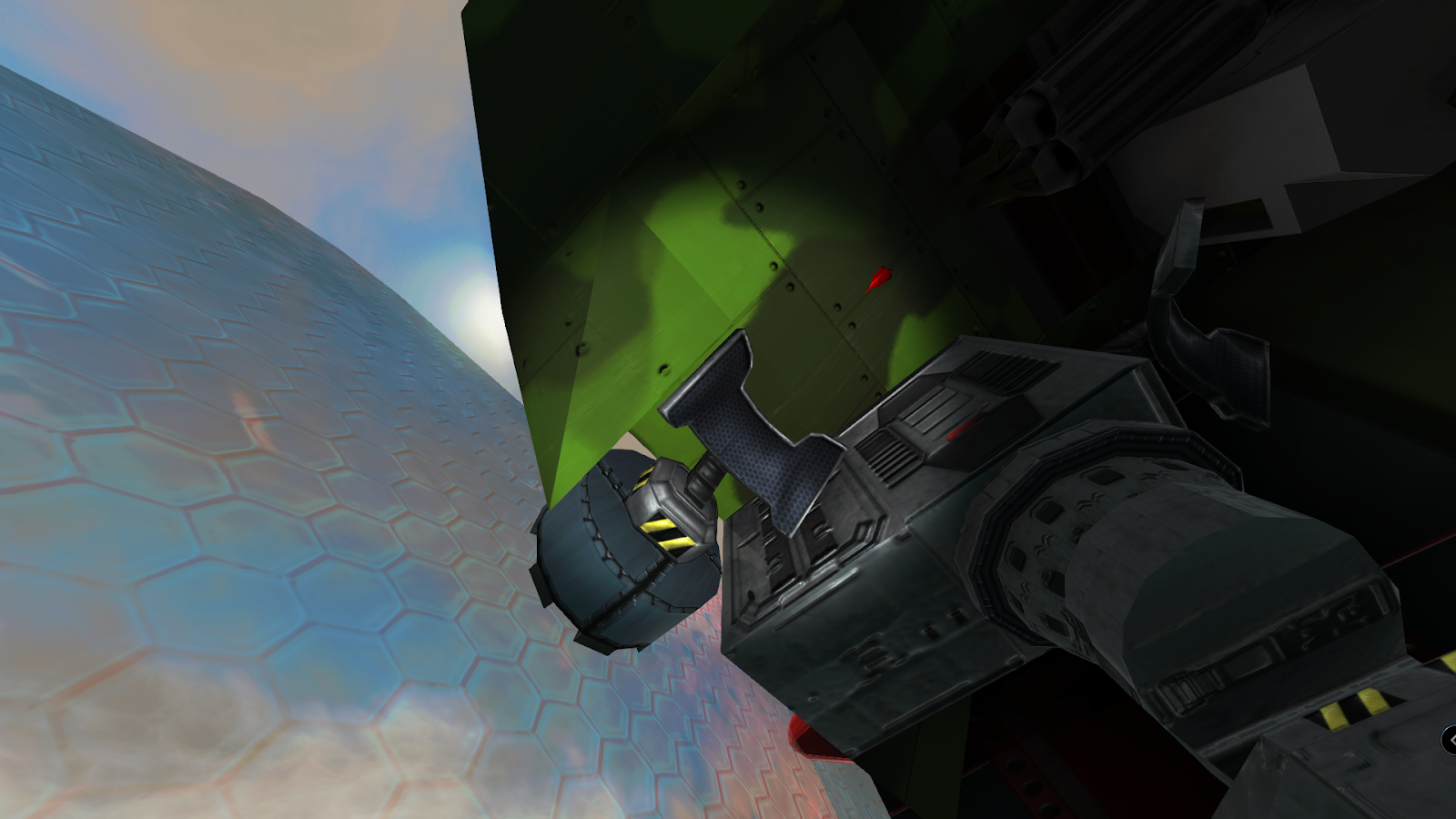
Beta 3.1.2
What is up Depthians!
We listened to the feedback from 3.1.0 and put in this feature to help people build more freely.
This allows more freedom than ever before to plan out a build with a rough blueprint of disconnected pieces and then connect it all later. Pressing backspace in build mode de-activates the connection checks. You can then place anything literally anywhere. The connection checks will re-activate if you have been out of build mode for 30 seconds, or if a block is killed by hostile fire. You can save the vehicle with connection checks de-activated so that you can continue your disconnected building over several play sessions or save points.
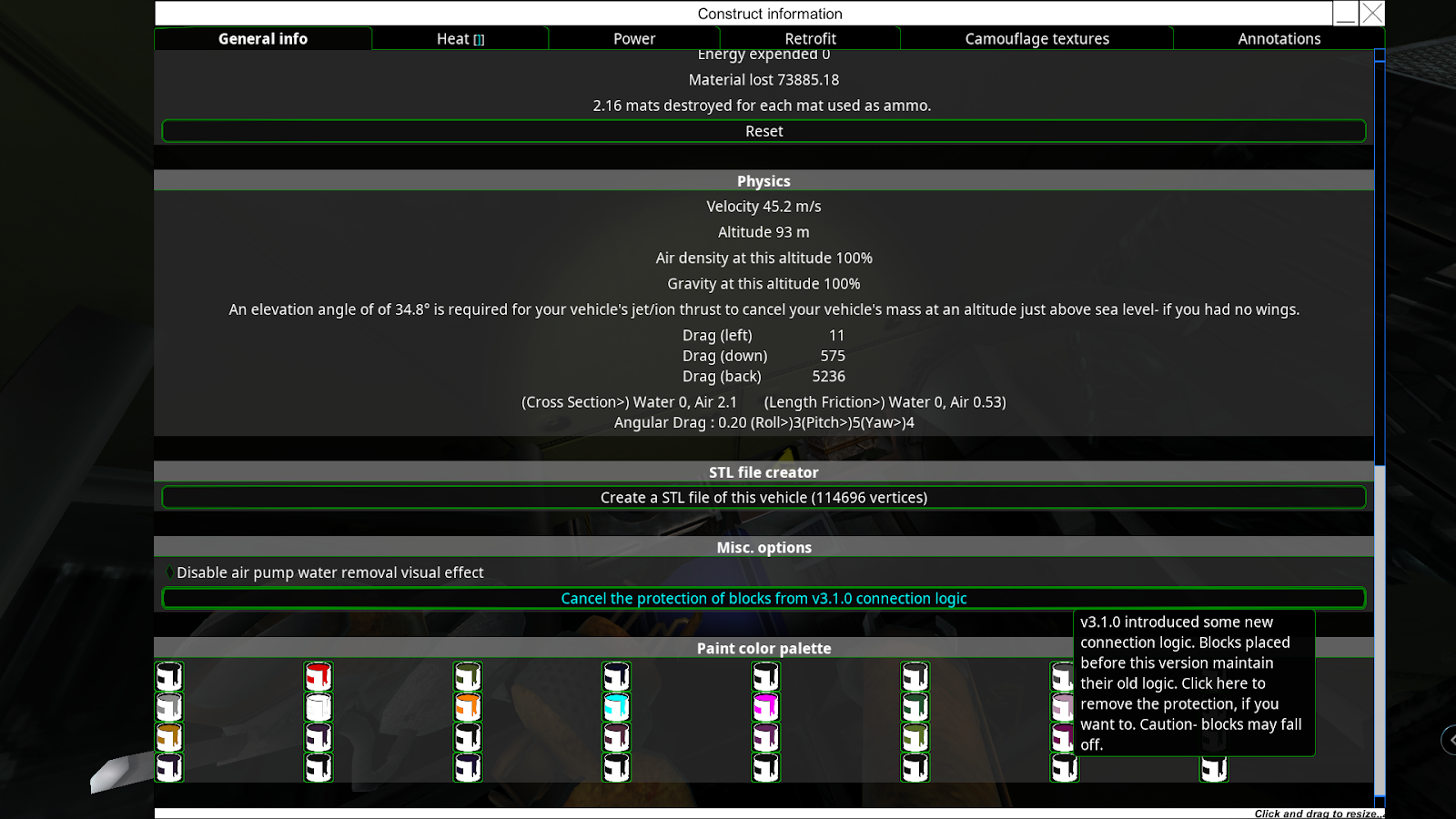
The change also makes it so that the first disconnection check when a vehicle is loaded will not make blocks fall off but will simply mark them with a warning so that the player can enter build mode, disable connectivity checks, and fix the issues so that the parts never fall out. That change has been made so that we can be a bit more liberal with tidying up the connection logic of some blocks but not create a nightmare situation where the vehicle is loaded and then immediately just falls apart. Note carefully that many of the changes in the change list are for removing the connection surfaces of blocks so that in 3.1.1 some unlucky people are going to have a few designs that need to use this feature to save a few blocks from falling off.
We have also changed the way munition/laser warners and signal jammers work. They no longer need to be connected to the AI and the reason for this is that none of those parts made any usage of the AI mainframe as the munition warning manager and laser warning manager is specific to the vehicle, not an AI mainframe, so they have no reason to be coupled to an AI mainframe any more.
This allows player controlled vehicles without AI to make proper use of all countermeasures ( flare dispensers, interceptors and smoke, etc)".
I thought I should leave some basic instructions / demonstration in regards to the connection check, how to turn on off and what you should keep an eye on.
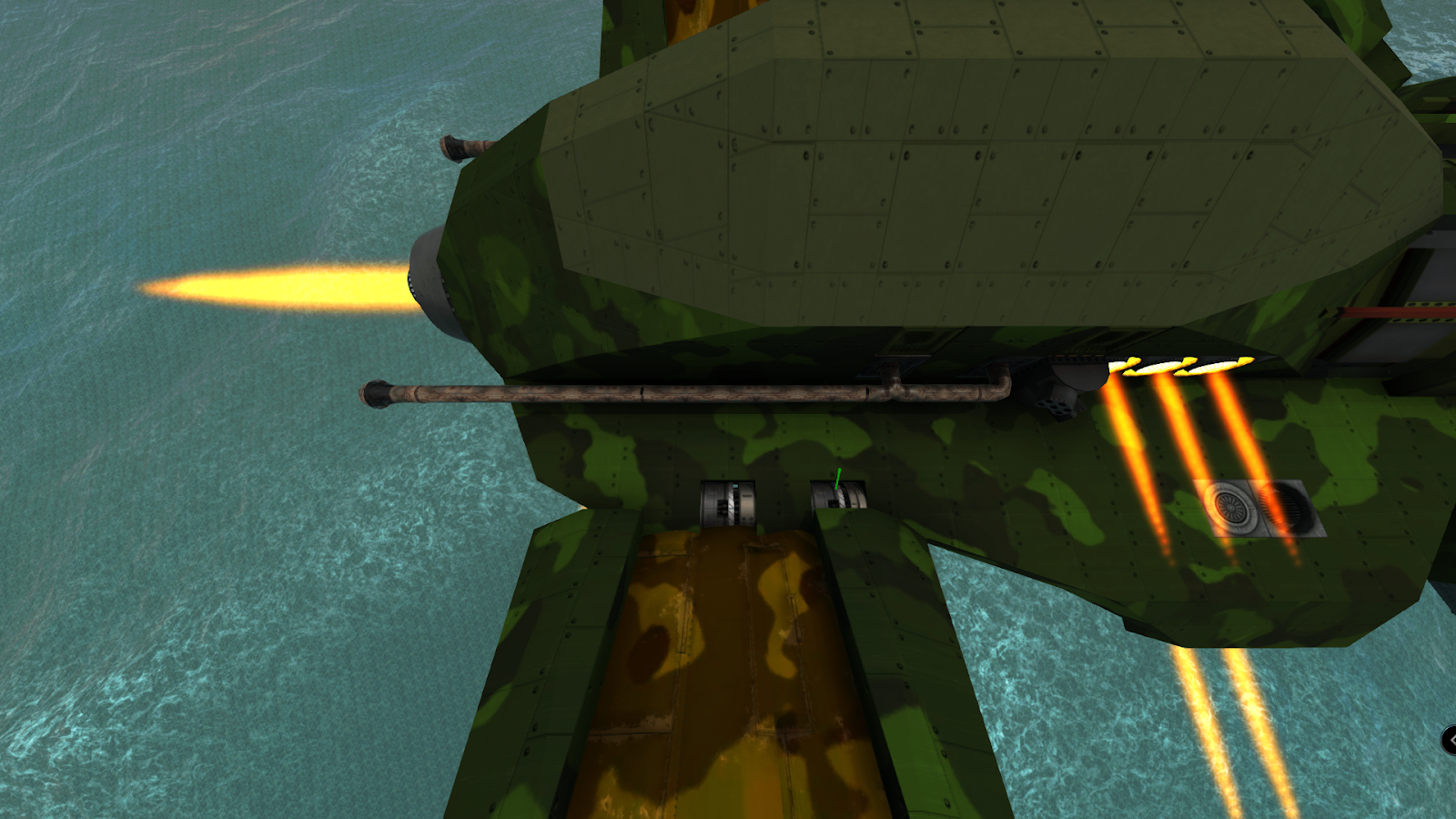
When you load up the designer mode, by default the connection check and rules are in place and therefore you would not be able to place blocks like the following pic.

In order to deactivate the connection rules, you will need to press "Backspace".
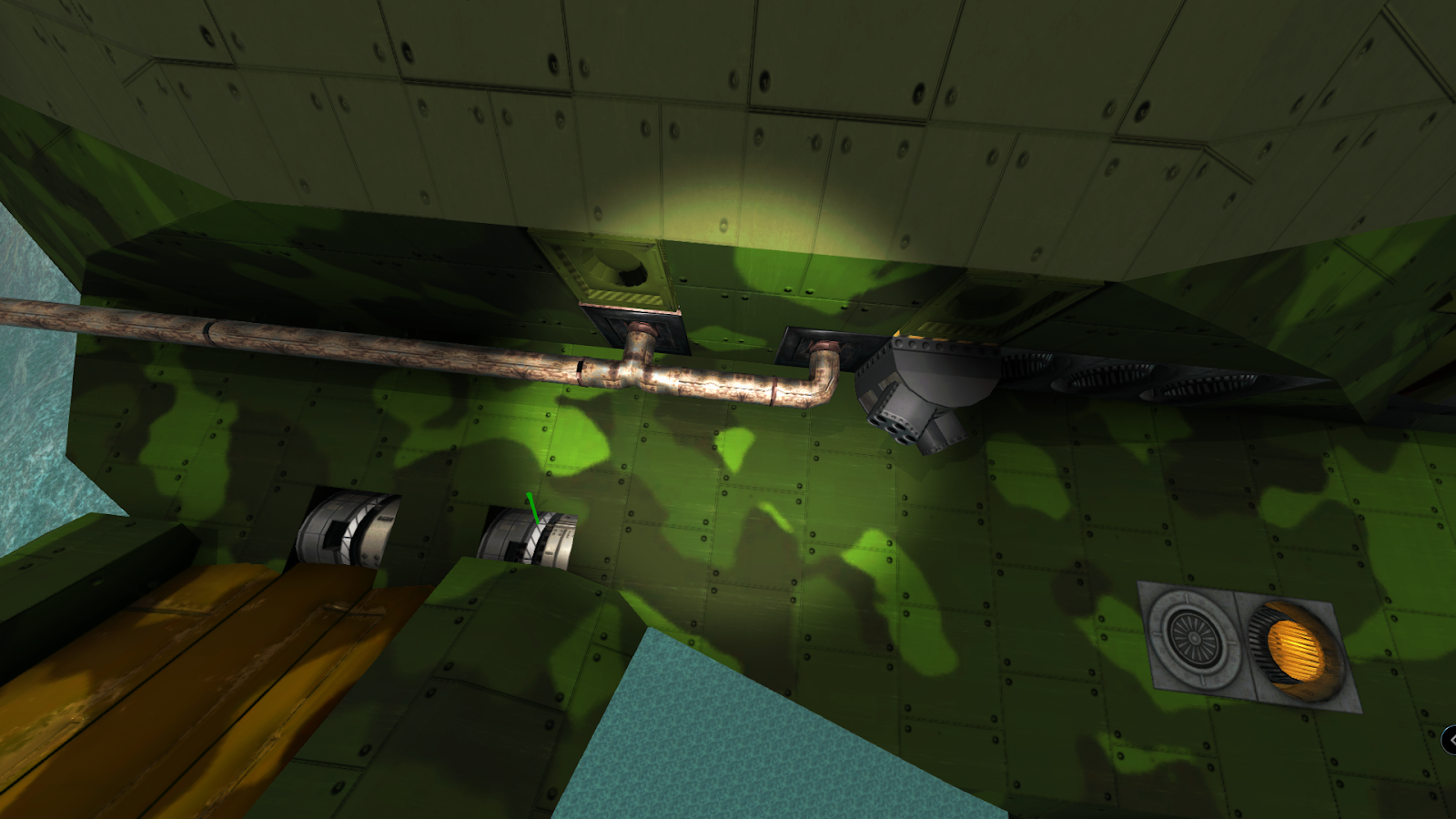
Anything you place that is not allowed, due to the connection rules would be coloured in Magenta and you will also see a warning to the left of your screen.

Once you reactivate the connection rules and you still have something connected that would potentially fall off, you will be warned.

If you come out of build mode, you will notice a timer indicating that the connection rules will be reactivated in X seconds and when it reactivates the Magenta coloured blocks will fall off, unless you pop back into build mode.

[h2]Additions[/h2]
[h3]Connections[/h3]
[h3]Missiles[/h3]
[h2]Changes[/h2]
[h3]AI[/h3]
[h3]APS[/h3]
[h3]Connections[/h3]
[h3]Decoration[/h3]
[h3]Defenses[/h3]
[h3]Laser[/h3]
[h3]Missile[/h3]
[h3]Prefabs[/h3]
[h3]Steam[/h3]
[h3]Tooltip[/h3]
[h2]Fixes[/h2]
[h3]AI[/h3]
[h3]APS[/h3]
[h3]Decoration[/h3]
[h3]Gridcasts[/h3]
[h3]Multiplayer[/h3]
[h3]Steam[/h3]
We listened to the feedback from 3.1.0 and put in this feature to help people build more freely.
This allows more freedom than ever before to plan out a build with a rough blueprint of disconnected pieces and then connect it all later. Pressing backspace in build mode de-activates the connection checks. You can then place anything literally anywhere. The connection checks will re-activate if you have been out of build mode for 30 seconds, or if a block is killed by hostile fire. You can save the vehicle with connection checks de-activated so that you can continue your disconnected building over several play sessions or save points.
The change also makes it so that the first disconnection check when a vehicle is loaded will not make blocks fall off but will simply mark them with a warning so that the player can enter build mode, disable connectivity checks, and fix the issues so that the parts never fall out. That change has been made so that we can be a bit more liberal with tidying up the connection logic of some blocks but not create a nightmare situation where the vehicle is loaded and then immediately just falls apart. Note carefully that many of the changes in the change list are for removing the connection surfaces of blocks so that in 3.1.1 some unlucky people are going to have a few designs that need to use this feature to save a few blocks from falling off.
We have also changed the way munition/laser warners and signal jammers work. They no longer need to be connected to the AI and the reason for this is that none of those parts made any usage of the AI mainframe as the munition warning manager and laser warning manager is specific to the vehicle, not an AI mainframe, so they have no reason to be coupled to an AI mainframe any more.
This allows player controlled vehicles without AI to make proper use of all countermeasures ( flare dispensers, interceptors and smoke, etc)".
I thought I should leave some basic instructions / demonstration in regards to the connection check, how to turn on off and what you should keep an eye on.
When you load up the designer mode, by default the connection check and rules are in place and therefore you would not be able to place blocks like the following pic.
In order to deactivate the connection rules, you will need to press "Backspace".
Anything you place that is not allowed, due to the connection rules would be coloured in Magenta and you will also see a warning to the left of your screen.
Once you reactivate the connection rules and you still have something connected that would potentially fall off, you will be warned.
If you come out of build mode, you will notice a timer indicating that the connection rules will be reactivated in X seconds and when it reactivates the Magenta coloured blocks will fall off, unless you pop back into build mode.
Changelog
[h2]Additions[/h2]
[h3]Connections[/h3]
- Connection logic is reapplied if a block is killed by damage, or if no one is in build mode on the vehicle for 60 seconds
- If you press backspace in build mode you can disable the connection logic and build freely (even in open space away from any other block).
- The disabling of connection logic can be saved/loaded with the vehicle allowing you to continue building on disconnected vehicles over several play sessions or save/loads or play/pulls
[h3]Missiles[/h3]
- Huge missiles have been added in
[h2]Changes[/h2]
[h3]AI[/h3]
- Changed adjustments so that the max altitude can go to 2000 from 1000.
- Changed hover above so that the max altitude can go to 2000 from 1000.
- Flag post is no longer part of the AI subsystem- just a free-standing block now
- Increased AI wireless channel count from 1 empty + 4 usable to 1 + 9
[h3]APS[/h3]
- Reduced HEAT/HESH damage against non-structural blocks without a gap before them. Closer to, but still very slightly higher than the total damage against blocks after a gap
[h3]Connections[/h3]
- 16 pdr cannon - Changed - Attaches on 4 sides from 1.
- 30mm assault cannon - Changed - Attaches on 2 sides from 1.
- 32 pdr swivel gun - Changed - Attaches on 4 sides from 1.
- AI bread board - Changed - Attaches on 1 side from 6.
- Ammo controller - Changed - Attaches on 5 sides from 6.
- Ammo customizer 1 module - Changed - Attaches on 5 sides from 6.
- Ammo customizer 2 modules - Changed - Attaches on 5 sides from 6.
- Ammo customizer 4 modules - Changed - Attaches on 5 sides from 6.
- Ammo ejector - Changed - Attaches on 1 side from 6.
- Ammo ejector backwards - Changed - Attaches on 1 side from 6.
- Camera 90 - Changed - Attaches on 5 sides from 1.
- Control terminal - Changed - Attaches on 4 sides from 5.
- Frequency doubler - Changed - Attaches on 2 sides from 6.
- Gauge increase corner - Changed - Attaches on 4 sides from 6.
- Heat decoy - Changed - Attaches on 5 sides from 6.
- Interface screen - Changed - Attaches on 5 sides from 1.
- Invisible gantries - Changed - Attaches on 3 sides from 6.
- LAMS node - Changed - Attaches on 5 sides from 1.
- Large crank motor - Changed - Attaches on 4 from 6.
- Large radiator - Changed - Attaches on 6 sides from 5.
- Large rail gantry - Changed - Attaches on 3 sides from 6.
- Large rail launcher - Changed - Attaches on 3 sides from 6.
- Laser - Changed - Attaches on 5 sides from 1.
- Laser cutter - Changed - Attaches on 1 side from 6.
- Laser destabiliser - Changed - Attaches on 2 sides from 6.
- Medium crank motor - Changed - Attaches on 3 from 6.
- Medium rail gantry - Changed - Attaches on 3 sides from 6.
- Medium rail launcher - Changed - Attaches on 3 sides from 6.
- Medium transmission - Changed - Attaches on 3 faces.
- Moving light - Changed - 5 sides from 6.
- Neon Light - Changed - 5 sides from 6.
- Non - AI breadboard - Changed - Attaches on 1 side from 6.
- Particle tube corner - Changed - Attaches on 4 sides from 6.
- Particle tube terminator - Attaches on 1 side from 6.
- Radar decoy - Changed - Attaches on 5 sides from 6.
- Radiator - Changed - Attaches on 6 sides from 5.
- Railgun charger - Changed - Attaches on 2 sides from 6.
- Sail Main Block(Square Rig!) - Changed - Attaches on 4 sides from 3.
- Signpost - Changed - Attaches on 4 sides from 1. I don't think this would do any harm.
- Signpost (long) - Changed- Attaches on 4 sides from 1. I don't think this would do any harm.
- Single input cavity - Changed - Attaches on 5 sides from 6.
- Small crank motor - Changed - Attaches on 3 from 6.
- Small rail gantry - Changed - Attaches on 3 sides from 6.
- Small rail launcher - Changed - Attaches on 3 sides from 6.
- Small single rail gantry - Changed - Attaches on 3 sides from 6.
- Small single rail launcher - Changed - Attaches on 3 sides from 6.
- Small steam controller - Changed - Attaches on 1 face.
- Switch - Changed - Attaches on 5 sides from 1.
- Text screen - Changed - Attaches on 5 sides from 1.
- The following connection changes are based on community feedback and a review of that. Sail Main Block - Changed - Attaches on 4 sides from 3.
- Warp charger (2m) - Changed - Attaches on 6 from 2.
- Wireless camera - Changed - Attaches on 5 sides from 1.
[h3]Decoration[/h3]
- Changed ammo processor prop cost from 300 to 3. Collectors are up in arms at the devaluation
[h3]Defenses[/h3]
- Munition warners, laser warners, smoke dispensers and signal jammers now aren't AI components and do not need a mainframe connection
[h3]Laser[/h3]
- If a laser has an output regulator its sliders are at the top of the stats tab
- Laser cavities and transceivers use the multipurpose laser's tooltip
- Laser optics use their combiner's Q menu stats UI
- Laser parts use their multipurpose laser's Q menu stats UI
- Multipurpose laser block got a stats UI, accessible from the Q menu
[h3]Missile[/h3]
- Harpoon cable thickness scales with missile size
- Signal processors now reduce decoy strength to 4-40% for all sizes
- Summary: decoys are better for smaller designs, multiple smaller decoys are stronger and missiles without processors are more usable
- Target simulator and flare base strength reduced from 2500 to 1600
- Target simulator and flare strength scales with surface, instead of volume. Means S decoys are 2x as strong as before, L 1/2
- Target simulators add 1/10 of their signal strength to the missile's passive detection range (sonar only underwater, IR/radar only above)
[h3]Prefabs[/h3]
- Added new simple prefabs where appropriate. Removed some fuel engine examples.
- Removed hull prefabs from the build menu as we plan to change how this works.
[h3]Steam[/h3]
- Added ACB control for steam valves
[h3]Tooltip[/h3]
- Repair tentacle tooltip now no longer mentions player skills.
[h2]Fixes[/h2]
[h3]AI[/h3]
- [BUGS-2789] Added control module descriptions and fixed out of date tooltips for the manoeuvre hover routine
[h3]APS[/h3]
- Fixed some setups of turreted 0 gunpowder railguns firing twice in 1 frame under AI control
[h3]Decoration[/h3]
- Changed position of the fuel processor prop. It was overlapping crystal trays.
[h3]Gridcasts[/h3]
- Fixed another old Gridcast problem, mostly noticeable when lasers jump through the firing construct's own blocks without damaging them
[h3]Multiplayer[/h3]
- Fill operations in multiplayer depended on the orientation of the host camera, not the client trying to do the fill. Fixed now.
[h3]Steam[/h3]
- Fixed a pressure loss problem in closed-loop systems
- Fixed some valve setups not properly discovering the full pipe network
- Improved stat over time accuracy