Escape from Duckov News

2 Million Ducklings in Duckov - THANK YOU!
[p]2 million ducklings are now waddling through Duckov![/p][p][/p][p]A massive thank you to every player & our amazing MOD creators who helped build this incredible[/p][p]community![/p]
Duckov Mod Safety Tips
[p]We’ve noticed a recent increase in mod-related issues, including:[/p][p]❌ Unstable mods that can corrupt game data or save files
❌ Suspicious or fake mods that may threaten your account security or privacy[/p][p]To help you mod safely, we’ve put together this Mod Safety Tips.
Please take a moment to read through these tips — your game (and your ducks) will thank you![/p][p][/p][h2]Downloading Mods — Stay Smart, Stay Safe[/h2][p]✅ Verify the Source[/p]
Stay curious, stay creative, and keep those ducks safe 🦆🛡💚[/p]
❌ Suspicious or fake mods that may threaten your account security or privacy[/p][p]To help you mod safely, we’ve put together this Mod Safety Tips.
Please take a moment to read through these tips — your game (and your ducks) will thank you![/p][p][/p][h2]Downloading Mods — Stay Smart, Stay Safe[/h2][p]✅ Verify the Source[/p]
- [p]Stick to trusted platforms like the Steam Workshop or well-known, reputable third-party mod sites.[/p]
- [p]Avoid unofficial or suspicious file-sharing websites with no clear reputation or moderation.[/p]
- [p]Mods are meant to be freely shared by the community.[/p]
- [p]If a mod asks for payment, it’s very likely suspicious or scammy — do not download it.[/p][p][/p]
- [p]High download counts and active user comments usually mean better quality and fewer risks.[/p]
- [p]Be cautious with obscure or rarely downloaded mods with little to no community feedback.[/p]
- [p]Always back up your game save files before installing any mods.[/p]
- [p]This helps prevent permanent loss of progress if something goes wrong.[/p]
- [p]If a mod requires extraction or installation outside the game, scan the files with antivirus software first.[/p]
- [p]This helps protect your system from malware or viruses disguised as mods.[/p]
- [p]Default Mod Folder Path:
\[Escape From Duckov Installation Directory]\\Duckov_Data\\Mods[/p] - [p]For Steam Workshop Mods:
Go to Your Files → Subscribed Items → Click Unsubscribe to remove them completely.[/p] - [p]Workshop Folder Path:[/p][p]\[Steam Installation Directory]\\steamapps\\workshop\\content\\3167020[/p]
- [p]Each Workshop mod folder has a numeric name — that’s its Steam Workshop ID.[/p]
- [p]To view the mod’s page: Copy the folder name (the ID number) and then Paste it into this link:[/p][p]https://steamcommunity.com/sharedfiles/filedetails/?id= (Paste the ID at the end of the URL)[/p]
- [p]Enable one mod at a time to easily spot conflicts or issues.[/p]
- [p]Installing too many mods at once can make it hard to identify which one is causing problems.[/p][p][/p]
- [p]If you encounter a virus, scam, or suspicious file disguised as a mod, do not run it.[/p]
- [p]You can report the issue directly to us through official channels.
We’ll take quick action to protect the community from harmful content.[/p]
- [p]Reach out to us on Discord or via our support email if you find anything suspicious.[/p]
- [p]We’re here to help keep your Duckov experience fun, safe, and mod-friendly![/p][p][/p]
Stay curious, stay creative, and keep those ducks safe 🦆🛡💚[/p]
Escape From Duckov quacks past 300,000 concurrent players only 10 days after release
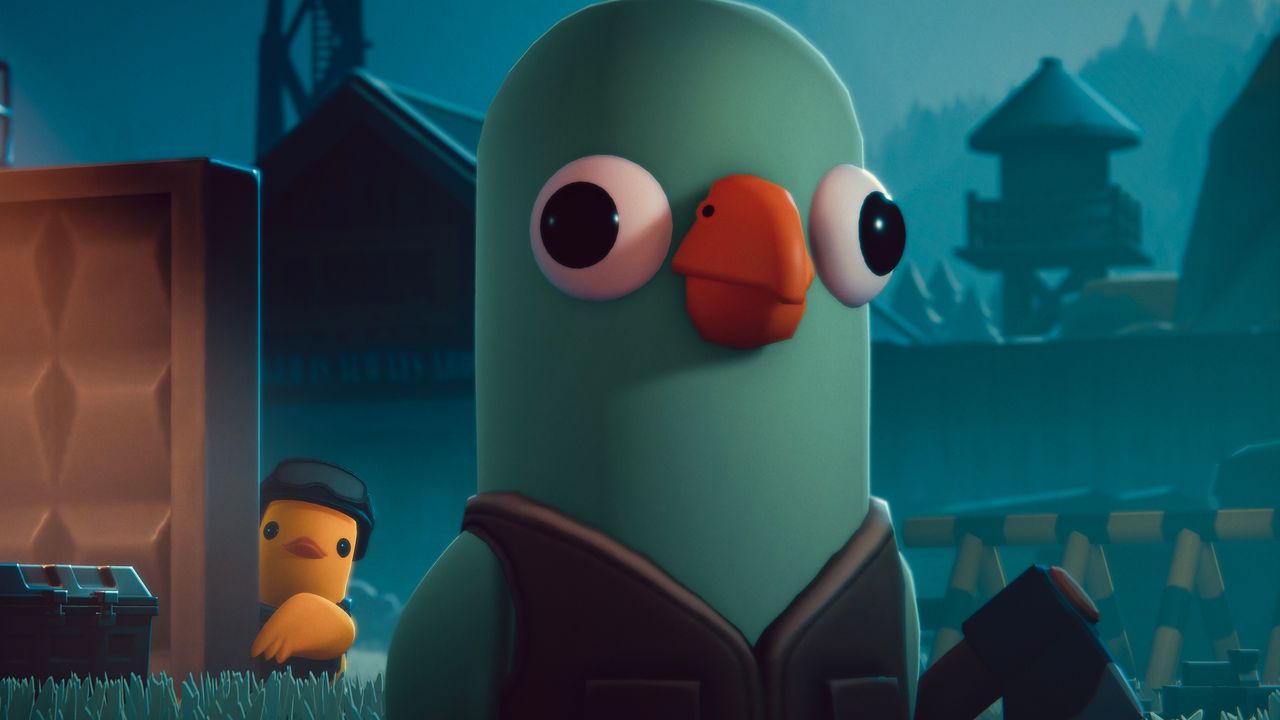
Escape From Duckov might look like a goofy riff on Escape From Tarkov, and that's because it is one. But it's also a righteous way to breathe in the extraction shooter hype without all the hardcore PvP, and players are flocking to give it a shot. Today on Oct. 26, that number hit a screaming high of over 300,000 simultaneous players, according to SteamDB...
Read more.
Escape From Duckov is the latest breakout Steam hit to owe its success to China
This week on Steam's top-played charts, the two new releases going neck-and-neck are Battlefield 6—no surprise there—and a top-down extraction shooter about ducks. Specifically, it's about shooting ducks as a duck. Normally my friend group would be buzzing about the meme game of the week, but it feels like I don't know anyone outside the PCG team who's actually playing Escape From Duckov...
Read more.