1. Jalopy
  2. News

Jalopy News

New Update Now Live - Stuttering Effect Solved

Hi everyone,

We have noticed a handful of reports from players saying they are experiencing what appears to be a stuttering effect in game. This looks visually like a low frame rate, however the game itself it running at a much higher frame rate.
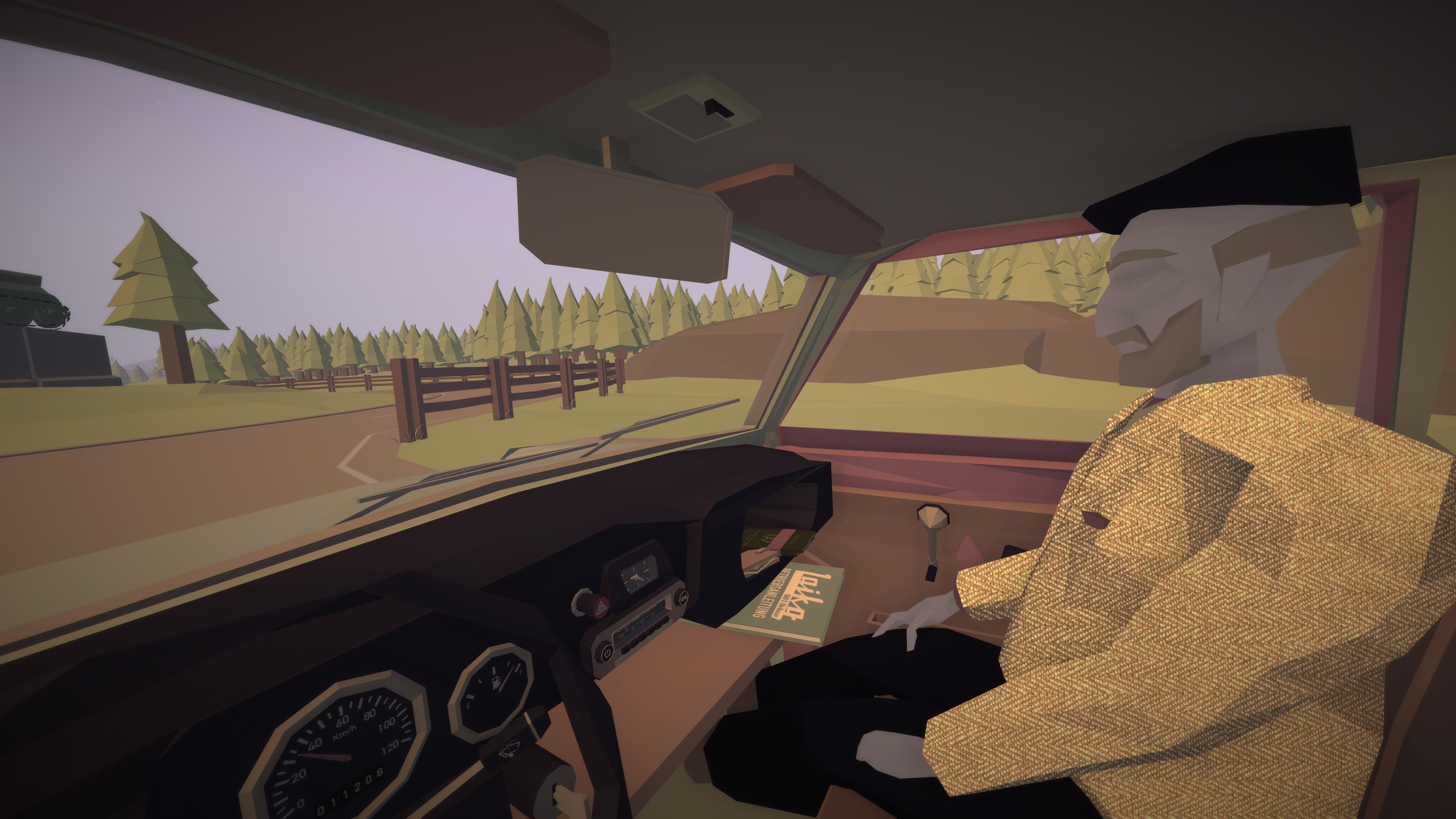


This issue is caused by a change in how often the physics system updates in the game - this was changed to help optimise the game further on lower end machines, but created a stuttering effect on higher end machines because of the difference between the physics update and the frame rate on screen.

To address this, the physics will now update much quicker in game and should remove stuttering effect.


We have also given the player the ability to further adjust how often this happens with launch options.

However this will make the mouse sensitivity much greater so this may need to be adjusted by the player in game.

Setting Launch Options


- Open your library and locate Jalopy
- Right Click on Jalopy and select "Properties"
- In the general tab, click on "Set Launch Options"
- type in -fixedTime 0.01
- This will trigger the physics at 100 times a second (100fps)

We have also adjusted the default launch options for the game.

The game no longer support opengl and DX11 also will be dropped from the default launch options as this was no longer being utilised.

In place of this you will find alternative launch options which are the following:

Play on low spec PC
Play on high spec PC

These options adjust the physics updates to optimise the game for different types of PCs.

If you have any issues or require further support.
Please email our team at [email protected]

Thanks,
The Jalopy Team
NEW PATCH NOW LIVE - v1.102 - Further Polish and Bug Fixes


Hello all,

We've just launched a new patch for Jalopy, which continues to enhance and polish the game. A new opening splash screen and a new language select screen have been introduced, while plenty of bugs have also been tackled.

We will continue to listen to all of your feedback, so please do let us know if you encounter any issues!


v1.102 Full Patch Notes
  • New splash screen
  • New Language select screen
  • Dubrovnik building spawning fixed
  • Placing decals in the boot will now correctly remove the preview which blocked access to the car
  • Applying decals should no longer block entering the car
  • Letenya Hub roads towards shops are no longer grass
  • Mirrors field of view adjusted to help with clipping and rendering issues
  • A popped tire will no longer ground your vehicle preventing it from moving
  • Cursor no longer disappears when talking to Uncle Lufti
  • Decal remover now works
  • Roundabout near Hungary adjusted to prevent AI pileups
  • Duplicate road at home garage removed
  • Mirrors should properly render ground (might affect performance, change quality settings if it does)
  • Braking power increased
  • All engine top speeds and acceleration modified
  • The moon is now visible
  • CSFR border fixed for returning journeys
  • Click back when adjusting key bindings in main menu will no longer soft lock the game
  • Item conditions no longer artificially increased when placed in trunk and hitting restart/return home
  • Waking up in Yugoslavia no longer has a 100% chance to rain
  • Fixed an issue with drop downs in menus not working correctly in all languages except English
  • New transitions between scenes


Thanks,
The Jalopy Team

Jalopy v1.1 Now Live!


Hello all,

Jalopy version 1.1 is now live! This brand new update, which has been in various stages of beta testing thanks to the Jalopy community, sees Jalopy upgraded to a more recent version of Unity, car physics reworked, loading times improved and various bugs fixed.

To mark the occasion, Jalopy is now on a 50% off sale until 28th April!

https://store.steampowered.com/app/446020/Jalopy__The_Road_Trip_Driving_Indie_Car_Game/

Jalopy Version 1.1 Highlights


  • Updated the game engine to a newer version of unity
  • Reworked vehicle physics
  • Fixed a host of older issues
  • Optimised route loading times
  • Optimised mirrors to reduce performance issues associated with these
  • Uncle should enter hotels better
  • Fixed issues with key remapping
  • Save backup feature


If you come across any issues, bugs, or save issues please contact the support team at [email protected] and provide save data where possible.

Save data can be found by doing the following:

- Press the windows key + R on your keyboard to open the run console
- Type %appdata%\..\locallow\MinskWorks\Jalopy
- You should then see your save folder here


Thanks,
The Jalopy Team

11th April 2019 Patch Now Live on Public Beta Branch

Hello all,

We've been listening carefully to your feedback on the latest update and have made some further changes ahead of the update's full launch.


If you are yet to try out the new updates on the Public Beta Branch, you can jump into today's update by following these instructions:

- Load up Steam and head to your library
- Right click on Jalopy and then select "Properties"
- Head to the Beta tab and in the drop down select "public_beta" (no password needed)
- This will then download the new update for you


11th April 2019 Patch Notes
  • Adjusted stiffness of car suspension
  • Adjusted braking distances
  • Fixed an issue with storage area not opening during tutorial
  • Able to correctly pick up items when dropped in garage
  • Car correctly shows dirt level of the car in the main menu
  • Items no longer disappear on restart/return home with the home garage
  • Fixed an issue with menu navigation with a controller
  • Car no longer uses fuel when engine is not running
  • Reticle and keybindings correctly save


On 18 April, Jalopy will be updated to the latest version for everybody.


Thanks,
The Jalopy Team

Jalopy Update Now Live on the Public Beta Branch

Hello everyone,

I'm excited to announce that Jalopy's March update is now live on the public beta branch! We're glad to be able to get the update out to you all today, and we are listening for feedback on further improvements.


Today's update sees Jalopy upgraded to a new version of Unity and introduces countless bug fixes. To access the new update, please follow these instructions:

- Load up Steam and head to your library
- Right click on Jalopy and then select "Properties"
- Head to the Beta tab and in the drop down select "public_beta" (no password needed)
- This will then download the new update for you


With Jalopy being rewritten for a new version of Unity, there will no doubt be a few teething issues (which is why we want to offer the update in beta before it goes to final).

As the save system has been rewritten, we recommend backing up your save before trying out the update beta, just incase.

To back up your saves...

- Press the windows key + R on your keyboard to open the run console
- Type in “%appdata%\..\locallow\MinskWorks\Jalopy” and click “ok”
- Highlight all current files, right click and select “send to” and then “compressed (zip) folder”
- Name this folder Save Backup


Please do make sure to offer your feedback on the Steam forums and to let us know if you run into any issues by emailing [email protected].

Thanks,
The Jalopy Team