Happy Holidays, Thieves!
'Tis the season for thievery. We bring you an big update before the big day. Check out the Changelog below for the details. Also as discussed we will be switching online mode to Steamworks API Network which means no more IP entering. Shouldn't be much longer as the connections and the gameplay are all synced up and just need to incorporate rules and structure back into the PvP mode; i.e. Lobbies, Role switching (owner/thief).
This biggest change in this update is the introduction to our House Creator. Hate our levels? Make your own, save it, then play it! It is very much in its beginning stages so I wouldn't be surprised if there are bugs and crashes but it is very functional in its current state. At the moment, we have not set up Workshop with the game but it is on our to-do list so we're hoping that won't take long either.
Though you can't share your houses through Workshop, all houses you create are saved locally into a single .ini file so you can always take it upon yourself to share until the Workshop is up and running. All houses are saved to the game's local application data folders (i.e. Windows - %APPDATA%\Local\Mini_Thief\Custom Houses).
v1.09
-Can now sneak past trip wires
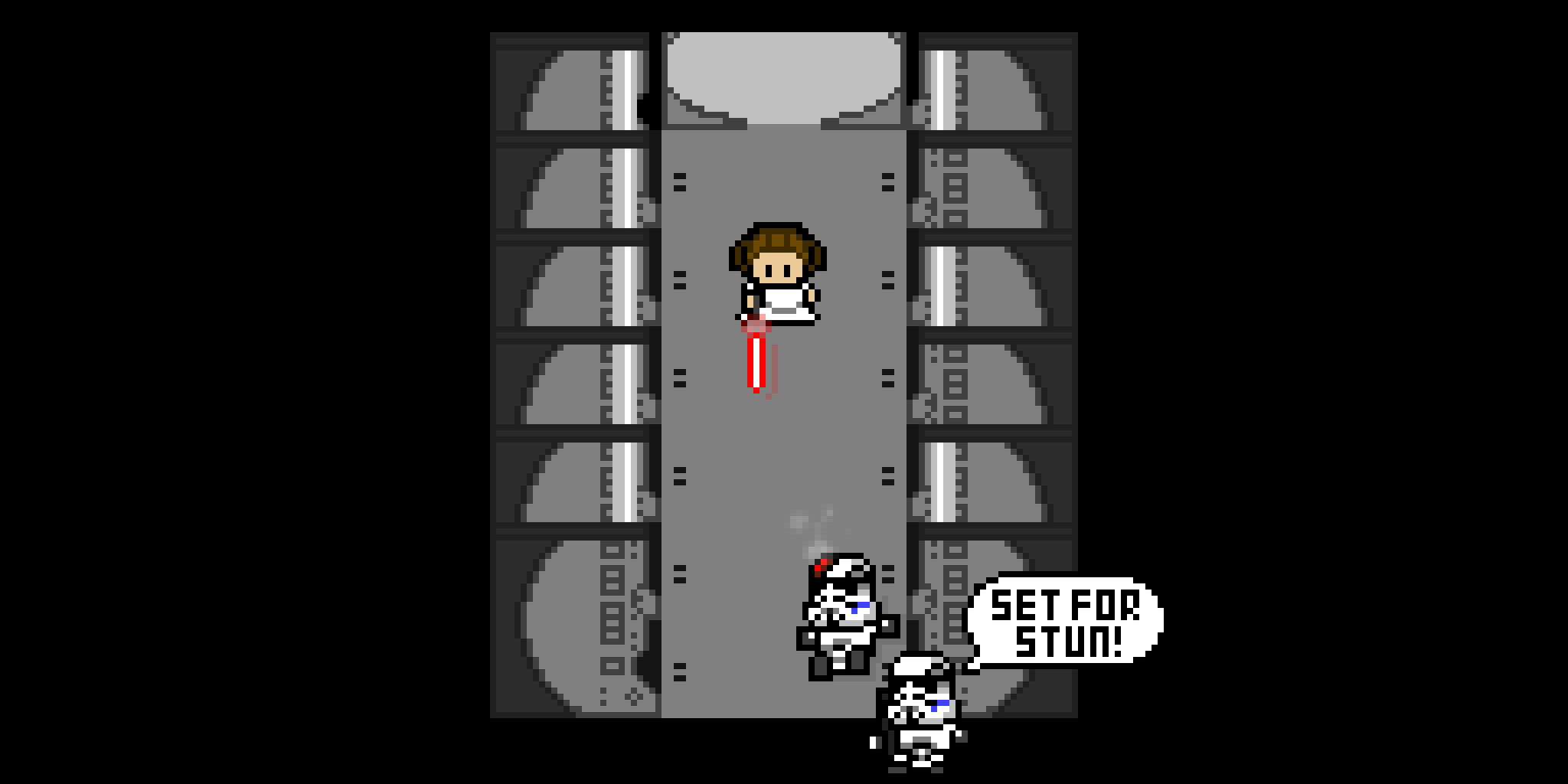
-New cutscenes
-Added scrolling level select menu
-New Hat
-Fixed PvP controls bug
-Changed font
-New Level Added - Train
-Fixed menu control issue with controller
-Added House Creator
House creator is best used with mouse and keyboard. Up/W and Down/S change asset categories (Walls, floors, searchables). Left/A and Right/D changes to a different model (wood walls, kitchen walls, etc..). You must place a player spawner somewhere.
Placing NPCs can be tricky at first (hopefully testing will determine better ways), there are two categories; Normal and Timed. Normal spawns them immediately, Timed spawns them when the countdown is up. In order to create a patrol path for an NPC, switch to the select tool, select the NPC, then click the path you want it to go. press Delete to remove the path and Esc to deselect the NPC.