Angeldust v3.3 release notes
Here's the list of changes in Angeldust v3.3:
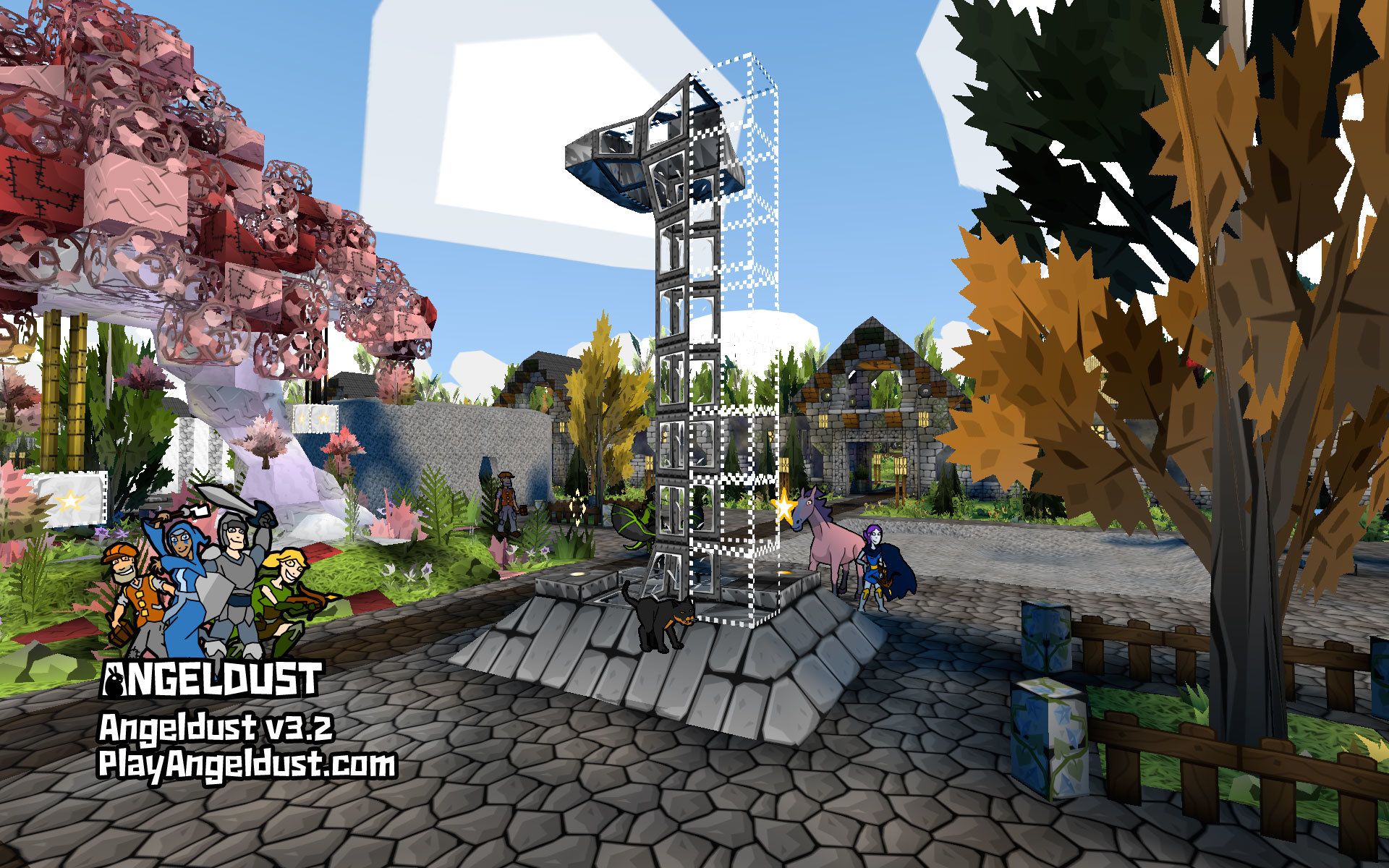
After years of fan requests, horizontal girder blocks are now available for building in Angeldust. And they're glorious:

You can buy girder blocks from the in-game shop just like any other block. Girder blocks come in all existing vertical column variants as well as three new designs for Angeldust v3.3!
Girder blocks will vertically snap to panel blocks so you can make new and interesting designs. Hopefully a bit more pleasing than this example screenshot:

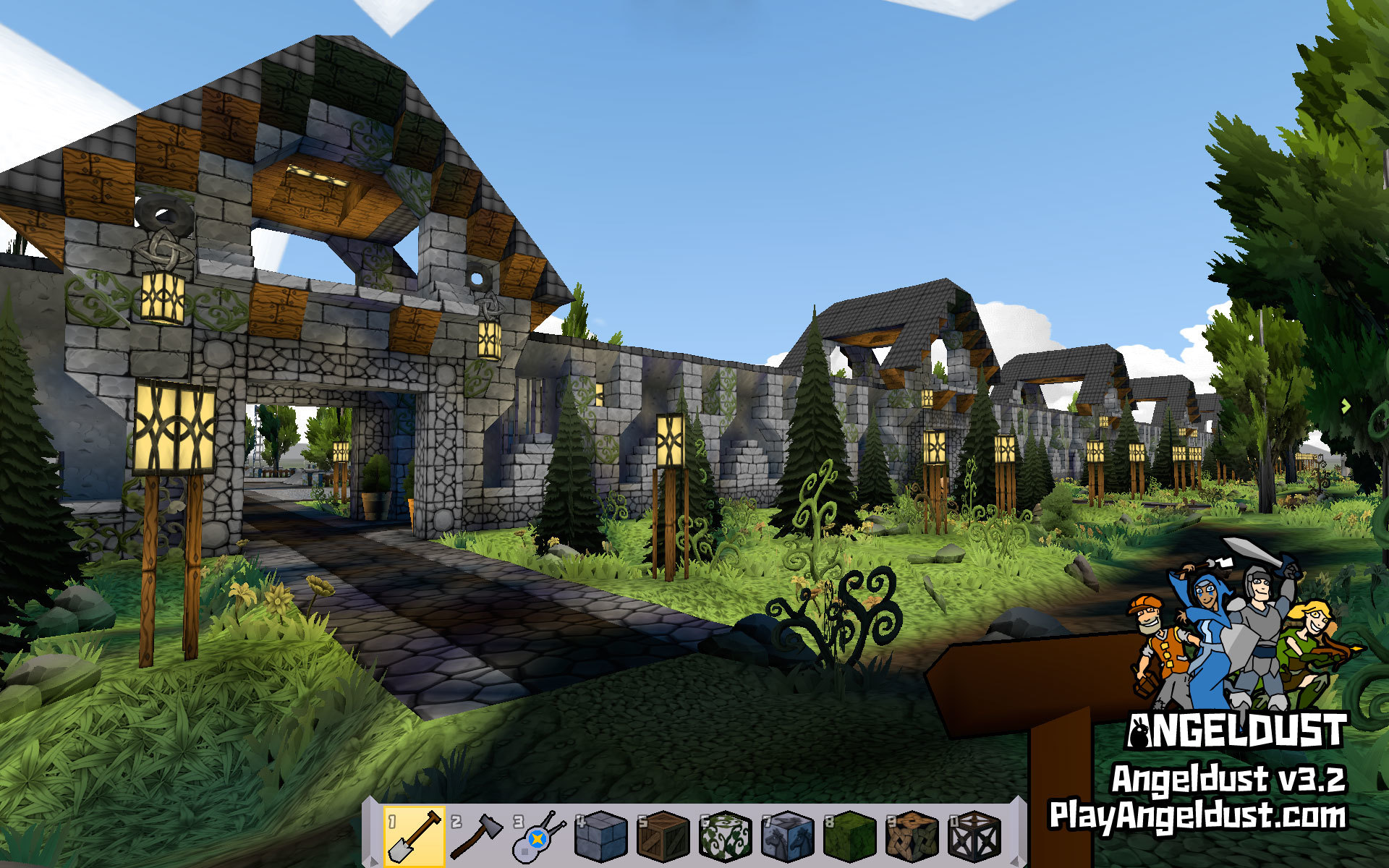
The village walls have also been updated to include girder blocks as decoration:

To accentuate game world contours and depth Angeldust v3.3 features improved atmospheric light that simulates humidity and dampness. The results are stunning:

This new lighting model is enabled on all operating systems and devices at no performance cost.
When visiting the many wonders of Angeldust using the telecharger you will now see the wonder's name and its builder. Wonders are now rotated in sequential order and the total number of available wonders is shown:

These changes make wonders feel more, well, wonderful and allow you to easily send a friend request to wonder builders.

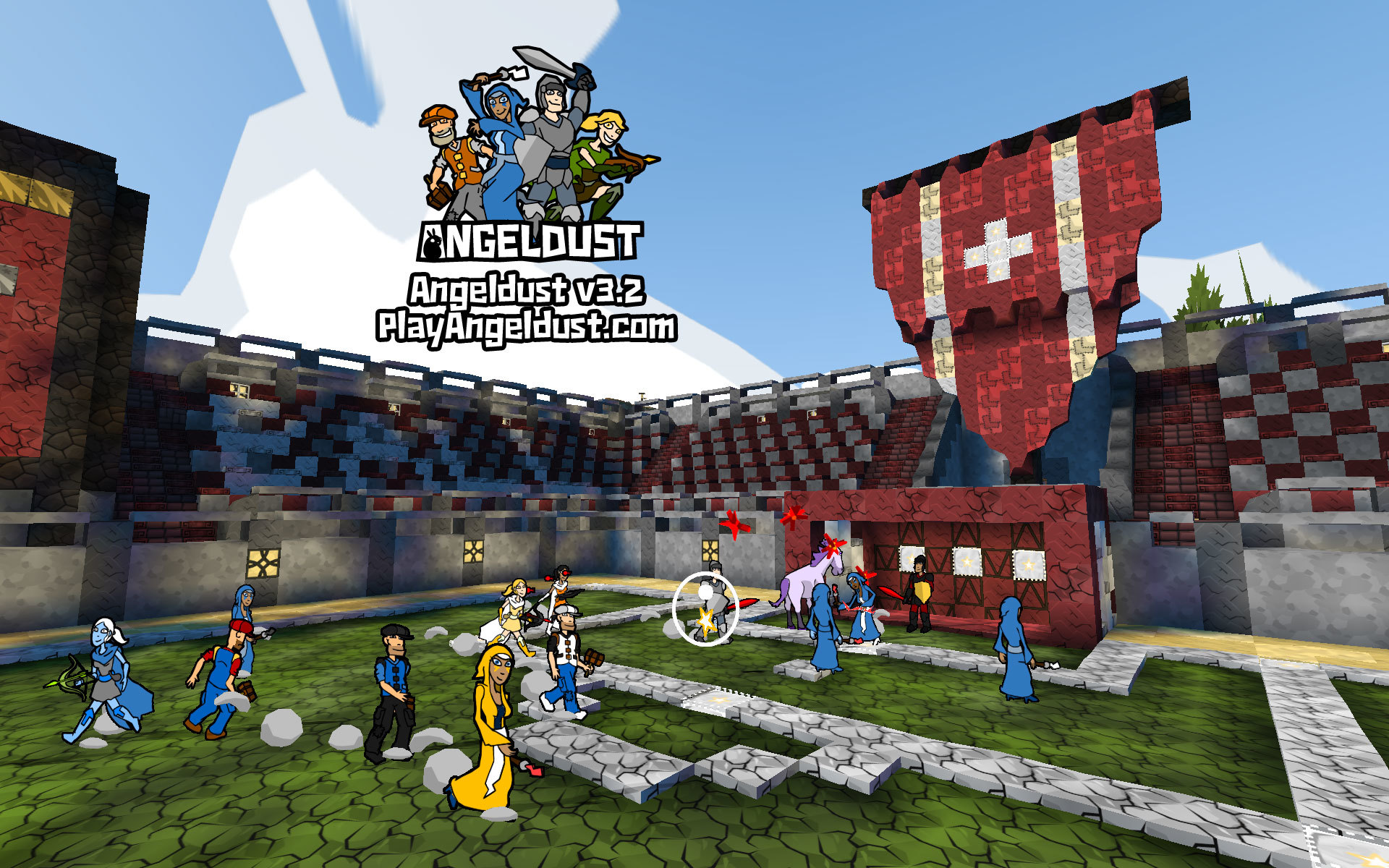
The photon imitator spawns a creature of your liking when triggered by a photon. You can spawn almost any type of creature that you've discovered in the game world to create a (petting) zoo, museum or battle arena.
The imitated, holographic creatures have a distinct yellow/white glow and will not be able to affect the game world. Outside of the village imitated creatures will interact and attack you when provoked, so be careful!
When an imitated creature is killed, it drops a photon ball. You can use this mechanic to build arenas where fighting is mandatory to progress. Imitated creatures do not give rewards or quest progress.

The photon counter counts the number of photon passing by it, from 0 up to 9. Then it wraps back to 0 while dropping a photon ball. Use the photon counter to create visual displays and 'loops' like in any programming language.
The game world village now includes a photon counter demo machine to illustrate some of its use cases.
Photon balls no longer de-spawn when devices are nearby and vice-versa. Photon balls will now magnetize to conveyor belts so you can more easily build drop zones that trigger by photon ball:

Photon blocks will now always play a sound and spawn a spark shower when triggered by a photon so you know that a block got activated. If the desired effect doesn't take place there is a precondition not being met.
Angeldust v3.3 ships with oft-requested 'tree bark' blocks that you can use to create things looking like tree bark. Wow:

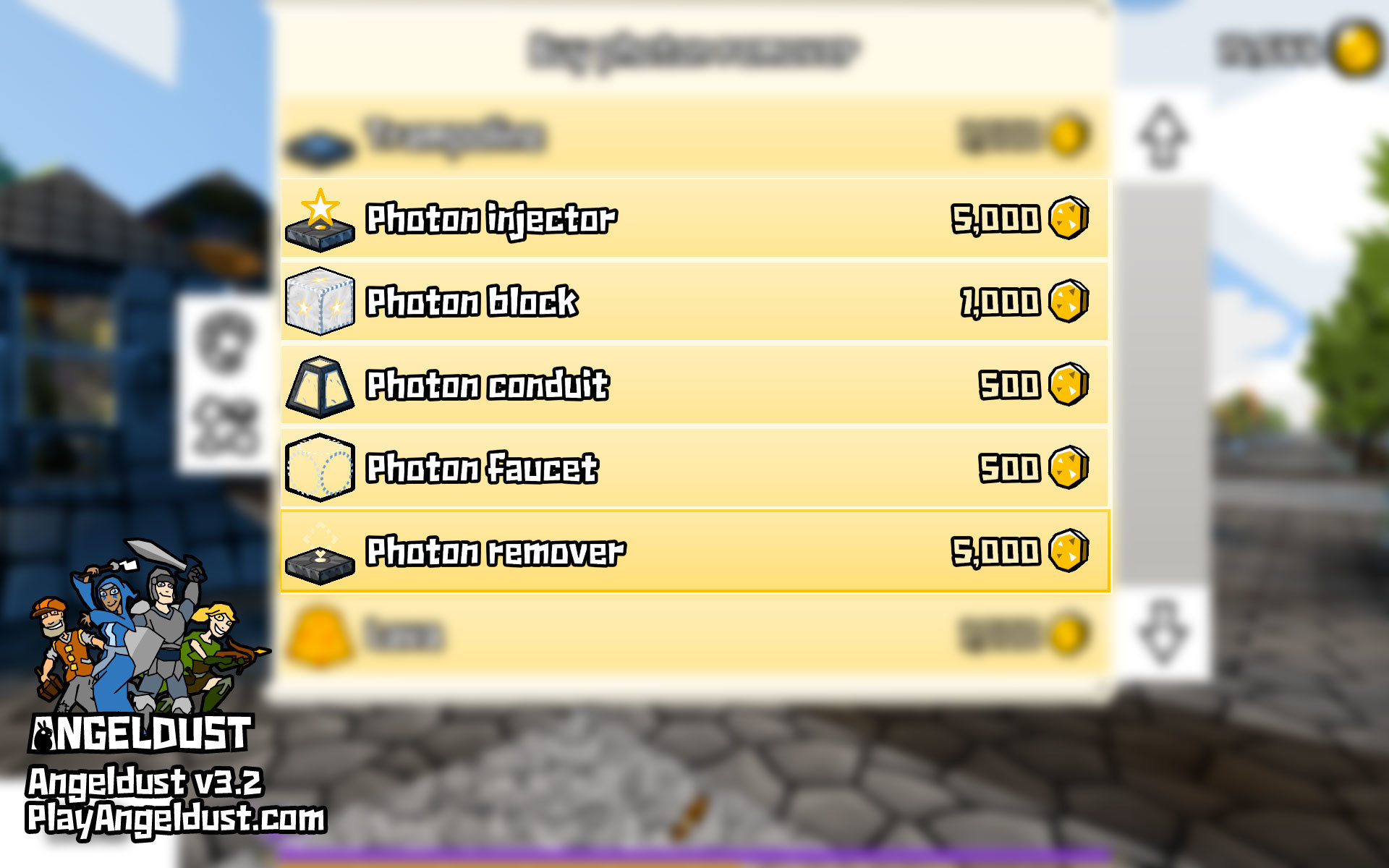
Holo blocks, the photon injector and photon remover now make a very audible and satisfying 'click' sound when activated. This gives much better feedback of your in-game actions. Thanks to everyone suggesting this feature, it makes life much better.
The block construction interface now properly renders transparent and multilayered materials. So finally your in-hand water barrel looks like a water barrel. Why didn't I think of this earlier?

Angeldust v3.3 includes a cute little 'launch trail' animation when heroes get launched into the air by springs, trampolines, photon blocks, creature attacks, Sky Walk and more. Here it's caught in all its glory on Angeldust Live!:

You might already know that you can download Angeldust PostFX for Windows to spice up your in-game graphics. Angeldust v3.3 is now fully compatible with the post-processing add-on, resulting in beautiful scenes everywhere.
View Firefly's livestreams on YouTube and Twitch to see it in action!
Shortly after the release of Angeldust v3.3 I received a bug report about not being able to send the '%' character in private and friend chat messages. I instantly recognized this for the security issue it was (an uncontrolled format string attack). 20 minutes later I had patched the server to prevent player crashes.
Since then I've audited the entire Angeldust source code and put protections in place to prevent this kind of bug from ever resurfacing. The attack was limited to this one instance. As far as I can check in the log files no players other than a willing test subject have been affected by the issue.
The upcoming Angeldust v3.4 update will re-enable the '%' character in private and friend chat messages. Thanks to obi2002 and others for reporting the issue.
If you like Angeldust, please write a positive review on Steam! You can also stalk us everywhere. Thanks in advance:
Beam my baby
After years of fan requests, horizontal girder blocks are now available for building in Angeldust. And they're glorious:
You can buy girder blocks from the in-game shop just like any other block. Girder blocks come in all existing vertical column variants as well as three new designs for Angeldust v3.3!
Girder blocks will vertically snap to panel blocks so you can make new and interesting designs. Hopefully a bit more pleasing than this example screenshot:
The village walls have also been updated to include girder blocks as decoration:
Atmospheric lighting
To accentuate game world contours and depth Angeldust v3.3 features improved atmospheric light that simulates humidity and dampness. The results are stunning:
This new lighting model is enabled on all operating systems and devices at no performance cost.
Mr. Wonderful
When visiting the many wonders of Angeldust using the telecharger you will now see the wonder's name and its builder. Wonders are now rotated in sequential order and the total number of available wonders is shown:
These changes make wonders feel more, well, wonderful and allow you to easily send a friend request to wonder builders.
Photon imitator—create-a-creature
The photon imitator spawns a creature of your liking when triggered by a photon. You can spawn almost any type of creature that you've discovered in the game world to create a (petting) zoo, museum or battle arena.
The imitated, holographic creatures have a distinct yellow/white glow and will not be able to affect the game world. Outside of the village imitated creatures will interact and attack you when provoked, so be careful!
When an imitated creature is killed, it drops a photon ball. You can use this mechanic to build arenas where fighting is mandatory to progress. Imitated creatures do not give rewards or quest progress.
Photon counter—what's the count?
The photon counter counts the number of photon passing by it, from 0 up to 9. Then it wraps back to 0 while dropping a photon ball. Use the photon counter to create visual displays and 'loops' like in any programming language.
The game world village now includes a photon counter demo machine to illustrate some of its use cases.
More photon goodness
Photon balls no longer de-spawn when devices are nearby and vice-versa. Photon balls will now magnetize to conveyor belts so you can more easily build drop zones that trigger by photon ball:
Photon blocks will now always play a sound and spawn a spark shower when triggered by a photon so you know that a block got activated. If the desired effect doesn't take place there is a precondition not being met.
Tree's company
Angeldust v3.3 ships with oft-requested 'tree bark' blocks that you can use to create things looking like tree bark. Wow:
Hol' up!
Holo blocks, the photon injector and photon remover now make a very audible and satisfying 'click' sound when activated. This gives much better feedback of your in-game actions. Thanks to everyone suggesting this feature, it makes life much better.
What you see is what you get
The block construction interface now properly renders transparent and multilayered materials. So finally your in-hand water barrel looks like a water barrel. Why didn't I think of this earlier?
Launch time
Angeldust v3.3 includes a cute little 'launch trail' animation when heroes get launched into the air by springs, trampolines, photon blocks, creature attacks, Sky Walk and more. Here it's caught in all its glory on Angeldust Live!:
Angeldust PostFX for Windows
You might already know that you can download Angeldust PostFX for Windows to spice up your in-game graphics. Angeldust v3.3 is now fully compatible with the post-processing add-on, resulting in beautiful scenes everywhere.
View Firefly's livestreams on YouTube and Twitch to see it in action!
Security shame
Shortly after the release of Angeldust v3.3 I received a bug report about not being able to send the '%' character in private and friend chat messages. I instantly recognized this for the security issue it was (an uncontrolled format string attack). 20 minutes later I had patched the server to prevent player crashes.
Since then I've audited the entire Angeldust source code and put protections in place to prevent this kind of bug from ever resurfacing. The attack was limited to this one instance. As far as I can check in the log files no players other than a willing test subject have been affected by the issue.
The upcoming Angeldust v3.4 update will re-enable the '%' character in private and friend chat messages. Thanks to obi2002 and others for reporting the issue.
Additional changes
- Fix world map hero sprite rendering artifacts
- Improve 3D sprite rotational rendering accuracy
- Polish particle shower effects
- Don't render stray dust circles for empty photon blocks
- Expand standalone game mode block collection
- Hide chat strings when placing customized blocks
- Add Android x86_64 ABI build
- Add missing 'quest progress' sound on Android
- Hide account age on website to improve player privacy
- Support even more game controller models
Be social!
If you like Angeldust, please write a positive review on Steam! You can also stalk us everywhere. Thanks in advance: