1. Monster Hunter: World
  2. News

Monster Hunter: World News

Spring Is in Season for Monster Hunter World: Iceborne's "Full Bloom Fest"
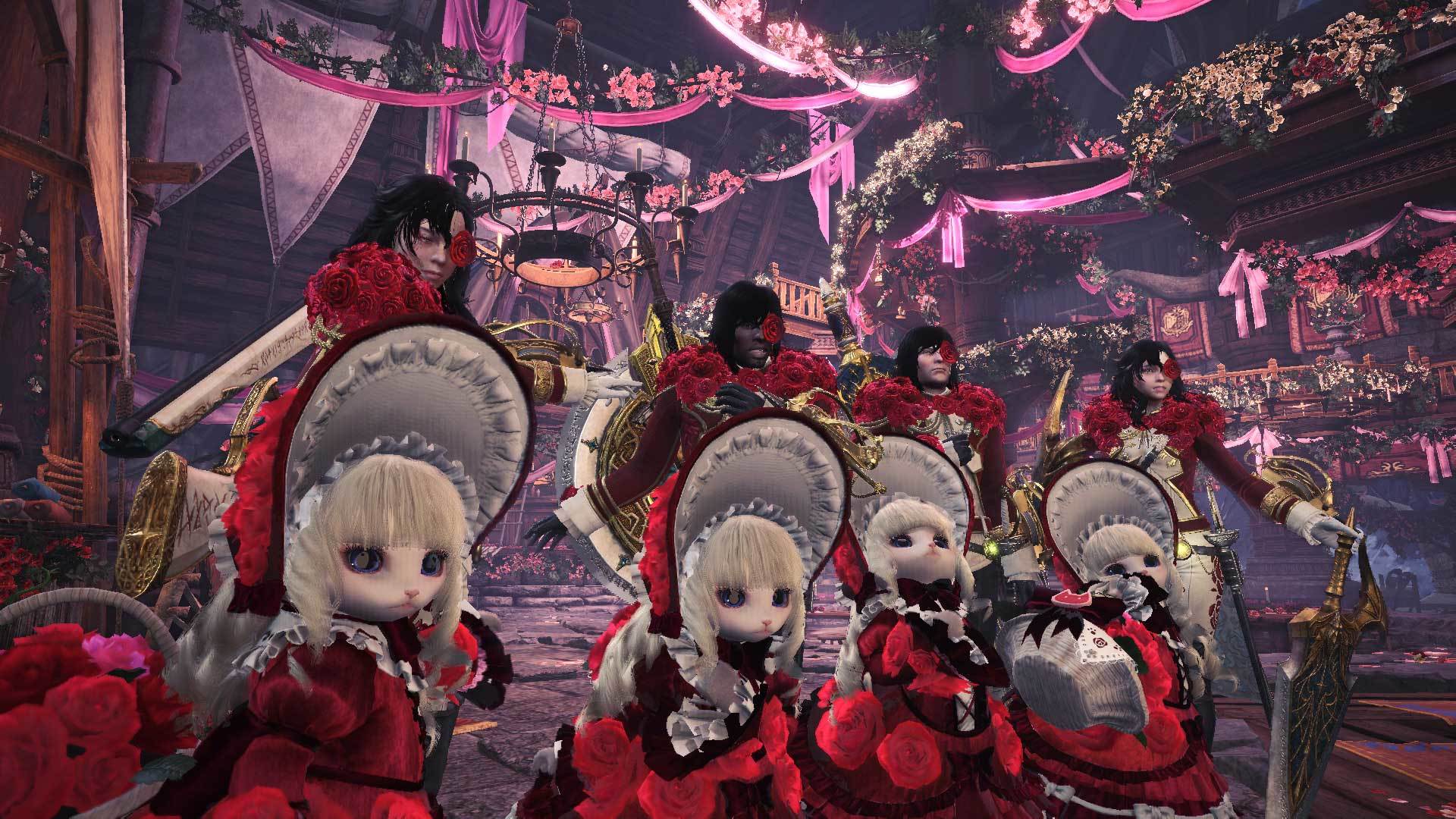
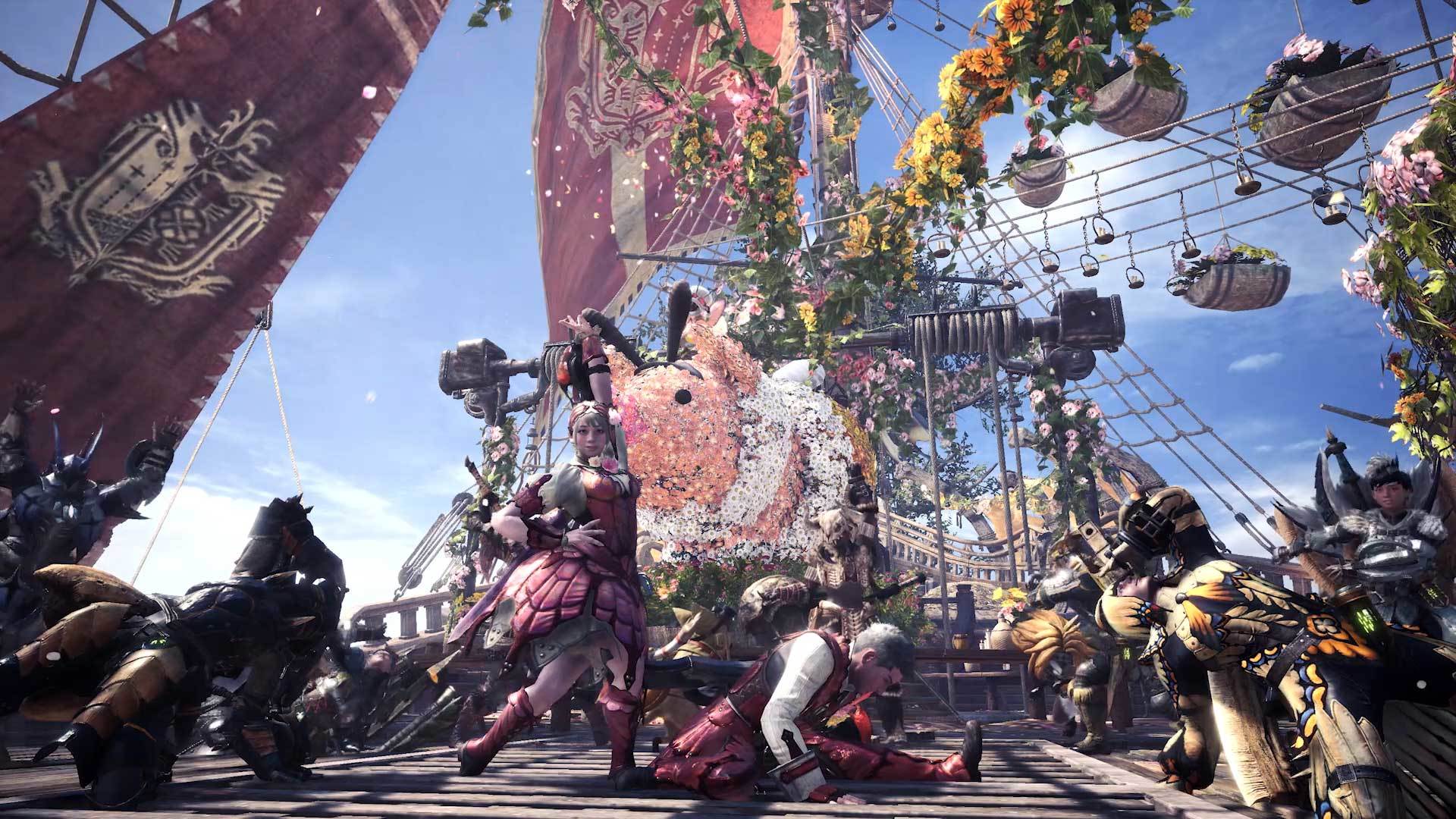


Inspired by elegance, the Full Bloom Fest welcomes players with beautiful decorations sure to bedazzle even the most seasoned "fashion hunters". Here's what you've got to look forward to when the Full Bloom Fest is live for all Iceborne players from April 10th 00:00 UTC (April 9th 5pm PDT). This seasonal event will run through May 7th 23:59 UTC (May 7th 4:59 PDT).

• Luxurious armor sets based on the core theme of elegance and roses are up for grabs.
• Get more daily login bonus items, enjoy discounts at various vendors, and even order a delicious special meal platter limited to the event at the Seliana Gathering Hub.
• Complete special event quests to earn materials for forging special, limited-time weapons like the Whetfish Sabers (dual blades) and layered headgear based on the cute endemic Downy Crakes.
• Even the snowman you can build in quests is in the mood to celebrate and will take on a special floral appearance during the festival.
• In addition to all new event quests, we'll also be redistributing nearly all previously available event quests. So if you happen to miss out on that one piece of limited-time gear, fear not, we've got you covered!

Hope to see you there hunters, and remember, formalwear is encouraged. Happy hunting!


Important:
Matchmaking in Monster Hunter World: Iceborne requires players to have updated to the same version. Keep in mind that you can only match with other players who have the same update. You can verify the version number in the bottom-right corner of the title screen.

For other questions, please visit the official Monster Hunter World: Iceborne support portal below.
http://www.capcom.com/mhwsupport/

MSI Ambient Link Support

Today's version update Ver. 13.01.00 introduces support for MSI Ambient Link. This feature enables visual feedback for RGB devices based on certain effects in the game. If you have compatible devices, follow the steps below to enable MSI Ambient Link.

[Steps]
1. Download Dragon Center (v. 2.0.38.0 or later) from the MSI website: https://www.msi.com/Landing/dragon-center-download

2. Install Dragon Center, then open the application

a. Click the "Home" icon and select the "Mystic Light" tab to check that your devices are synched


b. Once your devices are synched, click the "Ambient Link" icon

c. In the "Gaming Mode" tab, make sure that the "Game Sync" box is checked for the game


3. After applying the above settings in Dragon Center, boot up the game. From the title screen, go to "Options", then "Interface", and enable "MSI Ambient Link". (These options can also be changed from within the game.)


[Note]
- "Dynamic Ambient Lighting" is not supported as of ver. 13.01.00.
- Capcom cannot provide customer support for Dragon Center or MSI Ambient Link and its related devices. Please visit the MSI support website: https://www.msi.com/support
- For more information on MSI Ambient Link and related features, visit the following website: https://www.msi.com/Landing/mystic-light-rgb-gaming-pc/

Title Update 3

Title Update 3 releases on Thursday, April 9, 0:00 UTC, and will include new features and bug fixes!


[Major Features]
■ New variant monster "Furious Rajang" added to the game.
- New Furious Rajang hunter and Palico equipment have also been added!

■ New variant monster "Raging Brachydios" added to the game.
- New Raging Brachydios hunter and Palico equipment have also been added!

■ MSI Ambient Link Support


[Major Additions]
■ Numerous changes have been applied from up to console Ver. 13.01/13.0.0.1.


[Featured Event Quests]
■ Furious Rajang special assignment — Starts April 9 (UTC)

■ Raging Brachydios special assignment — Starts April 9 (UTC)

Note: The special assignments can be accepted by talking to the Tracker once you have finished the Recon Assignment after the ending of Monster Hunter World: Iceborne.

■ Astera Spring Blossom Fest & Seliana Full Bloom Fest — April 10 to May 7 (UTC)


[Bug Fixes]
■ Fixes from up to console Ver. 13.01/13.0.0.1 have been applied.


Important:
Matchmaking in Monster Hunter World: Iceborne requires players to have updated to the same version. Keep in mind that you can only match with other players who have the same update. You can verify the version number in the bottom-right corner of the title screen.

For other questions, please visit the official Monster Hunter World: Iceborne support portal below.
http://www.capcom.com/mhwsupport/

Fix Patch 12.11.01

[Notice]
We've released fix patch Ver. 12.11.01, which includes a fix that alleviates issues that prevent the game from launching properly, which has affected users with certain types of anti-virus software after updating to Ver. 12.11.00.

We have also provided some separate information on how you can troubleshoot this problem at the link below:

https://steamcommunity.com/games/582010/announcements/detail/1700611550586212567

Free Commemorative Item Pack!


Thanks to your support, Monster Hunter World: Iceborne has surpassed 5 million copies shipped (including digital sales)! To celebrate, we're releasing a free item pack!

You can claim your item pack by logging in and checking your login bonuses during the period listed below. It's available for a limited time only, so don't miss out!

Note: If you do not see the item pack in your login bonuses, try closing the game, updating to the latest version, and checking your login bonuses again the next day.

■Item Pack Name
MHW:I - 5 Million Celebration Item Pack

■Availability
Friday, March 27 at 0:00 UTC to Thursday, April 2 at 23:59 UTC
(Thursday, March 26 at 5 p.m. PDT to Thursday, April 2 at 4:59 p.m. PDT)

■Item Pack Contents
Mega Potion  x 50
Dust of Life  x 50
Whetfish Fin+  x 10
King Armor Sphere   x 3
Celestial Wyverian Print   x 1

Note:
- Celestial Wyverian Print requires purchase of Monster Hunter World: Iceborne to use.
- King Armor Spheres can be used by all players.


Important:
Matchmaking in Monster Hunter World: Iceborne requires players to have updated to the same version. Keep in mind that you can only match with other players who have the same update. You can verify the version number in the bottom-right corner of the title screen.

For other questions, please visit the official Monster Hunter World: Iceborne support portal below.
http://www.capcom.com/mhwsupport/