1. The Coin Game
  2. News

The Coin Game News

Show and Tell day!


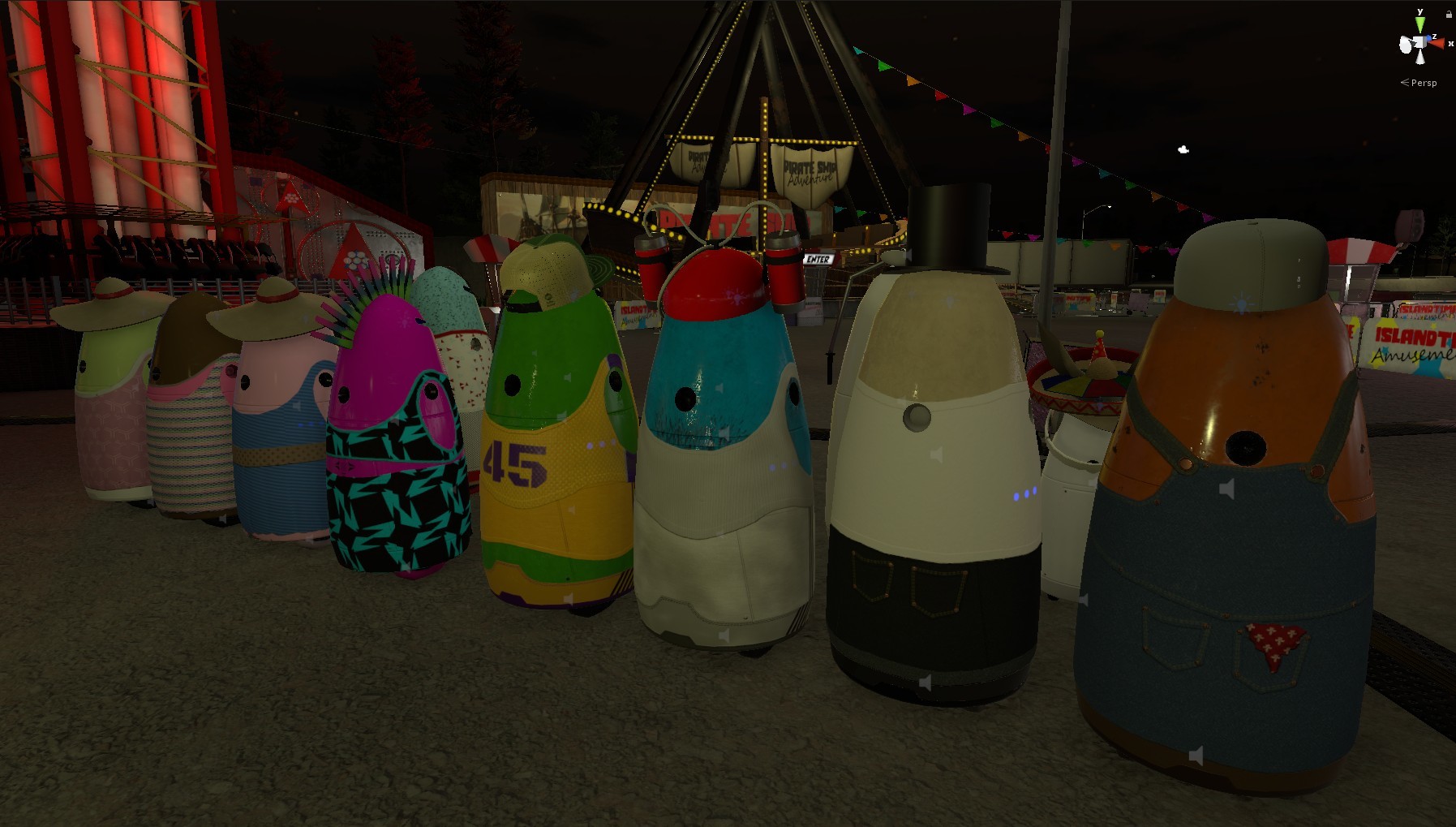
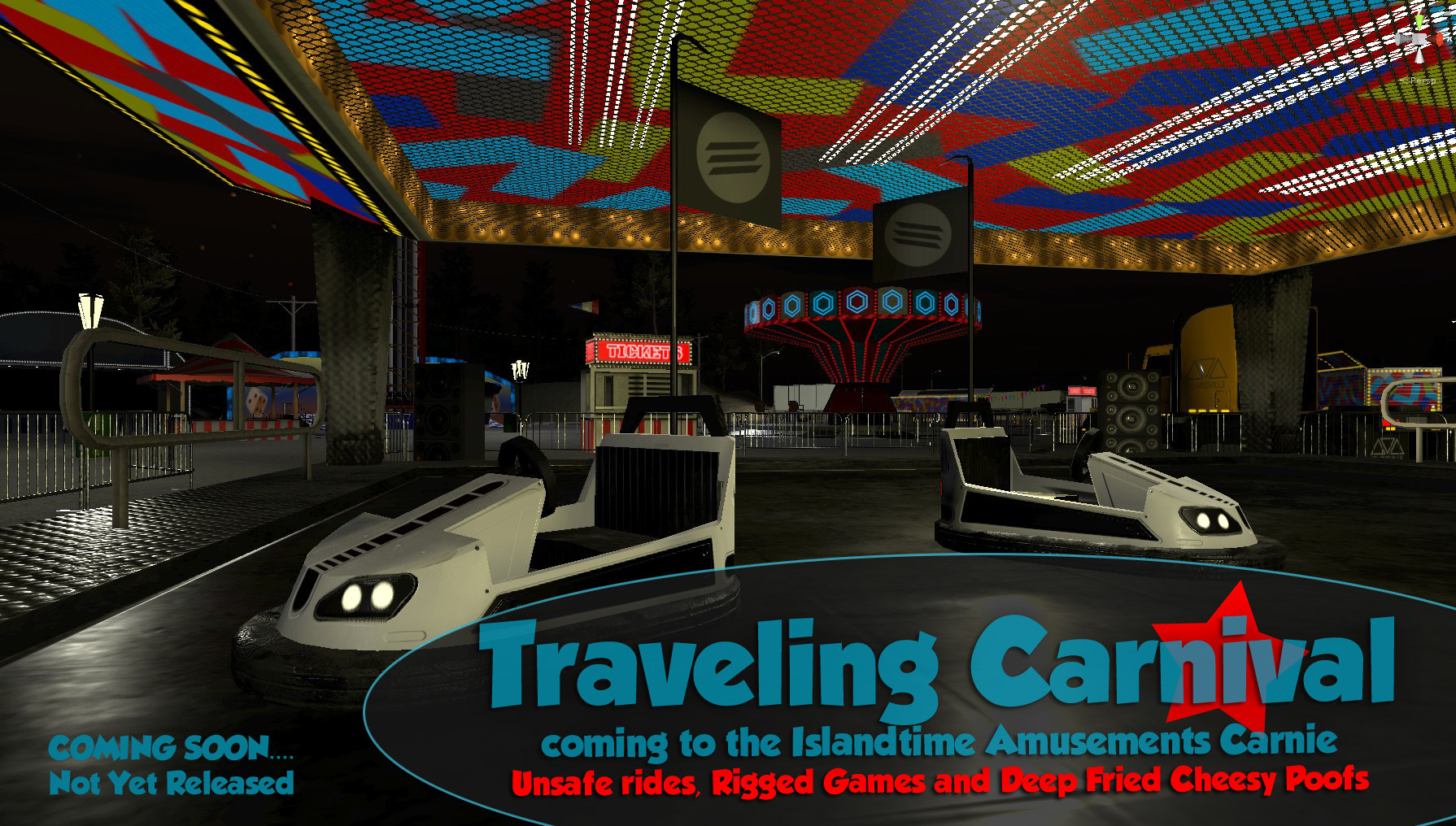
I just thought I would take a few minutes to show all of you the next "area" coming to The Coin Game. A Traveling Carnival.

It is not yet complete but I have been working non stop on it for the last few weeks. I even worked right through my birthday.....lol. I am having so much fun building and reminiscing about all the old fun times I had as a kid at the local traveling carnie that would come to my small town.

As a youngster my family was always involved in the local Scouting programs and we would help cook and prepare all the food they would sell. This gave me as a young boy the full all access view of the carnival setting up and meeting all the traveling workers. Seeing all the shady rides and the workers scrambling to unfold them from a rusty old semi always interested me. The large game and beer tents would pop up all over a empty field and it was game on. But it wasn't until the night would fall and then the real magic would begin. Scrambling from game to game with your last 2 dollars under all the bright lights with friends to gather as many junk prizes as possible to take home and put in the trash in a month. Oh man, I am rambling but you can almost smell the elephant ears now.... I better get back to work.

I am still finishing up the physics and prize systems for the new carnie "game booths" and should be close to finished in about 2-3 weeks. The next update will literally DOUBLE the size of the current game and has a TON of new stuff coming. Im soooooo excited to show you all.

Thanks again for supporting The Coin Game. Ill see you all very soon on the Tilt-A-Whirl.

Kevin

NOTE:
Once this update is out I will be going back and completely redoing a few of the arcade machines and all of the leaderboards points systems prior to survival mode. I thought it was more important to get some of the new locations and features out before I go back and fix some stuff that will change in the future. I hope that makes sense. haha.

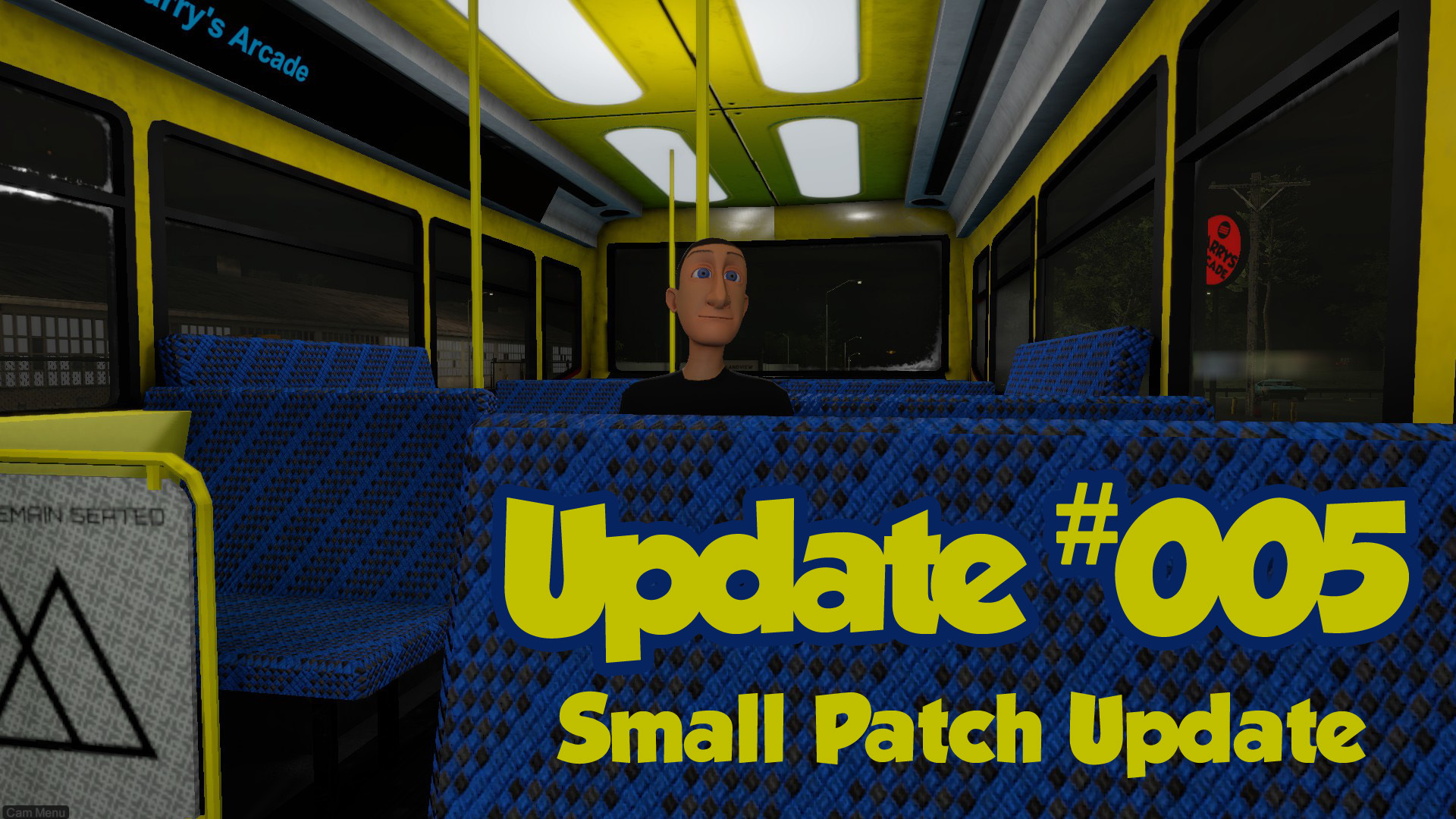
Small patch update, ticket controllers, player emergency rescue system and new game reset system.


Update #005
Version: V0.942

DESCRIP: Mainly just fixing some bugs with this update and getting ready for the next content update.

- Changed the way all the machines count the tickets to stop the rolling of bonuses to the next game. It was fun while it lasted! haha. Il'l be testing a few more things before resetting the leaderboards.

- Added a new player rescue system that will keep track of the players last location and will teleport you if you get into trouble and need to be reset. This should help with getting stuck below the map. It basically will always be checking if there is good ground below you and if you are still inside a building.

- Fixed the lotto tickets that were showing your last winning amount on the screen even when you lost. Now it will show and encouraging comment to propel you into victory. Or something like that.

- Fixed an issue were your saved game would not show up without resetting the game. The saved game menus will now refresh when you save a game. That way it is there if you want to just save and restart were you were.

- Fixed the loud noises when resetting the game. There was a camera turning off and causing that. When there is no audio listener on an active camera it will just play all the sounds at once. Got it handled though. Move along... nothing to see here. Never happened.

- Fixed the loading of the golf cart on a uneven surface. Camera will now set it self up properly according the golf cart and not the ground angle. OOps.

- Fixed the Free Cam loading angle. It will not point toward the sky when you click C Key anymore.

- Golf cart now resets to the home house garage. It will be towed to the driveway for no charge in Birthday mode.

- Fixed the female Cheesy poof package disappearing when eating.

- Fixed the Free Cam Mode not going back into the bus if you were riding it.

Thanks for supporting The Coin Game and Ill see you in the next one.

Kevin

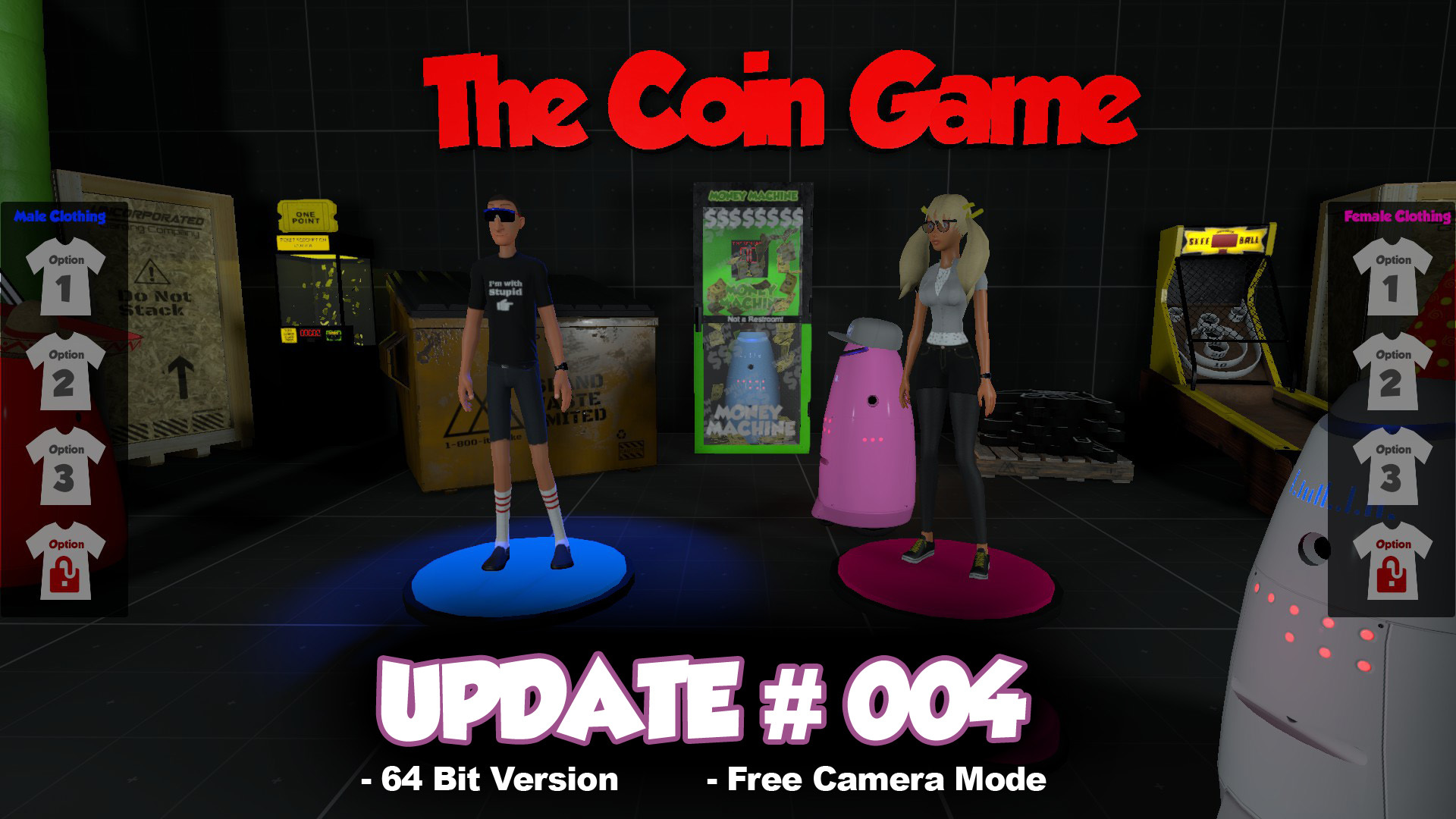
64 bit Version, New Clothing Options and a new Free Camera Mode!


Update #004
Version: V0.941

64 bit Version, New Clothing Options and a new Free Camera Mode

I have finished a new 64 bit version of The Coin Game. This should use a bunch more of that Memory and Ram you paid good money for. If you are on a 32 bit system it should not change at all except for re-installing a the new version. The Steam installer will auto install the correct 32 bit or 64 bit version for your system. I am hoping this will help the memory problems some folks are having with crashing on some Intel integrated HD Cards.

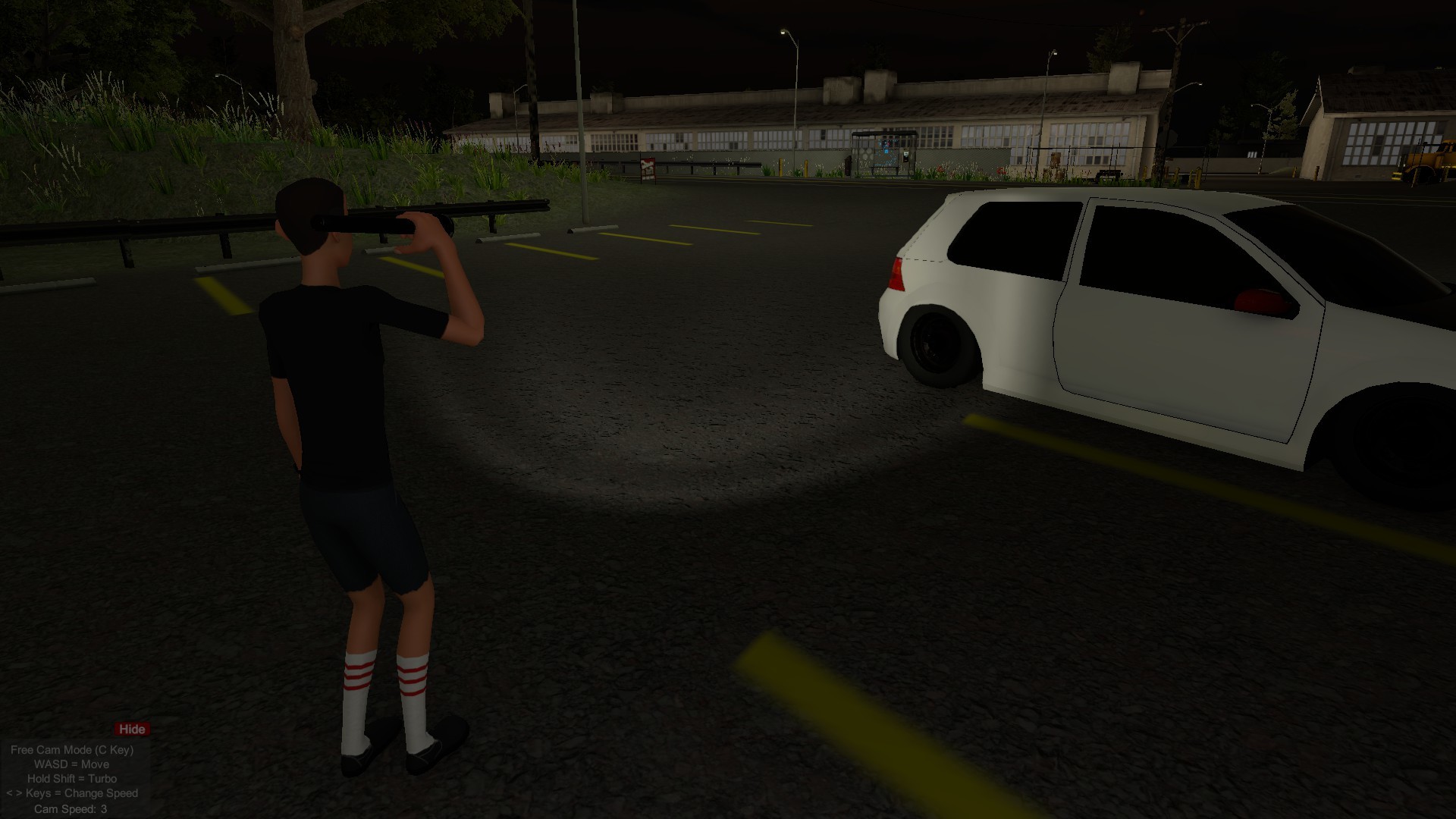
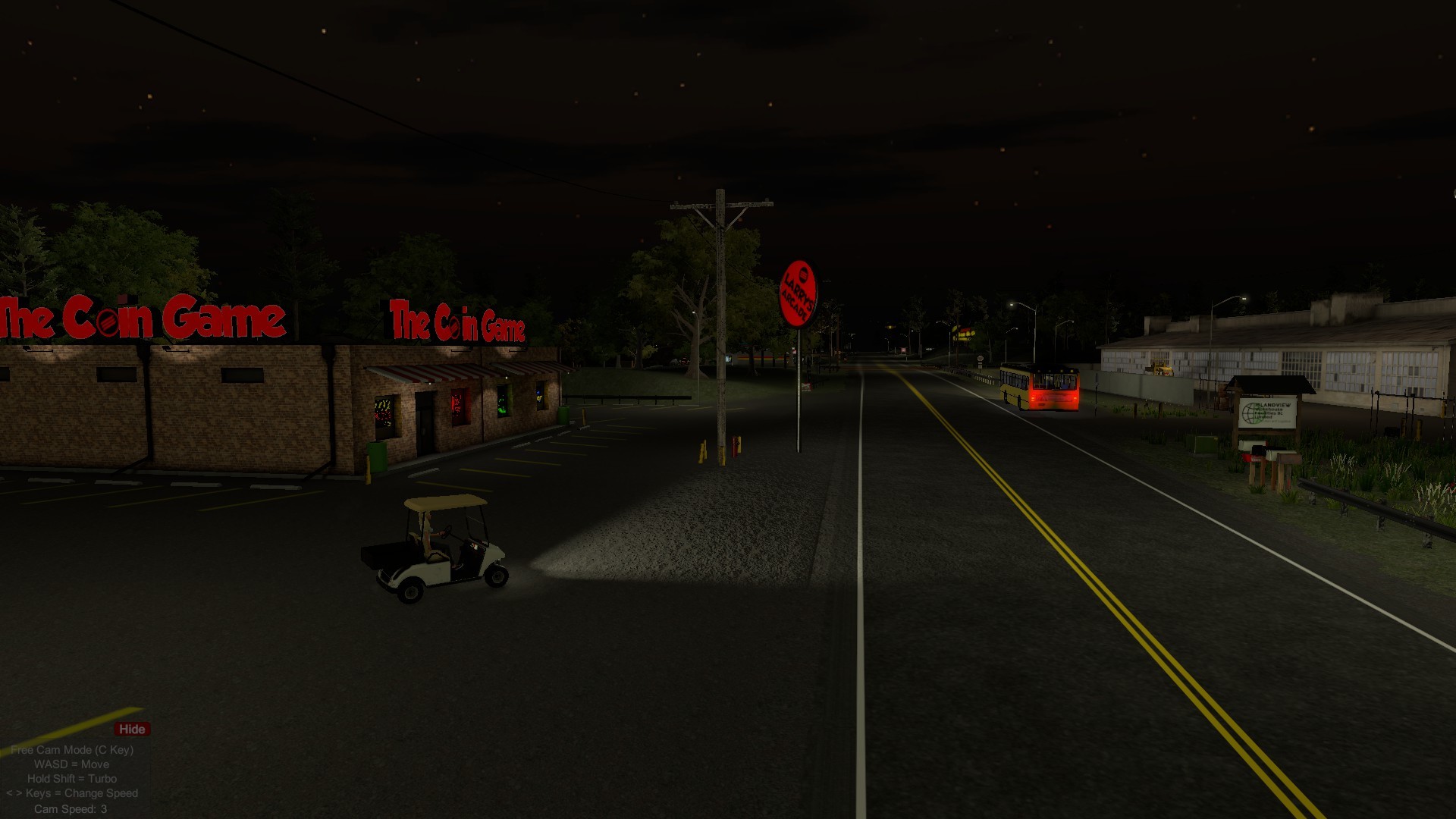
I also whipped up a new first draft of a "Free Camera" mode (C Key) that will allow you to fly around the island with a just a simple camera. Thanks CaptainSauce for the idea. It is great for taking screenshots and getting those tough angles in videos. It is similar to how a Spectator Camera works in a multiplayer game. It will NOT move the player and only the Free Camera. You can rotate the camera with the mouse. The WASD keys for now will pan the camera Forward/ Backward Left and Right. You can change the speed of camera pan with the comma and period (,.) keys (Min 0.5 - max 10). You will see the speed of the pan in the lower left of the screen on the Free Camera Menu. It Opens and Closes when you hit the C Key. Holding the Shift key will turbo the pan speed X 10 times. You can hide the "free camera" menu for screenshots by clicking the little hide button. You can lock the camera to the X and Z Axis (it locks the Y height) by holding the Space Bar.

- KNOWN ISSUE- If you hit the TAB Key (Watch Menu) when in Free Camera Mode it will open the Watch Menu wherever you are. I am fixing that.

- KNOWN ISSUE- DO NOT hit the Free Camera C Key on the bus. It will mess up the seat and you will not be able to get off the bus. this will get silently patched along with a couple other small hiccups in a small update that I am working on still.

https://www.youtube.com/watch?v=bR7m4qmTBWI

- I added 3 different clothing choices for each character in a simple character customizer. This will change in the future but I thought I would make it a little more interesting while you wait with a couple options. :)

- Added a nice small town cop to the traffic that is cruising. He will come in handy later.... ;)

That's about it for this little patch update. Not too much new content as this was kind of an unplanned patch update to makes things work a little smoother with the new camera and the 64 bit version.

See you in the next one and like always Please let me know what you think in the comments below.

Kevin

Here is a couple of screenshots from the new Free Camera that were not possible before.


Here is another shot of the New clothing menu choices. Work in progress.

Small update with more bug fixes, more optimizations, a couple sneak peeks and new camera post processing.

WORK IN PROGRESS PHOTO NOT YET RELEASED


I have been working on some more bug fixing and a bunch of behind the scenes stuff for the last couple of weeks in preparation for some of the new content we have coming. I also added a sneak peek photo section at the bottom of this post showing the next location and activities coming to The Coin Game.


-------------------------------------------------------------------------------------------------

Update #003
Version: V0.94

Patch Includes:
* Fixed the music credits as they were not showing half of the artists. BIG THANK YOU to them.
* Changed some of the Graphics Raycaster Components on some of the touchscreen enabled computers to stop the no mouse input problem.
* Higher res in the Potato Setting. I mean you couldn't even read the menus. lol.
* Dunko cards get stuck under the pusher less now. I made the colliders on them a bit thicker.
* Fixed the NO colliders on some static buildings. People were walking through walls. yikes.
* Fix formatted text on Mega Drop panel.
* You can no longer add larry to your inventory. He didn't like being crammed in your backpack anyway.
* Fixed "Remaining" spelled wrong in Text message. I'm not a English Grammar Wiz kid and I am really sorry about that.
* Fixed more spelling errors "Buss Pass" on bus stop is now "Bus Pass"
* Cant click on doors from the golf cart anymore.... I basically closed the Drive Thrus.
* Added some extra colliders to the Hockey Hut to stop stray pucks from trying to run away.
* Gave Larry The recognition that he deserves by adding his name to the sign out front of his own business. Thanks BrutalMoose. ;)
* Fixed the Drinks not spawning an empty can after you drink them. They were just piling up behind one of the machines in Larrys Arcade. Right behind the Stack em up game is 0,0,0 in world space.
* made a Reset golf cart button on the watch map menu when you are outside. It will reset the golf cart to the original spawn spot from the beginning of the game. It is right next to Larrys Arcade.

- No I did not fix Mega drop yet. She is still in the shop getting repairs to the super bonus. Its broken from scamming so many users.

Camera Post Processing:
* Added a little Bloom (Very Little)
* Added a little AntiAliasing to help with the jaggy edges of mesh. (Not too much as I like the PS2 vibe to give it a little flavor)
* A little Tone mapping to tone down the drastic coloring of some of my texturing.

That's about it for this patch.... As I am mainly working on the overall flow and play of the game still for all the new users.

Thanks again and see you in the next update!

Kevin

I thought I would drop a couple teaser pics of the next location coming to The Coin Game below. It will be a fun interactive traveling carnival with approx 5 of your classic amusement rides. There will also be around 6 - 7 new detailed and interactive classic carnival games at the large parking lot venue. There will be some new prizes to win. Yes they will be jumbo.

More news on this later but I just wanted to get it out there and show a couple of the carnie games and early Substance Renders of them.


WORK IN PROGRESS PHOTOS


WORK IN PROGRESS PHOTOS


WORK IN PROGRESS PHOTOS


WORK IN PROGRESS PHOTOS

Following these classics are many more games, unhealthy foods, unregulated and unmaintained amusement rides plus lots of silly youth filled activities in The Coin Game. So stay tuned.

Some more improvements,new places to explore, a couple new gizmos and plenty more trash to dig through!


What's that? Trash you say? I know. It's not the best news you heard all week, but it is definitely fun to dig through.

This update brings some needed bug fixes, many optimizations, better on screen HUD and I have also built a few new things into the game to make some navigation easier. Uncle Phil had a GPS laying around the garage so he gave it to you. I installed it on the Golf Cart. I hooked it to the ignition so it will turn on automatically when you start the cart. It even has a Garage Door opener built into it. Read More in the updates list below to learn how to take full advantage of it.

I had a couple requests in the last few days and I also watched all the Youtubers playing for their first times. I tried to hit some of the small requests that they had and at the same time keep moving forward with bug fixing and the games overall polish. As with any update in Early Access there may be some bugs and we may break it.

I did not get into the leaderboards and the scoring system bugs too much on this update as I have been busy with more urgent things at this time. They will be coming soon. Thanks again and see you all in the next update.

I'm sure there is lots that I am forgetting as I did a ton of changes this time. Please report any bugs in the bug thread and I will get on them as quick as I can.

Thanks so much for supporting The Coin Game.

I have lots of surprises planned for you. ;)

Kevin ːDLogoː

--------------------------------------------------------------------------------------------

Update #002
Version: V0.93

INCLUDES:
- Added a check for DX11 which should hopefully help with the crashing on some Intel and AMD integrated cards.

- Removed a video shader that was crashing some other computers.... If it's not one thing... it's the other. ;)

- Turned the Golf Cart fire breathing engine noise down a little. Not everybody is a gearhead like me apparently.

- Upped the amount for completing a full paper route from $5.00 up to $12.00. Minimum wages talks by the locals were effective.

- Added a little color variation to those fidget spinners..... oh and I also nudged em a bit to the right so you don't have to spend your life savings trying to win one.


- Added an onscreen hud to show you which tool you are using. Flashlight, Rubber band Gun or Players card. bottom right of screen. Roll mouse wheel to change or 1,2,3 keys. (Left and Right D pad on Controller)


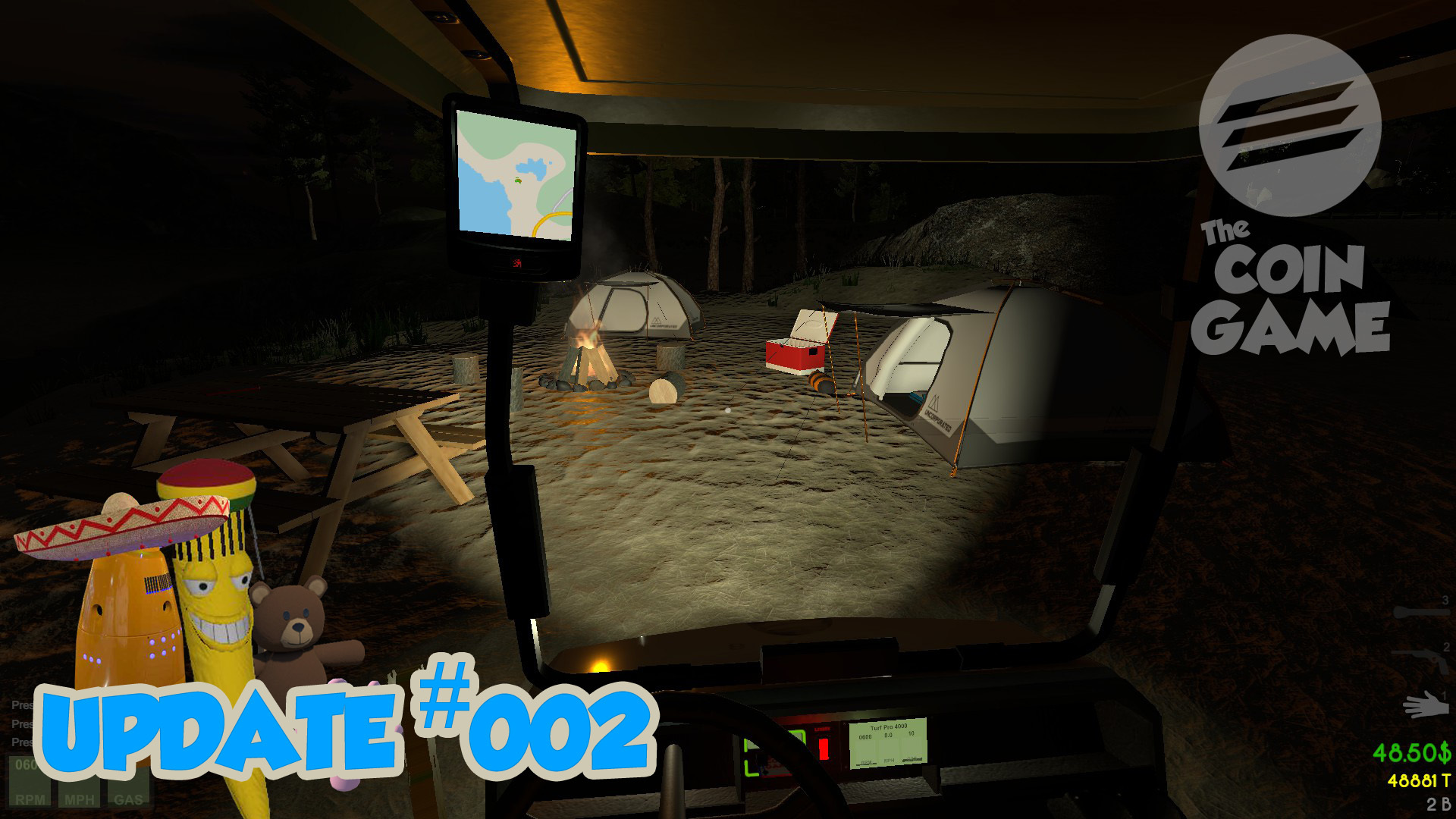
- Added a GPS system to the golf cart to see where you are going on the island. Uncle Phil had one laying around the garage. That dude has everything. I attached it to the golf cart for you. To lean forward and look at it up close you can just hit the Watch key or TAB when in the cart. Zoom in or Out with the center mouse wheel or the - and + Keys.


- Added a couple more areas for all you explorers out there. Both locations offer treasure of sorts. Cans mostly, maybe a scratch off or two. Those tourists campers on pier trails and the mountains can be dirty creatures.


- Trash bags and boxes to make it less obvious and fun. Get scrounging!


- Added an auto garage door opener to the golf cart but ONLY If you are within range of home. Now you can just hit the G Key or whatever button the "Garage Door Opener" action is mapped too on your controller. You will notice the small Green Home Light on the GPS will be lit when you can hit the Garage Door Opener (G Key). This will only work when in the golf cart.

- Added new colliders to the golf cart to stop the wheels getting eaten by the ground.

- Added a new check system to make sure that your spot to drop stuff from your inventory is not blocked by the golf cart or the prize recycler. Without this people were sending the golf cart into orbit and losing things while trying to put them in the pawn shop prize eater. Which in itself is pretty funny but is hard to find a ride home after the cart is gone. It will now prompt you on the bottom of the screen and also audibly just like when the inventory is full. You need to backup a bit and give the object some room to spawn in front of you. I am going to build this into all rooms in the future so you don't lose stuff in the walls but for now it is only on the golf cart and the prize eater at Barrys Pawn.

- Added a volume slider for all those little minions at Larry's. It's in the Audio Settings menu.

- Added hints to the cursors that tell new users how to use the inventory and consume items a little easier. Still lots of work to do on them but they will help the "Hey how do I pick this up" or "How do I eat this?" question until the tutorial scenes are completed.

- removed the ability to click on the players card machine when you are in the money blower. Some players would leave the money machine early by clicking on the card reader before the time was up and were losing serious loot.

- Fixed the black rubber flappy curtain things in the pawn shop prize eater that were not flapping too much on the conveyor belt. Turned flap up roughly 37% and now the skinned mesh renderers act normal and flap as expected.

- Changed the coin pushers to 30 credits per play now so you can have a little better chance at getting a bonus and don't have to put your players card in as many times. Thanks Vito for that one.

- Added some more shadows and took out a couple of the lights from machines to try to get a little more frame rate for the arcade. I am going to be optimizing all the locations once they are a little more cast in stone as things are always changing still.

- Fixed some bugs with loading items into the golf cart from your inventory and vice versa. When you put something into the golf cart it will put a temp hinge on it and when you go to put it back into your inventory the hinge was still connected and flinging the golf cart into space world. Duders got a heck of an arm though... Be careful when you are taking things out of the golf cart for now. Make sure to fully remove it from the golf cart before letting go of the mouse or controller button. Sometimes the Object can still stay connected to the cart and it can get wonky when there is a pile of rasta bananas hanging off the side of the cart. haha Its best to grab the item you want to remove from the cart and turn 90 degrees to remove it from the cart trigger box that fully surrounds the cart. This will get tweaked more in time. But for now ust be a little careful.

- Made the exiting of the cart a little quicker. Gotta make that paper route a little easier for ya. I see a lot of it in your future.

- Fix some of the Save and Game load features. Some of the saved games data may be lost. We are in early access still and we may lose more data as we change the amount of machines and locations.

Thanks for reading now let me know how it works!

Thanks again

Kevin