February 2021 Dev Log
Hello friends!
Now that I'm well into the bug fixing, polish, tuning phase and don't have too many new things to show you, I thought I'd showcase the new room editing window and all the changes to the rooms system. I've built a lot of systems from the ground up in this new update, but the rooms system is one which has seen a large amount of re-design and UI work. This is easily one of the most complicated systems in the game, because it gives players so much flexibility and agency. Let's take a look at the differences and walk through the new process of making rooms to fully understand how it works.
Firstly, the name for the system, 'rooms', is no longer that accurate. In the current live version, you're placing down individual rooms, so that makes perfect sense. In the new version, it's more like you're placing down 'buildings' or 'shops', so, I'll likely be changing the room name to something more fitting soon. However, for this post, let's just keep calling the system 'rooms'.
Ok, let's get into placing rooms. The first new term I'll be throwing around is, 'Room Template'. These are what you will see when you open up the room toolbar. Think of a room template as a collection of--here's our second new term--'Room Functions'. The first and, likely, most common template is the, 'House'. Remember the bedroom you would place down? This is that. Sort of. Now you're placing down houses (room template) and, by default, it has one bedroom (room function) and one fireplace (room function) assigned to it. Room template = several room functions.
So, what are these functions? Room functions simply determine what your room is going to do. Let's look at our bedroom function. This is where your settlers that like beds will go to sleep and have children. And the fireplace? Well, it's going to be where you can prepare basic meals and create basic blueprints. Each room you place down can have an unlimited amount of functions if you wish. Hell, you can place down one super-structure room with every function in the game and let 'er rip. I'll leave that up to the player's discretion, but in a later update, when I add more demanding settler behaviors, they'll probably want their own individual rooms. We'll cross that bridge when we get there.
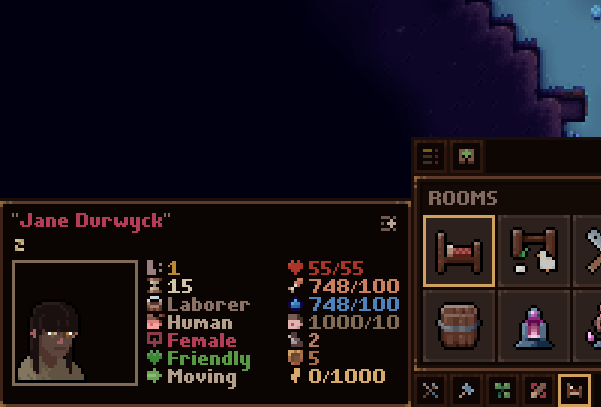
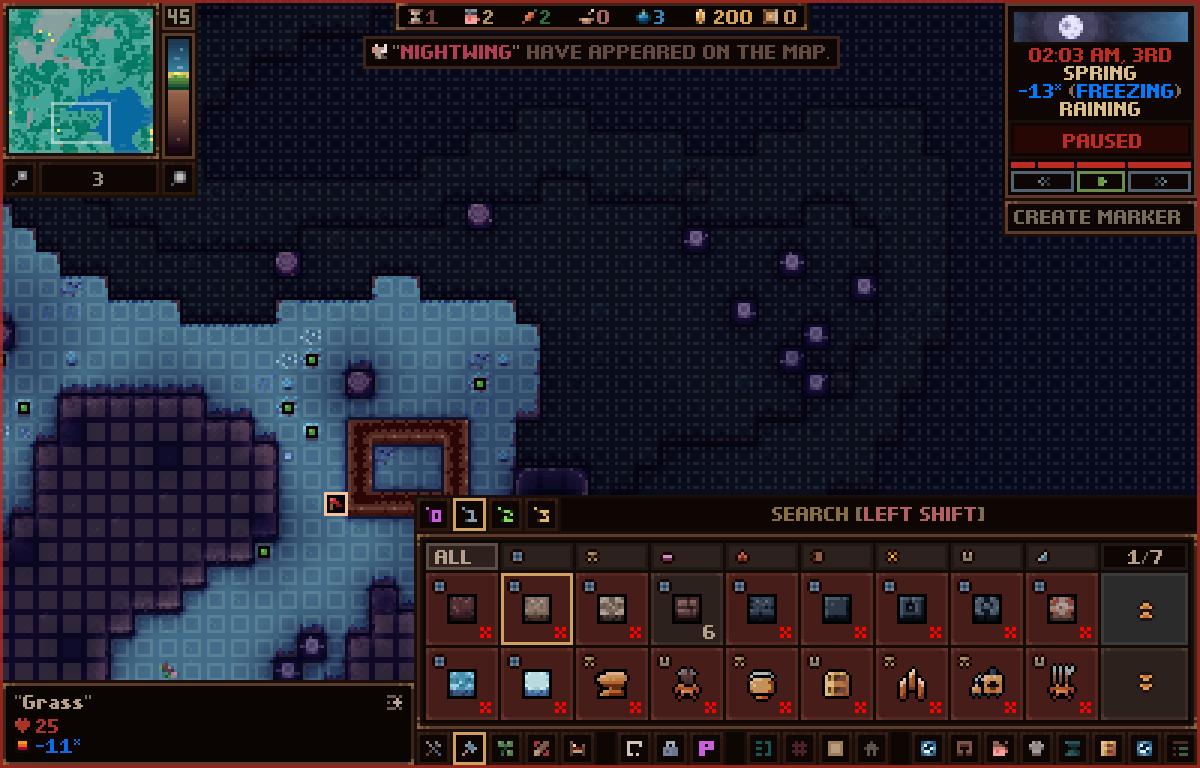
Now, the room toolbar you're used to is pretty different to accommodate the ability to swap functions around. This toolbar's only purpose is to show you templates.

By default, these are the templates you'll see:
These all have several functions already assigned and I'm not going to detail each one because it would take ages. But, as an example, I want to point out two templates here: the 'Empty' and 'Forge' templates.

The empty template is simply there to let you quickly place a room which you intend to customize. Let's say you want to create a house-tailor-market combination.

The forge template has two functions--which you may recognize--within it, the foundry, and smithy. Here, you'd work with metals and various blueprints that require smelting, anvils, and forges.
Players will be able to make their own custom templates to display on the toolbar which will be available across all new games they start. They'll be able to change the icons, overlay, name, default functions, default owners, and so on.
The last important term I want to talk about is, 'Room Owner Group'. ROGs are what you will create to assign settlers to functions in your rooms. Now, don't worry, you won't have to micromanage these if you don't want to. Every room template has them already pre-defined. For example, our trusty house template already comes with an 'Occupants' ROG which, by default, assigns settlers to sleep in bedrooms and use the fireplace.
As well, ROGs auto-populate based on their requirements, so players won't have to worry about manually adding settlers to their rooms. For example, the house occupant ROG comes with the default settings of:
-Family Only (Only allow the same family to join the group.)
-Humans Only (Only humans will join the group.)
The forge would have something like:
-Blacksmiths only.
You can edit the groups to have any of these requirements:
-Family Only
-Race
-Profession
-Skill

The above, for example, only lets human warriors with the harvest skill active that are the same family join. This is an unlikely setting but should give you an idea of how specific you can be.
Let's take a quick look at the Room Edit window.

It's comprised of three parts:

All the important info for a room will be visible here, such as, in the above gif, which entities are assigned, and which props are required.
Speaking of props, each function has a prop requirement whereas, before, each room had them. The function will not be ready to use until these props are built within the room, just as before.
Ok, I know this has been a long winded post but I'm excited to show off this stuff because I think it adds a lot to the game.
As always, thanks for being so patient with me and waiting ages for this update. I know it can seem like the developer has given up on the game when updates become infrequent, but I'm just as passionate about the project as ever. And the wait is only due to the fact that I'm taking things seriously and putting as much love into the game as possible. So, I don't have an ETA, but I'm working away like mad. Thanks again for the patience. :)
You all rock and I appreciate you.
-Waylon
Now that I'm well into the bug fixing, polish, tuning phase and don't have too many new things to show you, I thought I'd showcase the new room editing window and all the changes to the rooms system. I've built a lot of systems from the ground up in this new update, but the rooms system is one which has seen a large amount of re-design and UI work. This is easily one of the most complicated systems in the game, because it gives players so much flexibility and agency. Let's take a look at the differences and walk through the new process of making rooms to fully understand how it works.
Firstly, the name for the system, 'rooms', is no longer that accurate. In the current live version, you're placing down individual rooms, so that makes perfect sense. In the new version, it's more like you're placing down 'buildings' or 'shops', so, I'll likely be changing the room name to something more fitting soon. However, for this post, let's just keep calling the system 'rooms'.
Ok, let's get into placing rooms. The first new term I'll be throwing around is, 'Room Template'. These are what you will see when you open up the room toolbar. Think of a room template as a collection of--here's our second new term--'Room Functions'. The first and, likely, most common template is the, 'House'. Remember the bedroom you would place down? This is that. Sort of. Now you're placing down houses (room template) and, by default, it has one bedroom (room function) and one fireplace (room function) assigned to it. Room template = several room functions.
So, what are these functions? Room functions simply determine what your room is going to do. Let's look at our bedroom function. This is where your settlers that like beds will go to sleep and have children. And the fireplace? Well, it's going to be where you can prepare basic meals and create basic blueprints. Each room you place down can have an unlimited amount of functions if you wish. Hell, you can place down one super-structure room with every function in the game and let 'er rip. I'll leave that up to the player's discretion, but in a later update, when I add more demanding settler behaviors, they'll probably want their own individual rooms. We'll cross that bridge when we get there.
Now, the room toolbar you're used to is pretty different to accommodate the ability to swap functions around. This toolbar's only purpose is to show you templates.
By default, these are the templates you'll see:
- Empty [No functions]
- Home [Bedroom, and Fireplace]
- Farm [Garden, Animal Enclosure, Arboretum]
- Work Shop [Wood Mill, and Fireplace]
- Forge [Foundry, and Smithy]
- Cookhouse [Kitchen, Grain Mill, and Distillery]
- Barracks [Melee Training Ground, and Ranged Training Ground]
- Immortality Tomb [Void Sickness Damper]
- Mage's Sanctum [Chaos Construct, and Transmutation Chamber]
- Summoning Chamber [Conjuration Dais]
- Wellhouse [Well, and Storage]
- Clothier [Tailor, and Tannery]
- Academy [Library, and Arcane Study, Apothecary]
- Storehouse [Storage]
- Prison [Guard Post, and Prison Cell]
- Town Hall [Market, and Great Hall]
These all have several functions already assigned and I'm not going to detail each one because it would take ages. But, as an example, I want to point out two templates here: the 'Empty' and 'Forge' templates.
The empty template is simply there to let you quickly place a room which you intend to customize. Let's say you want to create a house-tailor-market combination.
The forge template has two functions--which you may recognize--within it, the foundry, and smithy. Here, you'd work with metals and various blueprints that require smelting, anvils, and forges.
Players will be able to make their own custom templates to display on the toolbar which will be available across all new games they start. They'll be able to change the icons, overlay, name, default functions, default owners, and so on.
The last important term I want to talk about is, 'Room Owner Group'. ROGs are what you will create to assign settlers to functions in your rooms. Now, don't worry, you won't have to micromanage these if you don't want to. Every room template has them already pre-defined. For example, our trusty house template already comes with an 'Occupants' ROG which, by default, assigns settlers to sleep in bedrooms and use the fireplace.
As well, ROGs auto-populate based on their requirements, so players won't have to worry about manually adding settlers to their rooms. For example, the house occupant ROG comes with the default settings of:
-Family Only (Only allow the same family to join the group.)
-Humans Only (Only humans will join the group.)
The forge would have something like:
-Blacksmiths only.
You can edit the groups to have any of these requirements:
-Family Only
-Race
-Profession
-Skill
The above, for example, only lets human warriors with the harvest skill active that are the same family join. This is an unlikely setting but should give you an idea of how specific you can be.
Let's take a quick look at the Room Edit window.
It's comprised of three parts:
- Owner groups list (far left) - lets you add, remove, and edit owner groups.
- Function list (middle) - lets you add, remove, and edit functions for the room you have selected.
- Room list (far right) - details all the rooms you've placed. You select which room you want to edit from here. Also now shows all occupants.
All the important info for a room will be visible here, such as, in the above gif, which entities are assigned, and which props are required.
Speaking of props, each function has a prop requirement whereas, before, each room had them. The function will not be ready to use until these props are built within the room, just as before.
Ok, I know this has been a long winded post but I'm excited to show off this stuff because I think it adds a lot to the game.
As always, thanks for being so patient with me and waiting ages for this update. I know it can seem like the developer has given up on the game when updates become infrequent, but I'm just as passionate about the project as ever. And the wait is only due to the fact that I'm taking things seriously and putting as much love into the game as possible. So, I don't have an ETA, but I'm working away like mad. Thanks again for the patience. :)
You all rock and I appreciate you.
-Waylon