1. Rolling Line
  2. News

Rolling Line News

Custom colors + competition! v2.5


Today's update is a great one!
Custom painter colors have been added to the game, and there is a week long layout building competition (with prizes) happening to celebrate.

You can now add new painters with custom Hue/Saturation/Value settings, and you can even copy-paste hex-code colors into the game.


You can also change the "hue random" and "lightness random" values for a painter, which will change the random hue-shift (used on props like foliage and cars) and how much of a brightness difference is used in this painter (this effect how the shading on props look).

Here is an example:


There are two different drawers for custom painters: "Custom paints" and "layout paints". layout paints are stored in the save file and cannot be removed, and the custom paints are your own local paints that can be freely removed.

Remember you can actually "edit" paints and change their values! If you edit a paint color used in your layout it will update on all of the props that use that same color! (you need to save & reload the save file for this to take effect though)

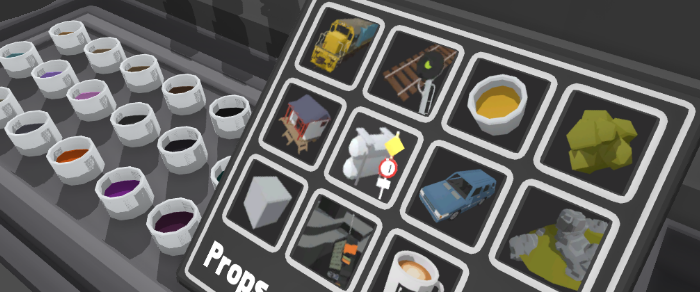
Also, there are now "new" flares on categories and drawers that contain new items added in recent updates:


There are also 3D letter and number props added to the game!
These behave just like normal props, so you can scale/paint/snap them. If you use height-scale (shift + scroll wheel) they will move sideways, which is perfect for putting spaces between letters.


This update also includes a bunch of fixes as usual:
  • Fixed level crossing audio not being tied to volume sliders
  • Fixed QuickMod wheels being swapped over when loading a save
  • Made big optimization to loading backup saves, since this was causing longer starting times when large numbers of backups are loaded
  • Fixed issue with a couple of colors batching incorrectly
  • Fixed quickMod and quickTerrain lists not getting reset when the game reloads (like when leaving and Easter egg scene)
  • Fixed pickupable items being broken in Easter egg scenes
  • Lowered the random pitch range of horns


Now, here's the info for the competition!


Some extra things to note:
  • There is no specific judging criteria for this competition, I will just be personally picking the overall most impressive layouts (creativity, detail and use of custom colors will be a big influence!)
  • You can build upon a layout you already started previously, but priority will be given to brand new layouts that make full use of the new custom colors.
  • If you are someone who makes QuickMods (or have your own 3D models you would love to see in the game) you have the option of instead having your quickMod added officially into the game instead if you choose.
  • I'll get into contact with the winners directly and discuss their choices, as there are various limitations on what can be added into the game (e.g. I would prefer to not add a train that is already planned for a future update, or a prop that requires additional functionality and features). This can be discussed further when the winners are chosen.


Remember to tick the "Color Comp entry" button when you upload your layout to the Steam Workshop!


This is the first time i've ever hosted a competition for Rolling Line, and if this goes well i would be more than happy to do more in the future!

I can't wait to see what kind of layouts you can make with complete freedom of colors!
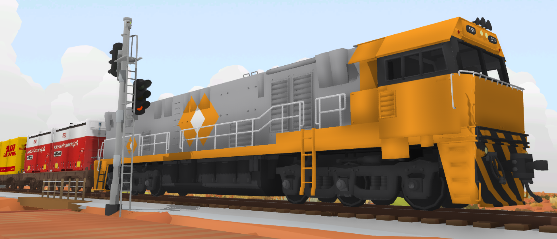
NR Liveries! v2.4


Custom liveries are now available for the Australian NR locomotive!
You can find the new livery template under: "Rolling Line -> Modding -> templates"

You can also now access liveries using the shelves!

Under the "trains" drawer category you can now access a "liveries" shelf, which lets you browse by livery type (e.g. diesel DX, big boy, Pullmans) and spawn in liveries.


This update has a few other changes too:
  • The train drawers are all completely re-organized, so diesel, steam, freight etc are all grouped together.
  • Made big optimizations to how liveries are loaded! liveries are now loaded as they are needed (instead of all at once) so your RAM usage and initial loading times will be much, much better with large numbers of liveries installed.
  • Fixed missing collision on one of the table pieces.


I'm doing a bit more work on the SteamVR and Knuckles interaction for my other game (Echo Grotto) at the moment, but the next update for Rolling Line will most likely be part-2 of the cars update, adding trucks and utility vehicles.

Enjoy!

New cars! v2.3


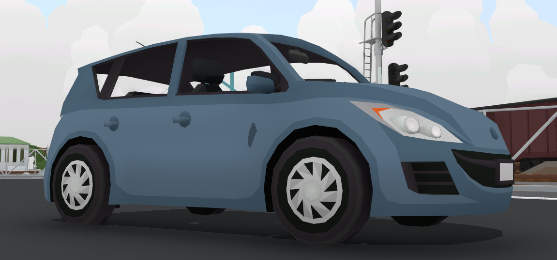
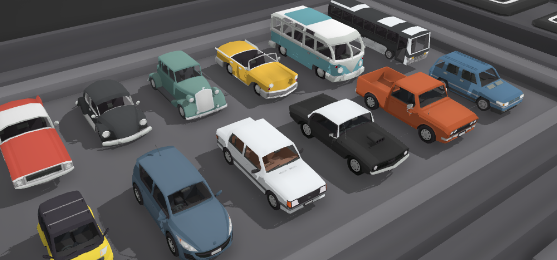
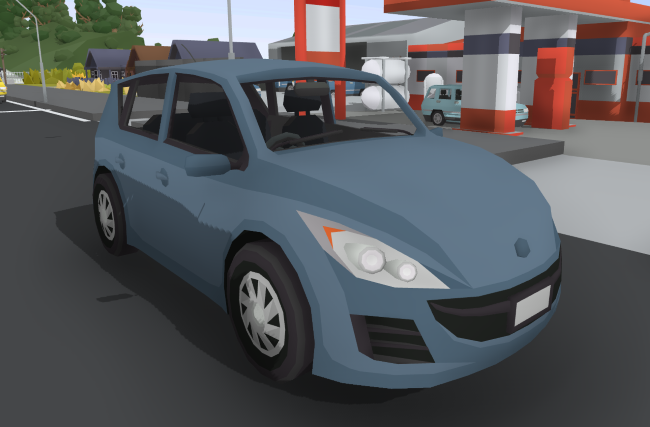
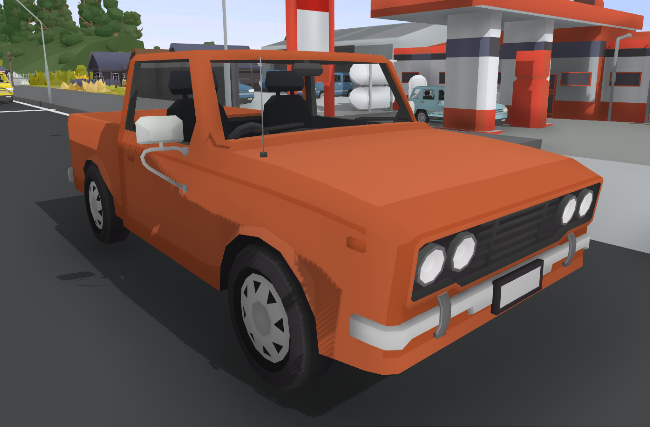
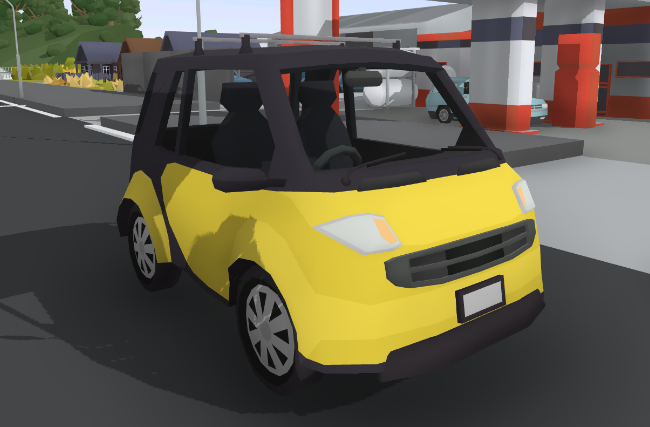
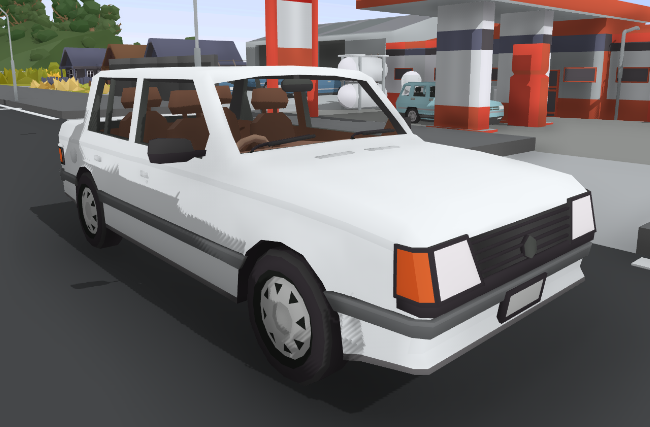
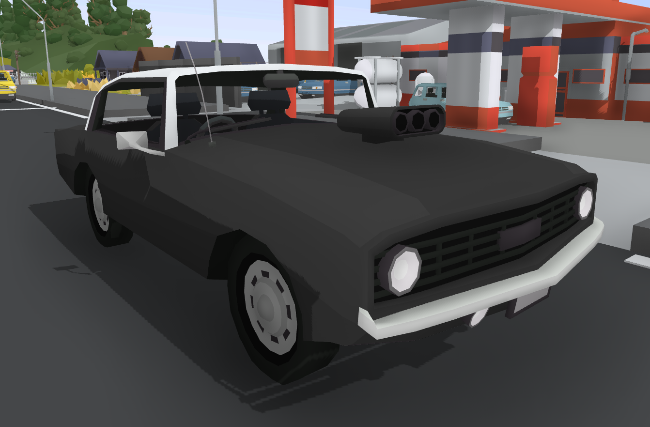
For today's update i've been making a bunch of new modern car models!

Rolling Line has been lacking in modern car options, so i've added a few different types of cars, and there will be another update coming in the near future focused on trucks and industrial vehicles.

These new cars are a step-up in detail compared to older cars in the game, and even feature basic interior details!

And all of these new cars are also multi-paintable!


This update adds:
  • Sport hatchback
  • 2 door truck
  • Smart car
  • Sedan
  • Muscle car


Trucks (and roads!) are coming next, there's going to be all sorts of great updates in the near future!
Liveries for the NR locomotive will also be coming very soon,
Enjoy!

Categorized drawers! v2.2


Today's update adds something that Rolling Line has desperately needed since day one, properly organized drawers!

All the drawers have now been grouped into categories (like trains, track, buildings etc) and completely re-organized.
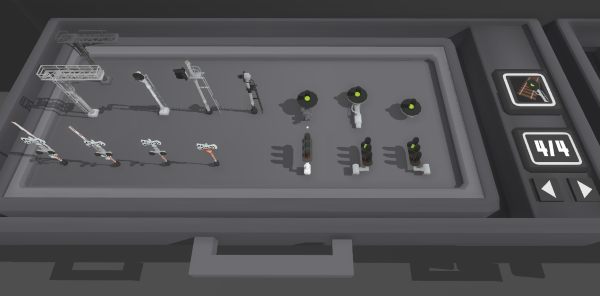
Props are now actually grouped together, like all the signals are now in one drawer, all the paints are now together, all the roadside props (road signs, traffic lights, etc) are in one drawer, and pretty much everything else has been better organized.


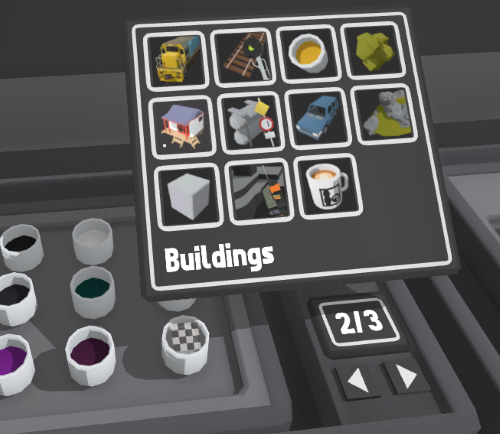
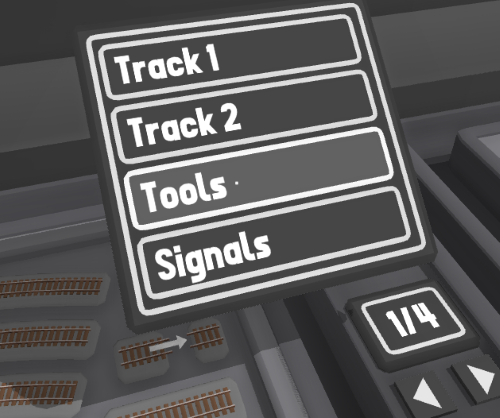
Simply click the category icon to set the overall category:


Then click the number to choose individual drawers, or use the arrows to cycle through all the drawers in the current category:


This new system might take some getting use to, but it SO much easier than the mess that it was before.
Enjoy!

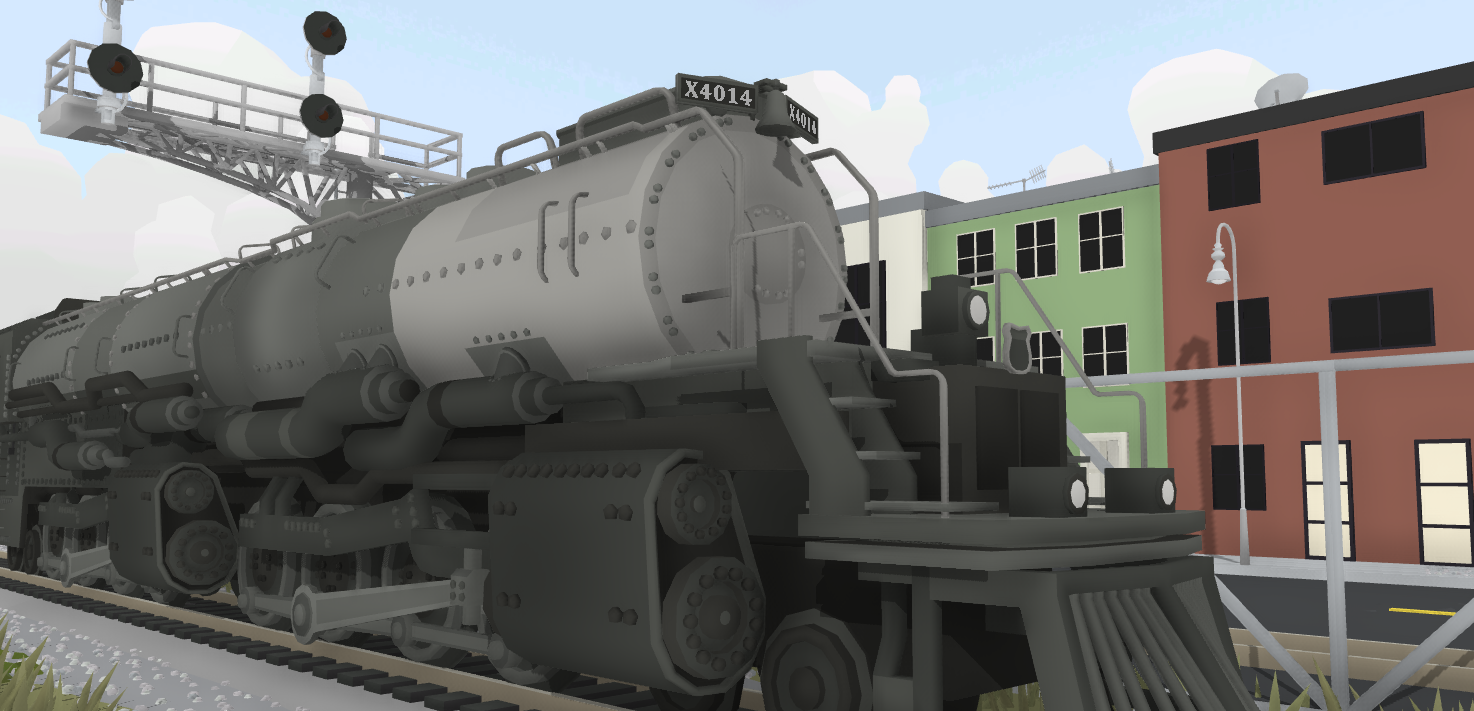
Animated bells No.4014 Big boy! v2.1.4


Today's update is a small one to celebrate the UP Big Boy 4014 which just ran under its own power for the first time in sixty years!

This Big Boy has been in the processes of being restored to working condition, and now that's able to move under it's own steam it is currently the largest operational steam locomotive in the world.

Anyway, this update gives the in-game Big Boy some adjustments, including the 4014 road number and a bell!
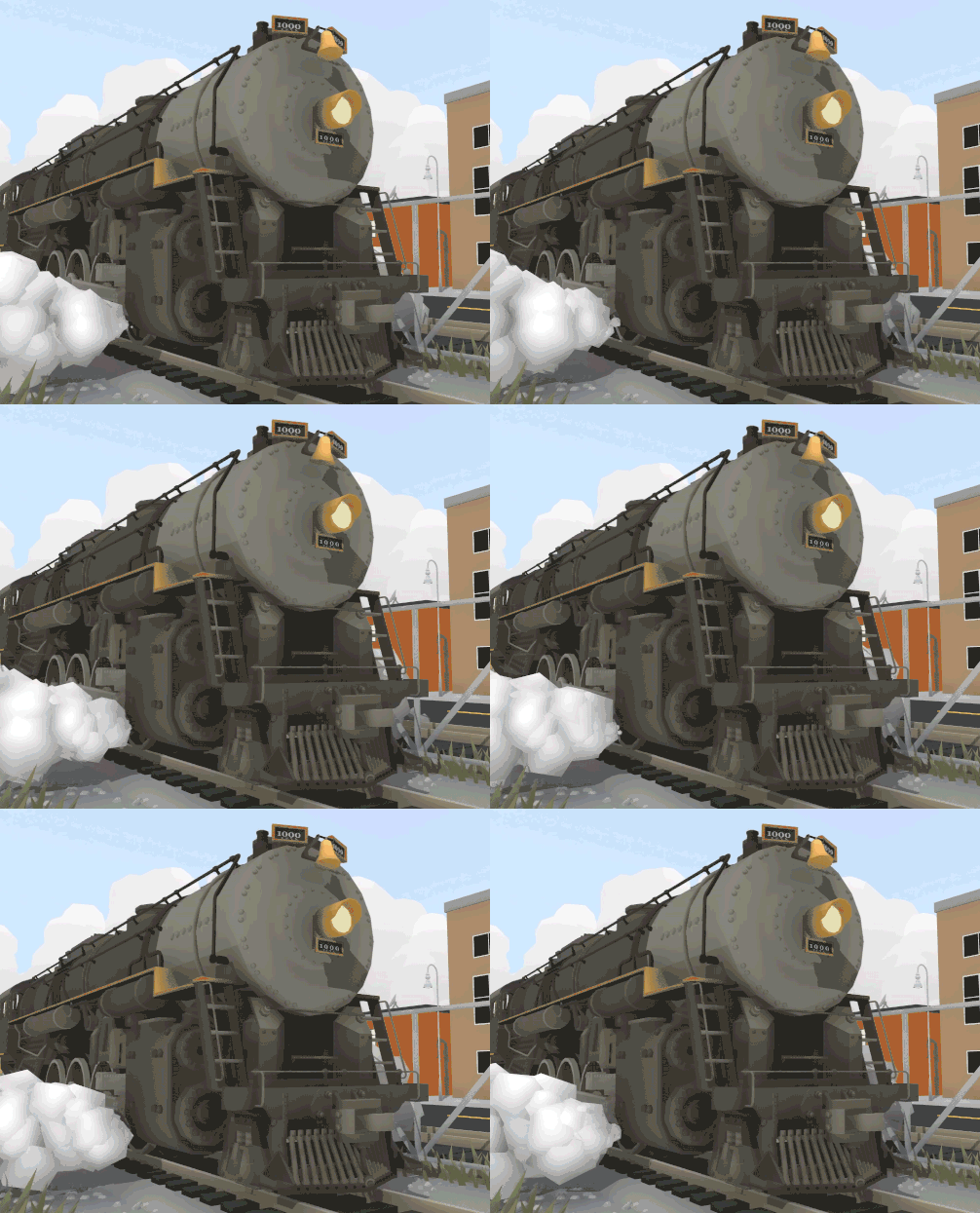
Both the Berkshire and Big Boy now have animated bells, and the custom liveries have also been updated to include the new changes.


This update also makes some changes to how the save backup system works. Backups are now made every time a map is saved, every time a map is left (loading another map, quitting to menu) and when a map is deleted. The save name now also says which kind of backup it was (Save over, Session quit, Delete).

The loading screens now also show additional information about clearing memory and saving backups.

Enjoy!