AudioTheory Guitars 1.5.0 – Drop D Tuning + Octave Specific Playback Update
Today's update includes two new features for the price of one. Well, technically two for the price of zero ːsteamhappyː. With AudioTheory Guitars version 1.5.0 we've got octave-specific note highlighting and support for Drop D (plus Drop Db) tuning.

Both of these are accessed from the options menu, which is toggled using the cog in the top right of the screen. As the number of available settings has expanded I've split these into two tabs – fretboard playback lives in the 'config.' tab whilst the tunings are located in their own 'tuning' tab.
Drop D
When using a Drop D tuning the rest of the application adjusts to ensure your diagrams and chords are Drop D appropriate. The full list of related changes are as follows:
Open Chords – The open chords have been reviewed for playability and modified where required to use Drop D appropriate variations. Some of the E and G variants are still a little awkward, unfortunately there's no way around this.
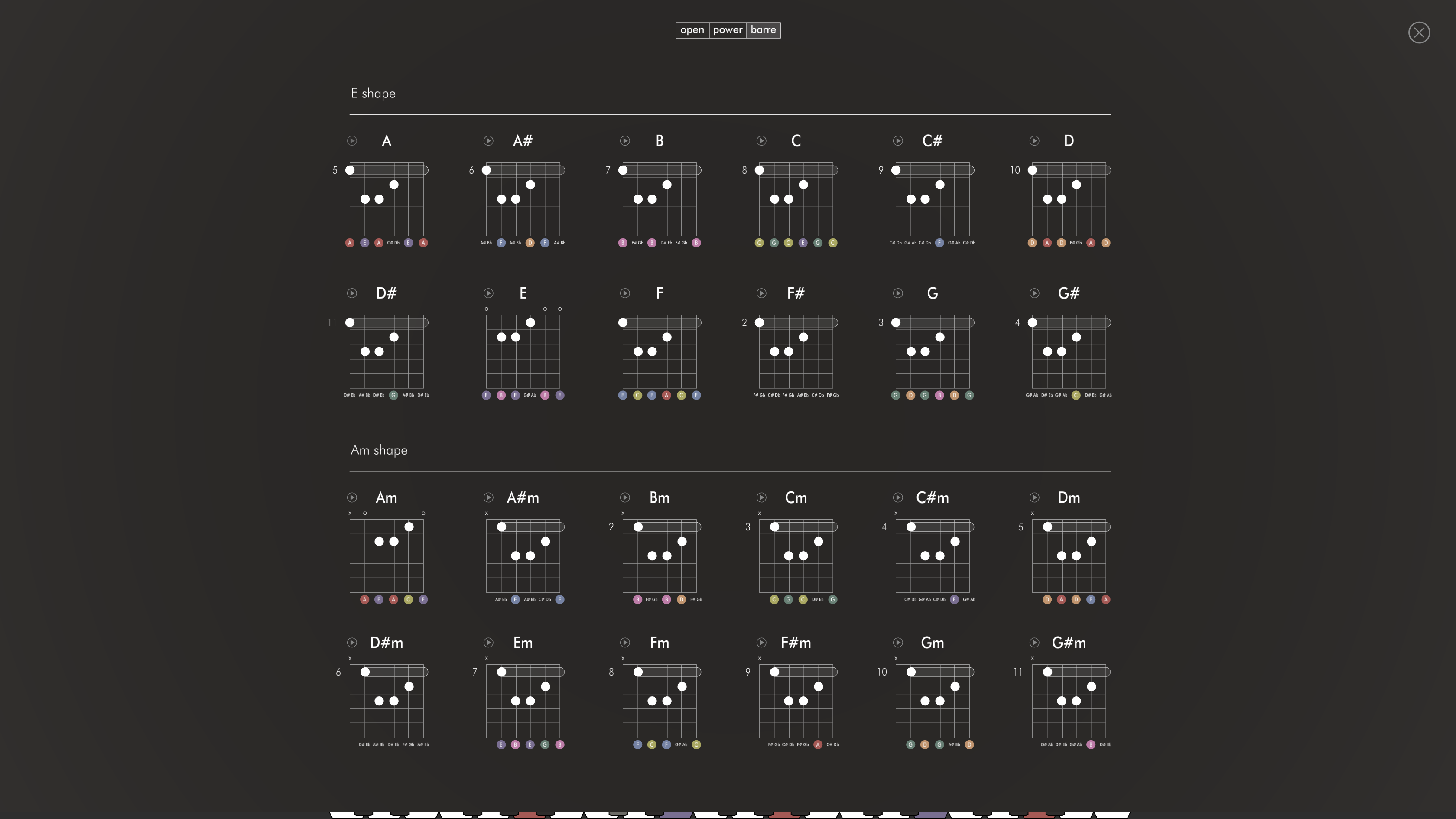
Power Chords – Probably the biggest appeal of the tuning, these are now a set of the easy-to-play power chords where you barre the top three strings.
Barre Chords – These have been replaced with a more-suitable set of sus2 chords

Octave Specific Playback
There's a new setting found under the heading 'fretboard playback' and it's got two options; 'global' and 'octave'. Here's what they both do:
Global – This setting keeps playback as it was prior to today's update. When you press a note either on the keyboard or fretboard, all instances of that note are highlighted.
Octave – Our new alternative playback mode. When you press a note (keyboard or fretboard) it is only highlighted in instances where it exists at the same octave.
Octave playback is a really useful setting for getting an exact match between what you are playing on the guitar relative to the keyboard (or vice versa). Do bear in mind though that the octave settings you can apply might result in notes playing back outside the visible range on the keyboard. If the notes you're playing aren't coming up, you probably need to review the octave setting you're using, and unless you're working with the highest guitar notes, it's best to use an octave value of '1' with this setting.

Thanks for reading and keep practicing!
Fraser
Both of these are accessed from the options menu, which is toggled using the cog in the top right of the screen. As the number of available settings has expanded I've split these into two tabs – fretboard playback lives in the 'config.' tab whilst the tunings are located in their own 'tuning' tab.
Drop D
When using a Drop D tuning the rest of the application adjusts to ensure your diagrams and chords are Drop D appropriate. The full list of related changes are as follows:
Open Chords – The open chords have been reviewed for playability and modified where required to use Drop D appropriate variations. Some of the E and G variants are still a little awkward, unfortunately there's no way around this.
Power Chords – Probably the biggest appeal of the tuning, these are now a set of the easy-to-play power chords where you barre the top three strings.
Barre Chords – These have been replaced with a more-suitable set of sus2 chords
Octave Specific Playback
There's a new setting found under the heading 'fretboard playback' and it's got two options; 'global' and 'octave'. Here's what they both do:
Global – This setting keeps playback as it was prior to today's update. When you press a note either on the keyboard or fretboard, all instances of that note are highlighted.
Octave – Our new alternative playback mode. When you press a note (keyboard or fretboard) it is only highlighted in instances where it exists at the same octave.
Octave playback is a really useful setting for getting an exact match between what you are playing on the guitar relative to the keyboard (or vice versa). Do bear in mind though that the octave settings you can apply might result in notes playing back outside the visible range on the keyboard. If the notes you're playing aren't coming up, you probably need to review the octave setting you're using, and unless you're working with the highest guitar notes, it's best to use an octave value of '1' with this setting.
Thanks for reading and keep practicing!
Fraser