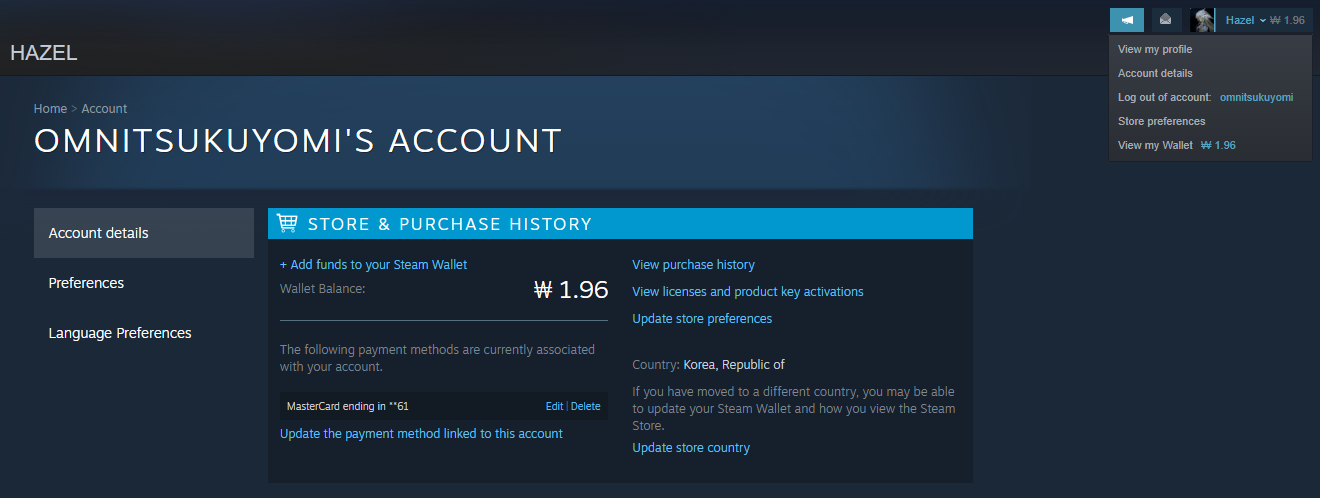
Guide to Purchasing Gcoin on Steam
To be able to purchase paid products in Shadow Arena, you have to first purchase Gcoin. We’ve prepared this guide below to help you with purchasing Gcoin through Steam, so if you need help, please take a look!
[h3]Guide to Purchasing Gcoin on Steam[/h3]
① Go to Steam > Library > Login to Shadow Arena > [Shop] (Top of the Screen) > [Purchase Gcoin]

② Click on [Purchase Gcoin] and select the amount of Gcoin you want to purchase.

③ You’ll be brought to your Steam Wallet to complete the transaction for the selected amount of Gcoin amount.
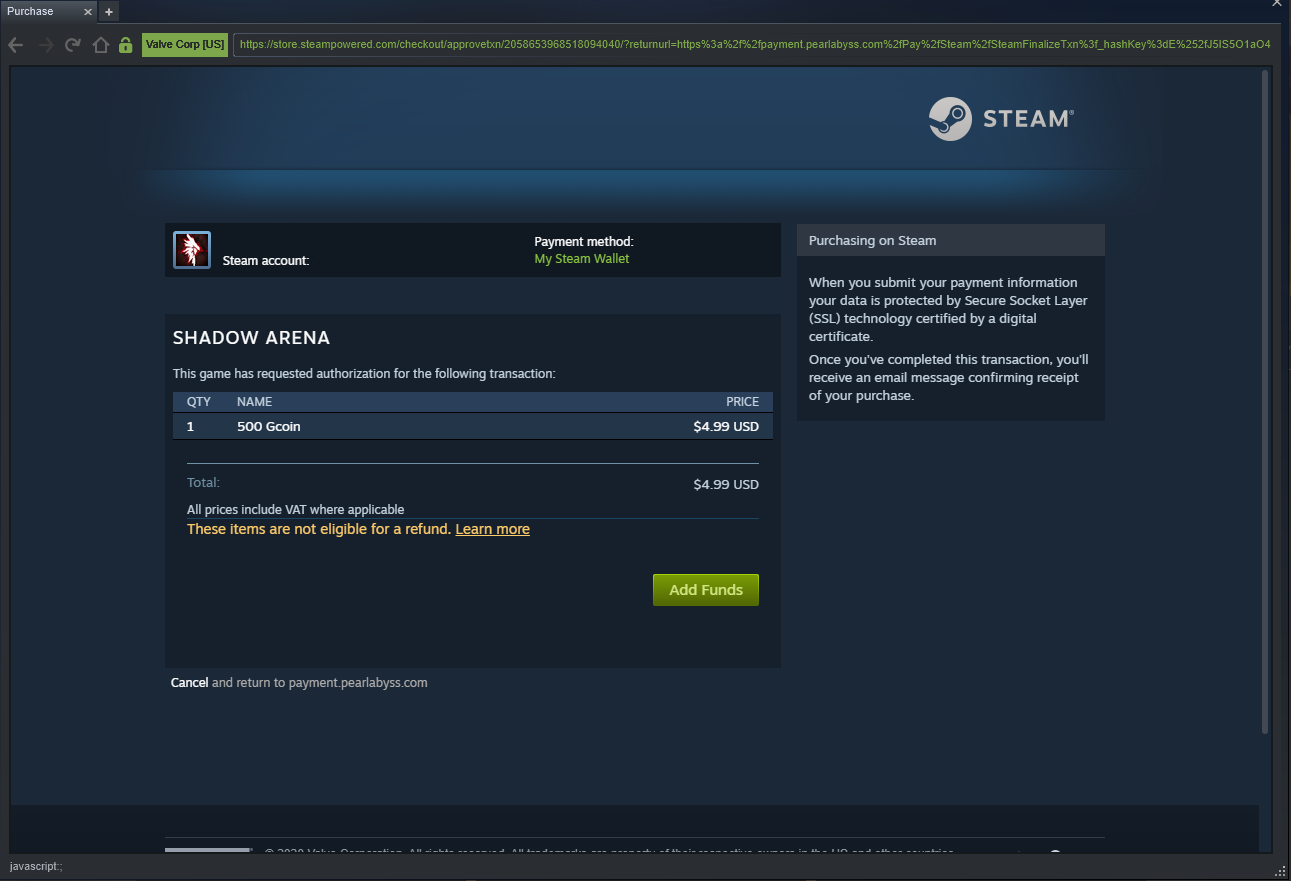
④ Once the transaction is complete, you’ll receive the purchased Gcoin.
 * It may take a couple of minutes before the Gcoin is reflected in your account.
 ⑤ If you want to see your Gcoin and DLC purchase history, you can do so from [Home] > [Account] > [Purchase History].