1. Days Gone
  2. News

Days Gone News

Days Gone Beta Branch Option

[p]You now have the option to play the classic version of Days Gone via the Beta branch on Steam. Experience your ride across the Broken Road in two ways - based on your preference:[/p]
  • [p]Days Gone original PC release from 2021 - Patch 1.07[/p]
  • [p]Days Gone update PC release from 2025 - Patch 1.08[/p]
[p]With the update to Days Gone in 2025 - Patch 1.08, all players who had the base Days Gone game installed received the following features and updates:[/p]
  • [p]DualSense haptic feedback support*[/p]
  • [p]Accessibility features[/p]
  • [p]World graphical improvements[/p]
  • [p]New Atmospheric/Sky simulation using ozone and spectral light simulation[/p]
    • [p]Improves overall color tone and produces more accurate light intensities for the sky and sunlight[/p]
  • [p]Significantly darker night time[/p]
  • [p]Improved screen space indirect lighting and ambient occlusion effects[/p]
  • [p]Double shadowmap resolution when Shadow Quality is set to Highest[/p]
  • [p]Additional improvements[/p]
  • [p]Compatibility for the Days Gone Broken Road DLC**[/p]
[p]*For DualSense controller, wired connection required to experience the full range of in-game controller features.[/p][p]** Additional Purchase required to access the Days Gone Broken Road DLC.[/p][p]If you choose to revert to Patch 1.07 via the Beta branch, you will lose all the above features and updates but still have access to Days Gone before Patch 1.08 update was released.[/p][p]How to Download Classic Version[/p][p]Select Days Gone in your Steam Library -> Click on the Gear icon on the right of the screen -> Select Properties -> Betas -> Select Classic from the drop down.[/p][p]Note: This will replace your currently installed version and download the Classic Patch 1.07 branch. If you wish to return to the current updated version return to the Beta Participation dropdown and select None which will begin download of the latest version.[/p][p]Additional Information[/p]
  • [p]For players interested in swapping branches, we recommend saving your game at a camp and making a local backup of the save files to a different folder. If you have been using Sarah's Gift fuel tank from Horde Assault, you will need to swap this fuel tank out for a different one at a mechanic before being able to ride the bike.[/p]
  • [p]There will be no official support for players swapping between the branches.[/p]
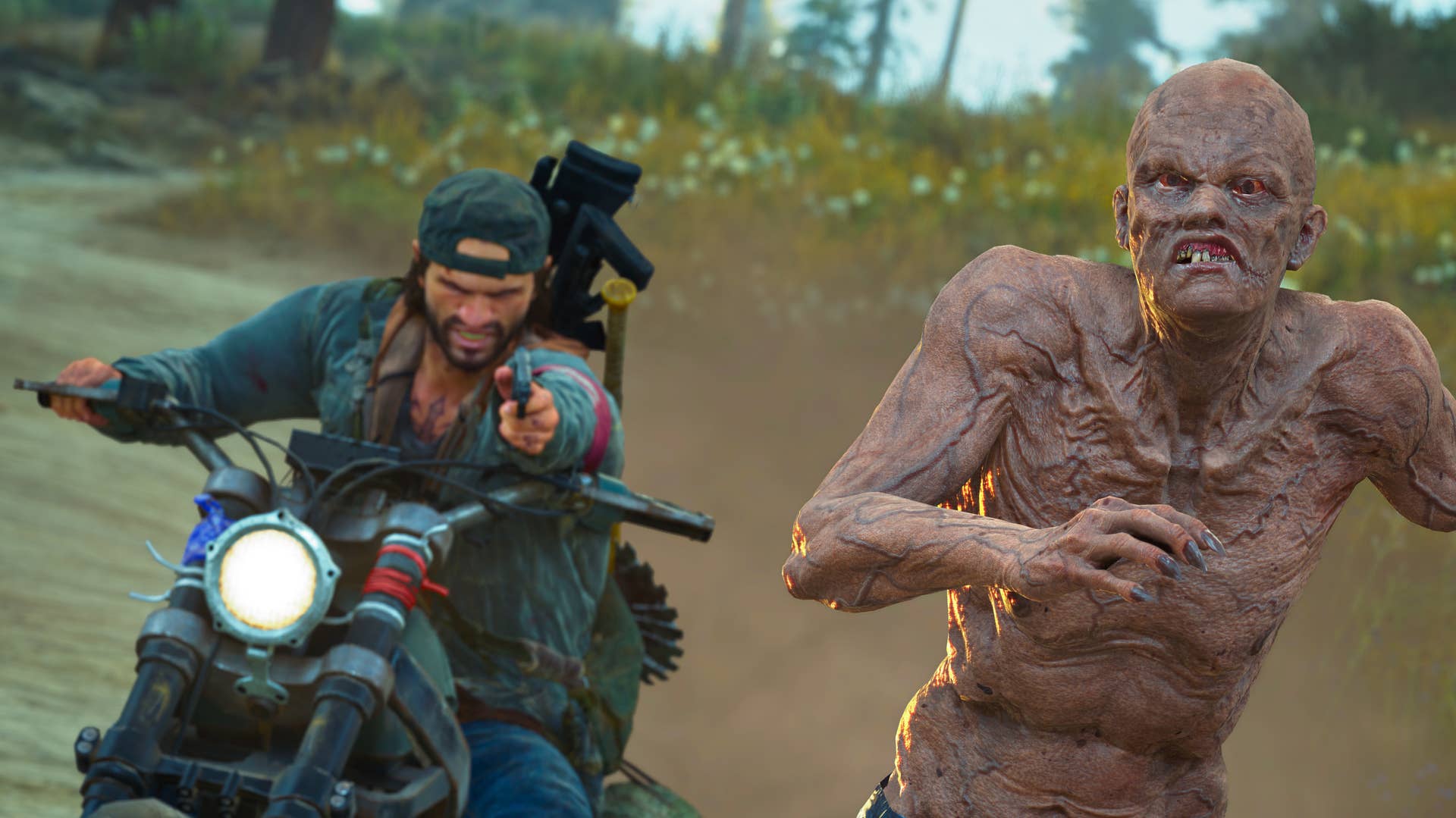
[p]Thank you for your continued support, feedback, and love for Days Gone![/p]

Days Gone Patch 1.13 Notes

[p]GENERAL[/p]
  • [p]Various crash fixes.[/p]
  • [p]Streaming performance improvements.[/p]
  • [p]Translation updates.[/p]
[p]

Thank you for your continued feedback and support with Days Gone![/p]

Days Gone Patch 1.12 Notes

[p]PERFORMANCE[/p]
  • [p]Crash fixes and streaming optimizations.[/p]
[p]GENERAL[/p]
  • [p]The intro videos will automatically skip if the player has a main menu save file.[/p]
  • [p]Made an adjustment that prevents the Screensaver/Sleep mode from kicking in if players idle in the game.[/p]
  • [p]Update to how the Input Remapping functions to correctly handle all window closing logic.[/p]
  • [p]Fixed an issue so the vibration slider properly changes on the Steam Deck.[/p]
  • [p]Fixed an issue where female Freakers were spawning at a higher rate out of nests.[/p]
  • [p]Fixed inaccessible Growler locations in NG+.[/p]
  • [p]Fixed an issue where the icons wouldn't update properly when trying to refuel or repair at camp Mechanics.[/p]
  • [p]Updates to the Touchpad deadzone.[/p]
  • [p]Fixed an issue where the screen may flash black randomly.[/p]
  • [p]Fixed an issue where in some instances players were able to control Deacon while on the main menu.[/p]
  • [p]Corrected an instance where the player would end up in the Options menu when selecting Continue on the main menu.[/p]
  • [p]Updated text in Options menu that XP Indicators are only available in Story mode.[/p]
  • [p]Updated all game modes to use consistent language.[/p]
  • [p]Mini-map updates to properly remove icons.[/p]
[p]HORDE ASSAULT[/p]
  • [p]Fixed an issue with the focus bar staying on screen after use.[/p]
  • [p]Any set waypoints will be removed upon choosing to reset the current map.[/p]
  • [p]Freakers will now explode when killed with Throwables. Molotov responsibly.[/p]
  • [p]Supply Box interacts will update if the Target Score is achieved while standing next to it.[/p]
  • [p]The Open a Supply Box side job is now properly disabled during Ultimate Horde phase.[/p]
[p]PERMADEATH[/p]
  • [p]After completing Permadeath, player save files will convert to normal saves in the epilogue.[/p]
  • [p]End screen graphics for Permadeath and Speedrun modes will now provide accurate stats.[/p]
  • [p]Fixed Permadeath saves to be unable to load after dying.[/p]
[p]PHOTO MODE[/p]
  • [p]Adaptive triggers are no longer active while in Photo Mode.[/p]
  • [p]The default value of Bloom Max Intensity has been adjusted properly.[/p]
  • [p]Fixed Time of Day slider to properly reset when the player holds the Touchpad.[/p]
[p]ACCESSIBILITY[/p]
  • [p]Fixed an issue where explosive bolts would leave a black square on the screen in High Contrast Mode.[/p]
  • [p]Game Speed settings will now be consistent in game modes and during weapon wheel use.[/p]
[p] [/p][p]If you are experiencing any issues, please Submit a Request to [/p][p]support.bendstudio.com.

Thank you for your continued feedback and support.[/p]

Mass layoffs at Days Gone studio Sony Bend after Sony pull the plug on live service game

Sony have confirmed the cancellation of a live service project amid mass layoffs at Sony Bend, the team behind open world zombie biker Days Gone.

Read more

Days Gone Patch 1.11 Notes

[p]Build 18738727[/p][p][/p][p]GRAPHICS[/p]
  • [p]Fixed a streaming issue that could occur during the mission We Make This World What It Is at the end of the Story.[/p]
    • [p]Dev note: Players who were affected by this blocker can now progress to complete the mission.[/p]
[p]PERFORMANCE[/p]
  • [p] Stability and crash fixes.[/p]
[p][/p][p][/p][p]If you are experiencing any issues, please Submit a Request to support.bendstudio.com.[/p][p]Thank you for your continued feedback and support.[/p][p][/p]