1. Carrier Command 2
  2. News

Carrier Command 2 News

Developer Spotlight - Damage Control And Power Management


Dear Players,

In developer spotlight posts, we discuss the detail and ideas behind Carrier Command 2.

In this post, we discuss the damage control station and power management system in Carrier Command 2.

In the original game, vehicles could receive damage to a specific component of a vehicle that would effect the behaviour of that vehicle in a specific way. In the remake, we have designed main carrier damage in a similar way, so that the carrier takes damage (by weapons, collision, etc) at a specific location. For example, a hit to the tower could disable radar, while damage to a specific CIWS would disable that turret.

The damage status of the carrier is displayed on a screen on the bridge, showing the health of the various sub-systems, as well as the overall health of the hull. While the hull health is the critical health bar that ultimately decides if your carrier is destroyed, damage to sub-systems can leave you exposed and vulnerable.


Damage can be repaired, but it takes time and costs power (both of which are likely under short supply if you are under attack). Sub-systems will only work when fully repaired.

Power is a valuable commodity in Carrier Command 2. The main power unit on the carrier is responsible for supplying all systems, including propulsion. Just having a system active has a small power cost, and while it is possible to power all systems at once, it ultimately leaves less power available for propulsion. Turning systems off to get a little more speed may seem attractive, but may leave you radar blind or vulnerable to missile attack. Likewise, to fortify with full battle-readiness, the manoeuvring speed will be limited.

While not the first example of a power system, my favourite example is the 1997 Lucasarts game, X-Wing vs TIE Fighter. In this game, you could balance your power between weapons, shields, and engines, and continually rebalance as your desired play style changed. It was possible to leave power at the default state, but you could express your play style and optimize your ship by tweaking the power balance as you saw fit. Carrier Command 2 aims to achieve a similar balance. It isn't something that new players need worry about, but the player can choose to optimize the ship for it's current role and strategy, or just turn systems off to quickly repair the most important damaged systems.


We hope you find this post interesting, and we have plenty more to share in coming weeks. There are some particular elements in the game (such as procedural world generation, weather simulation, AI and pathfinding) that I really want to share, but they probably deserve a video, and we are so busy getting the last parts of the game finished. I expect we will find the time for videos around release.

As always, we look forward to your thoughts and feedback. Let us know what you think and what you want to hear about next!

Much love
The Carrier Command Developers

Developer Spotlight - Cooperative and Competitive Multiplayer


Dear Players,

In developer spotlight posts, we discuss the detail and ideas behind Carrier Command 2.

In this post, we discuss the cooperative and competitive multiplayer features, why multiplayer is important, and how it works.

Multiplayer was one of the first features we implemented in the development of this game, because we wanted to be able to play and test together, discuss the experience and iterate the design while bouncing ideas off each other. While the entire campaign can be played as singleplayer, we also wanted the game to fundamentally work as a multiplayer experience.

You can play the entire campaign as singleplayer or multiplayer, as well as being able to customize the game mode to have multiple teams and different sized worlds. This depends on if you want to play the full game through with your friends, perhaps over several sessions, or if you want to play versus other players over a small number of islands.


The design of Carrier Command 2 is heavily influenced by the classic gaming experiences of the 1980s and 1990s. This was an age of gaming where mechanics were typically deeper and players made more complex and broader decisions, but networking and the internet was much, much less common. I often longed to play with friends in the same game, rather than taking turns on the same screen. Playing with friends and communicating is just more fun.

When the game offers more to players in terms of systems to manage, and roles to adopt, multiplayer is particularly effective. Some players will be most comfortable multi-tasking, while others may prefer focusing on helm operation or logistics and manufacturing. In a game like CC2, where the player has authorship over their play style and focus, and where there is no single correct way to play, then playing with others produces a new and fresh experience within the same game.


As previously discussed, the bridge of the carrier is divided into several stations, each with a specific role and function. These functions include inventory & logistics, command, helm, carrier weapons, carrier systems, and remote vehicle control. In singleplayer, who will find yourself using all of these stations to some degree, while in multiplayer, it is up to the players how to play. While there is less to be done per player, gameplay can be more efficient, and communication (including in-game VOIP support) becomes a critical and engaging layer to the game.

In a player-versus-player game mode, the experience is very different. Knowing that you are playing versus a team of humans is a competitive experience, and defeating human players simply means more.

We are still tweaking and balancing many areas of the game, including multiplayer, so please let us know your thoughts, ideas and feedback so we can consider them as we tune these final layers of gameplay.

We look forward to sharing more as we approach release. What would you like to hear more about? Would you want to see some video content? Let us know in the comments!

Much love
The Carrier Command Developers

Developer Spotlight - The Vehicle Chassis Set


Dear Players,

In developer spotlight posts, we discuss the detail and ideas behind Carrier Command 2.

In this post, we discuss the amphibious and air unmanned vehicle chassis set, their strengths, weaknesses, and why they are unique.


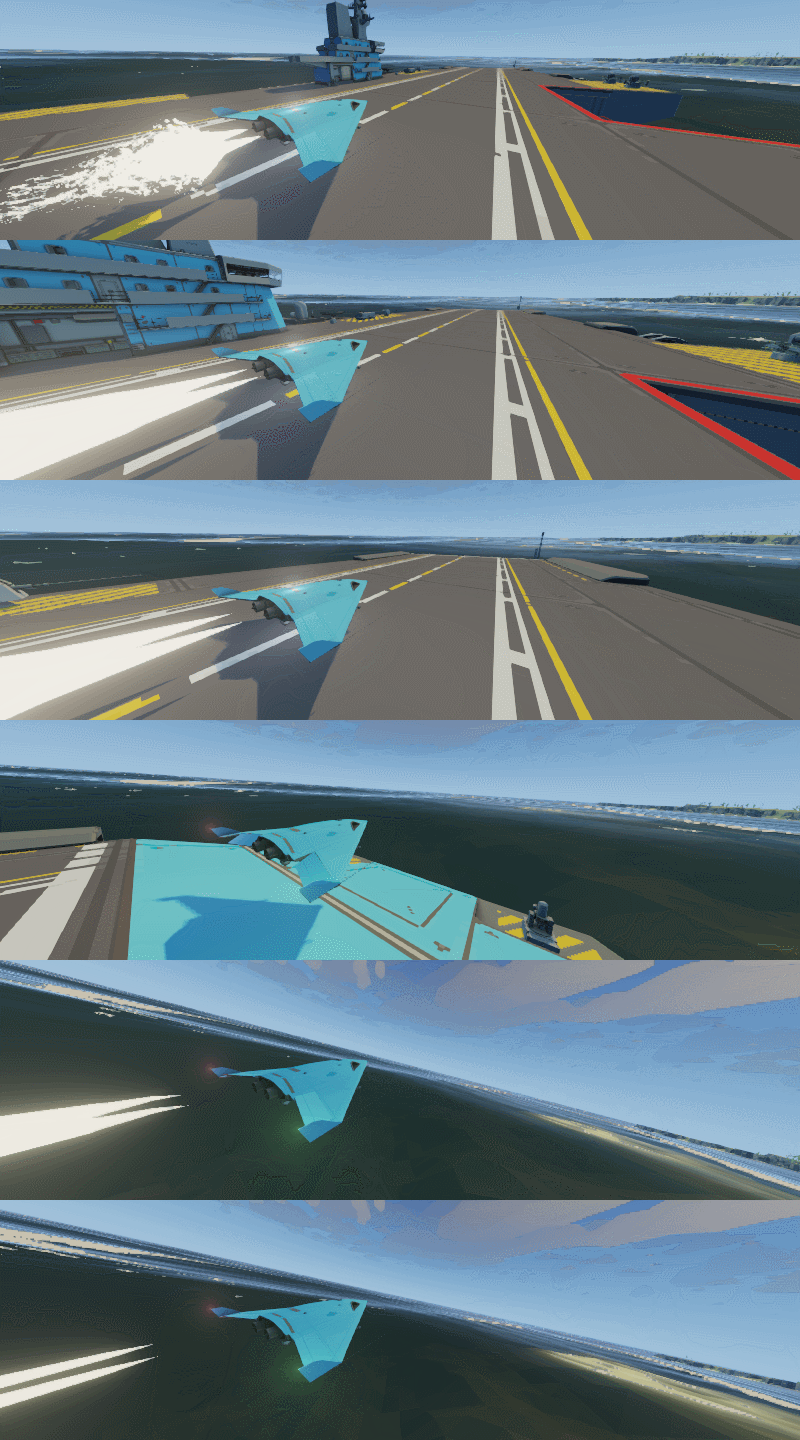
The unmanned vehicles fall in to 2 categories: surface and air. These categories have their own hanger space on the carrier, and, in a similar way to the original game, deploy via the docking ramp or runway.

The amphibious surface vehicles come in 3 models; light-weight, medium-weight, and heavy-weight. They each have their own attachment points, speed and agility in water and on ground, and resistance to projectile impacts.


The air vehicles come in 4 models; light-weight fixed wing, heavy-weight fixed wing, light-weight rotor, and heavy-weight rotor. The air vehicles have a greater variety of utility, with a broad range of distances of operation from the carrier, speed, payload, time on target, and resistance to projectiles.

The winged aircraft are ideal for scouting and advance strikes. The light-weight model has a lower speed but longer flight time, with a moderate payload. This aircraft is ideal for initial scouting, well in advance of an invasion in order to allow time for manufacturing and refitting. The heavy-weight model is closer to a multi-role fighter craft, having a greater payload, and a higher speed giving shorter response time.


The rotor aircraft have a shorter range, but are more manoeuvrable and more able to provide support to surface units with shorter response times.


The decision to split the MANTA and WALRUS vehicles into multiple sub-units is about developing the utility and strategy of specializing your units. By selecting the vehicle chassis, players have the authorship to select the base attributes of their vehicles as well as the abilities of their turrets. This is a fundamental component of designing strategy gameplay - to give the player the ability to express a broader range of strategies and ideas.

We are enjoying sharing bits of information about the upcoming Carrier Command 2 with you. Please share us your feedback and let us know what you would like to hear more about next!

Much love
The Carrier Command Developers

Developer Spotlight - The Carrier Helm and Navigation


Dear Players,

In developer spotlight posts, we discuss the detail and ideas behind Carrier Command 2.

In this post, we discuss the helm on the carrier bridge, how it functions, and how you navigate the world in Carrier Command 2.

The helm is a control station at the centre front of the bridge. This position is surrounded by windows, giving the player a very wide and open field of view.

The Lower Console


The lower console has 3 multifunction displays which can be set up to the players preference, engine controls and dials, fuel information, rudder, throttle, control mode and gear controls, signalling and illumination lights.

The Upper Console


The upper console has a propulsion status screen, a mechanical compass, a compass and bearing information screen, ocean floor sonar, and the master alarm button panel.

To pilot the carrier, you simply start the engine, then use forward-backward, left-right controls to drive. It is simple to get started, but there is a lot to master and becoming an excellent helmsman is no simple task!


You will want to set up your multifunction displays. They display a map, centred on the carrier position. They can be set to various layers and zoom levels, each providing a specific view. There are various weather views indicating navigation conditions, ocean depth view which gives insight into the magnitude of the huge ocean waves, and ocean current view, showing the movement and pull that will be applied and pull the carrier off course. The weather and ocean are dynamically and richly simulated, and continually changing. We will cover these systems in more detail in due course.

The carrier ocean floor sonar works in a similar way to real sonar, scanning the ocean floor in a sweeping pattern, and mapping the returned data to a visual graph showing the proximity of the ocean floor in all directions. This system is entirely mechanical, using the physics simulation to test and simulate the sonar system.


This screen is most useful near an island in shallow water, where very fast decisions need to be made to avoid grounding the carrier on a sand bank, and where you are relying on this information because it is difficult to see what lies below the waves.

We hope you enjoy this insight into these details of the mechanics of Carrier Command 2, and the details and mechanics as we build on the rules of the original game.

We look forward to your thoughts and feedback in the comments! And please let us know what you want to hear about next!

Much love
The Carrier Command Developers

Developer Spotlight - Fire Support


Dear players,

In developer spotlight posts, we discuss the detail and ideas behind Carrier Command 2.

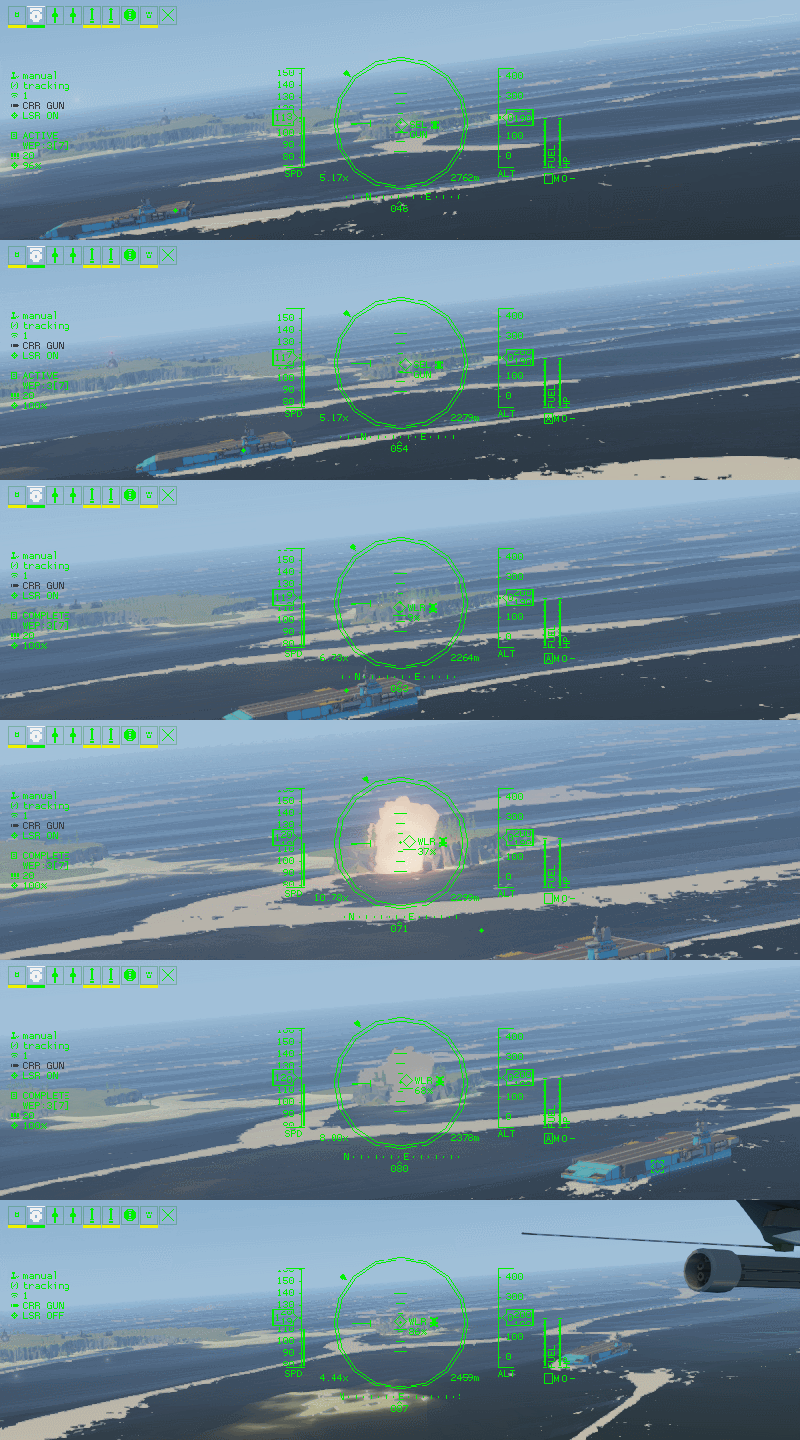
In this post, we discuss fire support requests! Yes, in CC2 you can sit on the bridge of the carrier, then remote into another unmanned vehicle, then remotely fire weapons from a 3rd vehicle! It is actually quite simple...

When using the gimbal style cameras, you can track and laze targets on the ground. These are stabilized cameras with powerful optics, capable of up to 20x zoom. This style of camera is available on most vehicles, including aircraft, amphibious vehicles, and even the carrier.

When using this camera, you have the ability to request various types of fire support, directed at your target. You simply select the type of weapon you wish to use, and fire.

Once a fire target is issued, the process is automatic. Nearby vehicles with that weapon capability will respond by firing that weapon at the given coordinates. Some weapon types with vectoring such as guided missiles will continue to update the target position from the cameras laser and steer to follow the players aiming reticule.

Carrier Howitzer Cannon


The first type of support weapon mounted on the carrier is a long range cannon, capable of firing a salvo of devastatingly explosive rounds. The accuracy is not pin-point, and the rounds will land in an area around the target, with huge area damage, so is not suitable where your own units are closely engaged.

This weapon type is very fun to use and illustrates how powerful the carrier is in the hands of the player.

Carrier Cruise Missile


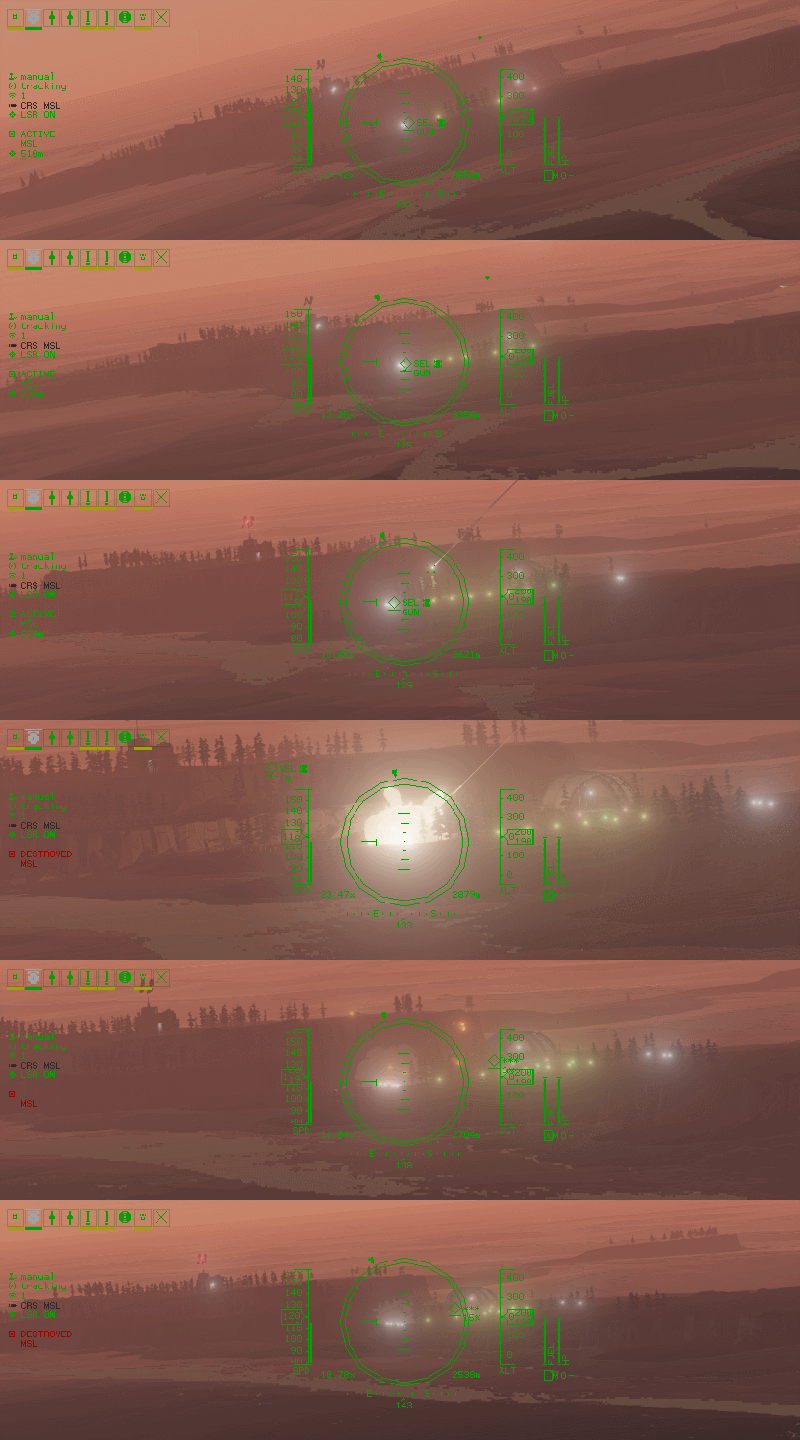
The next type of fire support available from the carrier is a cruise missile. The missile has very high range and can fly for many kilometres before reaching it's target. The payload is significant, but smaller than the howitzer shells. The weapon is highly accurate and will track the laser target, with enough blast radius to destroy multiple vehicles should they be close enough together.

This weapon is ideal for pre-landing strikes, to eliminate key enemy units that would otherwise be able to resist invasion.

Laser Guided Missile


This fire support is a unmanned vehicle mounted missile. These missiles could be mounted on currently controlled vehicle, a nearby air or ground vehicle. The payload is much smaller but highly accurate and capable of eliminating an enemy vehicle in close proximity to your own forces.

Much love
The Carrier Command Developers