1. Mirthwood
  2. News

Mirthwood News

Patch 1.0.15f

Patch 1.0.15f

With this patch, we have turned on the v-sync option in the settings menu. If your GPU is using application based vsync, this will help with your stabilization issues. In-game vsync settings should no longer interfere with native GPU settings.

-Fix Wardrobes reloading with only 5 slots
-Fix fences on Farm being able to link to player placed fences (caused issues loading them later),
-Fix fence posts visible from 2nd floor
-Fixed placed Binding Stones not being saved
-Refreshed Binding Stones (can get them again if any were lost)
-Reset Bandits for 'The Bandit Blockades' & 'Barren Rock Bandits' (fix if can't complete because missing kills)
-Prevent finding chest before talking to Elara in Voice From the North quest
-Potential fix for crashing when fast traveling
-Fix Grain Mill queue not saving progress
-Update Mill queue to allow for 5 items
-Revert Steel to cost to 1 Iron Bar
-Fix crevice in Plains that player could fall into
-Fix Ranger/Toxicologist skill cards, Craftsman properly use less items when crafting (no preview yet, 5% less)
-Fix Riddles quest Stranger not moving for "Follow the Stranger"
-Fix chests/barrels reloading state when placed (dupe/delete item bug)
-Fix Large Cypress not being able to be picked up
-Fix Skeleton Cage not being able to be picked up
-Updated localization changes
-Turn vsync back on in in-game settings
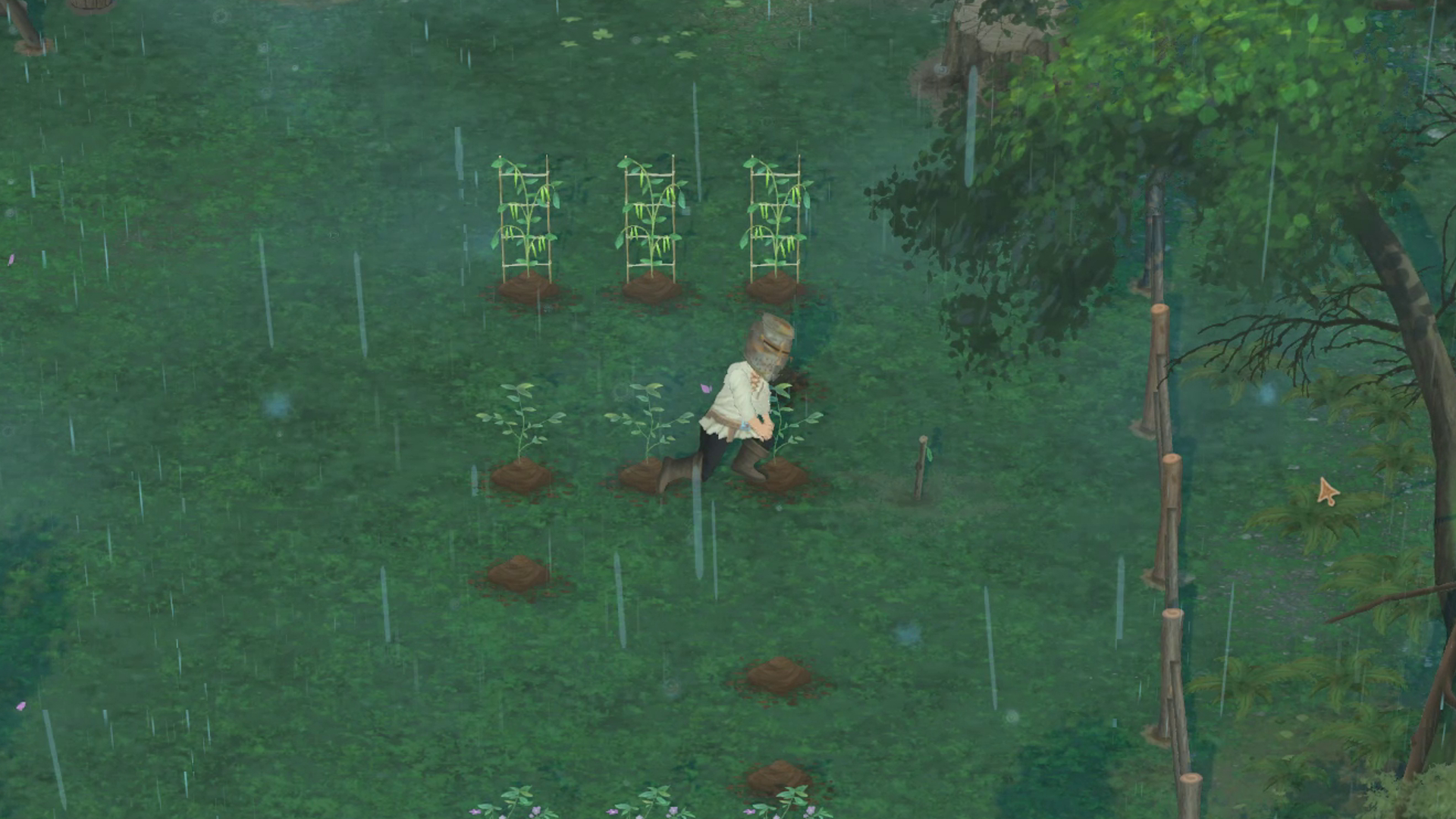
I tried to live out my cosy medieval peasant fantasy in Mirthwood but kept dying from starvation and bandit attacks


There are times when videogames mirror real life. In Mirthwood's case, it's the fact that I'm constantly hungry. A bread chunk barely lasts me a few axe thwacks at a tree, and a baked apple carries me for a few steps before my stomach is growling at me once more...
Read more.

Patch 1.0.11f

Patch 1.0.11f

-Fix main menu is just a black screen
-Hide tools crate until that quest step is reached (the fix for Road to Brightoak for players stuck at (1/1) is to drop/pickup your axe)
-Fix the marketplace visuals
-Fix stuck on 3/4 Riddles in Ruins (can now go back and pick up the 1st artifact to complete)
-Fix a possibility of stuck in character creation (can't accept, not all appearance options show up)
-Fix skill card hand limits getting set beyond 1 day

Please remember to enable vsync on your native GPU application (last patch removed it as an in-game option). You can internet search for enable vsync on NVIDIA or AMD (or whichever other GPU you have).
The games vsync setting seemed to be partly causing the crash when fast traveling for some players. Those players reported that setting their native GPU settings to "on", removed their game crashes.

Thank you.

Patch 1.0.10f

v1.0.10f is now live on the default branch!

- FPS and V-Sync have been disabled in the in-game settings (please set your native GPU settings as desired)
- Add context menus to UI scaling (Interact/Loot/Use/Open etc)
- Fix Copper Ring stats (wrong multiplier)
- Fix Sheds not letting other items like refiners and storage be placed inside
- Fix scroll wheel in UI scrolling at snail speed
- Disable Hail fog (improve fps a lot when hailing)
- Load farm grass over more frames to help smooth loading the farm slightly
- Minor localization updates
- Fix rebind actions resetting to English
- Fixed control bindings resetting / not applying
- Add Controls option to Title Screen settings again
- Some Texture compression/optimization
- Fix Elara quest repeat dialogue
- Add corn to Mill recipes list
- Increase Leather sell price
- Buff armor sell prices
- Fix Elegant Purple Wardrobe sprites
- Auto-save every 5 minutes
- Fix Marketplace UI getting stuck
- Made 'Place the foot' Hag quest marker/circle smaller
- Allow placeable items to overlap each other
- Bow balancing
- Rebalanced crafted tool/weapon values
- Slightly increased placement range
- Fix key rebinding on the main menu
- Add F4 key to hard reset position for stuck in caves etc.
- Prevent auto-saving in mines/caves
- Adds exit portals
- Fix Refiners (Keg, Cask etc) auto-using with controller
- Translation updates

There's a beta branch of the game available to use too if you'd like to try out the latest features we're working on.

Join our discord: https://discord.gg/qBTQXUpP
It's the best way to ask questions and stay up to date on the development of the game.

Thank You for Your Support!

Hello Mirthwood community!

First, we want to extend a huge thank you to each and every one of you for joining our small team on this journey. Watching Mirthwood come to life in the hands of players has been an incredibly humbling experience. The feedback, suggestions, and support we've received have been invaluable to us as we continue to develop the game. As a small, two-person team, every bit of feedback is not only appreciated— it’s essential to helping us make Mirthwood the best it can be.


[h2]Actively Working on Improvements[/h2]

We know that some players have run into issues along the way, and we're hard at work on bug fixes and performance improvements to ensure everyone has a smooth experience. With each update, we aim to address the most critical issues and refine the overall gameplay experience. We're listening to your feedback daily, and our goal is to continue evolving Mirthwood in a way that respects your time and support.


[h2]Updated Regional Pricing[/h2]

We’ve also made some updates to regional pricing to better align with the diverse regions of our player base. We want to make Mirthwood accessible to as many players as possible, and we hope these adjustments reflect that commitment.


[h2]Join Our Discord Community![/h2]

If you’re interested in following the development even more closely, or if you’d like to share your thoughts and connect directly with us, please consider joining our Discord community. It’s a great place to meet fellow adventurers, share ideas, and chat directly with us about Mirthwood. Your feedback there helps shape the game, and we’re grateful for every voice that’s part of the conversation.

Thank you again for your incredible support. We’re excited to keep building Mirthwood with you, and we look forward to seeing you in-game and on Discord!