1. Euro Truck Simulator 2
  2. News

Euro Truck Simulator 2 News

HS-Schoch Tuning Pack

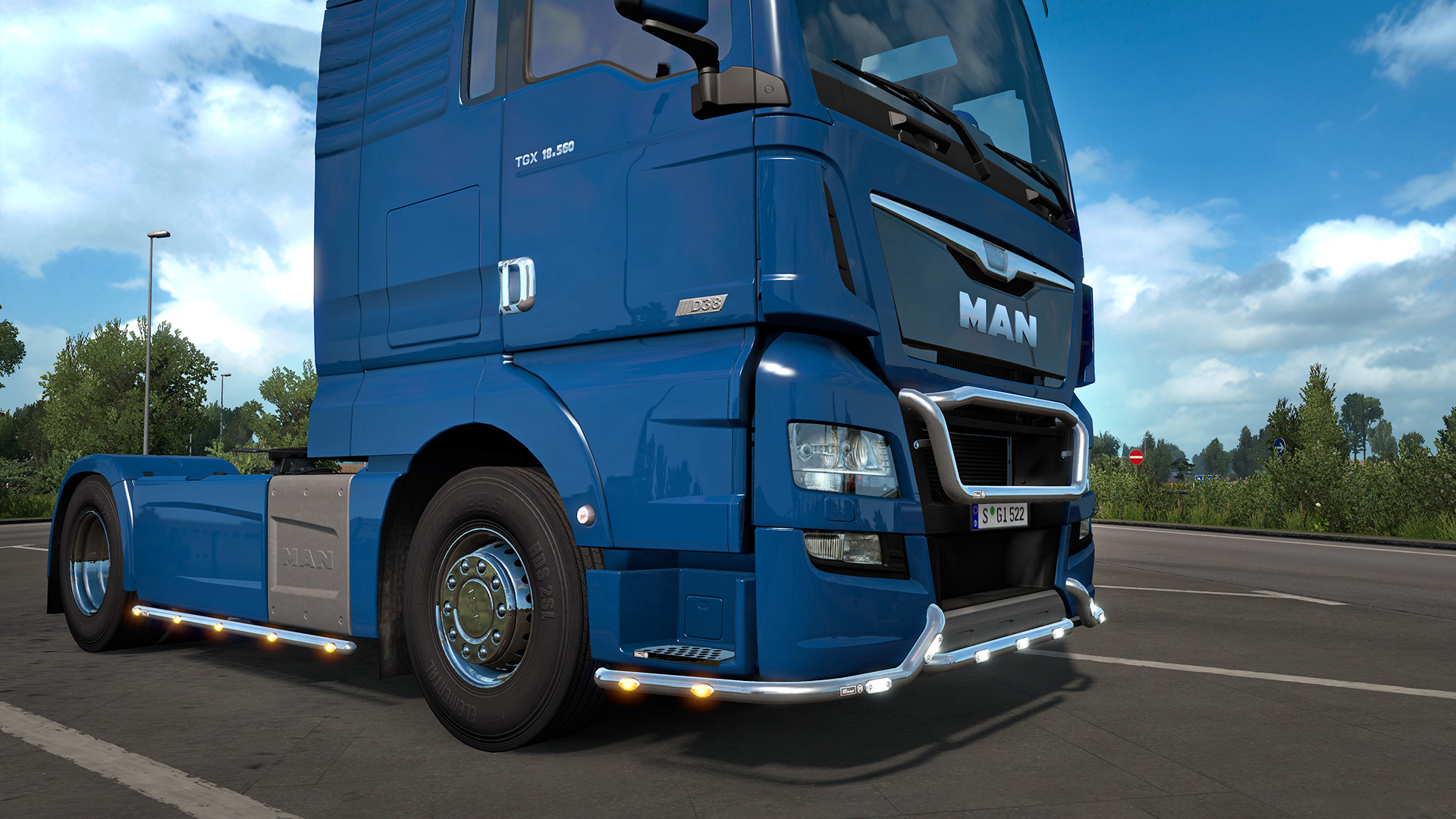
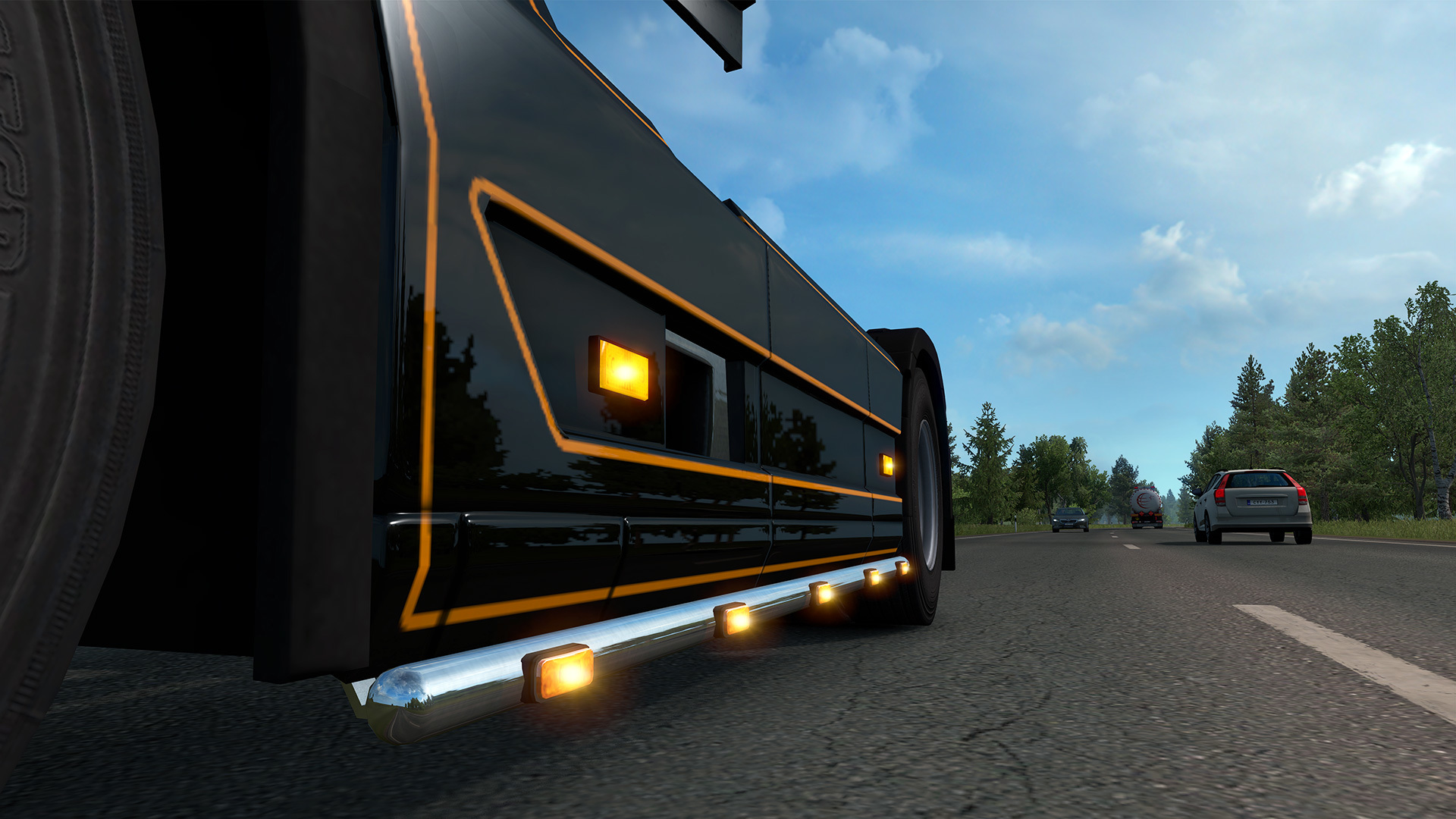
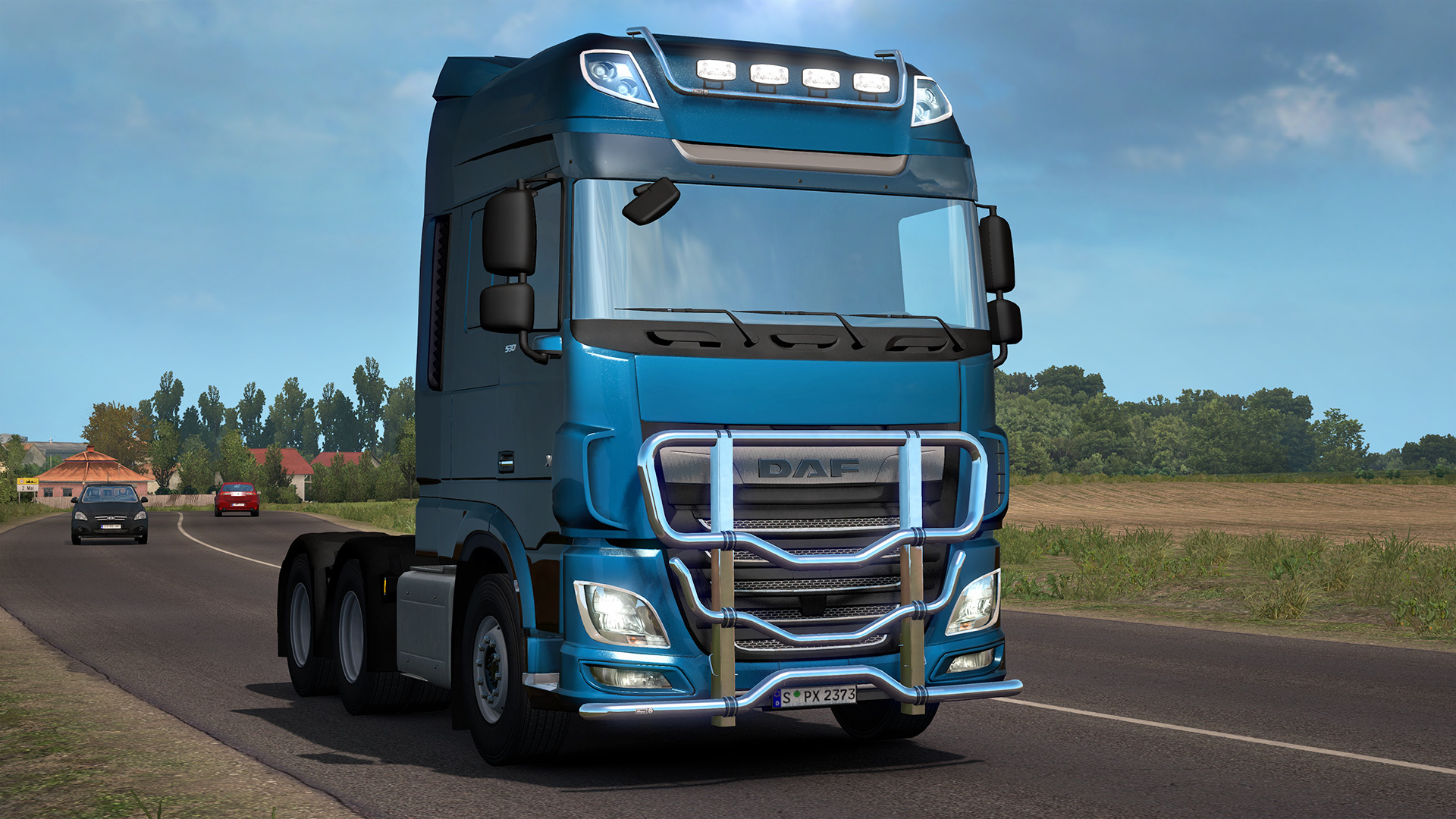
Today, we are proud to bring you a new tuning pack created in close cooperation with HS-Schoch, a leading truck tuning and accessories brand. While our previous tuning DLC's have been focused specifically on certain truck brands, our partnership with HS-Schoch has allowed us to obtain detailed 3D data references to bring these high quality accessories for a majority of the vehicles in ETS2.

Introducing the HS-Schoch Tuning Pack, Now Available for Euro Truck Simulator 2.

[previewyoutube][/previewyoutube]

Since 1986, HS-Schoch has been a leading expert in the creation of truck styling and accessories for major truck brands across Europe. The foundations of HS-Schoch's success has been built on a high level of quality awareness, flexibility, and reliability, which we are excited to represent within our virtual trucking world.

  • DAF XF105
    DAF XF
    Iveco Stralis & Iveco Stralis Hi-Way
    Mercedes-Benz Actros & Mercedes-Benz New Actros
    Renault Magnum & Renault Trucks T
    Scania R 2009/Streamline
    Scania R/S
    Volvo FH16 2009 & Volvo FH 2012
    MAN TGX & TGX Euro 6

In this new pack, you will find an array of branded accessories, which can be used in a variety of combinations. Each of these accessories has been made according to HS-Schoch product catalogue, which they provided us for references.


We look forward to seeing how you will further customize your truck with this exciting new addition! Be sure to share your photos with us on our social media channels and with HS-Schoch on Instagram and Facebook with the hashtag #HSSchoch.

https://store.steampowered.com/app/1209461/Euro_Truck_Simulator_2__HSSchoch_Tuning_Pack/

Deserts of Iberian Peninsula

A Fistful of Dollars, Winnetou Return and Once Upon a Time in the West; these are all famous movies that are based in wild wild west of America, featuring traditional cowboy shootouts and close-ups of squinting eyes (yee-haw!). But did you know all of these Eurowestern classics were filmed in the hot and dusty deserts of Spain?


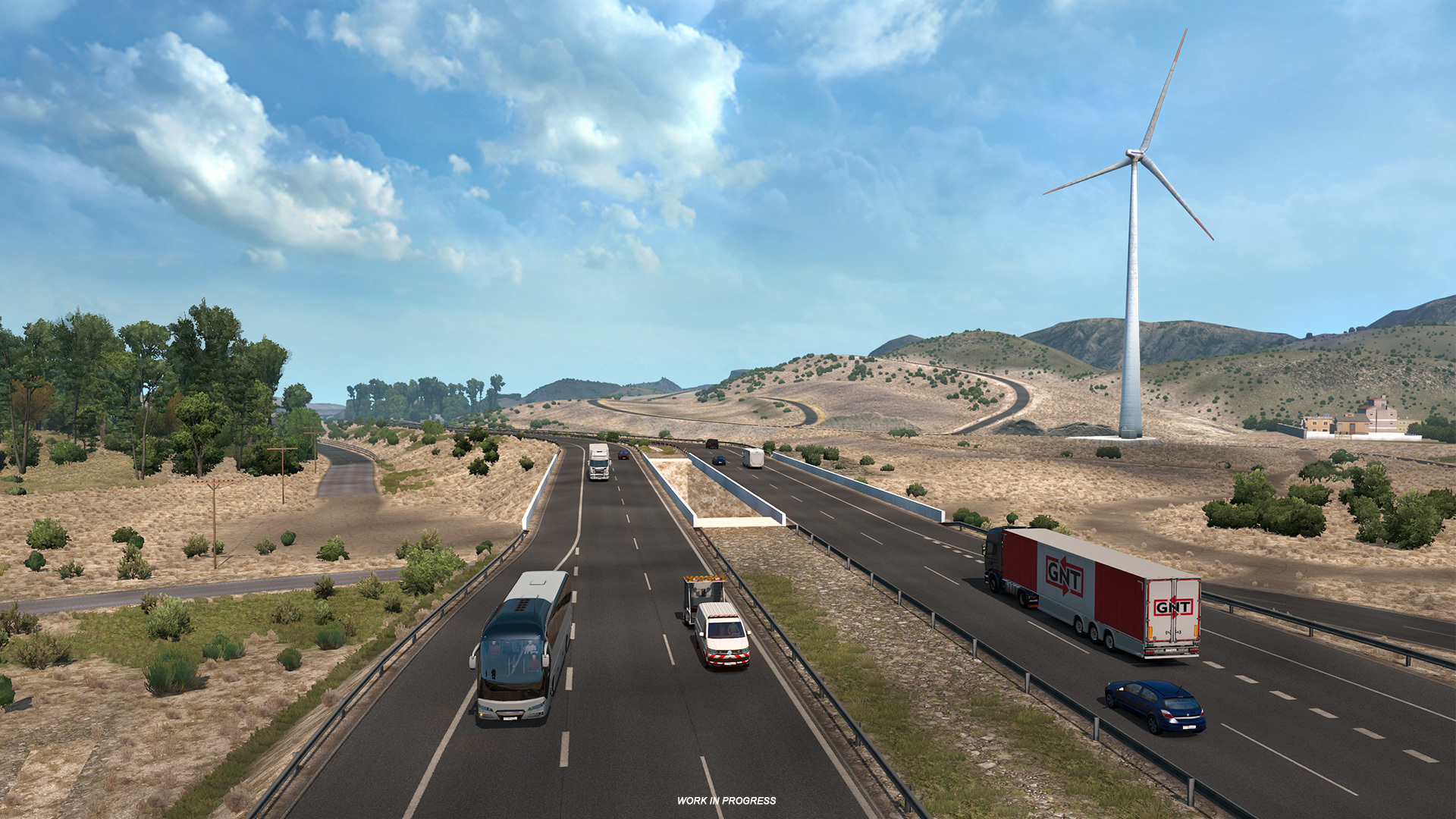
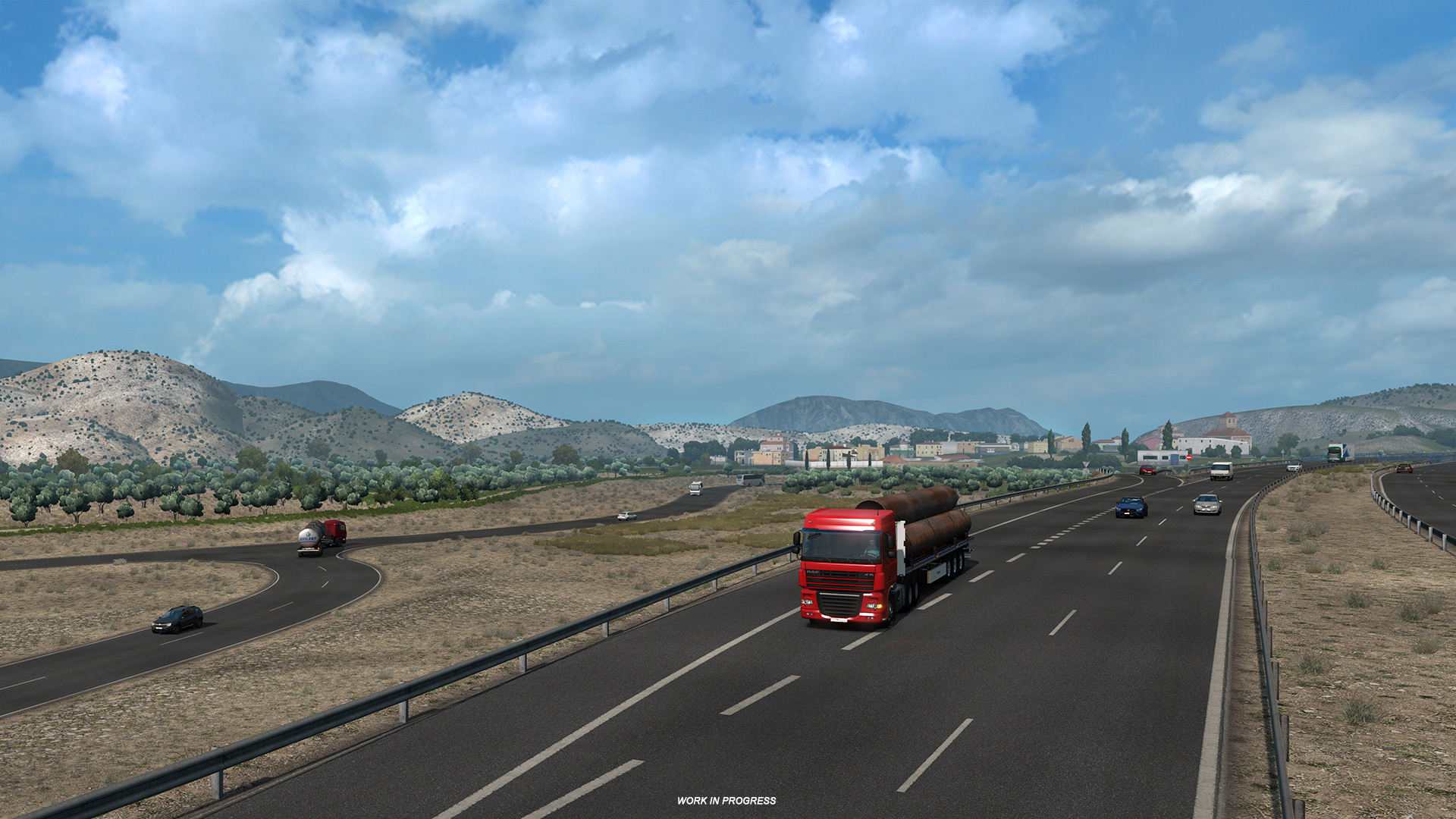
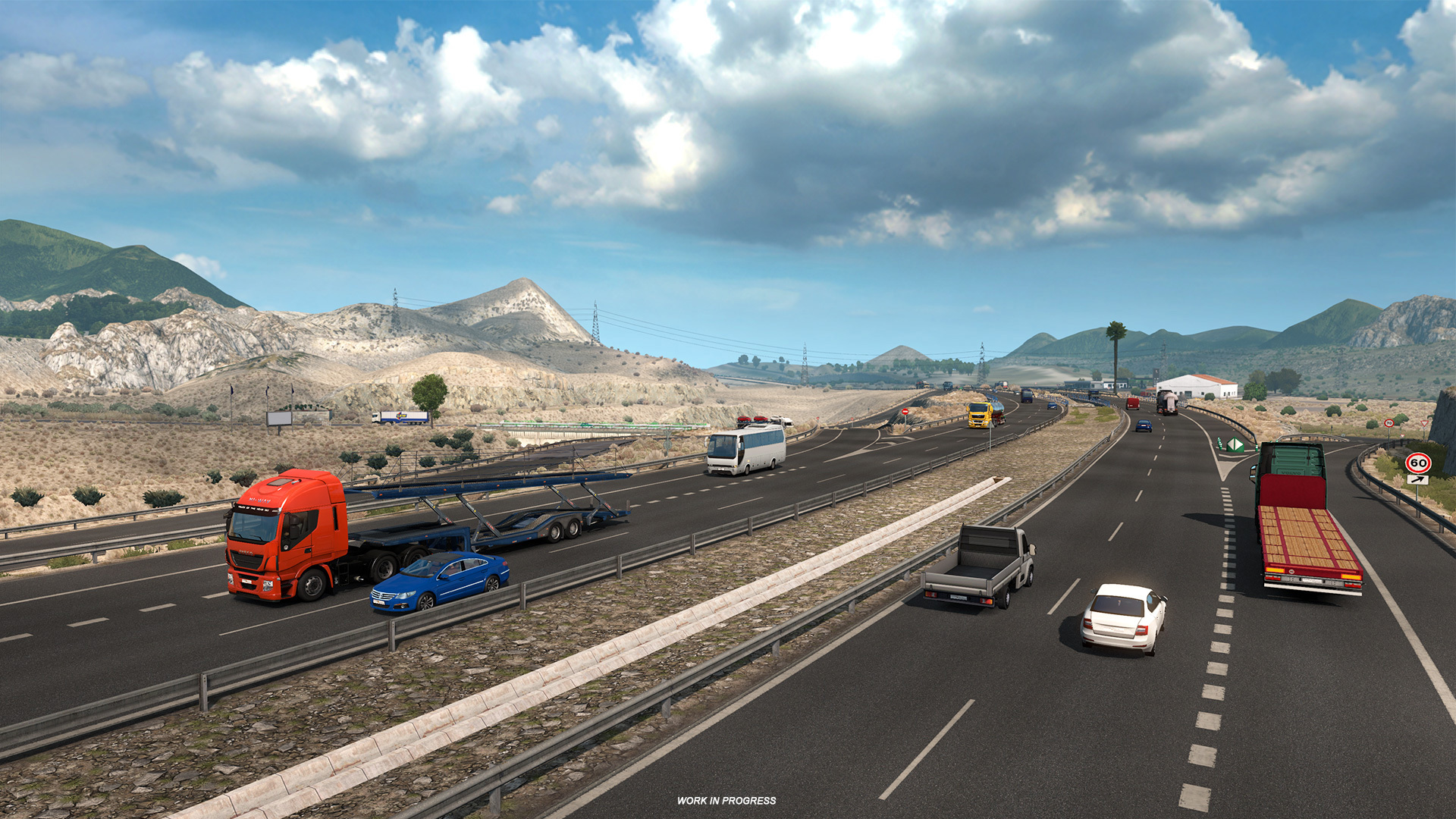
Located in the south-east of Iberia and often nicknamed 'mainland Europe's only desert', you will find the Tabernas Desert, a dry but beautiful part of the Spanish mainland. This part of Iberia will also be the first desert climate to ever feature in Euro Truck Simulator 2; and offers a very unique contrast to the lush and green forests that dominate the rest of the continent.


In these desert areas, the sun shines for over 3,000 hours a year and sees as little as 240mm annual rainfall (unless you turn the rain slider up) so make sure to bring plenty of drinking water, and sunscreen on your journey, as temperatures can soar up to 51°C, but as low as -1°C during the winter. These extreme climates make for harsh terrain, in which very little vegetation grows


So whether you are just traveling through, or taking the scenic route, be sure to look out for the locations of famous movies, tumbleweed, and cowboys... because this town ain't big enough for the two of us, partner.

Remember to check out our Instagram, Facebook, and Twitter for more exclusive images not found on this blog!

Adapting to difficult times

Following increased and overwhelming concerns regarding the novel coronavirus, we have had to adjust to the new situation.


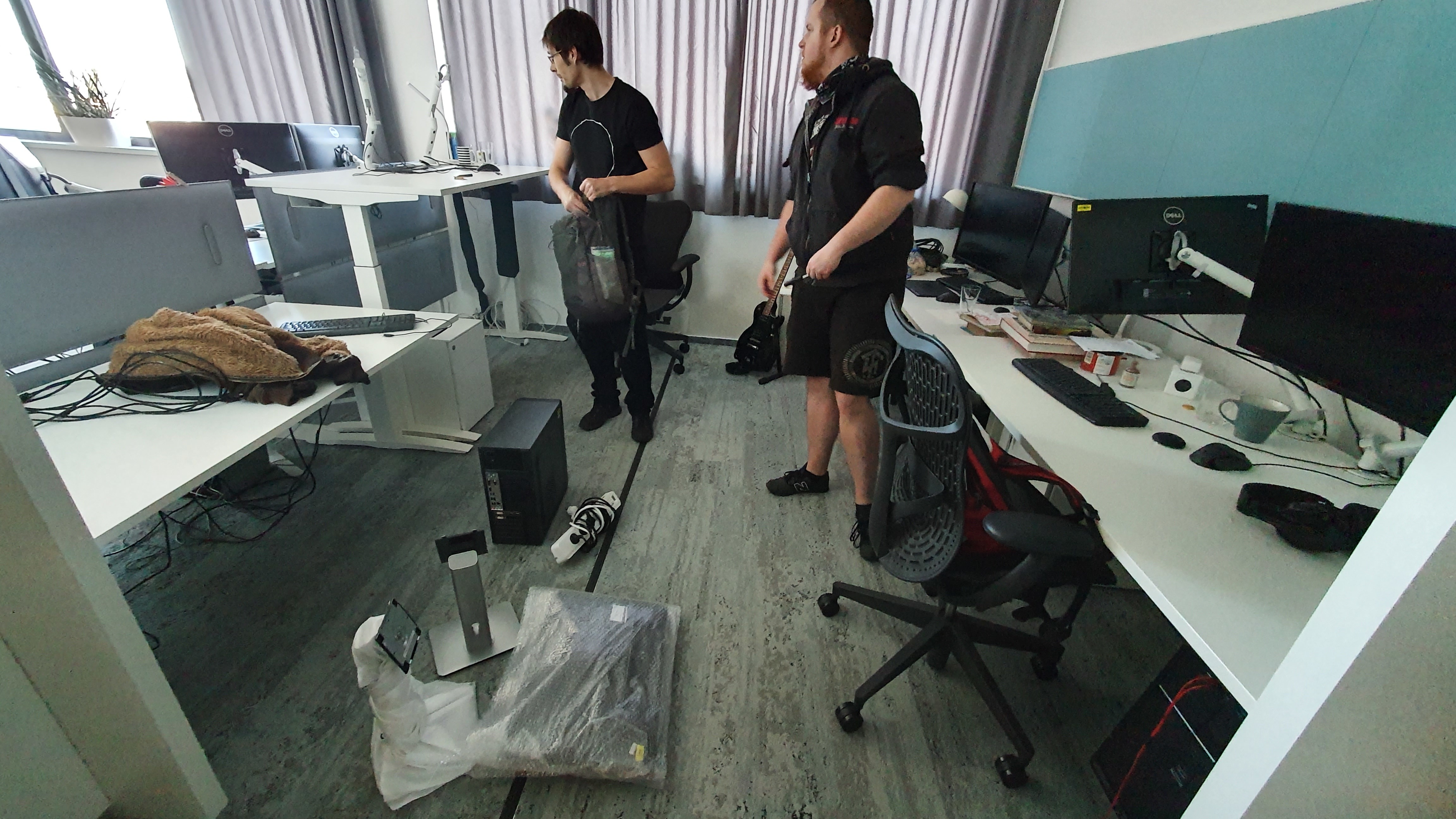
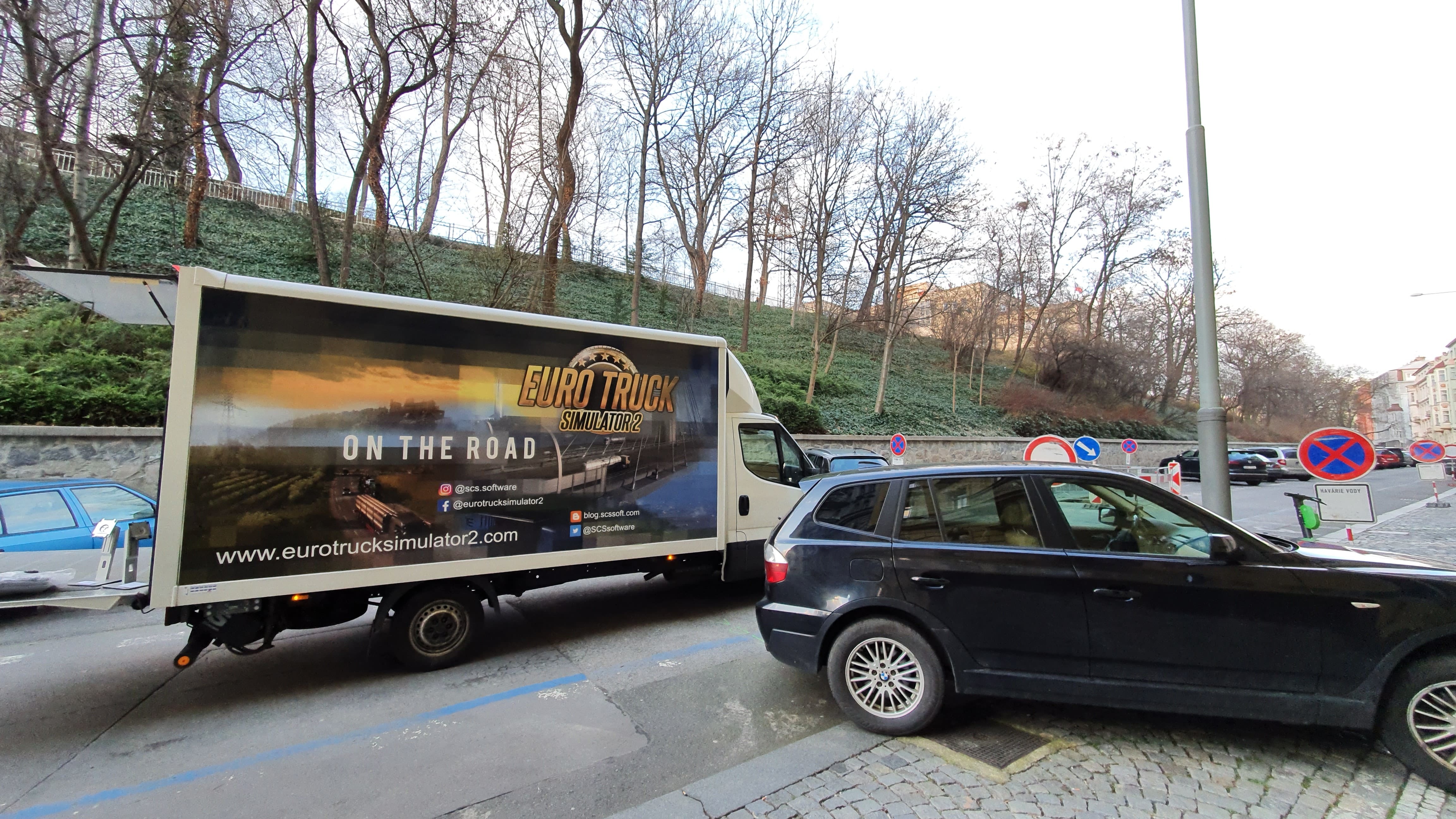
As of today, all employees of SCS Software's Prague studio have switched to home office. Last week on Wednesday, we trialed a one-day test with the whole company working from home to test the waters; and on Thursday and Friday, we were already packing up computers, hardware and assisting our teams in moving them to their homes if help was required.

We are doing this to protect the health of our staff, but we also see this as our social responsibility. The fewer people there are using public transportation, the fewer opportunities will the virus have available to spread further. We all need to do our part to contain and mitigate it.


This will inevitably affect our productivity, and we have yet to understand what kind of impact it makes on our production schedules. We need to learn a lot of new skills for team communication and planning; there are a lot of junior designers in the teams who will now require training and assistance remotely, putting strain on our seniors.

These worries are, of course, trivial compared to the massive problems that the whole of mankind will be facing in coming weeks and months. We will all need to brace for hard times. But we do understand that our fanbase expects honest communication from us, and any news we can provide on improvements and new features and content we are working on.

Our blog and our social media channels will remain our primary communication platforms, and we will do our best to keep the flow of the news regular, informative and entertaining.

We would also like to provide you with up to date information regarding our attendance of upcoming events.

Owing to the extraordinary circumstances and challenges posed by the current COVID-19 outbreak, the Mid-American Trucking Show has been cancelled; you can find more information on their homepage. Twitchcon EU has also recently released a statement, in which they announced the cancellation of their event. Anyone with bookings to TwitchCon EU or MATS 2020 should reach out directly to the organizers for more information regarding their tickets.

For the safety and well-being of our team and the community, we will be carefully considering our plans for upcoming future events such as Truck World Canada (which has been recently rescheduled) and Truckfest Peterborough. We will post an announcement here on our blog or on our social media channels on any further changes to our travel plans.

Unfortunately we also regret to inform you that the SCS E-Shop will no longer be accepting any new orders and will be closed until further notice. Any orders that have been made and paid up until today will still be processed. If you any further questions regarding orders, please contact [email protected]

We thank you for your understanding, and we apologise to our community who may have made plans to meet us at any of the cancelled events. We will continue to keep you posted in the coming months.

Under The Hood: Characters

Dominik Luska is a 3D graphic artist working at the SCS Software for more than 4 years and has worked on almost all currently released map expansions. His job description consists of recording animations in motion capture, modelling, retopology of a high-resolution model, texturing and importing the model into the game. He works alongside Animator and Map Designers to create pedestrians, workers and other living characters that can be seen in our truck simulator games.


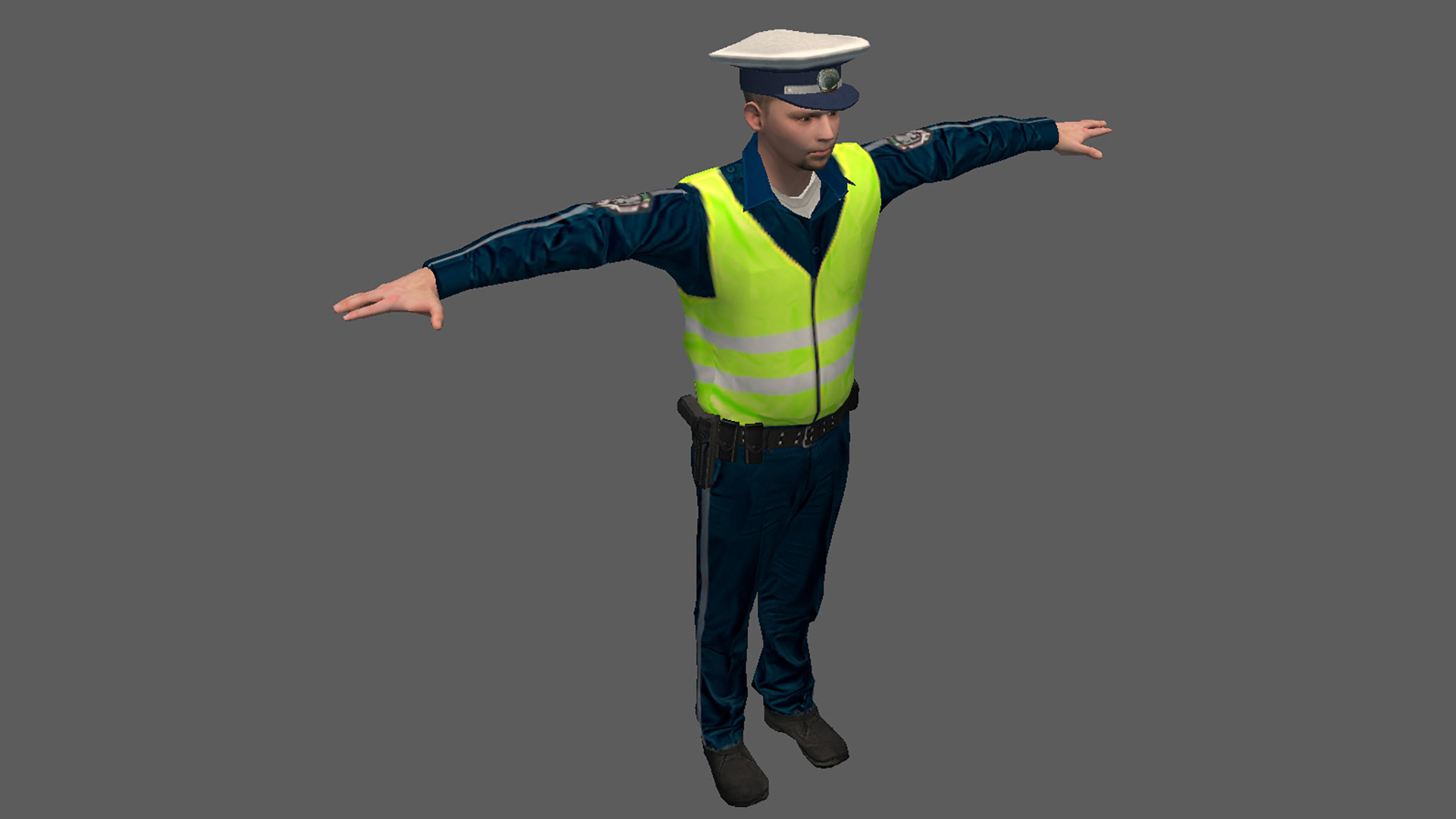
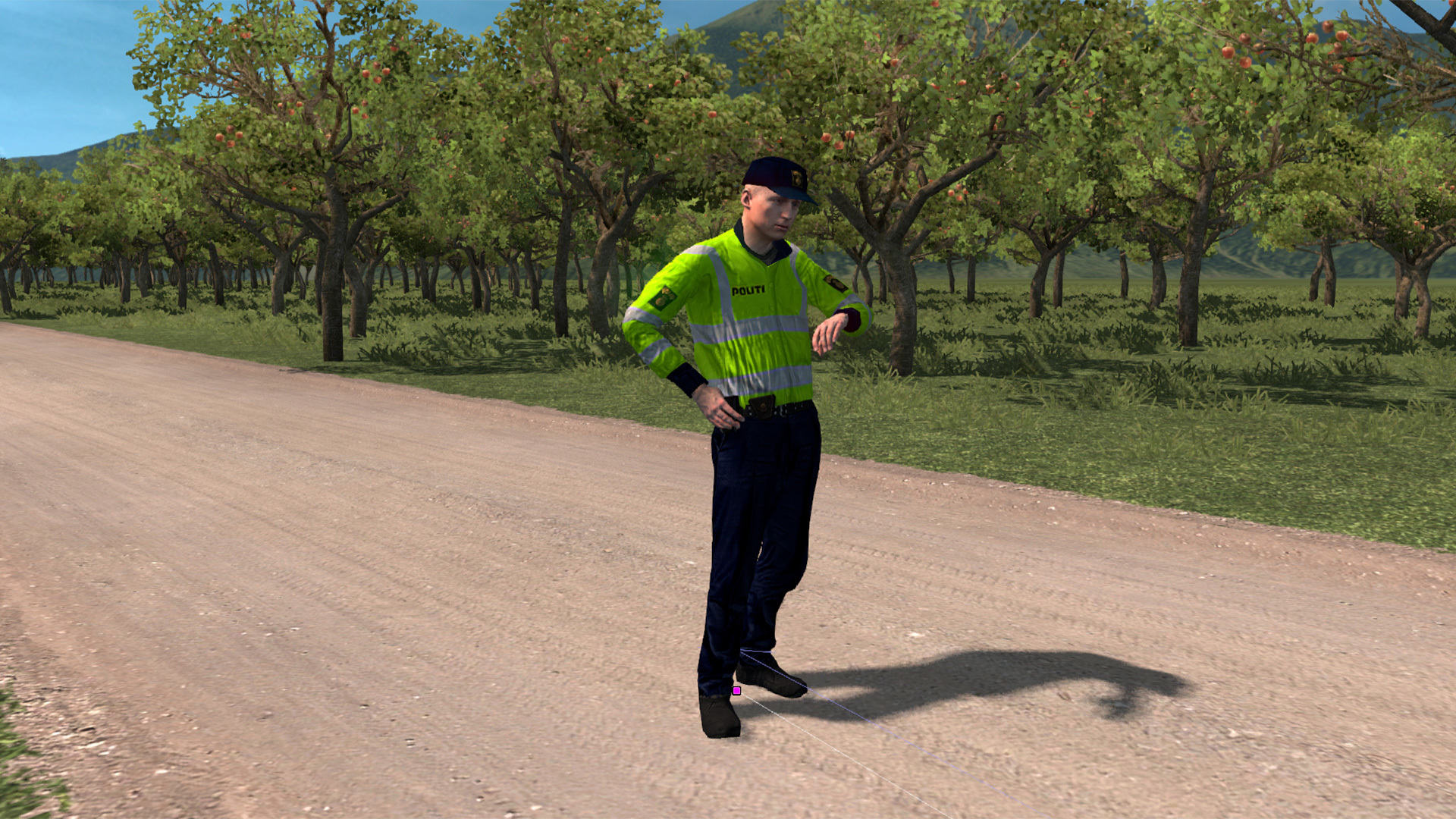
If you are interested in how are we create people and animal animations that can be found within Euro / American Truck Simulator, you've come to the right place. First and foremost, I need to emphasize that pedestrians and other characters don't play an important role as trucks and depots, not even close. However, they still play a role in our games, so we need to make sure they receive the appropriate care. At this moment, we have over 30 character models in our trucking titles. They are all characters you can see around our world. For example, you can see, security workers, police and customs officers, people taking photos of oversized cargo on their phones and more. To create a world full of life, we need to differentiate them from each other by their actions, their animations and by their looks. Some of them are universal, of course, so we use them between projects to save work and time. Besides those universal, we have specific characters for a more specific project, country or city. For each character, there are four textures, two for clothing and two for the body.

There are also additional items (or as we call them „props“) which our characters can hold or use, these items are included in final animation files. The amount of data for these models and animations are not insignificant, and to help us not to become confused between textures and models, we're using an absolute classic - Total Commander. Every file has a naming convention in English language to make it accessible and understandable to everyone.


When we're importing finished data into the game, we need to save exported model or animation and also a source file for these animations od models; just in case we need to make some adjustment or change in the future. We have a whole folder structure specifically for animations, models, textures, and a skeleton. Data organization doesn't end by files, folders and their naming convention though. We can't forget about the flawless management of each model in definition files that is nearly as important as previously mentioned folder structure. To give you some basic introduction to definition files, every single model has to have the correct unique designation number and a brief name for Map Designers.


At the very beginning, we create a model according to a reference file. These references are sourced from our Researchers - a special department in our company who are responsible for searching up data, pictures and information; simply anything the rest of the company needs, saving a lot of time to Modellers, Animators and Map Designers. This first model is called "LOD 0". This abbreviation means „Level of Detail“ and this system serves to toggle between lower and higher resolution models according to the range from the point of view. We have 4 LODs in our game for characters; in which the last of them serves for 100+ meters distances. LOD has to be thoroughly checked too for drastic changes, for example, we don't want to have legs or head disappearing within 10 meters of its viewpoint. Some animated models also have a "collision model", which stops players going through a character. Such a collision model are found on non-animated and static models too. And why don't we allow people to go through buildings and characters? Because our games have received an age rating of 3, which we'd like to keep. Thanks to it, anyone can play our games, even kids.


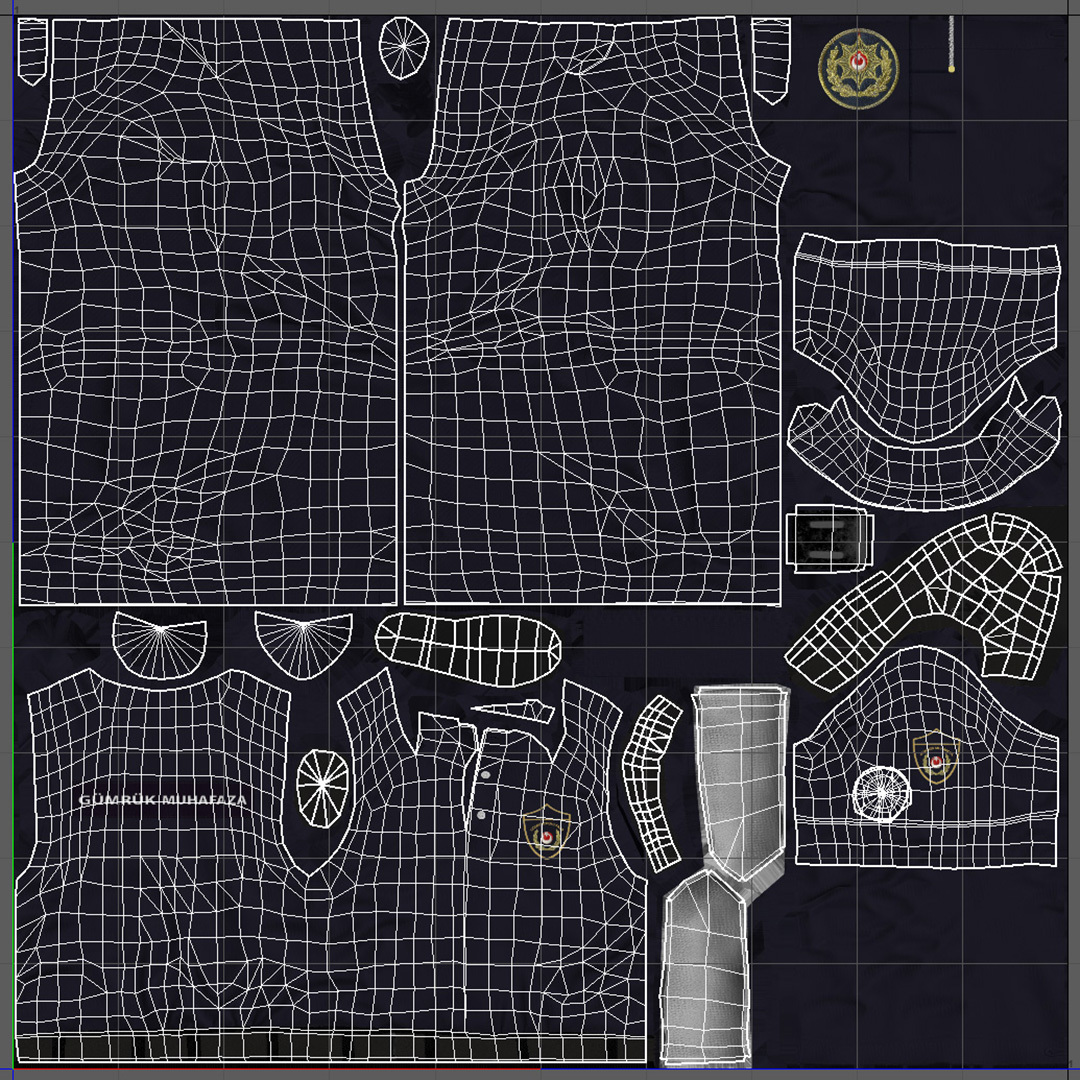
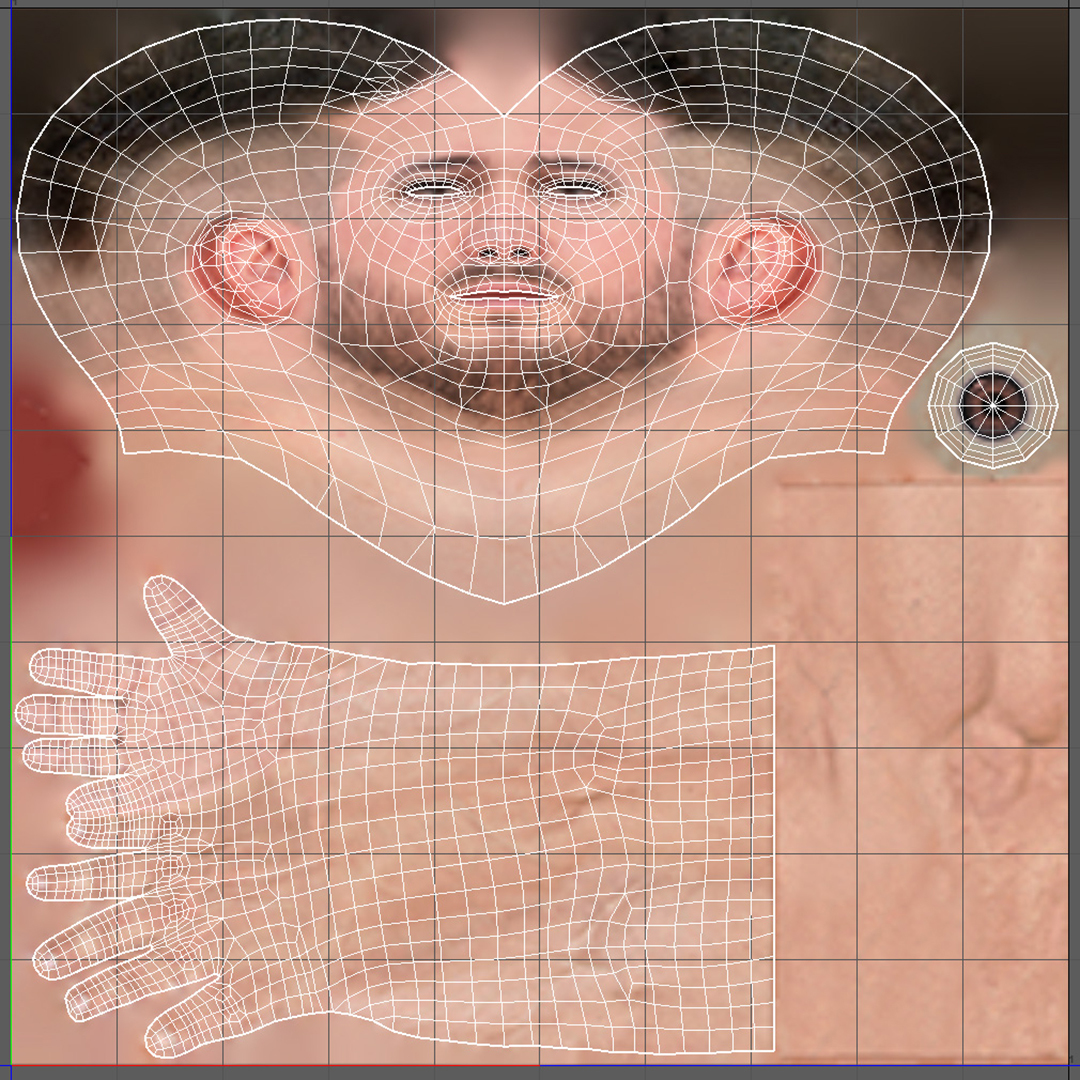
When we're satisfied with the model and its LODs, we will move to the UV mapping, or rather unwrapping of a 3D model on a 2D plane, so the texture can be created. This process also takes some time mainly because of the more important parts of the model get a bigger space on the texture. That means UV unwrapping must be created as effectively as possible. For example, we mirror small parts of the model like caps, helmets and other props, which spares a precious space on the following texture for this model. After this, we create a texture for this model according to the references we have received. Every character gets a normal map. A normal map is a picture, which simulates a soft geometric structure, which is used to create an illusion of higher detail on a low-resolution model. Normal maps are used for folds, buttons, embroidery, pockets and similar details.


After we're done with the textures and model, a more interesting and yet also a little bit frustrating process begins, recording character animations. To save time and energy on NOT doing it the most time and energy demanding way, we're using an improvised motion capture (MoCap), which we use to record rough animation foundations. I'm saying "rough" because amongst the disadvantages of this type of mocap is its accuracy on important bones, such as collarbones or wrists. We're not using full-fledged mocap, but a cheaper variant built on two Kinect sensors (2nd generation). These sensors use a depth camera, and since they're standing against each other, they "see" how a man or woman moves on the scene with some accuracy. This animation method has one advantage, you don't need any special clothes or markers, so anyone can get on scene and start recording. Thanks to this technology we can take anyone in the company and put him in front of the cameras to bring the character models to life.

Before we start recording an animation, our mocap has to be prepared and calibrated. It is necessary to do a short test & calibration recording. This takes up to two hours because there may be problems on different levels, for example, the stations may encounter problems communicating with each other, operating system might be updating just in the right moment when we would like to use it and many other issues can appear. After successful calibration and recording session, we need to adjust these recorded animations "manually" in different programs. In this case, we commonly adjust noise and tremors, movements of bones in the wrong axes, or movements of the wrists that our mocap did not pick up. To understand the recording process fully in detail, we would need to create a separate article, so let's go to the final stage, importing data into our game.


So our finished model with animation is now ready to be put into the game. To make the editor "see" our model, we need to define it correctly in a text file (definition file). In this file, both animated and unanimated models have a link to the model, to its LODs and potentially animation and collision.

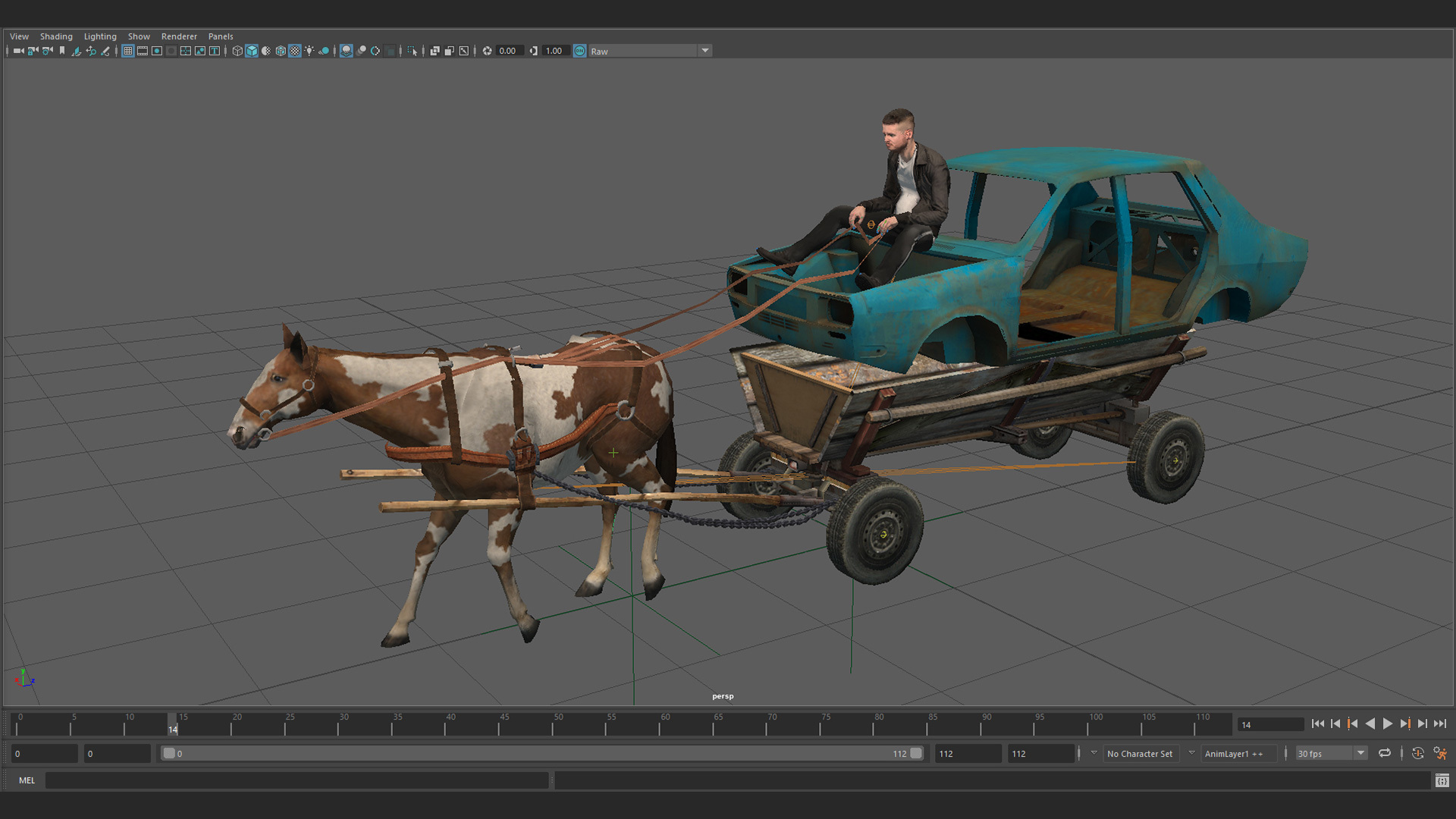
When we successfully define the model, we can finally see it in the editor. The editor is our own tool, in which Map Designers build the whole map and in which our Graphic designers are checking on their own models. If there's something wrong, we'll adjust the model or animation in 3D programs like Maya or Blender and re-export it. Since the definition is already there, we can just refresh the model in Editor to see changes right away. It's similar to refreshing a website on the web browser. Models and animations are created in Autodesk Maya, and textures in Adobe Photoshop. To create a normal map, we have to import the model to Marmoset Toolbag software, which serves for "baking" details from the high-resolution model to the low-resolution model. The whole process is more complicated than what I have written here, but then this blog would be twice as long (and maybe even more).

I do hope that I've explained it well enough for you to have some insight into our work. And if you liked the article and you'd like to want more, let us know in comments - and don't be shy to say what exactly interests you.

1000th WoTr Editor's Pick Anniversary

Did you know we have a gallery where you can upload your images from Euro Truck Simulator 2 or American Truck Simulator for the world to see? You may have seen them featured on the World of Trucks homepage before, or even between loading screens; but who chooses these images and who is submitting them?


Three times a week, a few anonymous members of our team known as 'The Editor' chooses from the hundreds of thousands of images uploaded to WoTr gallery by you our community. Once a decision has been made, six images are chosen and the users are awarded the Editors Pick achievement and are featured on the front page of World of Trucks. However, this is no easy task as there are so many great pictures to choose from!

Today we are proud to be celebrating the 1000th WoTr Editor's choice to be featured within our game. Since 2013 we have been showcased over 6000 images, which in total so far have gathered over 4 million views, 3.9 million likes, and over 3 million comments! It just goes to show how big our trucking family really is.

[previewyoutube][/previewyoutube]

So how do you submit an image to our WoTr gallery? First and most importantly, you will need a World of Trucks account, be sure to sign up. Once you're registration, be sure to connect your ETS2 or ATS profile to your WoTr account (which can be found on the profile selection screen). Once you have successfully connected your profile, start snapping! You can use the in-game photo studio and screenshot manager to take photos and upload them directly to the WoTr gallery, which you can then view on WorldofTrucks.com.

Then it is a matter of hoping you grab the attention of one of the ever-elusive Editors. We look forward to seeing more of your amazing images every day. Be sure to link us your WoTr profile in the comments, we may just take a look and tip-off the Editor on any potential images. Just remember, don't snap and drive ;)