Following the Roadmap: Additions in the Second Major Update of 2024

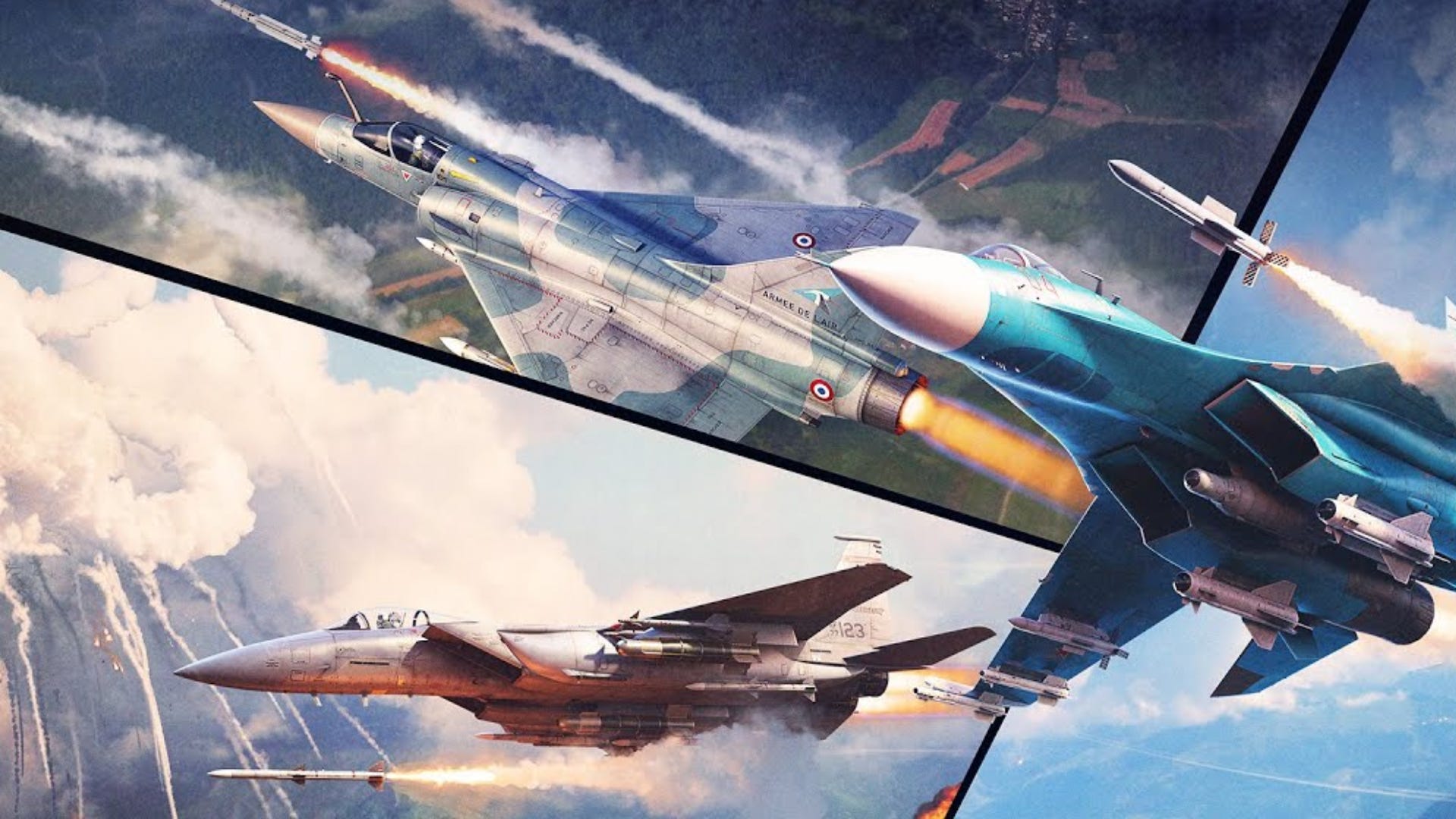
Last week, we released Seek & Destroy, War Thunder’s second major update of 2024. This update came with a plethora of additions that we had planned on our Roadmap, and today we wanted to highlight them to you.
[h2]Separate Flares and Chaff[/h2]
Since it was only possible to select pre-made countermeasure loadouts consisting of four different options, we wanted to provide players with as much customizable options as possible. You’re now able to manually adjust the exact ratio of flares to chaff that you want for an aircraft, which you can do from the hangar when going for a test flight, or straight in the battle respawn screen. Go ahead and customize each aircraft to however you desire!
Not familiar with the differences between flares and chaff? Check out our helpful Wiki article that explains both in detail.

[h2]Additional modules for ground vehicles[/h2]
Back in April, we had a vote on several proposed options that aimed to reduce shells that passed through lighter vehicles to cause little to no damage to the crew or modules. Additional modules for vehicles won with a 85.84% yes vote, so we’ve been at work implementing as many modules as possible.
The goal of these modules is to fill up the free space inside of the vehicle with devices which provide some functionality to the vehicle and can be destroyed, meaning shots against lighter vehicles with them will cause more damage where they should, rather than passing through and doing nothing, which can get frustrating.
In the Seek & Destroy major update, the following lighter vehicles received extra internal modules: 2S38, PUMA, Type 87, Type 93, Type 81 (C), Gepard (all variants), FlaRakRad and Pantsir-S1.
As mentioned in April, this work will take a while as we have to manually create modules for each vehicle. Because of this, in the future new modules will be added to other vehicles, with the highest priority being SAM/SPAA vehicles as many have large voids inside of them.
The complete list of each module and what happens when you destroy or damage them is here:
[expand]
- Autoloader — destroying this module stops the ability to reload the gun, but the possibility of shooting ammunition already loaded into the breech remains.
- Fire Control System (FCS) — destroying this module blocks subsystems linked to the FCS depending on the combat vehicle, such as rangefinders, night vision devices, LWRs and the gun stabilizer. The list of parts can be checked in the module tooltip in X-ray mode when hovering over the FCS module. The destruction of this module for vehicles with an uninhabited turret or vehicles where weapons are controlled through control panels (for example, 2S38, PUMA) also blocks guidance and the ability to fire.
- Power system — damaging this module can cause a module fire and also stops the operation of associated systems such FCS, or the radar. The list of parts can be checked in the module tooltip in X-ray mode when hovering over the Power system module.
- Driver controls — damaging this module stops the possibility of moving the vehicle.
- Electronic equipment — damaging this module stops the possibility of using sensors such as IRST, LWR and radar.
[/expand]

[h2]Healing wounded crew members[/h2]
Back in April, we also had a vote about the healing of wounded crew members, where 85.67% said yes. Previously, crew members could be permanently damaged, making them “red” for example, and they’d lose a bit of percentage of their duties.
Now your ground vehicle’s crew members will automatically heal to a degree that doesn’t induce debuffs to their battle skills after a certain amount of time passes after being hurt.
During a healing process, a healing icon next to the crew in the damage panel is shown, and the status (the color state in X-ray) of a crew member being healed changes.

[h2]Updated crew models by different eras[/h2]
WWII era German and post-war Soviet crew members for open-top ground vehicles have received a fresh and makeover. They are now more historically accurate to how they really looked. Jet pilot models in the J-11, MiG-29 (all variants), Su-27, Yak-141, A-10 (all variants), F-14 (all variants), F-15 (all variants), F-16 (all variants) have been updated too.
We also plan to further update both tank crews by adding USMС tank crews in the cold war tropical variant uniforms, and aircraft crews by adding US and Swedish pilots with HMDs, and crews for late German and British aircraft.


[h2]Visual weaponry selector for aircraft[/h2]
Pressing a keybind in battle on aircraft that can carry multiple different types of weapons to change to a type of weapon could sometimes be frustrating. So we’ve now added a visual weapon selector while in battle for aircraft that can create secondary weapon loadouts.
Press the keybind or [ALT] + mouse click on the new icon in game to bring up the visual weapon selector. Press your mouse on the weapon you want and it will select it so that you can use it!
Please note that this feature is only available on PC at the moment — we’ll soon be enabling it on console. Sorry about the delay here!

[h2]Dragging and dropping vehicles from the research tree[/h2]
Ease of use and usability are pivotal. You’re now able to drag any vehicle in a research tree and drop it into a crewslot to add it to your preset.
With the introduction of this drag and drop feature we also wanted to provide you a consistent experience when interacting with the crewslots. So we’ve added a handy drag and drop so that you can remove vehicles from your preset. Simply click and drag on a vehicle in your lineup, and a remove box will appear. This is identical to removing them from a preset through the sending your crew on holiday (now called Remove from the preset); it’s just much quicker.

[h2]Rearranging crew slots[/h2]
Have you had your main crew, perhaps a level 75 air crew or level 150 ground crew, in a completely random place in your crew preset, but wanted it to be the first? Don’t worry any longer, as you’re now able to rearrange crews. Click on the crew area under the vehicle slot in the hangar and then the arrow going left and right. Select where you’d like the crew to go and bob’s your uncle, it’ll move to whichever you select.
This simply moves the crewslots around; you don’t pay any extra Silver Lions for this, and you can move them as many times as you’d like. It’s important to note however that the positions of the crew slots are specific to each preset, if the crew slots are rearranged on one preset, that readjustment won’t change the position in any other presets.
Currently, it’s not possible to drag and drop crews to rearrange them, however we’ll be working on this in the future.

[h2]New Air Conquest missions in Air Arcade[/h2]
We’ve made some Air Conquest changes in Air Arcade as well as adding some new missions. The aim has been to improve gameplay as well as providing more locations.
Air defence when spawning in has been improved, with the height of spawning in aircraft being reduced. Moving ground vehicles have also been added, as well as new missions on the Vietnam, Ladoga and Normandy location.
So if you’re an Air Arcade player who enjoys Air Conquest, now’s the time to go and have some fun!
[h2]Aircraft Missile Timers[/h2]
Information about when your radar homing missiles, SACLOS and laser beam riding ATGMs and laser-guided missiles and bombs will hit their target has now been added to an aircraft’s Heads-up display (HUD). This timer starts counting down the number of seconds to impact once the missile has been fired.
[h2]That’s all for now[/h2]
We’ve reached the end of today’s post. Check out the latest Roadmap infographic below. In the meantime, we’ll be working hard on Summer’s Roadmap additions and will keep you updated when we can. See you!