1. War Thunder
  2. News

War Thunder News

Server update 13.04.2021

  • The max overload to launch AIM-9J missiles has been corrected to 7G.
  • The French 500 kg №2 bomb characteristics have been corrected.
  • The explosives weight and type of the 9M13 “Igla” missile have been corrected.
  • BI fighter — The parachutist model has been fixed.
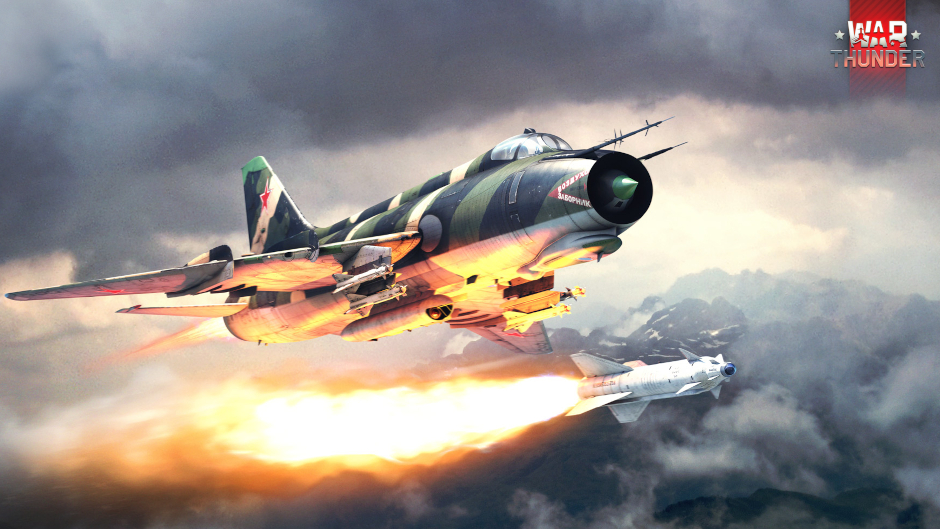
  • Su-7B — The bomb pylon has been removed for no bomb presets.
The current provided changelog reflects the major changes within the game as part of this Update. Some updates, additions and fixes may not be listed in the provided notes. War Thunder is constantly improving and specific fixes may be implemented without the client being updated.

60 year anniversary of the first manned flight into space!

60 years ago, on April 12th, 1961 a human reached space for the first time! We present a War Thunder special event dedicated to the 60th anniversary of Yuri Gagarin’s historic flight!.

From April 9th 13:00 (GMT) until April 13th 07:00 (GMT), get special memorable items on the anniversary of manned space exploration beginning!


Tasks may be completed in vehicles of rank III or above with a combat activity of 60% or above.

Track your progress by clicking Nickname → Achievements → Cosmonautics Day.

[h3]“Double trail” tournaments[/h3]
To celebrate World Aviation and Space Day, take part in the 2x2 jet aircraft tournaments on the TSS portal.


Win a unique decal “60 years in space”, MiG-15bis camo “Red 23” of Yuri Gagarin, or F9F2 camo “White 116” of Neil Armstrong.

“Double trail” AB
Opens: April 12th, 17:20 GMT
Up to 64 teams
Prize fund: 12000 GE
SIGN IN

“Double trail” RB
Opens: April 11th, 15:50 GMT
Up to 64 teams
Prize fund: 12000 GE
SIGN IN

“Double trail” SB
Opens: April 12th, 17:50 GMT
Up to 64 teams
Prize fund: 12000 GE
SIGN IN
https://youtu.be/oRZqXcaLr5o
T-minus 0 seconds! Let’s go!
Update 09.04.2021 (2.5.1.69)

  • The reticle for the following vehicles now shows grids and distance markers to match the ballistics of the rockets they use:
    • BM-8-24
    • BM-13N
    • RBT-5 - due to poor rocket ballistics, sight grid marks are significantly spaced. Use “sight distance” options to adjust rocket sight.
    • Calliope
    • M26 T99
    • U-SH 405
    • Type 75 MLRS
    • 15 cm Pz.W.42
  • User made custom sight grids are temporarily unavailable for the above listed vehicles.
  • The overpressure damage issue has been corrected that might have caused no damage to the crew when the vehicle is penetrated by a round of a large calibre with an explosives weight over 200 grams.
The current provided changelog reflects the major changes within the game as part of this Update. Some updates, additions and fixes may not be listed in the provided notes. War Thunder is constantly improving and specific fixes may be implemented without the client being updated.

Update 2.5.1.66


  • By popular request, War Thunder on Steam will now update via the Steam Client, rather than through the Gaijin launcher. Steam players will no longer be required to open the War Thunder launcher for the game to update.
Sound
  • Allied/enemy tank engines now have the same sound volume.
  • Sounds of shells and bullets passing by have been changed so that firing at the player’s vehicle is now more obvious.
  • The radius of registration of bullet/shell flight has been changed from 18 to 30 meters.
  • The volume of the sound informing the player that he has been detected by enemy radar has been increased.
  • A bug that caused sounds of allied/enemy aircraft firing might not be played has been fixed.

Re-downloading of the game files on Steam

Dear Steam players!


For unknown reasons, Steam has started to download the game files again.
In order not to download existing files again, you can use the following algorithm:
  1. Pause the download of the game on the Steam client.
  2. Find the folder with the War Thunder game and rename it (for example, as “War Thunder1”).
  3. Via the Steam client, uninstall War Thunder.
  4. Rename the game folder back to its original name.
  5. On Steam, find the War Thunder game and click "install".
  6. Steam will check the files and download the missing ones, if necessary, so you can continue to play.