1. Armored Warfare
  2. News

Armored Warfare News

Update 0.191.4 Now Available

Commanders!

We are happy to announce that the Update 0.191.4 is now available!


[h2]List of Update 0.191.4 Changes[/h2]

Please note: At this moment it’s not possible to install the War Pig skin on M1A2C Main Battle Tank. We apologize for the inconvenience; we are working on the issue.

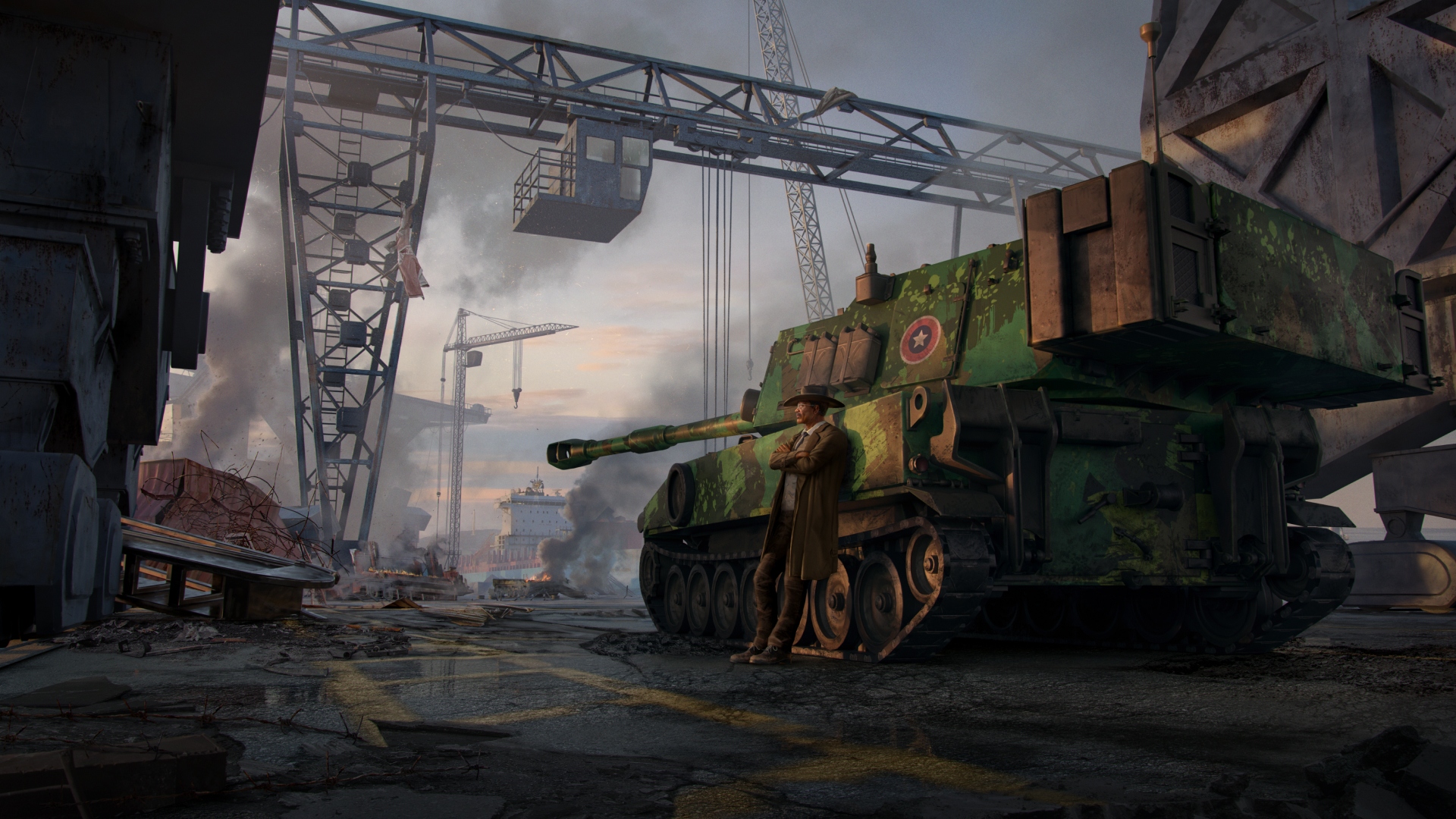
Lone Star

We have made several updates to this Special Operation.
  • Fixed a very large number of places where players could get stuck (walls, the bridge, various ditches, under a bridge and so on)
  • Fixed an exploit where players could skip a considerable portion of the map and get to the final part early
  • Fixed a number of visual issues (including a spot where players could see outside of the map)
  • Improved the visuals in several areas (campus, harbor)
  • Fixed the achievement that requires players to destroy the helicopter quickly (the achievement will not be awarded retroactively)
  • Fixed the volume of the voiceover lines
  • Fixed an incorrect player respawn location
  • Fixed the death screen when killed by Hawkins’ helicopter
Tales from the Dark Battle Path Fixes

In this update, we are correcting several issues of the Tales from the Dark Battle Path and its vehicles:
  • T-90M: Improved Automatic Loader module is now working correctly
  • T-90M: Turret nets are now animated correctly
  • T-90M: Fixed the dirt appearance
Additional Vehicle Fixes and Updates

With each patch we continue (and will continue) to update vehicles based on your feedback and fix them. In this update, we have the following changes for you:
  • Ajax: Fixed an issue where the shells would fire through targets at close distances
  • BMP-1: Small visual fixes
  • BMP-1P: Small visual fixes
  • Boxer CRV: Fixed the HE explosion visual effect
  • EMBT: Turret no longer appears turned to the side when entering battle
  • EMBT: Small visual fixes
  • Strv 2000: Fixed an issue where, upon switching to 40mm autocannon, the vehicle would also fire the main gun
  • T-62M: Fixed the Rusalka skin appearance
  • T-80B: Fixed the machinegun’s elevation
General Changes
  • Fixed an issue that could cause the game to crash
  • Fixed several localization issues
  • Added a number of assets (including the T-80BVM, which is not quite ready yet but will be soon)
Server Maintenance

On the 05th of September, starting from 8:00 CEST, the server will not be available for 2 hours due to a planned server maintenance.


Please note that the maintenance can be extended beyond the abovementioned timeframe. We apologize for the inconvenience.

In Development: T-64BV Mod.2017

Commanders!

The AS90 contract is slowly coming to an end and will be replaced in September by another featuring a new vehicle. This time, you’ll have the opportunity to obtain the Ukrainian T-64BV Model 2017 Main Battle Tank.


As usual, a bit of history first. This Main Battle Tank is one of the latest upgrades of the Soviet era T-64BV, which was roughly an equivalent in combat value to the T-72B. However, where the T-72 series was generally available for export (or license production), the T-64s remained in internal service only. The T-64B was also upgraded with an ERA kit, hence the letter V in its name.

After the breakup of the Soviet Union, Ukraine inherited a large number of T-64s as they were produced in Kharkov (and nowhere else). With the tooling and production available, it made perfect sense for them to keep them in service.

The T-64BV Model 2017 Main Battle Tank is a modernized version of the T-64BV MBT. The tank was gradually upgraded with several major overhauls developed in the 2000s but the general lack of funding has always prevented Ukraine from adopting expensive modernizations or new MBTs (such as BM Bulat or the Oplot MBT) en masse. Instead, gradual and more affordable improvements to the T-64B MBT were introduced with Model 2017 being one of the main ones.


The main upgrades include the Nizh ERA fillers (said to be effective even against kinetic rounds) replacing the old Kontakt series, new thermal imager, new satellite navigation system, new radio and several other improvements.

The production of this model was launched in 2017 and roughly 100 tanks of this type were delivered to the Ukrainian military between 2017 and 2019 (Ukraine being the only user of this model aside from several captured pieces in Russian service). The production is ongoing with the estimates ranging from 120 to 150 built to date. Performance-wise, the T-64BV Mod.2017 remains the workhorse of the Ukrainian military despite having the same vulnerabilities to drone and ATGM attacks as the other Soviet-era MBTS and the subsequent heavy losses.


In Armored Warfare, the T-64BV Mod.2017 will be a Tier 7 Premium Main Battle Tank.

Gameplay-wise, it’s a classic “Eastern” Main Battle Tank with Generation 3+ ERA (Nizh) replacing the older Kontakt-1. The ERA-covered parts will therefore be better protected than on the counterparts of the same Tier but the baseline armor will not be very thick.

The firepower will consist of an automatically loaded 125mm 2A46M-1 cannon that can fire the usual rounds for its Tier (3VBM17 APFSDS, 3VBK10 HEAT and 3VOF22 HE) but also gun-launched guided missiles – namely the Kobra and Kombat (the latter being a tandem HEAT ATGM available as an upgrade for completing contract missions).


Due to its relatively low weight and a powerful 700hp 5TDF diesel engine (which can be upgraded even further to 850hp 5TDFM), the vehicle will be fairly mobile, significantly surpassing the T-72B3 in its top configuration.

In short, it’ll be an assault tank. Frontally it’ll be relatively well-protected due to its advanced ERA kit. Flanking attacks will destroy it quickly but if you play your cards right (or, rather, your MBT), the enemy will never get a chance to do that due to T-64BV’s superior mobility. While the vehicle does not offer any particular special abilities, even its stock characteristics will make it a feared opponent on the battlefield.


We are naturally also working on other contract prizes including a number of Ukrainian camouflages, but we'll tell you about those a bit later.

See you on the battlefield!

Wishlist Games Launcher and Account Transfer: Now Live

Commanders!

As per previous announcements, we are currently moving away from MY.GAMES and are transferring to a new system called Wishlist Games ID.


What does that mean for you is the following:

  • Starting today, the account transfer is mandatory to continue playing Armored Warfare. The process is available until January 2025. However, all active players should be transferred until the end of this week
  • MY.GAMES launcher is no longer available, the use of Wishlist Games launcher is mandatory
  • Steam and Epic Game Store players have the transfer and installation process automated (simply run the game via Steam), the process will take place this week


[h2]How to transfer your account (if you haven’t already)[/h2]
This section is only relevant to players who have not transferred the account yet. Open the MY.GAMES launcher as usual. A pop-up window will appear with the prompt to begin the transfer.

You will need to choose a new e-mail for your account (which can be the same as the old one), after which you’ll receive a code and will authorize the transfer. Simply follow the instructions provided.

Please note: Steam and Epic Game Store accounts will have this process automated and will not require a manual transfer.


[h2]How to start using the new launcher[/h2]
Important: Do NOT immediately uninstall the MY.GAMES launcher! This would automatically delete the game files and you’d have to download them from scratch.

First, download and install the launcher using this link.

You can install the launcher anywhere you want but please do not install it into your existing MY.GAMES folder.

Next, log in using the e-mail you transferred your account to. You do not need a password – you will receive a login code to that very e-mail. Next, the launcher will ask you to provide the location of the game. This needs to be done manually as the default one will likely not be correct.

Please note:

You can select the existing game location but this will only work if you don’t uninstall the MY.GAMES launcher application (just leave things as they are)
If you intend to uninstall the MY.GAMES launcher application, please make sure you move the game folder to a different one as uninstalling the MY.GAMES launcher deletes all folders of installed (former) MY.GAMES products (simply copy the game to a different folder)
Alternatively, you can download the game from scratch. However, please note that a full client download is roughly 60GB of data.

When the game folder is selected, a small update will download and you can resume playing Armored Warfare. Unfortunately, you’ll have to set your in-game Settings anew as those are not possible to transfer.

[h2]Transfer Gift[/h2]
As we promised before, we have a special transfer gift for you. If you log in using the Wishlist Games launcher between August 29 and September 30, 2024, you will receive the French Dark Green paint that will not become obtainable by any other means.

Not enough? No worries, you will receive another gift a bit later on. Please note, however, that the gift will take some time to arrive.


[h2]Frequently Asked Questions:[/h2]
What is the account transfer and why is it happening?

Armored Warfare is leaving the My.Games platform and is going independent. In order to do that, we need you to transfer your accounts from the My.Games system to our (Wishlist Games) system. The reasons are explained in this article.

What happens if I don’t transfer right now?

The account will not go anywhere (at least not until 2025) but you will not be able to play Armored Warfare without transferring it and using the new launcher. The option to transfer the old account to a new one will expire in early 2025.

My account e-mail is very old and I lost access to it. What do I do?

You do not need to access your old e-mail to complete the transfer. Follow the steps in this article and during the first step where you are required to enter your e-mail, just put a new email there (one that you have access to). As long as you can login to the game (know the old e-mail and the password to your game account), you will be able to complete the transfer.

What if I lost the old e-mail AND the game account password?

That’s a more complicated situation and you have to contact Support. You will be asked to provide some proof of your account’s ownership so please be ready to provide that.

What if I have multiple accounts? Can they be combined into one during the transfer?

No. Each account has to be transferred separately to a different e-mail.

What if I am logging in via Facebook or other third party services?

It’s no problem for the transfer; just follow the usual steps and authorize the transfer via the My.Games launcher as usual using your old login. But the new launcher only supports logging in via e-mail, so please have one ready.

I transferred the account, logged into it and my account is now empty!

There are several reasons why this would have happened. The most common one is that you are trying to log in using a different e-mail than you used to transfer your MY.GAMES account. Please check your e-mails to see which one was it and try logging in using the correct e-mail.

The second typical reason is that you have multiple accounts and you transferred the “wrong” one. Please try to carefully verify you are logged in the correct account and then repeat the transfer process (and, of course, make sure that you are logging to the transferred account using the Wishlist Games launcher).

Another (rather rare) reason for this would be that you were using Gmail (or Twitch or other third party platform) as login method, which is not the same as logging in via e-mail. Please take this into account as well and first see what kind of login you are using.

The verification or code e-mail didn’t arrive, what do I do?

For one, please wait several hours. Secondly, check the Spam folder – sometimes it ends up there. If it didn’t arrive even in Spam and within 24 hours, please contact Support. Our Support Service can be contacted here.

Where is the Daily Bonus?

Daily bonus is currently not available in the Wishlist Games launcher. In the future, it will re-appear directly in the game.

How can I save multiple accounts?

This feature is currently not available. After you transfer all your accounts (each needs to be transferred separately), please use their respective login e-mails to access them.

Thank you for staying with us during this exciting time and, as always:

See you on the battlefield!

Lone Star: Feedback Collection

Commanders!

In Update 0.190.6, we’ve introduced the Lone Star and today, we’d like to ask you about your opinion.

[previewyoutube][/previewyoutube]

Please let us know what you think about the map using the form below:


Please note that the form is available in English only.

Thank you for your feedback and, as always:

See you on the battlefield!