The graphics and audio in World of Warships are constantly being refined and polished.
Accordingly, the game’s customizable settings are also changing to reflect this. For example, we have recently updated the basic graphics setting options, so you can safely set a preset that suits your computer before you enter battle. Even though we recommend rolling with the settings automatically chosen by the client based on your system, we also encourage you to familiarize yourself with the relevant in-game menu that can help your tailor the sights and sounds of the game to your exact liking.
The settings menus are quite extensive, though, and it’s not always clear what every little option means. Read this article to find out! We're going to explain the meaning of some of the more enigmatic terms, as well as tell you about some useful settings for graphics and audio that you can use. You can find all the necessary information about control settings in the
Training section on our website.
[hr][/hr]
[h2]
Graphics[/h2]
Much of what you see on your screen while playing World of Warships can be changed in the settings menu:
- While in Port, click on the gear in the upper-left corner of the screen and select Settings in the game menu.
- During battle, you can press the Esc key and select Settings in the game menu.
[h2]General settings[/h2]
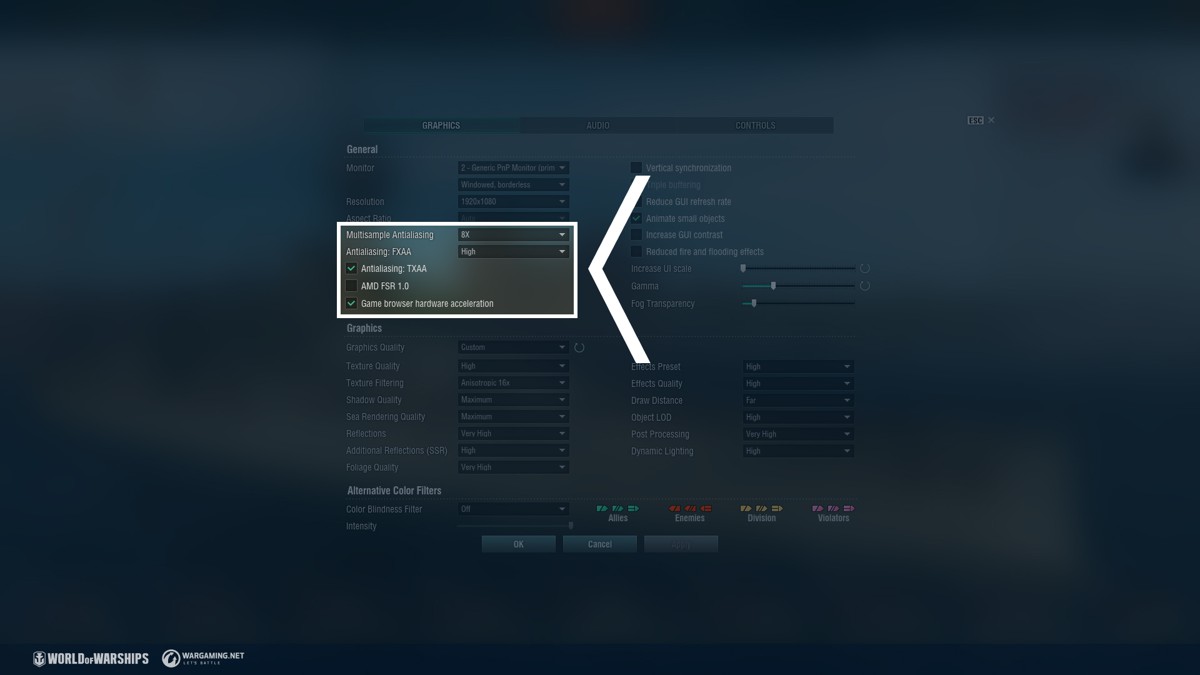
Antialiasing is a technique used to eliminate the "jagged" effect that occurs at the edges of many separate objects that are displayed at the same time. Let's take a look at all three types:
- MSAA: More pixels are processed to get better quality. This is a rather "heavy" setting that can dramatically affect game performance, so it needs to be used wisely. The 8x option will provide the best image quality, but it is also the most resource-intensive.
- TXAA is a complex process that uses prior frames to produce a smoother image. This technique allows you to reduce crawling and flickering. The effect is especially visible for small details like forests on islands.
- FXAA is a mature technology that does not lose its effectiveness. It is similar to MSAA, but more pixels are calculated only at the edges of 3D objects. It can even be used on computers with modest characteristics.
The
AMD FSR 1.0* scaling technology upscales the image resolution from lower to higher resolution. In practice, it can be very useful when playing, for example, on a laptop. It helps you significantly reduce the load on your processor and video card, and there will be no noticeable visual difference on a small screen.
*This technology is not supported by all models of video cards.
Game browser hardware acceleration is enabled by default for all users and provides acceleration on any configuration. The option should be disabled only if the Armory or News is not displayed due to errors in the implementation of the video card driver.
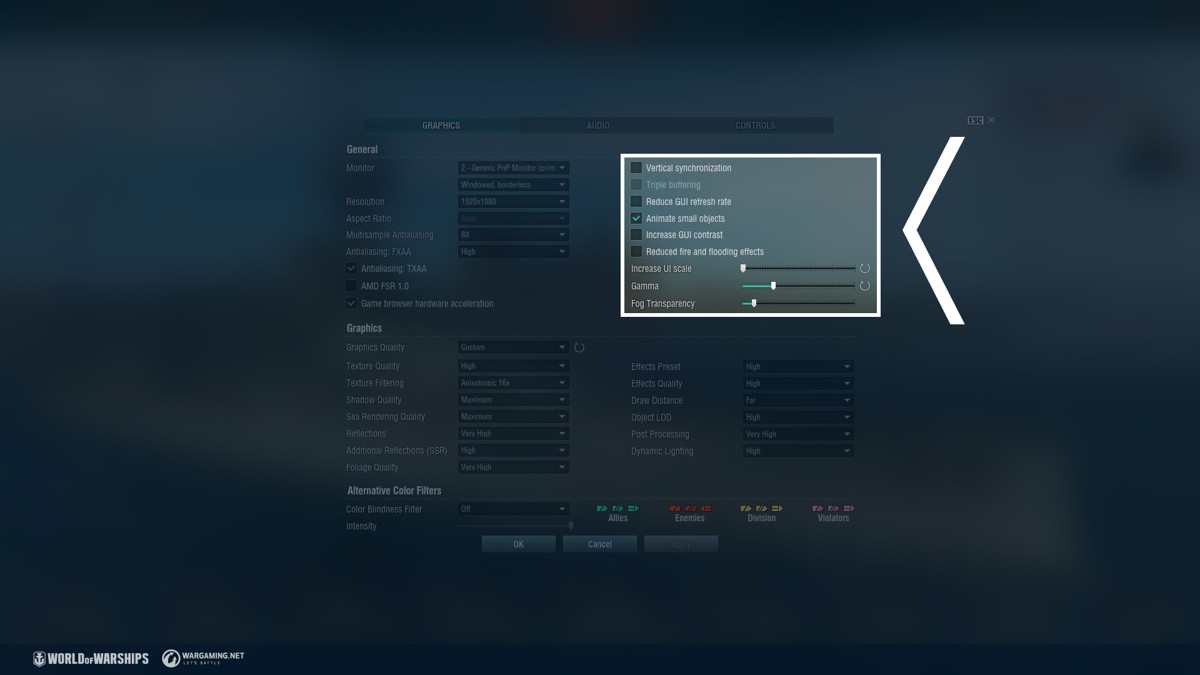
 Vertical synchronization
 is a classic setting used in the vast majority of PC games. It allows the video card to operate with less power and reduces its temperature and noise, as well as reduces power consumption.
Triple buffering increases the consumption of video memory, but allows you to smooth out small bumps due to different rendering times for successive frames.
Increase GUI contrast: Translucent backgrounds of UI elements are replaced with solid fills.
There are also several settings in the menu that can be useful for computers with modest characteristics:
- Reduce GUI refresh rate: Enabling this feature makes icons react to movements in-game every two frames instead of every frame. This reduces the load on the processor when updating interface elements.
- Animate small objects: Disabling this option simplifies the way non-essential details such as individual airplanes or secondary battery guns are represented.
- Reduced fire and flooding effects: Enabling this option makes the visual effects associated with these statuses less spectacular.
[h2]Graphics settings[/h2]
The World of Warships development team recommends using auto-configured settings. If you have not changed the settings for a long time, you should click on the
Autoconfig button, which looks like a circular arrow.
The game has changed a lot over the past year, and this feature will help you choose the optimal image quality for the current state of World of Warships. In addition, you can select one of six options in the drop-down list of the
Graphics Quality setting.
We believe that the available preset options are well-optimized and capable of satisfying even the most demanding users. If you decide to adjust the image yourself, remember—an incorrect assessment of your PC's resources can make the game uncomfortable to play and can even negatively affect your results in battle.
[hr][/hr]
[h2]
Audio[/h2]
The audio in World of Warships is constantly being improved. Each Port has its own unique music theme written specifically for our game. The sound effects of the surrounding world, for their part, are becoming more detailed and realistic.
As in the case of graphics, you can also change the audio to suit your preferences. To do that, select the
Audio tab in the game menu.
[h2]General settings[/h2]
In battle, you can choose your preferred
Music mode from four options:
- Original: Classic tracks familiar to experienced players from the early days of the game.
- Dynamic: The tracks adapt to the events taking place in battle.
- Mixed: Before the start of the battle, the game randomly selects either the Dynamic or Original option.
- War Drums: The adrenaline-pumping sound of percussion instruments.
Audio accounts for only a small fraction of the load on your PC's processor and RAM. Although it makes sense to limit the sound quality only with weak hardware, you still need to be careful using the
Ultra quality setting.
Sound quality is tied to graphics quality, but not vice versa. If you select high graphics quality, the sound quality changes to the corresponding level automatically. If you select a different sound quality, the graphics quality remains unchanged.
If the audio is played through a laptop's built-in speakers, you will hardly notice the difference between High and Ultra sound quality.
Voiceover language allows you to select the language of all voiceovers that will work in the standard voiceover modification mode.
Voiceover modification allows you to select various options:
- Standard: A Commander speaks the game language selected by the user in the Voiceover language section. You hear allied Commanders in your chosen language during the battle.
- National: Voice messages in battle are played in the language corresponding to the ship's nation. If an allied ship pronounces a quick message, this message is heard by the player in the language corresponding to the nation of the allied ship.
- National+: Works the same as National, with the exception that if a ship has a special Commander with a unique voiceover, that voice will take precedence over the ship's nation. You will hear both the unique voice of Commanders on your ships as well as those on allied ships.
- The rest of the voiceover modifications correspond to any special Commanders with unique voiceovers that you have on your account. Choosing one of these Commanders will give their unique voiceover to all ships in the game, be they your own or allied. For example, if you have unique Commander Dasha Perova with her own unique voiceover, then you can select her here.
[h2]Sound preset[/h2]
With this feature, you can adjust the sound balance, both with the help of the suggested modes and at your own discretion. You several presets at your disposal:
- Standard: Default sound settings.
- Cinematic: Sound effects are brought to the foreground; the sound is more vivid and saturated.
- Simple: The volume of sound effects is reduced; additional sounds are disabled. This setting will help focus your attention on in-game notifications.
- Night: The settings are optimized for playing at low and medium volumes, and at the same time, all effects and notifications are preserved.
- Custom: Provides access to audio fine-tuning sliders that give you the ability to fine-tune individual groups of sounds.
Select the Custom option to be able to "move" the sliders yourself.
When enabled,
Wide dynamic range gives you the ability to hear more fine details at a high volume level.
When enabled,
Loudness compensation allows you to hear more individual effects at low volumes.
Radio communication effect changes the voice of your and other Commanders so the messages sound like radio transmissions.
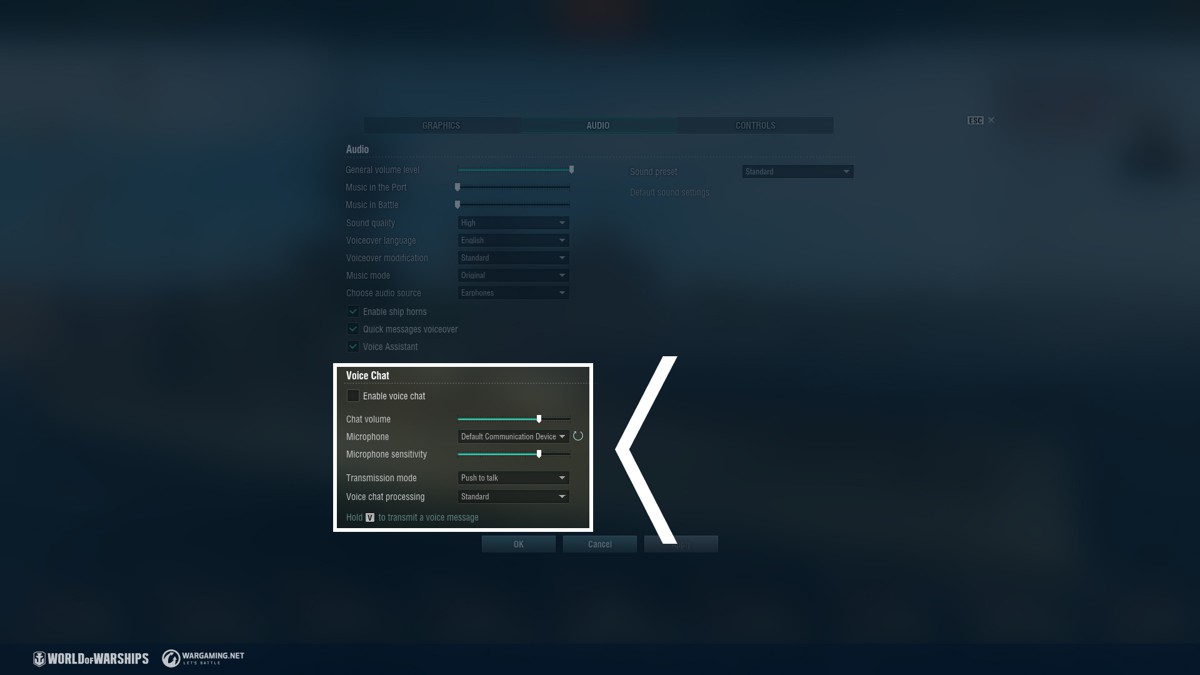
[h2]Voice Chat[/h2]
If you hear other players too loudly or, on the contrary, too quietly, change the position of the
Chat volume slider.
If other players hear you too loudly or too quietly, adjust the
Microphone sensitivity slider.
The
transmission mode gives you the ability to configure at what action your words will be recorded and transmitted to other players. There are two options: Either by toggling it on with a single press on the
V key or push-to-talk by holding the key for the duration of the recording.
Voice chat processing allows you to change the nature of the radio communication effect for the voice chat and voiceover. The level of the radio communication effect is adjusted in the Custom preset.



 Update Stream Drops: Watch 1 hour of our official Update 0.11.3 showcase streams (from April 13 through 19) to get a Wargaming container.
 Starts: Thu. 14 Apr. 17:00 CEST (UTC+2)
Ends: Thu. 28 Apr. 07:00 CEST (UTC+2)
Starts: Thu. 14 Apr. 17:00 CEST (UTC+2)
Ends: Thu. 28 Apr. 07:00 CEST (UTC+2) 200 Community Tokens


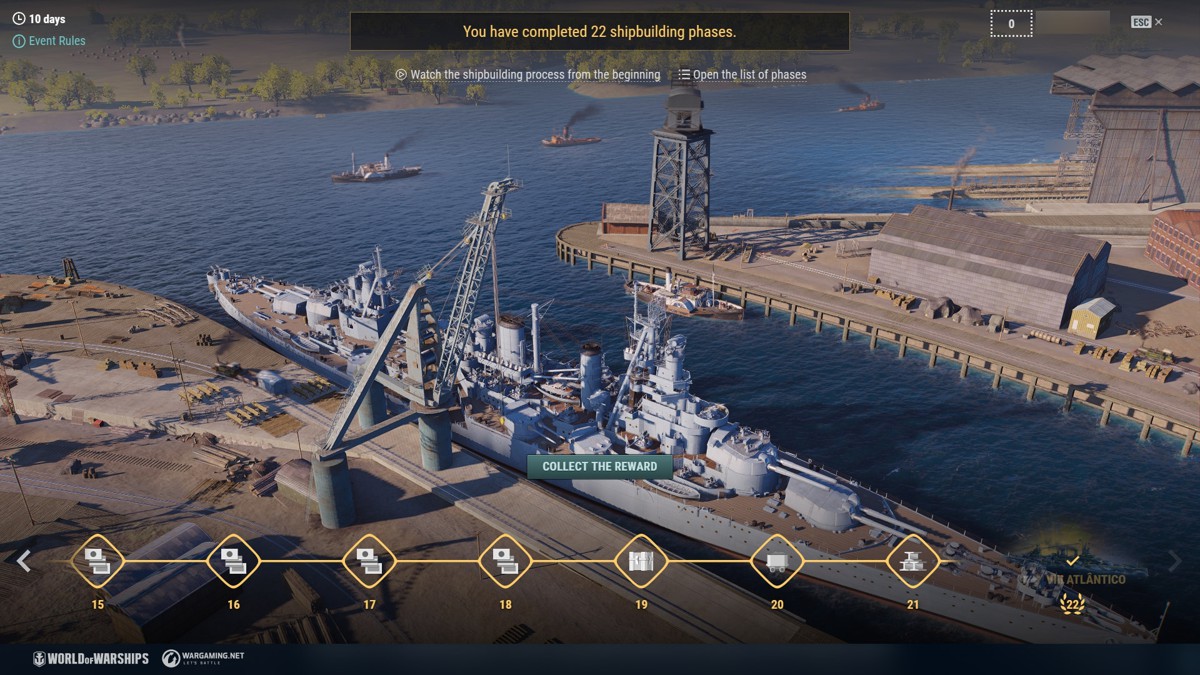
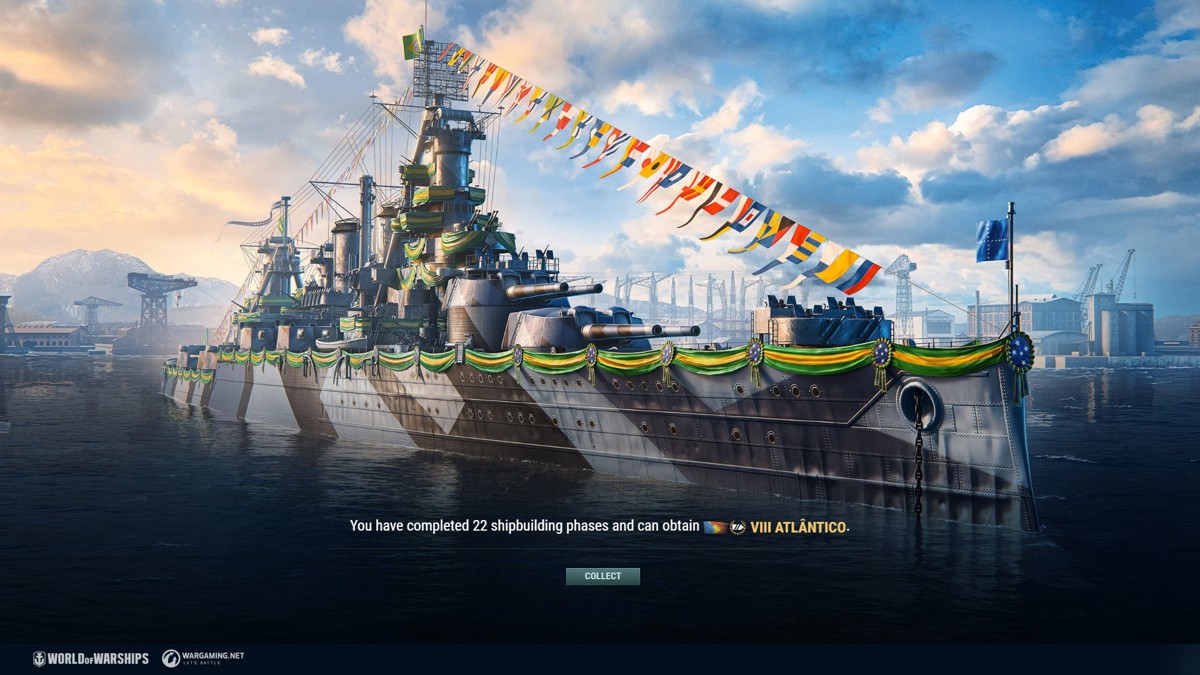
 IX Marlborough sail out not so long ago. In the beginning of the 20th century, there were no dockyards in South America, which is why many design and construction orders for the region were handled by British shipbuilding companies and others.

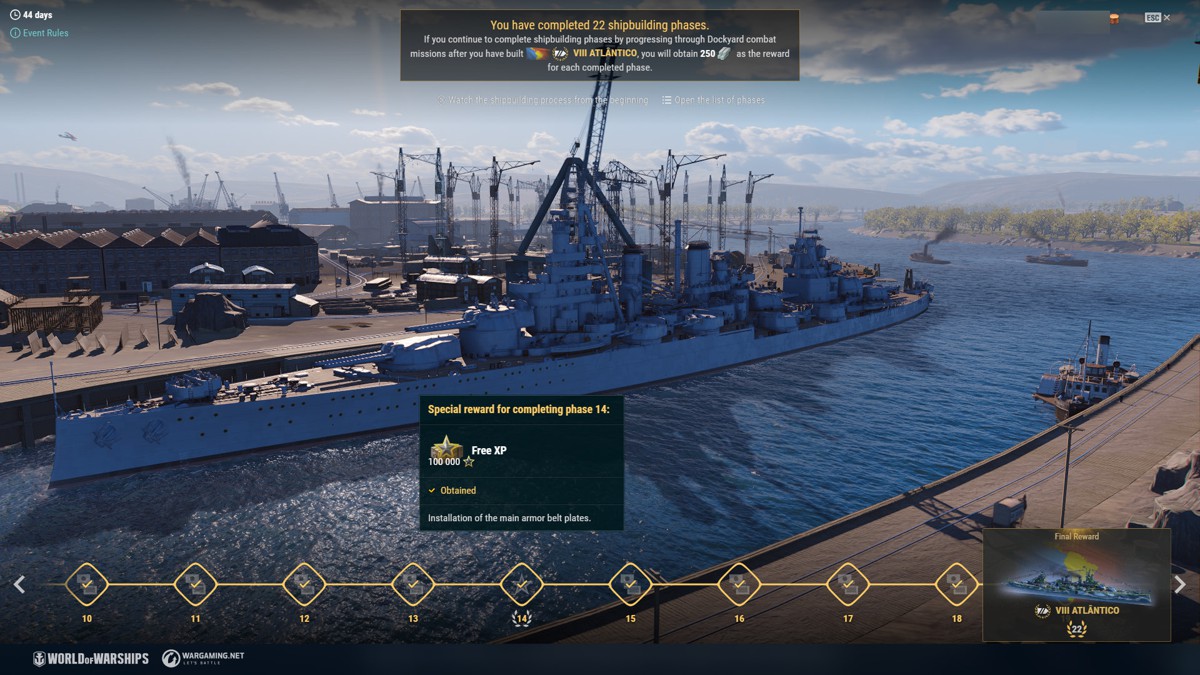
 1,750 Doubloons to pass through each phase.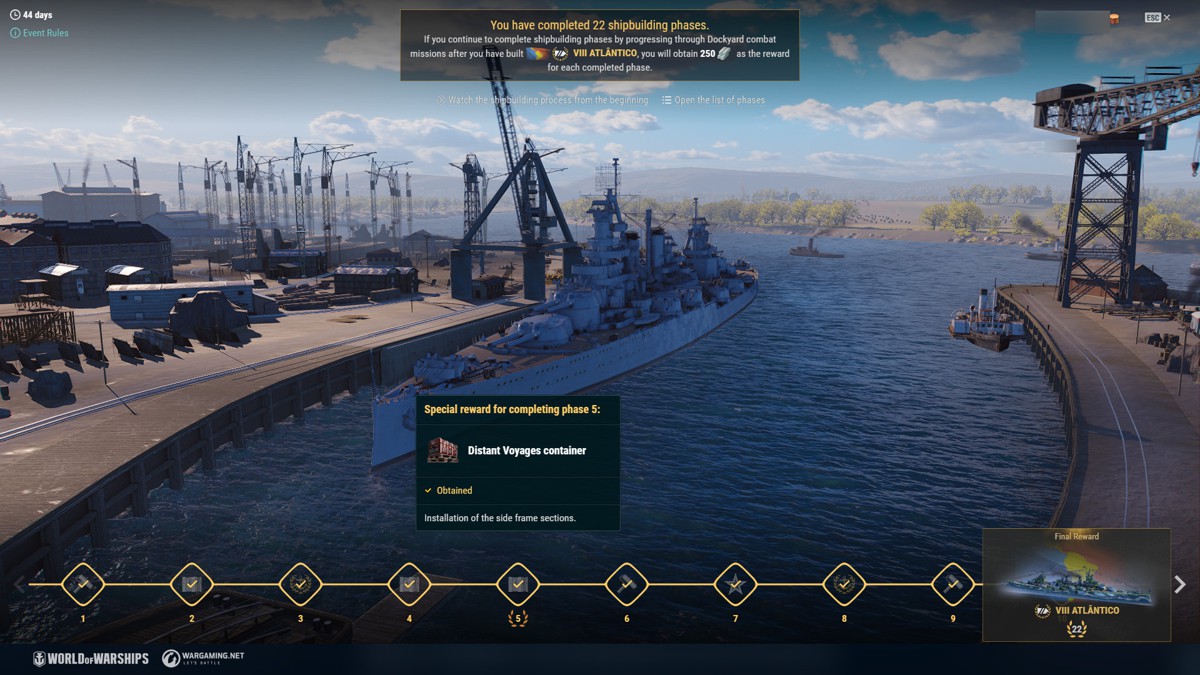
 [/expand] [hr][/hr]
 1 day of Warships Premium Account

 100,000 Free XP
 [hr][/hr]
 10,000 Coal.