Azur Lane: Third Wave
 It's common knowledge that "ship" is a feminine word in many languages. But don't be intimidated by the transformation of these steel machines into fair ladies—even the most menacing battleships have hearts!
That's why Azur Lane, a popular mobile game available for iOS and Android, presents the ships of World War II in the form of girls. Why are we bringing it up again? The cooperation between the World of Warships team and Azur Lane developers is continuing!
Azur Lane in World of Warships ● New Combat Missions ● Themed Port ● Collection ● About Azur Lane in a nutshell
[previewyoutube][/previewyoutube]
- We've prepared new Commanders, ships, containers, and combat missions. If you're interested in a special combat mission chain with commander Nelson as final reward, click the "I like Azur Lane" button!
[h3]Asia[/h3]
[h3]I like Azur Lane[/h3]
[h3]CIS(Ru)[/h3]
[h3]I like Azur Lane[/h3]
[h3]EU[/h3]
[h3]I like Azur Lane[/h3]
[h3]NA[/h3]
[h3]I like Azur Lane[/h3]
- Attention! If, for whatever reason, anime is not your cup of tea, you can disable the display of themed content via the "Additional Content" panel in the bottom-right corner of the screen, where Azur Lane can be found in the Custom Ships section.
[h2]Azur Lane in World of Warships[/h2]
 The bundles are available until: Fri. 21 Aug. 07:00 CEST (UTC+2)
[h2]All in One[/h2]
For those who want it all and want it now, there are two large bundles:
- A bundle with all the Azur Lane ships, a commemorative flag for each of them; a large number of Azur Lane camouflages; and a bundle with Commanders both old and new, including the unique Commander Azuma.
- A bundle with all the Azur Lane permanent camouflages and Commanders, including Azuma.
- If you already have the ships or permanent camouflage patterns from the bundles, you'll receive compensation in the form of doubloons in an amount that's equal to the cost of each duplicate.
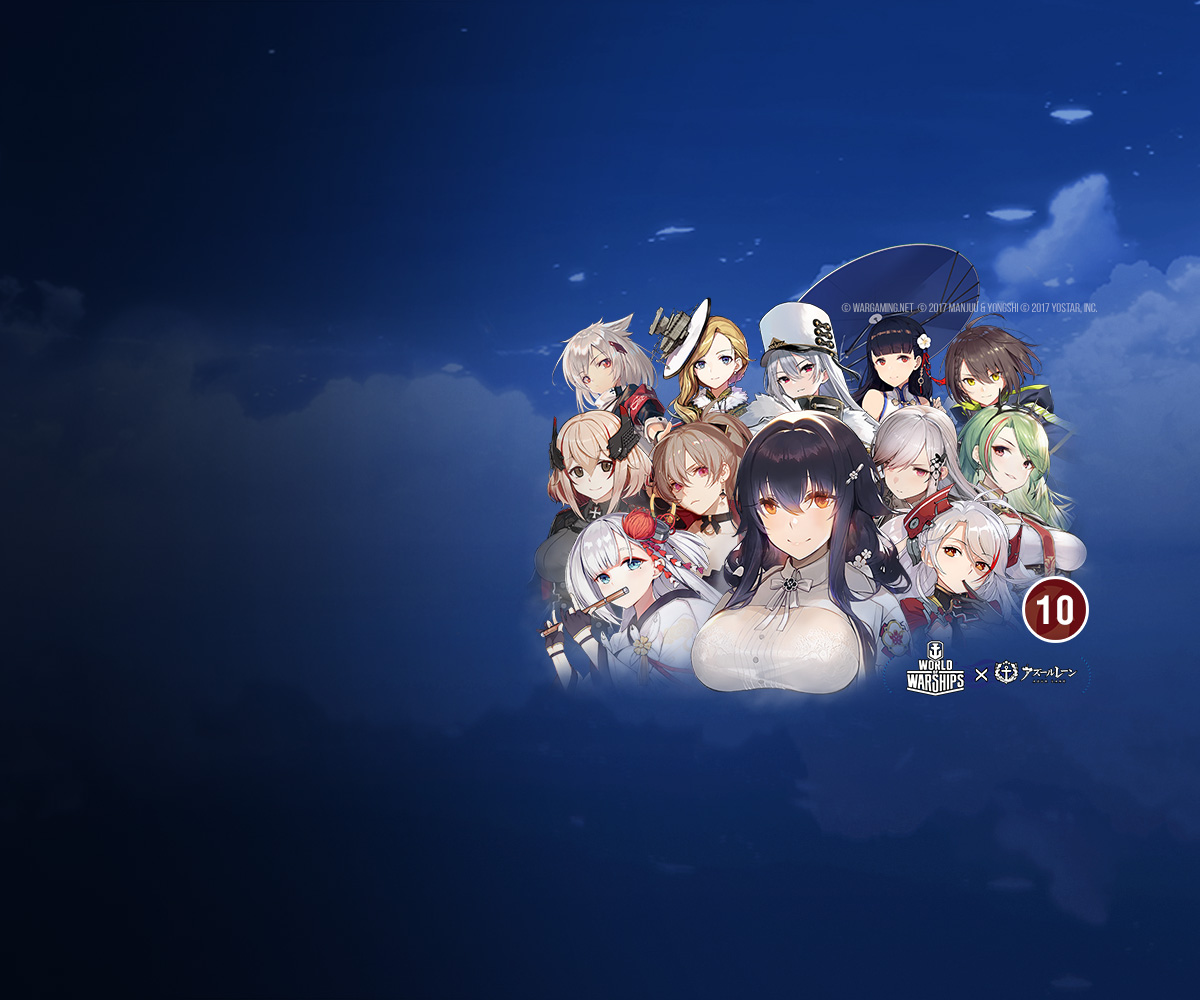
[h2]All in One –26%[/h2]
- Commander Azuma with 10 skill points
- Commander Avrora with 10 skill points
- Commander Admiral Hipper with 10 skill points
- Commander Nelson with 10 skill points
- Commander Hood with 10 skill points
- Commander Belfast with 10 skill points
- Commander Cleveland with 10 skill points
- Commander Enterprise with 10 skill points
- Commander Neptune with 10 skill points
- Commander Prinz Eugen with 10 skill points
- Commander Dunkerque with 10 skill points
- Commander Atago with 10 skill points
- Commander Kaga with 10 skill points
- Commander Montpelier with 10 skill points
- Commander Yukikaze with 10 skill points
- Commander Jean Bart with 10 skill points
- Commander Roon with 10 skill points
- Commander Littorio with 10 skill points
- Commander Shōkaku with 10 skill points
- Commander Yat Sen with 10 skill points
- Commander Sovetskaya Rossiya with 10 skill points
- Commander Baltimore with 10 skill points
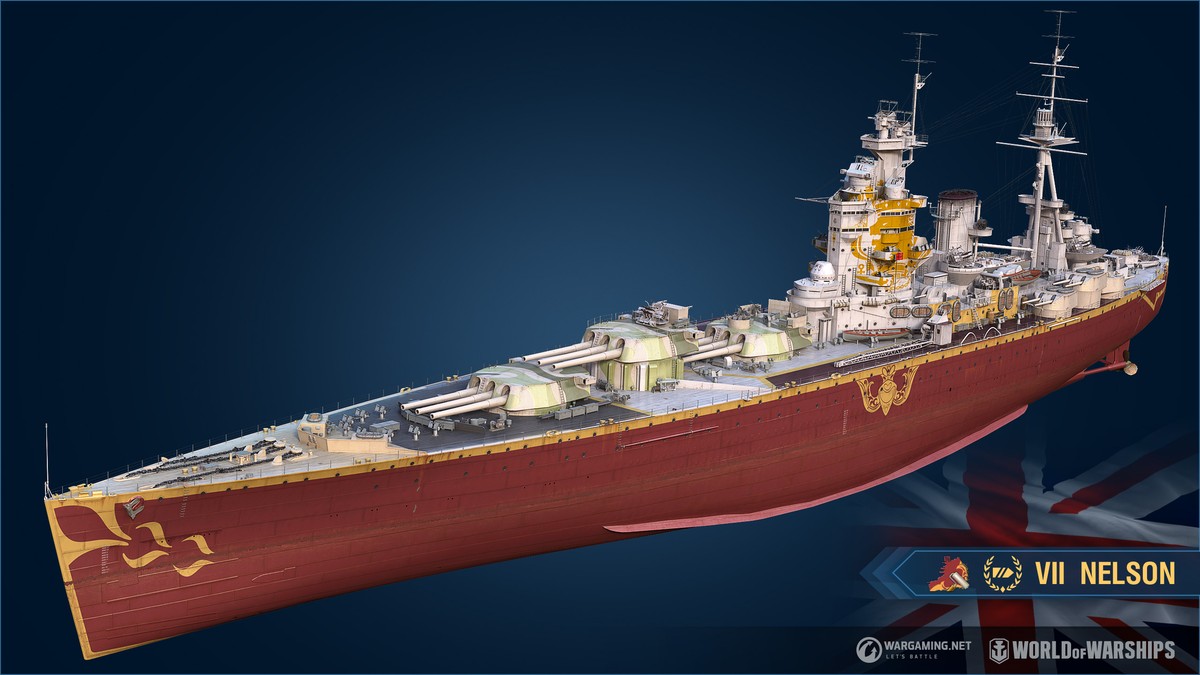
- Azur Lane permanent camouflage for VII Nelson
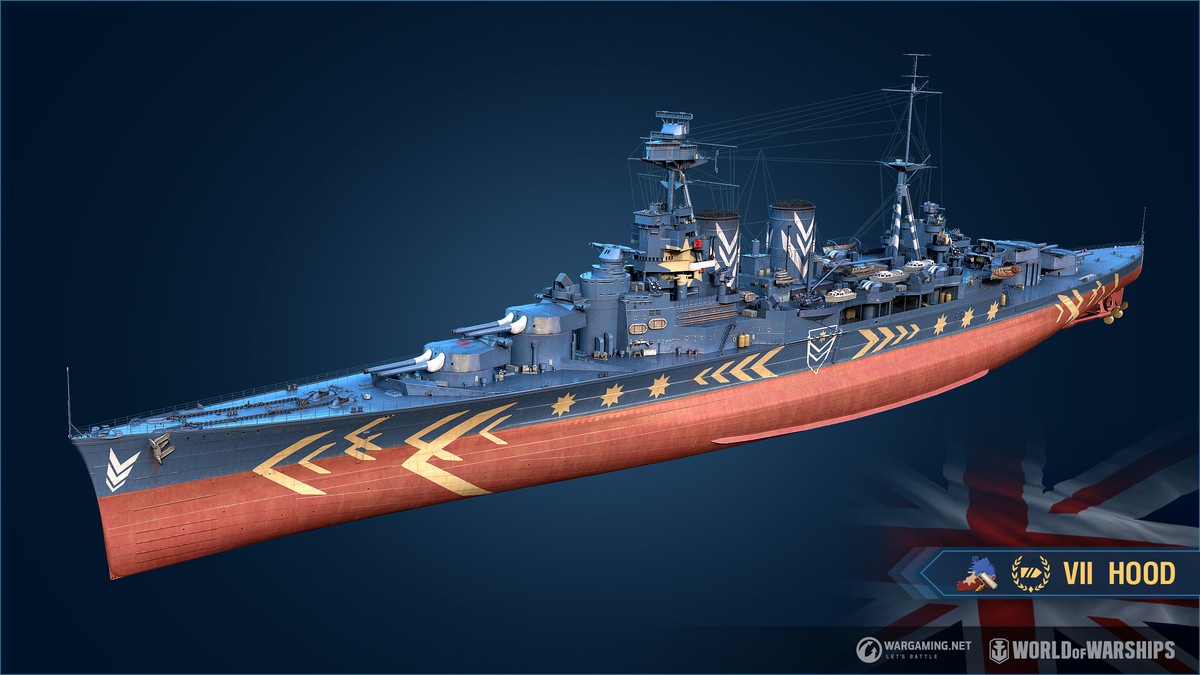
- Azur Lane permanent camouflage for VII Hood
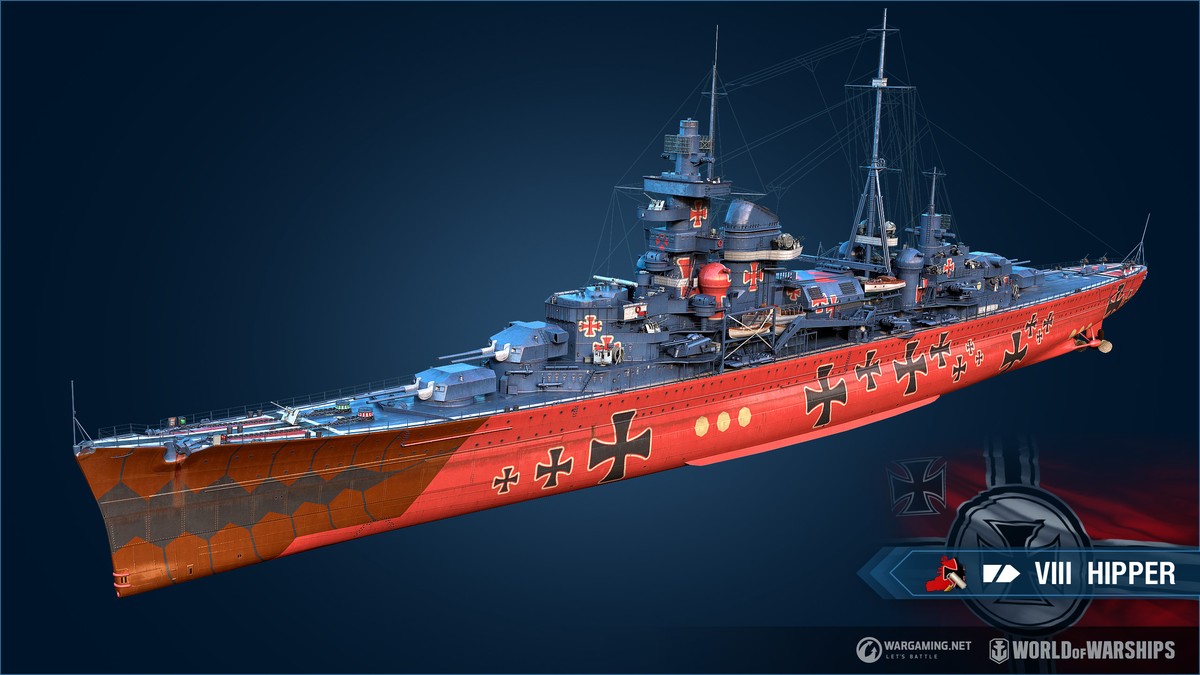
- Azur Lane permanent camouflage for VIII Admiral Hipper
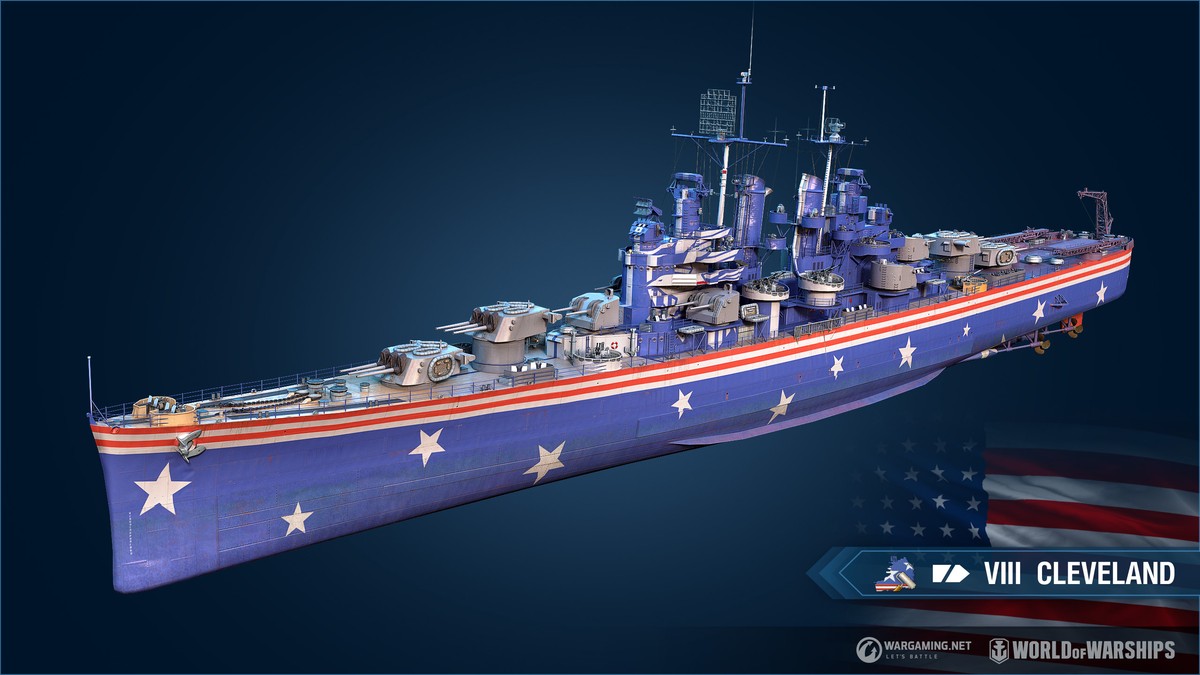
- Azur Lane permanent camouflage for VIII Cleveland
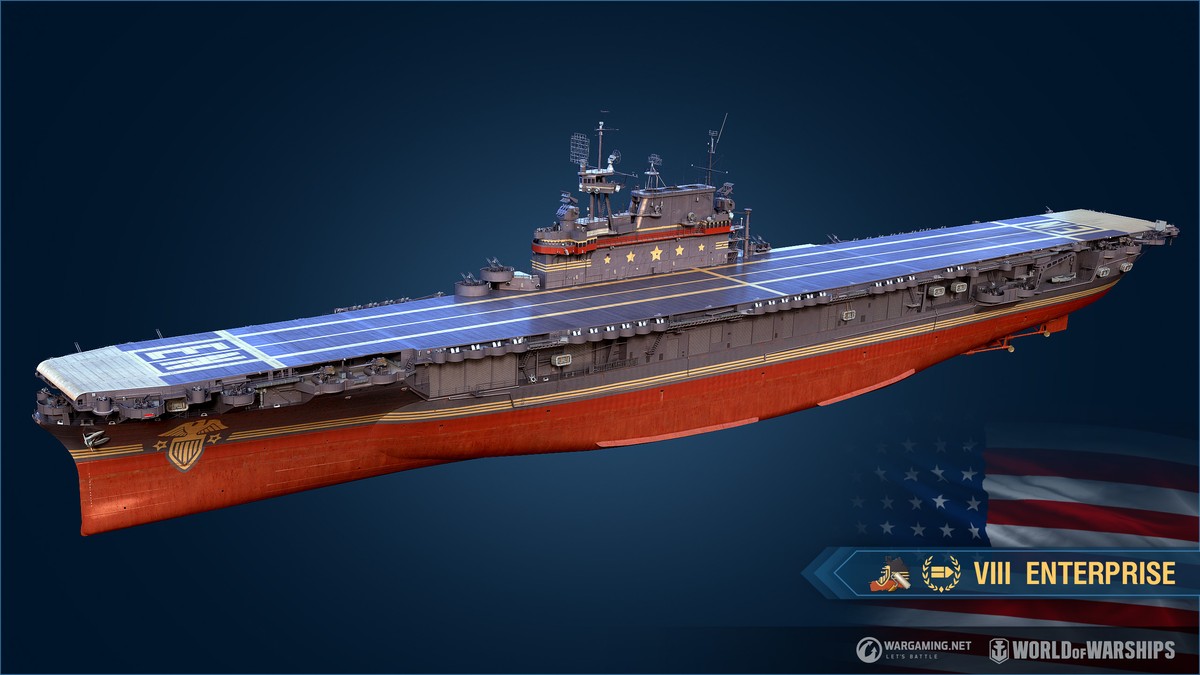
- Azur Lane permanent camouflage for VIII Enterprise
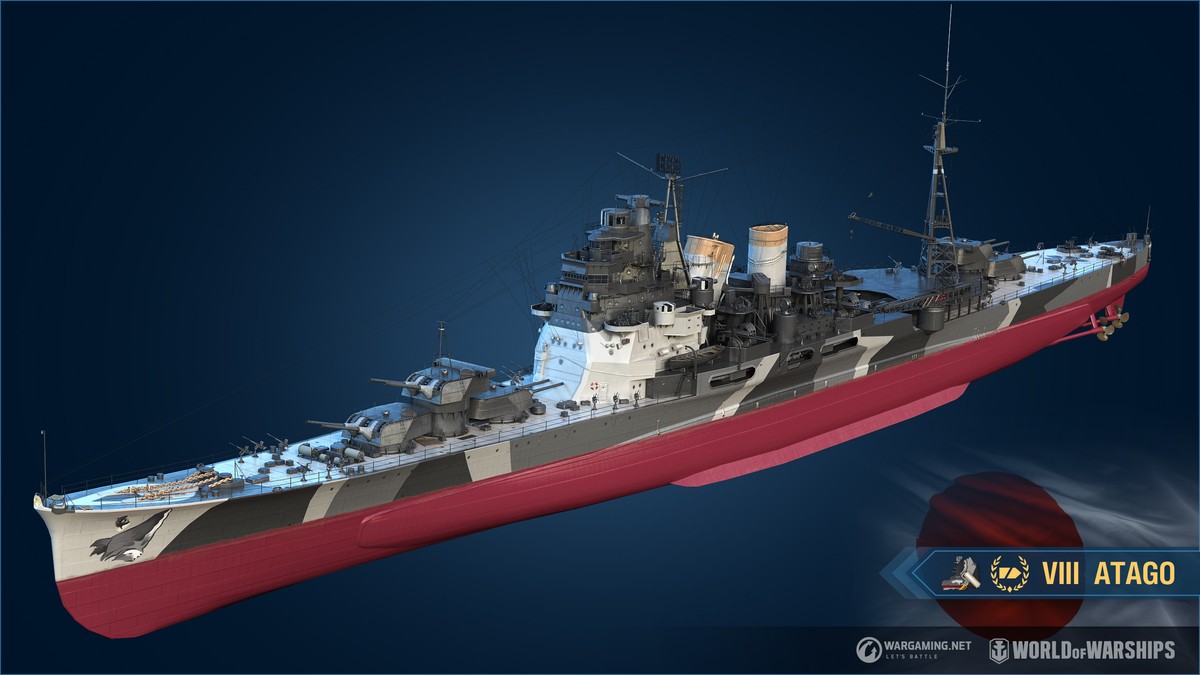
- Azur Lane permanent camouflage for VIII Atago
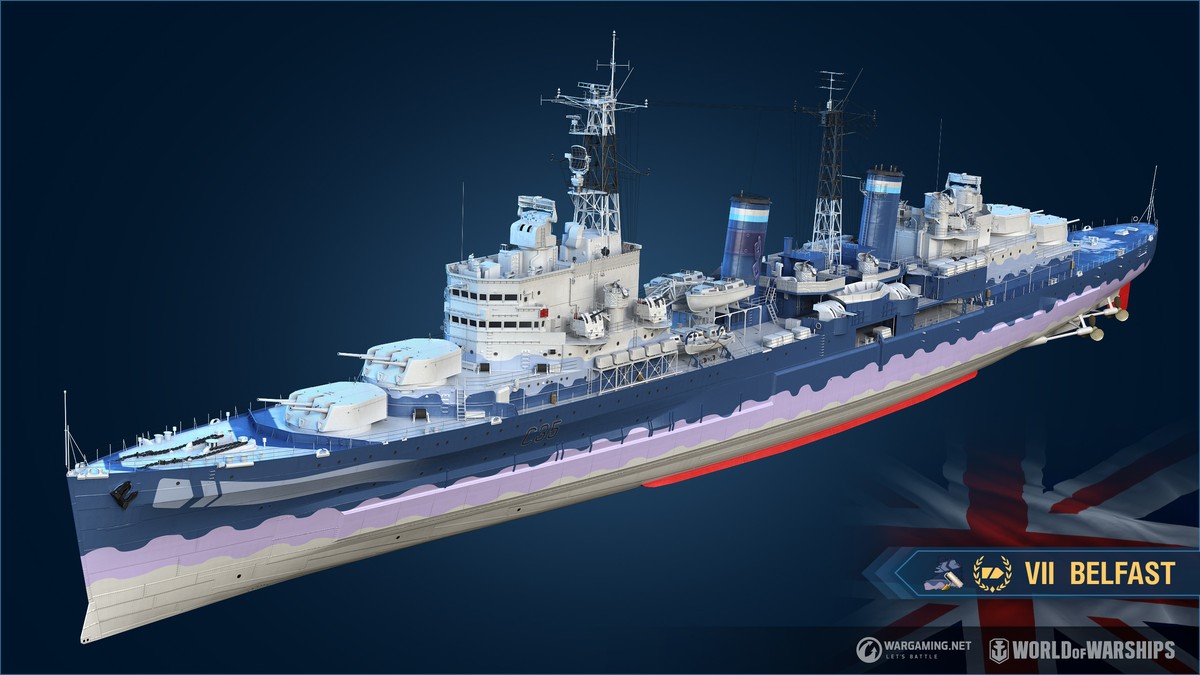
- Azur Lane permanent camouflage for VII Belfast
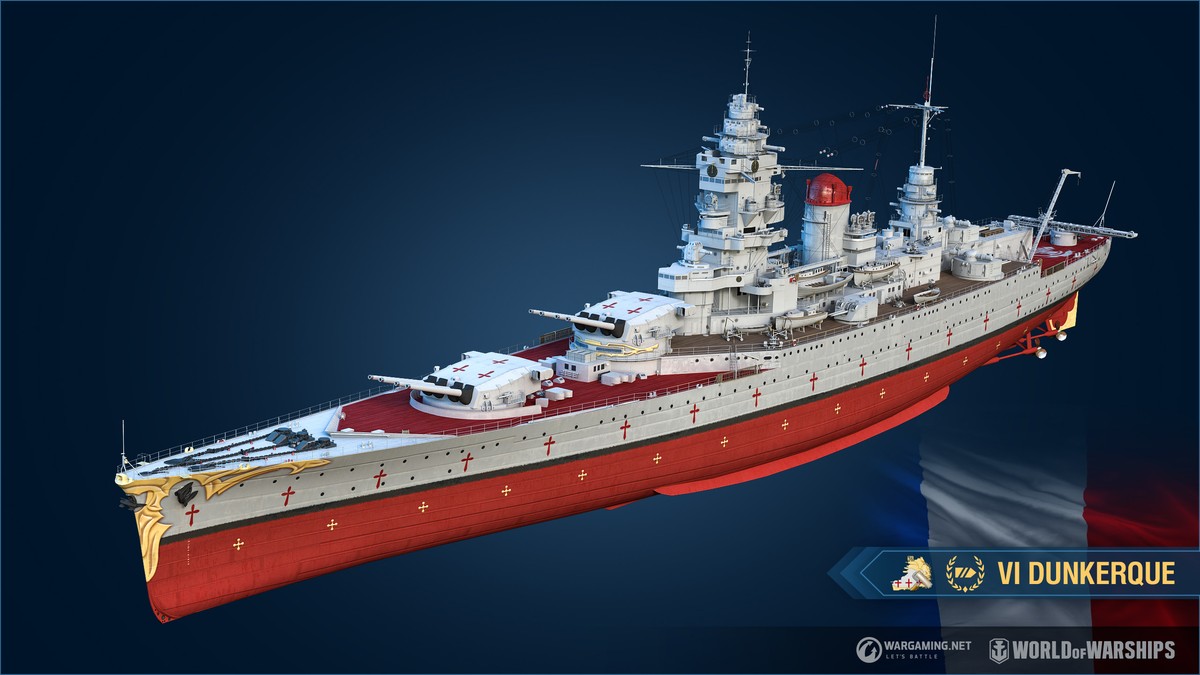
- Azur Lane permanent camouflage for VI Dunkerque
[h2]Details[/h2]
The bundle includes 22 Commanders from the popular Azur Lane mobile game (including Azuma) and unique permanent camouflages for ships VII Nelson, VII Hood, VIII Admiral Hipper, VIII Cleveland, VIII Enterprise, VIII Atago, VII Belfast, and VI Dunkerque.

[h2]Azur Lane: Armada –26%[/h2]
- VIII AL Yukikaze
- VIII AL Montpelier
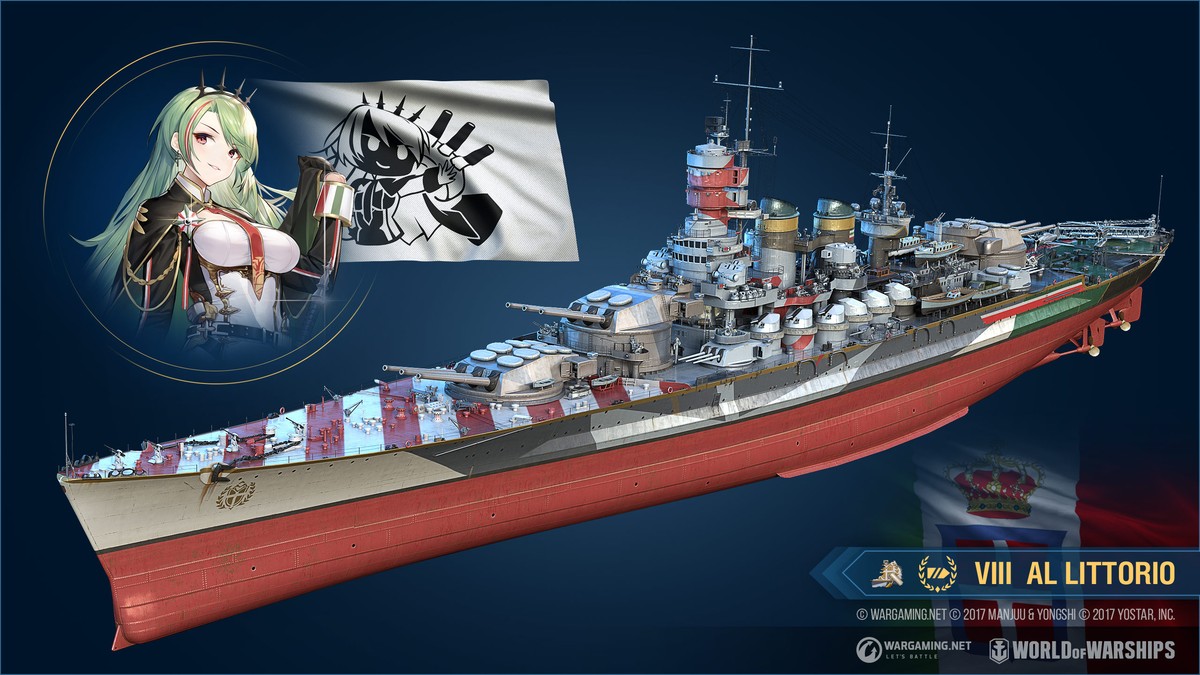
- VIII AL Littorio
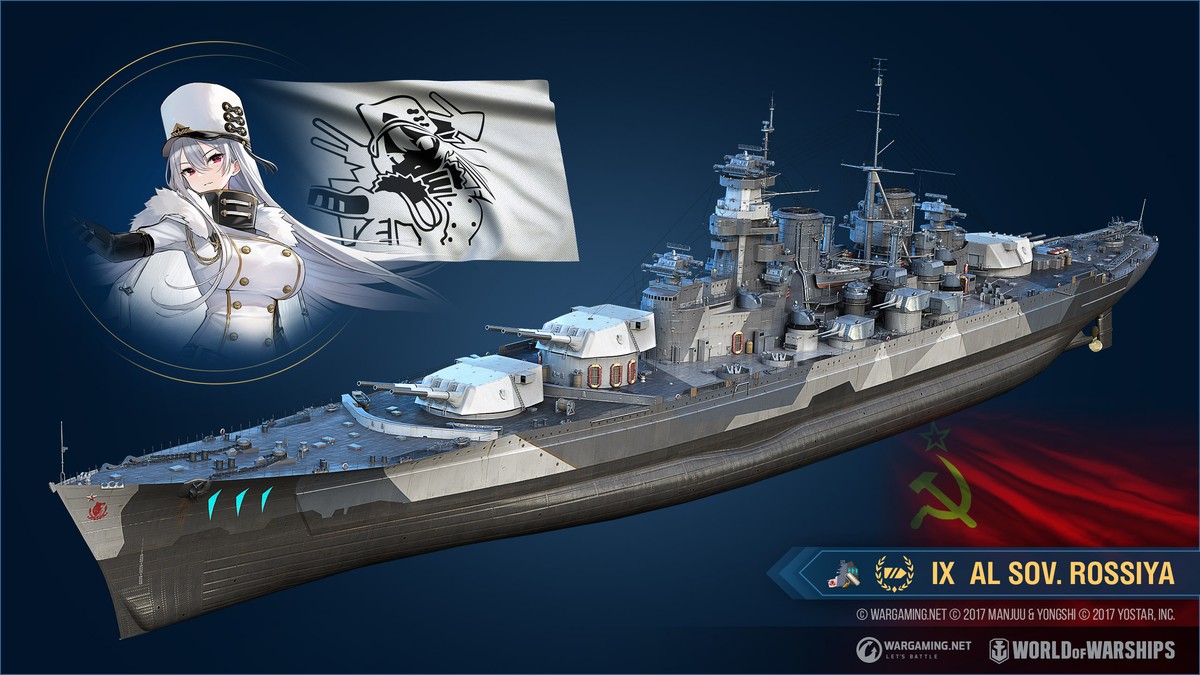
- IX AL Sov. Rossiya
- Commander Yukikaze with 10 skill points
- Commander Montpelier with 10 skill points
- Commander Littorio with 10 skill points
- Commander Sovetskaya Rossiya with 10 skill points
- 4×Port slot
- Bonus4×Combat mission: x3 XP
- Azur Lane — Yukikaze flag
- Azur Lane — Montpelier flag
- Azur Lane — Littorio flag
- Azur Lane — Sovetskaya Rossiya flag
- 125×Azur Lane – Siren camouflages
[h2]Details[/h2]
[h3]AL Yukikaze[/h3]
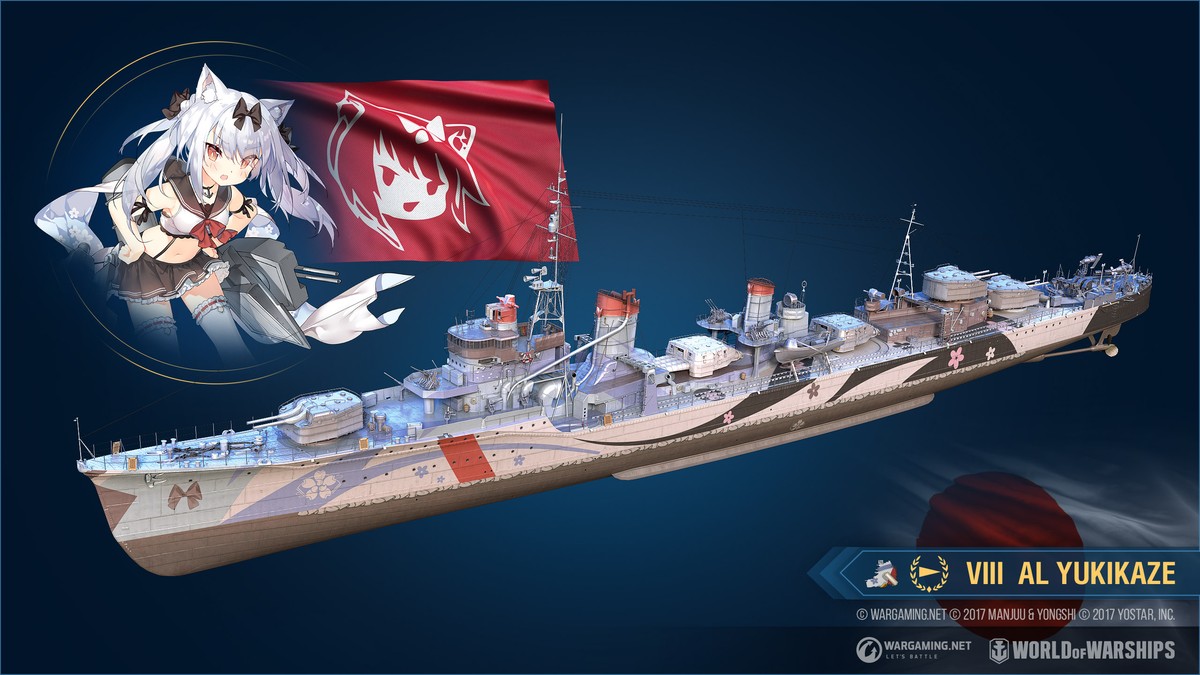
VIII AL Yukikaze is a Japanese Tier VIII destroyer with a unique permanent camouflage designed in the style of the popular Azur Lane mobile game. The ship is notable for her higher speed and greater damage characteristics of her torpedo armament.[h3]Key features:[/h3]
- Powerful torpedo armament. Two quadruple-tube torpedo launchers. Range—8 km; speed—76 knots; damage—21,367 HP; and reload time—104 seconds
- Impressive concealment characteristics. Base spotting range by sea is 6.84 km
- She earns more credits per battle, and her permanent camouflage adds a 50% XP bonus per battle and reduces the cost of the ship's post-battle service by 10%
For a detailed look at the ship's technical specifications, follow this link.
[h3]AL Montpelier[/h3]
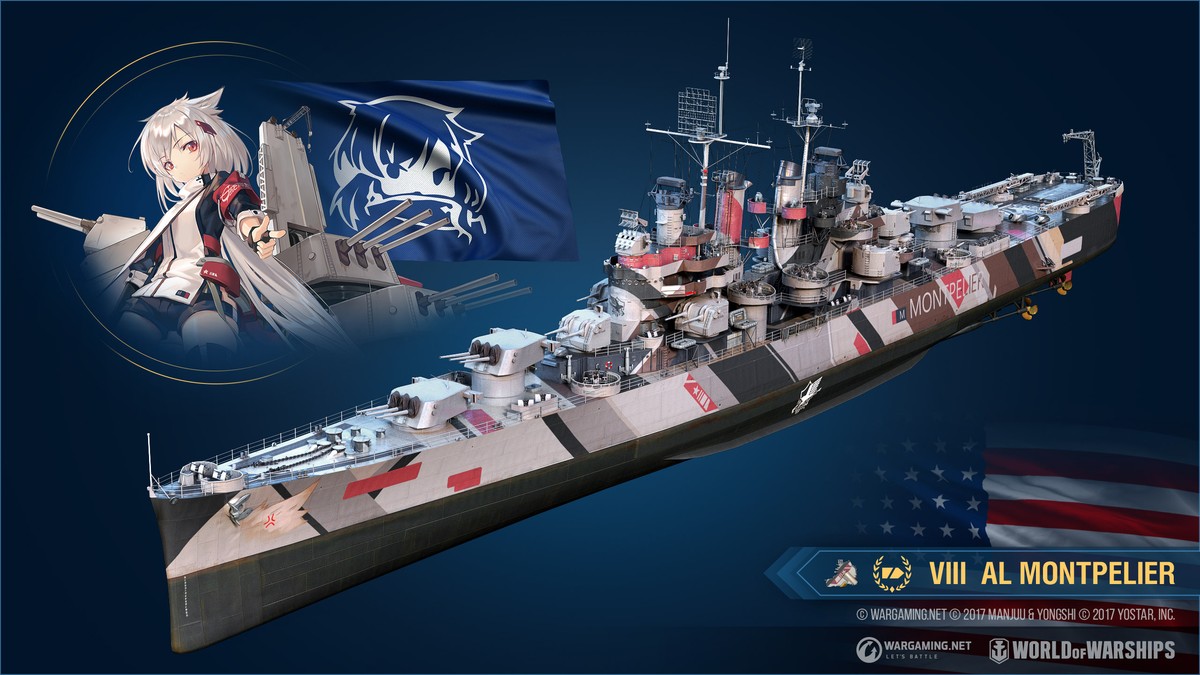
VIII AL Montpelier is an American Tier VIII light cruiser with a unique permanent camouflage designed in the style of the popular Azur Lane mobile game. The ship is modeled after researchable American cruiser Cleveland, but differs from her by having a more extensive HP pool and more accurate artillery.[h3]Key features:[/h3]
- Effective, rapid-firing artillery. Twelve guns placed in four turrets. Firing range—15.6 km, reload time—7 seconds
- HP pool—37,500 points
- She earns more credits per battle, and her permanent camouflage adds a 50% XP bonus per battle and reduces the cost of the ship's post-battle service by 10%
For a detailed look at the ship's technical specifications, follow this link.
[h3]AL Littorio[/h3]
VIII AL Littorio, modeled after Italian battleship Roma, has great firepower and reliable side armor. While the battleship's guns cannot boast of having the kind of long firing range that is usually typical of the ship type, AL Littorio excels in close- and medium-range artillery duels due to her superb ballistics. Another advantage is provided by the ship's concealment, which is pretty good for a battleship. AL Littorio can go undetected for longer periods, allowing her to take the first shot in duels against hostile battleships.[h3]Key features:[/h3]
- Her main battery consists of nine 381 mm guns with good ballistics and a high initial shell velocity
- Great torpedo protection and reliable armor
- Superb concealment for this ship type
- She earns more credits per battle, and her permanent camouflage adds a 50% XP bonus per battle and reduces the cost of the ship's post-battle service by 10%
For a detailed look at the ship's technical specifications, follow this link.
[h3]AL Sovetskaya Rossiya[/h3]
IX AL Sov. Rossiya, modeled after battleship Sovetsky Soyuz, stands out by her impressive dimensions and excellent armament system. The ship received her maneuverability parameters from battleship Sovetsky Soyuz (B), but retained the hull and AA defense features of Sovetsky Soyuz (A).[h3]Key features:[/h3]
- Nine 406 mm guns with flat-trajectory ballistics and a high initial shell velocity. Unlike the researchable Soviet battleships, shells launched by AL Sovetskaya Rossiya have standard accuracy parameters for the ship type
- Large HP pool
- Good armor protection
- The Damage Control Party consumable she carries has a reduced cooldown time between uses, but a limited number of charges
- She earns more credits per battle, and her permanent camouflage adds a 100% XP bonus per battle and reduces the cost of the ship's post-battle service by 20%
For a detailed look at the ship's technical specifications, follow this link.
[h2]New Commanders[/h2]
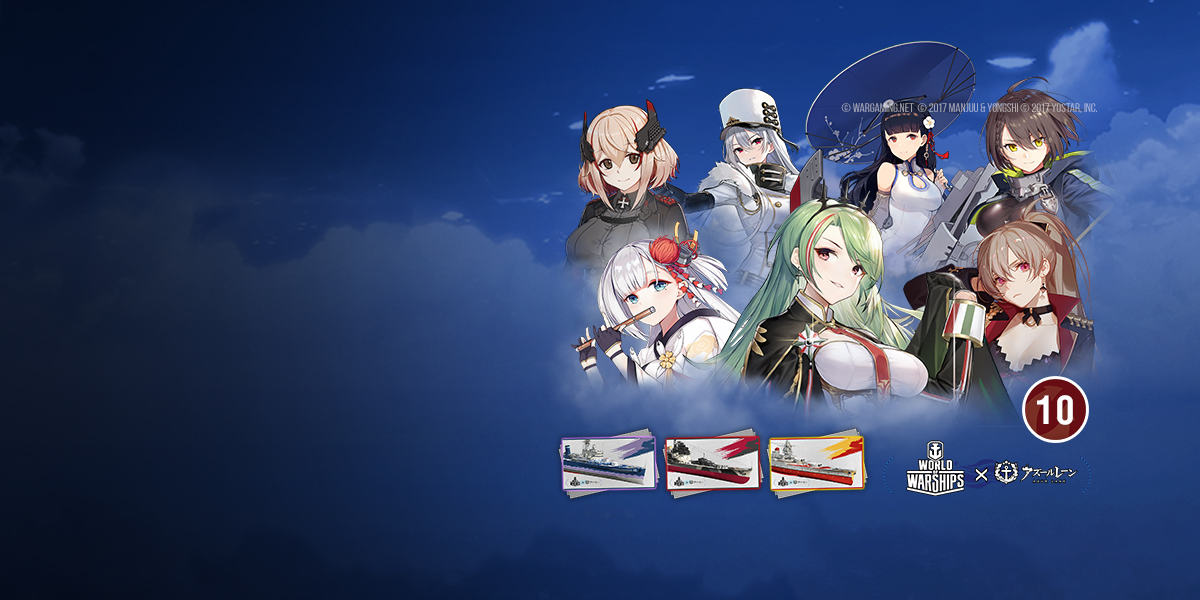
The existing Azur Lane Commanders are joined by seven additional popular characters: Jean Bart, Roon, Littorio, Shokaku, Yat Sen, Sovetskaya Rossiya, and Baltimore. Each of them has a unique voiceover. Here are a few examples—take a listen!
🔊https://soundcloud.com/world-of-warships/sets/azur-lane-commanders-voiceover🔊
[h2]Third Wave –10%[/h2]
- Commander Jean Bart with 10 skill points
- Commander Roon with 10 skill points
- Commander Littorio with 10 skill points
- Commander Shōkaku with 10 skill points
- Commander Yat Sen with 10 skill points
- Commander Sovetskaya Rossiya with 10 skill points
- Commander Baltimore with 10 skill points
- Azur Lane permanent camouflage for Atago
- Azur Lane permanent camouflage for Belfast
- Azur Lane permanent camouflage for Dunkerque
- 100×Azur Lane – Siren camouflages

[h2]Second Wave[/h2]
- Commander Neptune with 10 skill points
- Commander Prinz Eugen with 10 skill points
- Commander Dunkerque with 10 skill points
- Commander Atago with 10 skill points
- Commander Kaga with 10 skill points
- Commander Montpelier with 10 skill points
- Commander Yukikaze with 10 skill points
- Permanent camouflage for Admiral Hipper
- 50×Azur Lane – Siren camouflages

[h2]First Wave[/h2]
- Commander Avrora with 10 skill points
- Commander Admiral Hipper with 10 skill points
- Commander Nelson with 10 skill points
- Commander Hood with 10 skill points
- Commander Belfast with 10 skill points
- Commander Cleveland with 10 skill points
- Commander Enterprise with 10 skill points
- Azur Lane Commanders, with unique voiceovers and 10 skill points, have specializations for their same-name ships. Commander Yat Sen has a specialization for

 I Chengan.
- Don't want to bind a Commander to one ship? Although these are unique Commanders, you can have more than one of the same name. For example, you can assign several versions of Commander Roon to different German ships.
[h2]New Ships[/h2]
New battleships Italian

 VIII AL Littorio and Soviet
  IX AL Sov. Rossiya join the existing special ships with distinctive themed camouflage patterns—American cruiser
 VIII AL Montpelier and Japanese destroyer
 VIII AL Yukikaze.
[h2]AL Yukikaze[/h2]
- VIII AL Yukikaze
- Commander Yukikaze with 10 skill points
- Port slot
- Bonus Combat mission: x3 XP

[h2]AL Montpelier[/h2]
- VIII AL Montpelier
- Commander Montpelier with 10 skill points
- Port slot
- Bonus Combat mission: x3 XP

[h2]AL Littorio[/h2]
- VIII AL Littorio
- Commander Littorio with 10 skill points
- Port slot
- Bonus Combat mission: x3 XP

[h2]AL Sovetskaya Rossiya[/h2]
- IX AL Sov. Rossiya
- Commander Sovetskaya Rossiya with 10 skill points
- Port slot
- Bonus Combat mission: x3 XP
[h2]New Permanent Camouflages[/h2]
Three new camouflages for
 VII Belfast,
  VI Dunkerque, and VIII Atago have been added to the set of existing Azur Lane permanent camouflages for VII Nelson, VII Hood,
  VIII Admiral Hipper, VIII Cleveland, and
  VIII Enterprise.
[h2]Belfast: Azur Lane[/h2]
- Azur Lane permanent camouflage for Belfast
[h2]Dunkerque: Azur Lane[/h2]
- Azur Lane permanent camouflage for Dunkerque
[h2]Atago: Azur Lane[/h2]
- Azur Lane permanent camouflage for Atago
[h2]Azur Lane Camouflages[/h2]
- Azur Lane permanent camouflage for Nelson
- Azur Lane permanent camouflage for Hood
- Azur Lane permanent camouflage for Admiral Hipper
- Azur Lane permanent camouflage for Cleveland
- Azur Lane permanent camouflage for Enterprise
[h2]New Containers[/h2]
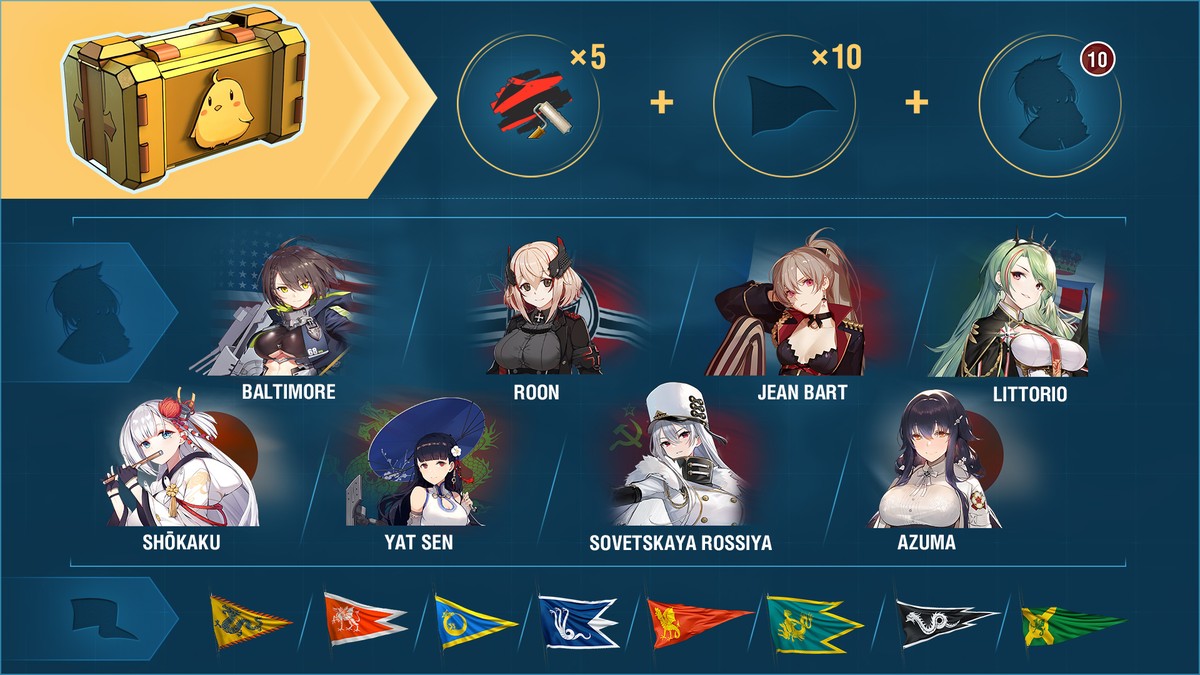
An Azur Lane Premium container includes:
- One of eight Azur Lane Commanders with unique voiceovers (Azuma, Baltimore, Roon, Jean Bart, Littorio, Shōkaku, Yat Sen, or Sovetskaya Rossiya), 10 skill points, and specializations for their same-name ships
- 10x special signals of the same type (Basilisk, Wyvern, Hydra, Dragon, Red Dragon, Leviathan, Scylla, or Ouroboros).
- 5x "Azur Lane – Siren" camouflages
- Each container is guaranteed to drop one of eight Azur Lane Commanders with a unique voiceover (including Azuma), 10 skill points, and a specialization for their same-name ship, as well as special signals and camouflages.
- These offers are also available in the Armory.
[h2]New Combat Missions[/h2]
Start: Fri. 24 Jul. 07:00 CEST (UTC+2)
End: Mon. 31 Aug. 07:00 CEST (UTC+2)[h3]Ocean Current[/h3]
Part 1
Earn 20 "Set on fire" and "Torpedo hits" ribbons.
Reward:1x container of the Azur Lane collection
Part 2
Earn 10 "Captured" or "Assisted in capture" ribbons.
Reward:1x container of the Azur Lane collection
Part 3
Earn 20 "Destroyed" ribbons.
Reward:1x container of the Azur Lane collection
- Final Reward: Commander Nelson with 10 skill points and the Manjuu commemorative flag.
- You can complete the chain of combat missions playing Tier V–X ships in Operations, Random, Ranked, and Co-op Battles.
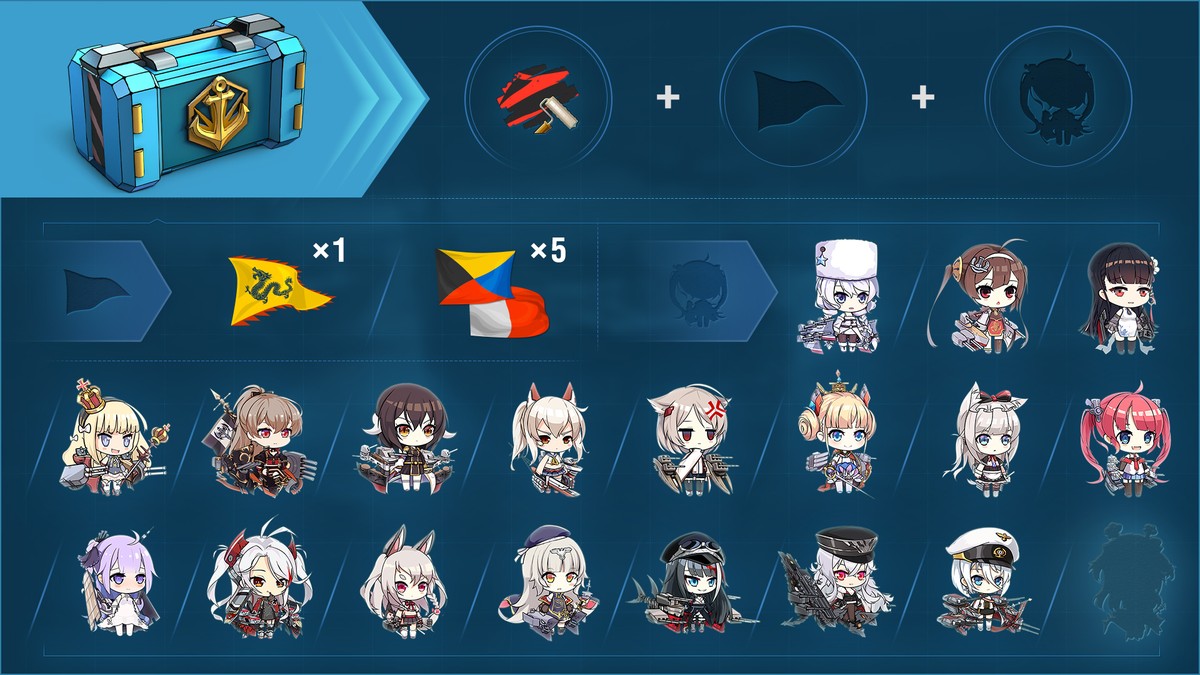
Azur Lane containers include the following rewards:
- Azur Lane — Siren expendable camouflage
- 1x Dragon special signal or 5x Zulu Hotel signals
- 1x item of the Azur Lane collection
[h3]Bonuses of the "Azur Lane – Siren" camouflage[/h3]
 −3% to your ship's detectability range by sea
- +4% to the dispersion of shells fired at your ship
- +50% to Commander XP per battle
- +100% XP per battle
[h2]Themed Port[/h2]
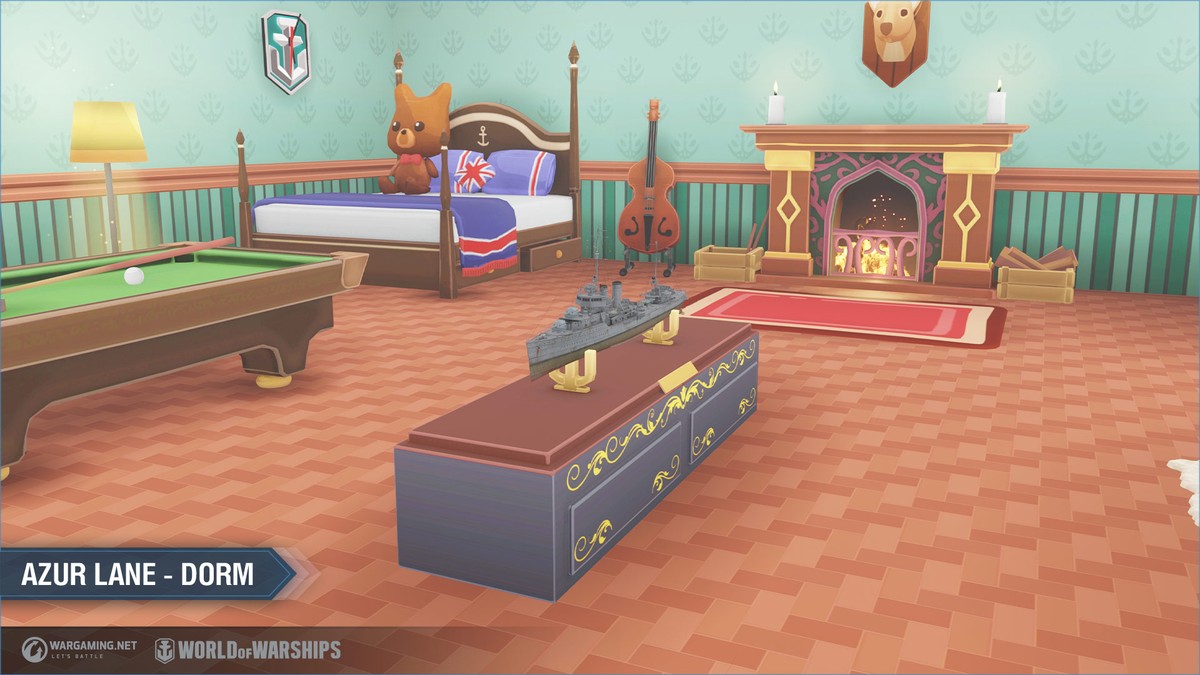
It might not be the most canonical interior of a Commander's cabin, but that's just how it is. Here, you can also hear music that will be familiar to all Azur Lane fans.
[h2]Collection[/h2]
Collect all 36 avatars of Azur Lane Commanders. The first item of the collection can be obtained from Azur Lane containers. The rest will appear in Azur Lane containers and, with a certain probability, daily containers. All you need to do is activate the subscription on the collection screen by enabling the "Collecting" option.
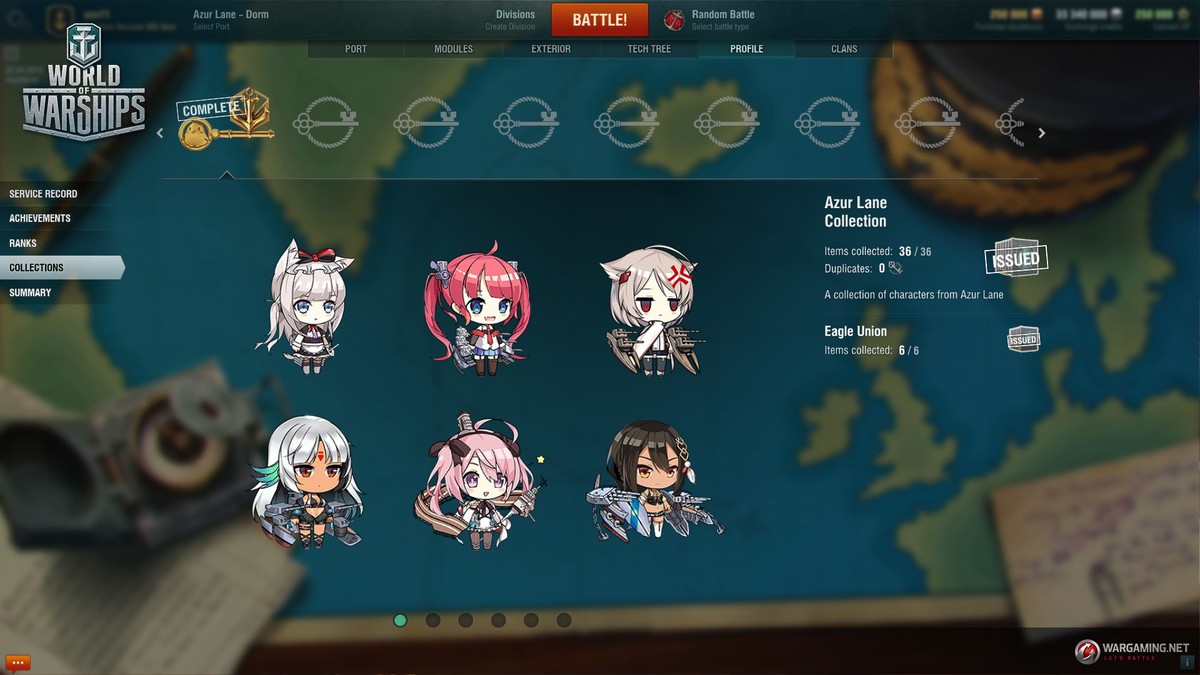
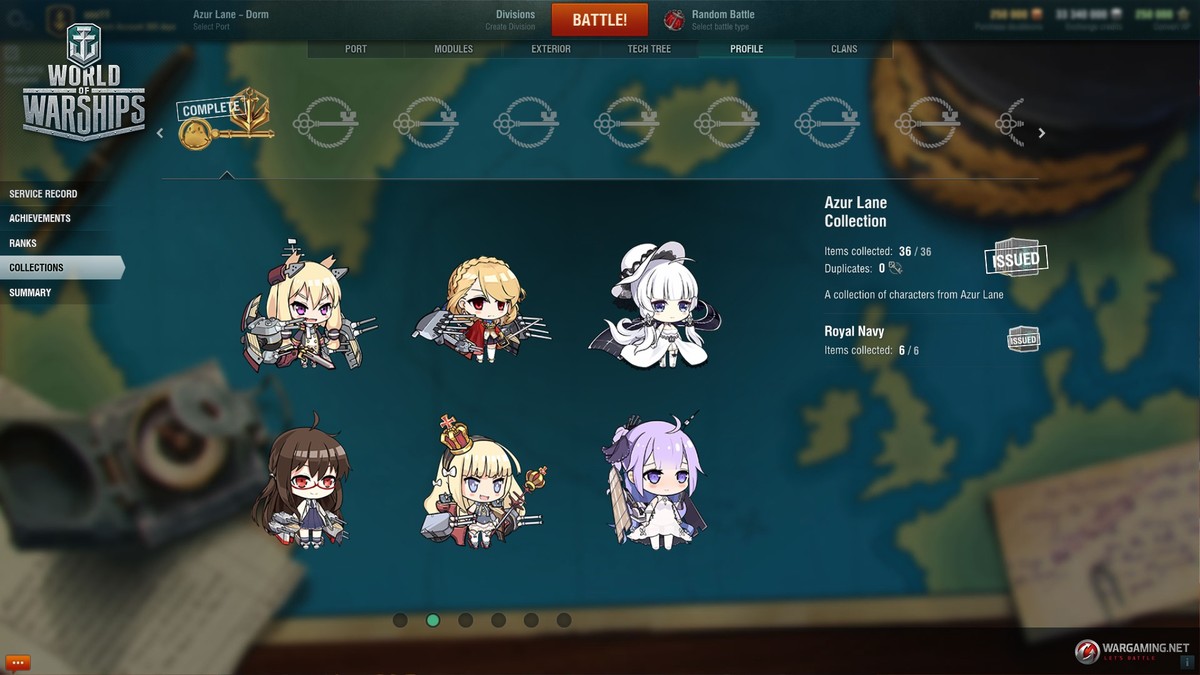
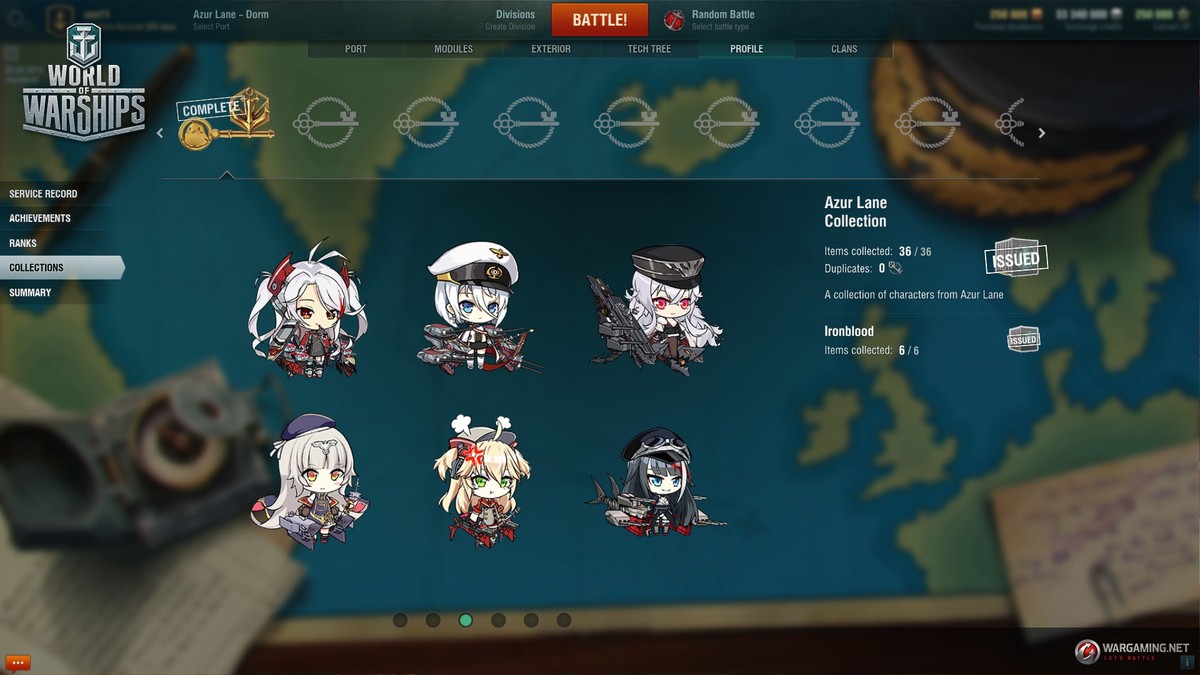
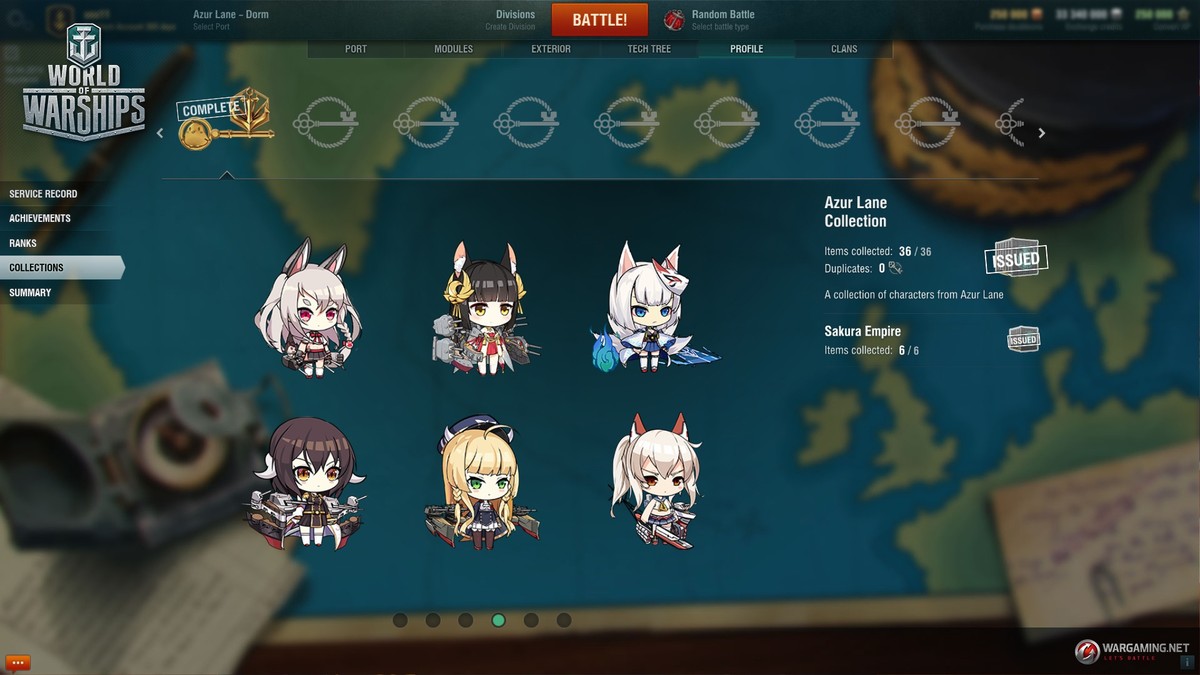
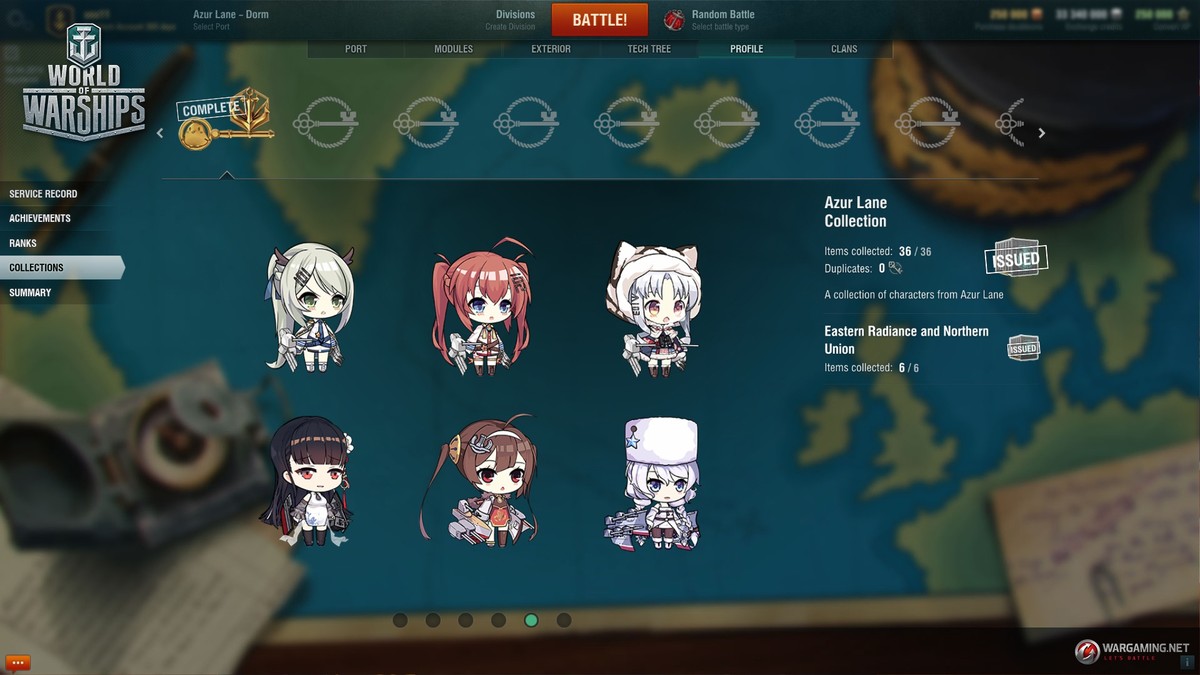
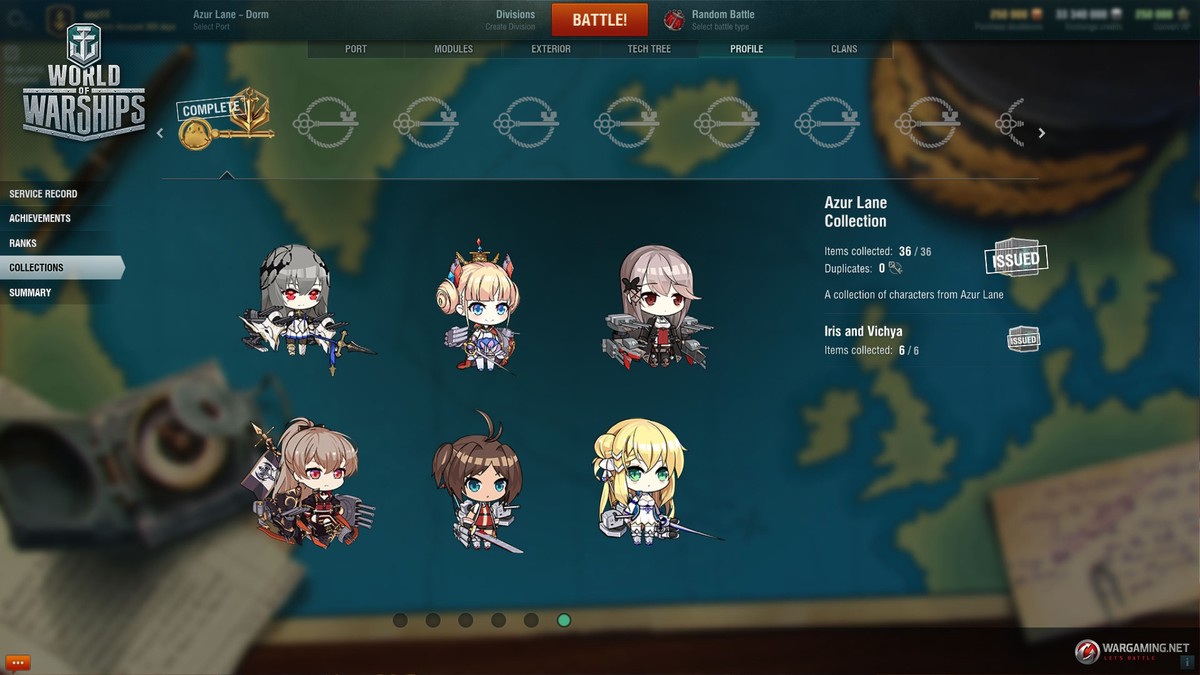
- You will receive the flags of nations from Azur Lane as rewards for completing thematic sub-sections, and a unique Commander, Azuma, as a reward for completing the entire collection.
- You'll be able to exchange duplicates for any missing items of the Azur Lane collection at the exchange rate of 5 : 1. You can select the element to receive in exchange for your duplicates. When you complete the collection, all remaining duplicates on your account will be exchanged for credits at the rate of 1:
 15,000.
[h2]About Azur Lane in a nutshell[/h2]
The Azur Lane mobile game has been developed as a shooting RPG based on "shoot'em up" mechanics.
- Players participate in intense shooting by taking command of a Division that includes several naval warships turned humanoid.
- Enemies deliver a squall of fire, and the player's main task is to avoid the shells, minimize damage, and blast away foes by shooting back.
- There are more than 400 ships, or rather "Ship-Girls," in Azur Lane. They are based on ships of different nations from the World War II era.
More information is available on the official website of the Azur Lane game (in Japanese).
 Commanders, welcome to the Public Test of Update 0.9.7!





 1 day of Warships Premium Account.
 30,000 doubloons; and

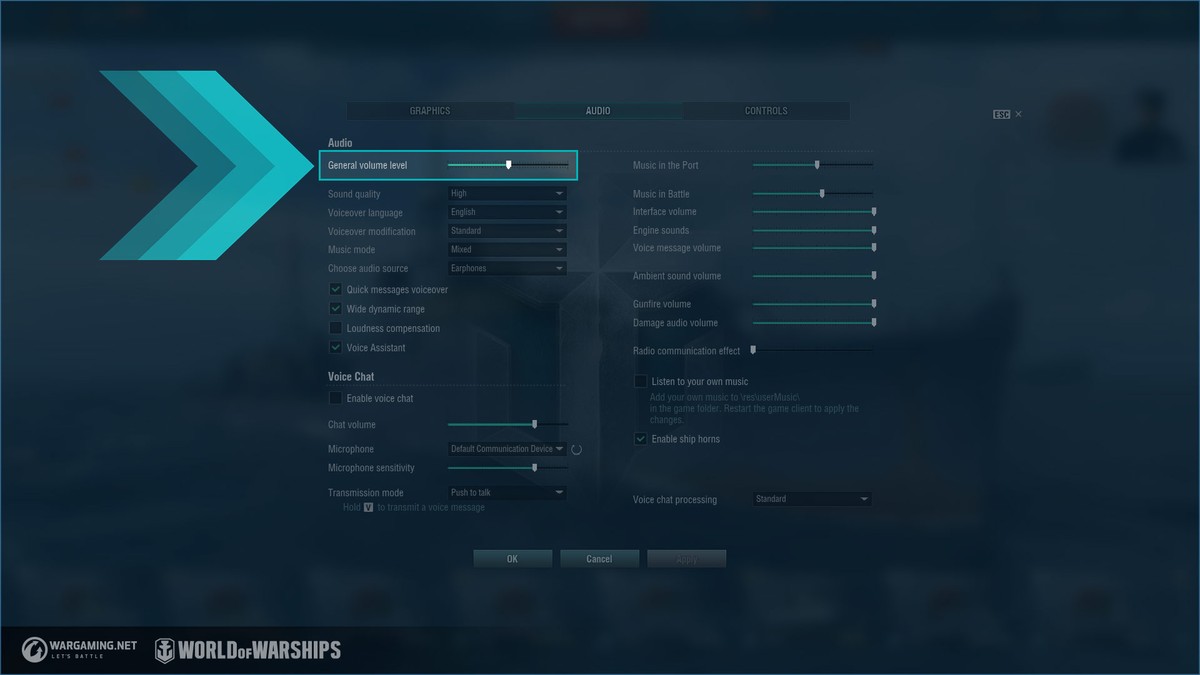
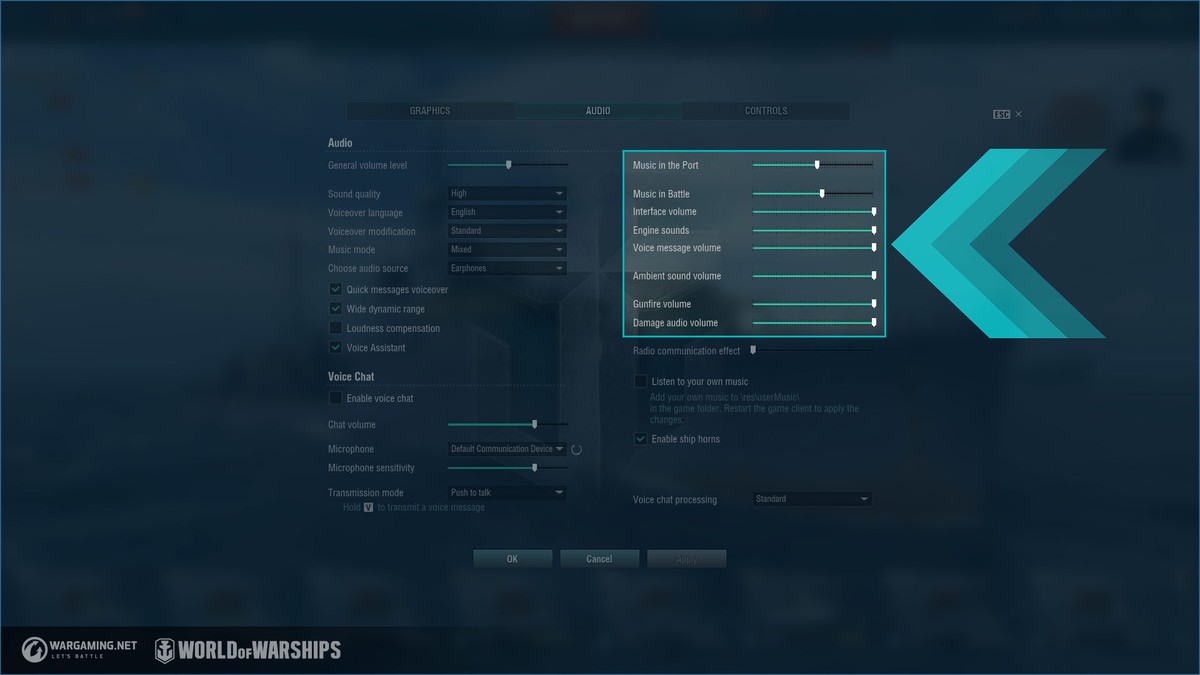
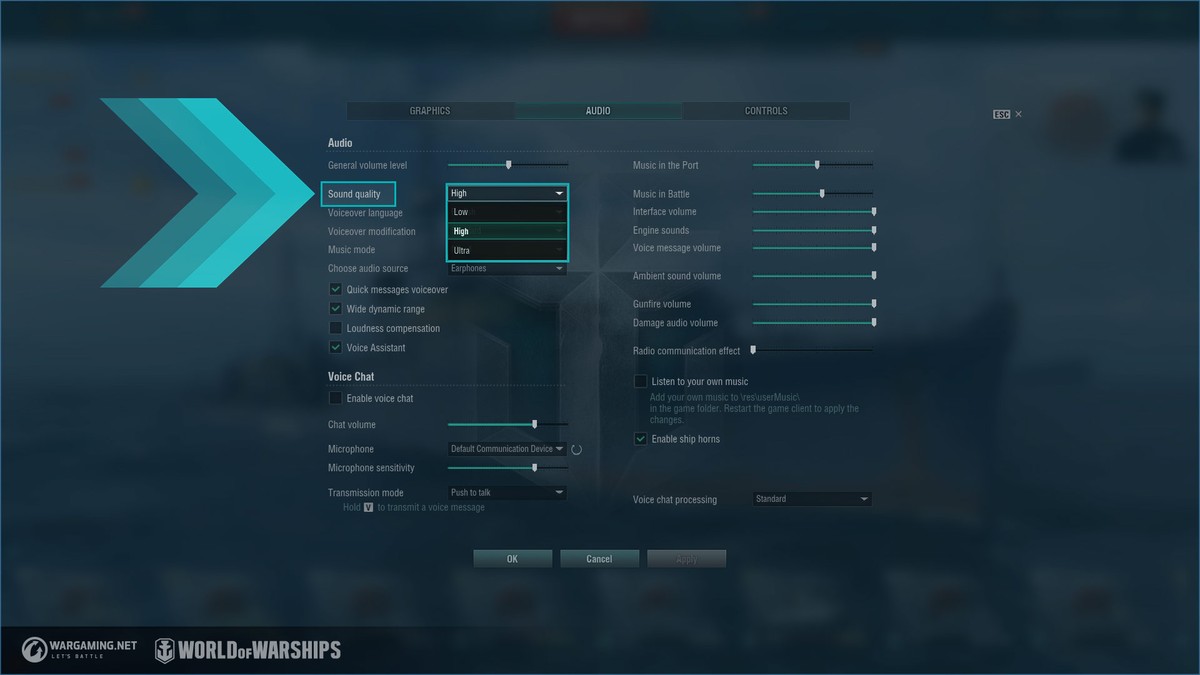
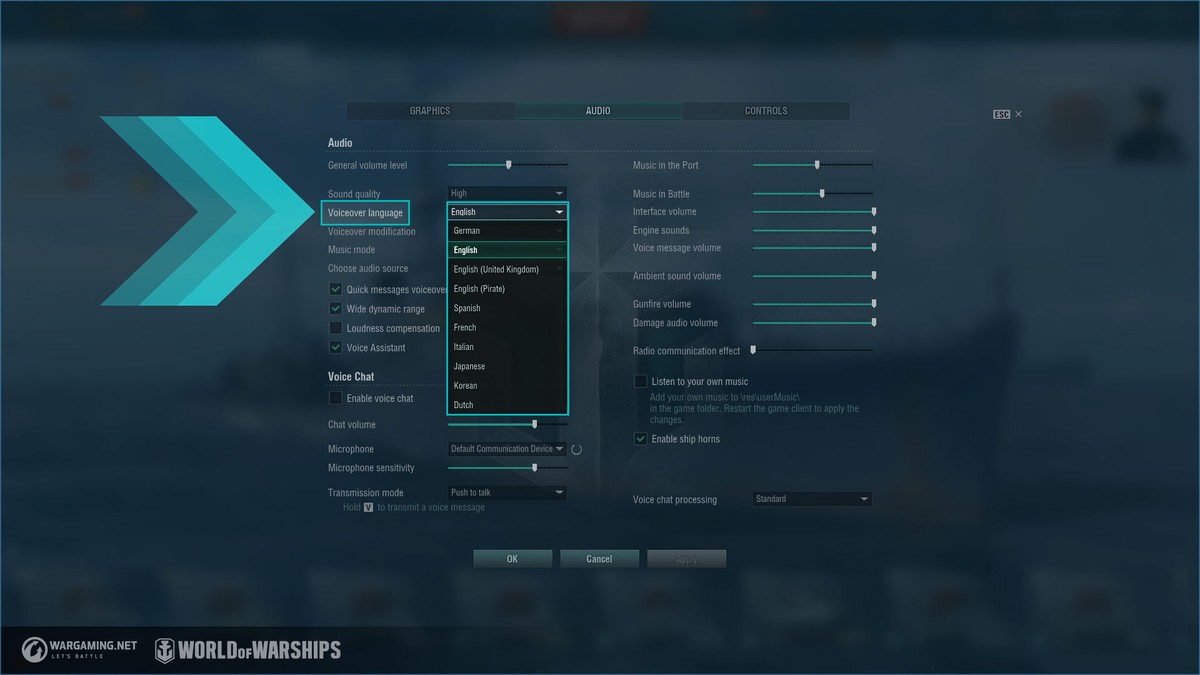
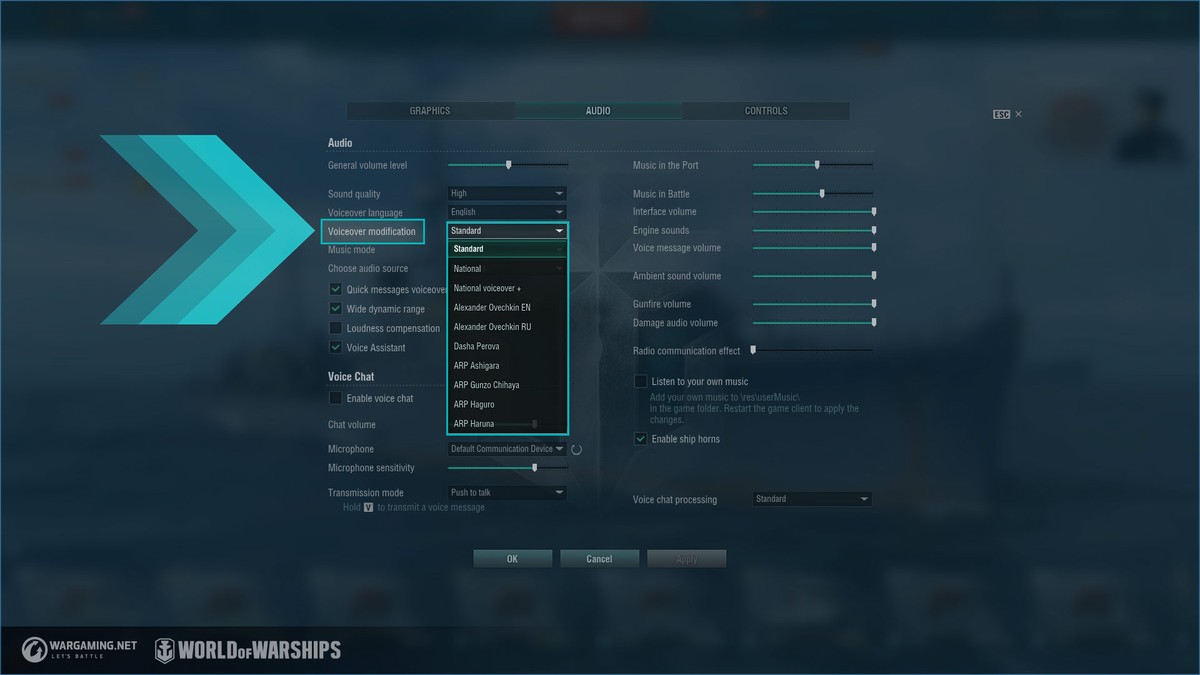
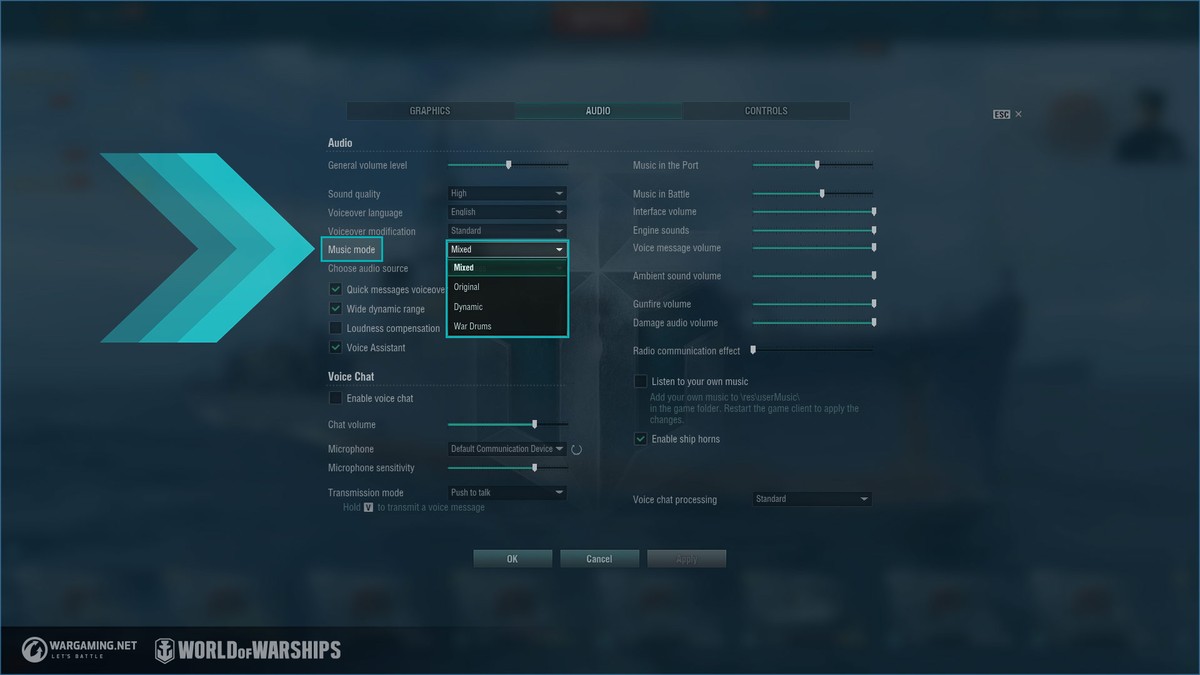
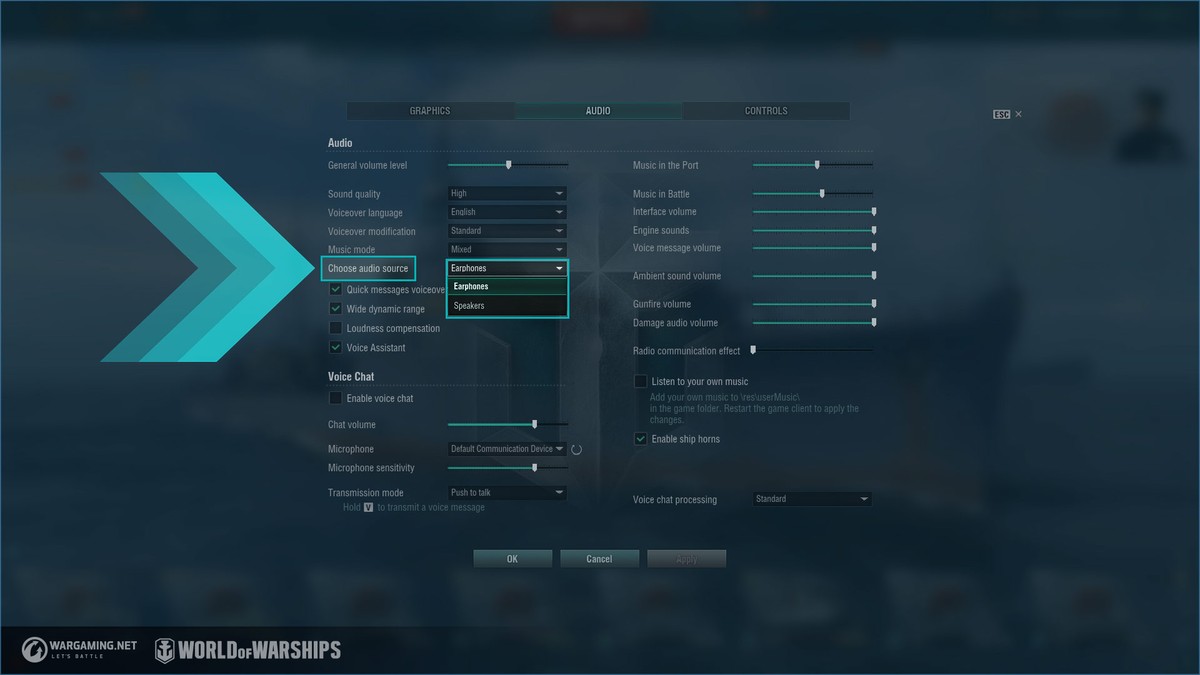
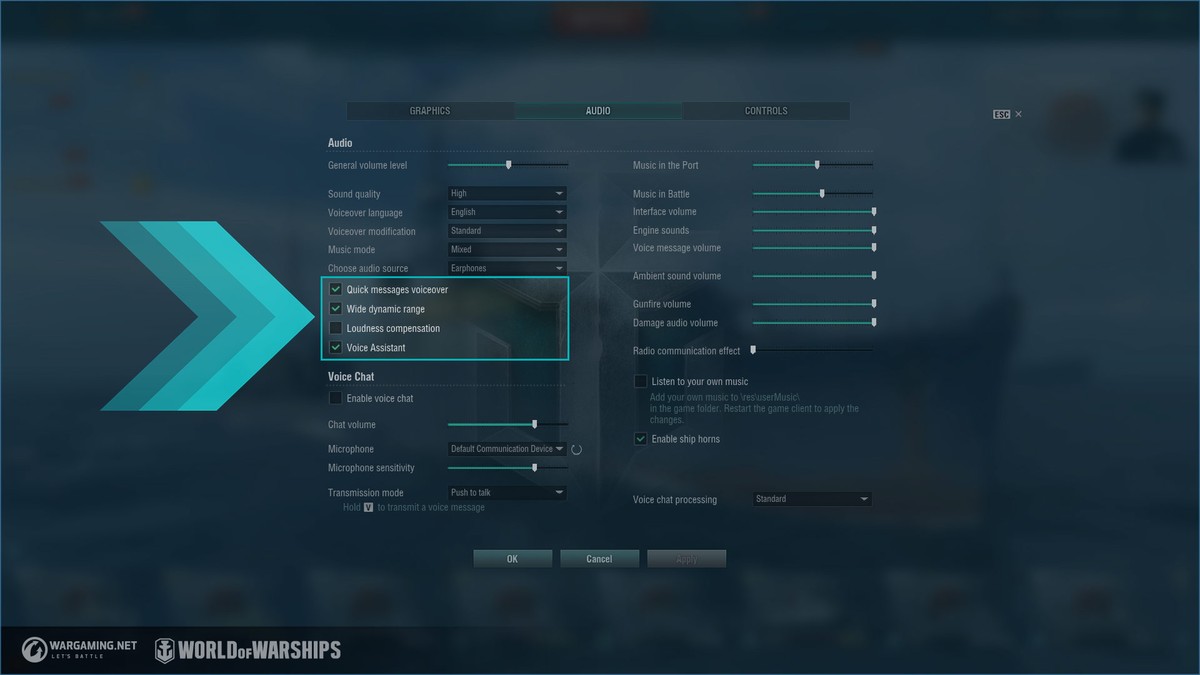
 Update 0.9.6 has brought some major changes to the in-game audio. We’ve updated the Wwise sound engine, added new sound effects, and changed a number of audio settings.