1. Stormworks: Build and Rescue
  2. News

Stormworks: Build and Rescue News

v0.10.19-22 (The Vehicle Editor Warning Update)


Dear Stormworkers,

This week we bring a new warning and notification update to the Stormworks vehicle editor!

We have been looking at many of the suggestions and requests from players on how we can make Stormworks easier to play and make the game mechanics easier to understand. These improvements follow the same theme as our previous realtime component info update - explaining the mechanics of Stormworks and being as transparent as we can about the systems within the game.

We have added an optional warnings system to notify players where there are likely vehicle logic errors. These warning display in situations where a component has almost certainly been linked up incorrectly, following simple rules to detect obvious errors.


We have also added a new warning to detect if a vehicle may be obstructing the spawn zone to help players avoiding spawning a vehicle within another vehicle.

We have really enjoyed producing these quality of experience features, and look forward to hearing what you think and how helpful you thank them. We hope they are an important step forward in improving the experience of building vehicles in Stormworks.

We have also added additional fixes and improvements, please see the patch notes below for full details.


In the meanwhile, we continue to work hard on the next major update and are working on lots of exciting new features that we can't wait to announce soon.

Much love
The Stormworks Developers

Patch Notes

v0.10.19

Fix - Physics engine collision issue

v0.10.20

Feature - Warnings when returning to workbench if there is a vehicle obstructing the zone
Feature - Vehicle editor component logic node warnings

Balance - Increased Gyro mass from 1 to 10
Balance - Radio parts now consume electricity proportionate to range. x4 when transmitting.

Fix - Wind sensor angle smoothing instability
Fix - Recategorized cameras and speakers
Fix - Increased button audio range

v0.10.21-22

Fix - Various fixes to the new features in v0.10.20

Upcoming - Fire Fighting Extinguishers and Hoses


Dear Stormworkers,

As we have already announced, first person equipment is coming to Stormworks as part of a new massive update this year.


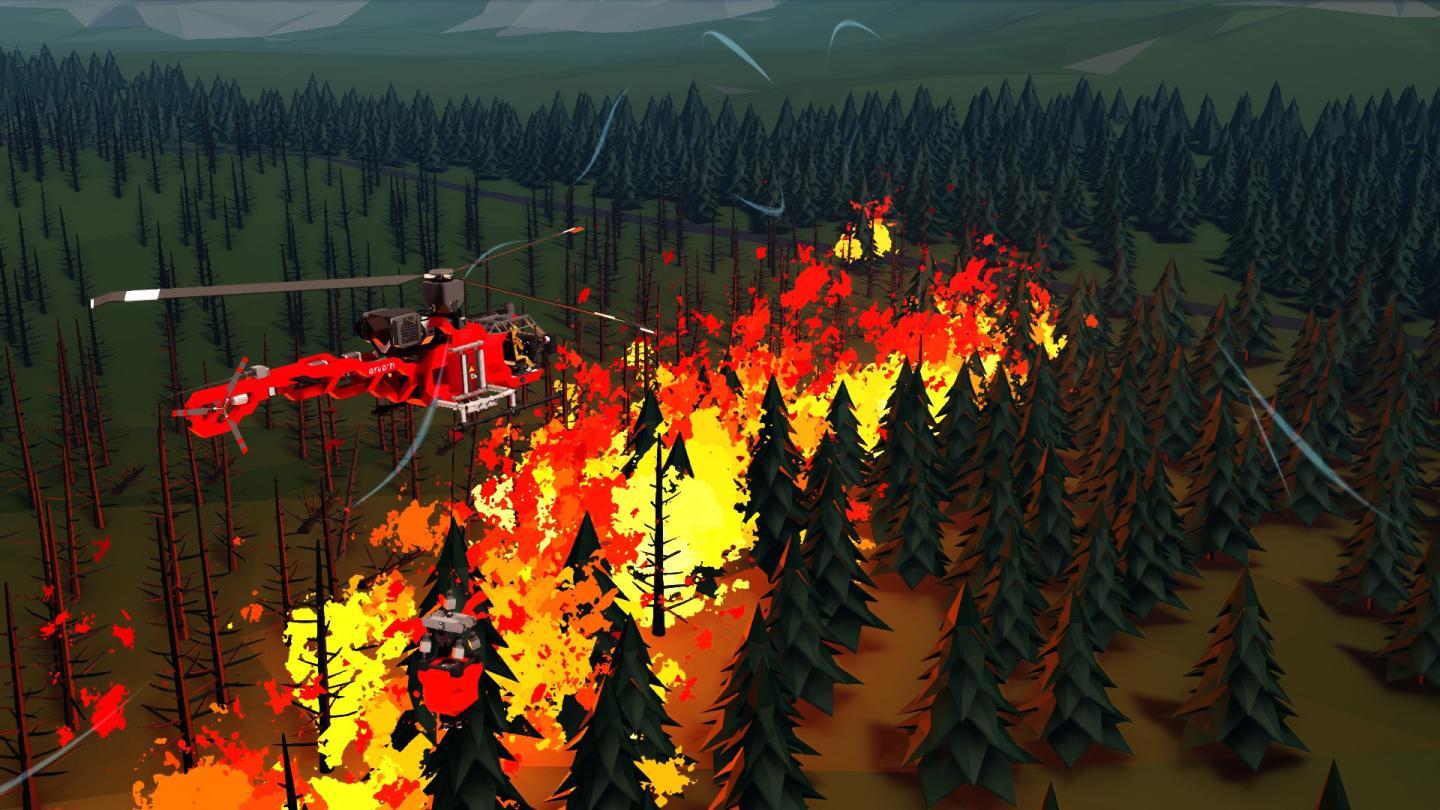
This week we are announcing the addition of first person fire fighting equipment to the new first person inventory. This is in response to the many fantastic ideas players have been sharing with us for the new first person kit.


The new fire extinguisher first person item is a hand held extinguisher with a limited quantity of charge. It can spray a fire at relatively short range in order to put that fire out. It is ideal for rapidly extinguishing smaller fires, or fires where larger equipment is less able to reach. The extinguisher can be stowed in a 3x1x1 inventory bracket, and can be mounted on or within vehicles.


The new first person fluid hose equipment can be attached to a pressurised water fluid connector, and when connected, can be activated to open the hand held valve in order to spray water. This is ideal for attaching to a fire truck, or on-vehicle pressurised water system, and then manually directing precise water to extinguish fires. The hose has a limited length but it would be possible to use extensions to increase the range, as can be done with real firefighting hoses.


These new components dramatically expand the potential for fire fighting gameplay and helps us further develop the possibilities for new missions, emergencies, problems to be solved in the new procedural missions system that we are continuing to develop.

Much love
The Stormworks Developers

v0.10.18 (The 64Bit Update)


Dear Stormworkers,

By popular request, Stormworks is now available in 64 bit!

This week we have added a new 64 bit version of Stormworks, so players with 64 bit processors can play the game in the most native form possible. This has been an overwhelmingly popular request, and we have continued to listen carefully to the communities vision for what is next with Stormworks.

Steam will automatically decide which version to launch - 32bit or 64bit - depending on which version of Windows you are running. You will see text in the bottom left showing which version is in use. Note that the MacOS version of Stormworks has always been 64bit.


What Does This Mean?

If you have 64bit Windows, Stormworks will now run as a 64bit application. This means Windows no longer has to convert the 32bit game code to 64bit code, which has a small overhead. The game may run 1% to 3% faster.

The game also has access to the new instruction sets available on 64bit processors. Stormworks doesn't really have any use for these extra instructions so this will have limited impact.


The game will also have access to more memory if it's available on your computer. This typically won't have an effect as Stormworks rarely uses above 2gb of memory. However, in some rare cases, perhaps when there is a lot of complex vehicles and structures in the scene (especially custom environment mods), this could potentially help. Because some values are now stored with 64bits of data, memory usage may increase around 10%.


Stormworks already uses 64bit physics precision, even on the 32bit version of the game, as the FPU on your 32bit processor natively does 64bit maths.

The game will of course, be running in a more native form of your operating system, which many players consider more elegant and a cleaner way of doing things. Some players have also expressed concern that Microsoft could decide to withdraw support for 32bit software in the future, and we hope this new update addresses these concerns. Stormworks is around to stay!

Much love
The Stormworks Developers

Patch Notes

v0.10.18

Feature - Added Windows 64bit version
Fix - F11 vehicle editor now correctly exports wheels


Upcoming - Incapacitation and First Person Medical Equipment

Dear Stormworkers,

Two weeks ago, we announced first person equipment, including ropes and repair kit. Your responses were huge and many players made great suggestions on the first person equipment they would like to see in the upcoming major update. We are carefully considering all requests and have plans to implement many of the suggested items so far!

This week we can announce that first person medical equipment will be part of the next major update, as well as incapacitation, a new hospital system, healing and reviving survivors and multiplayer friends.

We are working on two new first person items - the first aid kit, and the defibrillator. The first aid kit repairs heath on yourself or others, while the defibrillator can revive players who have been incapacitated. This has a huge impact in the next major update, where new missions can be very dangerous and pose threats to the player. When a survivor is seriously injured or drowns, they become incapacitated and can be revived, giving the player more opportunities to complete the mission and turn the most serious situations around. Giving the player these medical tools brings huge impact to the search and rescue gameplay.


The new hospital system allows many hospitals to be defined in missions rather than baked into the islands and missions. This means you can rescue survivors to any hospital in the game, rather than a specific zone. Players could create hospital ship mods where you can rescue survivors to a medical vessel, or new island locations. In fact, this concept is entirely created within our new lua modding system, where we have simply created zones named "hospital" in our environment mods, and looked for such zones in our new lua mission game mode mod. Content creators have the same power as us to make their missions work any way they like. This is a really exciting change because we know the community will do really exciting things with this feature.

When the player is incapacitated, they have the option to respawn at the nearest base island station, or otherwise wait for another player to revive them. This means players can depend on each other in multiplayer and have the power to help each other out when things go wrong.


We are really excited about the way first person items change the game, and can't wait to share more news on this feature as development continues.

We also have some much-requested minor updates on the way.

Much love
The Stormworks Developers

v0.10.16 (The Benchmarking Update)

Dear Stormworkers,

Performance and optimisation is a big topic for Stormworks, but it can be very difficult to exactly measure and compare players performance when the complexity of vehicles can vary so much.

This week we introduce bench-marking to Stormworks! There is a new benchmark mode which loads up specific scenes, so that players can now easily compare and record their performance in game.

From v0.10.16, you can launch one of three benchmarks. Go to main menu > settings > graphics, and you will see the new options to launch a benchmark.


Benchmarks also log this data to a file including data on your hardware, giving you a complete report of performance for that benchmark. If you want to, you can share this data if reporting performance issues, and w e can see the exact hardware and performance that Stormworks is experiencing.

This is another useful tool in understanding and considering any performance related issues.

Stormworks is a demanding game for graphics but also CPU calculations. It's important to be able to understand where any performance bottlenecks are, and the benchmarks will report both frame rate and tick rate of the game. We think many players will find it interesting to be able to more objectively measure performance, and get exact info on how the game behaves.


We are shipping 3 benchmarks, a low demand benchmark for a typical game, a medium demand benchmark for a more complex set up with a few vehicles, perhaps comparable to a multiplayer server with a few players. and an extreme demand benchmark, intended for differentiating performance on the most powerful PCs. The final benchmark includes a huge ship, several smaller ships, some aircraft, at the Sawyer Isles.

As always, this minor update comes with other fixes and improvements. Please see the patch notes below.


Next week we have more exciting news to announce about future plans. We are continuing to work on more minor and major update features, and are really excited about what is coming.

Much love
The Stormworks Developers

v0.10.16

Feature - Graphics Benchmarking
Added 3 benchmarking buttons with increasing simulation strain to the main menu graphics settings
Added +benchmark command line parameter

Fix - CTD with audio when despawning a Magall
Fix - Fluid data label info