The Outer Worlds console commands
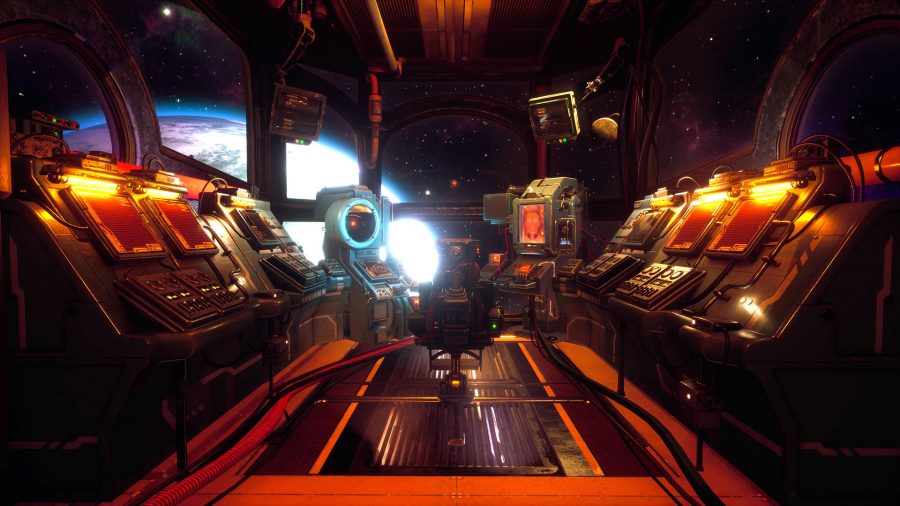
What are The Outer Worlds console commands? We're glad you asked, actually. Seeing as Obsidian designed the game with the Unreal Engine 4 we can, er, tweak our gaming experience to our preference. God mode? Sure. More money? Why not. All things are attainable in when you jump into admin controls and start using the Outer Worlds console commands.
First things first, though. If you want to access The Outer Worlds console you'll need to download SunBeam's The Outer Worlds Unlocker. If you've not done this before, or are struggling, you can read this step-by-step tutorial. Some of these Outer Worlds mods are quality of life changes, whereas the rest are bug fixes. Regardless, they can make your playthrough easier while you're trying out some of the best The Outer Worlds builds or hunting for some The Outer Worlds weapons.
If everything is downloaded and you're good to go, then read on. Throughout this The Outer Worlds console commands guide we'll go over all of the console commands we know of, and what they do. Some are a tad more complicated than others, so they do require some explaining. Anyway, here are The Outer Worlds console commands.
RELATED LINKS:
When is The Outer Worlds coming to Steam?
The Outer Worlds companions: locations and how to get them in your party
How long is The Outer Worlds?