UPDATE NOW LIVE | Communication Update - In-Game Voice Chat
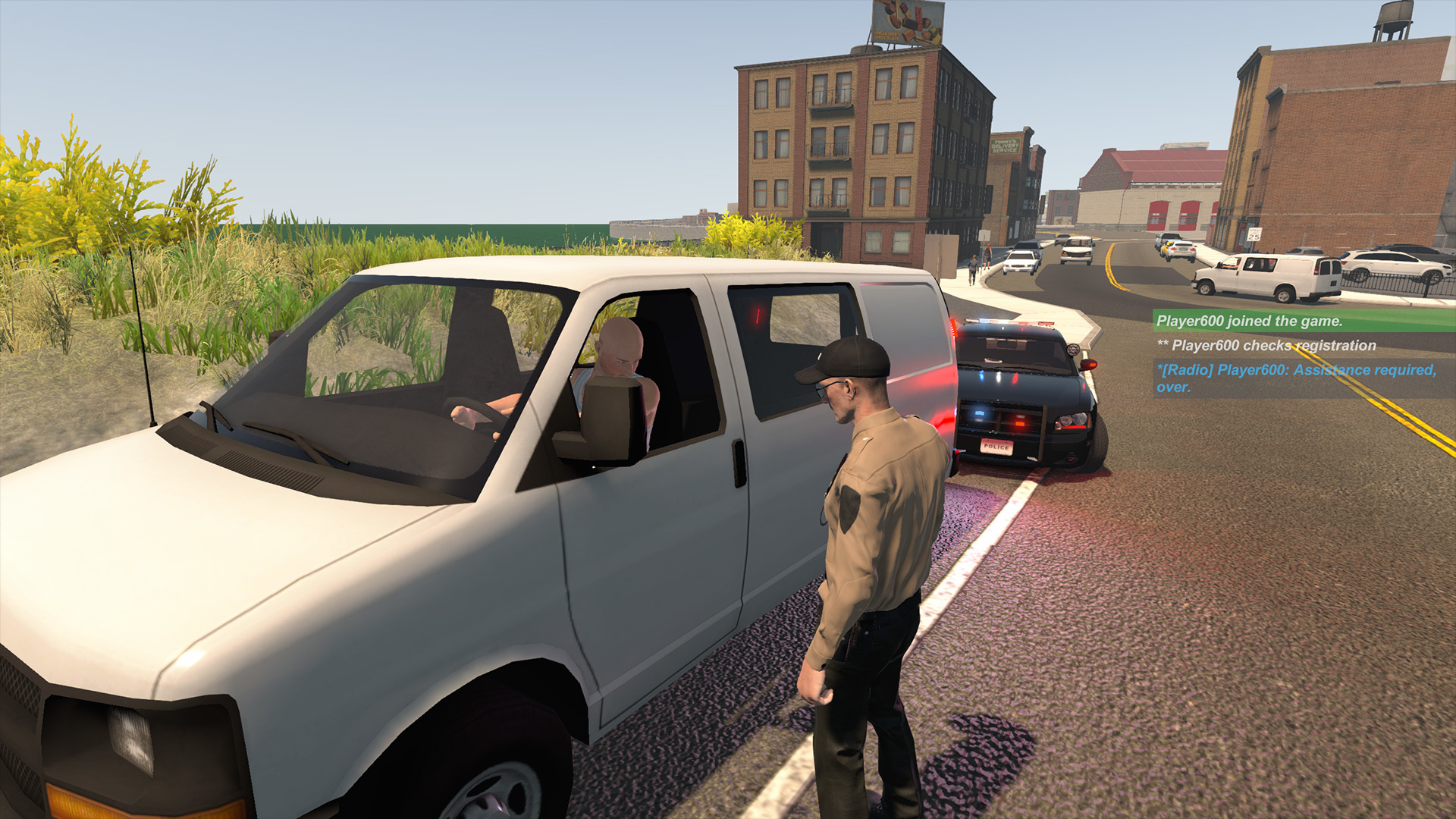
We're delighted to announce that in-game voice chat is here! You can now chat with your friends while playing Flashing Lights directly through the game. We've also added more text chat types - one for individual departments, and one for radio chatter. The ban option has also been improved so that the game now saves your list of banned players, preventing them from joining your server again after they've restarted.

https://store.steampowered.com/app/605740
Full Update Notes
New
- Voice chat push-to-talk added [Default key V] with colour coded pop-up icons
- Text chat type: team chat, type /t in front of message. (Example: /t Hello!)
- Text chat type: radio command, type /r in front of message (example: /r 600 is the best), text colour coded for each department
- Text chat /me command added (bold text)
- New menu for multiplayer commands when pressing Esc for Mute, Kick, Ban and Unban functions
- Multiplayer Ban command improved to now save list of banned players, preventing them from joining your sever again after restarting
- Voice chat volume option added in Audio Settings as a separate channel from game's master volume
Fixes
- Vehicle menu appearance tab should no longer get stuck
- Fixed freezing on faulty lights import/load
- Player Left message no longer displays when banned players try to re-join
- Fixed kicked and banned messages
- Footstep volume reduced
- Police charger car windows tint changed to defaults
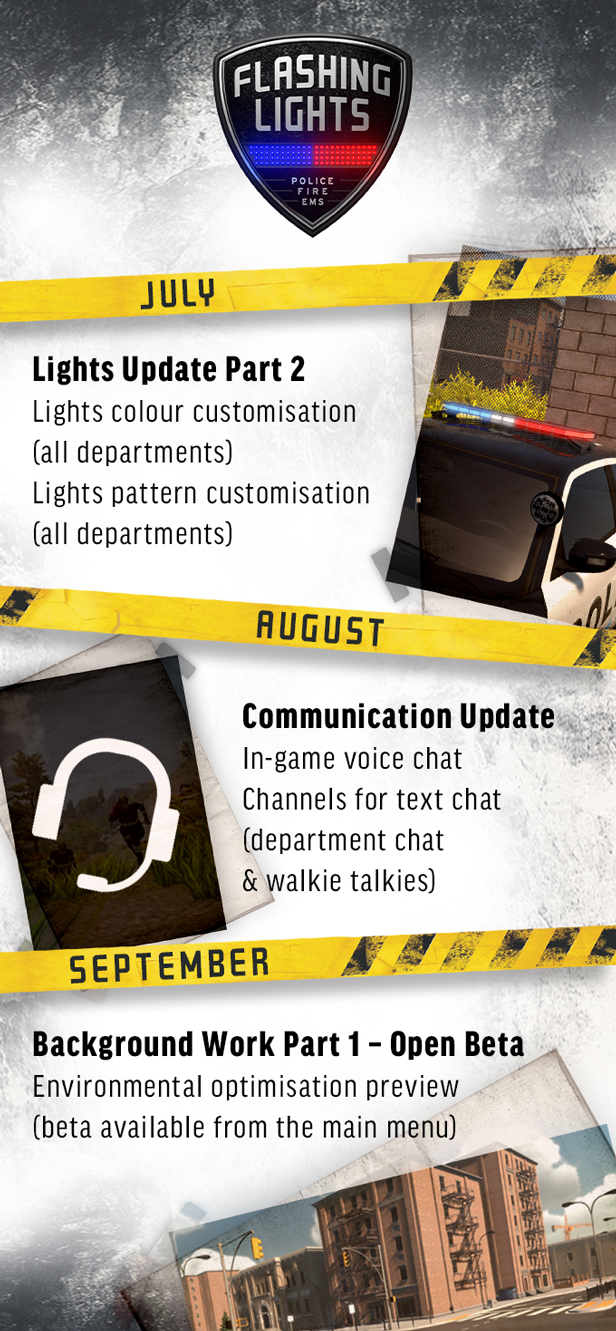
See you next month for the September update!
Thanks,
The Flashing Lights Team