1. Flashing Lights
  2. News

Flashing Lights News

Hotfix Now Live for January Update

Hello everyone,
We have made a small update which fixes a handful of issues which were introduced with the latest update.

Please see the fixed issues below.

Fixes


- Adjustments made to collision physics on vehicles
- Fixed an issue where player tags would be duplicated in multiplayer
- Fire truck horn and secondary siren fixed
- Police and EMS fire extinguisher capacity now 45, firefighters extinguisher now 100
- NPC cars no longer drive off without the driver present
- Mission tag no longer stuck on map after character reset from contact with water
- Minor adjustments made to new vehicles
- New translations added
- Vehicle selection menu rotate with mouse invert
- NPC car brake lights now switch off correctly after contact with spike strips

We would like to thank the community again for their continued support for this product throughout early access

Thanks,
The Flashing Lights Team
UPDATE NOW LIVE | 2 New Police Cars, 1 New EMS Car, 1 New Firefighter Car, Ambulance and Fire Truck Enhancements


Hello all,

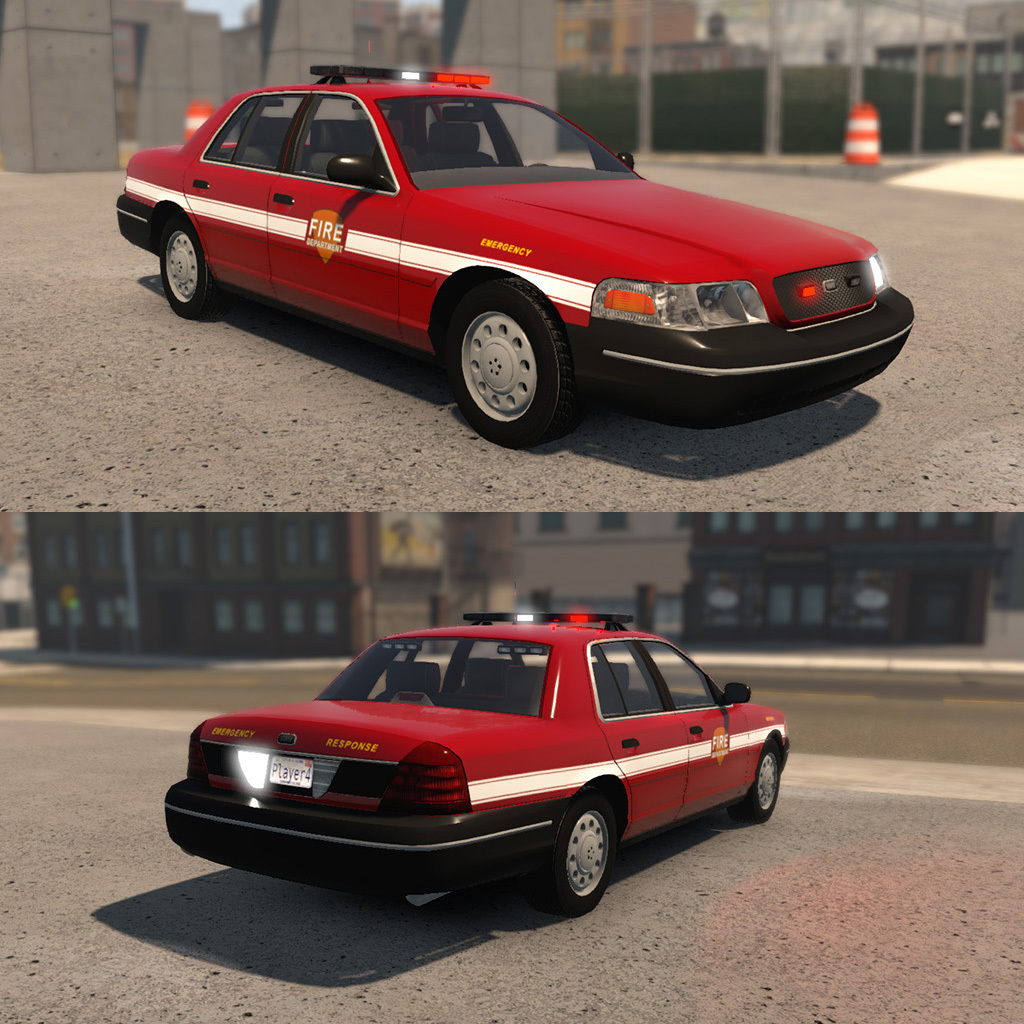
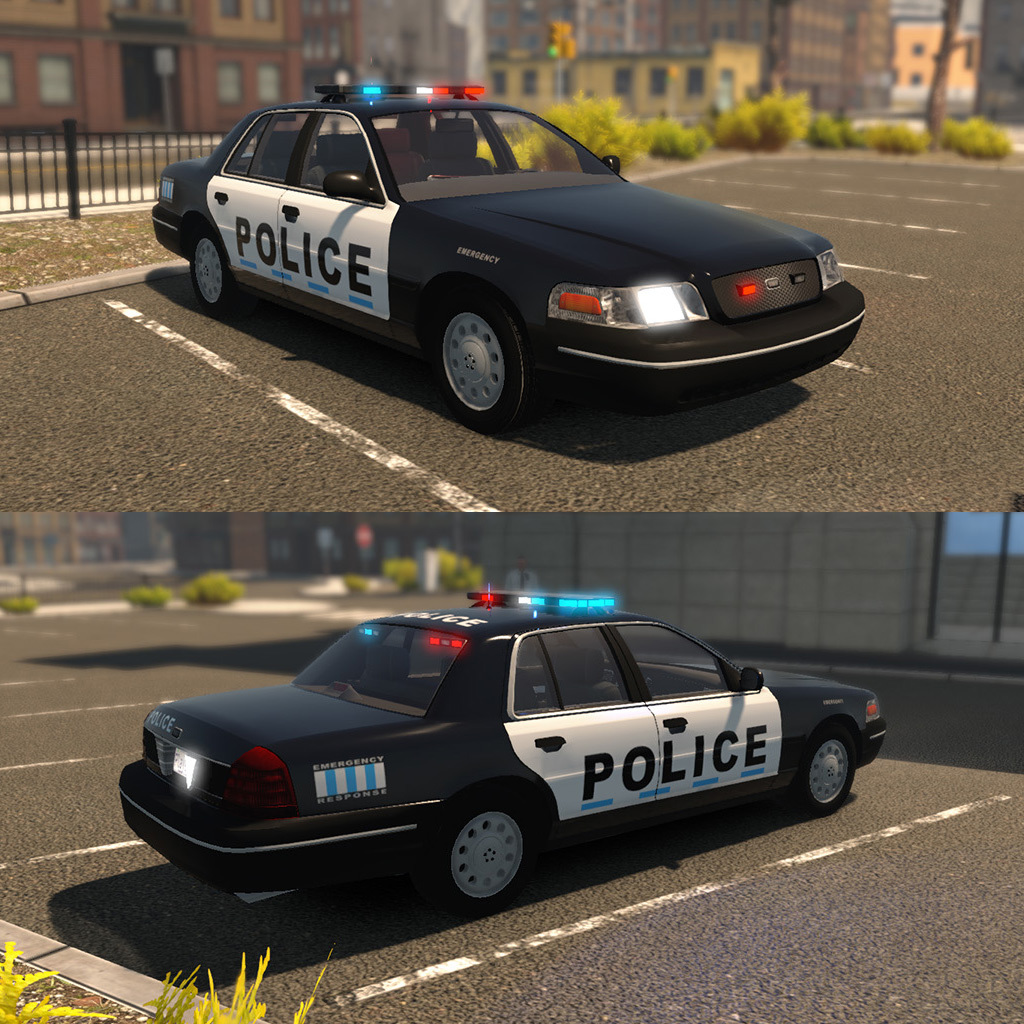
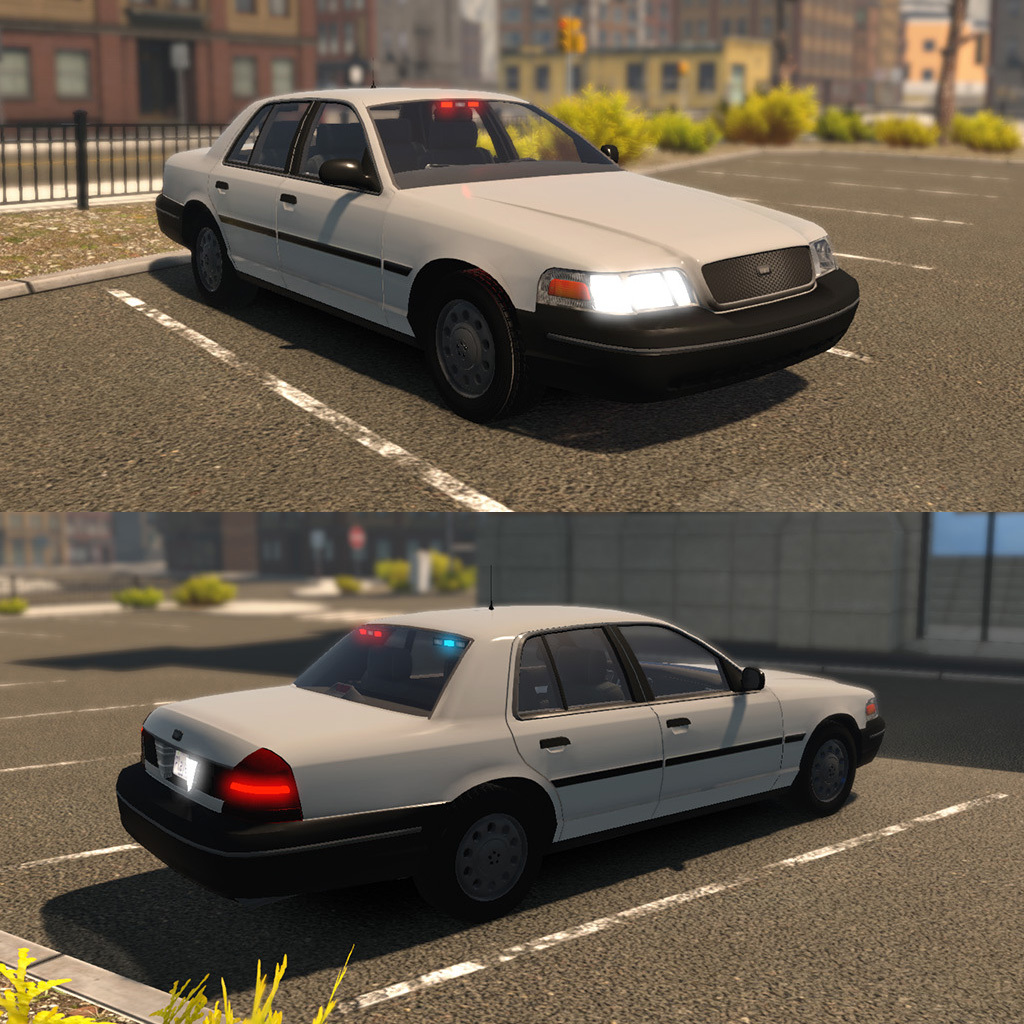
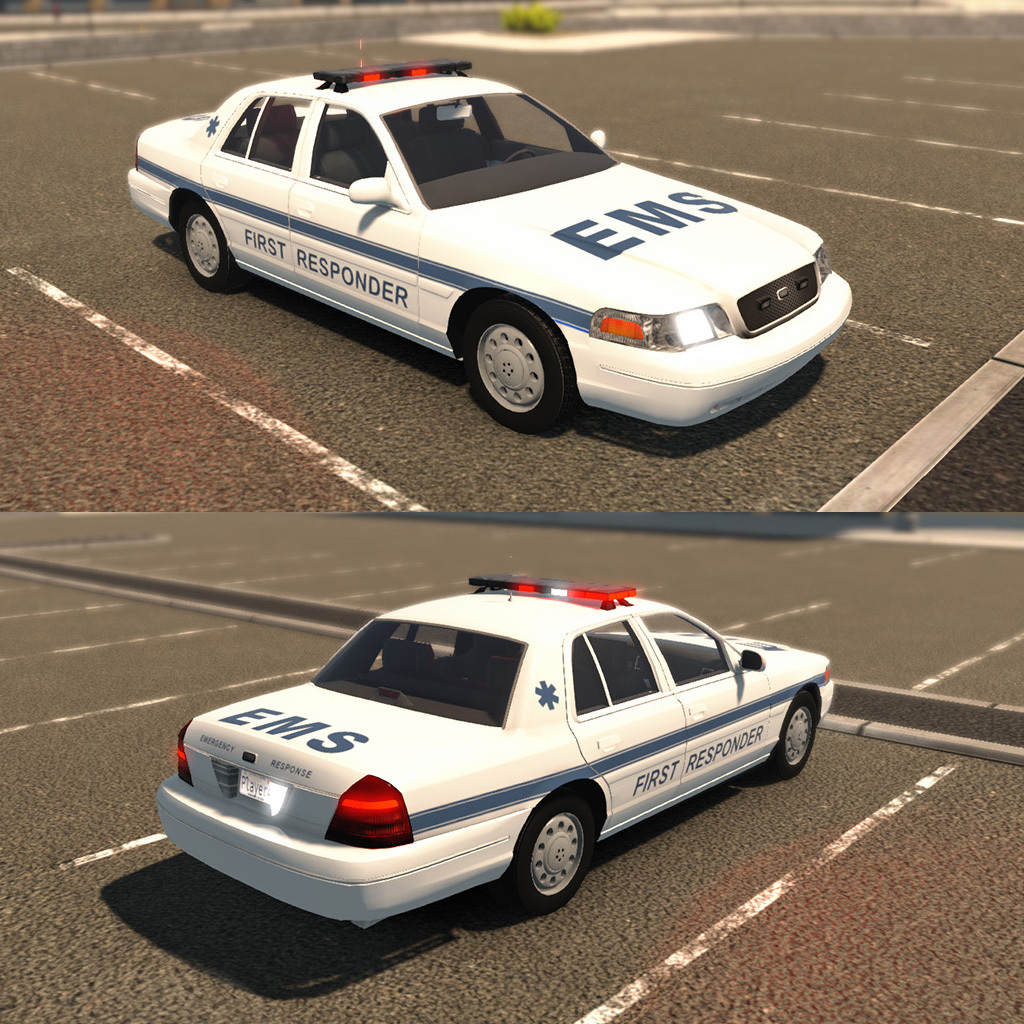
I am delighted to announce that Flashing Lights' January update is now available! As previously announced, today's update focuses on new vehicle options, introducing two new police cars, a new EMS car and a new fire department car, all drive-able.


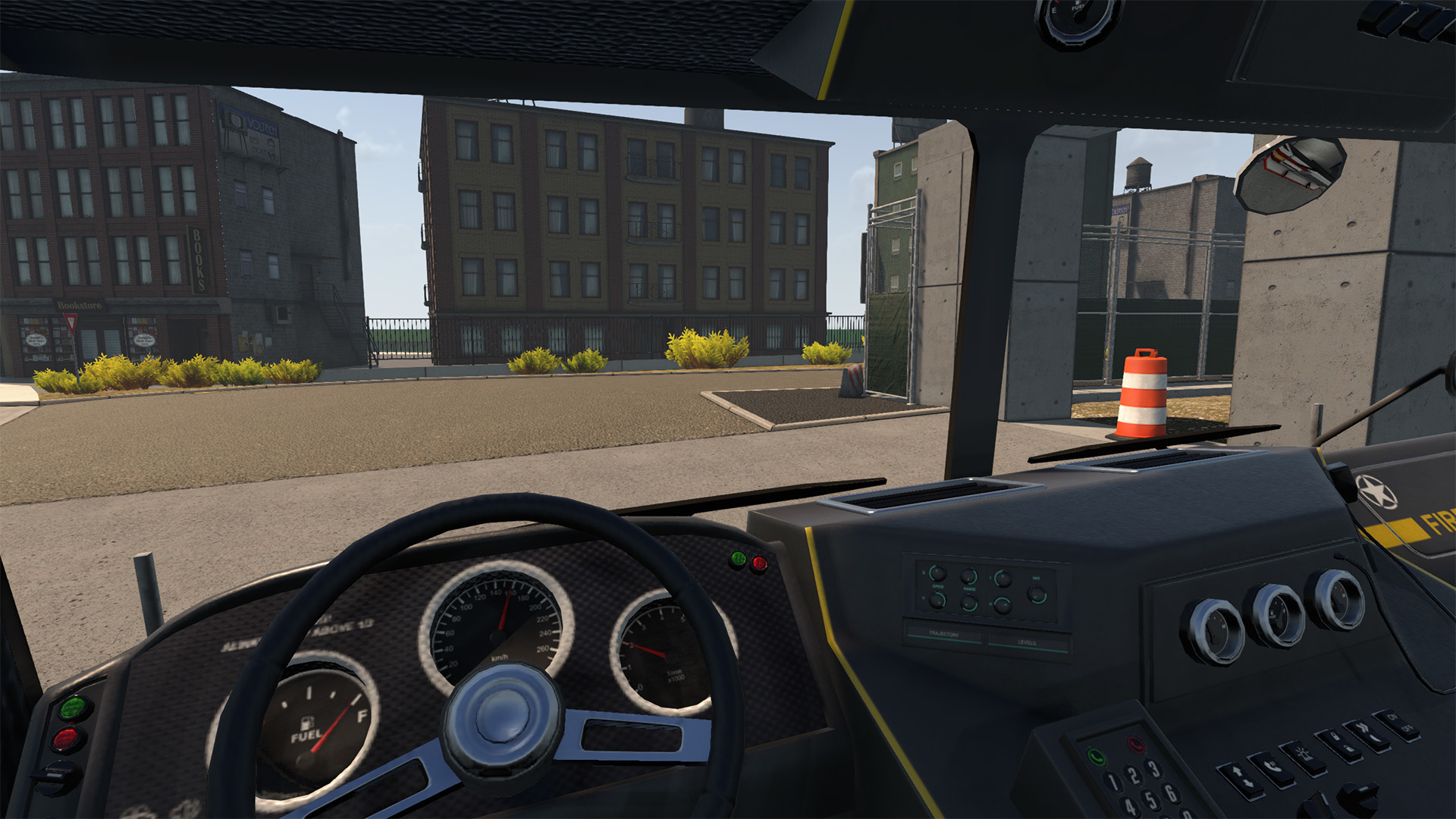
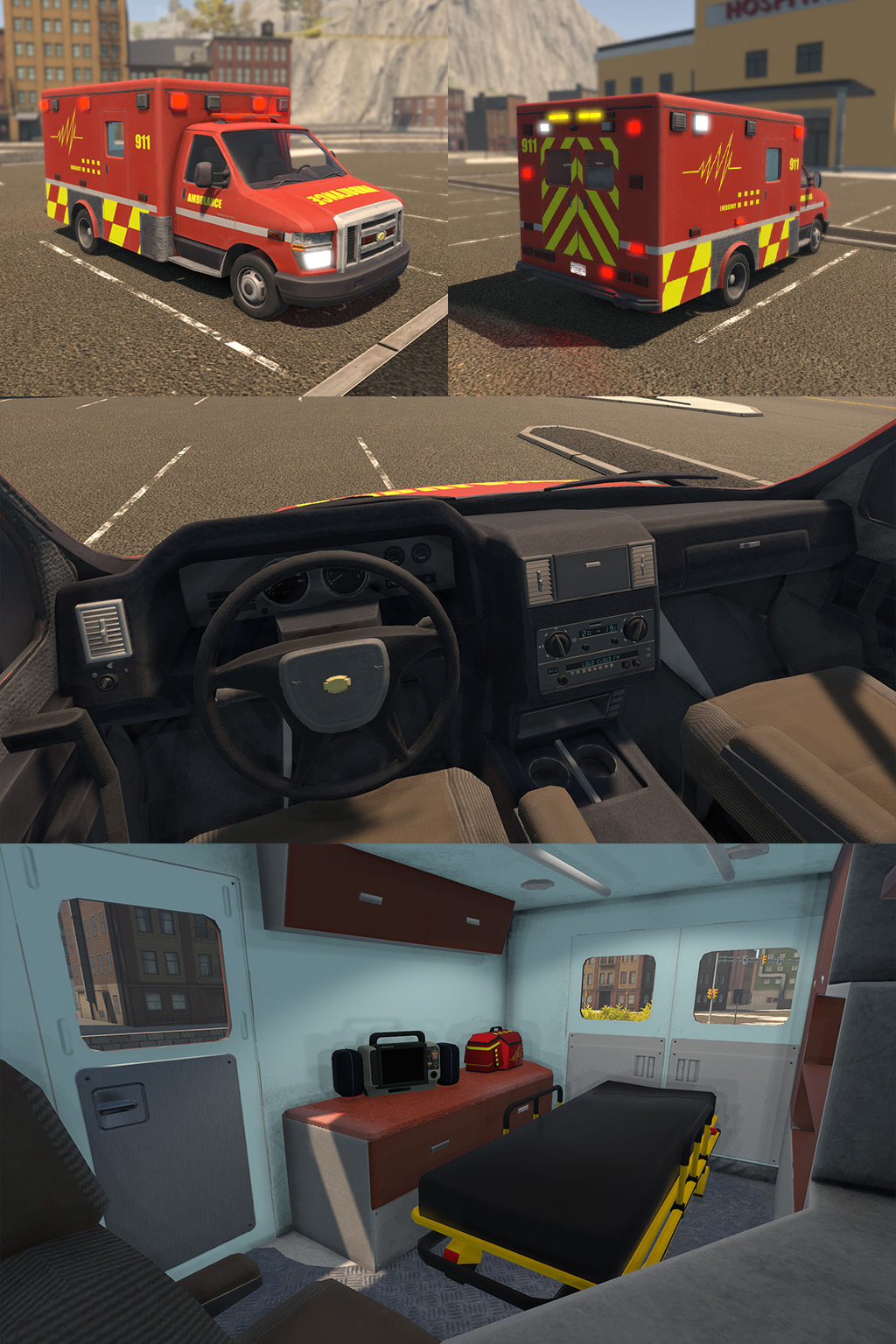
But it's not just about the new vehicles - the existing fire engine and ambulance both have been enhanced with better interiors. This will be particularly exciting news for those of you who like to drive (or catch a ride) in 1st person.


On top of this, there are also a couple of new hats for your character to wear, as well as multiple quality of life improvements from the ability to customise multiplayer session names.


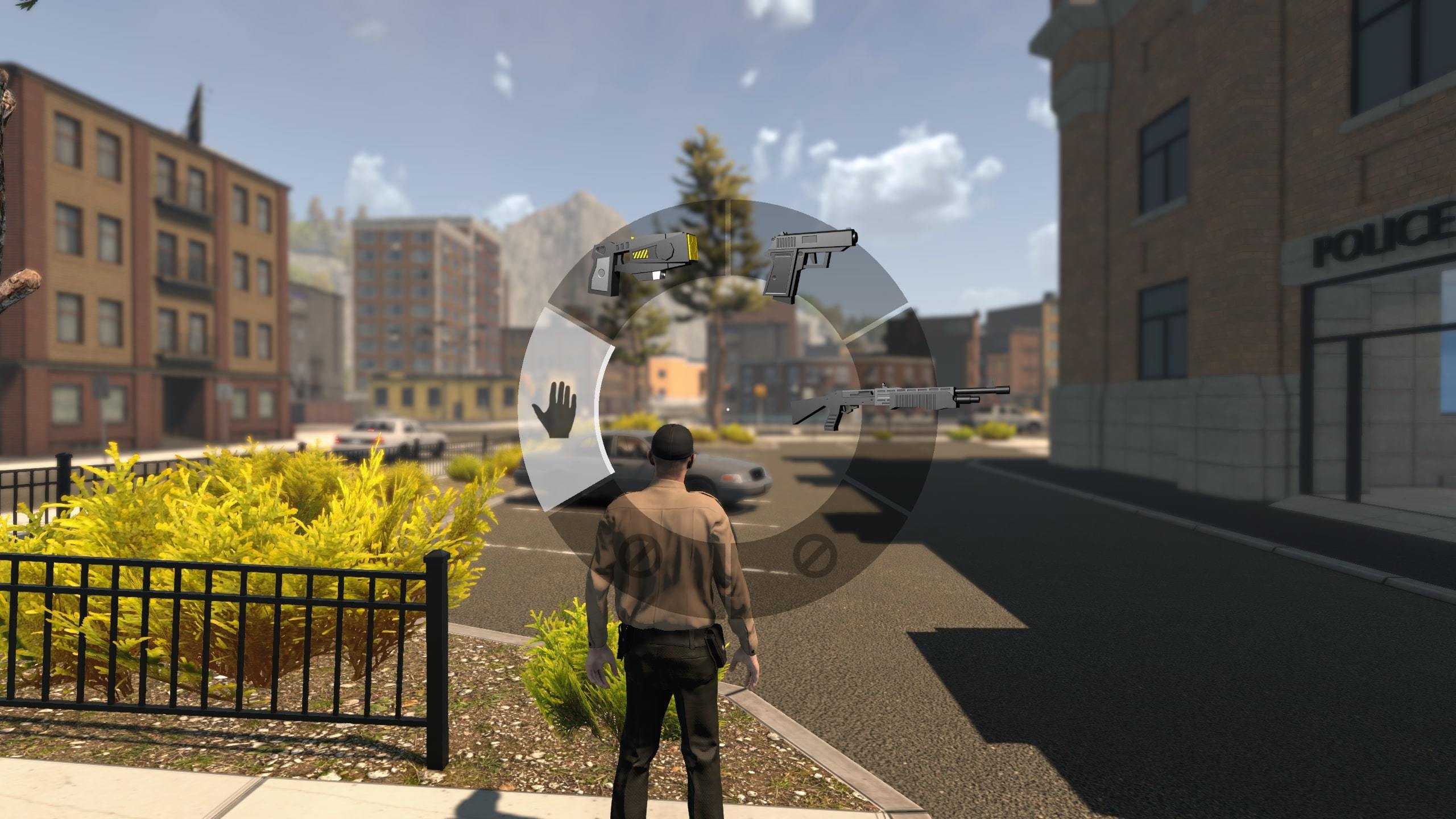
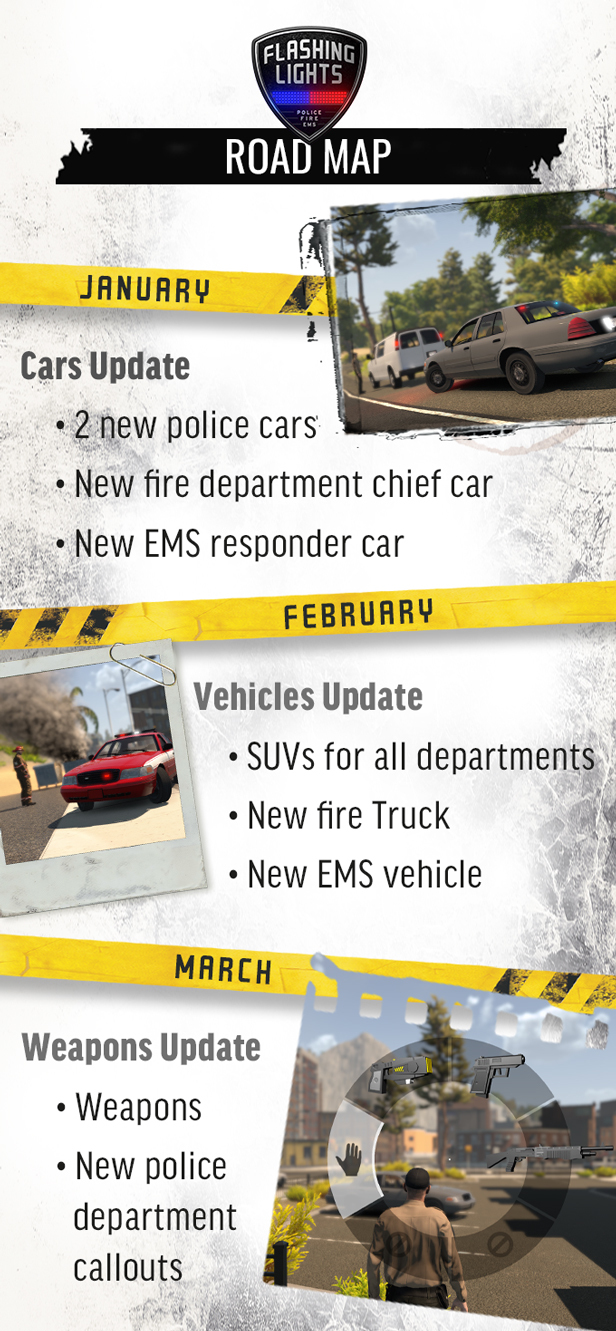
As previously revealed, the February update will bring SUVs for all departments, as well as a new fire truck and EMS vehicle! For the March content update, Nils is hard at work on implementing weapons as well as new callouts for the police!


Full January 2019 Update Notes


New

- Vehicle selection menu
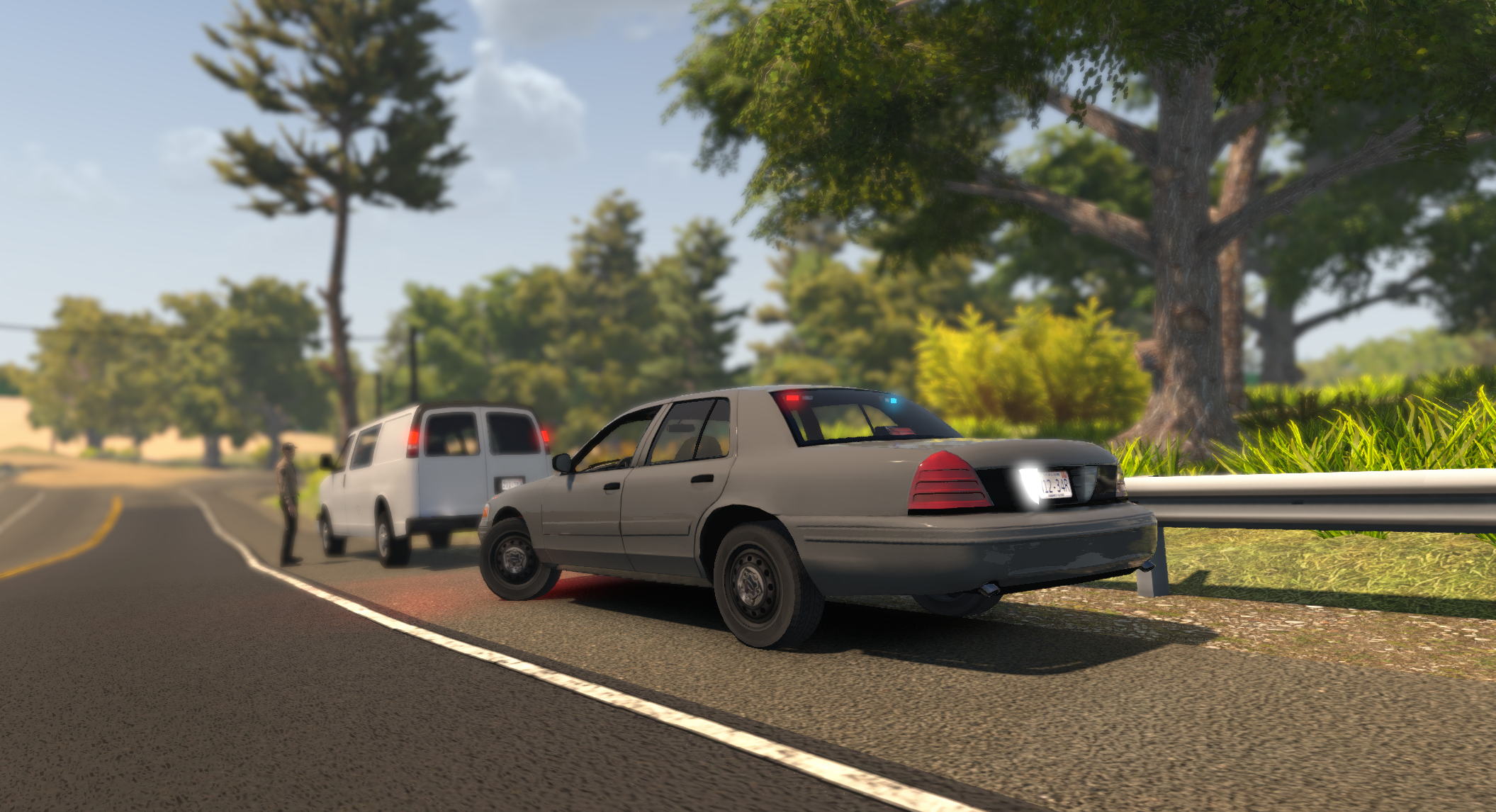
- 2 new police cars
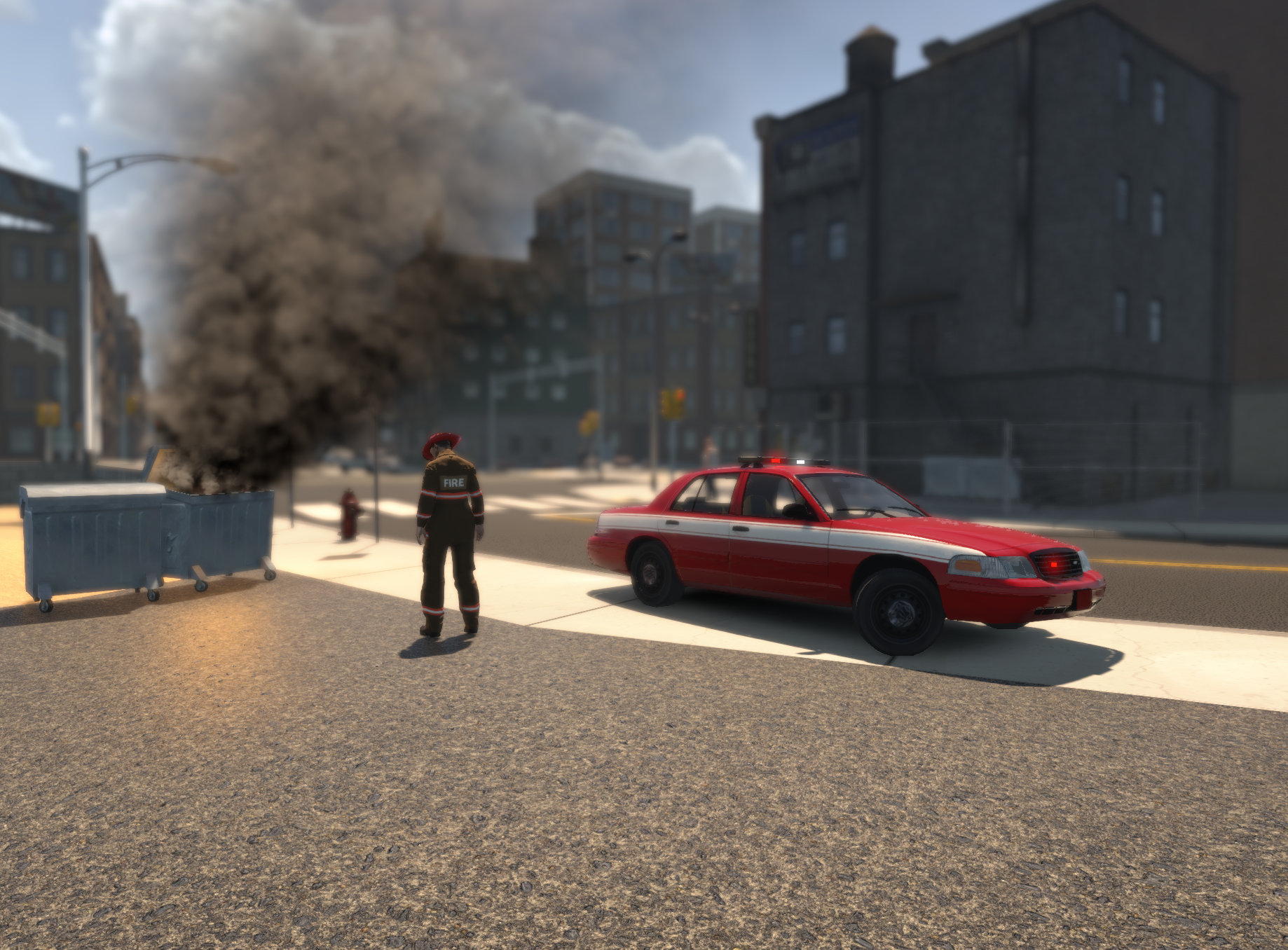
- 1 new fire chief car
- First responder car for EMS
- EMS Vehicle visual and interior update
- Fire truck interior update
- Campaign hat for police
- Chief helmet for Fire department
- You can now set traffic and parked car density prior to game session launch (chat commands /car /ped disabled)
- You can now customize multiplayer session names
- Multiplayer server list shows new settings (traffic, parked cars)
- Player tags with ID numbers now appear on the full map in multiplayer
- Optimized prop spawning near player to improve performance
- Tree render distance added in Graphics Settings
- Mirror lights now appear on current police car
- Trunk lights added for all department cars
- Adjusted equipment limitations depending of vehicle choice
- EMS NPC assistance added to skip patient transportation, useful when driving First Responder car without the stretcher
- Police and EMS have lower capacity fire extinguishers
- Full map updated with sectors

Fixes

- Cars which have been tracked using a speed radar now has despawn distance increased
- Fixed an issue where you sometimes could not get back into your own car
- Multiplayer menu no longer jumps back to main menu, when the game session list updates
- Adjusted parked cars optimization
- Fixed a type in the EMS transport patient message
- Vegetation system has been optimised
- Floating buildings have been adjusted
- Reorganized all map objects in zones for further optimization
- Fix an issue related to pressing exit vehicle and turn off engine at the same time
- Temporary disabled vehicle hood opening feature
- Added a default vehicle spawn when first starting or joining a game
- fixed an issue where leaving multiplayer showed a blank grey screen
- fixed an issue relating to the tab menu for multiplayer
- fixed an issue with the Fire Chief car horn
- EMS first responder and Fire Chief car lights are no longer all red
- Police vehicle lighting adjustments
- New vehicle texture adjustments
- changed some static fire truck model adjustments to some missions
- Re-baked navigation for NPCs going through fences/walls
- fixes to text indicating vehicle spawn
- Jump function no longer disabled
- NPC traffic/peds amounts corrected after host change

Thanks,
The Flashing Lights Team
January, February and March Roadmap Announced | Weapons and New Drivable Vehicles


Hello all,

We hope that you had a wonderful holidays and a happy new year! Now that 2019 is fully underway, we are excited to announce what we're working on for Flashing Lights!


Take a look at the Q1 2019 roadmap below!


As you can see, there is plenty of new and exciting content to come soon! But on top of this, we will also be working on bug fixes and optimisation behind the scenes!

Watch out for more news on the January update soon!


Thanks,
The Flashing Lights Team
UPDATE NOW LIVE | Speed Content Update


Hello all,

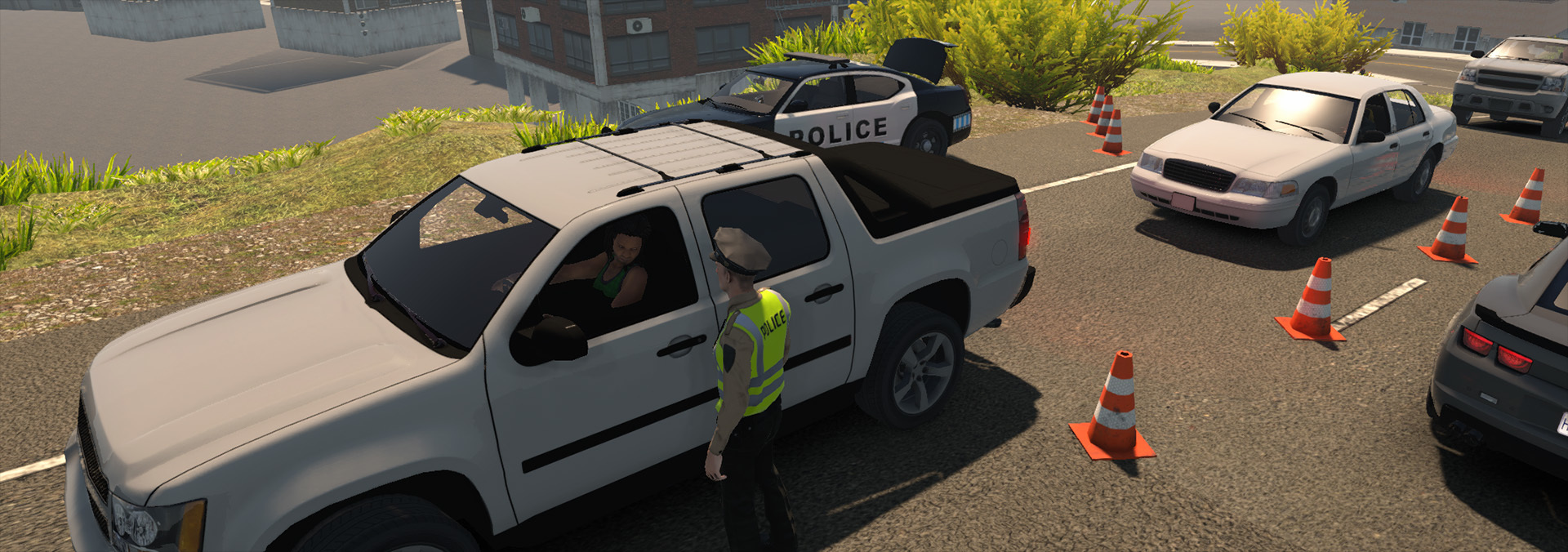
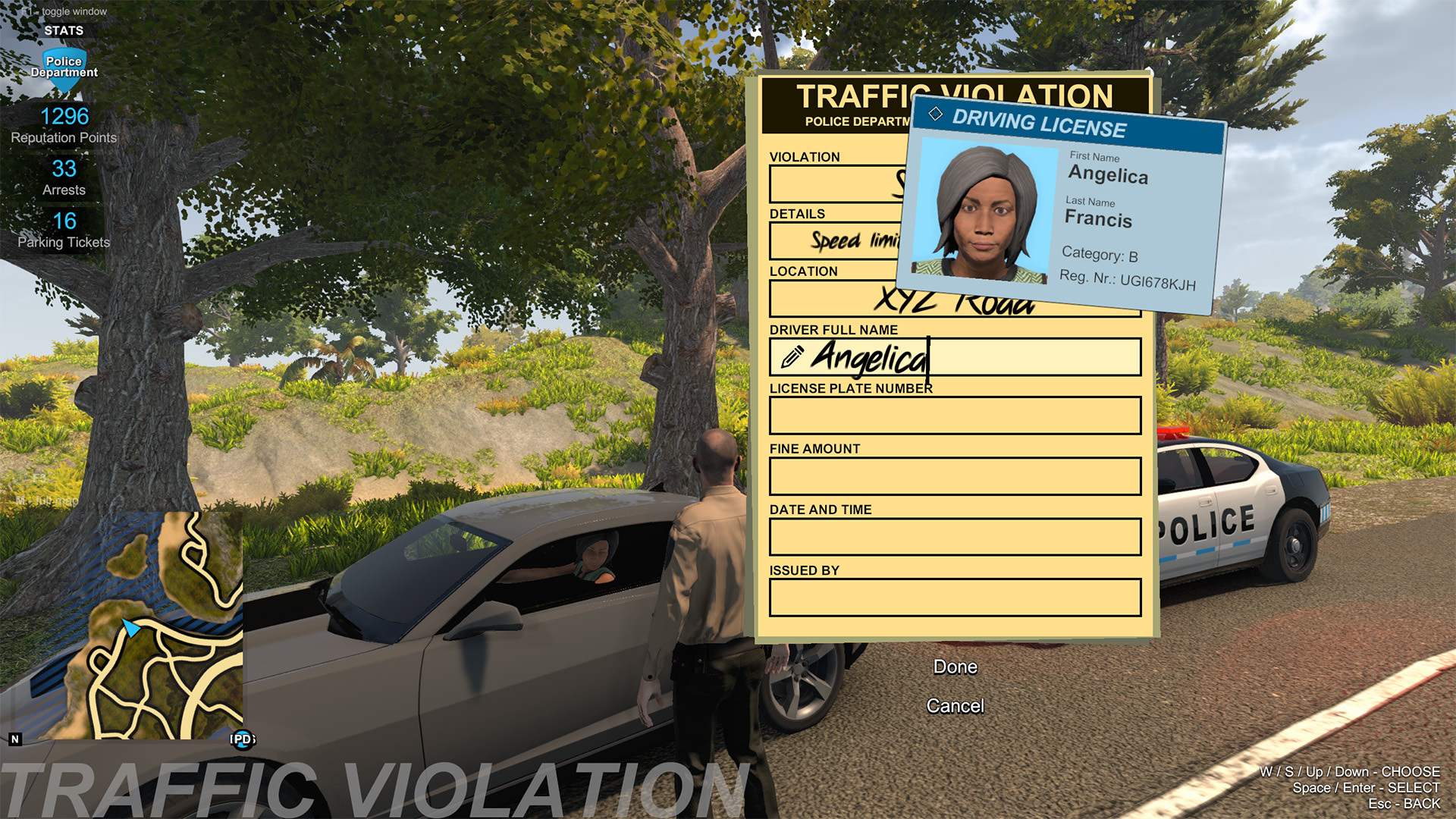
I am excited to reveal that Flashing Lights' Speed Update is out now! This update focuses on speeding, with road-specific speed limits, the ability to issue parking tickets and on-foot traffic stops all added!


In order to celebrate Flashing Lights' last update of 2018, we have also released a brand new official gameplay trailer. Take a look!
https://youtu.be/m73I-FBQW5c
Finally, I am excited to announce that hats make their return to Flashing Lights, with the addition of a very exciting festive hat!


In January, we will be announcing the Q1 2019 roadmap, detailing the content arriving soon!

If you have had fun with Flashing Lights this year, why not vote for it in IndieDB's Indie of the Year awards? All you have to do is click HERE and vote for Flashing Lights, in the 'Role Play' category - even if you don't have an IndieDB account!

Full Patch Notes


New Content

- NPC traffic change speed according to the road-specific speed limit
- Speed gun model revamped
- Speeding tickets now available to issue
- NPCs will now occasionally break speed limits
- Hats added for all departments
- Traffic vests added for Police, which are required for on-foot traffic stops. These can be grabbed from the boot of your vehicle
- Cruise control added. Default input: "R"
- NPC license plates added
- Speed signs added to the world

Fixes

- Pedestrian frisking now correctly finds random items, instead of only ID
- Fixed an issue with the suspect interaction menu would freeze up
- Can now cut down all trees on the map
- Fixed camera switching issue between 1st and 3rd person driving
- Tutorial text for Spike Strips added
- Fixed an issue where NPC pedestrians could walk away when handcuffed when a player joined multiplayer sessions
- Players no longer get stuck during CPR procedures when using Med bags placed by other people
- Players no longer get stuck when ladders are taken away by other player while climbing
- EMS can no longer get infinite points by repeating parts of missions
- Yield sign changed
- NPC drunk driver swerving reduced
- NPC traffic despawn adjustments made

Thanks,
The Flashing Lights Team
Hats Return to Flashing Lights, On-Foot Traffic Stops Arrive Soon

Hello all!

We're fast approaching next week's 19 Dec update launch, and I am excited to offer you all another sneak peek at the new content!

First of all, we have a little surprise: the 19 Dec Speed Update sees the return of hats, for all departments, with multiple options to choose from! This includes a very special festive hat for your police officers, firefighters and medics to wear over the holidays!


This special Christmas hat will be disabled in the January update, so make the most of it while you can!

As previously announced, this December update also introduces speeding zones, speeding tickets and speed road signs around the open world.

Today we're announcing on-foot traffic stops, also arriving on 19 Dec. You'll need to access the vest from the back of the police car in order to perform on-foot traffic stops.


Finally, we'd like to say thank you very much for all of your votes for Flashing Lights in IndieDB's Indie of the Year awards! Flashing Lights has made it into the top 100 indies of the year because of your generous votes!

The awards now see one final round of voting to determine the top 10 indies of the year, and we would love it if you would give Flashing Lights another vote! Even if you don't have an IndieDB account, all you need to do is head HERE, click on the 'Role Playing' category, and click the big vote button by Flashing Lights.


Best wishes and happy holidays,
The Flashing Lights Team