4.3 Update - New Interface!
Hi everyone!
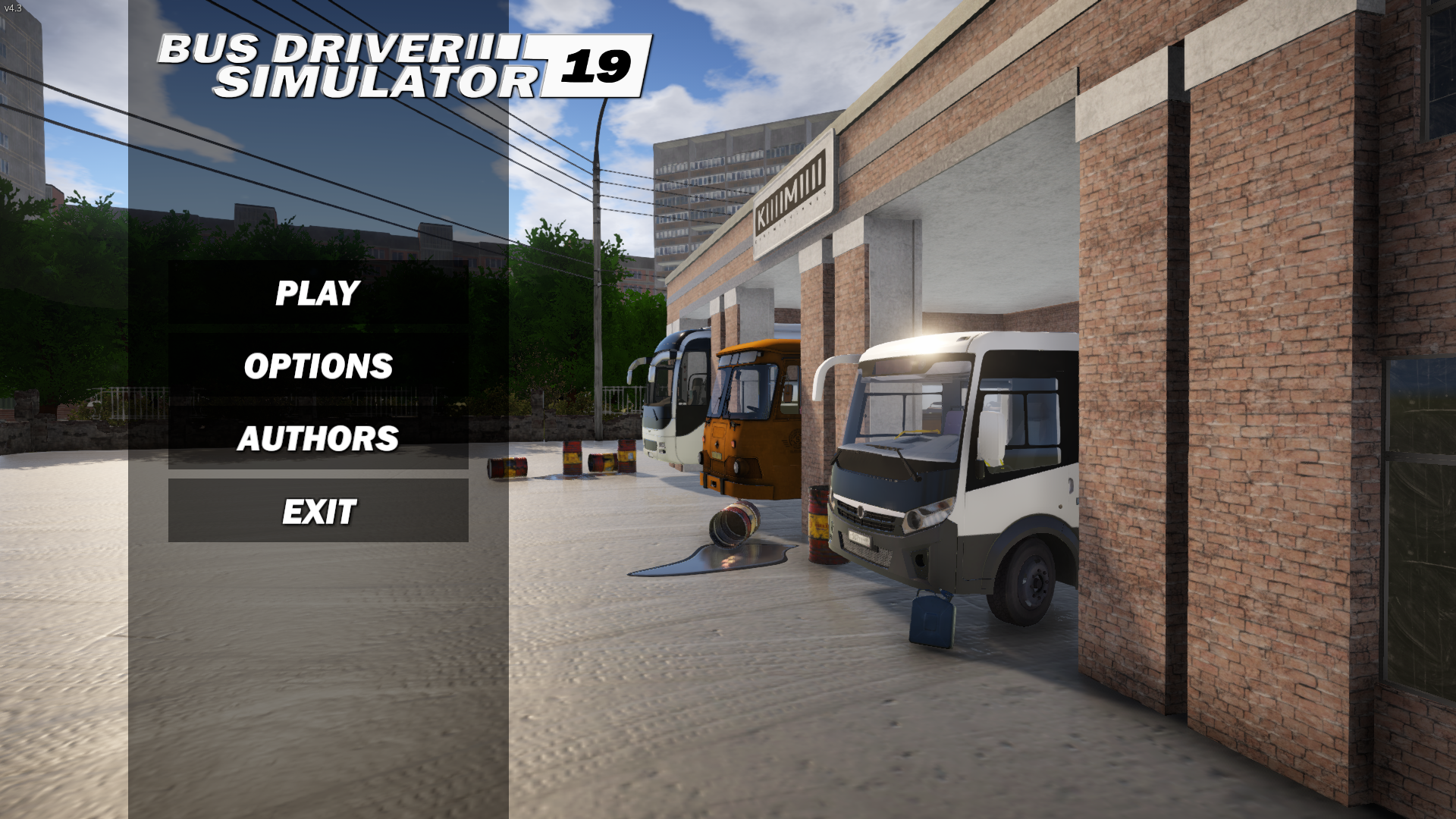
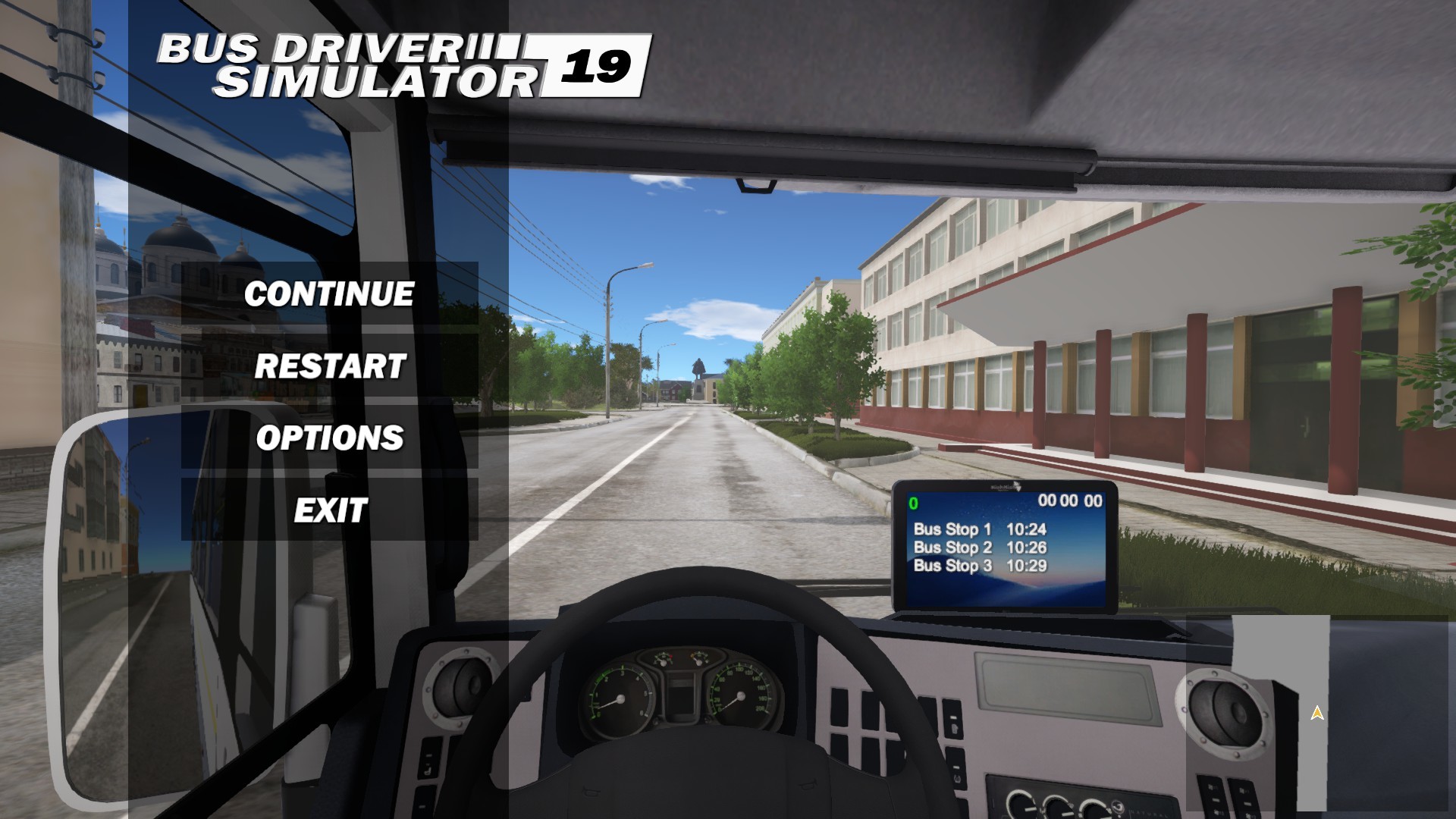
Finally, we have something to show you: meet the 4.3 update! The main change here is the totally new and fresh UI. Main menu, Pause menu, Settings, Scenario choice etc. The new UI doesn't only look modern, but it's also user friendly and intuitive.
Here's more detailed changelog:
1) Every menu is now vertical, so you don't have to move your mouse cursor all over the screen to open something.
2) One of main problems after introducing Career mode was the fact that players who are new to the game couldn't find Tutorial mode. Now buttons for Tutorial, Career and Scenarios are placed in separate menu in order to let novices catch up faster.

3) It was difficult for players to understand how much scenarios there were in the game. Now even closed scenarios are shown in corresponding menu, but of course they are not active until you unlock them by completing previous scenarios.

4) Menu for selecting paintings for Scenarios bus was moved right into Scenarios menu, so now you can just click the bus icon under scenario's description and change your painting. Easy as that, isn't it?
5) 3D scene in mein menu was fully reworked. Now it's way more interesting and detailed.
6) Now you can go back to previous menu by simply pressing "Esc" instead of clicking "Back".
7) From that version, it's really easy to change your settings. You no longer need to scroll through all the options, just open the dropdown list and voila!

8) Fixed the bug causing duplicating the same resolution multiple times.
9) Dropdown lists, sliders, checkboxes and other UI elements will no longer become blurry if bad graphics quality is set.
10) Finally, Cancel button in settings was added. Now you can just discard you changes if you don't want to apply them.
11) Buttons in Control Settings are now sorted in groups, so now it's easier to find the necessary button.

12) Control Presets system has been enhanced. Now you can make your own custom preset. You can easily switch between them and all the data will be saved (if you pressed "Apply", of course). Say goodbye to spending a long time in Control Settings!
13) The UI now looks modern, concise and unified. You will no longer see different backgrounds for menus and buttons aren't changing their positions from menu to menu.
14) Maybe you could see that such settings such as mouse sensitivity, volume and others had their value displayed as 00%, 01% etc. Now they are displayed as 1%, 2% and so on.
Other changes:
- Time fast-forward was replaced with selecting time in a dropdown list.

- Rev counter now behaves even more realistic. When you press throttle on Neutral gear, the sound is more realistic than before.
- Minimap is now on by default in both Career and Scenarios modes.
- Solved problems with scrolling using mouse wheel in garage.
- Changed logo in menu and loading screens.
- Gareage interface now hides when you open pause menu.
- The game now determines your default resolution automatically.
- New preview images for Serpukhov.
- Changed some buttons and desctiptions texts.
- Other minor fixes and changes.