Gameplay Update Preview
Over the past couple of months, I've been working on some more aesthetics as well as gameplay and physics updates.
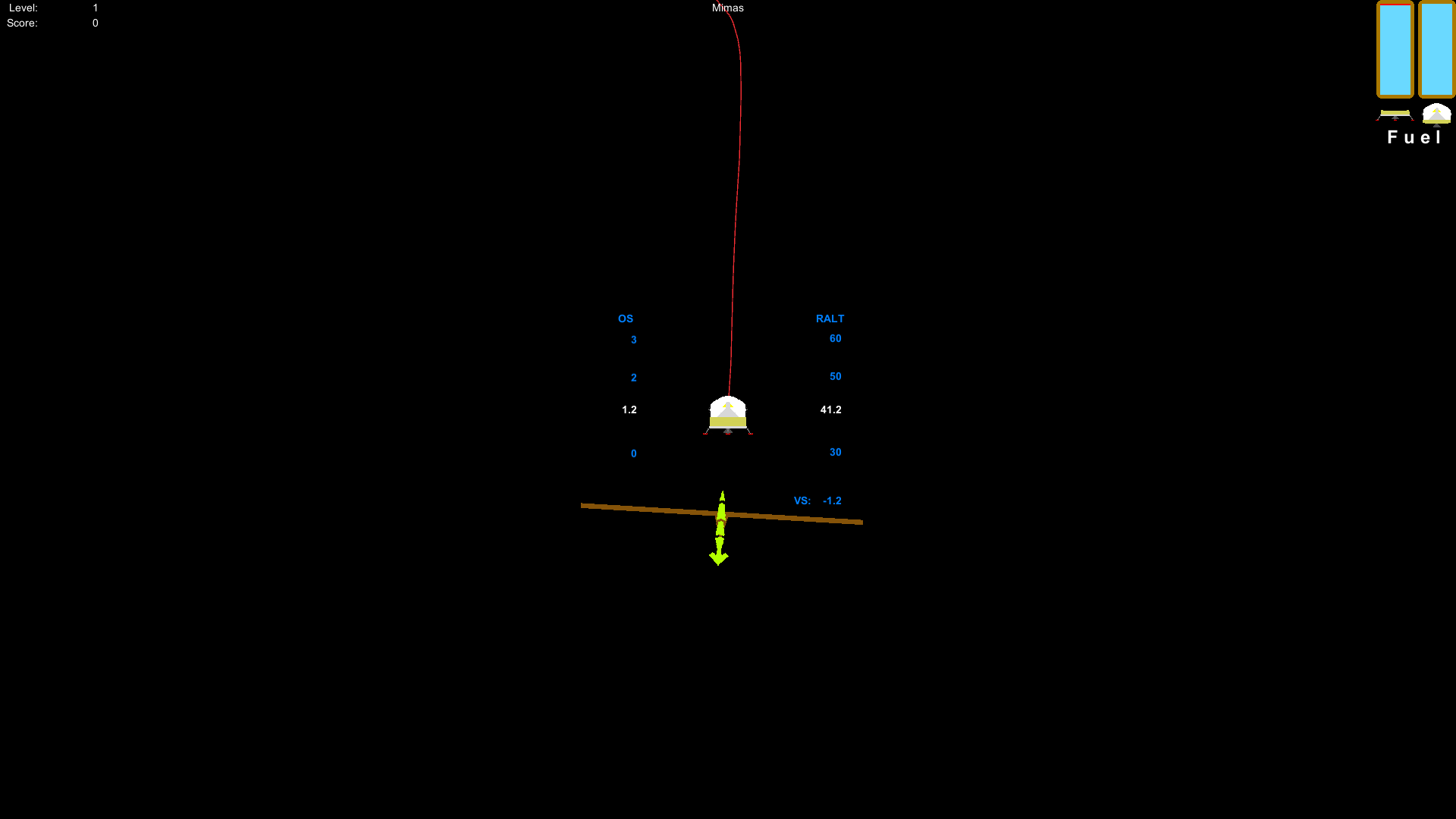
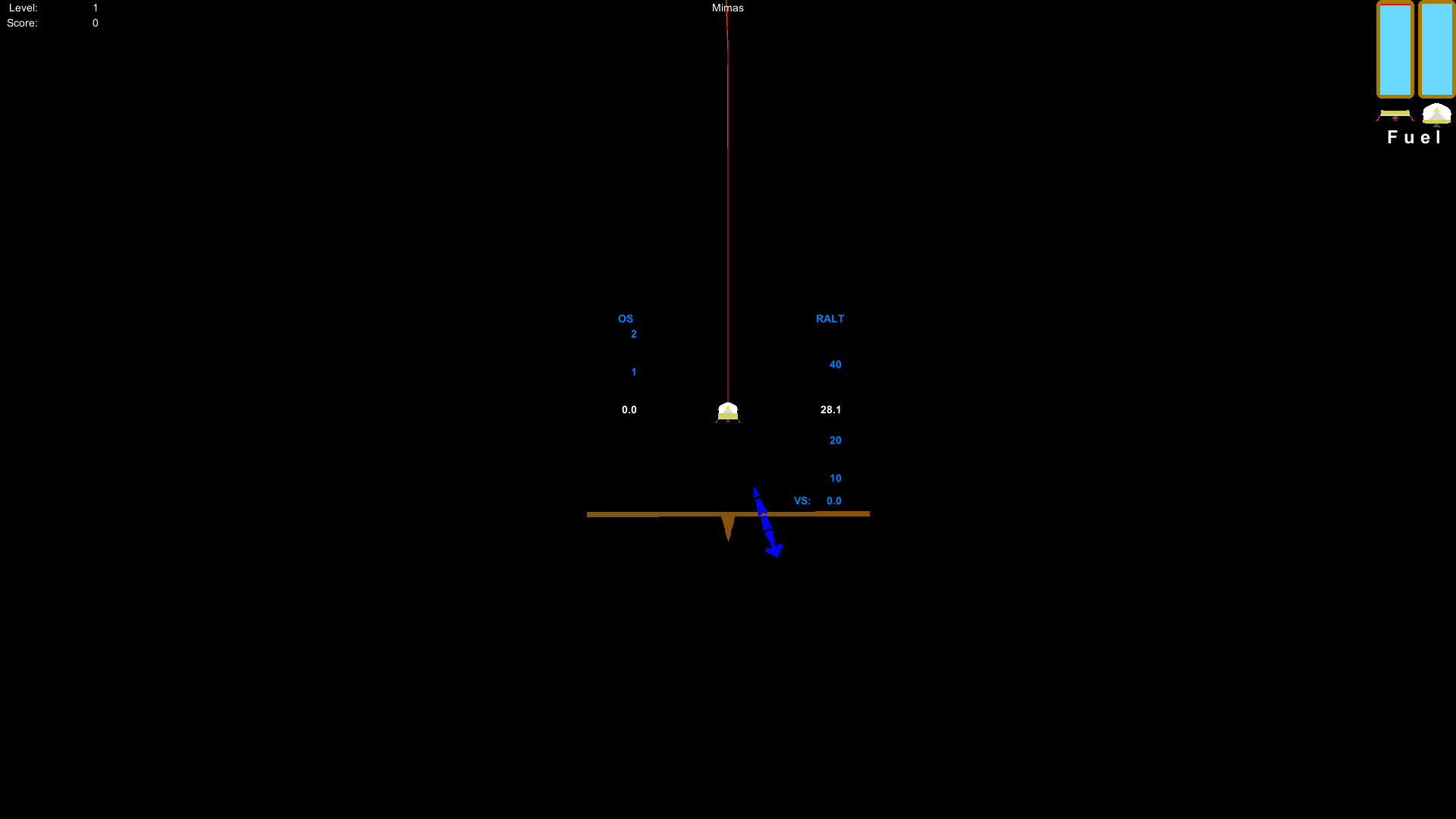
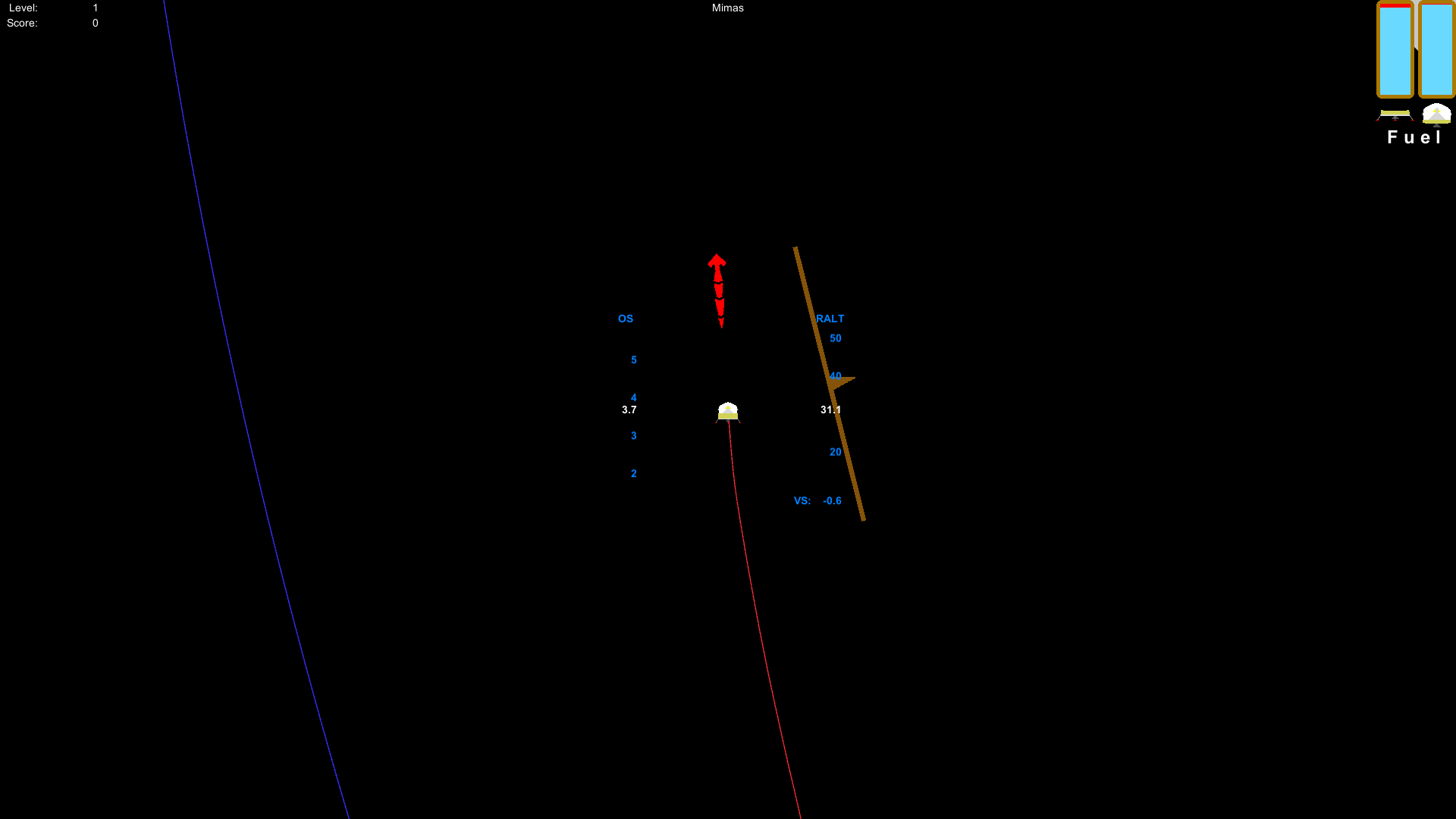
Here are some screenshots of what's in store for the new updates (starting with the physics):
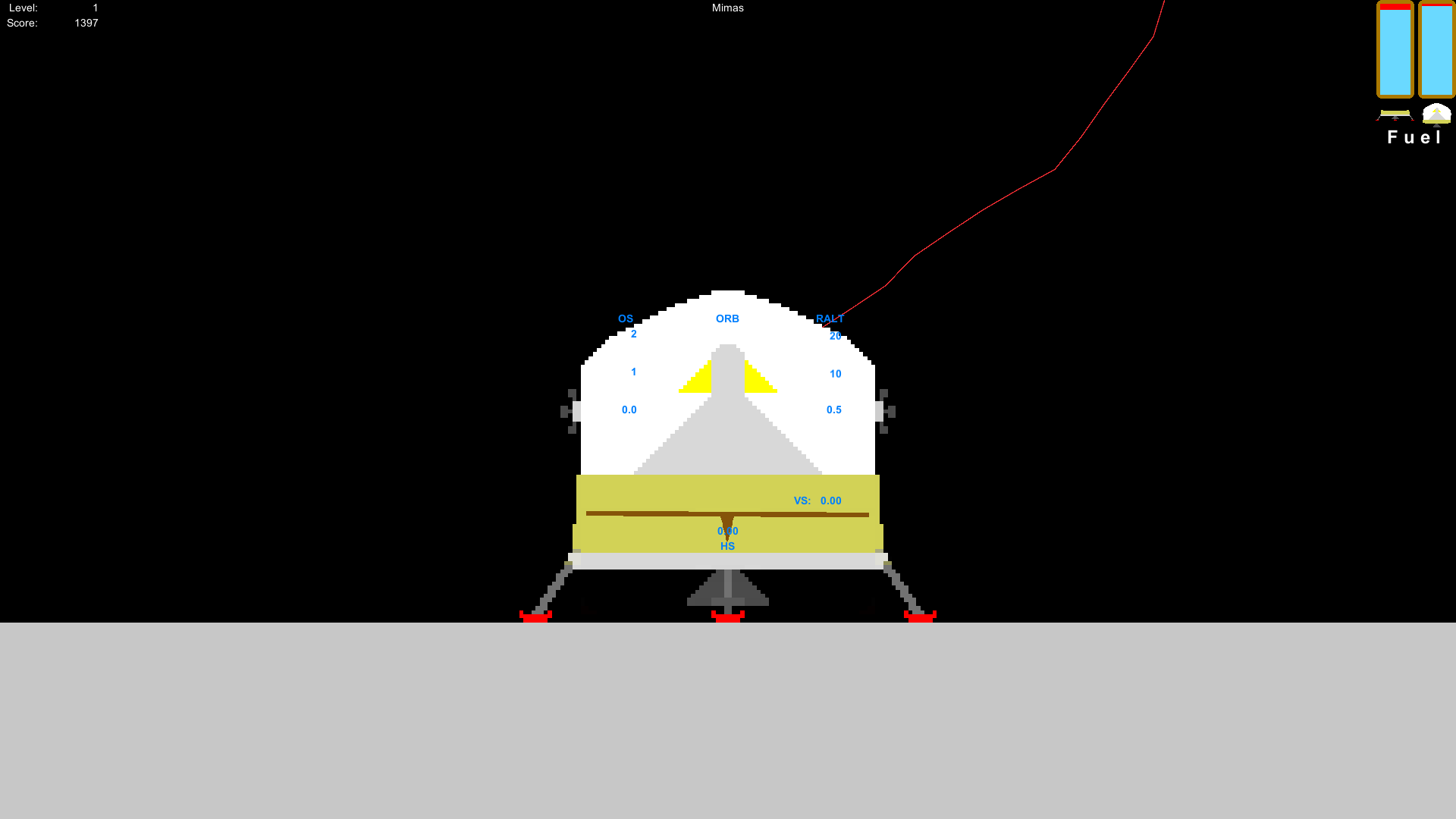
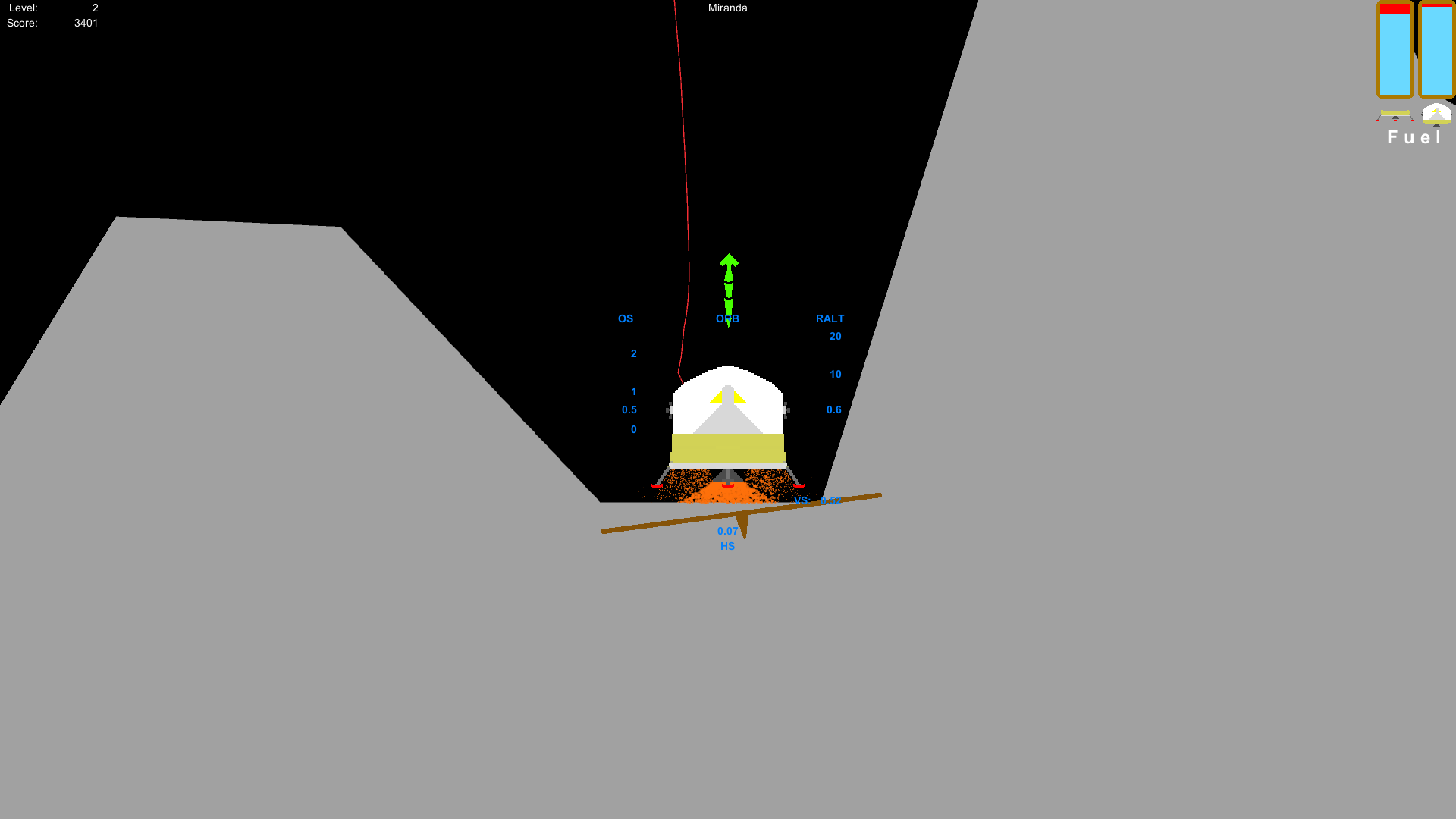
The unity engine has a collision buffer on 2D collisions that prevent the objects from actually touching each other. Since I couldn't reduce the buffer or scale-up the game, I simply adjusted all of the collision meshes.
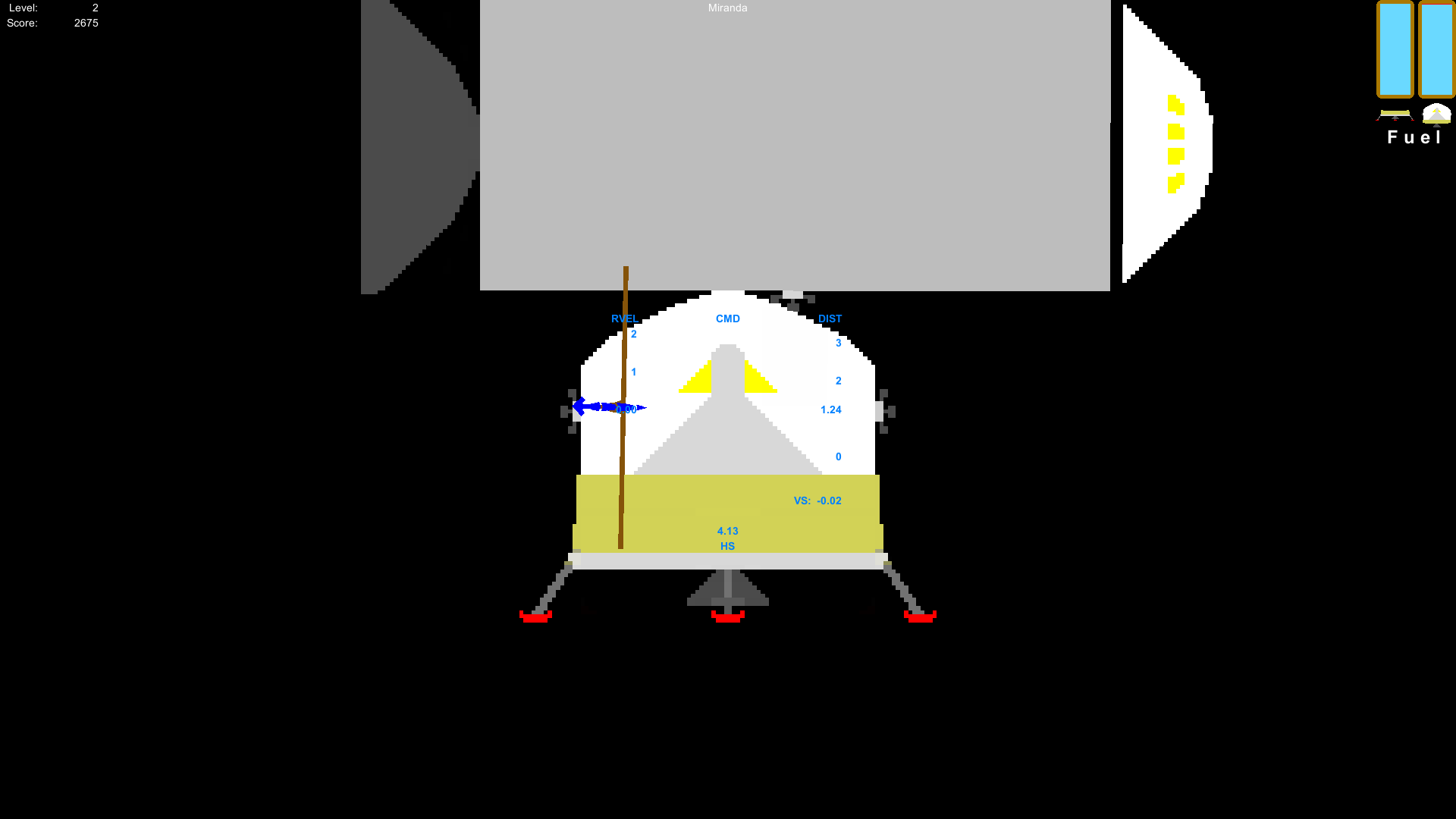
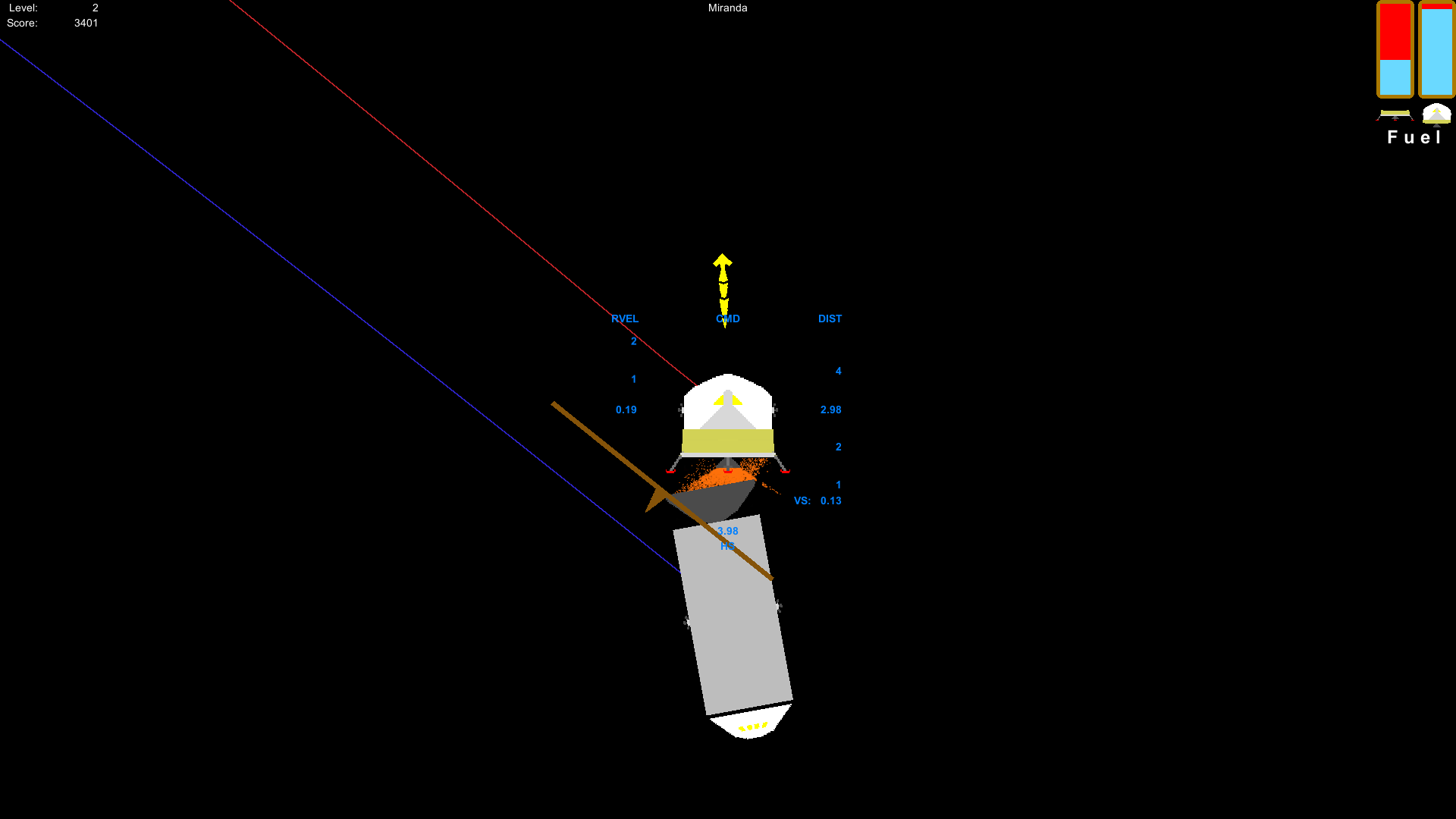
Here's a screenshot of the command module being nudged by the lunar module (I advise against that). Most of the command-lunar collisions should look a lot more convincing now. A product of this is that you no longer have that "jerk" that is associated with undocking and staging.
Now for some aesthetics:
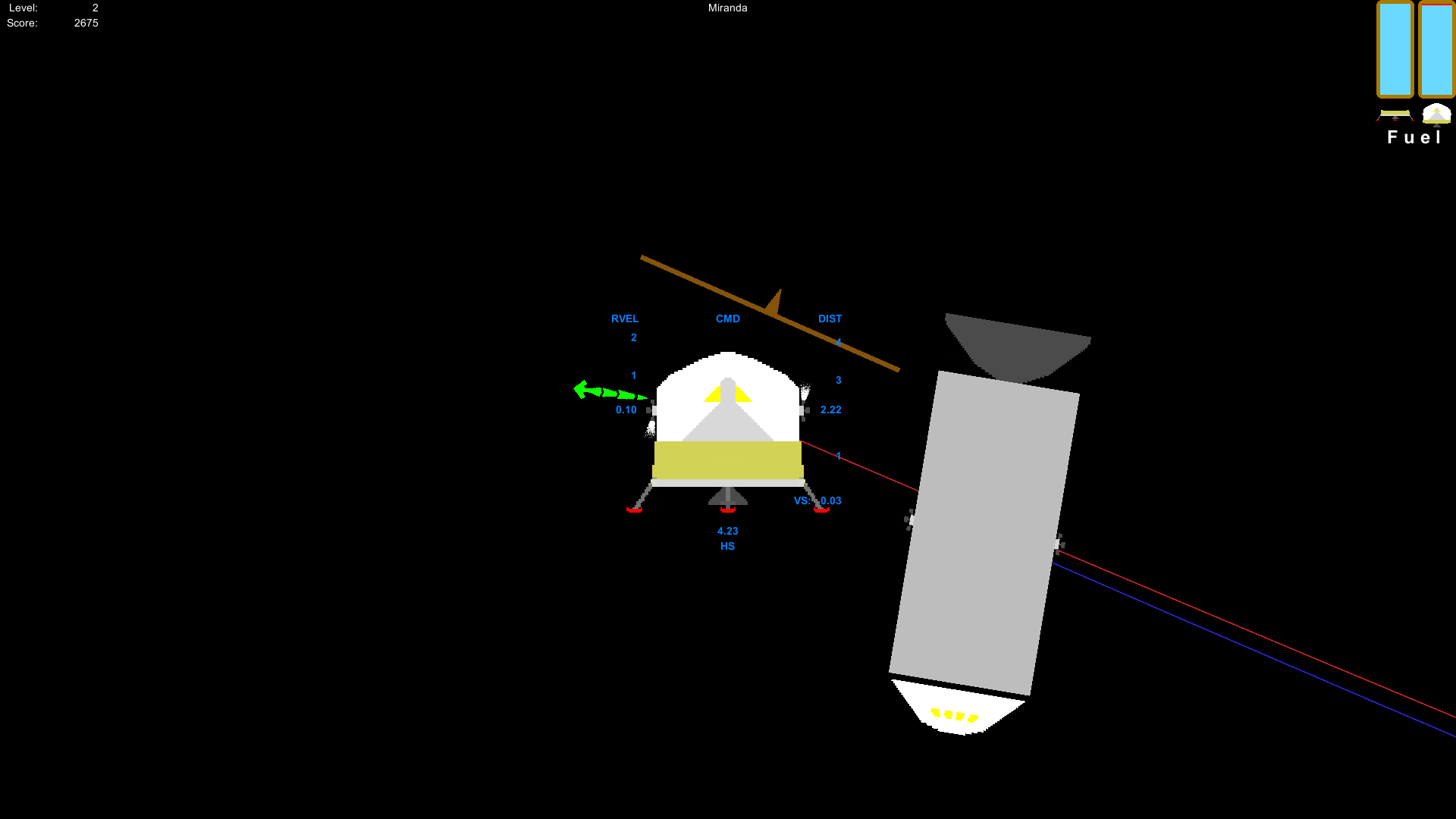
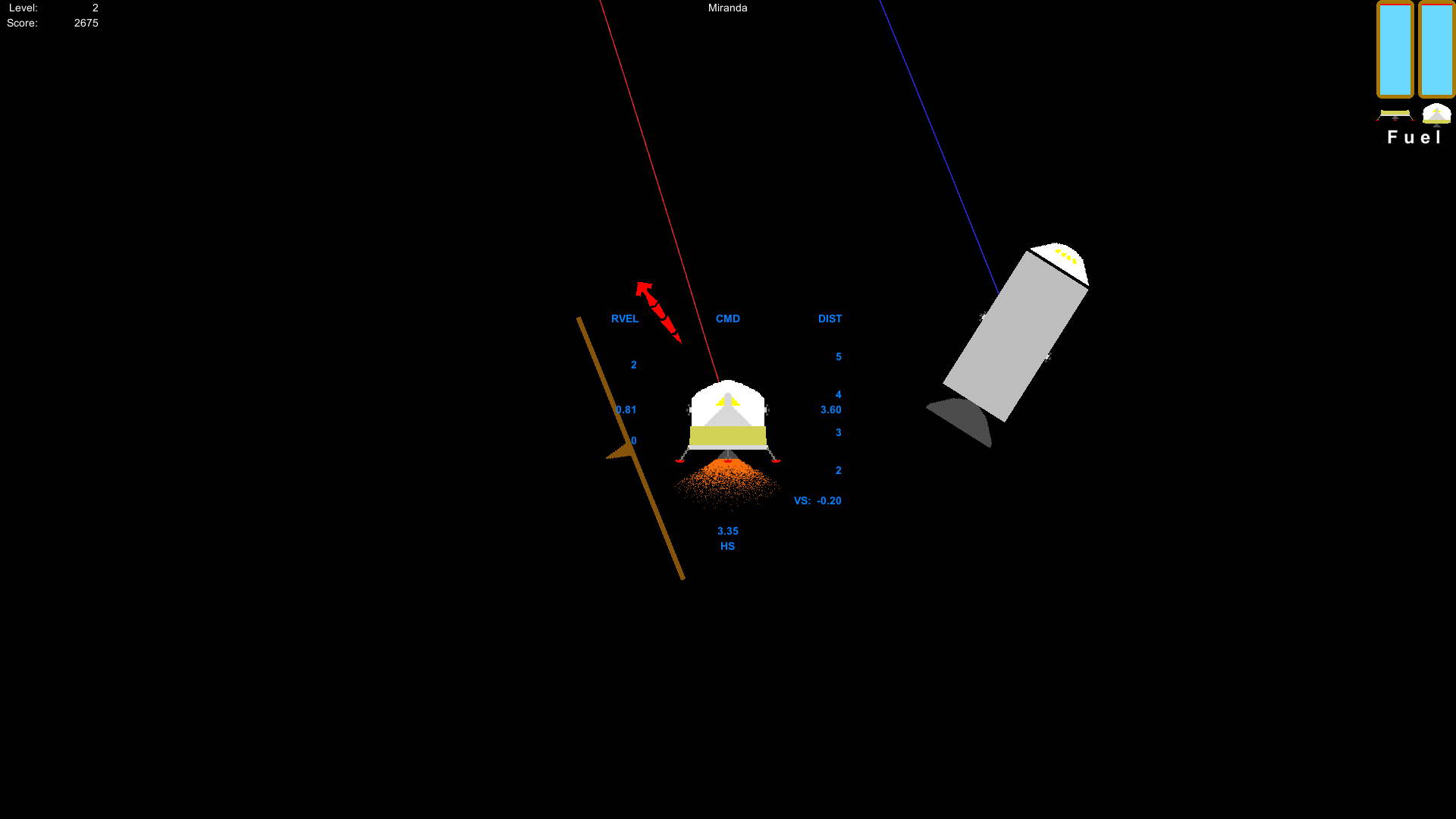
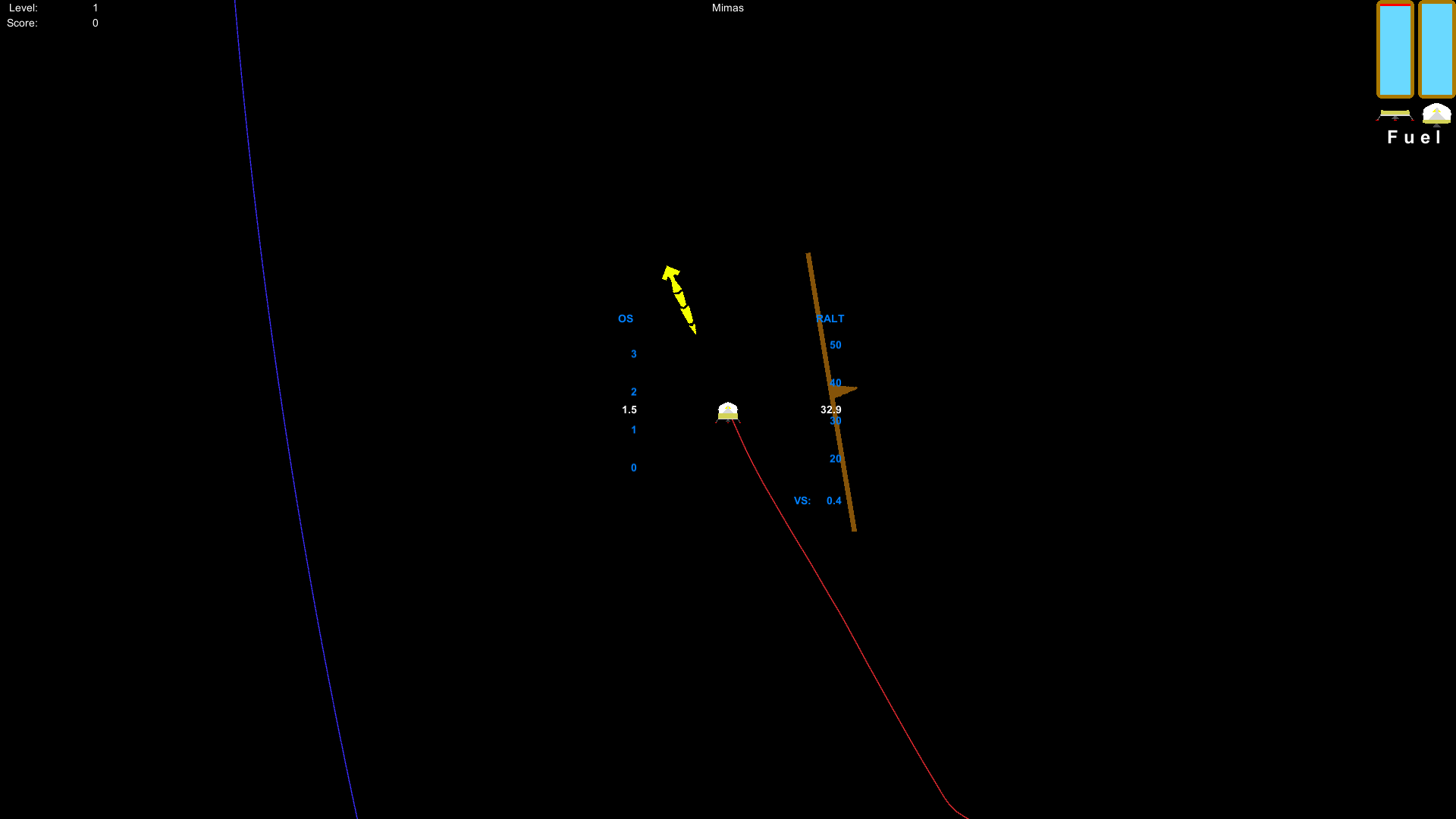
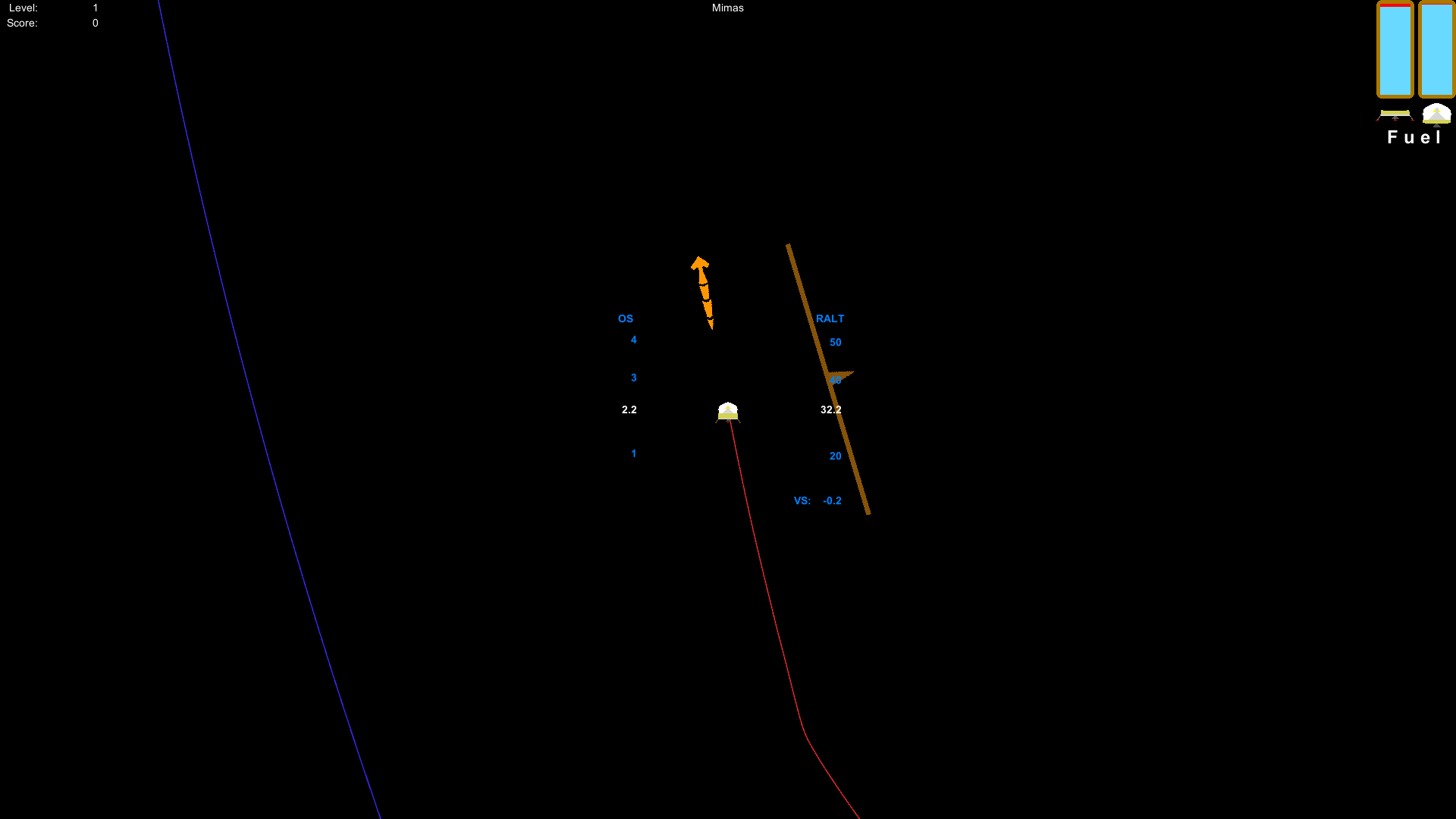
The engines now look like their doing something when their fired. I added a particle system to the engine so that you get different amounts of particles at different thrust levels. The best part is that the engine exhaust can collide with other objects. Careful not to fire your engines too close to the command module. Otherwise, you can crash the command module without even touching it!
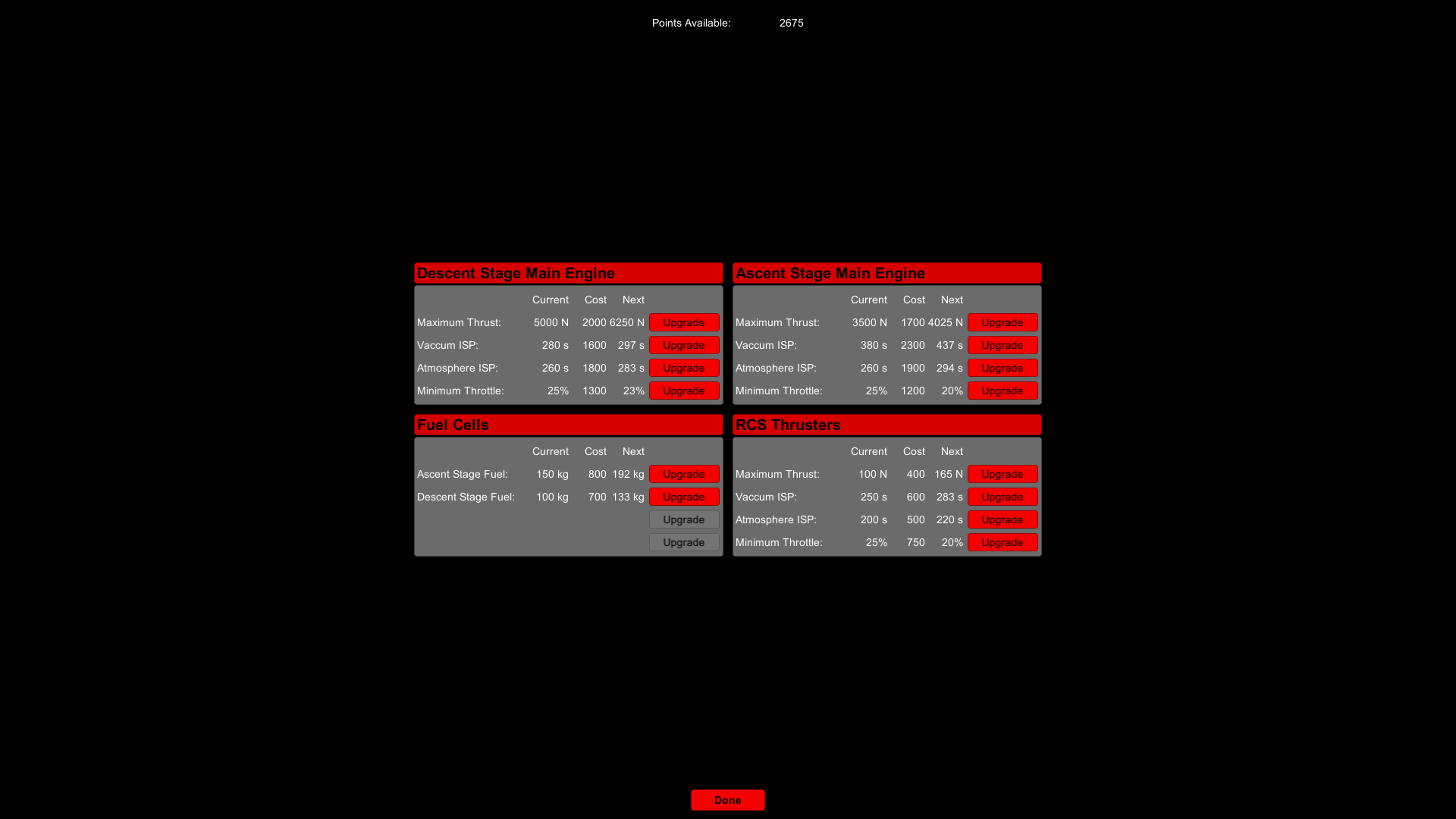
On the topic of gameplay, I've added upgrades that will give you a variety of items to choose from. I'm still working on balancing the upgrades, but since this game is in early access, I'll let the community help me decide what needs to be tweaked in that department. Here's the upgrades screen (I may make some changes though):
For our final screenshot, we have an updated settings screen. Be aware that this is still a work-in-progress, so what you see here is going to be different than what you see when the update is launched.
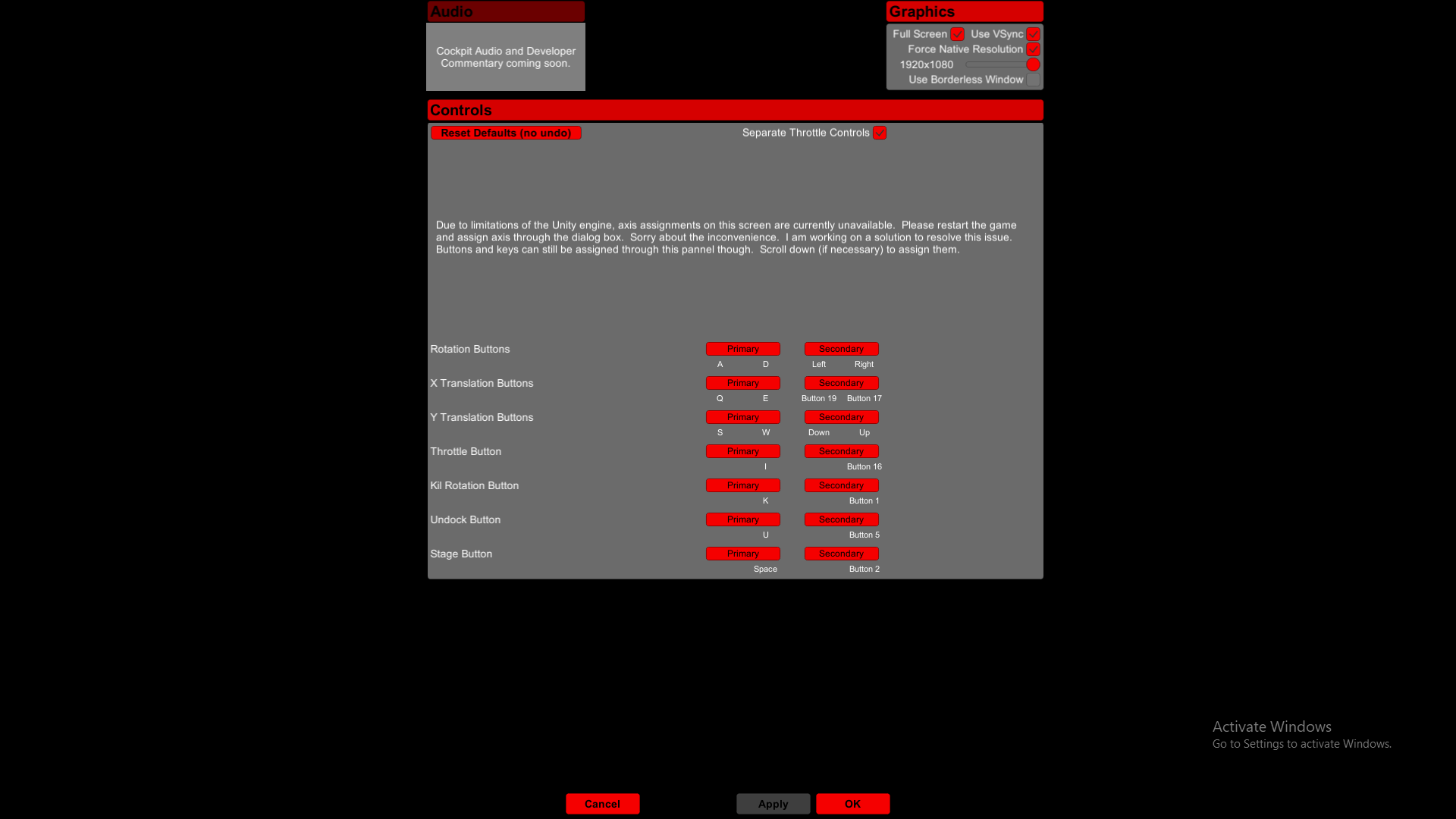
As the screenshot suggests, you will be able to change stuff like the screen resolution fully within the game itself. The update screen's width matches that of the help screen, so it's more consistent with the rest of the UI. I still haven't figured out how to change joystick input settings from within the game, but there will be sound, contrary to what the screenshot would suggest.
Among what's not shown in the above screenshot is going to be an update to how controls are assigned. One button per possible assignment.
Here are some other things to be updated that are not shown in the screenshot:
It will probably take a couple more months before the update is out. In the mean time, feel free to leave some feedback on what should also be improved, what needs to be fixed, or what should be added.
Here are some screenshots of what's in store for the new updates (starting with the physics):
The unity engine has a collision buffer on 2D collisions that prevent the objects from actually touching each other. Since I couldn't reduce the buffer or scale-up the game, I simply adjusted all of the collision meshes.
Here's a screenshot of the command module being nudged by the lunar module (I advise against that). Most of the command-lunar collisions should look a lot more convincing now. A product of this is that you no longer have that "jerk" that is associated with undocking and staging.
Now for some aesthetics:
The engines now look like their doing something when their fired. I added a particle system to the engine so that you get different amounts of particles at different thrust levels. The best part is that the engine exhaust can collide with other objects. Careful not to fire your engines too close to the command module. Otherwise, you can crash the command module without even touching it!
On the topic of gameplay, I've added upgrades that will give you a variety of items to choose from. I'm still working on balancing the upgrades, but since this game is in early access, I'll let the community help me decide what needs to be tweaked in that department. Here's the upgrades screen (I may make some changes though):
For our final screenshot, we have an updated settings screen. Be aware that this is still a work-in-progress, so what you see here is going to be different than what you see when the update is launched.
As the screenshot suggests, you will be able to change stuff like the screen resolution fully within the game itself. The update screen's width matches that of the help screen, so it's more consistent with the rest of the UI. I still haven't figured out how to change joystick input settings from within the game, but there will be sound, contrary to what the screenshot would suggest.
Among what's not shown in the above screenshot is going to be an update to how controls are assigned. One button per possible assignment.
Here are some other things to be updated that are not shown in the screenshot:
- Reaction Wheel Removed
I just couldn't get a realistic reaction wheel and one that made the vehicle maneuverable. That said, vehicle control is now done exclusively with the RCS thrusters, just like the real live counterpart. And that's going to make the game a little bit harder. - Kill Rotation Updated
The flight computer is now aware of the minimum throttle setting that'll cut-off the RCS thrusters if the throttle is below that setting. The result is a more accurate kill-rotation mechanism. - Persistent Stage, Undock, and Kill Rotation
You will no longer have to hold down the key to undock, stage, or kill rotation to ensure the safe completion of said tasks. - Steam Achievements and Stats
This will be the first update that will contain stats and achievement tracking. You'll get achievements for progressing through the game, being very skillful, and being very stupid. - Mission/Story Framework
I've put in place the foundation for a story-mode and mission framework, but there are some other things I really need to get out of the way before I start flushing-out a mission set or story mode.
It will probably take a couple more months before the update is out. In the mean time, feel free to leave some feedback on what should also be improved, what needs to be fixed, or what should be added.