1. Rolling Line
  2. News

Rolling Line News

Multi-painting! - v 1.171
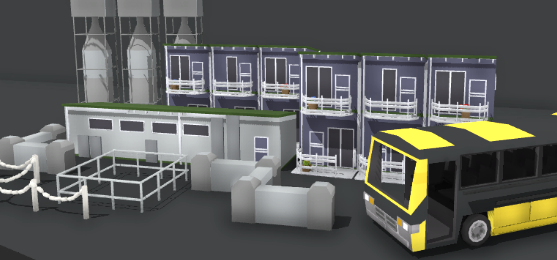


Today's update adds the ability to paint multiple colors onto props in Rolling Line, and adds paintability to HEAPS of old props.

This means props can now have more than one color slot!
Lots of modern props have now been updated to have more than one color slot (like the Santa Fe and Puzzling World props), and all of the old buildings have been updated to use the color painting system!

To use multi-painting (on props that support it) press 'E' (or the right-direction option in VR) and a pop-up menu will show up where you can paint each color slot on the prop:
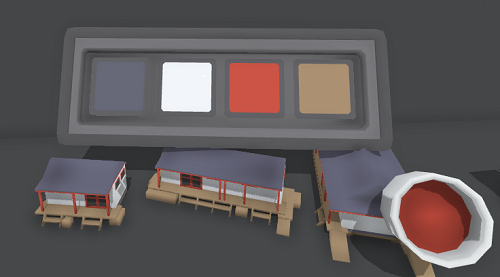


here is a full view of the props that have been updated to be paintable:
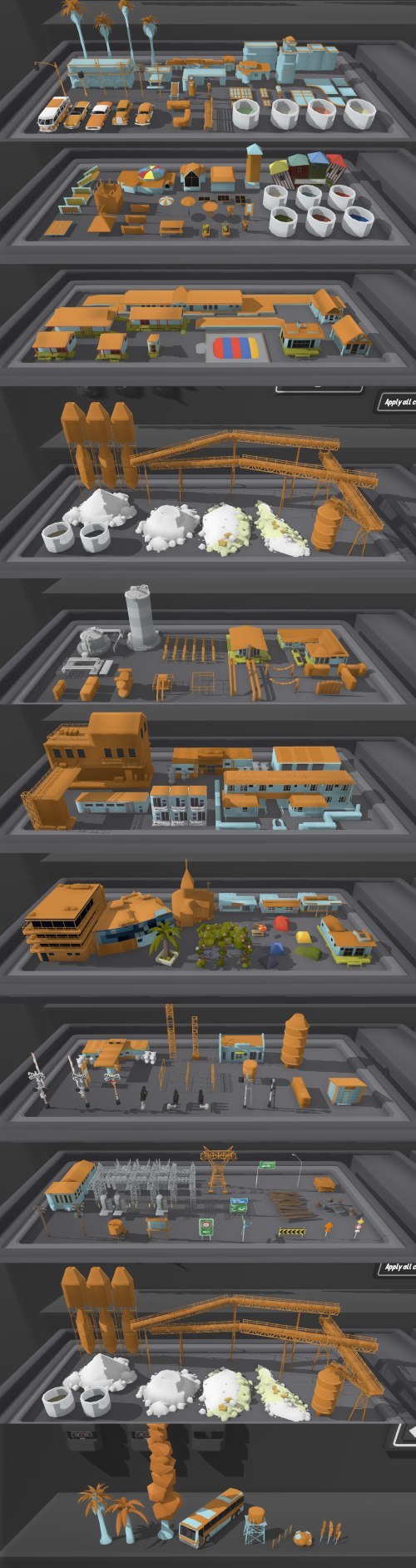


There are also a few new props (and separated pieces of older props) included in this update:
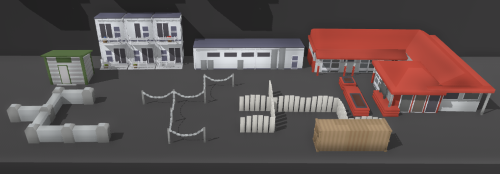
  • new snappable props for small concrete walls
  • new snappable props for wooden post walls
  • added snapping to the chain-link fence prop
  • added snapping to the station platform prop
  • separated the kaikoura station into two props, its platform and building
  • separated the hotel building into two props, the main building and the long flat building
  • new small railway shed prop
  • new cafe building
  • the shipping container is now paintable too!


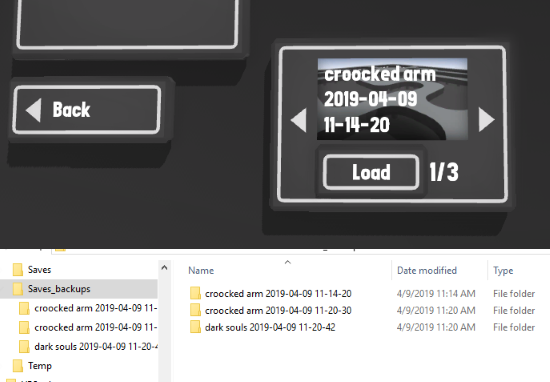
And one other feature, an automatic save backup system has also been added!

Every time you save a map, a backup is made (up to 10 backups per layout) and you can find these backups in the "manage saves -> backups" menu.


This update makes so many more colors and designs possible for props in your layouts, and finally makes good use of all of the old props from back when Rolling Line was released.

Enjoy!
NR Locomotive! - v 1.169


As you may have seen mention of previously, there is an Australia themed update in the works!

Originally this was planned to be a rather small update, but my plans for it have grown and it's shaping up to be a very large one.
My new plans for this Australia update include modeling the town of Alice Springs, which brings with it many new modern city/town props and buildings, and best of all, roads!

Because this update is shaping up to be a very large one, I've decided to release it in multiple parts, as there are lots of props and features people can make good use of right now, instead of waiting until the entire official map is finished.

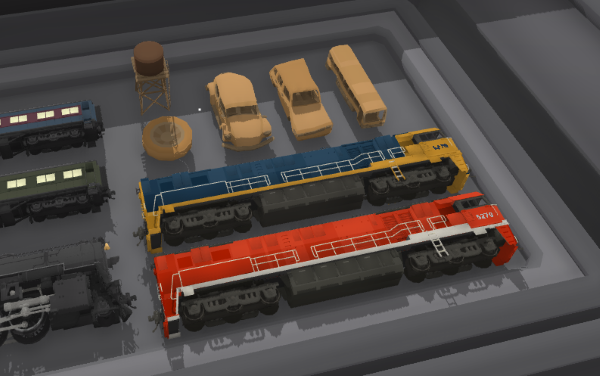
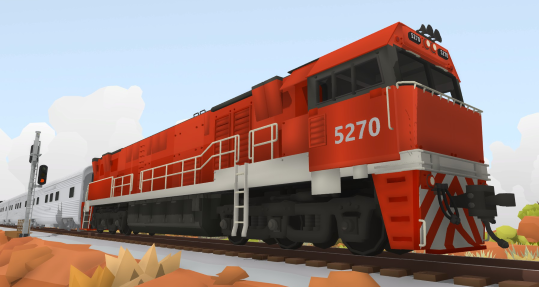
So to start with, here is the Australian NR-class locomotive!
Available in two color schemes, the Pacific National blue & yellow, as well as the famous red Ghan passenger train!

This update also includes some new rusty car props, perfect for making junk yards:


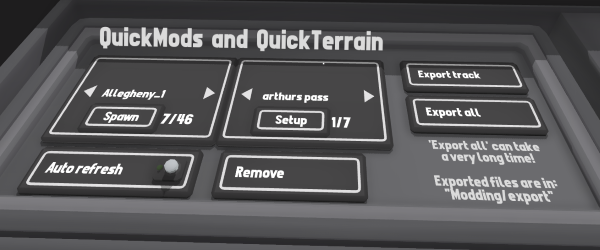
This update also removes the need for the "-quickMod" launch tag to access modding. the quickMod & quickTerrain drawer is now available by default.


This update also fixes a glitch introduced with the Biome Brush update that was causing track to be deleted when applying edits using the "apply all" button on the wall. this has been fixed.

On a side note, Ive actually been very sick for the last 7 days with a fever, so it was lucky that I had the April fools update pre-prepared. Everything is back to normal now so development on this Australia update is back in full swing!

Many big updates are on the way!

April fools! - v1.0


Today's update is a pretty special one.

Anyone who's been here since Rolling Line's release will remember the absolute state of the game back then, and how different it was compared to now.
Well guess what! For April fools ive managed to get a 1.0 version of Rolling Line working!

You're current save files can't be loaded on this 1.0 version, but after April fools the game will completely go back to normal, and you will be able to play your old save files. Any maps you make using this "classic" version of Rolling Line are stored in a separate folder.

v 1.0 has:

  • no liveries
  • no workshop support
  • no tunnels
  • no prop scaling
  • no height scaling
  • no paintable trees
  • no paintable terrain
  • no track gradients
  • no custom tables
  • NO FLEXYTRACK
  • the old editing system
  • 200% more train merging bugs
  • 500% more train movement jittering
  • only 4 locomotives
  • no signals (fake or real)
  • no animated steam engine wheels
  • no modding
  • and missing countless other features that have been added in a years worth of updates.


Since Rolling Line was released in April last year, this update can also be thought of as a celebration of just how much the game has changed since it first came out, and how many updates have happened since then!

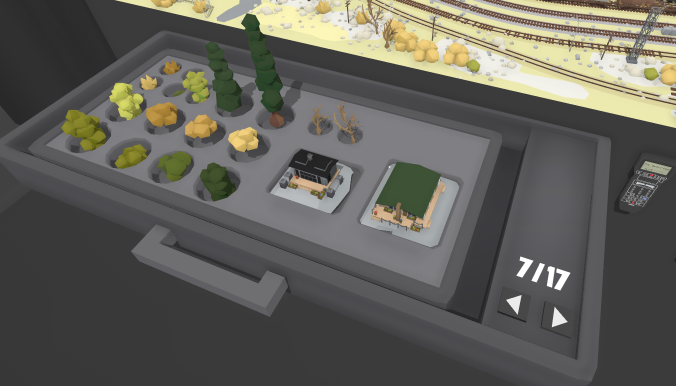
Ah, and enjoy only having the original 17 drawers:


Remember you can use the "copy save to clipboard" option in the saves menu to share your save in plain-text (this is how we shared save files before workshop support).

You can post a link in the comments to a site like PasteBin https://pastebin.com/ if you would like to share your classic saves with others, and I will be posting a showcase of some of the best maps made using this 1.0 version after April fools!

Enjoy!

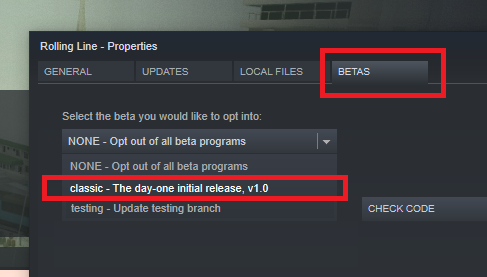
Also, you can now switch to a branch on steam called "classic" to play the 1.0 version whenever you want:

Biome brush! v1.168


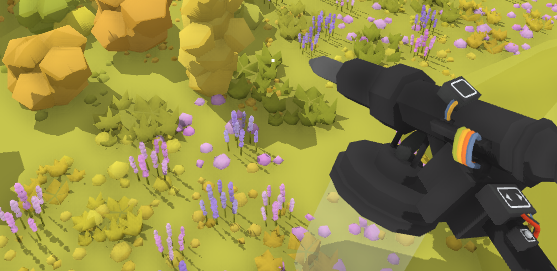
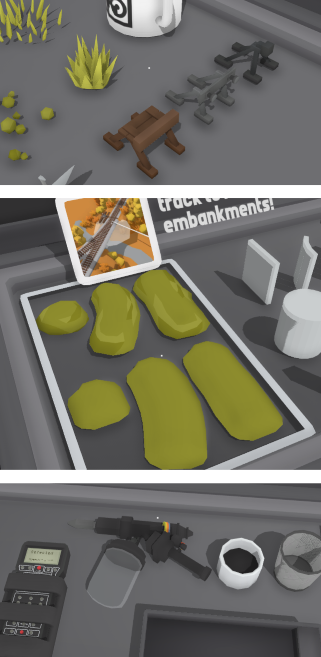
Today's update adds a new tool that completely changes how you build scenery. Placing props over large areas with a good mix of randomness and variation has now become incredibly easy!

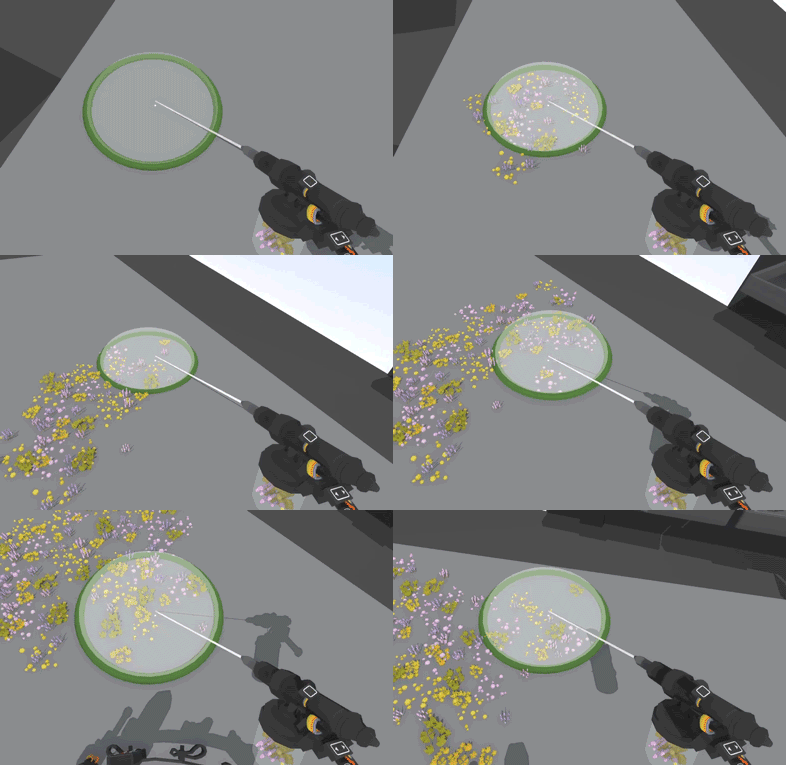
The new "Biome brush" tool allows you to choose a bunch of different props and place them in a random mix on the ground, like a brush.
You can change the color, scale and height offset of the props used in the brush, and brushes are also saved in your save file.


Just point and click to effortlessly paint scenery, both on PC and in in VR!
on PC you can also hold shift to paint much faster.

You can also switch to an "erase mode" by pressing F (or d-pad up in VR) to delete props instead of place them (this will only delete props placed by the brush you are using)


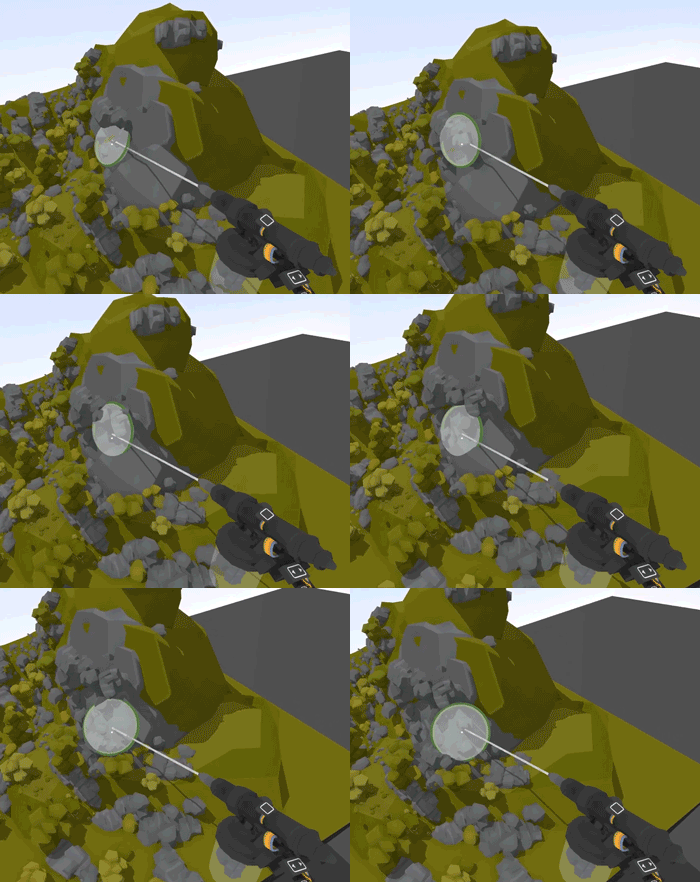
There is also a new setting for "snap to surface angle" which makes props automatically align to the surface they are placed on.
This makes building cliffs with rocks easy, as well as aligning windows with buildings.

You can find this setting under "custom track -> snapping"


As well as the biome brush, there are a few other props added in this update.
There are a bunch of buffer props (which are only for show, they don't actually stop trains) as well as some smoother embankment pieces.


There are also a few bug fixes in this update:

  • Dropped props (like painters) now stay dropped when loading a save
  • Props should no longer fall though terrain when the player moves to far away (or goes to the menu)
  • Added collision to planes and more accurate collision on the ferry prop
  • Added collision to the station platform prop
  • Improved collision on shelves
  • Moved magazine rack out of the way of the time menu in the default new game save file


I hope everyone makes the most of these new features, map making has just become so much more enjoyable!

The next update is going to be all about Australia, including new trains, props and a new official map (much like the Santa Fe)

Enjoy!


On a side note, it's my 22nd birthday this weekend, and this update took a ton of energy, so im going to finally get some proper rest ːsteamhappyː

New steam effects! - v1.165


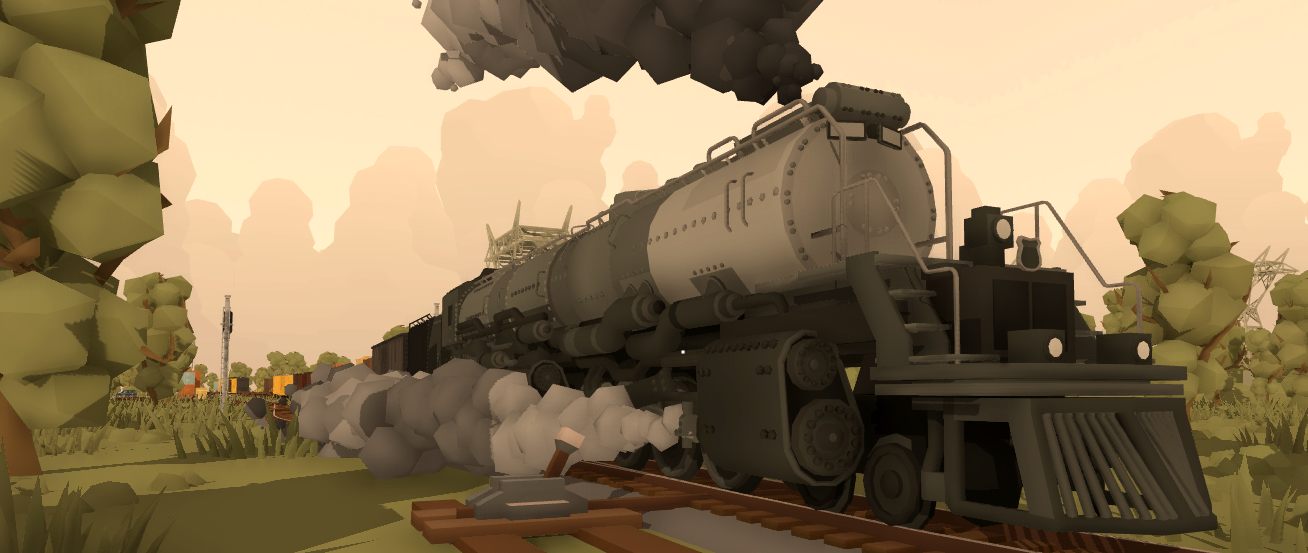
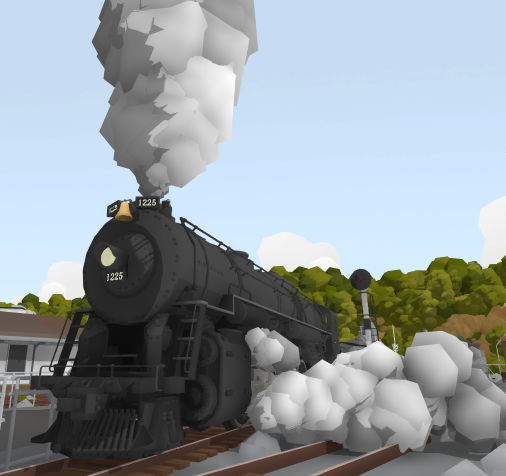
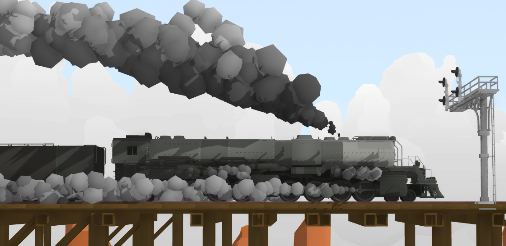
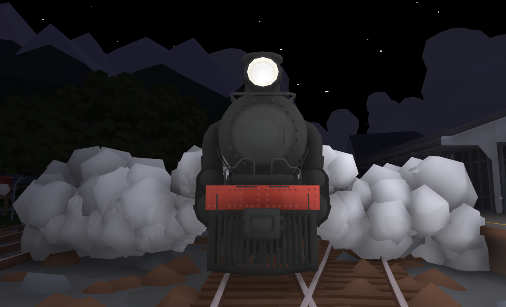
Today's update adds a bunch of improvements to Rolling Lines steam engines, including better in-cab details and new particle effects!

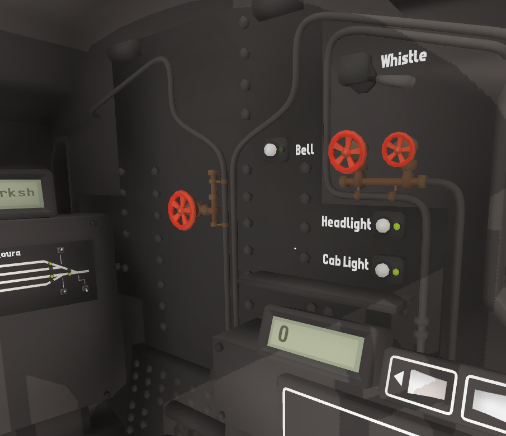
All steam trains now have new 3D steam particles and various new effects (like steam being released from the cylinders when starting and stopping the engine). There are also now a few un-marked valves you can twist in each steam engines cab, these valves can be used to manually enable/disable each particle effect, which is excellent for screenshots!

This update also includes a few fixes & features:

  • You can now place controllers/edit tools back into their holders on the wall on PC, simply hold the trigger and point at the wall-mount to place it back
  • Added more detail to the cab interiors of all steam engines
  • Fixed mesh normals on one of the Santa Fe bridges
  • Fixed collision on bridge track pieces


I've finally got a considerable amount of time to focus on work, without any traveling or interruptions, so there should be some pretty great updates coming in the near future!

Enjoy!


Also, here are a few more pictures of the new steam effects in action:


And the new cab interior details: