Dev Talk: Loadouts

The Call to Arms update arrives March 17, and in addition to major reworks of Faction Warfare and Hellgates, also brings big quality-of-life improvements. Foremost among these is the new Loadouts system. In our newest Dev Talk, UI Designer Moritz Bokelmann gives further details of this feature. (If you missed our earlier overview of the update, you can watch it here).
https://www.youtube.com/watch?v=rn-feOUbBug
Prefer a written summary? Then read on...
Albion's “You are what you wear” system gives incredible freedom but also comes with some drawbacks. Getting killed and having to run back to a bank or chest to regear is time-consuming and keeps you out of the action, and even if you’re not into PvP, switching gear for different activities can be a hassle. To address this, we've introduced Loadouts.
[h3]The Basics[/h3]
- Loadouts are saved sets of equipment, spells, and additional inventory items
- Loadouts can be quickly equipped from banks, chests and battlevaults
- Loadouts can be shared with other players
- Each Loadout includes precise user-defined rules that allow for flexibility in the overall selection
- Loadouts are accessed via a new Loadouts UI window in the Player Menu (click playername or Hotkey “L”)
- 30 total slots are available and the list can be searched and reordered freely
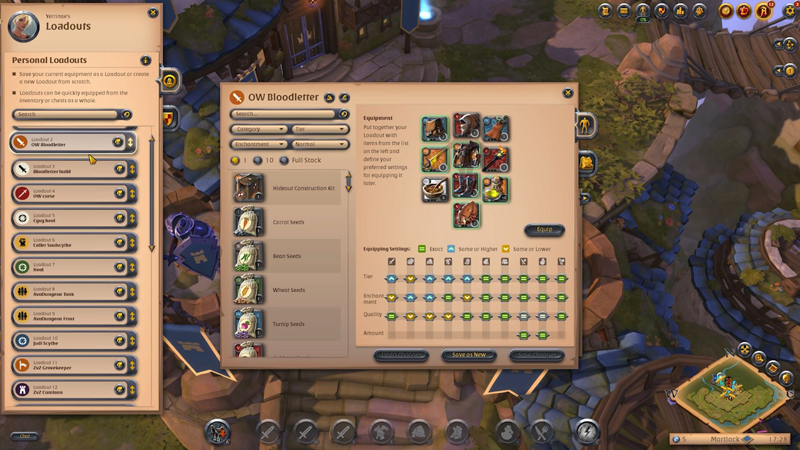
[h3]Creating Loadouts[/h3]
- To create a Loadout, click any available slot
- Select a name, color and icon
- Choose to start either from currently equipped gear or completely from scratch
- If you use your current gear, all current spell selections will also be saved
- You can then freely edit the items in your Loadout, update spells, and add additional items
- The item list on the left contains all tradeable items and can be filtered and searched as in the Marketplace
The Loadout window also provides a preview of the stats and estimated market cost in the small flyout on the right side of the UI.
[h3]Setting Rules and Equipping[/h3]
Once you are happy with the Loadout, you can set rules for how flexible the system can be when choosing which items to equip. You have three options:
- Exact: all parameters must be met exactly
- Same or Higher: tries to match exactly, then allows higher tiers, enchantments, etc.
- Same or Lower: tries to match exactly, then allows lower tiers, enchantments, etc.
- These are essentially filter options applied when a bank or chest is searched
- Loadouts can be equipped from any bank, chest, or battlevault you have access to, provided it contains any matching items
- To equip, open the container, choose a Loadout, and press "Equip"
Loadouts can be shared via chat or ingame mail:
- Click “Share Loadout” within main Loadout view
- Select sharing option
- Add any additional text desired
- Click to create a simplified version of the Loadout that can be saved into other players' lists
[h3]Guild Loadouts[/h3]
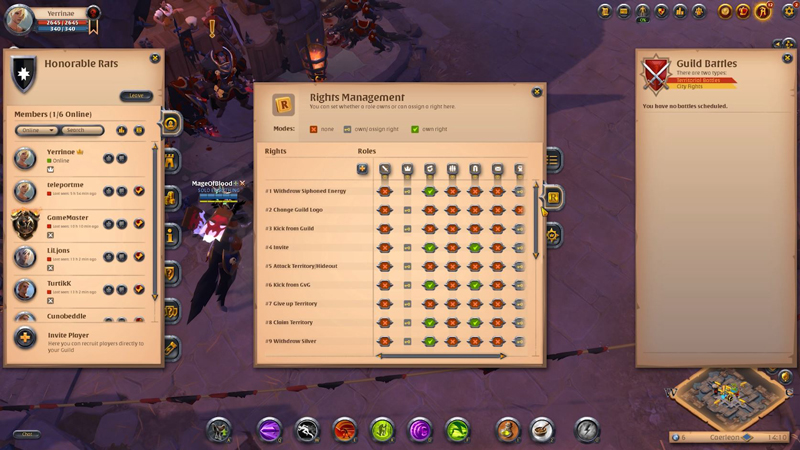
Guilds also have access to dedicated Guild Loadouts, which are similar to personal Loadouts with a few differences:
- Guilds have access to 100 slots for Loadouts
- Creating and editing requires “Manage Guild Loadouts” access right
- Guild Loadouts behave like a guild's library of preferred sets for various activities
- Using Guild Loadouts requires saving them into your personal Loadout list
Case 1: High-level PvP (ZvZs, Crystal League, etc.)
You can create a Loadout with the absolute best items in the game via filtering the item list. Simply set everything to the highest available tier, enchantment level and quality, and potentially add Siphoned Energy for overcharging. You can then set all rules to “Same or lower”, effectively creating a master-class set and telling the system to choose the closest possible items.
Case 2: Lower-level PvP/PvE (Arena, Expeditions, etc.)
You could build these sets to match the required item power and set all rules to “Same or higher”, which would do the exact opposite of Case 1 above: guarantee that you equip the most basic set of items that still meets the minimum requirements.
Case 3: Hybrid / item-centered
Perhaps you want a cheap tier 4 set, but with a tier 6 weapon to access all available spells. This is possible by simply experimenting and finding the correct Loadout setup for your needs.
Case 4: Non-combat activities (crafting, farming, etc.)
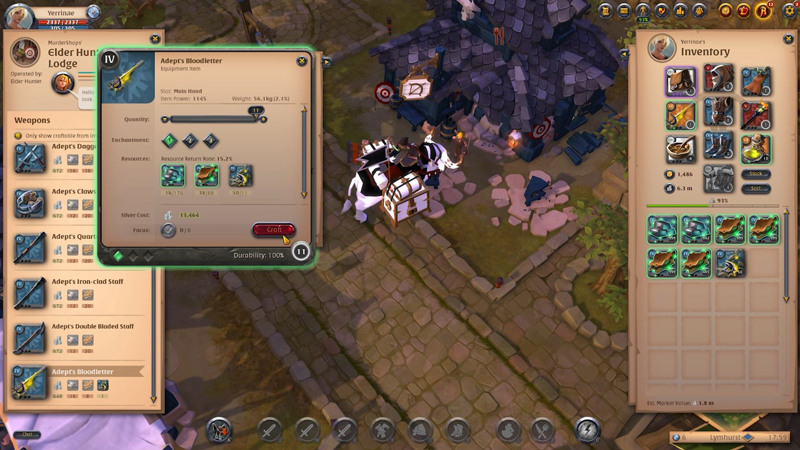
A perfect example of this is a crafter setup that only contains a mount, bag, and lots of salads. Then just all the materials you need for your daily crafting activities into the Loadout inventory.
These are just a few examples of things you can do with Loadouts, and we are very curious to see what other ideas you come up with.
[h3]Additional Features: Coming Soon[/h3]
We are working hard to add Loadouts to the Marketplace, so you can directly purchase full sets, and hope to add this feature soon after the launch of Call to Arms. We are also looking into adapting the Character Builder on the Albion website to make global sharing of Loadouts much easier. And of course we are very interested in the ideas that you, the players, have for this feature, so feel free to reach out and share your thoughts.
Thanks for watching!



 GRIZZLY BEAR: This month's Challenge brings back the popular Grizzly Bear, a huge, intimidating mount with an arsenal of powerful spells. In addition to its Intimidating Aura toggle spell, it also gains a temporary speed boost when attacked, giving its rider an edge when enemies are in pursuit.
 AVATAR RING: Reach your goals to unlock the Keeper Challenge avatar ring, which gives your chosen avatar the stone-and-leather look of Albion's true guardians. This non-tradable item permanently unlocks this avatar border for one character, or can be traded for one Adventurer's Token at the Vanity Merchant.
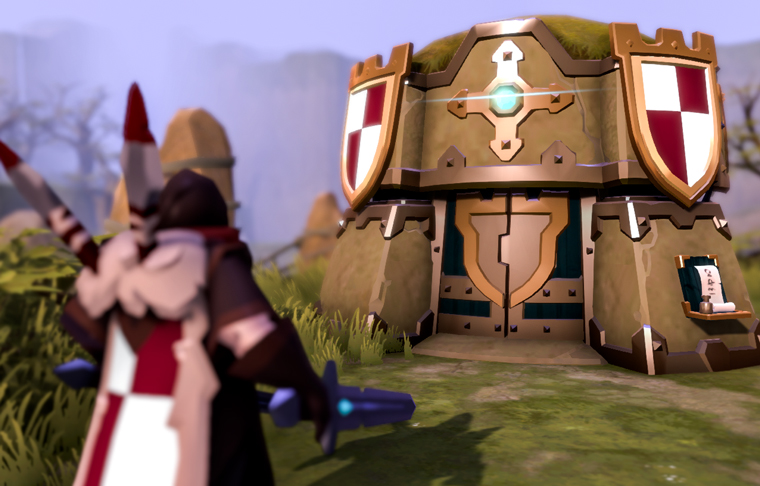
 SEASONAL SPECIALS: All month, reach weekly goals to unlock Keeper Challenge chests. In addition to valuable rewards like Adventurer's Tomes, Silver bags, and rare resources, this month's chests contain various Keeper-themed furniture and capes.