A Major VR Update For Tabletop Playground

Our major VR update for Tabletop Playground is here!
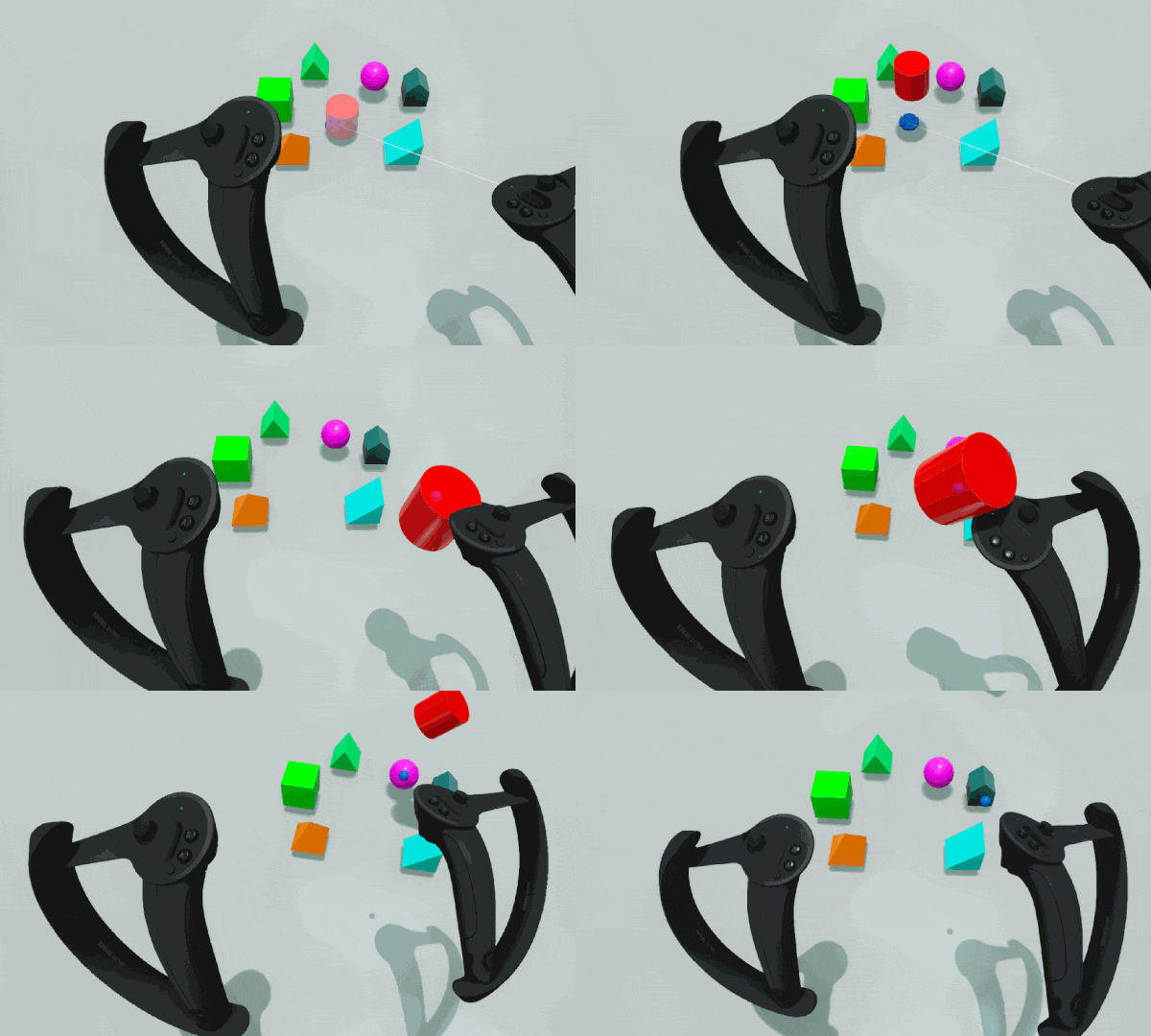
It brings full support for Valve Index controllers and other motion controller types, improves some of the button mappings and adds more actions that you can execute directly.
While the focus is on VR this time, we've also added several suggestions from the community for regular play and the editor!
[h2]Virtual Reality[/h2]
• Valve Index controllers are now fully supported
• HTC Vive Cosmos controllers are now fully supported
• Oculus Touch S controllers are now fully supported
• Windows mixed reality controllers are now partially supported (default button mapping exists but will show up as Oculus S controllers in-game)
• Make free cursor mode the default when starting a game
• Additional actions are now mapped (while pressing the modifier key on non-Index controllers): shuffle and deal cards, roll dice, or flip through multistate objects using buttons on the motion controllers. The button guides change when you press the modified key.
• Player drag rotation now mapped separately from dragging scale
• Free object rotation when grabbing in free cursor mode is now on by default, and can be disabled by holding the modifier (grip) key. A new option in the VR settings allows you to change this behavior.
• The main hand stick (trackpad on Vive wand) is now used for snap rotation and flying up down in fly mode by default. Holding the modifier key switches to object rotation, allowing you to rotate held or highlighted objects.
• Free object rotation is not used in pointer cursor mode
[h2]Enhancements[/h2]
• Allow alpha masking for cards using transparent PNGs allows holes in cards. Use with caution: leads to graphical issues when used at the sides of the image.
• Show object descriptions in tooltips (can be configured in interface settings)
• Add link to knowledge base in main menu
• Pressing escape while creating objects from the library stops creating more objects and does not reopen the library
• Add a new surface type: Silent. Objects with this surface type don't produce any sound when colliding.
• Allow panning view while zoomed in (using keys or dragging with middle mouse)
• Small MipMap bias to make textures sharper at some distances and angles
• Add 250% UI scale
[h2]Scripting[/h2]
• onCreated is now run after all properties have been set when pasting an object, so changes to properties made in the event remain
• Allow scale values outside of the range that can be set in the UI
[h2]Fixes[/h2]
• Figures are now snapped using their base
• GameObject.getExtent now returns the correct values for non-uniformly scaled objects
• Don't consider the dice face names "+" and "-" as numbers (were shown as 0 in tooltips). Negative numbers are still considered numbers and used in sums.
• Allow cards that hide in hand to stack with cards that don't hide
• Dice were not colliding with each other when picked up with a motion controller
• Fixed D8 face names
Valve Index support was one of the many features on the development roadmap for Tabletop Playground, which you can check out on Trello here.
Don't forget to join our community Discord to chat with the dev team and give us your suggestions for new features for the game!