Any Color you Like
This post is all about colors and how they work in Tabletop Playground. Colors are used in two ways: to identify players and to customize objects.
Each player in a game is identified by a color. There are 10 different color options (those are, by the way, based on a color palette that is distinguishable for players with color blindness – click here for some scientific background on the topic). You can switch your player color in game. When you save the game and continue later with the same players, everyone will start with their previously chosen color.
The player color also determines which objects you “own”: currently, only card holders can have owners. Only the owning player (defined by player color) can see which cards are on a card holder. But you also have the choice to set it to ownerless so everyone can see the cards.

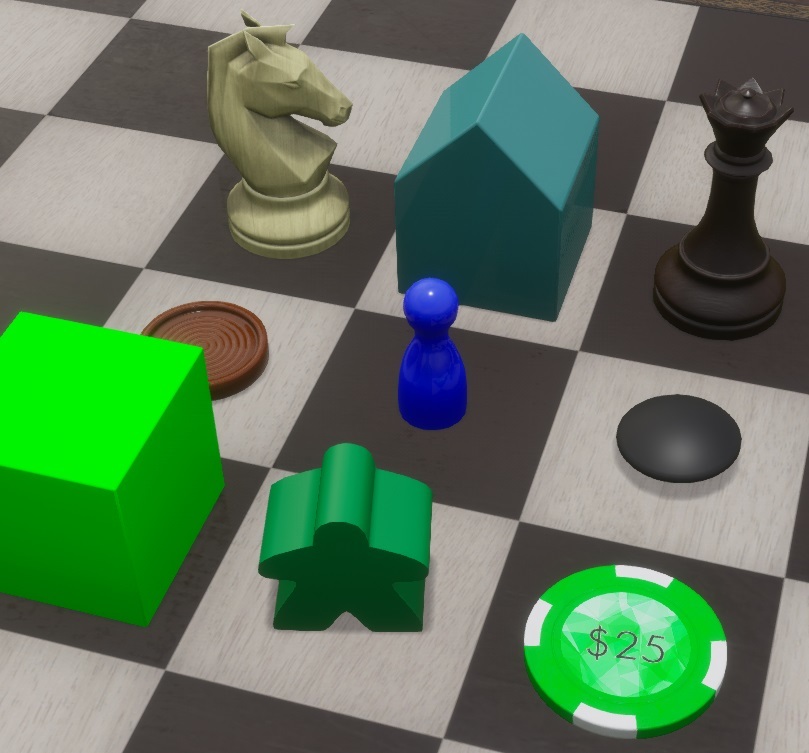
You can modify colors for most objects in the game. The simplest case is a uniformly colored object: you will set the color of the whole object. You can either freely choose a color, or you can quickly set it to your player color or a configurable custom color.

You can also set a color for simple textured objects: it will “tint” the whole object with that color.

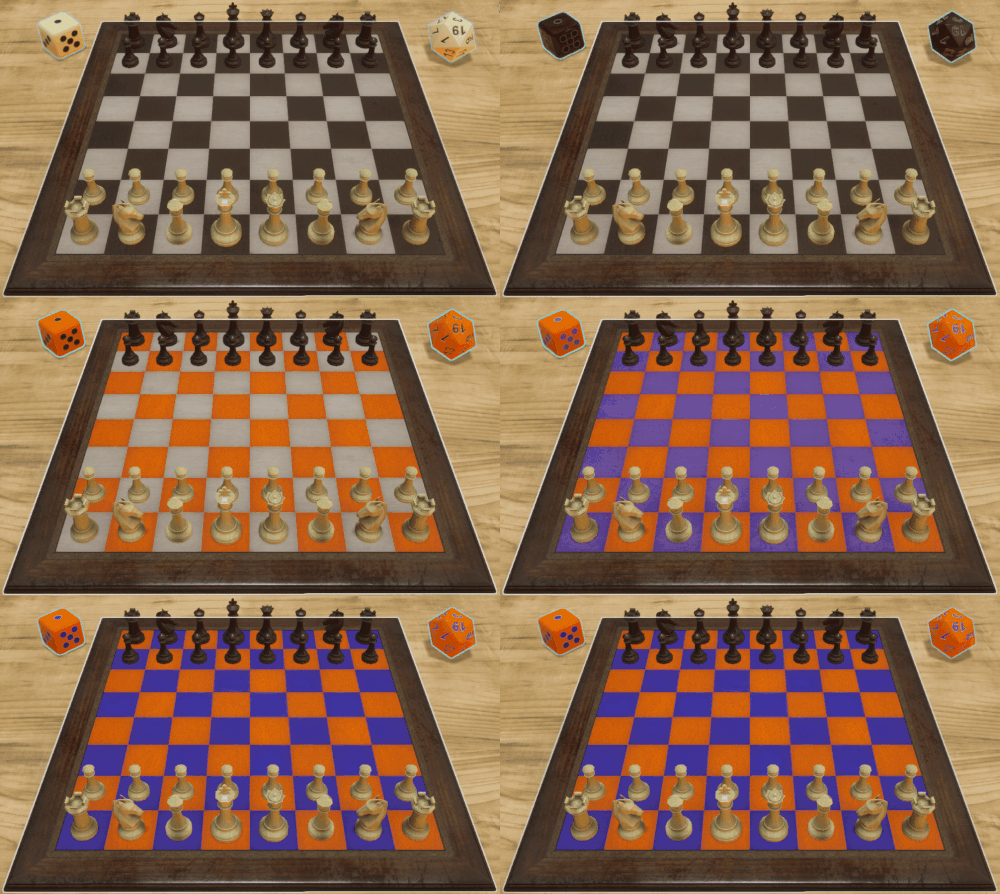
But often you don’t want to change the color of entire objects. Take a chess board, for example: the squares are usually black and white. However, for some chess sets light brown and dark brown may work better, or some other color combination (green and pink, anyone?). The chess board in Tabletop Playground is set up so you can edit both square colors independently. Other objects, like dice, work in a similar way.
If you want to create your own objects, you can also define where colors can be changed: In the editor you can include an “extra map” texture, where red color defines where you want the primary color, and green parts are used for the secondary color. The blue and alpha channels of the extra map are used to define roughness and metallic appearance, which will be the subject of the next post!
Player colors
Each player in a game is identified by a color. There are 10 different color options (those are, by the way, based on a color palette that is distinguishable for players with color blindness – click here for some scientific background on the topic). You can switch your player color in game. When you save the game and continue later with the same players, everyone will start with their previously chosen color.
The player color also determines which objects you “own”: currently, only card holders can have owners. Only the owning player (defined by player color) can see which cards are on a card holder. But you also have the choice to set it to ownerless so everyone can see the cards.
Object colors
You can modify colors for most objects in the game. The simplest case is a uniformly colored object: you will set the color of the whole object. You can either freely choose a color, or you can quickly set it to your player color or a configurable custom color.
You can also set a color for simple textured objects: it will “tint” the whole object with that color.
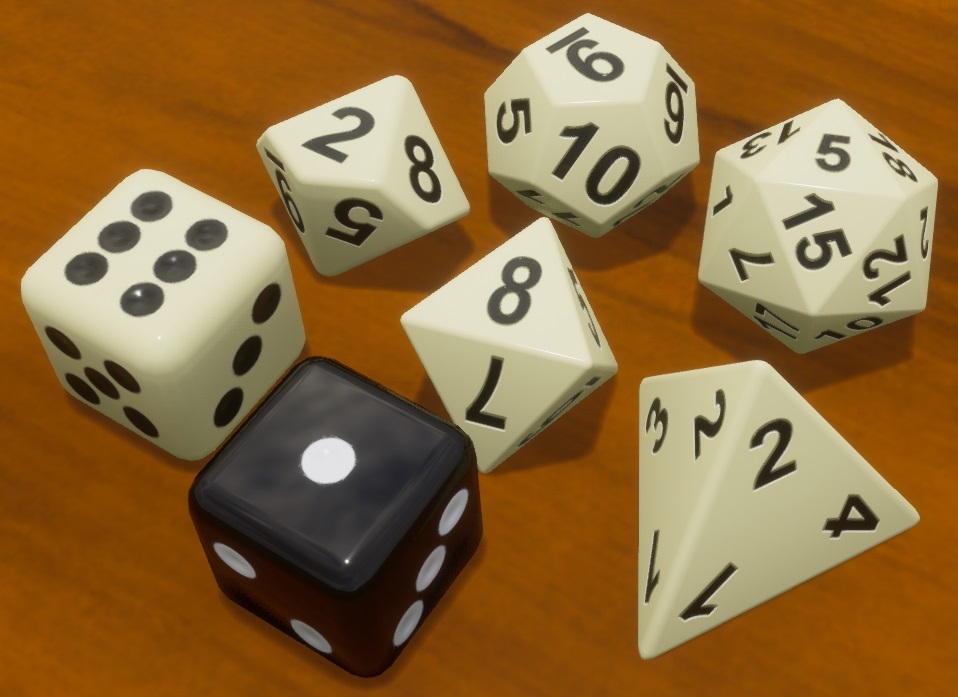
But often you don’t want to change the color of entire objects. Take a chess board, for example: the squares are usually black and white. However, for some chess sets light brown and dark brown may work better, or some other color combination (green and pink, anyone?). The chess board in Tabletop Playground is set up so you can edit both square colors independently. Other objects, like dice, work in a similar way.
If you want to create your own objects, you can also define where colors can be changed: In the editor you can include an “extra map” texture, where red color defines where you want the primary color, and green parts are used for the secondary color. The blue and alpha channels of the extra map are used to define roughness and metallic appearance, which will be the subject of the next post!