1. Synth Riders
  2. News

Synth Riders News

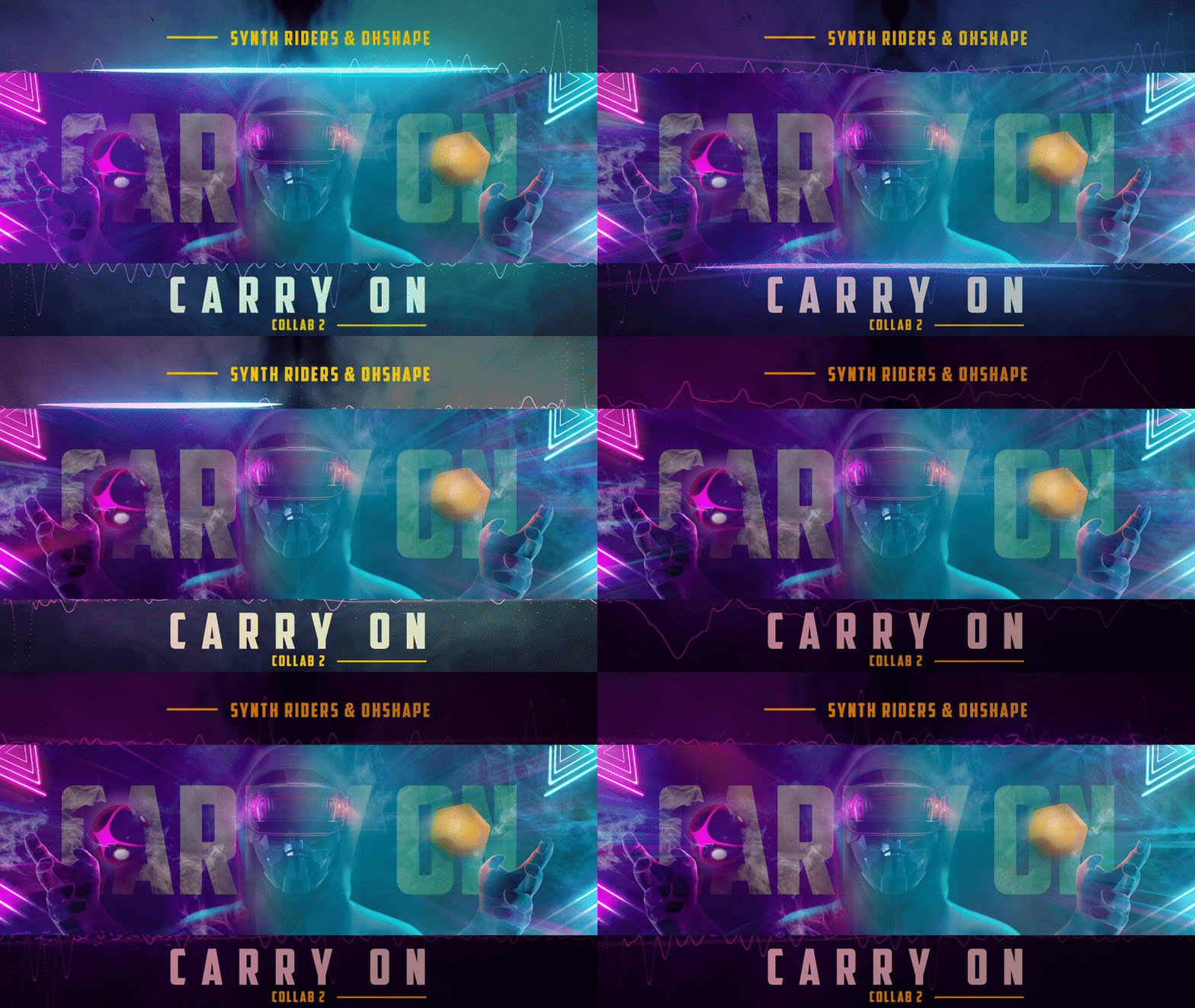
New Free Song "Carry On" in Collab with OhShape!

[h3]Dear Riders,[/h3]

[h3]We’ve joined forces again with OhShape to bring you a brand new song FREE in this update. “Carry On” by F.O.O.L. is now ready to dance in both games![/h3]

https://youtu.be/v2IXW3DSP_A

This complextro track matches super danceable rhythm with dub and bass cuts, gorgeously spaced-out synth breaks, and topped off with the ethereal vocals of Holly Drummond.

This new addition joins other free songs in the "Cyberpunk Essentials" Pack, so let's find ways to "Carry On" dancing!

[h3]You can play this and all other songs in 90, 180, and 360 degree thanks to "Spin Mode" - it's crazy fun so do make sure to check it out![/h3]


[h2]Also in this update[/h2]

[h3]Custom Camera Improvements[/h3]
The Custom camera now allows you to lock movements. You can lock roll to stop the camera tracking any head tilt side to side, lock pitch to stop the camera tracking any head nodding and lock the height to stop the camera moving up and down when you squat and stand.

[h3]Extra Score Detail on Leaderboards[/h3]
Select any score on the leaderboard to view the play summary screen for that score. This includes the notes hit, longest streak and the perfect/good/poor breakdown chart.

[h3]LIV Mixed Reality SDK Update[/h3]
We have updated the LIV Mixed Reality SDK included with the game!
  • The new LIV SDK no longer requires externalcamera.cfg file, so if you don’t require special options for the camera, you can remove this file from your game’s install folder. Doing so will fix the game window for users previously affected by a “tiny corner window” which made the game window unsuitable for capture.
  • Removed visible black patches from the foreground which were showing under particle effects when in foreground.
  • If you experience difficulty launching the game from LIV after this update, please try starting the game and then using Manual capture - Normal.

[h3]Bug Fixes/Improvements[/h3]
  • Where a special note was placed on the end of rail at the finish of a special section, it was possible to hit the note first, triggering the end of the special and resulting in the rail score not always being counted as a special (Thanks MiMiXis!)
  • Performance improvements for the “Rise of the Phoenix” stage (particularly on Quest).


[h3]Thank you so much, Riders. Carry on and join us on Discord![/h3]

Patch Notes v2.3.0-8

Custom Camera
There is now a Custom camera option available in Settings > Visuals which allows you to choose stabilization (smoothing), distance and field of view.

Bug Fixes & Improvements
  • All notes in Force mode must be played the same way. Previously, close notes switched to accuracy mode, but for consistency this has been changed to one mechanic for the whole mode.
  • All gold (two-handed) notes, including single notes and the first note in a special section, must be played with both hands.
  • Improvements made to hand detection for green (any hand) notes.

"Cyberpunk Essentials" Music Pack is here!

Take a trip to a future dystopia, where neon lights our day and night, cyberpunks and hackers are the new revolutionaries striking back at a technocratic regime.

Synth Riders’ “Cyberpunk Essentials” music pack takes you there with 10 carefully selected songs from both established and emerging electronic dance music artists such as Tokyo Machine, Pegboard Nerds, RIOT, and Au5!

[h3]This update includes 5 FREE new songs:[/h3]
  • “Voidwalkers” by Au5 & Chime
  • “I’ll Fight Back” by Sullivan King
  • “Showdown” by F.O.O.L.
  • “Calling Out” by MUZZ (feat. KG & Skyelle)
  • “Revenger” by F.O.O.L.

Plus a new Cyberpunk themed avatar!

[h3]You may also purchase 5 extra songs and a stage[/h3]

Either individually or as part of a bundle:

  • “Take That” by RIOT
  • “Eden” by Au5 & Danyka Nadeau
  • “TURBO” by Tokyo Machine
  • “MOSHI” by Pegboard Nerds & Tokyo Machine
  • “New Game” by Nitro Fun

Completing your experience is the brand new environment named “Dystopia”, where you take a road trip through a future city under the watchful gaze of “Big Brother”.

https://youtu.be/8aOJFPvyWRs

https://store.steampowered.com/bundle/15876/

[h3]Coming Soon[/h3]

Look closely at the end of the pack, and you’ll also notice a couple of extra songs:
“Takeover” by Zardonic (feat. The Qemists) and “Cyberpunk (Synth Riders Edition) by Extra Terra
These extra FREE songs will appear in everyone’s library very soon!


You can listen to the whole pack on Spotify:
https://open.spotify.com/playlist/02hlMI0AeQuaAPtSTNlkgI?si=xhpcSYwHQ-WABVQfXewwFw

[h3]COME JOIN US IN MULTIPLAYER! [/h3]IT’S “PLAY WITH THE DEVS” THURS 13 AUG 6PM PST at https://twitch.tv/synthridersvr


Other Game Updates


[h3]Note Textures[/h3]
(PCVR Only) You can now change the pattern shown on the notes through the Settings > Colors interface, choose a pattern that suits your playstyle and favourite stage.


[h3]Twitch Integration[/h3]
Get Ready for the Invaderz!
Your chat can now cause a Synth Invader to appear in game! Head into your Twitch Integration panel in game and turn on INVADERZ. Now your chat can either use the !invaderz or !invaders command to spawn up to 3 ships for you to battle. Be sure to dodge or hit their fire! Change the button from “INVADERZ” to “INVADERZ BITS” to make the Synth Invaders appear in response to bit donations - 100 bits to launch the first invader, 400 bits for the second and 500 for the third - so 1000 bits instantly launches all three!


[h3]Streamer Commands[/h3]
You can grant/revoke moderators special permissions for use with Twitch Integration using !enable /!disable commands for the following features:
moderatorall - disables all special moderators permissions
moderatortoggle - disables the !enable and !disable command for moderators
moderatorcommands - allows moderators to use interaction commands even when they are disabled
moderatorqueue - allows moderators to control the queue even when it is disabled
(All these features are enabled by default)


[h3]Moderator Commands[/h3]
Your moderators may use !enable /!disable commands to turn on and off Twitch Integration features for you. The features available to control are: color, rainbow, timewarp, speed, superspeed, invaders/invaderz, bitinvaderz/bitinvaders, botreply, queue.


[h3]Request Queue Commands[/h3]
Moderators can add songs to the top of the queue, or promote songs with !top , and can remove songs from the queue using !remove . The queue is now saved when you exit the game, and you can clear the queue with the !clear command.


[h3]Other Bug Fixes / Improvements[/h3]
  • Mapper name no longer shows as “zzzz” for OST requests.
  • Modifier icons now show tooltips in Multiplayer mode.
  • Oculus SDK performance improvements.


As always we welcome your feedback and bug reports on our Official Discord server.
Please use #bugs-report to make sure that we see your feedback.

[h3]Stay tuned for more free updates coming soon![/h3]


"Saturday Synth Fever" in Synth Riders #4

Join us for the best dance party in the Metaverse! Put on your shiny shoes, jump into the Multiplayer Mode of Synth Riders, and become the king of the dance floor.

This weekly, cross-platform event is a great way to have a good time with your friends, meet new people, and get your daily exercise in the process.

Our host and one of the favorites VR streamers HeyFalcon will jump between the rooms to get the party going. The event will also be live at twitch.tv/synthridersvr.

"Saturday Synth Fever" event begins every Saturday at 6PM PST / 9PM EST.

Hit "Set a Reminder" button to make sure you don’t miss the party!

Update 2.3.0.4

Hi Riders!

We really hope you're all enjoying the Spin Update, and we've been gathering all your reports of issues from all over and working to get as many things patched as possible. We want to thank everyone who has let us know about all these things for helping make Synth Riders a better game for everyone! There are a lot of changes in this patch, we've detailed as much of it as we can here.

FORCE MODE
  • After feedback from our Force playing community, the Force setting has been changed to the equivalent setting of the old “normal” modifier. This should make Force mode more enjoyable for everyone (thanks ELZ, NotKouto, emikodo)


MULTIPLAYER
  • Multiplayer scores for rooms with more than 5 players now display correctly (thanks Xrayxout).
  • Multiplayer - players marked as "Not Ready" are still being brought into the game (thanks Glonkable)
  • Multiplayer - wins not being updated in the main board (thanks Camelellogram)
  • Setting Voice Chat to Always and leaving Push to Talk off now correctly lets you talk while playing (thanks Gruntled)


TWITCH INTEGRATION
  • Prismatic notes behave correctly with the !rainbow command (thanks GeeseBreath)
  • Colour randomization with !color colours the rails correctly (thanks Wirrel)
  • Back arrow on the Queue menu works correctly (thanks Wirrel)


STAGES
  • “Spin City” is now selectable as a stage for use outside of Spin Mode!
  • Objects in the Spin City stage no longer disappear on head movement (thanks T-railed, Ichderhorst)


SETTINGS
  • Multiple selections of the Load Scene button in Settings no longer causes a problem loading the ready room world (thanks Xrayxout)
  • Auto Height & Units options in the Settings > Calibration Menu now work correctly (thanks mvoosten)
  • Time format updated for Quest users on the platform clock behind the player (thanks Gruntled)


OFFLINE PLAY
  • You are again able to play offline (thanks ThatDylan). In this mode, scores will not be saved or submitted.


SCORES & LEADERBOARDS
  • You may now swap between two leaderboard views.
  • Combined view shows all scores regardless of modifiers used.
  • Modified view shows only those scores set using the modifiers which you have selected
  • Player’s own score will now show again on the Friends tab in leaderboards (thanks Xoanon)
  • Scores set in Multiplayer lobbies are now saved into the unified leaderboards, so while you’re waiting for players to join you can still practice those songs!
  • Leaderboards are no longer just identified by the song’s name and artist information. Instead they are now tied to the song’s map. This means that if you have made a custom song then you will have new leaderboards as of this update, and should you make alterations to your custom song’s map this will in future also cause a new leaderboard to be created
  • .Accuracy percentages now showing correctly again on the summary screen on PCVR versions and multiplayer (thanks MiMiXi)


As always we welcome your feedback and bug reports on our Official discord server (Invite: http://discord.synthridersvr.com). Please use #bugs-report to make sure that we see your feedback.