1. The Falconeer: Revolution Remaster
  2. News

The Falconeer: Revolution Remaster News

The Falconeer gets a new lease of life with a free remaster filled with improvements, fixes, and new bits


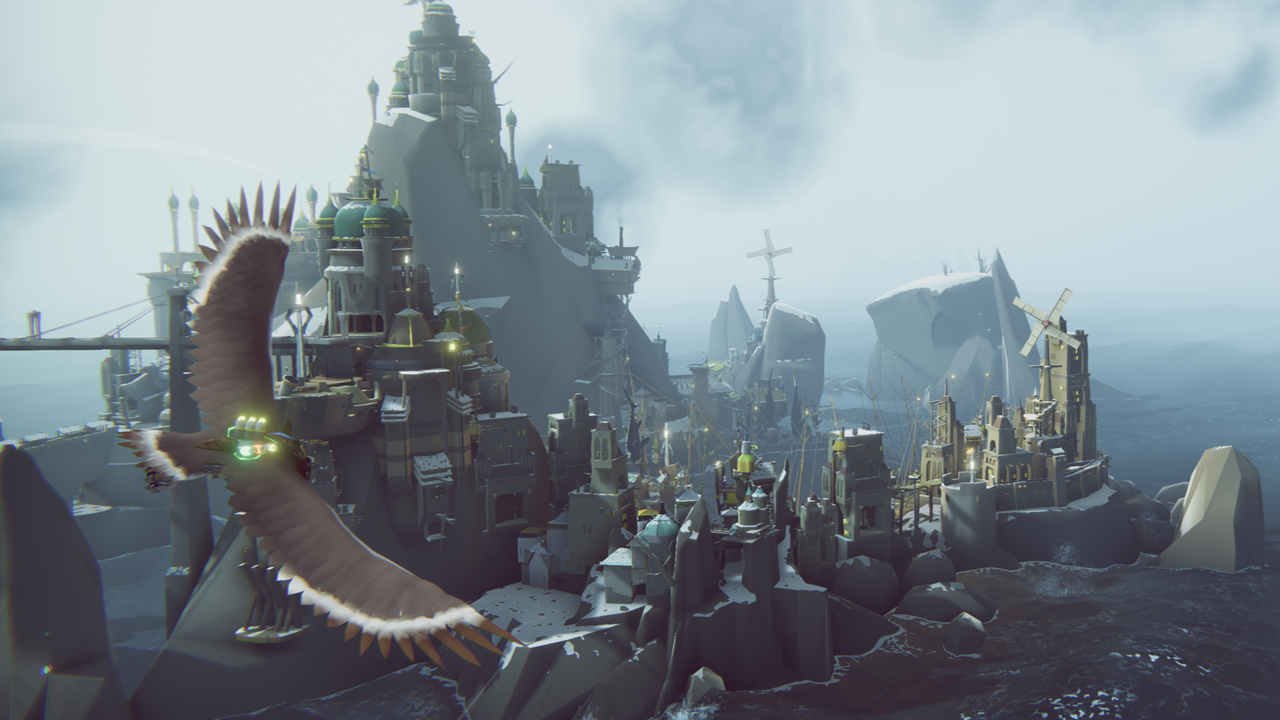
The Falconeer turns five years old next week, and ahead of that its developer Tom Sala has put in the work for a pretty big update. Update undersells it a touch I think, because it's being billed as a full-on remaster, complete with a touched up look, and plenty of mechanical changes. So, let's detail those details!

Read more

Auto detect KBM or PAD on first startup

[p]Hi there,

I added a detection system at first boot, if you pass the title screen with a keyboard or mouse press it will set the controls to mouse and keyboard. If you press with pad, it will set it to pad.

After that the setting is saved and can be changed in the control menu. This won't affect existing saves.
It will show you what control method is loaded at the title screen tho.

I also fixed that during the tutorial it says to roll left stick + left Trigger.. and the same for mouse, so people know its a combo press..

Hope this helps folks with controller issue[/p]

Underrated avian action adventure The Falconeer just got a free remaster that overhauls 'literally everything' about it: 'I hope and pray this remaster shows the dedication I have for my games'


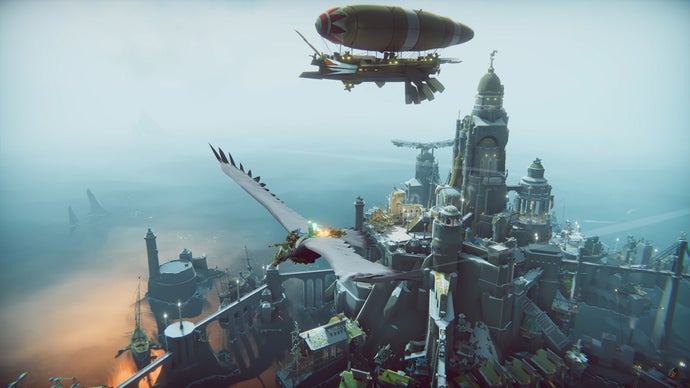
Originally released in 2020, The Falconeer is an aerial combat RPG about piloting enormous predatory birds through the skies of a crumbling oceanic empire. It was warmly received on release, nominated for a BAFTA and earning a respectable score of 78 in our The Falconeer Review...
Read more.

remaster patch #1 live.

[p]Hi Everyone , the firs proper hotfix is now live. It fixes some user reported issues and hopefully some minor QoL issues. Mouse and Keyboard players will hopefully find that the targeting reticule is closer to where shots land and overall more usable.

In the meanwhile steam input has been turned on as this seemed to fix a lot of controller troubles, with controllers not being detected.

I will try to make a linux build at some point, I can make that promise, and if its easy then yes I've heard all the messages loud and clear. But will only try some time after launch launch, it's also a bit dangerous to put anything up that is that untested or some quick slopwork cuz I wanna please folks fast. But its been bumped up on my agenda for sure. I don't own any linux hardware besides a dying steamdeck (it is currently refusing to charge, sigh).

VR wise, Thanks for all the positive responses, it's really illustrated the lack of easy statistics cuz I think there are a lot of VR fans out there I was simply never aware off. (I don't see you in the forums or discord often, are there never any support issues with the VR version?, you are very quiet audience, or technically very competent). At the moment I cannot tell if Falconeer can afford more work yet, but VR is on my list as well, reasonably top of mind. I have an old index, I suspect off which the lighthouses are defect(making the VR falconeer was the last time I used it), and I promise if that next gen VR gear from valve happens to see if I can acquier a devkit or borrow one. [/p][p][/p][p]So changelist: [/p]
  • [p]made the right stick camera softer[/p]
  • [p]tied the camera more directly to the left stick on gamepad, removed unnessecary deadcurve[/p]
  • [p]added colored aiming reticules, its the white box in the gui colors settings, so the 4th box is the reticule color.[/p]
  • [p]fixed ships from going upside down[/p]
  • [p]fixed  localisation text typos[/p]
  • [p]moved the mouse aim reticule closer to the bird, so your shots land on the reticule , and the reticule isn't showing long distance aiming  for a more accurate feel.[/p]
  • [p]enemy flyers won't investigate first contact if you are stealthy in the maw (important for chapter 4 missions and epilogue) [/p]
  • [p]tried to reduce hiccups in the camera orbit code[/p]
  • [p]fixed that the wrong key prompt was shown when you need to fire in the tutorial[/p]
  • [p]made it that using the subtarget button if you don't have anything targeted, will then target something near. [/p]
  • [p]the Dash wasn't rebindable , now fixed[/p]
Expanded Hotfix available on betas, SteamInput changes

[p]Hi everyone

I saw a few issues about controllers not being recognized, it turns out a lot were solvable by turning on steamInput, so I've made that the default. If you had your gamepad not being recognized, please check again if its better, or check in game properties if Steaminput is turned on.

Other issues and Improvement came out of the forums , here's the list:

from the earlier hotfix on BETA:[/p]
  • [p]tied the camera more directly to the left stick on gamepad, removed unnessecary deadcurve[/p]
  • [p]added colored aiming reticules, its the white box in the gui colors settings[/p]
  • [p]fixed ships from going upside down[/p]
  • [p]fixed  localisation text typos[/p]
  • [p]moved the mouse aim reticule closer to the bird, so your shots land on the reticule , and the reticule isn't showing long distance aiming  for a more accurate feel.[/p]
  • [p]enemy flyers won't investigate first contact if you are stealthy in the maw (important for chapter 4 missions and epilogue) [/p][p][/p]
[p]
new changes[/p]
  • [p]made the right stick camera softer[/p]
  • [p]tried to reduce hiccups in the camera orbit code[/p]
  • [p]fixed that the wrong key prompt was shown when you need to fire in the tutorial[/p]
  • [p]made it that using the subtarget button if you don't have anything targeted, will then target something near. [/p]
  • [p]the Dash wasn't rebindable , now fixed

    [/p]
[p]These changes are available if you go to game properties/betas and select the remaster beta in the pulldown. Then the game will update. I am hesitant to put these changes live, since its evening.. but if anyone wants to confirm they are good, that would be nice. if not I will launch this hotfix tommorow morning[/p]