1. Rising World
  2. News

Rising World News

Update 0.3: Multiplayer

Hey folks,

A new update is ready which introduces Multiplayer. This includes support for Steam P2P (the "Play with friends" option), LAN support and actual dedicated servers. The dedicated server files are also available on Steam (as a separate beta branch on the "Rising World Dedicated Server" app).

It was important for us to get the multiplayer feature ready ASAP, because this makes bug tracking in this area a lot easier - the later we release multiplayer, the harder it would be to find and fix bugs. But please keep in mind that this is the first multiplayer release, so it may contain bugs. If you run into any issues, please let us know, so we can fix them ASAP.
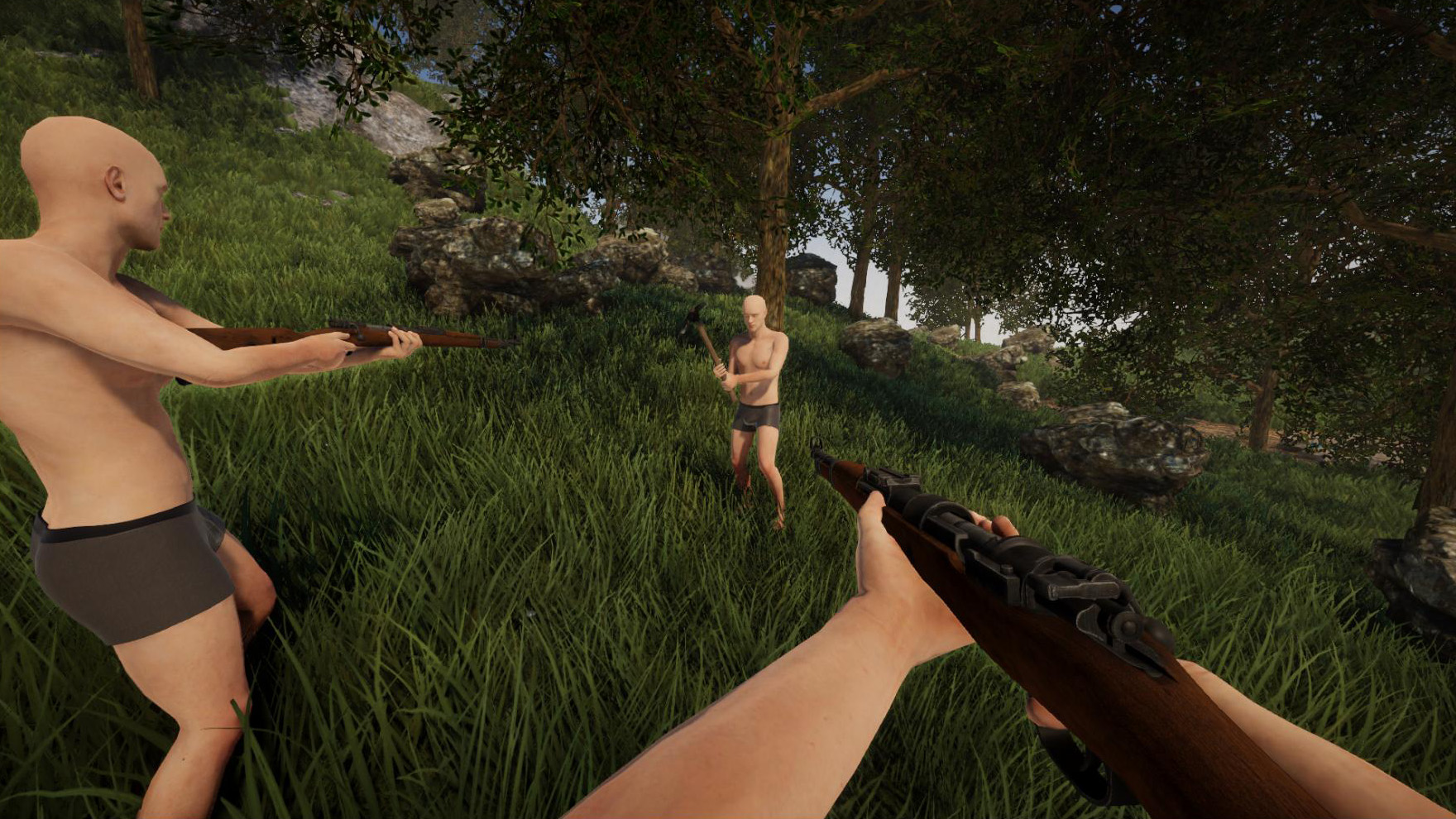


The new version provides much better player sync compared to the Java version. The connection to servers should also be more stable now. There are also ragdoll physics available for dead player bodies (of course the same also will apply to npcs in the future). We've added better hit detection for firearms (which will make gunfights more fun) and implemented a basic foot IK system for players, which corrects their feet and legs depending on the ground.

This update already includes built-in "Area Protection" functionality. You can create areas in creative mode, assign custom names to them (which will be shown to players who enter the area) and specify custom permissions per player. You can find more information about this feature here: Area Protection

The dedicated server also provides a lot more functionality compared to the Java version - this includes a new, powerful scheduler, restart functionality, ability to set up custom server descriptions and header images, extensive logging of world events and more. We were also working on a new RCON tool (which will be web-based), but unfortunately it wasn't ready in time. But it will become available soon.

If you want to play with your friends, just go to the singleplayer menu, select a world and hit the green "Play with friends" button. This starts a P2P session and friends can join your game through the friends list. It doesn't require any port forwarding or additional setup.

If you want to join a public multiplayer server, go to the multiplayer menu to bring up the server browser. Please bear in mind that there may be almost no servers available right now, considering this is the first multiplayer release for the new version. This will likely change in the next few days.

If you want to host your own dedicated server, you find more information about that here: Dedicated Server Setup
But hosting a dedicated server requires some additional steps, so it's usually easier to rent a game server, or if you just want to play with your friends, use the "Play with friends" option mentioned above.

It's now our intention to focus on more survival- and gameplay-related features. The next big updates will introduce a fully working world generation, water and npcs. In the meantime, we also want to get crafting and blueprints ready. It's now also about time to introduce more content in general, like new items, plants etc. Stay tuned for the next updates!


[h2]Changelog 2021-08-31 (0.3):[/h2]
  • [New] Multiplayer
  • [New] Added support for Steam P2P ("Play with Friends")
  • [New] Added LAN mode
  • [New] Added kick, ban and other multiplayer-related commands
  • [New] Added dedicated server (Multiplayer)
    • Restart functionality
    • Whitelist and Blacklist functionality
    • Ability to set reserved names
    • Input listener (for direct server commands)
    • Custom server console
    • Logging (with optional auto-removal of old logs)
    • Custom header images (for server browser)
    • Custom description (for server browser)
  • [New] Added areas and area protection
    • Areas can be created and modified in creative mode (F9)
    • Radial-Menu to setup area (name, priority, permissions)
    • Areas can have an arbitrary name which is optionally shown to players
    • Areas can have a default permission and individual permissions per player
    • Ability to prevent players from entering/leaving an area (like an invisible wall)
  • [New] Added extensive scheduler (multiplayer)
    • Three different timer tasks (interval, fixed time, time offset)
    • Event-based tasks
    • Built-in variables and access to server options

  • [New] Serverbrowser with various filters and sort modes
  • [New] Serverbrowser can also discover LAN servers (in local network)
  • [New] Keeping track of server history and favorites
  • [New] Added player list / scoreboard (i)
  • [New] Added extensive logging of world modification events (multiplayer)
  • [New] Added permissions (multiplayer)
  • [New] Added UI to show the current permissions
  • [New] Added hit marker for firearms (when hitting a target/player)
  • [New] Added ragdoll physics for dead player bodies
  • [New] Added player foot IK (adapt player foot and leg position to the ground)
  • [New] Added private chat messages (chat messages beginning with '@' followed by the player name)
  • [New] Added supersonic crack for fast projectiles flying by
  • [New] Added basic voice chat (WIP)
  • [New] Current world snowiness and wetness is now saved persistently
  • [New] Command "edit" which allows you to change transform, color or texture of a construction element (like "editc" in the Java version)
  • [New] Added "fake-color" to paint roller as placeholder which can be used to decolor objects
  • [New] Added singleplayer world list (full functionality will be available with the future world generation update)
  • [New] New Main Theme
  • [Change] Improved visibility of building grid on distorted or frosted glass
  • [Change] Latest world changes now get properly saved when shutting down the game
  • [Change] Reduced grid line thickness on construction elements
  • [Change] Updated chat font size and emojis
  • [Change] Equipping an item from inventory now closes the inventory automatically
  • [Bugfix] Fixed rare crash after placing or removing construction elements
  • [Bugfix] Fixed rare error showing up when hitting a tree or object
  • [Bugfix] Fixed broken block id label (in texture selection window) under certain resolutions
  • [Bugfix] It's no longer possible to shoot through walls if you stand right in front of them
  • [Bugfix] Fixed rare issue which caused plants to become unremovable
  • [Bugfix] Fixed changes to no-clipping in flymode not being saved correctly
  • [Bugfix] Fixed input dialogs (e.g. when saving a building preset) sometimes closing instantly
  • [Bugfix] Fixed "No fall damage" setting not being applied after restarting the game
  • [Bugfix] Other changes and fixes
Update 0.2.1: Glass, creative mode tools and more

Hey folks,

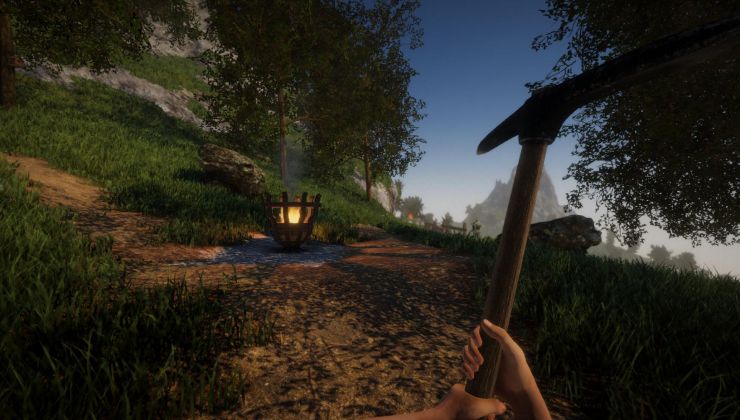
This update introduces various glass panes and a total of 19 glass textures, as well as lots of bugfixes and Quality-of-Life changes.

Construction elements now spawn debris when destroying them (this can be disabled), and we've also reworked the grid (G) for the building tools (it's now similar to the grid in the Java version). Speaking of building tools, when placing multiple blocks on a row, you can now change the gap between elements. It's also possible to assign names to your size presets, and we've changed the pivot size for very small elements.

We've also added removal tools for the creative mode (F7) - this helps you to remove trees, objects or construction elements in no time. You can also enable the good ol' creative mode light (L). If desired, you can change the light intensity in the settings.

If you want to create an equirectangular image (360° image), try out the "panorama" command - it works properly now.

Apart from these things, we've also made some changes when it comes to the graphics: We've fixed a few issues with certain construction textures, the ambient occlusion effect is now improved, shadows get properly updated whenever the environment is modified, and the game can now handle direct specular reflections, which improves the visual appearance of reflective and wet surfaces (e.g. after rain).


Last but not least there are some other, smaller changes and several bugfixes. Find the full changelog below. We're currently working on Multiplayer, which includes P2P support ("Play with friends" option) and dedicated servers. We'll provide more information about that soon, so stay tuned!


Changelog 2021-06-21 (0.2.1):
  • [New] Added 19 glass textures
  • [New] Added 6 different glass panes (construction shapes)
  • [New] Construction elements now spawn proper debris when destroying them
  • [New] Added new grid for building tools (similar to the grid in the Java version)
  • [New] When placing multiple blocks in a row, you can now change the gap between them
  • [New] Added specular reflections to items and the environment
  • [New] Block texture selection categories are now collapsible (default state can be set in options)
  • [New] Added creative mode light (L) (intensity can be changed in settings)
  • [New] Added creative mode removal tools (F7)
  • [New] You can now assign names to your building size presets (see building menu)
  • [New] Added quality settings for ambient occlusion effect
  • [New] Screenshots now optionally include the HUD and UI (can be changed in settings)
  • [New] Panini projection can now be changed in graphics settings ("view adjustment")
  • [Change] "panorama" command (to create panorama screenshots) no longer includes player arms
  • [Change] Disabling building marker no longer hides block count numbers
  • [Change] Reduced pivot size for small elements
  • [Change] Changed alignment of some building textures
  • [Change] Creative mode terrain flatten tool (return key) level no longer resets if distance is too great
  • [Change] Projectiles now deal damage to construction elements (depending on material)
  • [Change] You no longer get kicked from a singleplayer game for using an invalid player name
  • [Change] It's no longer possible to shoot with a firearm while sprinting
  • [Change] Updated Unity version (2021.1.11f1)
  • [Bugfix] Fixed certain construction textures appearing pixelated if directly lit
  • [Bugfix] Fixed seams between cylinders and hollow cylinders
  • [Bugfix] Fixed wrong surface offset on flipped/mirrored construction elements
  • [Bugfix] Fixed underground blocks not loading properly in certain situations
  • [Bugfix] Fixed motion blur causing issues on screenshots and panorama screenshots
  • [Bugfix] Fixed issues with object gravity (objects breaking for no apparent reason etc)
  • [Bugfix] Fixed sporadically missing collide sounds of felled trees
  • [Bugfix] Changing visibility of creative mode toolbar works properly now
  • [Bugfix] Changing the shadow view distance in the settings work properly now
  • [Bugfix] Placing or removing construction elements now properly updates shadows of nearby lights

Update 0.2: Building Update

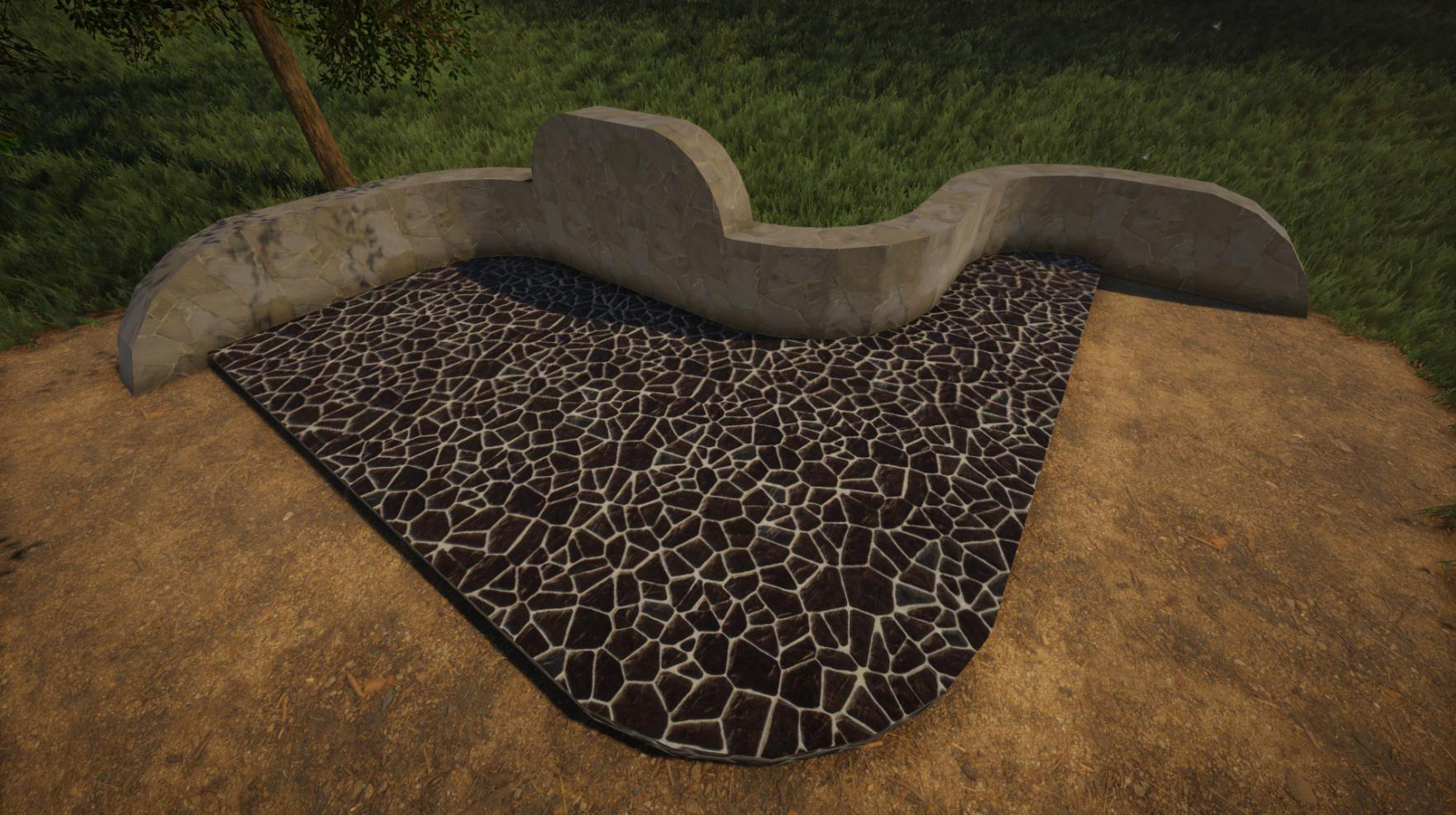
Hi folks! Finally the building update is available for the new version! It introduces almost 200 different materials and 27 different construction shapes.

Unlike the Java version, there is no longer a distinction between blocks and construction elements. Instead every block can now be freely rotated and resized, which gives a lot more freedom compared to the old version.


We've also created new building tools from scratch, introducing various new features. For example, the modular snapping is now very powerful and enables you to easily create rounded structures in no time. There is also a visual radial menu now which allows you to change various building settings without having to use console commands.

Compared to the Java version, you will now experience much smoother texture transitions between different materials and also significantly less flickering on overlapping elements.


Unfortunately the crafting part is not fully implemented yet, so we've set up a temporary material selection at the workbench. The same material selection also shows up if you use the "item" command: Typing "item block" into console brings up the texture selection. Alternatively you can also just type "item construction" to bring up a shape selection as well.

We appreciate any feedback regarding the new building tools. We've implemented them in a modular way, so we can modify them quite easily if necessary. If you find any issues with the building tools or if you have any suggestions about them, please don't hesitate to let us know!


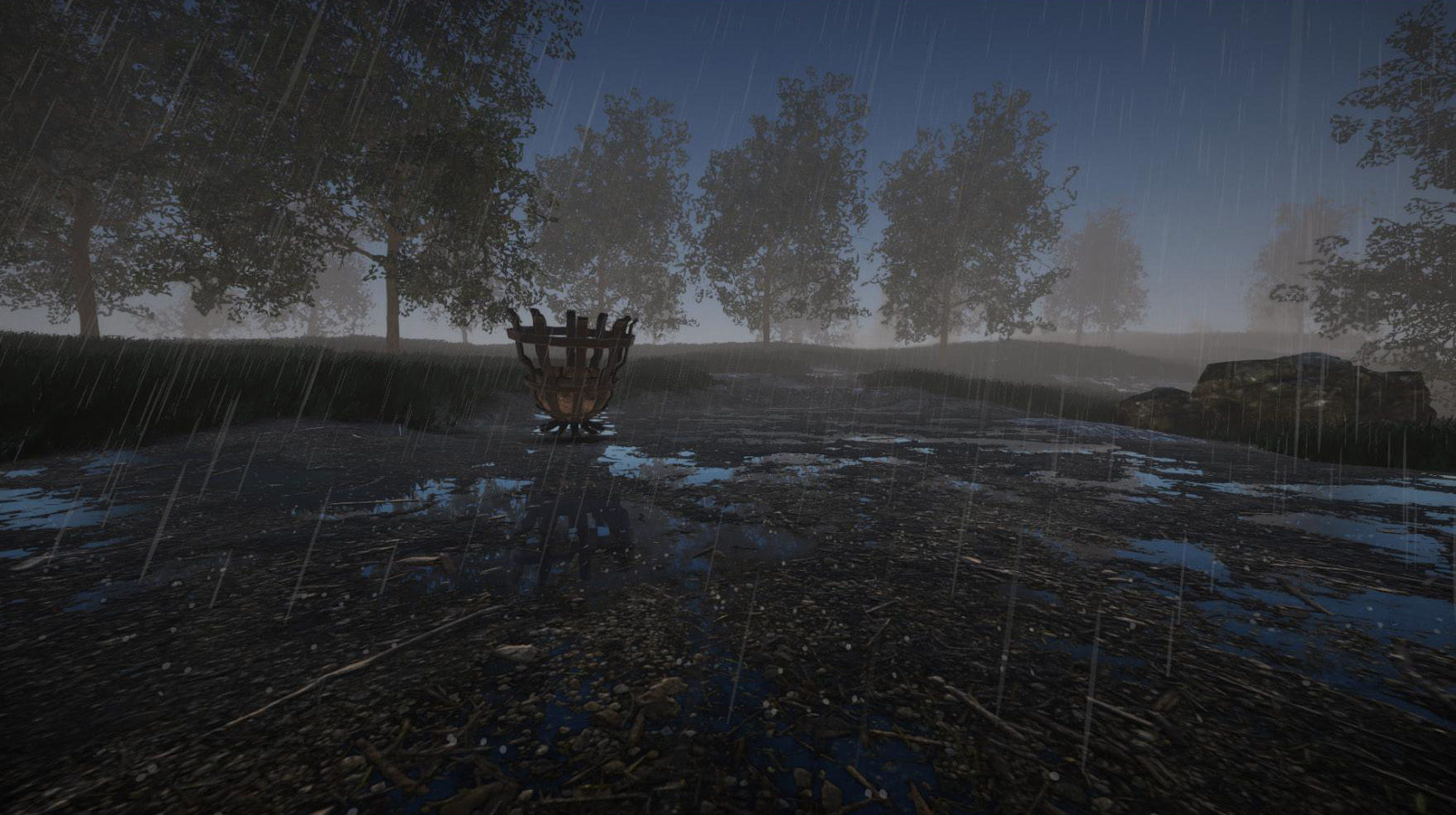
Apart from the building part, this update also introduces a few other changes and additions. Rain now produces proper puddles on terrain, and we've also added reflections for puddles and smooth construction materials (like metal or marble). We've also improved lots of sounds, implemented the "misc" settings menu (giving you access to various game options), changed the way how grass is generated, and if you prefer using a high FOV or if you play on an ultra-wide screen, you can now enable "panini projection" to reduce screen distortions. Find the full changelog below!


It's now our intention to add multiplayer and blueprints. We've already implemented large parts of the multiplayer, so the next update will be available a lot faster. Stay tuned!


__________________________________________________

Changelog 2021-04-29 (0.2):
  • [New] Update to Unity 2021.1
  • [New] Added 27 different construction elements (block shapes)
  • [New] Added 198 different textures
  • [New] New building tool for construction elements:
    • New modular snapping (automatic and manual mode)
    • Ability to place multiple elements in a row (1-3 directions)
    • Ability to change texture scale
    • Upper surface can be modified independently
    • Ability resize elements proportional
    • Ability to apply size of an existing world element to current element
    • New radial menu to change parameters without commands
  • [New] Reduced z-fighting (flickering) of overlapping construction elements
  • [New] Ability to paint construction elements
  • [New] Grass can now grow in all directions (TBD)
  • [New] Added "Miscellaneous" settings menu, giving access to various game settings
  • [New] Added buttons to sort inventory or merge item stacks
  • [New] Added screenspace reflections (still WIP)
  • [New] Rain produces puddles on terrain and also gives it a "wet" look
  • [New] Added settings to hide pivots or grid in building tools
  • [New] Added new background scenes for main menu
  • [New] Added optional fly mode speed control (shift+scroll), see misc settings
  • [New] Added "panini projection" setting (to reduce distortion when using wide fov)
  • [New] Command "item construction" now brings up a block shape selection menu
  • [New] If no variation is defined for the "item" command (when spawning constructions), a texture selection menu shows up
  • [Change] Added new fire and reload sounds for repeater
  • [Change] Added inertia to equipped item
  • [Change] Cannot pickup locked doors anymore
  • [Change] Increase running speed of player
  • [Change] Player lowers equipped items while sprinting
  • [Bugfix] Walkie-Talkie and Megaphone no longer crash the game if recording device could not be initialized
  • [Bugfix] Fixed missing texts when changing creative mode terrain tool shape
  • [Bugfix] Fixed grid rendering on lowest grid sizes (0.0625 and 0.03125)
  • [Bugfix] Fixed broken textures (red spots) on LOD terrain
  • [Bugfix] Fixed sporadically occurring shadow artifacts on lit surfaces
  • [Bugfix] Fixed console key showing up in input line when opening/closing the console
  • [Bugfix] Fixed various other issues


Hotfix 2021-05-03 (0.2.0.1):
  • [New] Pivots for remaining construction elements (rounded block, corner elements etc) are now available
  • [New] New block shape: Half cone
  • [New] Fly mode no-clip setting is now accessible in the misc settings
  • [New] Added frame limiter setting (see graphics settings)
  • [New] Added "findbase" console command
  • [Change] Manual positioning now stays active after changing the item (need feedback)
  • [Change] Added additional preset slot to building radial menu
  • [Change] Increased default duration of a day from 42 to 60 minutes
  • [Change] Changed tiling for some wood textures
  • [Change] It now takes 2 hits to destroy blocks in creative mode
  • [Bugfix] Fixed wrong rotation if modular snapping is active
  • [Bugfix] Fixed texture issue on rounded block
  • [Bugfix] Fixed texture on slope getting stretched on certain rotations
  • [Bugfix] Editing surface offset of rounded block no longer breaks the mesh
  • [Bugfix] Fixed missing tooltips and drag&drop items after returning to the main menu
  • [Bugfix] Fixed rotation not working right after enabling the manual positioning mode
  • [Bugfix] Changing block shape after splitting the stack no longer affects both stacks
  • [Bugfix] Fixed inventory sometimes being cleared for no reason
  • [Bugfix] Fixed reset button in settings not working correctly
  • [Bugfix] Fixed wrong door scale (thickness) after resizing it
  • [Bugfix] Fixed wrong wind intensity on snow effect

Open-world voxel sandbox game Rising World is going through a rewrite

After entering Early Access in 2014, JIW-Games have been rewriting their open world sandbox game Rising World to move away from Java and instead use the Unity game engine.

Read the full article here: https://www.gamingonlinux.com/2021/01/open-world-voxel-sandbox-game-rising-world-is-going-through-a-rewrite

First playable version now available!

Dear Community! We're pleased to announce that the first playable demo of the new version is finally available! It is available as a separate Beta branch on Steam - if you select it, you will still keep the current Java version and the new version will be downloaded into a separate subfolder. This first demo will serve as foundation for future update, and once it's a bit more fleshed out, it will replace the Java version (but of course you will still be able to play the Java version at any stage).

We've also prepared a new survey for the demo and would appreciate your feedback: https://forms.gle/7Tf95343NQtgSUou8


In order to get the demo, just rightclick on Rising World in your Steam library -> Properties -> Betas -> select "New Version Preview" and wait until the download is ready. When launching the game, a dialog shows up: Select "New Version" to launch the new version of Rising World.

NOTE: Always launch the game from your library, do not launch it right from the "Downloads" section because this always launches the default Java version.


However, there are a few important things you need to know about this version:

Features and Content

This version is quite limited and it lacks several features and any serious gameplay content. It rather serves as "tech demo" and is meant to give you a very first impression of the new version. We've also disabled some features in this version - for instance, only a small part of the world is generated and many plants and forests are missing.

Here you find a rough overview of some of the features of the demo version: https://forum.rising-world.net/thread/11064/

Performance

We're using Unity new scriptable render pipeline, more specifically the HDRP which has a rather high base overhead - much higher compared to the Java version. In return we're able to achieve much better scalability, especially if the world consists of lot of buildings. This means it's extremely important that your machine meets at least the minimum requirements of the game (which are stated on the store page). However, if you experience performance issues, please let us know! There is definitely room for improvements

View distance

One important note about the view distance: Basically the new version is able to achieve much larger view distances compared to the Java version. On the one hand, chunks are now twice the size. On the other hand, values are treated a bit different in the new version; while a view distance of 20 chunks, for example, referred to 20x20 chunks around the player in the Java version, this value now refers to 20 chunks in each direction (effectively being 40x40 chunks now). In other words: A view distance of 50 in the new version would be equivalent of a view distance of 200 in the Java version

Weather

There are a few weather effects available which can be set via console command. Just like in the Java version, type "weather " into console (if you put a "1" at the end, the weather changes instantly). In addition to the weather effects of the Java version, there is now snowfall available (which covers the world in snow over time). The names for these effects are "snow" and "heavysnow"

Linux

There are unfortunately a few bugs in Unity which are out of our control. They were reported to Unity. For instance, it's currently not possible to change the resolution on Linux without restarting the game (Mac and Windows are not affected by this issue). There are a few other issues as well, but if you find any bugs, please don't hesitate to contact us

Multiplayer

Unfortunately the multiplayer part isn't fully ready yet, but we already wrote the code with multiplayer in mind - so it's basically almost ready. It's our intention to release a working multiplayer shortly after the upcoming building update

Plugin API

Unfortunately the plugin API isn't ready either - this means it doesn't work in the demo yet. There is still some work to do, but we've set up a new section in our forum which contains more information about the new API: https://forum.rising-world.net/thread/11062/

Future

Obviously the demo took a lot longer until it was ready - much longer than expected. We're so sorry about that, but we also appreciate your patience! Good news is that many core mechanics are now implemeted or almost ready (and this was the most time consuming part), so we should soon be able to get into a state where content can be added more quickly

Feedback

We really hope you enjoy the demo! Even though it's still very limited and cannot be considered a full game, it should already give you a good idea of what Rising World will look like in the near future. We are looking forward to your feedback, please let us know what you think about the new version! As mentioned above, we've prepared a survey for that purpose: https://forms.gle/7Tf95343NQtgSUou8