1. Rising World
  2. News

Rising World News

Update 0.6: Animals

Hi folks,

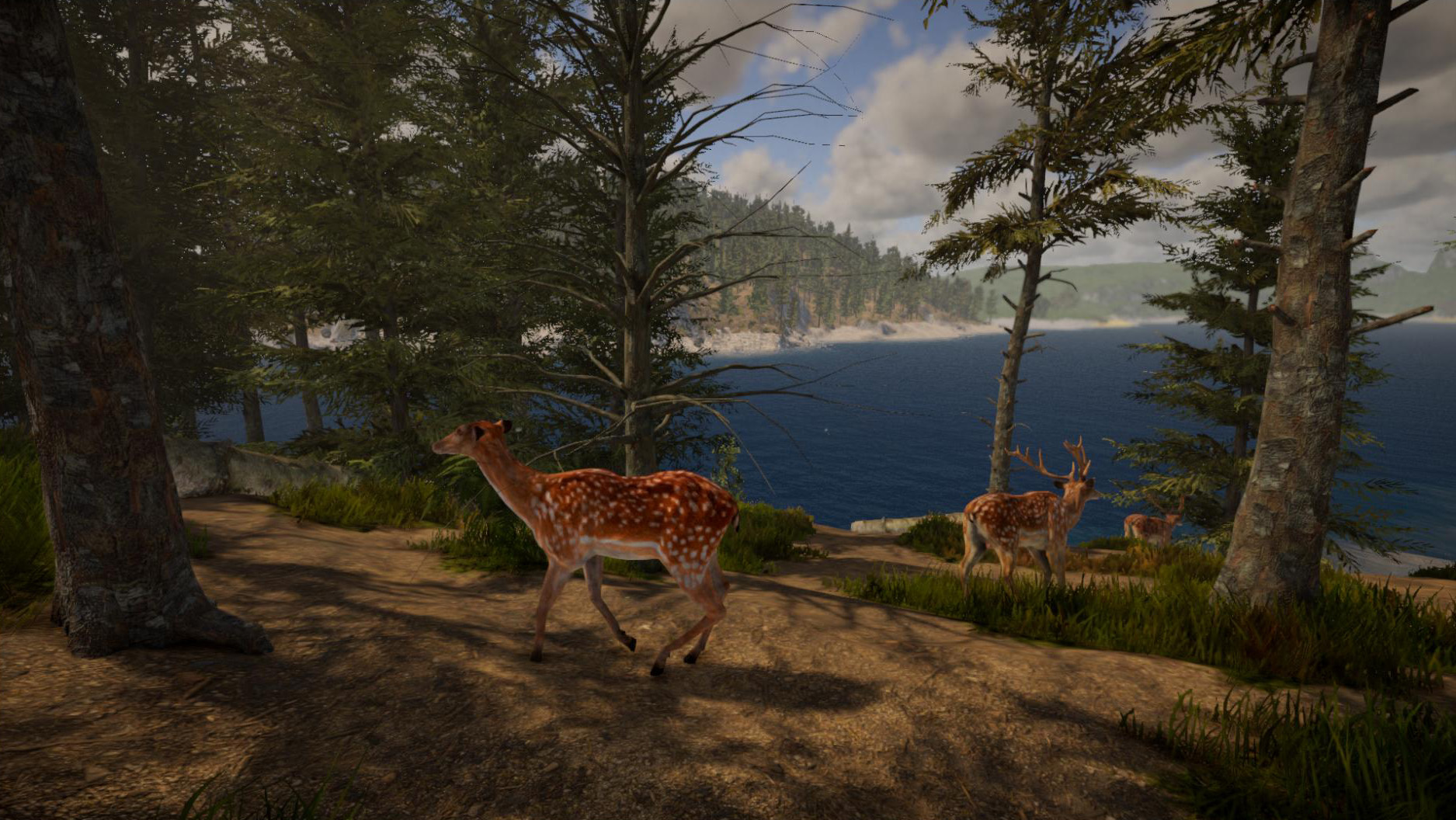
A new update is now available which finally introduces the first animals to the new version!
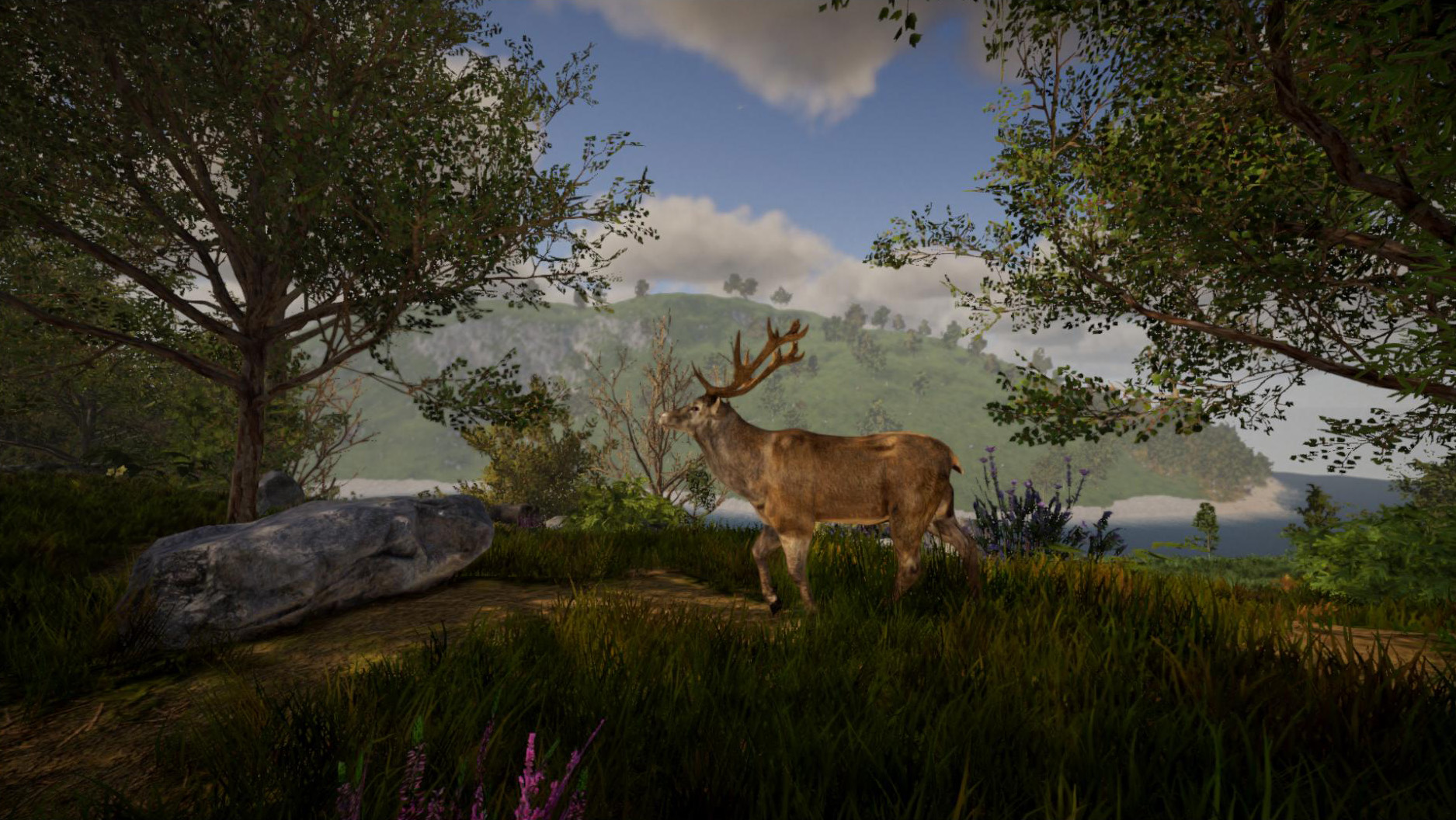


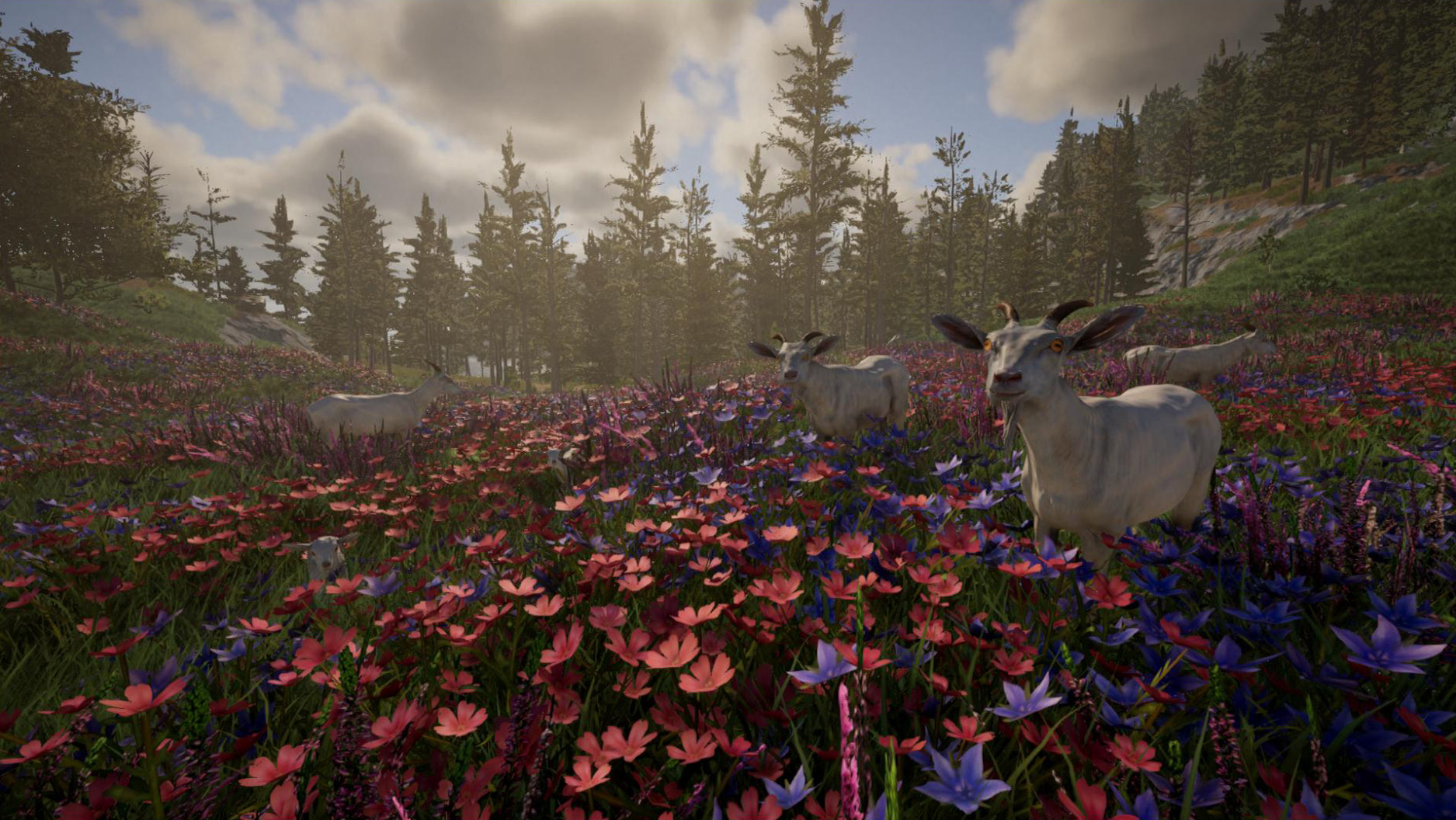
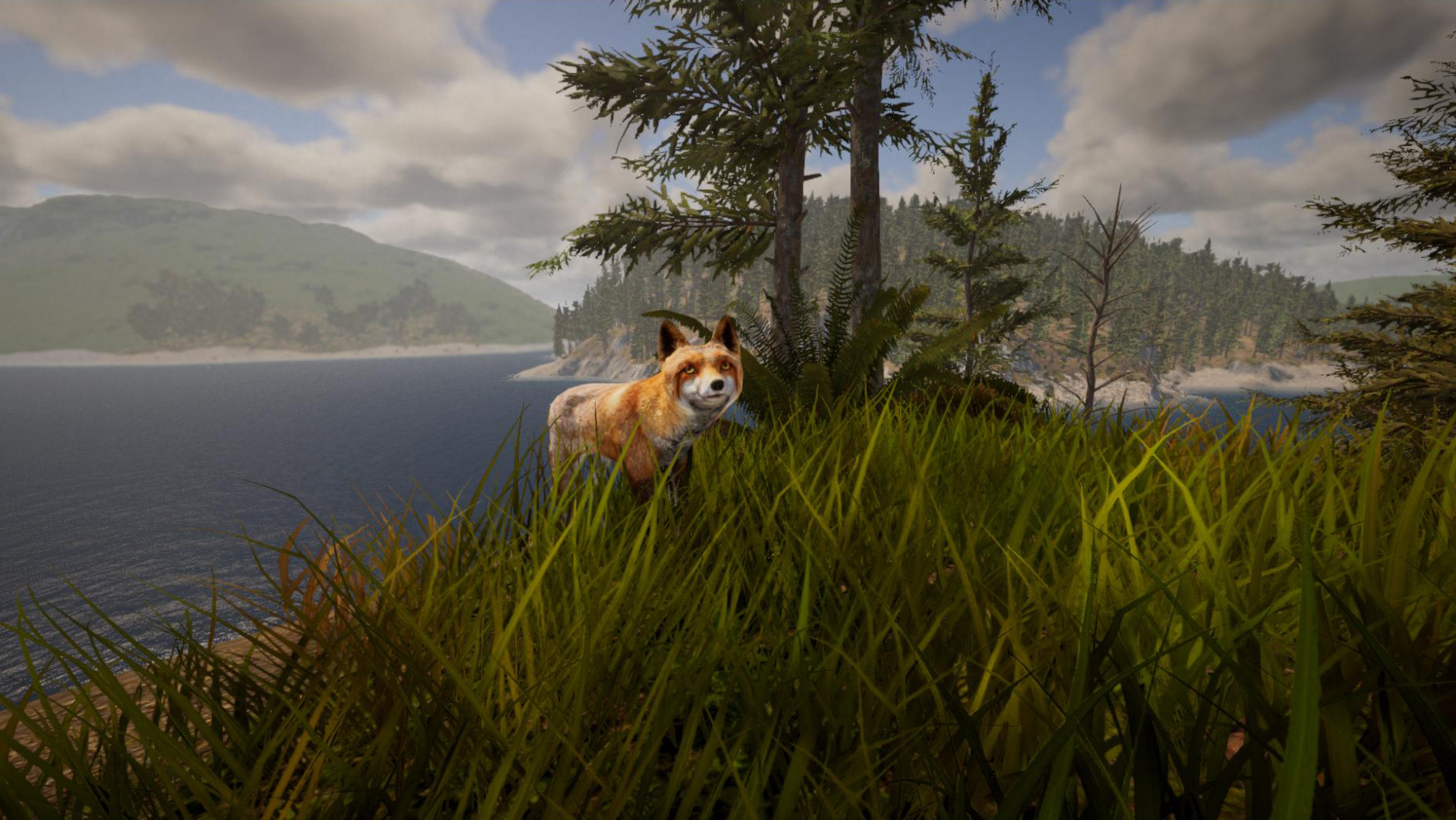
In total, this update introduces 29 different animals as well as different variants for some animals (13 variants in total). This includes male and female animals for most animals as well as cubs.
Animals will spawn persistently in unmodified chunks - new animals will also respawn if the animal population becomes too small.
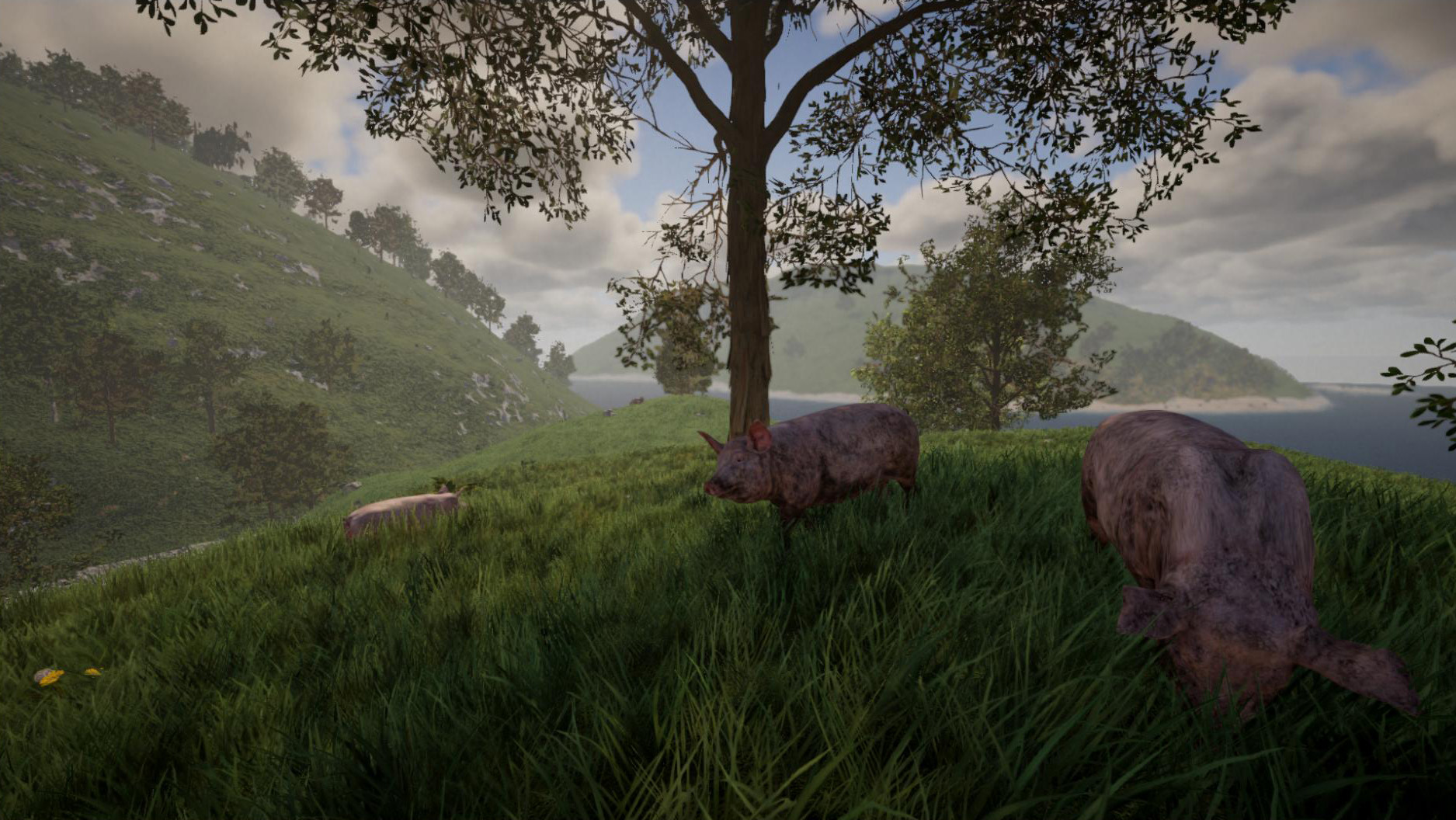


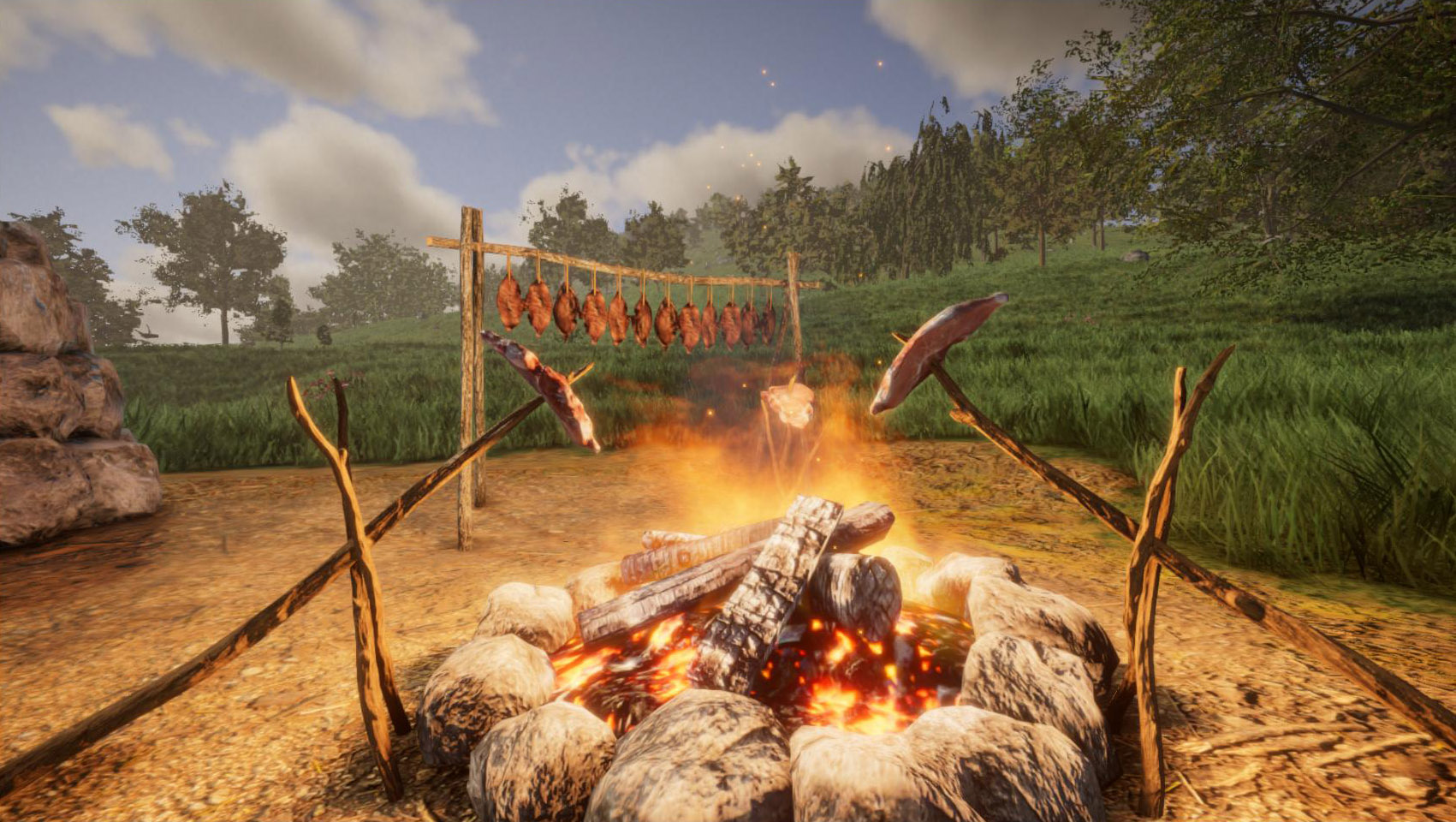
You can now get wool from sheeps by using shears and meat from dead animals by using a knife - currently there is only one type of meat available (as a placeholder), but more types of meat will be ready in the near future. To make the meat edible, you can either cook it on a campfire (by using a skewer), or use the drying rack to dry and preserve the meat (which is easier than cooking meat, but this also takes a lot longer).


Apart from animals, this update also introduces new items: A modern mining drill and an ore detector. Both items can be crafted at the modern workbench. There is also a new playable piano available with this update. We've also added a new creative mode edit tool (F8) - this acts like the "edit" console command, but you can modify multiple elements simultaneously. Right now this is only supported for constrution elements, but we will also make this tool available for objects like furniture or lamps.

It's now possible to store terrain in blueprints by the way. And of course this update introduces various other changes and bugfixes, please find the full changelog below.

We've now also finalized some preparations for releasing a first experimental version of the new Plugin / Modding API. We'll provide more information about that soon - probably within the next 2 weeks.

Stay tuned for the next update! :)


[h2]Changelog 0.6 (2023-03-01):[/h2]
  • [New] Animals: pig, piglet, cow, bull, calf, goat, billy goat, goatling, sheep, ram, lamb, chicken, chick, hare, earthworm, deer, stag, deer calf, red deer, wild boar, wild sow, wild piglet
  • [New] 13 different variants for various animals
  • [New] New item: miningdrill
  • [New] New item: ore detector
  • [New] New item: steak/meat (raw, cooked, burned, dried)
  • [New] New item: wool
  • [New] New object: skewer (used to cook meat)
  • [New] New object: playable piano
  • [New] New object: snowman
  • [New] You can now use the drying rack to dry meat
  • [New] Added creative mode edit tools (F8) for construction elements (single edit and area selection)
  • [New] You can now also save terrain in blueprints
  • [New] Added IPv6 support for dedicated servers (multiplayer)
  • [New] You can now access and loot the inventory of dead players
  • [New] Added options to identify or hide dead bodies (radial menu)
  • [New] Added "DisableGravity" attribute (see "edit attribute" command) to objects (like furniture) and plants (to disable gravity per element)
  • [New] Main menu now shows a warning if there is a DirectX/graphics error caused by an outdated or broken graphics driver
  • [New] Blueprint menu now also shows the blueprint size / dimensions
  • [New] Added setting to graphics menu to enable/disable wind on grass and trees
  • [New] Added two new music tracks
  • [New] Added console command "toggleterrain" to hide/show the terrain
  • [New] Multiplayer: Player list (i) now has an option to teleport a player back to his last spawn point
  • [New] API: Added "uidebugger" console command to retrieve the path of any UI element on the screen
  • [Change] Updated to Unity version 2022.1.23f1
  • [Change] The item hotbar (when selecting an item with the mouse wheel) is more responsive now
  • [Change] Fire (torches, campfires etc) gets now extinguished when the area is flooded with water
  • [Change] Torches and other small objects are now stackable in inventory
  • [Change] Singleplayer settings (fly mode, stamina, fall damage etc) are now also applied in P2P multiplayer sessions ("Play with friends")
  • [Change] Hotkeys for compass and light are now exposed in controls settings
  • [Change] To change a block shape retroactively, a primitive workbench is now sufficient
  • [Change] Improved detection of nearby crafting stations (in crafting menu)
  • [Change] Color picker is now also available for windows in crafting menu
  • [Change] More shapes are now available in crafting menu for glass material (e.g. half cylinder, cone etc). NOTE: You can always use the "item pnb" command to get all shapes with glass material
  • [Change] If game gets stuck during load (e.g. due to out-of-video-memory error), you will now get an error message
  • [Change] "Rotate" key binding in controls settings now works (useful for controllers or to rotate elements in manual placement mode)
  • [Change] Texture selection (inventory key) is now also available for creative mode terrain area tool (F5 -> 4)
  • [Bugfix] Console command "findbase" now works properly
  • [Bugfix] Fixed texture issue on construction elements when you're far away from the world origin
  • [Bugfix] Fixed precision issues on blueprints when being placed far away from the world origin
  • [Bugfix] Fixed rendering issue of torch flame in front of glass (while holding torch in hands)
  • [Bugfix] Fixed fire not being visible behind glass panes
  • [Bugfix] Fixed "edit resize" command not working properly when editing mirrored elements
  • [Bugfix] Fixed size command not working properly if element had a negative size (need feedback)
  • [Bugfix] Fixed "Game_Username" setting in config.properties file not working in non-Steam versions
  • [Bugfix] Rain no longer quenches thirst if player is inside a building or cave
  • [Bugfix] Changing the color of a lamp or luminous block no longer resets the brightness
  • [Bugfix] Fixed crash when killing a player in a boat (in multiplayer)
  • [Bugfix] Fixed players being invisible sometimes in multiplayer
  • [Bugfix] Fixed players not being added to areas properly in multiplayer
  • [Bugfix] Fixed misplaced hairs from player models on screenshots (need feedback)
  • [Bugfix] Fixed stretched HUD on screenshots when playing in windowed mode (need feedback)
  • [Bugfix] Fixed resolution setting not working for screenshots
  • [Bugfix] Fixed wrong icon in inventory when exchanging two blueprint items
  • [Bugfix] Fixed wrong player nametags in multiplayer
Update 0.5: World generation

Hey folks,

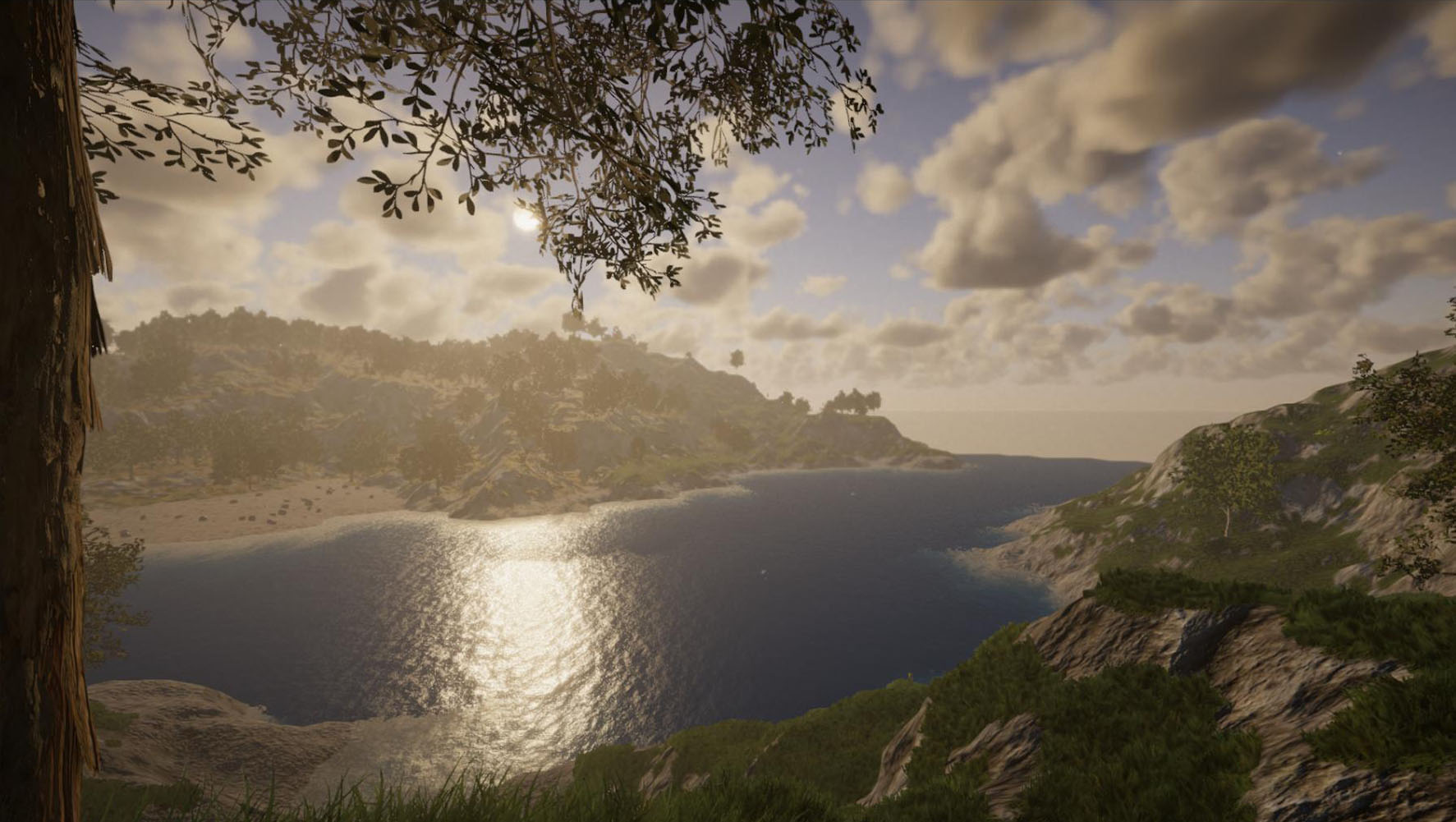
finally the world generation update is available! This is a real game changer, because the game now provides a very varied, randomly generated world.


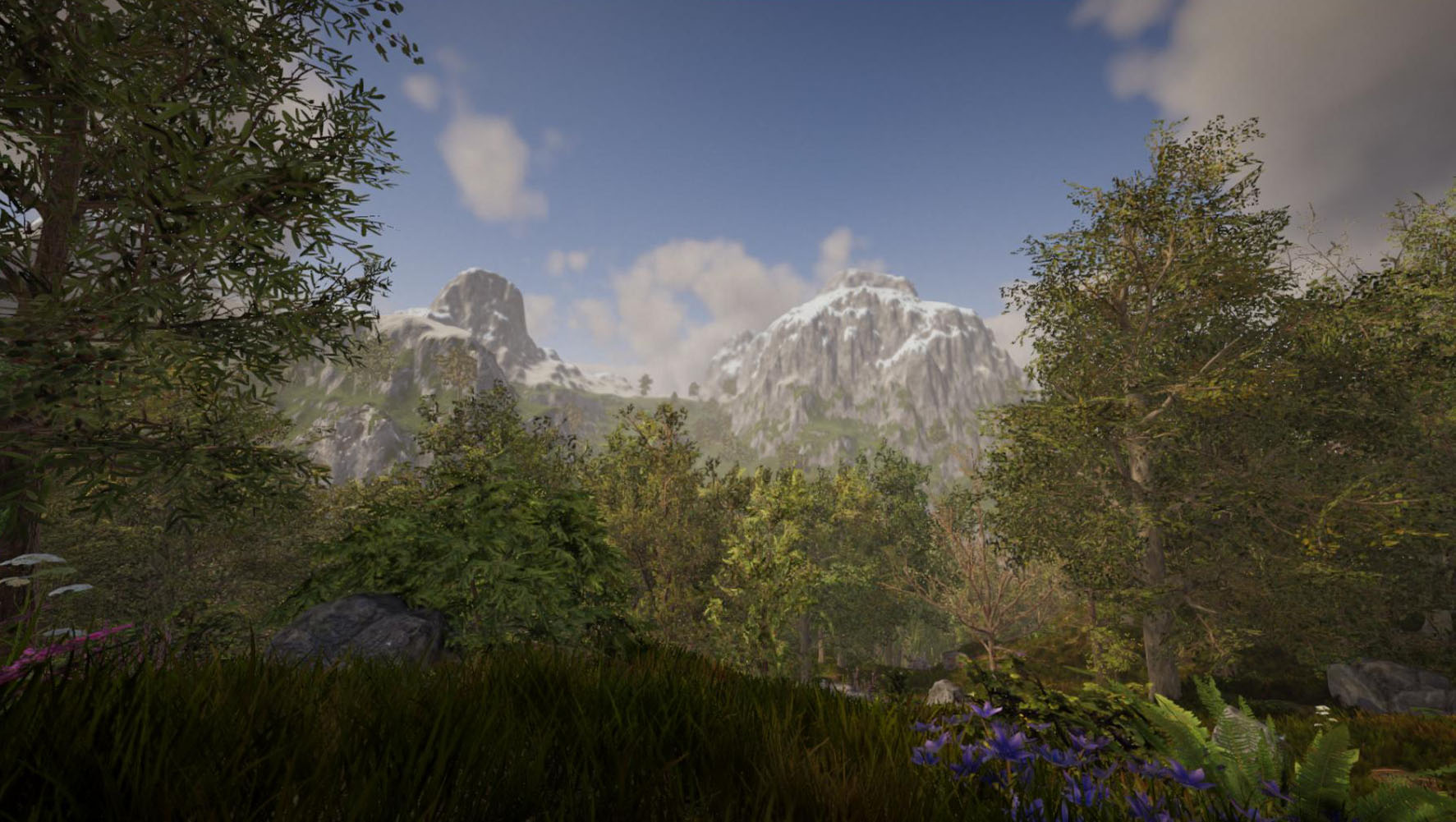
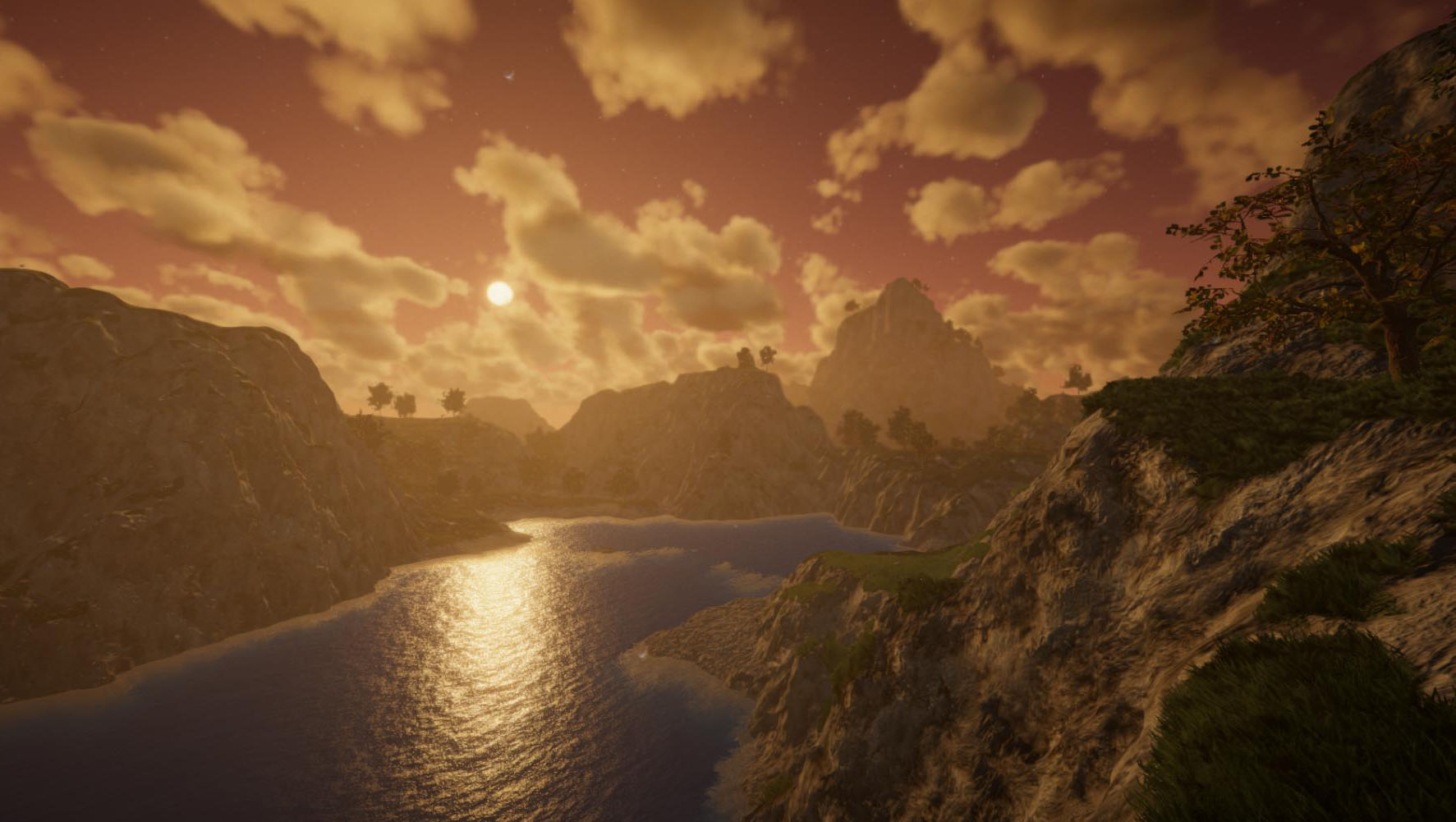
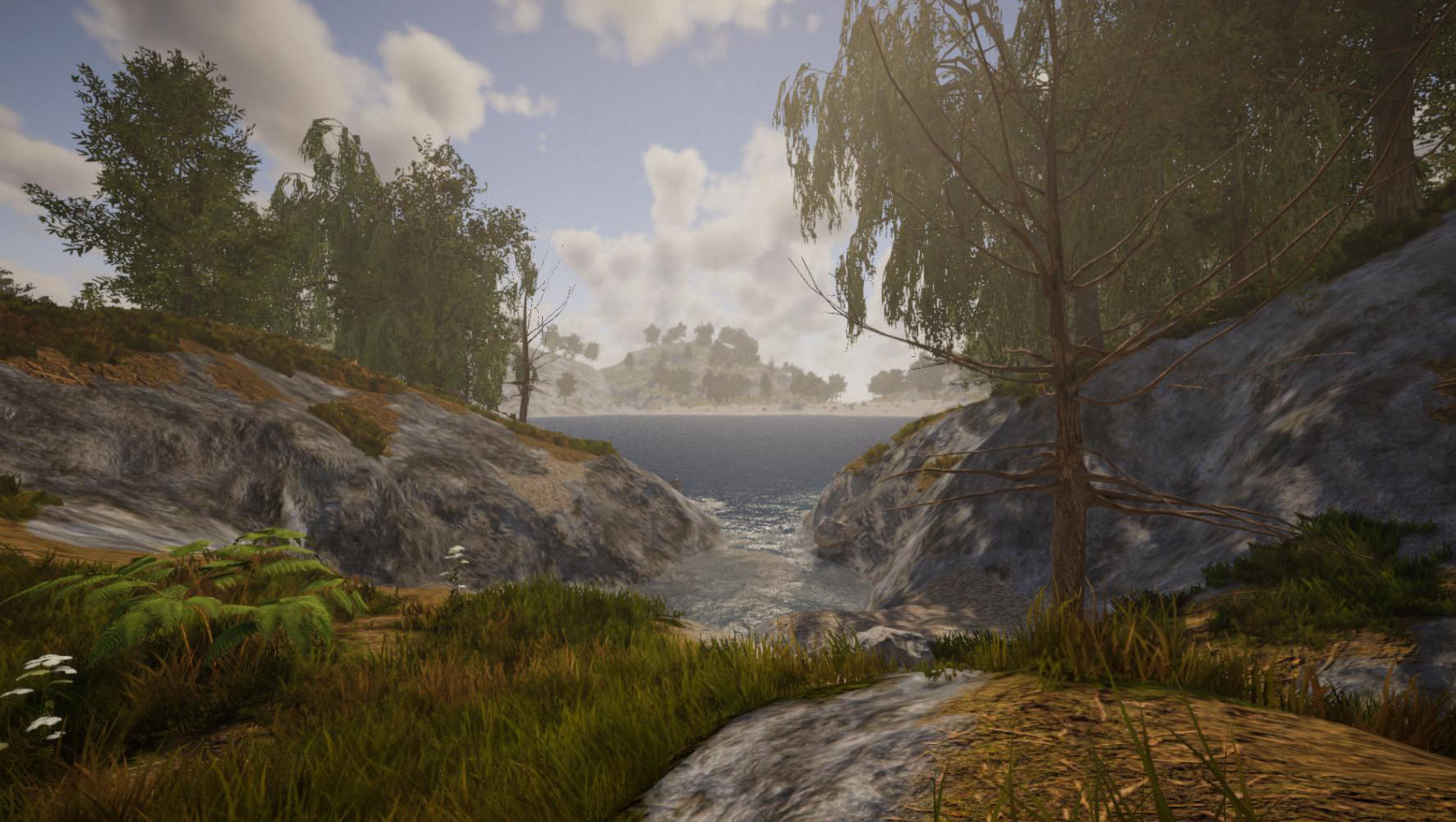
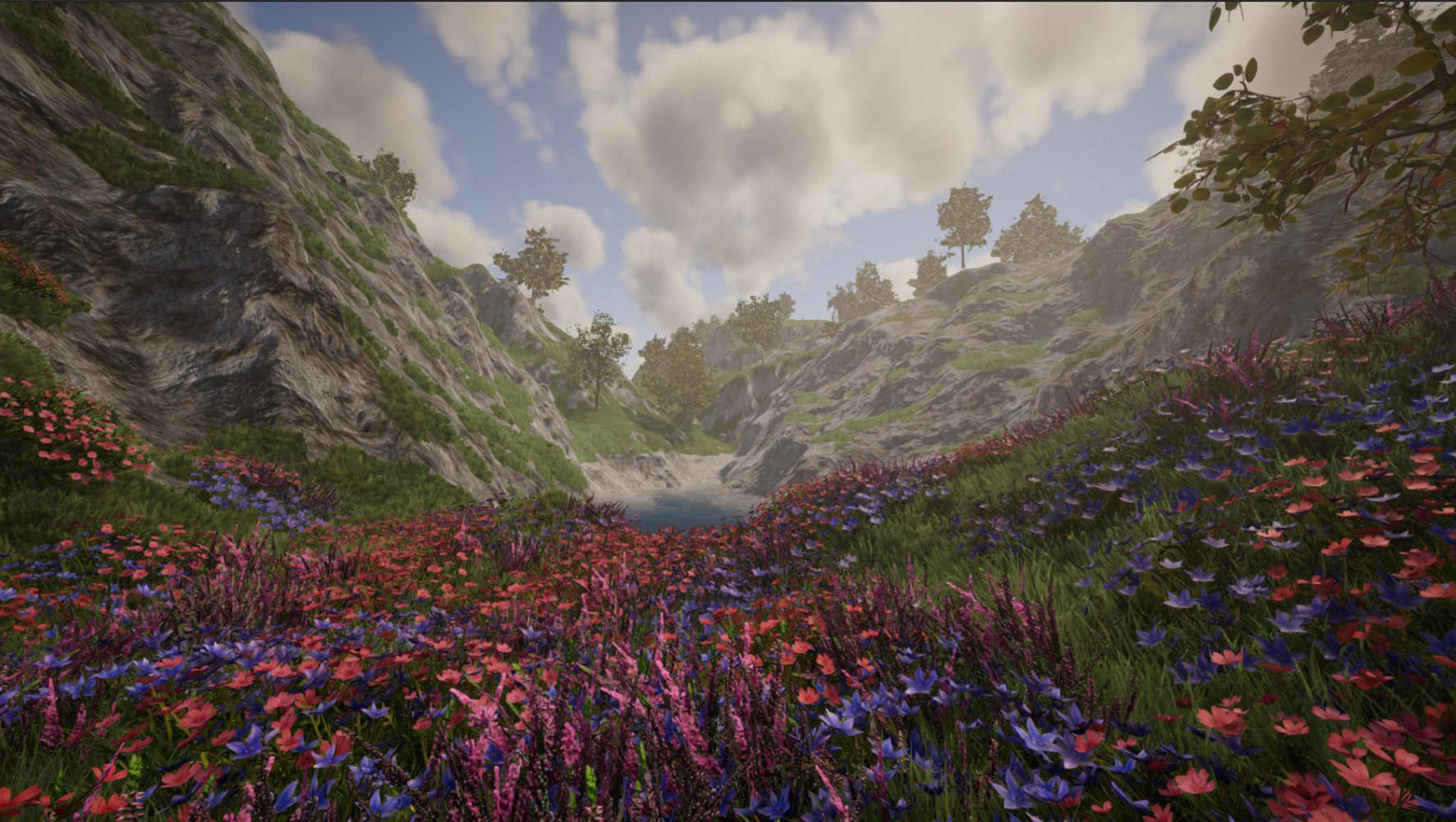
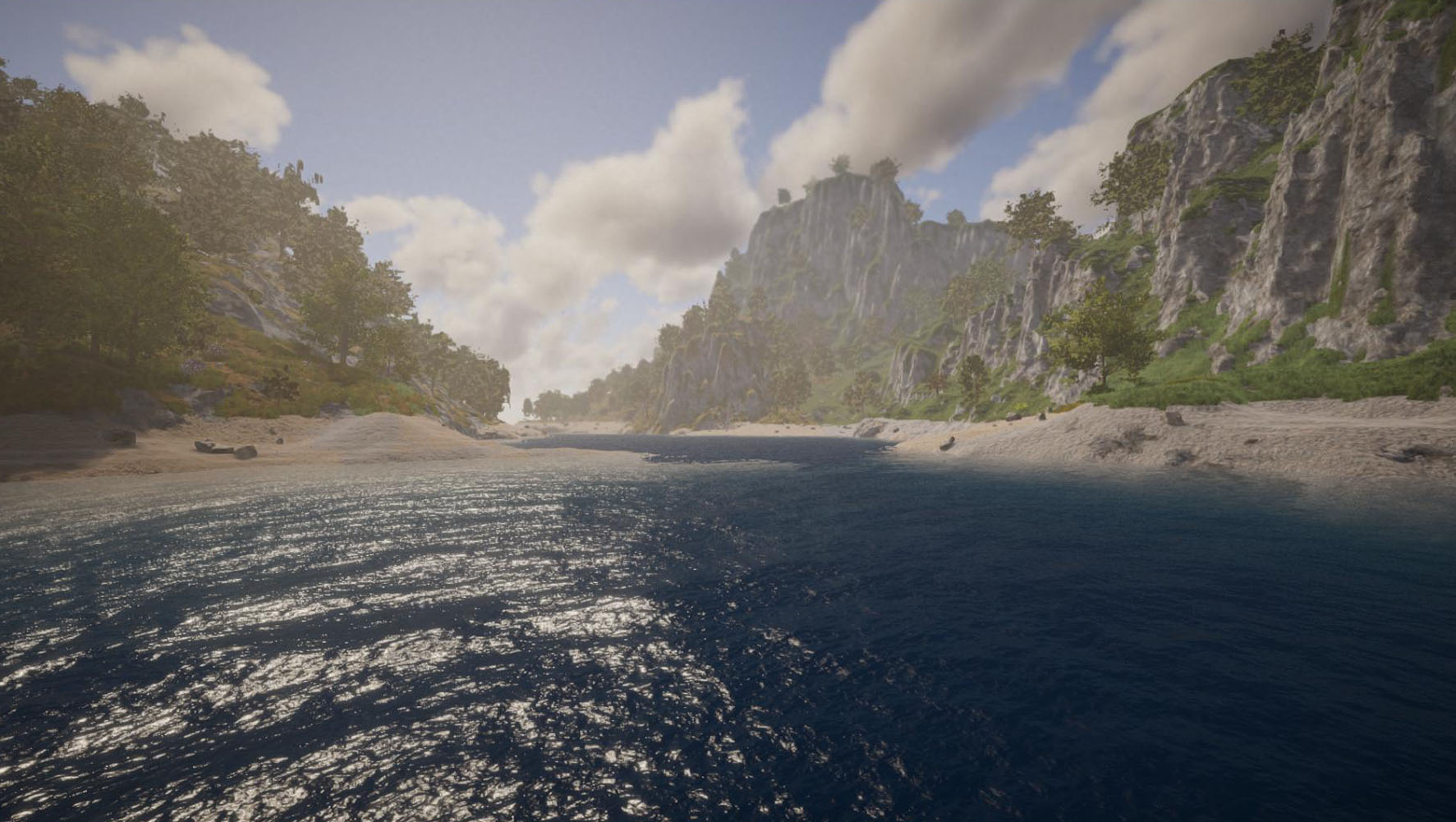
The game now generates various huge islands surrounded by an infinite ocean. These islands contain many details like bays, lakes and mountains. Tall mountain peaks are covered with snow.
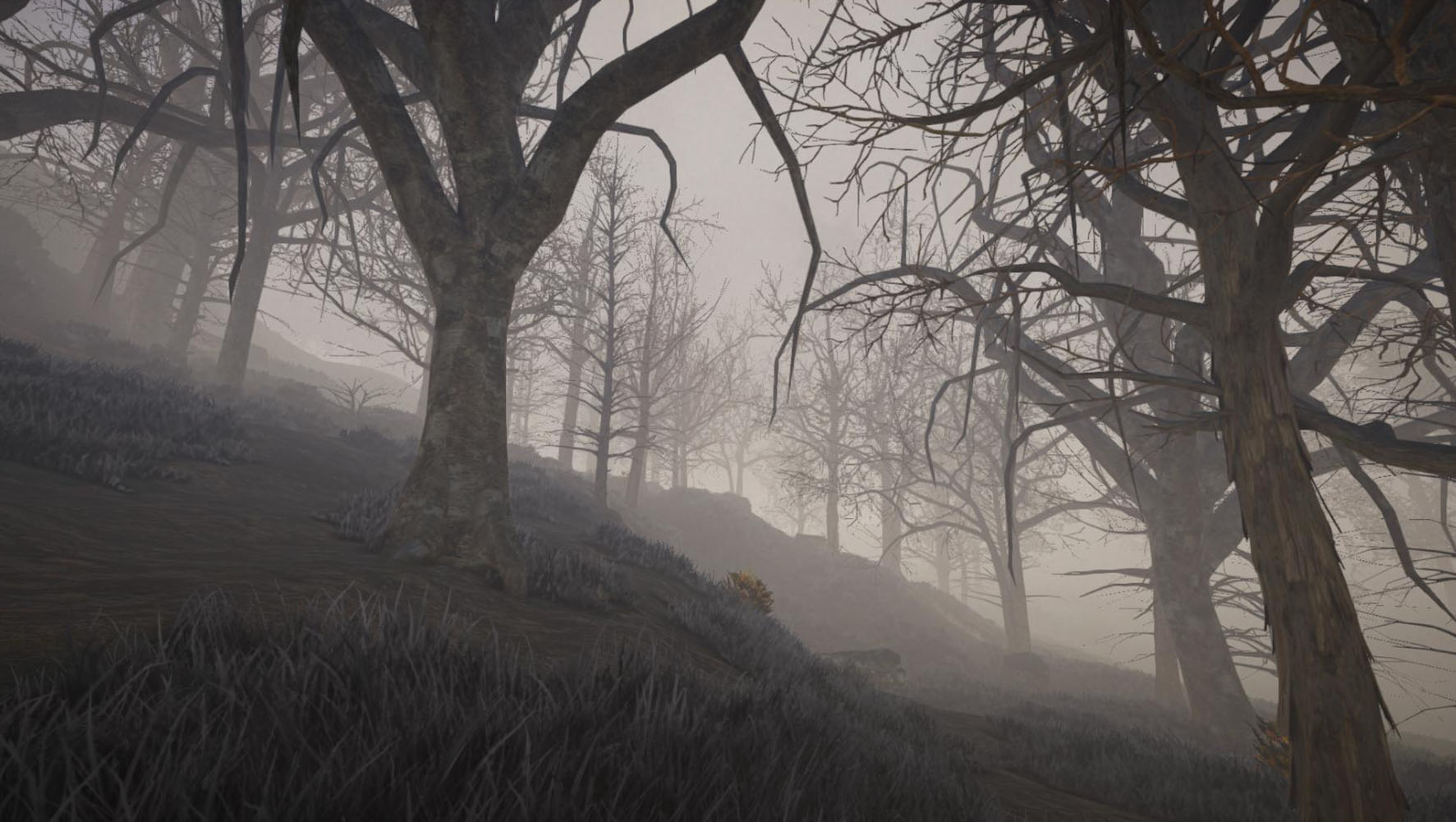
There are also temperate climate biomes available, like diverse forests, and the game also generates various terrain details to keep the landscape rich in variety.


Water is now dynamic (albeit still experimental), this means it will adapt to the terrain if you dig up the banks of a lake, for example. In creative mode, you can either place dynamic water or static water (which makes building a bit easier sometimes) - there are also various new water-related tools available in creative mode now. However, this isn't the final water implementation yet, so this still has some limitations. There will be another, dedicated water update in the future.

In order to travel between islands, this update introduces two boats: A rowboat and a rigid-inflatable boat. More vessels, especially larger ships are planned.


When creating a new world, you can now also create superflat worlds (similar to how they worked in the Java version). Old demo worlds (created prior to this update) also stay compatible. If you wish to create a new demo world, just use the seed "Demo" ;)

There are also new ores available (which spawn underground), a new pumpkin plant as well as various new items, including a measuring tape, which allows you to measure the distance between two points (which is quite helpful when building).
Another handy change affects the paint roller and paint brush: right click now brings up a color selection dialog, including a color picker.

There is now a ton of other Quality-of-Life features available (hotkeys for inventory, preview on blueprint items etc), backup functionality (especially relevant for multiplayer), we've done some optimizations to speed up the creative mode terrain and removal tools and of course we've also fixed a lot of bugs.

Apart from the new content, we've also reworked the Steam P2P multiplayer mode (i.e. the "Play with friends" option). It's now based on Steams new "Networking Sockets", which should provide better performance compared to the legacy P2P networking.


The game spawns a lot more vegetation now, which may have performance implications unfortunately, especially on lower hardware. We're aware of this problem and we're working on some optimizations which will handle vegetation much more efficiently. Unfortunately this wasn't ready in time, but we will get it ready as soon as possible.

As always, if you find any bugs or if you have questions or feedback, please let us know! Stay tuned for the next update, which will introduce NPCs! :)


[h2]Changelog 2022-10-31 (0.5):[/h2]
  • [New] World generation
    • Random island generation
    • Infinite ocean
    • Random generation of bays and lakes
    • Random generation of tall mountains
    • High mountain peaks are covered with snow
    • Randomly distributed temperate climate biomes (forests, meadows etc)
    • Randomly generated terrain details
  • [New] Flowing water (experimental)
  • [New] Added 30 new terrain materials / textures
  • [New] New boats: Rowboat and RIB
  • [New] Rowboat is expandable with a storage compartment
  • [New] New item: Measuring tape to measure the distance between two points
  • [New] New ores: gold, aluminium, tungsten, coal and sulfur
  • [New] New cultivable plant: pumpkin plant
  • [New] New items: pumpkin, pumpkin slices and jack o' lanterns
  • [New] New items: cloth, fibers, yarn, rope, wires, circuitboard
  • [New] Spinning wheel, which is used for spinning yarn from fibers or cotton
  • [New] World creation dialog where you can change ore amount and world type (default and superflat)
  • [New] Paint roller now brings up a color selection menu on right click (which also enables you to select a custom color)
  • [New] New creative mode water tools (F5): Place water (5), Paint water (6) and Water area tool (7)
  • [New] New "edit attribute" console command to change element attributes (e.g. prevent doors from getting obstructed)
  • [New] New "recalculatelods" console command to regenerate currently loaded LOD chunks (to fix gaps between chunks, for example)
  • [New] Crafting menu now automatically scrolls to the last position
  • [New] Sort and merge buttons are now also available for storages
  • [New] Added teleport options to player list (i) context menu (multiplayer)
  • [New] Added option to duplicate an item in inventory in creative mode (rightclick on item in inventory or hotkey while hovering item)
  • [New] Added optional hotkeys to split items in inventory, duplicate item in inventory or change block shapes
  • [New] Added small lamp icon to the lower right screen corner which is shown when the creative mode light (L) is active
  • [New] If a world conversion is necessary, the game first creates a backup of the world (in case something goes wrong)
  • [New] New "worldbackup" command to create a backup of the currently loaded world (also works in multiplayer, compatible with scheduler)
  • [Change] Implemented new Steam P2P Multiplayer (based on "Steam Networking Sockets", which provides better performance)
  • [Change] Added more details to terrain materials
  • [Change] You get more stone now when mining terrain
  • [Change] Improved transition between various terrain materials
  • [Change] Added text showing the current elevation of the creative mode terrain (F5) flatten tool (enter)
  • [Change] Greatly sped up undo command for large blueprints
  • [Change] Sped up creative mode removal tool (when removing lots of elements simultaneously)
  • [Change] Sped up creative mode terrain tools when working with a large brush
  • [Change] Terrain tools in creative mode (F5) now show preview images of terrain textures
  • [Change] Increased max stacksize of cotton to 999
  • [Change] Blueprint item icons now contain a preview image of the blueprint content
  • [Change] When adding new items to inventory, the game first checks for any existing item stacks they could be added to
  • [Change] Update crafting recipe of bandages and certain other items (temporarily)
  • [Change] Elements now also align their rotation to the world element if manual pivot snapping is active
  • [Change] Hunger and thirst is now enabled by default
  • [Change] Creative removal tool now only removes elements if the selection area contains at least 50% of them
  • [Change] Increased range of paint roller
  • [Change] "Copy block" key now only adds a single item to your inventory (can be changed in config file)
  • [Change] Hotkey to drop an item now also works in inventory (press the key while hovering the item you want to drop)
  • [Change] You can now switch to inventory while you're in crafting menu (and vice-versa) by pressing the inventory/crafting hotkey
  • [Change] You now get damage when standing right on top of a smelting furnace or when getting too close to the fire
  • [Bugfix] Fixed bug that caused furnaces to smelt a single ore only (while smelting over night)
  • [Bugfix] Fixed bug that caused terrain to disappear in rare cases when using creative mode terrain tools
  • [Bugfix] Fixed wrong billboard (depending from view angle) of spruce
  • [Bugfix] Fixed error when joining a multiplayer P2P session through the Steam friend list
  • [Bugfix] Fixed blueprints not placing construction elements correctly if they contain a modified surface and the blueprint was resized
  • [Bugfix] Fixed various issues with the console and command suggestions
  • [Bugfix] Planting chili saplings no longer results in instantly fully grown plants
  • [Bugfix] You no longer fall through the ground after sleeping in a tent
  • [Bugfix] Fixed error when trying to send a report while using a large screen resolution
  • [Bugfix] Fixed mouse button input sometimes being suddenly no longer recognized
  • [Bugfix] Fixed bug that prevented you from climbing inclined ladders
  • [Bugfix] Fixed floating plants sometimes not being removed while using creative mode terrain tools
  • [Bugfix] Fixed server browser sometimes not finding LAN games
  • [Bugfix] Depth-of-field effect no longer blurs the night sky
  • [Bugfix] Fixed some smaller typos and other issues

Update 0.4.8: Vegetation, farming and volumetric clouds

Hi folks,

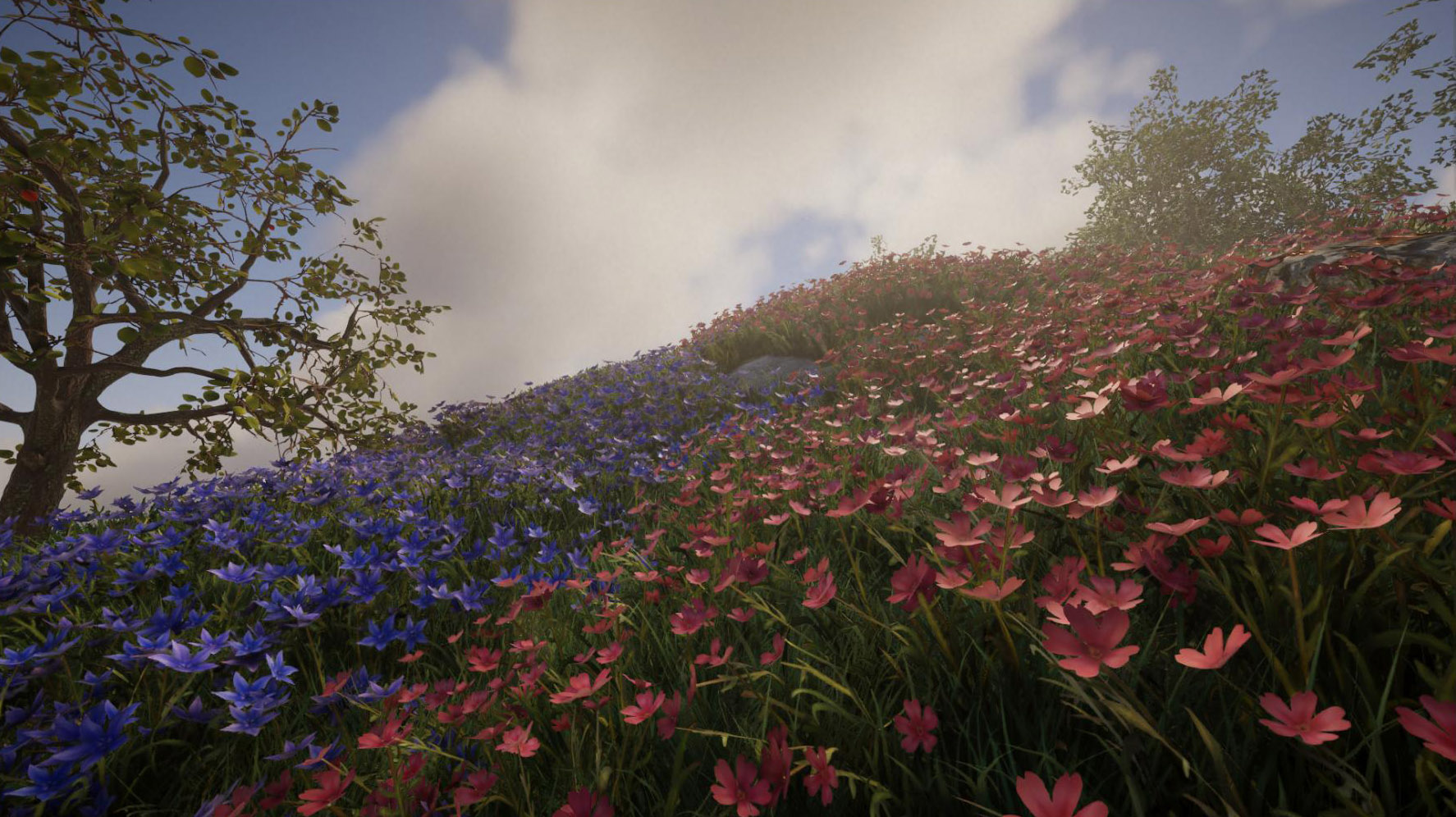
this update is a preparation for the upcoming world generation update - it introduces lots of new plants and trees, vegetables and fruits, farming and plant growth as well as volumetric clouds!

In total, this update introduces more than 60 new trees (including saplings and young versions), more than 30 plants and crops (without taking the various growth stages into account) and 11 rocks and dead tree trunks. This update also introduces more than 10 new edible fruits and vegetables as well as two new smelting furnaces (which are reworked versions of the furnaces from the Java version).


Various plants can be cultivated now: Similar to how it worked in the Java version, you can get a seedling from crops by using the sickle, which can then be planted on arable land (which can be prepared with a hoe).

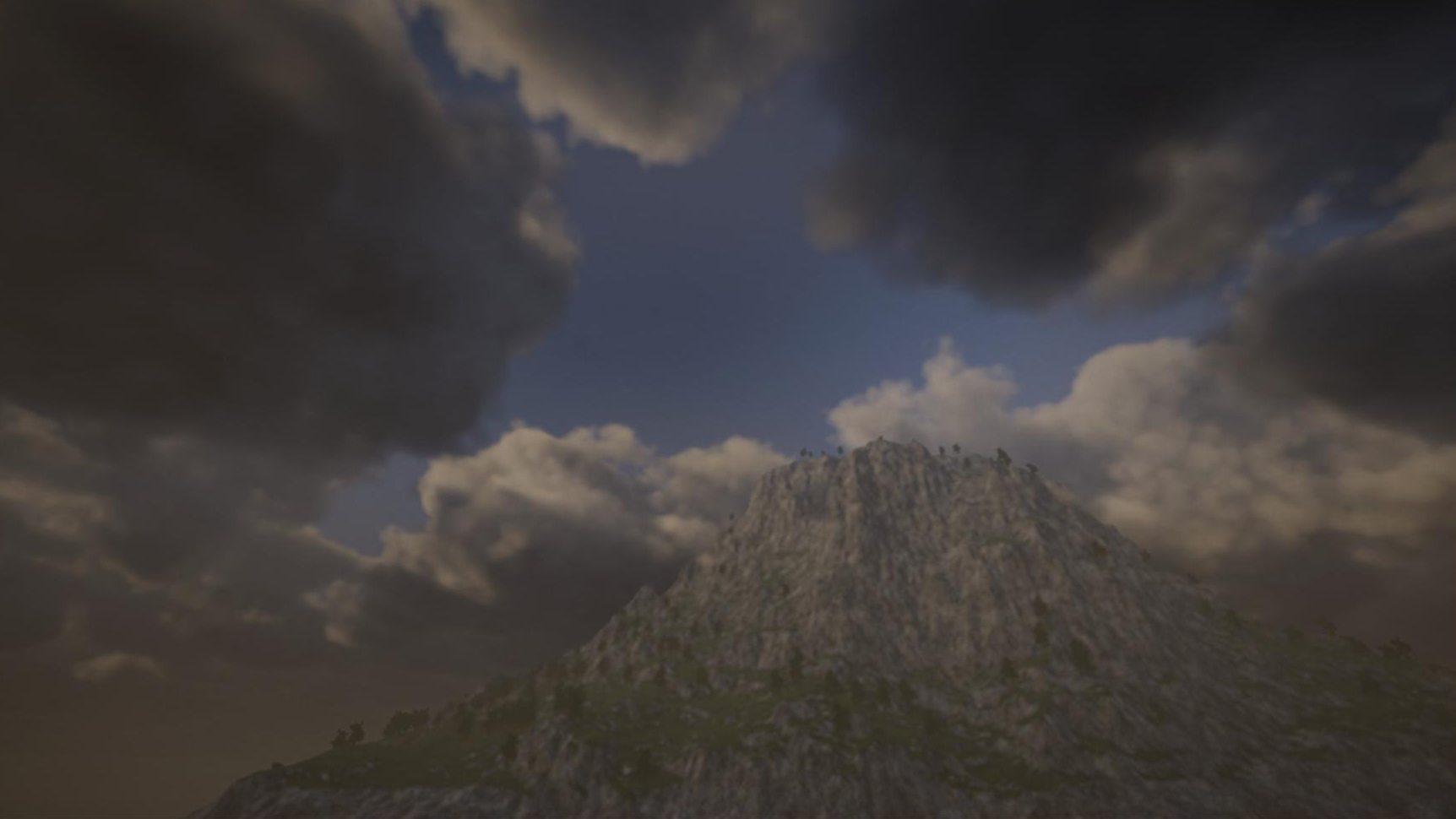
Apart from the new content, this update also introduces a first version of volumetric clouds: Unlike a flat sky texture, they're actual "fluffy" 3D elements in the world. While you can't directly interact with them, it's still possible to have tall mountains or skyscrapers which soar above the clouds.
While the clouds are rendered very efficiently, they still have a small impact on performance, so if your machine is already struggling with the new version, it may be necessary to disable them - this can be done in the graphics settings.

Clouds already change depending on the weather. For instance, if you type "weather overcast" into console, you will see how the clouds will become bigger and more dense.

One note about the cloud altitude: The clouds may appear to be at a relatively low altitude currently, but actually the spawn point in the demo world is already at a relatively high elevation. This will change with the 2nd part of the world gen update.


We also took this opportunity to rework the vegetation shader - there is now a much better wind effect on trees and a better shader for snow. This also applies to plants and other elements like boulders or tree trunks.

Some of the new plants and trees will already spawn in the demo world, but if you want to check them all out, you can use the new creative mode vegetation placement tool: To do that, enable the creative mode by opening the console (press ~) and type "gm 1" (without quot. marks), then press F6 to enable the placement tool. Open your inventory to select one of the new plants, and hold C to bring up a radial menu with various settings.

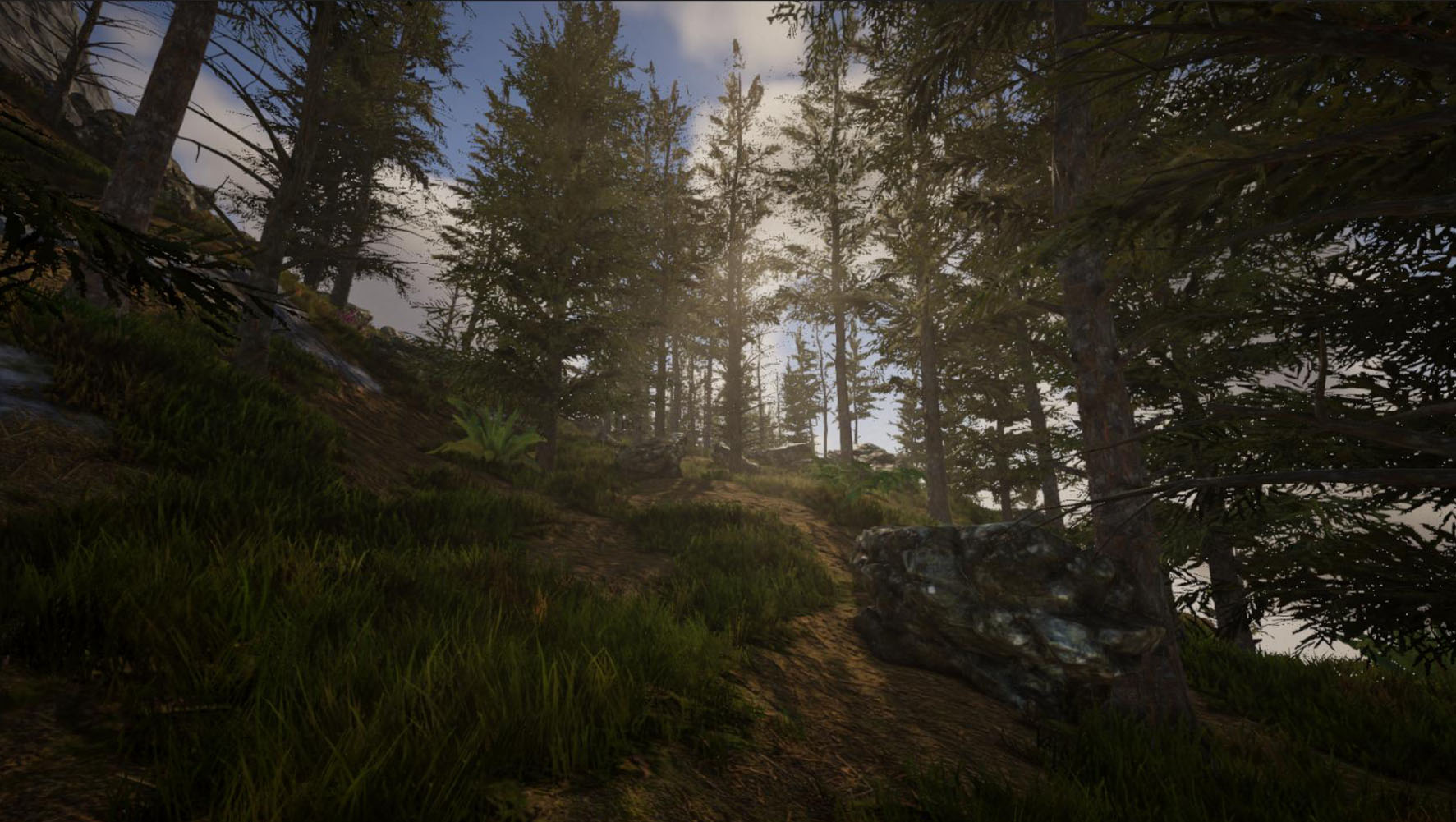
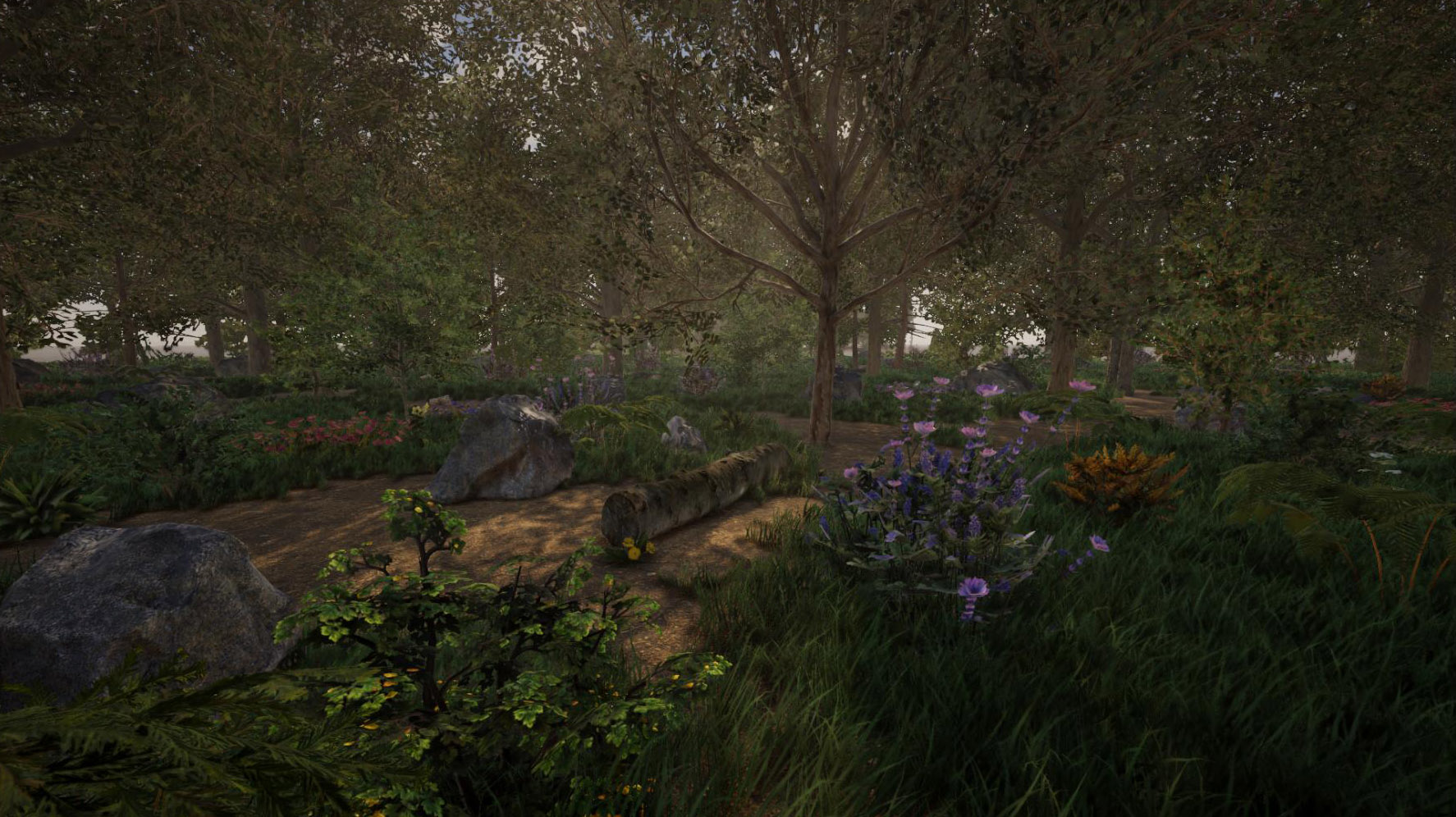
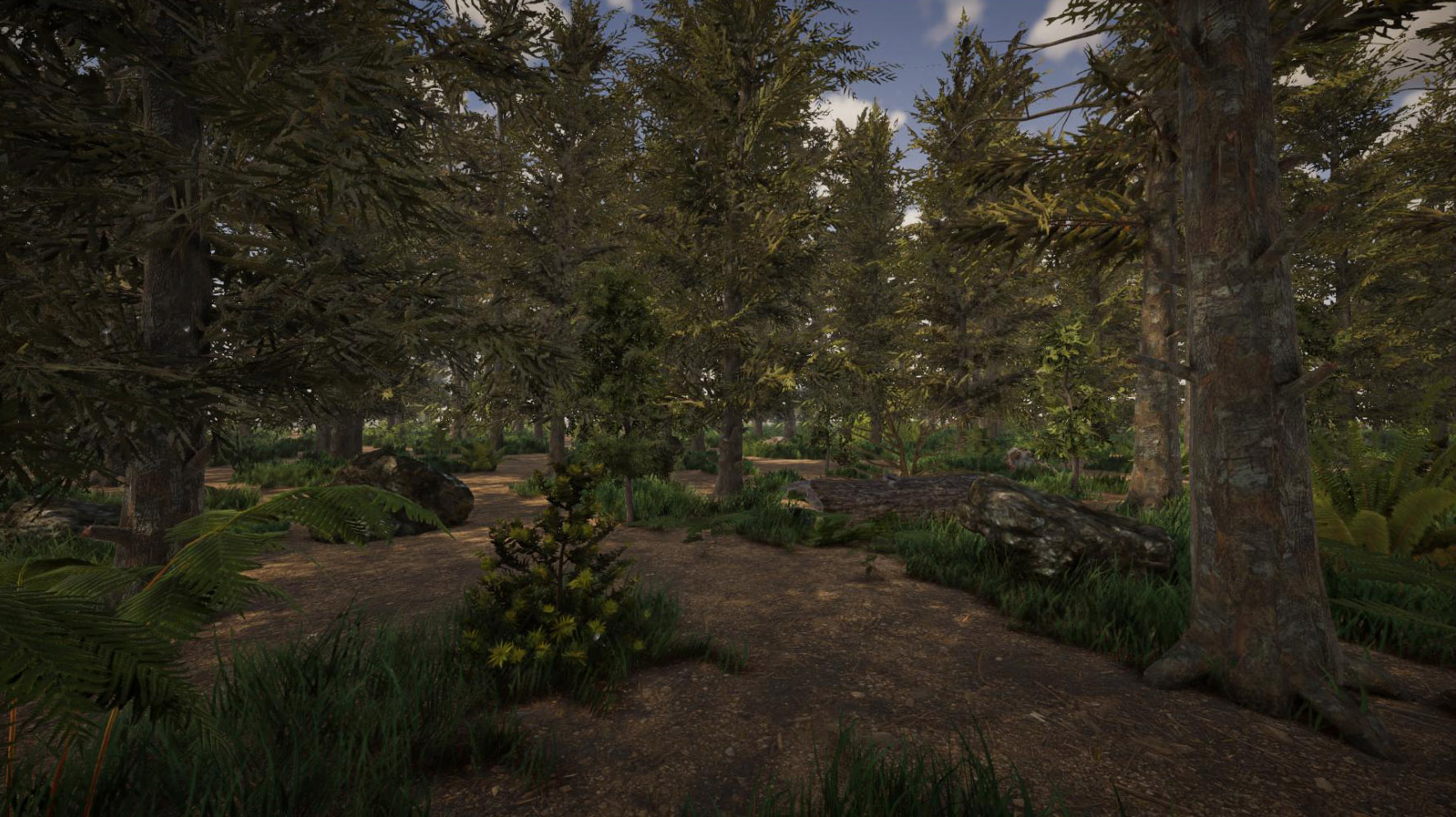
The new content will provide a good foundation for the upcoming 2nd part of the world generation update. We've prepared two screenshots which will give you an idea of the how the upcoming forests will look like, for example:


As always, this update also fixes various issues, bugs and introduces some other improvements under the hood: For instance, terrain modifications will work considerably faster now. Please find the full changelog below.

------

The next update will be the 2nd part of the world generation: It will enable you to create randomly generated worlds, it will contain various islands and more diverse landscapes (forests etc), and it will also introduce flowing water - this also means the islands will no longer be surrounded by gravel, instead there will be actual oceans. Feel free to check out the development status on our Trello Roadmap :)


__________________________________________________


[h2]Changelog 2022-06-22 (0.4.8):[/h2]
  • [New] Volumetric clouds
  • [New] First implementation of farming (use the hoe to prepare arable land, and use the sickle to collect seedlings from crops)
  • [New] New cultivable plants: tomato, chili, potato, watermelon, lettuce, corn, carrot, hemp
  • [New] New trees: acacia (x2), appletree, araucaria, birch, cactus (x4), cypress, hickory, london-plane (x2), palm, red maple, spruces (x6), weeping beech, willow oak
  • [New] New saplings, young versions and dead versions of almost all trees
  • [New] New saplings and different growth stages for all cultivable plants
  • [New] New plants: cotton, henbane, hogweed, monstera (x2), dandelion (x3), fern (x7), aloe vera, flowers (x7), ivy (x3), bushes (x5)
  • [New] New world objects: 9 new rocks, 2 tree trunks
  • [New] New food: bell pepper, carrot, chili, cookie, corncob, gingerroot, lettuce, pear, potato, tomato, watermelon
  • [New] New objects: Smelting furnace and big smelting furnace
  • [New] New creative mode tool: Vegetation placement (F6)
  • [New] New wind and snow shaders for vegetation
  • [New] Plant growth duration can be changed in the game settings
  • [New] Blocks with unit size which are placed in the grid can now be rendered more performantly
  • [New] New "Copy block" key: Adds a copy of the block in the world you're currently looking at to your inventory, or equips it if it already exists
  • [New] Pressing 1-5 while hovering an item in inventory moves it to the according slot in the hotbar
  • [New] Pressing the mouse wheel button while hovering an item in inventory equips the item
  • [New] It's now possible to set up a custom "JavaTextures.txt" file containing custom texture replacement definitions for Java blueprints
  • [New] Item count in crafting menu can now be entered directly by clicking on the count label
  • [New] Added "skyrotation" console command to change the sky orientation (affects direction where the sun rises and sets)
  • [New] Sleeping (skipping nights) now speeds up ore smelting and plant growth accordingly
  • [New] Added setting ("View adjustment") to enable optional cinematic black bars at the top and bottom of the HUD
  • [New] Added setting ("Misc") to change blueprint rotation pivot behaviour (toggle between center of object [default] or center of area [similar to Java version handling])
  • [New] Multiplayer: New "lock" and "unlock" input command (also available via Scheduler) to prevent players from connecting (may be useful during restarts, for example)
  • [New] Multiplayer: Added permissions "info_shownametag" and "info_nametagalwaysvisible"
  • [New] Multiplayer: Permission "forbidden_items" now supports "#inherit" entry to inherit all forbidden items from the parent permission
  • [New] Added "edit shape" command to retroactively change the shape of a block in the world
  • [New] Added "printkeybindings" console command to create a text file containing all current key bindings
  • [New] Update to Unity 2022.1
  • [Change] Terrain modifications (creative mode terrain tools) are considerably faster now
  • [Change] Improved rendering of distant trees
  • [Change] Reduced "tiling" on distant terrain textures
  • [Change] Greatly improved performance when trying to place lots of elements in a row
  • [Change] Count label when placing multiple elements in a row is now visible through walls
  • [Change] Texture IDs are now visible for window frames in crafting menu
  • [Change] When deconstructing construction elements with a sledgehammer, the original element size is taken into account when spawning the item
  • [Change] Glass pane size is now reset again after snapping to window frames
  • [Change] In P2P or LAN games it's no longer possible to kick or ban the host
  • [Change] If a view distance greater than the max value in options is set, changing graphics settings no longer override this value
  • [Change] Changed appearance of the planet when player is in orbit (Y > 5000)
  • [Change] Pressing enter in chat no longer interferes with building tools
  • [Change] Blueprints will now only be reloaded if the game detects any changes in the blueprints folder
  • [Change] Changed color of header labels in settings menu (increases visibility)
  • [Change] Increased precision of rock collision shapes (for large-scaled rocks)
  • [Bugfix] Fixed bug which prevented you from cutting down trees in multiplayer
  • [Bugfix] Fixed sandstone materials not being selectable in crafting menu
  • [Bugfix] Fixed minor precision issues when placing a block right after rotating it
  • [Bugfix] Fixed wrong texture alignment on blocks in inventory
  • [Bugfix] Fixed texture sometimes getting stretched on arc block shapes
  • [Bugfix] Fixed pivot / snapping issues on overlapping blocks (game sometimes couldn't decide which block to snap to)
  • [Bugfix] Fixed blocks in hands not always updating properly after exchanging them with another stack of blocks in inventory
  • [Bugfix] Fixed crash when placing lots of elements in a row (need feedback)
  • [Bugfix] Hopefully fixed bug causing sudden data loss, i.e. missing construction elements etc (need feedback)
  • [Bugfix] Fixed issue which caused the game to use more than 2 directions when placing elements in a row (despite different setting)
  • [Bugfix] Fixed black borders on panorama screenshots (use "panorama" console command)
  • [Bugfix] Using console commands no longer resets the game window size (when playing in windowed mode)
  • [Bugfix] Fixed "blueprints" console command
  • [Bugfix] Fixed "cleanup items" console command
  • [Bugfix] Fixed blocks being removed from inventory even though they could not be placed
  • [Bugfix] Fixed issue with dedicated server if it was launched from the Steam client
  • [Bugfix] Fixed error when game could not initialize an audio input device
  • [Bugfix] Fixed error when changing paint roller color

Update 0.4.5: Blueprints and chests

Hi folks,

the blueprint update is now available! This means that it's now possible to create and place blueprints in the new version of Rising World. This update also introduces 46 new building materials, 12 different window frames as well as various new objects.

In addition to that, chests are now fully working, which means you can finally store items in them.

Blueprints can be freely placed and rotated, and they can also be aligned to the grid (G). Old blueprints from the Java version are compatible, i.e. they can be loaded in the new version - but please keep in mind that the game will convert these blueprints, meaning you won't be able to use the same files in the Java version anymore.

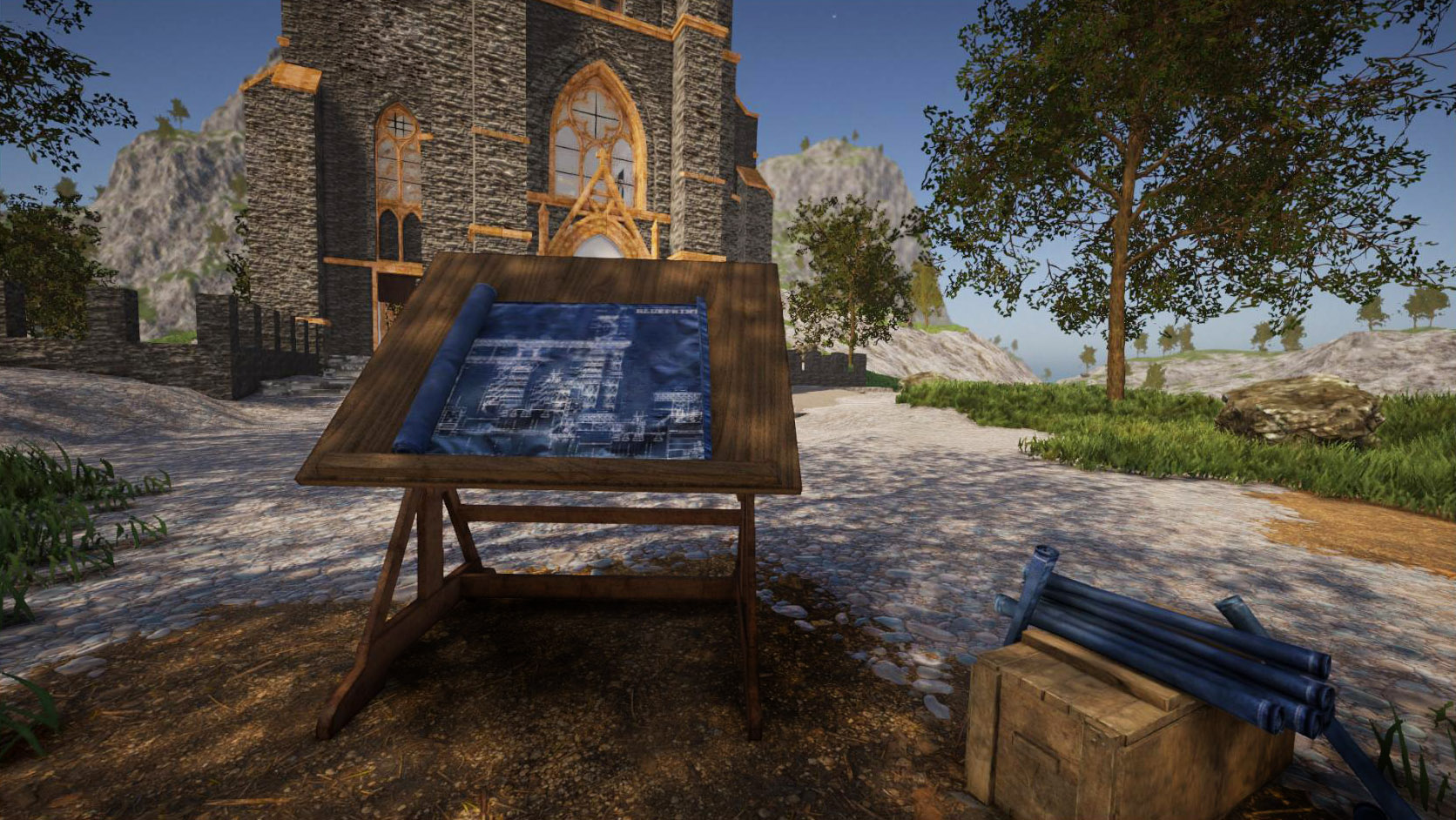
Blueprints are managed at a specific workbench: the blueprint table. It provides a good overview of all blueprints as well as the corresponding folder structure, and in addition to it, you can move blueprints to other subfolders or rename them. It also provides a search function. New blueprints can be added during runtime, and you can also delete them at any time.

This update also provides an export feature for blueprints, which allows you to export them to .obj files, so you can load them in an external model editor (like Blender). This is, however, still an experimental feature.


Of course this update also introduces a bunch of changes, improvements and bugfixes. Grass is now correctly occluded by construction elements, reflections work better inside buildings, and various other issues have been sorted out.

Our main focus will be the world update now: This includes a proper world generation (so you don't have to play the demo world every time), a lot more plants and trees, new terrain materials and also a first version of water. This will be a very extensive update, so maybe we will split it into several updates, especially considering that there is still a Unity bug which prevents the game from running on Windows 7 - Unity already confirmed this bug and it will probably take them a few weeks to fix this issue, so we can release an update in a timely manner.


[h2]Changelog 2022-01-31 (0.4.5):[/h2]
  • [New] Blueprints
    • Added separate crafting station to craft blueprints
    • Added menu to browse, search and organize blueprints
    • Compatibility with blueprints from the Java version (only construction elements and blocks)
    • Blueprints are resizable (only proportionally for now)
    • Blueprint can be fully moved and rotated while placing
    • Support for grid when placing blueprints
    • Undo option to revert placed blueprints
    • New blueprints can be added to the blueprint folder during runtime
    • Multiplayer servers can restrict blueprint creation to player's own buildings only
    • Blueprints can be exported to .obj format
  • [New] Chests are now fully working
  • [New] Added 46 new construction materials (textures), many of them are based on materials from the Java version
  • [New] Added 12 different window frames
  • [New] Added a shooting target (for target practice)
  • [New] Added two trashcan objects which can be used to dispose items
  • [New] When destroying a chest containing items, these items will spawn in the world
  • [New] Added additional pivots (in building mode) to cylinder, hollow cylinder and pillar
  • [New] Note about new version is now shown in main menu
  • [New] Added "fog" command to temporarily disable fog (for testing purposes)
  • [New] New chest permission: useallchests (in "general" category), which determines if players are allowed to access chests of other players
  • [New] New blueprint permissions: place, placelimitsession, maxsize, maxelements, create, createown (all in "blueprint" category)
  • [Change] Reduced horizon fog intensity during default and sunny weather
  • [Change] It's no longer possible to place two identical construction elements at the same spot
  • [Change] If blocks in inventory have a color, it is now displayed in the item tooltip (when moving the mouse cursor over the item)
  • [Change] Console command history now ignores identical entries
  • [Change] Increased max light limit (in graphics settings) to 100
  • [Change] Reduced brightness of white plaster material
  • [Change] Improved screen space reflections to reduce flickering on marble floors
  • [Change] Precision changes while building via "setp", "setl" or "setr" commands are now saved persistently
  • [Change] Added pivot for walltorch
  • [Change] Increased max allowed size for creative mode removal tool
  • [Change] Option if distant buildigs should stay visible is now exposed to the graphics settings
  • [Change] Adjusting area size in creative removal tool works much faster now
  • [Change] Reduced intensity of grid (while building)
  • [Bugfix] Grass now gets properly occluded by construction elements
  • [Bugfix] Felled trees can no longer be cut into pieces with a single hit
  • [Bugfix] Fixed permission issues regarding creative removal tools (which allowed users to destroy things without permission)
  • [Bugfix] Fixed trees sometimes falling over for no apparent reason
  • [Bugfix] Fixed crash when certain objects were painted
  • [Bugfix] Fixed wrong shadows on construction element surfaces
  • [Bugfix] Fixed some missing sounds
  • [Bugfix] Fixed issues with noclip command (flymode)
  • [Bugfix] Fixed missing emojis in chat (multiplayer)
  • [Bugfix] Fixed minor visual issue in player list (multiplayer)
  • [Bugfix] Fixed visibility of creative mode terrain flatten tool (F5 -> Return)
  • [Bugfix] Fixed missing text in password dialogs
  • [Bugfix] Fixed missing construction elements if an invalid texture was assigned to them
  • [Bugfix] Fixed issue which caused a server to create multiple player instances in certain situations when a player joins
  • [Bugfix] Fixed wrong context menu position when rightclicking on items in inventory
  • [Bugfix] Fixed wrong tooltip position if it was close to the screen edge

Update 0.4: Crafting, Smelting and lots of new Items

Hi folks,

The crafting update for the new version is now available! It introduces loads of new items and objects, a new crafting functionality, iron ore and the ability to smelt it, as well as many bugfixes and other changes!

Crafting: It works a bit different compared to the Java version: You no longer have to access a workbench to see the crafting recipes, instead you can access all recipes at any time. If you want to craft an item, the particular workbench just needs to be in your proximity. To keep the crafting menu structured, there are various categories and sub-categories. There is also a search bar which allows you to search for a particular recipe.

Please note that many recipes - or more precisely, the required ingredients - are still placeholders: The reason behind this is that many basic crafting resources are still missing. We will update the crafting recipes in the future.
Please also keep in mind that you can currently access all recipes. In a future update we want to add additional requirements for crafting modern and advanced items (which will then be unlocked the further you progress).


Ore smelting: We've introduced iron ore and a primitive smelting furnace for now. Smelting mostly works like in the Java version: You place ores in the furnace, fuel the furnace then wait until the ore is smelted. However, the new version introduces a few changes to make your life easier: To place ores quickly, you can keep your mouse button pressed while moving your mouse over the individual slots. Once the ores are smelted, there is a radial menu available to take all ingots at once from the furnace.

There is also another detail when smelting ores: Ores now begin to glow before they turn into ingots. And while ingots are still hot (i.e. glowing), they cannot be taken from furnaces. This is a preparation for another feature we want to introduce in a future update.

By the way: You can now adjust the time it takes to smelt ores. Of course this works in both singleplayer and multiplayer.

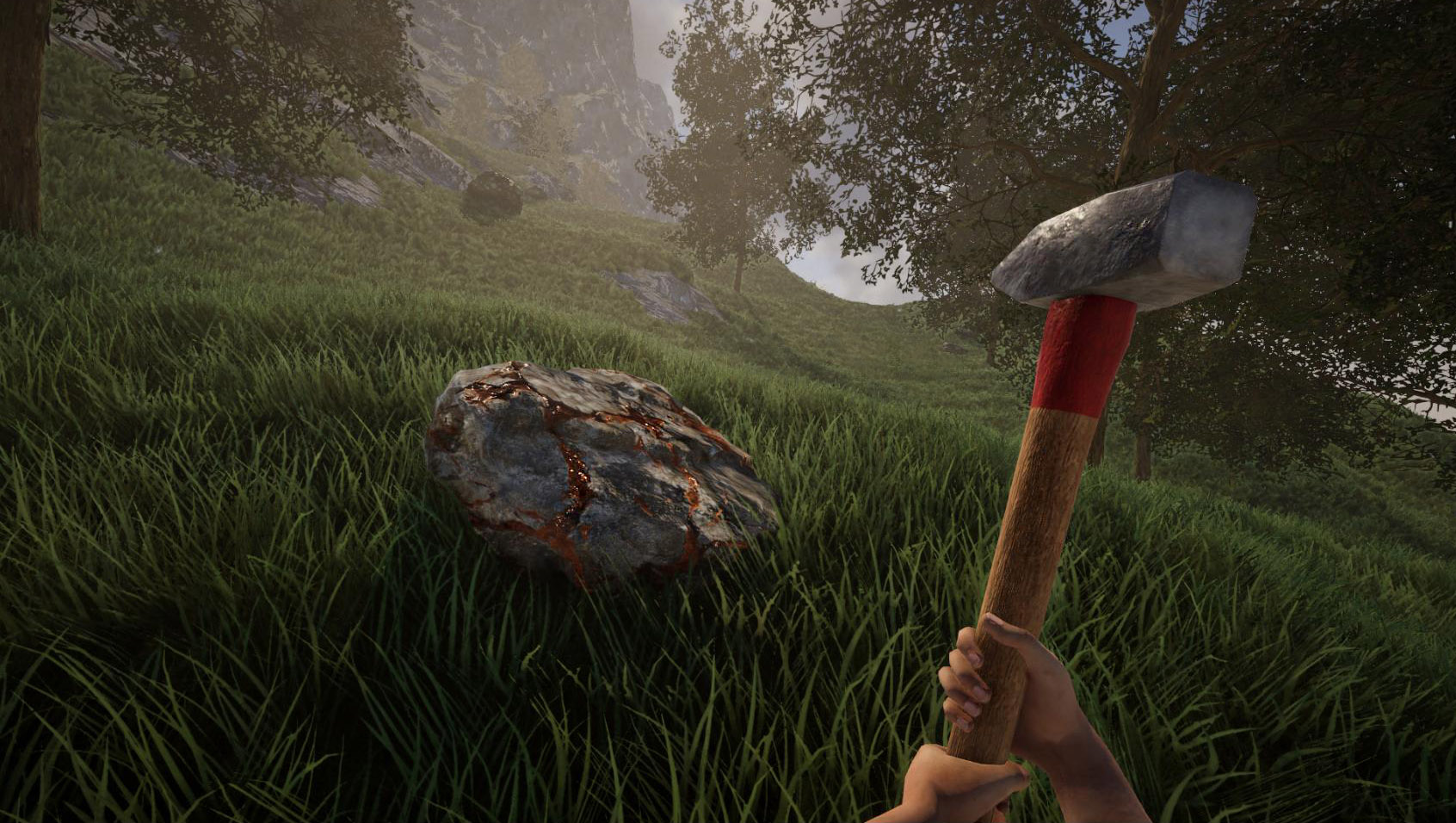
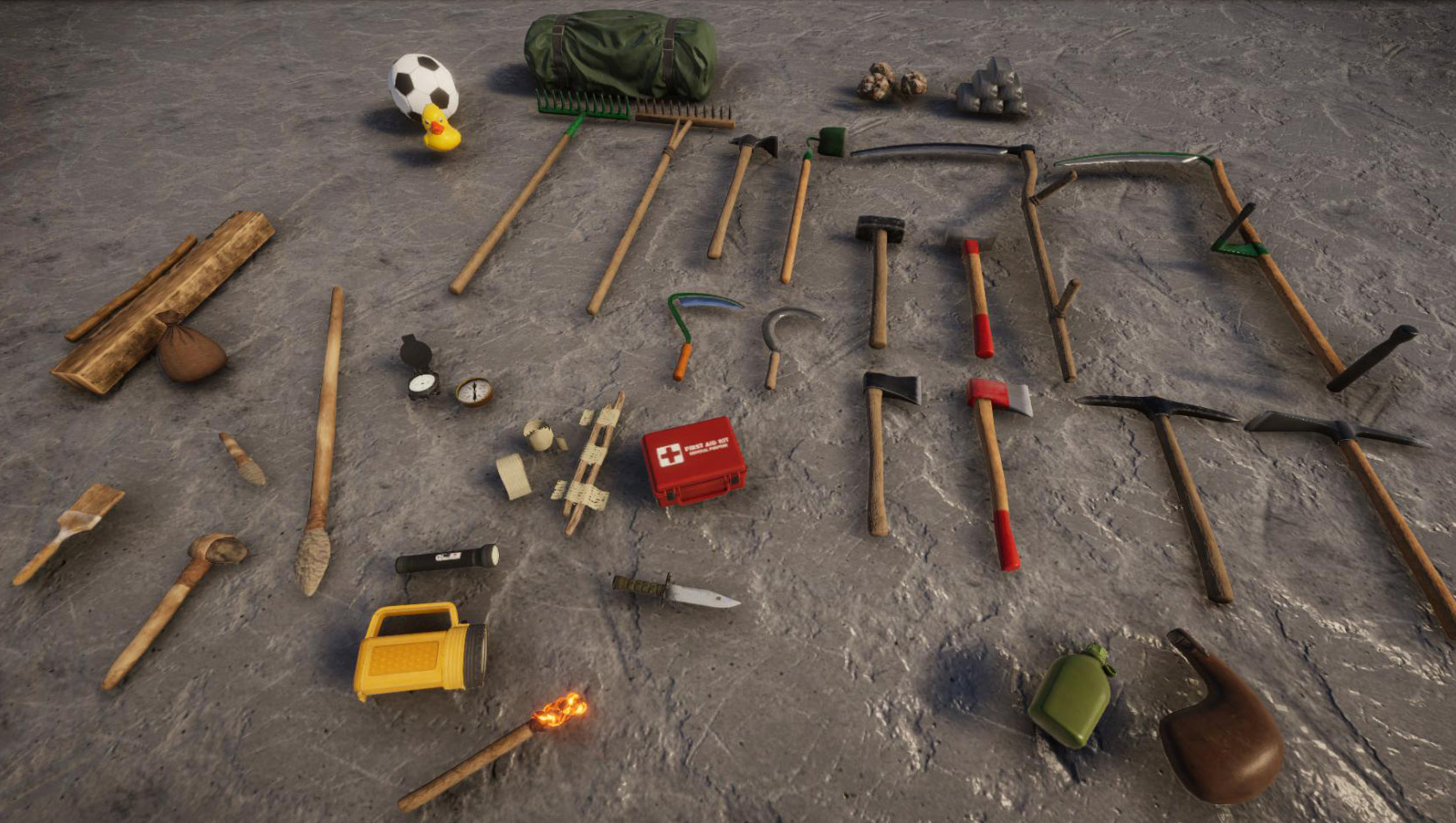
Items: In order to make sure that the crafting menu isn't too empty, this update introduces a bunch of new items. We've migrated many tools from the Java version to the new version - and created new textures with much higher detail for them from scratch. This covers the axes, sledgehammers, rakes, hoes, scythe and sickle. We've also added a new steel scythe and steel sickle (these tools weren't available in the Java version before). These tools (except the hoes) are fully functional.

We've also added new flashlights, a penlight, a canteen and waterskin, some medical items (bandage, splint and medkit), compasses and other items. One special item we've added is a spear: It serves both a melee weapon, but can also be thrown.


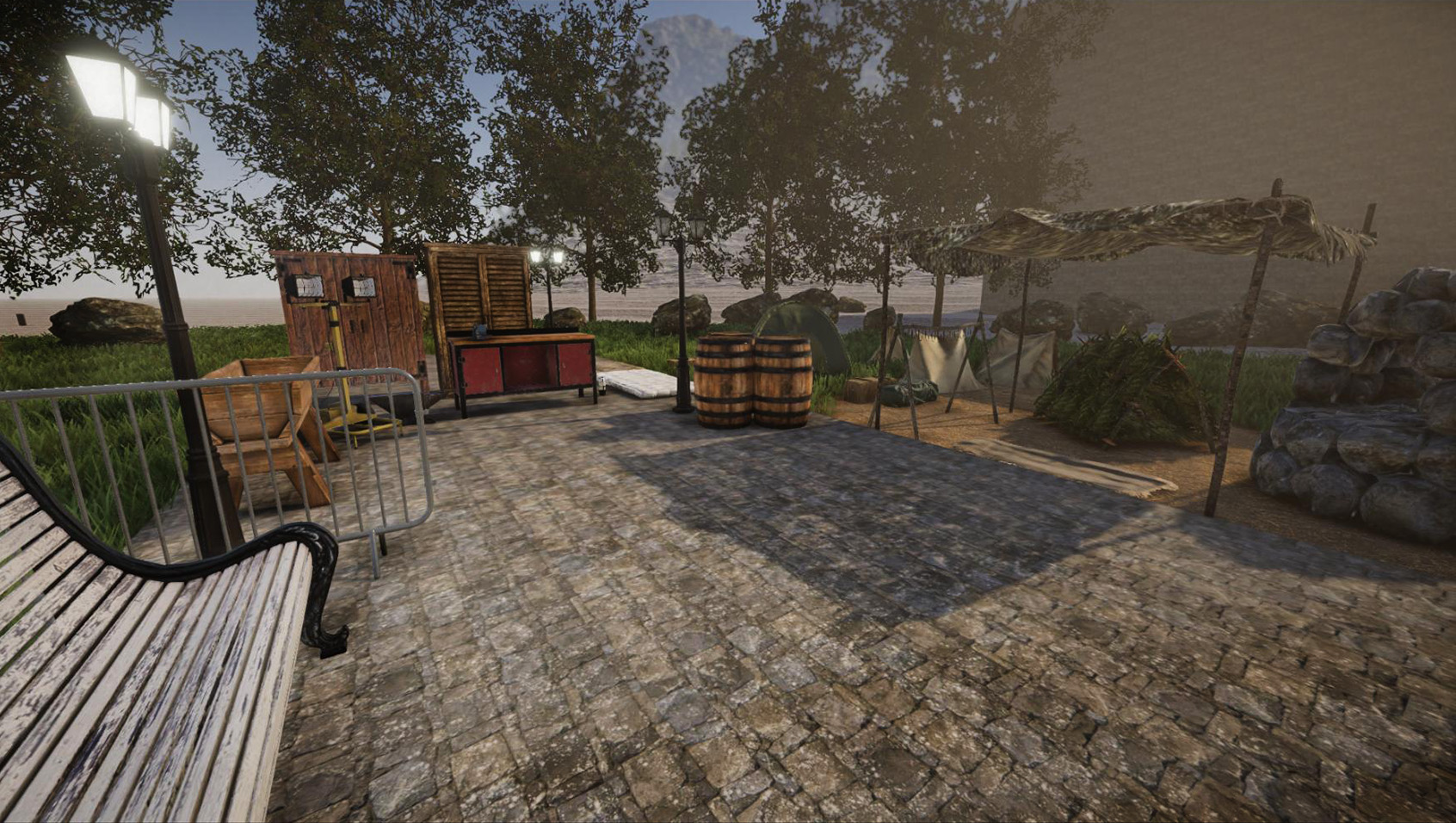
Objects: There are also new objects available, including tents, a new workbench, anvil and various other objects. In addition to that, there are now also a few lamps available. One special features regarding lamps is that you can change the light color (we've added a new color picker for that) and brightness.

Luminous blocks are now also fully functional: Just like any construction element, they are fully resizable. Use them for neon signs, as LED strip lights etc. Like regular lamps, you can change their color, brightness and turn them on or off (just hold your interaction key while looking at them). Once electricity is implemented, it will give you full control over these elements.


Building: This update introduces a new "undo" command, which is quite handy. Use it to revert the last destructive actions. By default, it tracks the most recent 50 actions.


This update also fixes several bugs (especially regarding permissions in multiplayer) and introduces some useful changes. For instance, doors can be blocked by construction elements. In addition to that, the paint roller works much faster now (there is now also a new paint brush, which now behaves like the paint roller previously did). Please find the full changelog attached.

Stay tuned for the next update, which will introduce blueprints. Many parts of that update are already implemented, so it will take a lot less time until it's ready. After the next update, we will focus on finalizing the world generation.


[h2]Changelog 2021-01-12 (0.4):[/h2]
  • [New] Added lots of new items:
    • Tools for cutting trees: axe and steel axe
    • Tools to deconstruct blocks: sledgehammer and steel sledgehammer
    • Tools to smooth the ground: rake and wooden rake
    • Tools for cultivation: hoe and steel hoe (not usable yet)
    • Tools for cutting grass: scythe, steel scythe, sickle and steel sickle
    • Receptacles: canteen and waterskin
    • Compasses: old and modern version
    • Light sources: torch, penlight, flashlight and spotlight
    • Medical items: bandage, leg splint and medkit
    • Weapon: primitive spear (which can also be thrown)
    • Primitive items: stone axe, stone knife
    • Other items: soccer ball, rubberduck, combat knife, pouch and various resources
  • [New] Added ore smelting:
    • Added primitive smelting furnace for now (more furnaces will follow)
    • Smelting mostly works like in the Java version
    • Smelting duration can be customized in the settings
    • Mouse button can be held while placing ores (faster placing)
    • Radial menu on furnace gives option to take all smelted ingots at once
    • Ores begin to glow before they turn into ingots
    • Ingots cannot be taken from furnaces while they're hot (i.e. while glowing)
  • [New] Updated engine to version 2021.2
  • [New] Luminous material (ID 800) is now fully functional
  • [New] Added new crafting stations: modern workbench and anvil
  • [New] Added two tents: one-person-tent and modern tent
  • [New] Added shelters: primitive shelter and two canopies
  • [New] Added other objects: woodenbarrels, trough, old bench, cabinet, crowdbarrier, meat dryer, mattress
  • [New] Added lights: two bulkhead lamps, street lamp and floodlight
  • [New] A radial menu can be accessed on luminous materials and lamps (hold interaction key) to change light color and brightness
  • [New] Added "undo" command to revert the last destructive actions (only in creative mode)
  • [New] Added option to select the active monitor (if more than one monitor is connected)
  • [New] Added animations for sitting (on chairs) or lying (on beds)
  • [New] Added "chatnamesuffix" permission (info), to add a suffix to the player chat name
  • [New] Added "usealllights" and "useallobjects" permissions (general)
  • [New] When using the "item" console command to get a construction element, you can now append a color code (e.g. "item block #FF0000")
  • [New] Plain grass terrain texture is now available
  • [New] Added console command "bag" to spawn a pouch containing other items
  • [New] Added console command "shutdown" in multiplayer to shut down the server
  • [New] Added console command "serverinfo areas" to get a list of all areas (including all info)
  • [New] Added console commands "loadpreset" and "savepreset" to load/save a build size preset (similar to radial menu)
  • [New] Added option (graphics settings) to disable glass distortion and refraction
  • [New] Added option (misc settings) to toggle grid visibility on the preview element
  • [New] Added option to always show the grid on terrain (set "Game_AlwaysShowTerrainGrid" in config to "true")
  • [New] Mouse wheel scroll direction can now be changed in controls settings
  • [New] Double-clicking an item in inventory (or shift+click) moves it to the hotbar and vice versa
  • [New] Added "zoom toggle" key binding to controls settings
  • [New] Pressing the "Adapt to World Element" key while the paint roller is equipped now applies the color of the world element to the paint roller
  • [Change] Reworked many sound effects
  • [Change] Blocked doors and chests can no longer be opened (need feedback)
  • [Change] Player nametags can now be modified through permissions (prefix, suffix, color)
  • [Change] Fly mode and creative mode are now disabled when entering an area where they are not permitted
  • [Change] Improved performance when rendering lots of dense construction elements
  • [Change] Small improvements in terms of performance when having lots of lights in the scene
  • [Change] It's now possible to sit on benches
  • [Change] Paint roller now instantly paints elements (while the new paint brush now behaves like the paint roller previously did)
  • [Change] Server header image no longer gets stretched when using different aspect ratio than 2:1
  • [Change] Quickslots are now slightly bigger (size can be changed in config)
  • [Change] Color changes on construction elements (via "edit" command) work faster now (i.e. take less time to update the mesh)
  • [Change] Improved ingame time sync in multiplayer
  • [Change] Game window (when playing in windowed mode) is now resizable)
  • [Bugfix] Fixed wrong ingame time on multiplayer servers
  • [Bugfix] Fixed player permission group not working properly after reconnecting to a server
  • [Bugfix] Fixed default new player permission in multiplayer not being set correctly
  • [Bugfix] Fixed admin tag not being shown in player list for admins
  • [Bugfix] Fixed wrong UV scale on cone and pyramid block shapes
  • [Bugfix] Fixed item animations of other players sometimes not being properly reset in multiplayer
  • [Bugfix] Fixed missing localization in multiplayer menu and player list
  • [Bugfix] Fixed error on Mac when trying to join a multiplayer server
  • [Bugfix] Fixed issues regarding LAN mode on Mac
  • [Bugfix] Fixed UI issues while scrolling
  • [Bugfix] Alt key no longer gets stuck when tabbing to the desktop
  • [Bugfix] Fixed wrong message when using the "edit texture" console command
  • [Bugfix] Fixed construction elements as item having wrong texture
  • [Bugfix] Fixed issues with removing large scaled objects