0.6.0 Updata : Magic Missions and Upgrades
New block [Obsidian Block], formed when lava meets water.
Better tile and grass rendering ( Looks better with lower performance cost)
The Mountain Biome now has it own background.
You can make you character run by double click and hold moving keys.
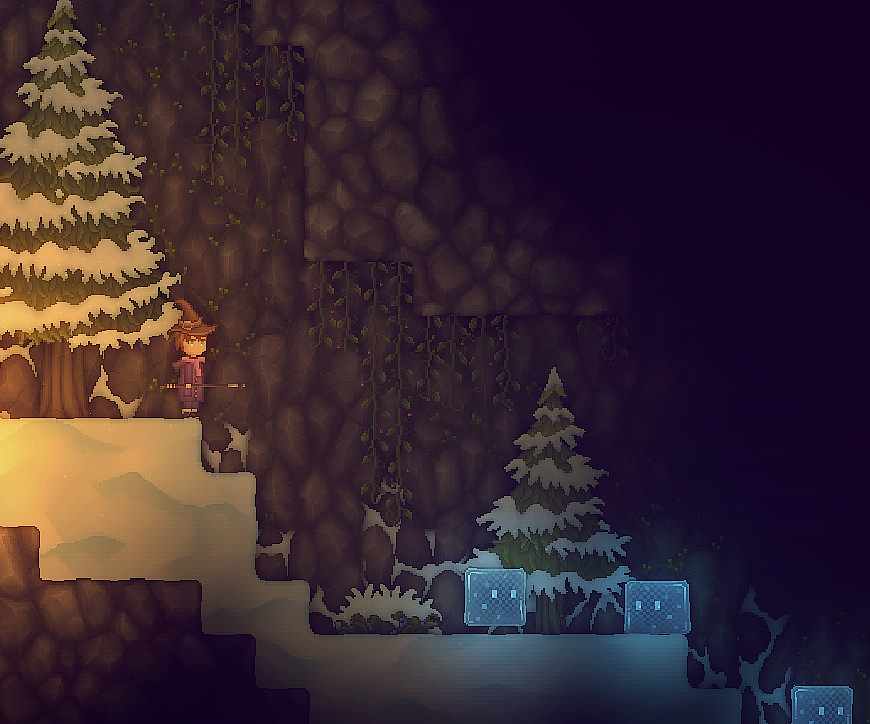
New creature [Ice Slime]. Can be found at Mountain Biome.
New creature [Lava Slime].
Some magic VFX improvement.
Magic Missions and Upgrades. You can recharge or upgrade you magic after you completing some missions. You can check for these informations at the magic menu ( Turned on by press the Magic Book icon below the inventory or by press the shortcut key which in default is N).
Some alchemy products are now used in magic recharging.
You can no longer throw out a magic item or place it into any containers like chests. If you discard a magic item from your inventory, you can take it back at any time from the magic menu.
Spells. Some magic require you to input a specific spell in order to use or recharge. Press [ENTER] key to turn on the spell input area and press [ENTER] again to commit after you finishing input. You can check for those spells at the magic item description or the magic menu.
Note that world saves created before version 0.4.0 (2.9.2018) are no longer supported.
