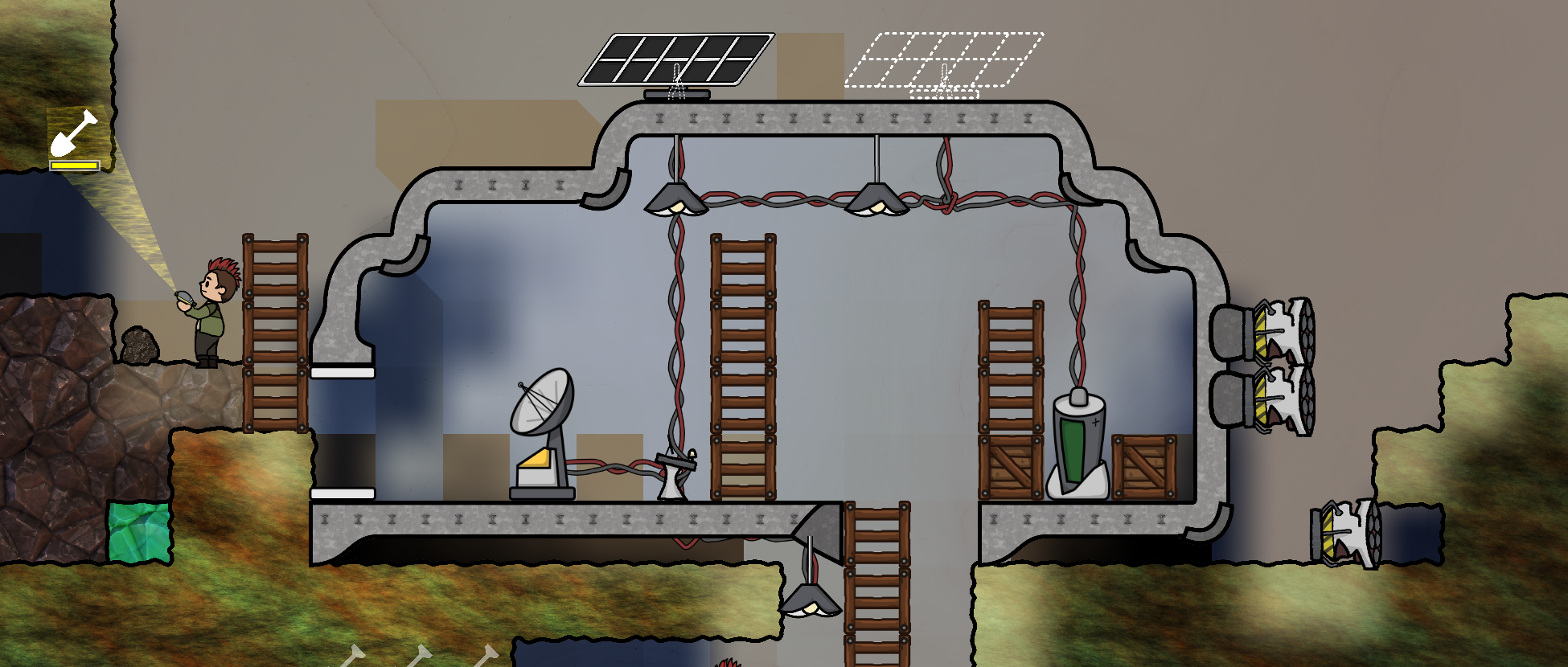
Alpha 3 is now live!! 🥳 You can
download a copy on itch.io for free.
This release is packed with new systems, gameplay, sounds, and art for you to play with. And there’s a lot more coming!
If you find any bugs, please report them to
our Discord server. We’ve tested this build on a number of machines and setups but I’m sure there’s a few sneaky bugs hiding in the woodwork. Thank you for all your feedback and support while we create Adaptory 🙂
[h2]Random events[/h2]
In Alpha 3, we’ve introduced
random world events that will challenge your base’s ability to adapt. The frequency and intensity of the random events increase based on the number of tiles that you have dug, and the number of artifacts you’ve uncovered.
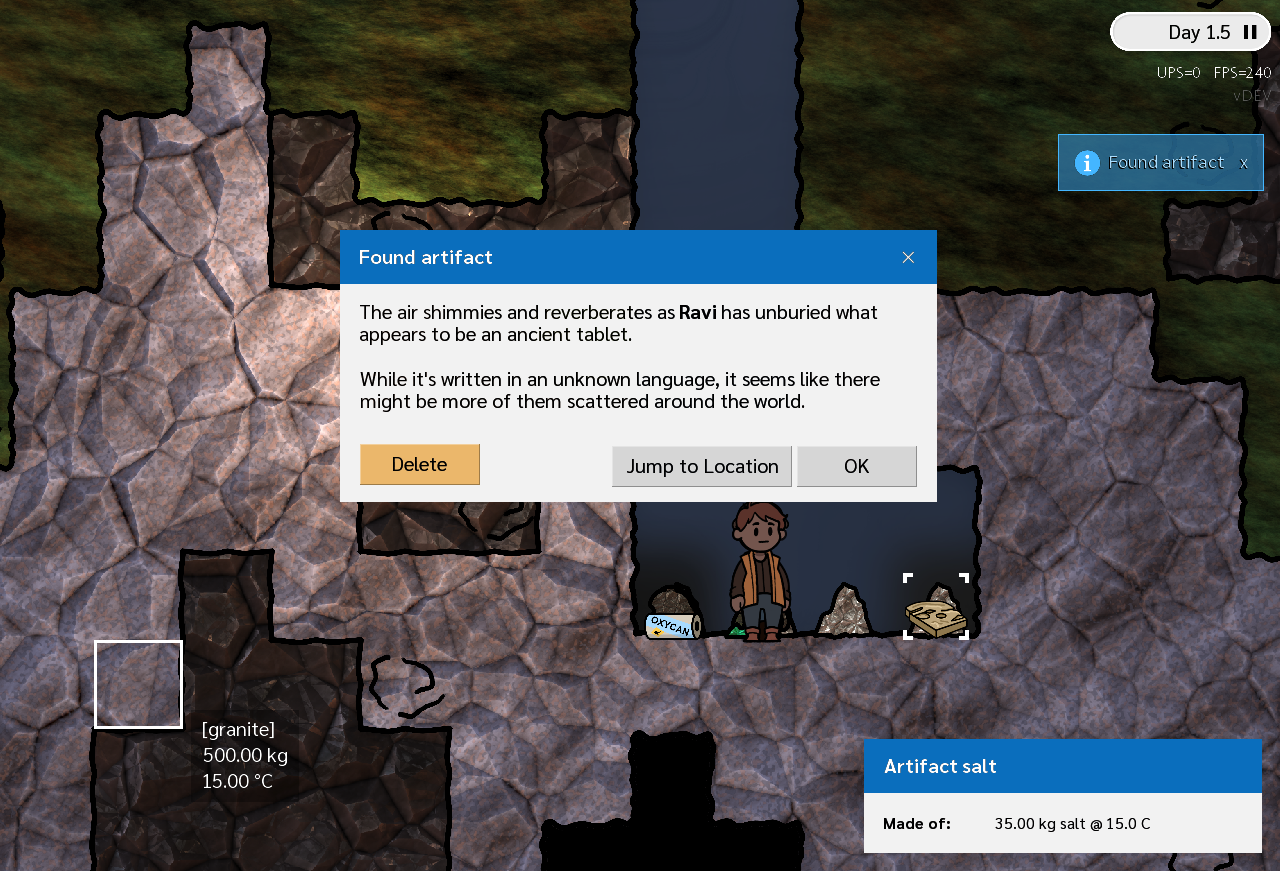 Ravi has uncovered an artifact while digging
This system is still very much WIP but the plan is to expand this out to many more types of world and character events.
[h2]Power layer[/h2]
There’s a
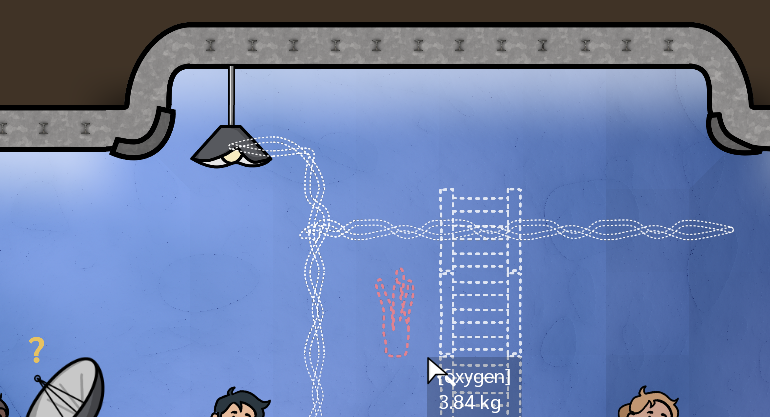
new power overlay which shows you your electricity network, and where the conductive points of each building are. This layer turns on automatically when you’re building wires, or you can press F4 to toggle it:
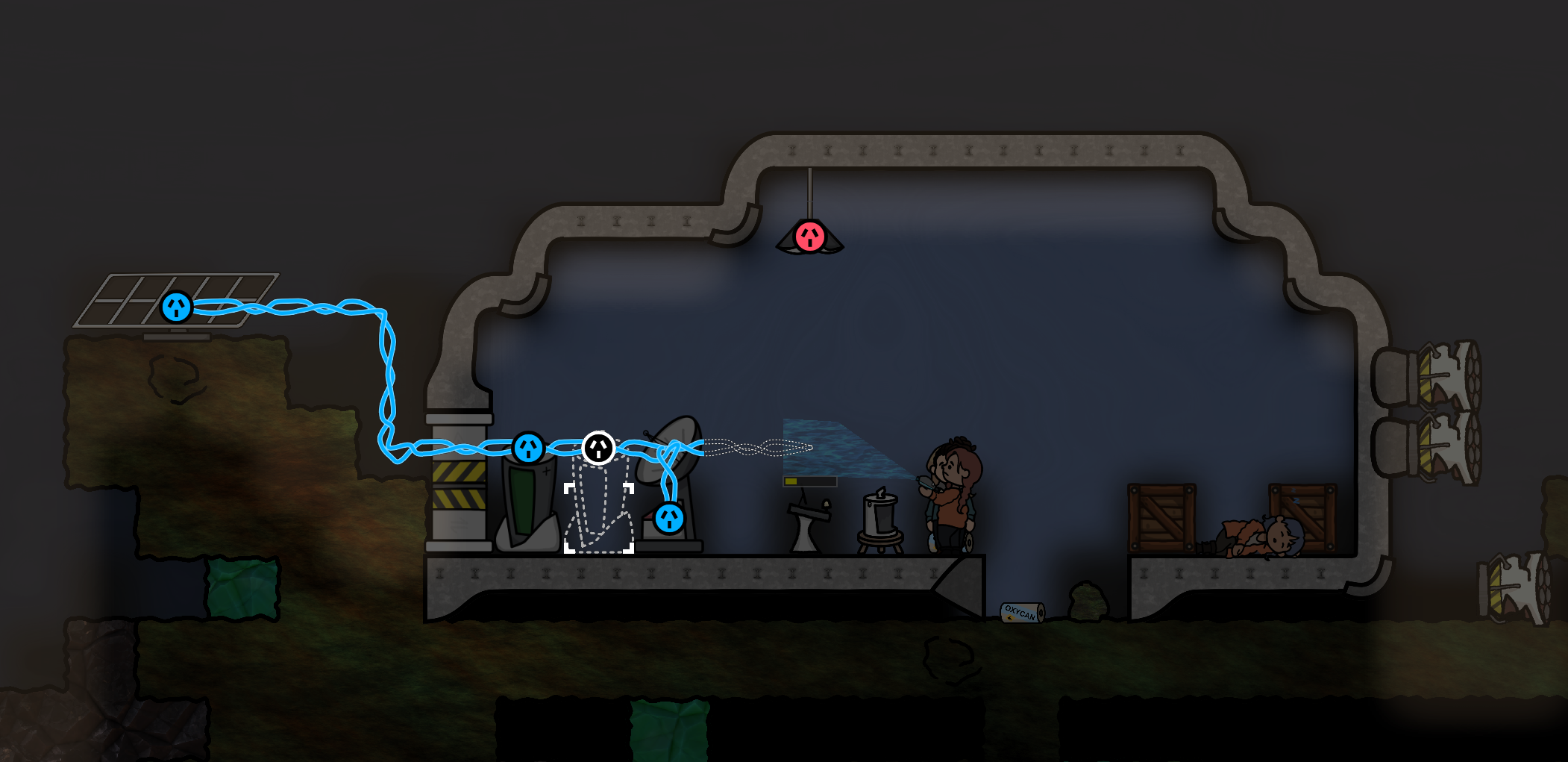 Powered buildings in Adaptory, power layer turned on
[h2]New buildings[/h2]
There are two new buildings to play with:
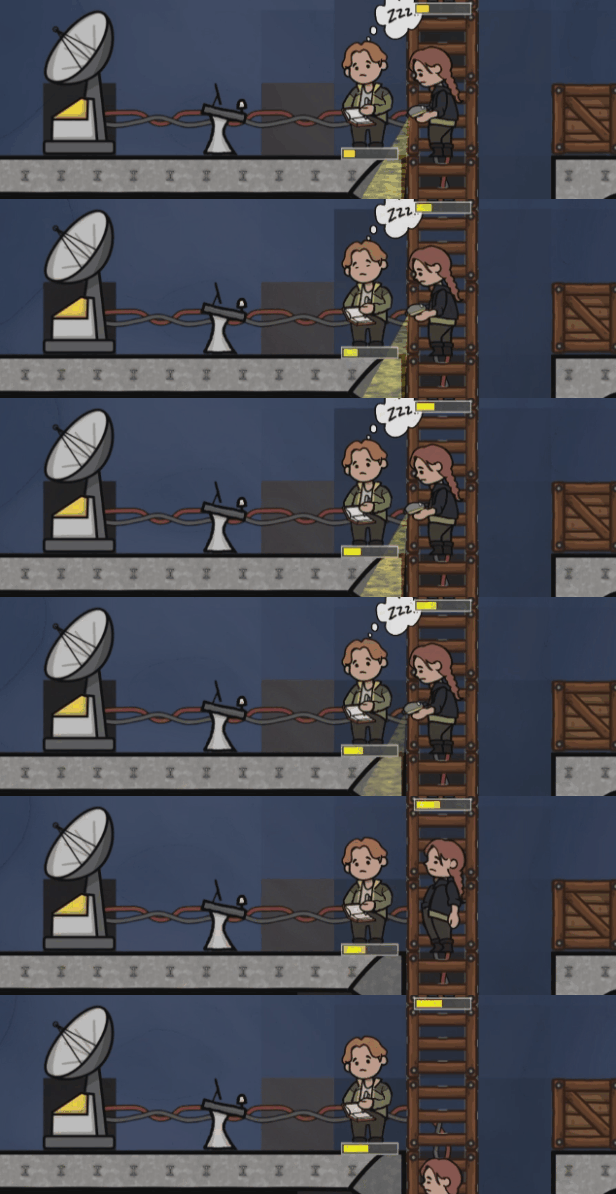
Beds are buildings where your pawns can have a nap. When pawns are tired, they will prefer to seek out an unclaimed bed and sleep there, gaining a mood buff and faster stamina recovery.
Oxygen candles are based on the real world, where you can burn a cartridge (“oxycan”) to generate oxygen (and a lot of heat). When starting the game, you are provided three oxygen candles to help you get going – a few more are scattered throughout the world for you to find.
[h2]Pawn happiness[/h2]
Pawns now have a happiness/mood level, which can be affected by what they’re doing, where they are, and how comfortable they are. Their mood affects how fast they work, and eventually this will affect how they write their diary entries, what they write about, the relationships they have with others, random world events, and more.
[h2]Two new tracks by Sai Natarajan[/h2]
Adaptory now has two tracks by the incredible composer
Sai Natarajan, and more are underway. The tracks are also featured in our
new Alpha 3 trailer!
https://www.youtube.com/watch?v=ipI3hEsth0A
Background music now plays with some silence between tracks to help you feel more immersed in the game world. You can also turn continuous music back on in the game options.
[h2]Refreshed graphics[/h2]
A major part of this release are
new liquid, gas, and light shaders, which have smoother edges, waves, bubbles, and better performance across a wider range of computers.
https://www.youtube.com/watch?v=EH-1mVYsTOQ
Care has also been working hard on new building art in this release, and I’ve been refreshing the animations to go along with them. I’ve also fixed a rendering bug that vastly improves the quality of text across all dialogs and windows.
[h2]A lot more[/h2]
There’s also new art, new elements, faster simulations, alert bubbles, a new crash handler dialog, and a ton of bug and crash fixes. The full changelog is listed below!
-------------
Release notes for Adaptory 0.5 (Alpha 3)
[h3]New Features[/h3]
- Oxygen candles!
- Oxygen candles are based on the real world, where you can burn a cartridge to generate oxygen (and a lot of heat)
- New building: oxygen candle holder
- When starting the game, you are provided three oxygen candles to help you get going
- A few more are scattered throughout the world for you to find
- Beds!
- Pawns can now build beds
- When they’re tired, pawns will prefer to seek out an unclaimed bed and sleep there, rather than collapsing on the floor
- While they’re in a bed, pawns will get a mood buff and recover their stamina much faster
- Random events!
- As you play through the game, random world events can now trigger
- The frequency and intensity of the random events increase based on the number of dug tiles, and the number of uncovered artifacts
- Added meteor, meteor shower, and solar flare events
- Still very much a WIP
- Power layer
- When building powered buildings, power connections are shown with a new layer
- The power layer can also be accessed with the keyboard shortcut F4
- Pawn happiness
- Pawns now have a happiness/mood, which can be affected by what they’re doing, where they are, and how comfortable they are
- Happy pawns will work slightly faster, and sad pawns will work slightly slower
- New liquid, gas and light shaders with smoother edges, waves, bubbles, and generally better performance on modern graphics cards
- Some buildings can now be individually toggled on and off, by selecting “Turn on/off” in the building dialog
- When something important happens in the game, an alert bubble now pops up at the top right
- Two new music tracks from Sai Natarajan
[h3]Simulation[/h3]
- Changed target simulation update rate from 15 ups to 20 ups – it feels much nicer
- Added new solid element, salt
- Items are now buried if they’re covered with a solid element
- Implemented heat conductivity for buildings and pawns with supplied or carried mass
- Solar panels no longer generate electricity if they have no foundation
[h3]Balance[/h3]
- Reduce working speed buff of pawns in light from x2.0 to x1.4
- Change day/night cycle from ~2 minutes to 6 minutes
[h3]Internal[/h3]
- Added command-line options soundLevel and musicLevel to set sound and music level at startup
- Added some silence in between playing music tracks; this can be turned off with “continuous music” in Options
- Updated building art: solar panel, airlock door, ladder, coal generator
- Pawns are now rendered with a little bit of horizontal spacing so they don’t all appear in the same spot
- Added a dedicated crash handler dialog, so uncaught exceptions don’t immediately close the game window
- Significantly improved quality of text rendering across all dialogs and windows
[h3]Fixes[/h3]
- Fix tilesets occasionally not updating after a tile has changed
- Fix crash if the game was minimised on Windows (“Frame buffer couldn’t be constructed: incomplete attachment”)
- Fix crash if a key was pressed after clicking certain buttons
- Fix some buttons not displaying as pressed down if their labels were pressed
- Fix world action keyboard shortcuts not working immediately after selecting a building type
- Fix crash that sometimes occurred when right clicking or typing on the loading screen
- Fix crash when trying to dig or cancel errands outside the bounds of the world
- Fix crash if a raw gas or liquid item tried to dissolve into vacuum
- Tooltips no longer render off the bottom of the screen